Customer Media
Highlights
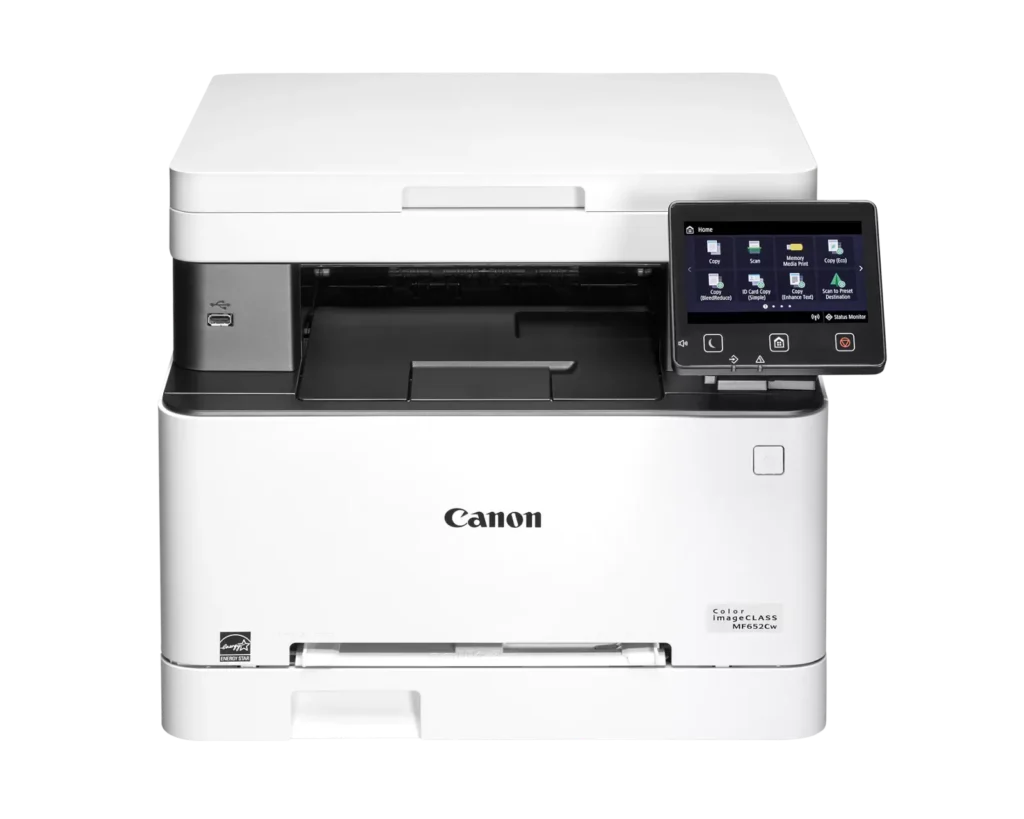
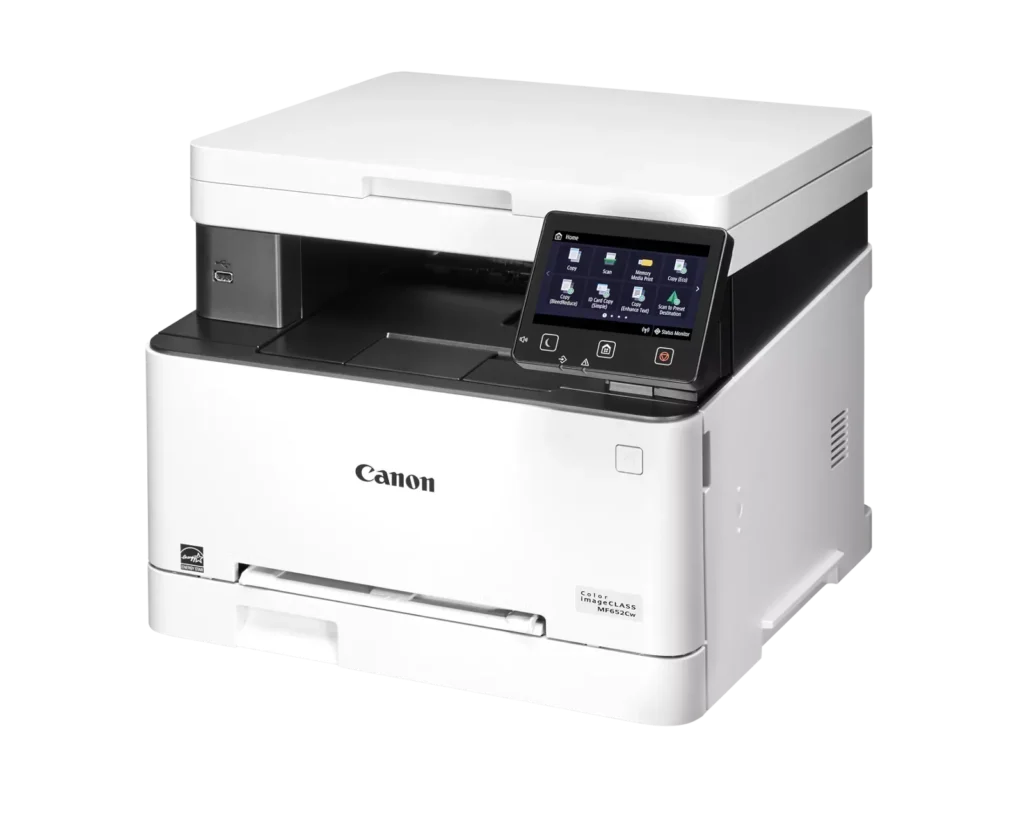
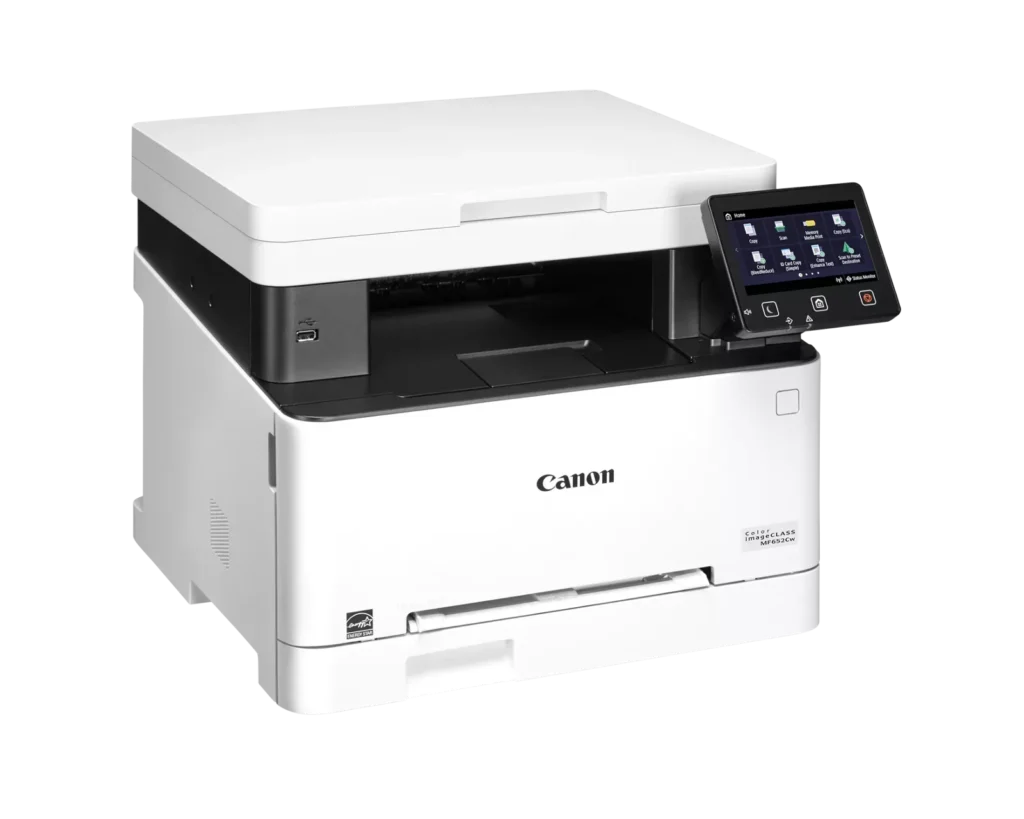
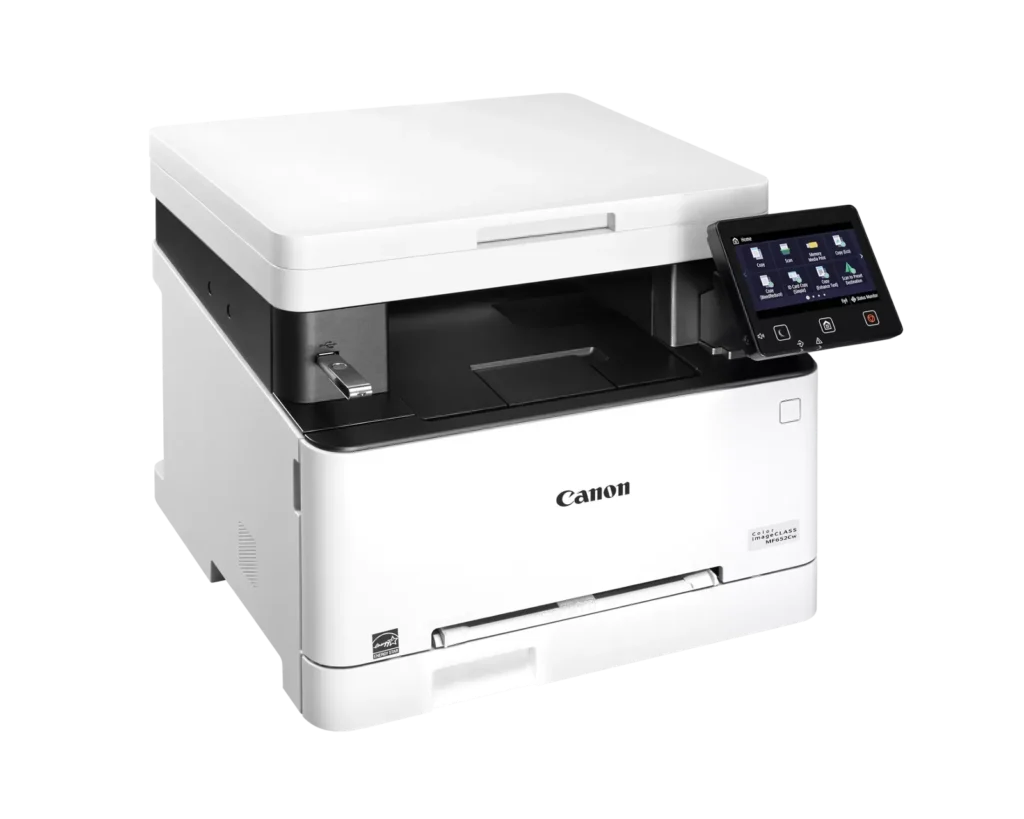
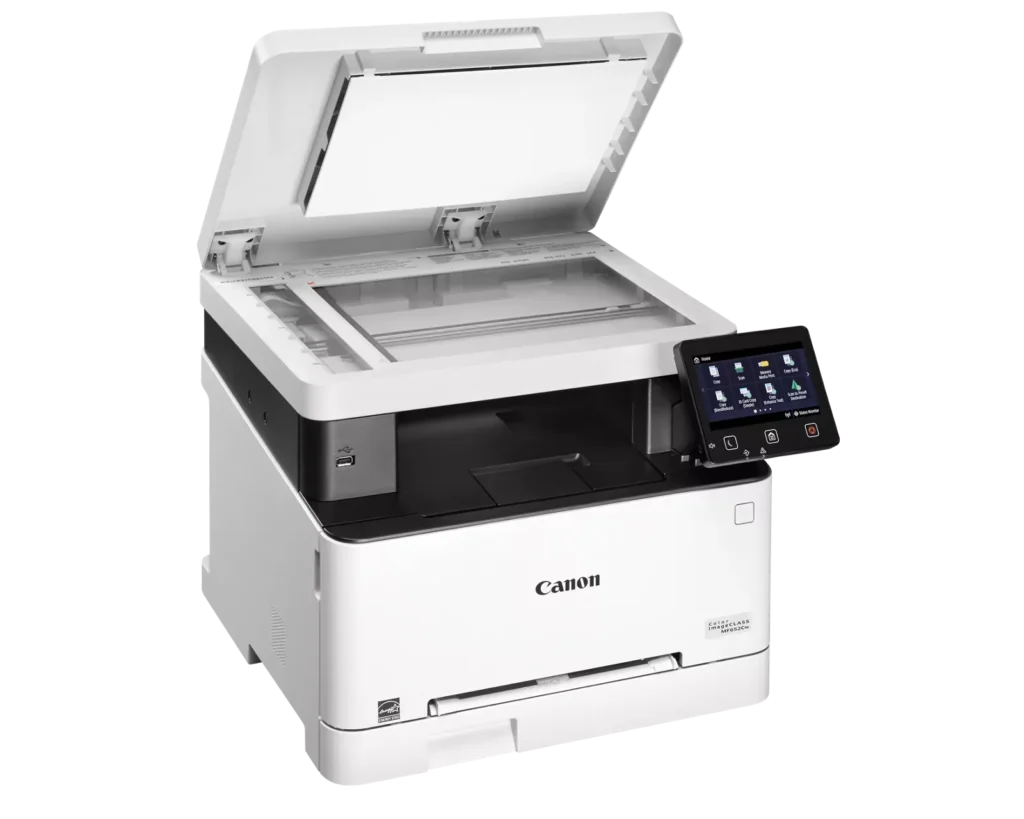
| Versatile 3-in-1 Functionality | Designed for small and medium-sized businesses, this multifunction printer provides high-quality color printing, scanning, and copying in a compact footprint. |
|---|---|
| Fast and Efficient Performance | Boost productivity with print speeds of up to 22 pages per minute (Letter) for both black-and-white and color documents, featuring a quick first-print time of approximately 10.3 seconds. |
| Intuitive 5-Inch Color Touchscreen | The customizable 5-inch color touchscreen allows you to easily navigate through features and create a personalized experience by placing your most-used icons on the home screen. |
| Seamless Wireless and Mobile Connectivity | Print on the go with support for Apple AirPrint, Mopria Print Service, and the Canon PRINT Business app. It also features built-in Wi-Fi and Ethernet for flexible networking. |
| Flexible Paper Handling and High Capacity | Equipped with a 250-sheet standard paper cassette and a 1-sheet multipurpose tray, this model supports various media types and uses high-capacity Toner 067H to minimize interruptions. |
Pros & Cons
Pros
- High Print Quality: Users consistently praise the sharp, vibrant color and crisp text, noting it performs well for documents, labels, and even photos better than expected for a laser printer.
- Fast Performance: The printer is frequently described as quick to start and fast during operation, making it an efficient choice for home office workflows.
- Excellent Value: Many reviewers feel the printer offers great value for the price, especially as a more reliable and cost-effective alternative to inkjet models due to longer-lasting toner.
Cons
- Difficult Software and Wireless Setup: Numerous users struggled with confusing instructions, unreliable wireless scanning (particularly on Mac), and problematic mobile app connectivity that often requires technical workarounds.
- Limited Copy and Scan Functionality: A major complaint is the lack of an automatic document feeder and automatic duplexing, requiring users to manually flip pages for double-sided printing or multi-page copies.
- Bulky and Noisy Operation: Several reviews highlight that the unit is unexpectedly large and heavy, requiring a sturdy stand, and it produces significant noise during the startup and printing process.
You might also like












Customer Reviews
Showing reviews 1-10 of 79
-
Perfect laser printer
Verified purchase Verified purchase: This reviewer bought the product.Huntly Shelton December 20, 2025Review source: AmazonAwesome printing, very reliable, it was easy to set up and use.
-
Easy to install and use
Verified purchase Verified purchase: This reviewer bought the product.Snarkyboomer December 20, 2025Review source: AmazonI am very satisfied with this purchase so far. Easy to set up and does exactly what it is advertised to do.
-
Large, Heavy but Works Great!
Verified purchase Verified purchase: This reviewer bought the product.LadyWolf December 20, 2025Review source: AmazonWorks great so far. Still trying to figure out how to do both sides but it works great & easy to set up. It IS quite large and heavy, however, so do keep that in mind for placing it in your space.
-
Very fast and quiet I’m impressed
Verified purchase Verified purchase: This reviewer bought the product.Amazon Customer December 19, 2025Review source: AmazonStarted out shopping for a black-and-white printer, and I needed a laser printer because I don’t print very often and I didn’t want the ink cartridges gumming up the print heads like my last printer always did. I was able to buy this printer on sale or just slightly more than the black-and-white ones that I was looking at. I’m glad I made this purchase. It’s rather large, but it’s extremely quiet and fast..
-
Excelente producto
Verified purchase Verified purchase: This reviewer bought the product.Alex Santiago December 16, 2025Review source: AmazonEstoy muy satisfecho con esta compra
-
Pretty good printer
Verified purchase Verified purchase: This reviewer bought the product.Greg T- December 15, 2025Review source: AmazonWe are pretty happy with this printer so far. Easy set up but had a few quirks getting it to select the right tray as default but got it worked out. Print quality is good but the colors are a little off and no easy way to adjust to our taste… it has a color correction in the settings but no user adjustments are available… prints a bit darker and yellows come out a bit orange, overall not as bright as the image… haven’t tried the copy mode. Hoping it holds up better than the inkjets.
-
Wireless scanning not reliable on Mac – but there is a fix
Verified purchase Verified purchase: This reviewer bought the product.Charlene F December 15, 2025Review source: AmazonWireless printing works fine but be warned that wireless scanning does not work reliably on Apple Mac computers. I tried scanner set up with both a newish MacBook Air and an old iMac, and the scanner unit was either wildly sporadic or did not work at all. This is apparently a known problem with Canon that I wish I knew before purchasing, since wireless scanning on my old Brother MFC worked perfectly with all my Macs. Please fix your software, Canon.
UPDATE: after lots of trial and error I found a solution – a wired Ethernet connection to the router. After you connect an Ethernet cable from the printer to the router/switch use the Canon MF Scan Utility to find the printer on the network and input the IP address versus the Bonjour name: this is more stable but it does require you to establish a static IP address for the printer on your router. This Ethernet setup solved all my stability problems and has the additional benefit of establishing a constant, two-way connection between my Mac and the printer/scanner, e.g. I can scan directly from the scanner even when my Mac is asleep because it will wake up to receive the scan and place it into a Dropbox folder.
-
Nice dependable printer
Verified purchase Verified purchase: This reviewer bought the product.Benny Amina December 12, 2025Review source: AmazonI have two of them, great product for the money.
-
Really great printer at a great price and value
Verified purchase Verified purchase: This reviewer bought the product.Jay December 8, 2025Review source: AmazonPrints very well, is quite fast, setup is only moderately difficult. Does a better than expected job on photos. Be warned, it is quite heavy to lift and it will need a sturdy stand.
-
Works good
Verified purchase Verified purchase: This reviewer bought the product.bruce December 7, 2025Review source: AmazonWorks well but the set up was confusing