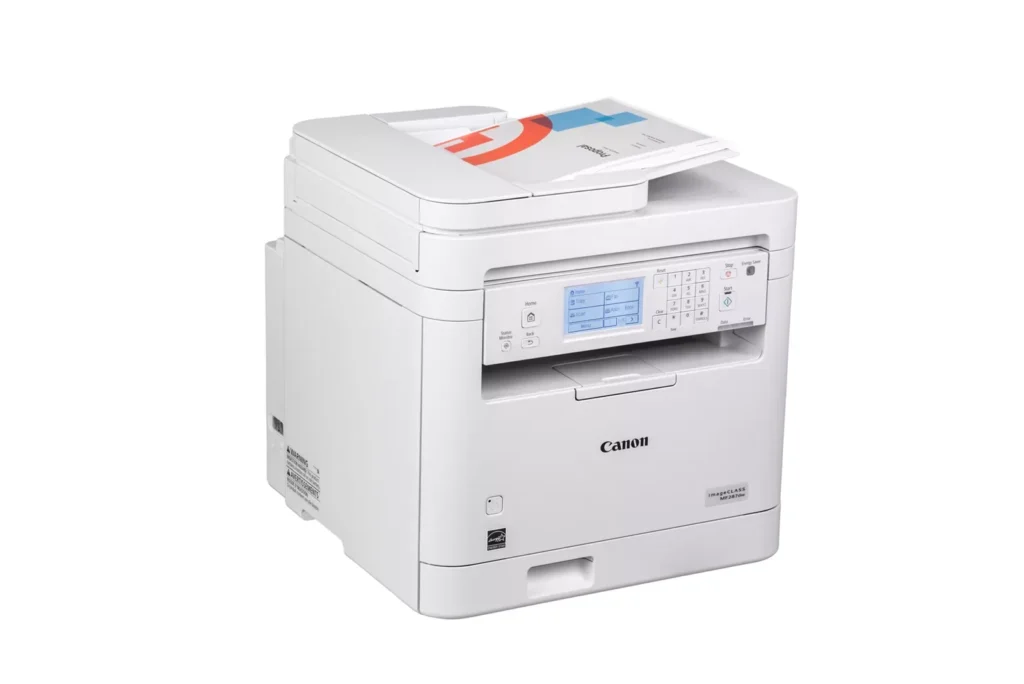
Customer Media
Highlights
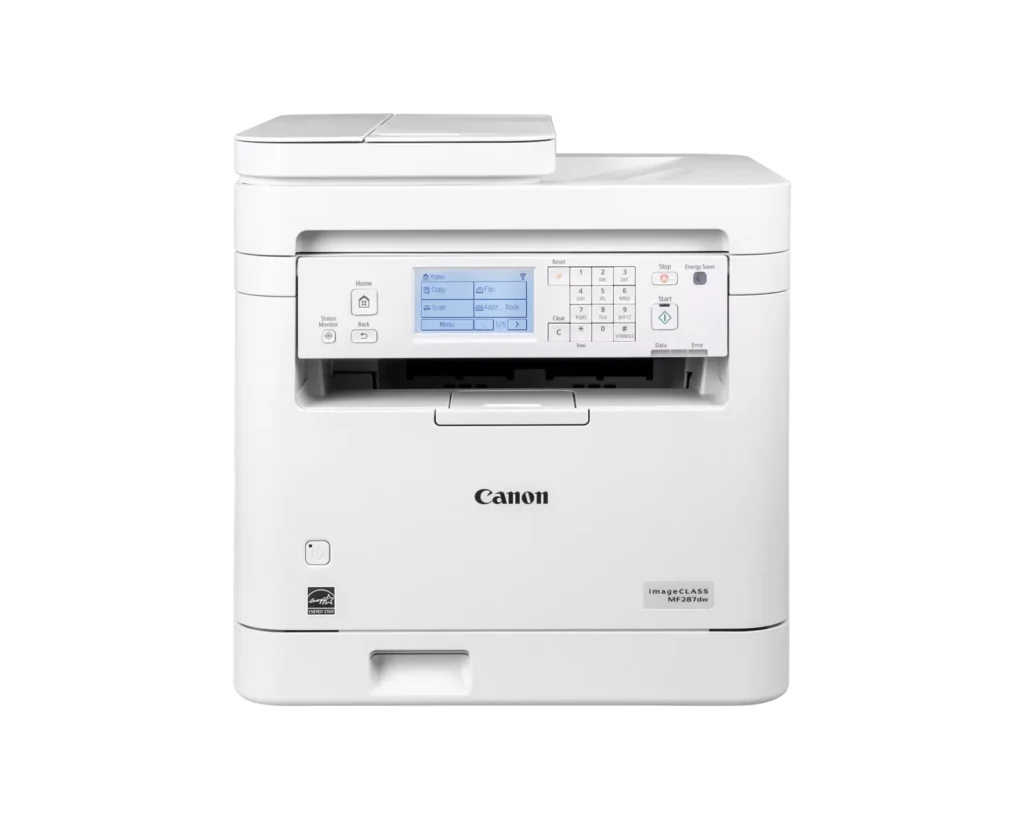
| Versatile 4-in-1 Functionality | This monochrome laser printer combines high-quality printing, scanning, copying, and faxing into a single compact device, making it an efficient all-in-one solution for small and home office environments. |
|---|---|
| High-Speed Performance | Boost productivity with fast print speeds of up to 35 pages per minute (ppm) and a quick first-print-out time of approximately 4.9 seconds, ensuring your documents are ready when you need them. |
| Automatic Duplex Printing | Save on paper costs and reduce environmental impact with built-in automatic two-sided printing, allowing you to produce professional double-sided documents with ease. |
| Seamless Mobile Connectivity | Print wirelessly from your smartphone or tablet using the Canon PRINT app, Apple AirPrint, and Mopria Print Service, or connect via built-in Wi-Fi, Ethernet, or USB for flexible networking options. |
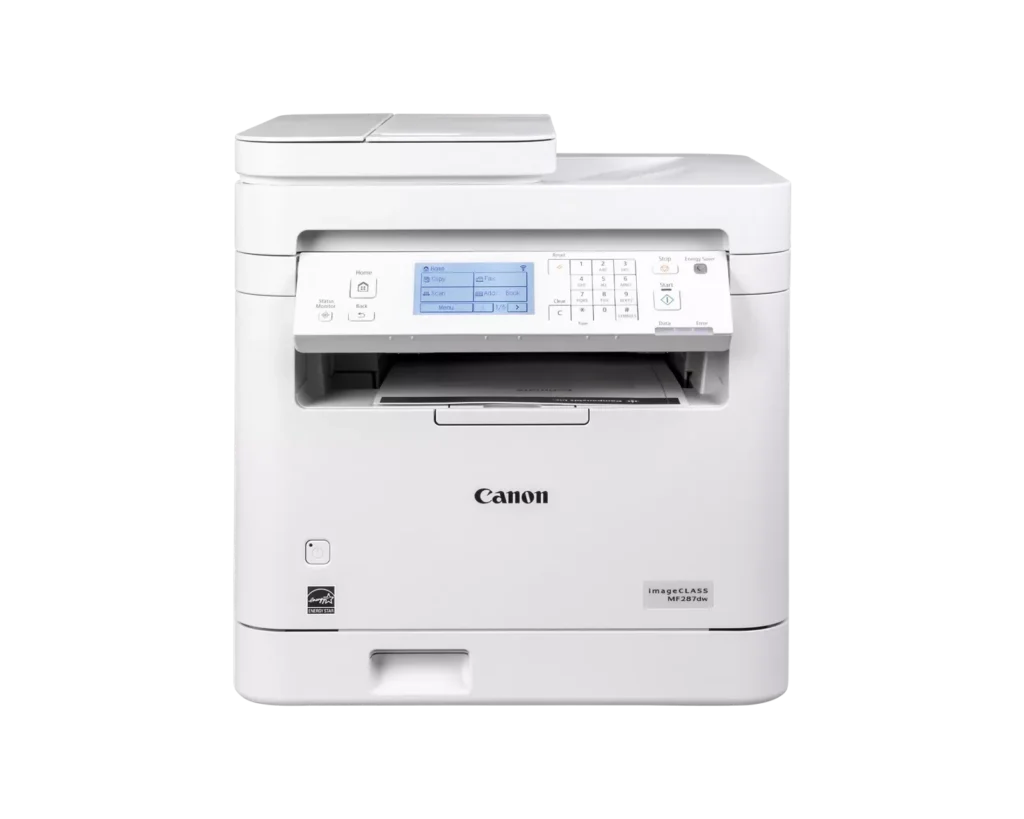
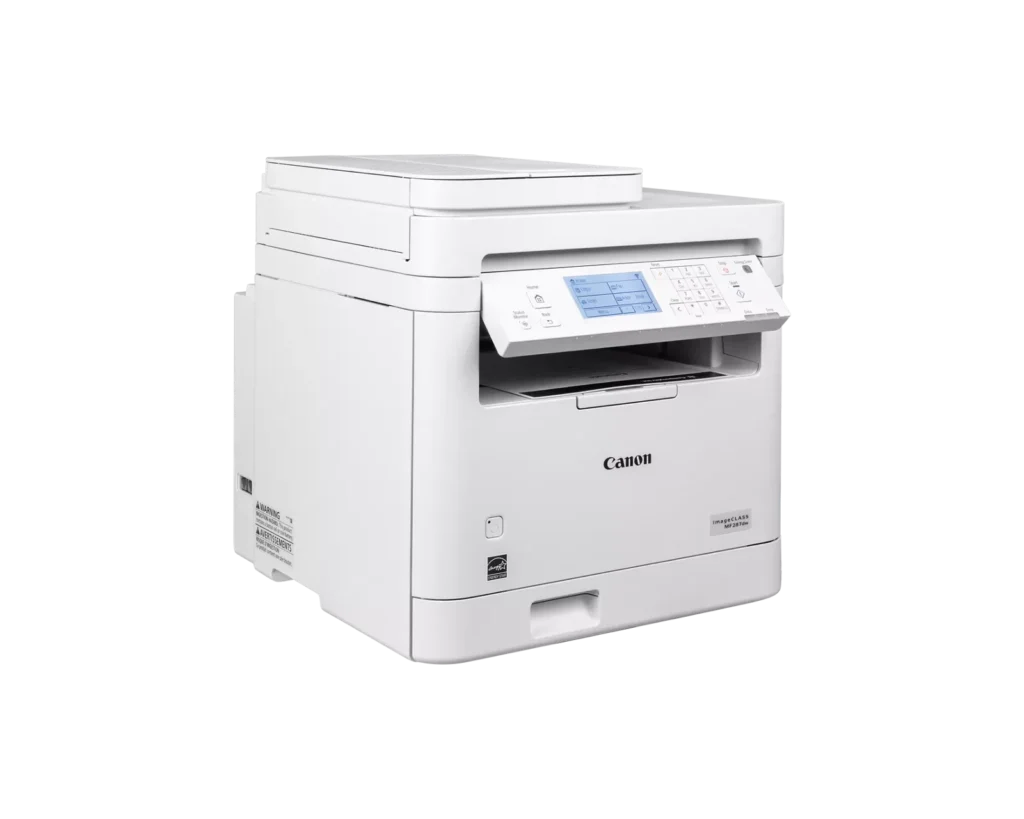
| Intuitive Touchscreen Interface | Easily navigate features and customize settings using the adjustable 6-line touchscreen LCD panel, designed to provide a user-friendly experience and streamlined workflow management. |
Pros & Cons
Pros
- Exceptional Print Speed: The printer is noted for its rapid performance, delivering up to 35 pages per minute with a very fast first-print-out time and virtually no warm-up period.
- Comprehensive All-in-One Functionality: Users appreciate the seamless integration of printing, scanning, copying, and faxing, complemented by efficient features like an automatic document feeder and automatic duplex printing.
- Sharp Print Quality: The laser technology produces professional-grade, crisp, and smudge-free monochrome text and graphics that remain clear even for detailed business documents.
Cons
- High Toner Costs: A significant drawback mentioned by several users is the expensive price of replacement toner cartridges, which some reviewers claim can cost nearly as much as the printer itself.
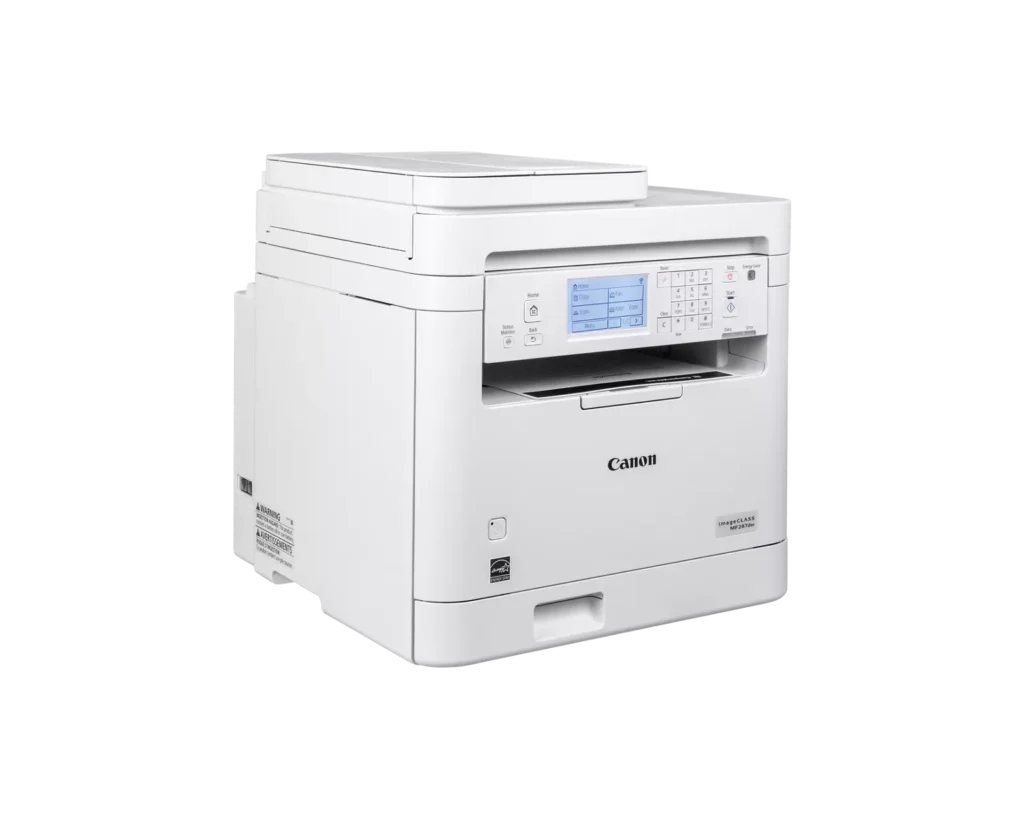
- Large and Bulky Footprint: The device is described as being quite large and heavy, making it difficult to fit into smaller home office spaces or cramped desks.
- Small Paper Tray Capacity: Despite being marketed for business use, the paper tray is criticized for being too small to hold a full standard pack of paper, requiring more frequent refills.
You might also like












Customer Reviews
Showing reviews 1-10 of 42
-
Fast, though a bit noisy
whocares December 17, 2025Review source: AmazonI’m not explored all its facilities, but set up with quick and easy, it is absurdly fast. It’s so fast you practically starts printing once the data light starts flashing. No warm up like other lasers. So far, it’s great.
-
Faulty product
Verified purchase Verified purchase: This reviewer bought the product.Brian A Collins December 15, 2025Review source: AmazonIt didn’t work. I had to send it back.
-
It is a Business-grade Canon
Incentivized Incentivized review: The reviewer received a benefit for sharing feedback.Jerry Palmerino November 30, 2025Review source: AmazonThis is a business-grade Canon laser printer.
I set this up in a little under an hour. It took that long because of the many pieces of tape all over the printer that I had to find and remove. It is easy to setup physically once you remove all the tape. It is a little heavy.
Network setup is a little tedious, if you are not using the Canon software you have to download to a PC. You have to type in your WiFi network password by using both the touchscreen and the keypad. It’s like having to use both a modern phone with poor touch screen sensitivity and an old cellphone at the same time, texting T9 style. Plus I discovered AirPrint doesn’t support Guest networks. Additionally, it cannot see my main network in my home, while it saw my neighbor’s and other WiFi networks I have setup. I have more than one WiFi network in my home. I gave up and plugged in an Ethernet cable.
I am surprised at how small the paper tray is. You cannot even store one pack of paper in this printer. As a business printer, that is disappointing. It has all kinds of functions. It can scan, copy, print and fax (with a phone line of course).
Print quality is fine. It is a laser printer after all. Color is not supported.
I found this printer to be large for what it does and a bit frustrating to setup the simple stuff.
-
Canon printer with great ease of setup & use
Verified purchase Verified purchase: This reviewer bought the product.AmyW1101 November 29, 2025Review source: AmazonQuality print. Easy to setup and use. You can print, scan, and fax with this printer.
-
MF287dw isn't flashy, but it's a dependable printer that does the basics with pro-level performance
Incentivized Incentivized review: The reviewer received a benefit for sharing feedback.Aani 75 September 22, 2025Review source: AmazonAs someone who’s juggled multiple devices for printing needs in a busy home office, this Canon MF287dw is a compact, monochrome laser all-in-one that punches way above its weight in functionality and efficiency. Priced little higher than what you would expect for mono AIO printer but the reasons are few (later in details). This comes with a 1-year limited warranty and is ENERGY STAR certified, making it a smart, eco-conscious pick for small businesses or households. I’ve been using it daily for about a couple of months now, and it’s seamlessly handled everything from quick faxes to multi-page scans. Let’s break it down by its core strengths: functions, performance, and that all-in-one capability.
Core Functions: Print, Copy, Scan, and Fax Done Right
It shines as a true 4-in-1 multifunction printer, covering all the essentials with professional-grade durability and performance. Printing is laser-based and monochrome only (I used mostly mono anyway which keeps costs low for text-heavy docs), supporting resolutions up to 1200 x 1200 dpi for crisp, smudge-free text and graphics. Think sharp spreadsheets or contracts that look like they came from a high-end office printer. Copying is straightforward, with options for single- or double-sided output, and it handles reductions/enlargements effortlessly via the intuitive 6-line tilting touchscreen LCD, though the screen could be better and really hard to navigate and see in room light. Scanning is a standout, thanks to the flatbed scanner with a 35-sheet automatic document feeder for simplex scanning, perfect for archiving stacks of receipts or multi-page forms at up to 600 dpi optical resolution, saving them as PDFs or JPEGs directly to your computer or cloud services. And yes, faxing is included (a rarity these days), with a built-in modem for sending/receiving over phone lines, complete with speed dialing and broadcast options. Mobile integration is seamless too: the Canon PRINT app lets you send jobs from your phone via Wi-Fi, and it supports Apple AirPrint, Mopria, and even Chromebook compatibility for hassle-free school or remote work printing. Overall, these functions feel polished and integrated, setup took me under 15 minutes over wireless.Performance: Speedy, Efficient, and Built to Last
Where it really flexes is in its performance metrics, delivering reliable output without the inkjet jams or fading. It clocks in at up to 35 pages per minute for black-and-white letter-size prints, with a first-print-out time of just 4.9 seconds, meaning no staring at a warming-up screen. Duplex printing is automatic (both sides, no manual flipping), which has saved me a ton on paper for double-sided reports, and it handles media from 3×5 inches up to legal-size with ease, including heavier stocks. The 250-sheet main cassette plus single-sheet priority slot keeps refills infrequent, geared for moderate use without overwhelming a small space and weighs about 28 lbs. Toner costs are reasonable too: the standard Canon 072 cartridge yields around 1,350 pages, while the high-capacity version stretches to 3,100 for reasonable price, which, as per my calc, keeping per-page expenses under 2 cents. In my tests, it powered through a 50-page duplex job in under two minutes with zero errors, and the laser tech ensures toner fuses permanently—no smears even after folding or filing. Connectivity is rock-solid (USB 2.0, Ethernet, or Wi-Fi), and security features like IP/MAC filtering and TLS 1.3 add peace of mind for shared networks. The only minor gripe? The ADF is simplex-only (no auto-duplex scanning), so flipping stacks for two-sided scans adds a step, but, it’s forgivable.All-in-One Capability: One Device to Rule Them All
No more hunting for separate scanners or fax machines cluttering your desk. It consolidates print/copy/scan/fax into a single, wireless unit that transitions effortlessly between tasks: scan a contract to email, copy it for records, print a duplicate, and fax a signed version—all from the same tilted LCD panel or your phone. The ADF makes batch processing a breeze for workflows like digitizing client docs, and features like job accounting let you track usage if it’s shared in a small team. It’s not just functional; it’s efficient, with low energy draw and quiet operation that won’t disrupt calls or Zoom meetings. In a real-world test, I processed a full invoice cycle, scan incoming bill, copy for files, print approval, fax to others, in under five minutes, all without swapping devices. For small offices or WFH setups, this consolidation saves space, time, and sanity, especially compared to bulkier alternatives.In summary, the Canon MF287dw isn’t flashy, but it’s a dependable beast that nails the basics with pro-level performance and effortless all-in-one versatility. If you’re ditching an aging inkjet or consolidating gadgets, this is your upgrade—reliable, cost-effective, and future-proof for hybrid work. I’d rate it 4.7/5 stars; just wish for duplex ADF to hit perfection. If monochrome laser fits your needs, grab it—you won’t regret the switch.
-
Cannon is a quality printer
Verified purchase Verified purchase: This reviewer bought the product.Teodoro almario September 21, 2025Review source: AmazonEasy to set up, print speed is super fast
-
No good
Verified purchase Verified purchase: This reviewer bought the product.cb57 September 1, 2025Review source: AmazonNo good returned
-
Reliable Office Workhorse –
Incentivized Incentivized review: The reviewer received a benefit for sharing feedback.Tony Rollo August 25, 2025Review source: Amazon.
I needed a real workhorse printer for the office, and this Canon delivers. No need for color in my setup, so this printer fit right in with my needs based on its features.Everything from business letters to prototype image tests comes out clean and sharp. Print speed is excellent. Pages appear quickly with no lag, which matters when the office pace gets hectic.
I generally stay away from “all in one” devices. Too often they compromise in one area or another.
However, this one manages to balance print, scan, copy, and fax functions without stumbling. Each feature feels fully developed rather than tacked on.
I like that duplex printing is standard. It saves paper and keeps reports tidy without extra effort.
Wireless connectivity makes it easy to print directly from phones and laptops. The Canon apps work as expected without extra hassle.
The high capacity toner is another plus for me. It lasts a long time and reduces interruptions during busy weeks.
With my past good experience with Canon printers, I wasn’t surprised this one is holding up well. In my busy office it has proven itself as a reliable workhorse.
A complete success for me. Fast, sharp, and efficient without unnecessary extras.
-
Tired of Inkjets
Verified purchase Verified purchase: This reviewer bought the product.Christine Sayre August 13, 2025Review source: AmazonI was tired of spending money to replace my ink jet due to uncleanable, dried print heads due to low volume printing. This model is basic and fits my need well.
-
Flawless
Verified purchase Verified purchase: This reviewer bought the product.Amazon Customer August 10, 2025Review source: AmazonThis thing runs circles around a similar canon printer I bought just a few years ago. This one works great wirelessly for computer, phone and iPad. So far no glitches.