


Customer Media
Highlights
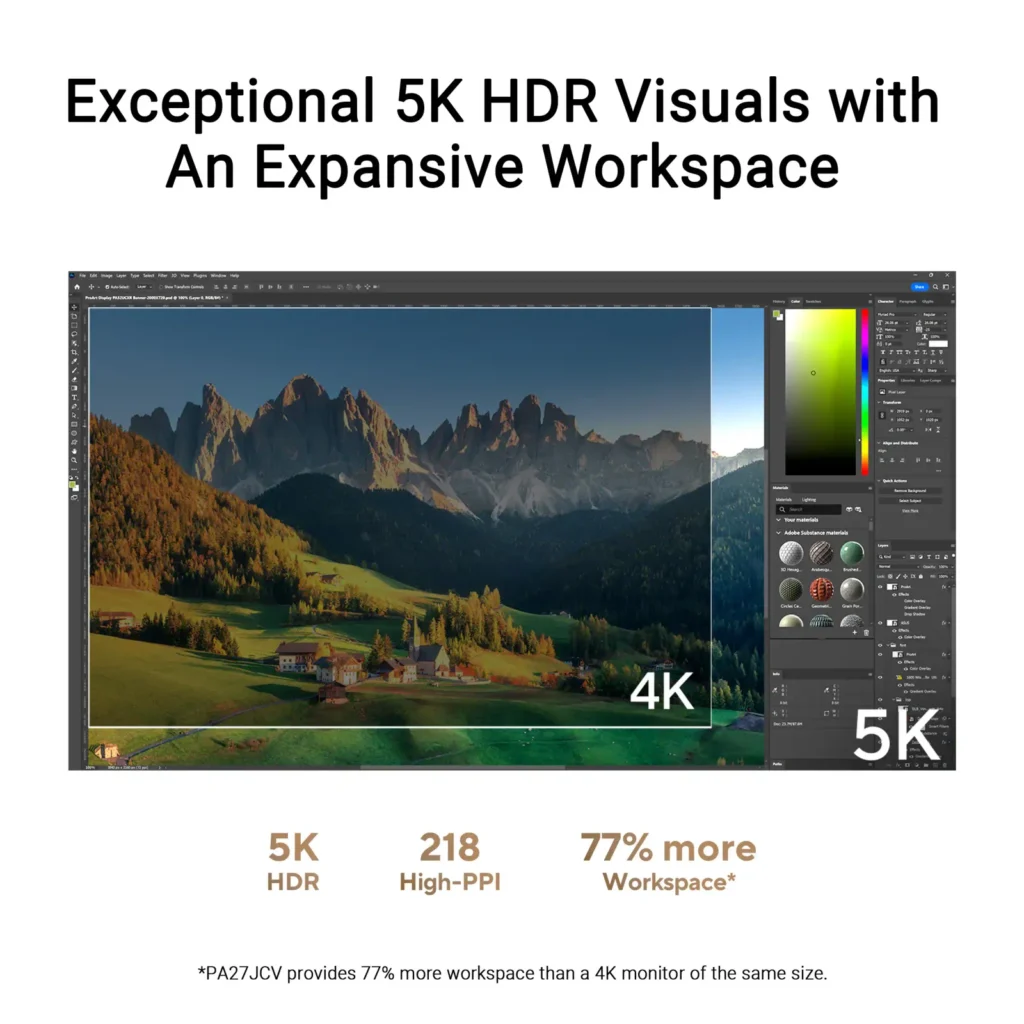
| Stunning 5K Resolution and Pixel Density | The 27-inch 5K (5120 x 2880) IPS panel delivers 14.7 million pixels with a high density of 218 PPI, providing 77% more onscreen space and significantly sharper detail than standard 4K displays. |
|---|---|
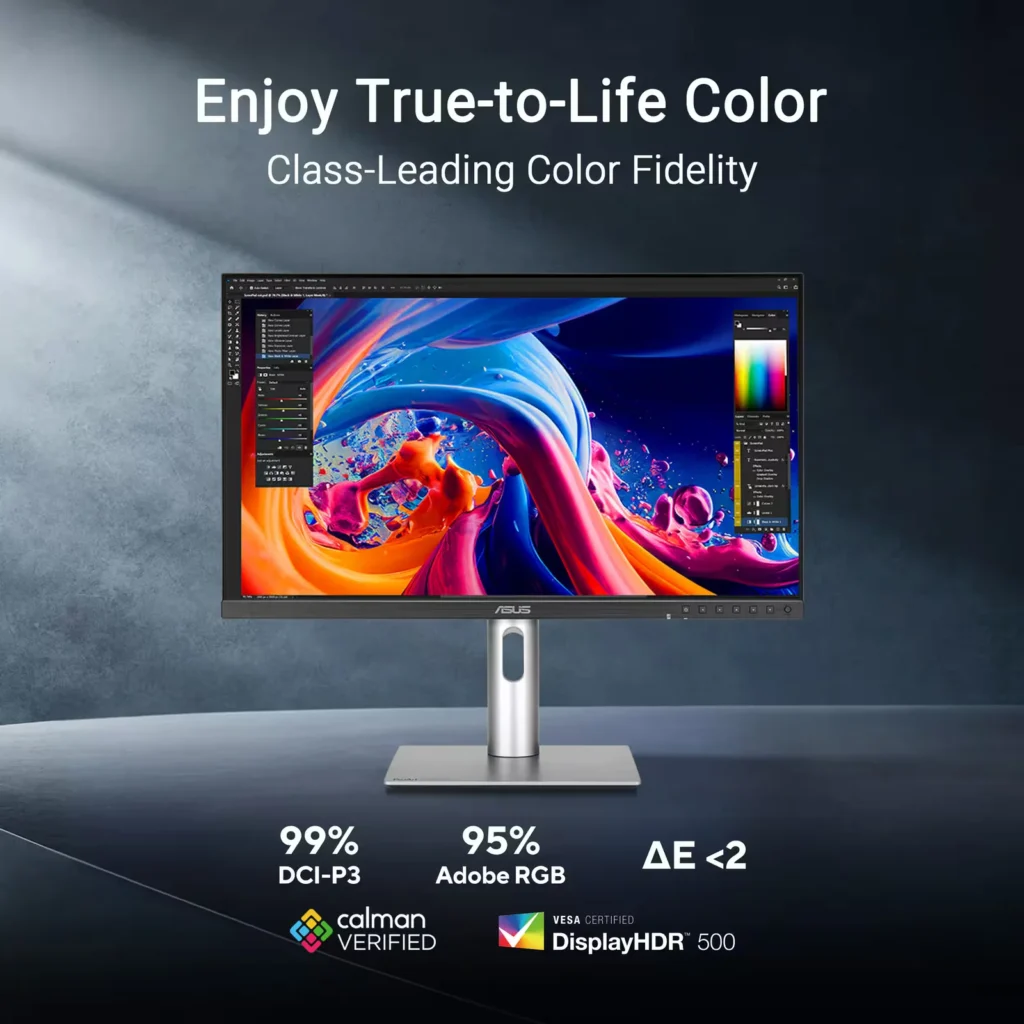
| Professional-Grade Color Accuracy | Factory pre-calibrated and Calman Verified with a Delta E < 2 color accuracy, this monitor covers 99% DCI-P3 and 100% sRGB color gamuts to ensure lifelike color reproduction for demanding creative workflows. |
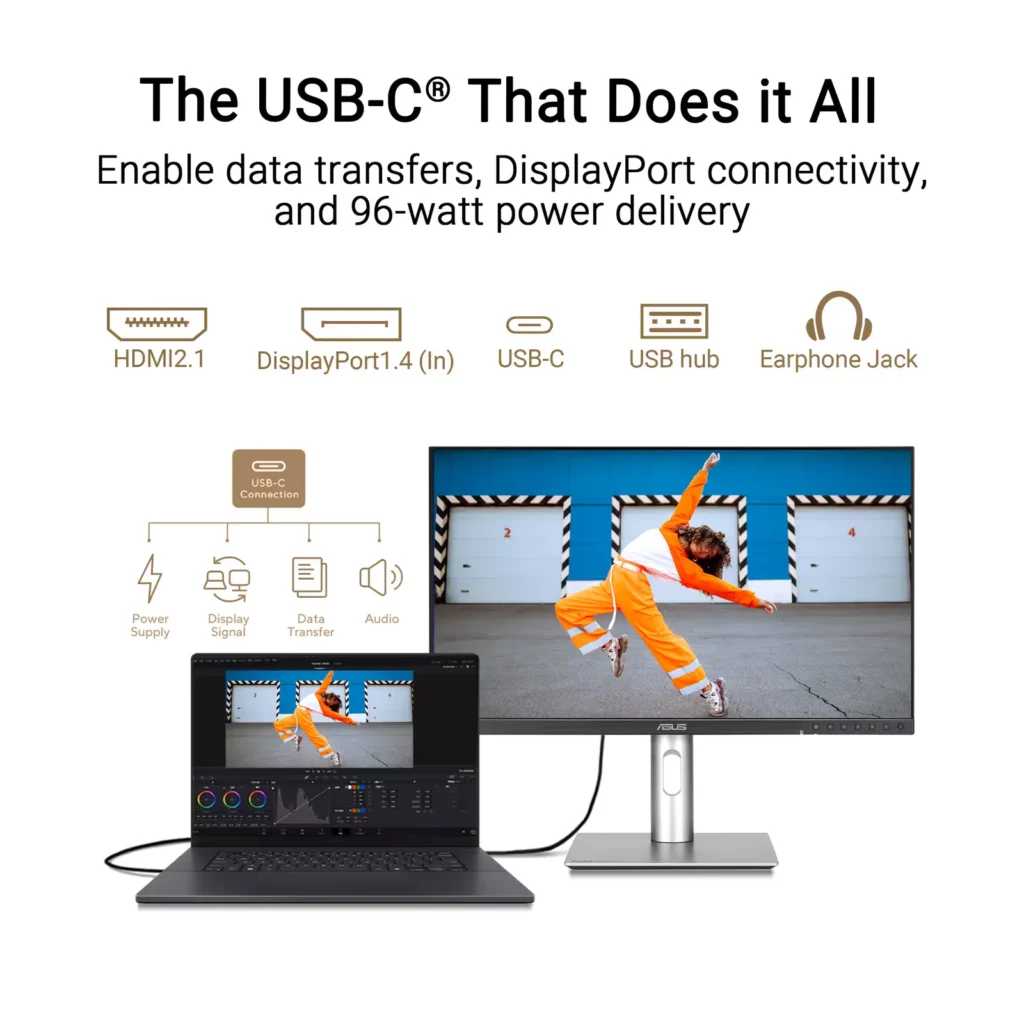
| Powerful USB-C and Auto KVM Integration | Features a full-function USB-C port with 96W Power Delivery, DisplayPort Alt Mode, and data support. The built-in Auto KVM switch allows you to seamlessly control two different devices using a single keyboard and mouse. |
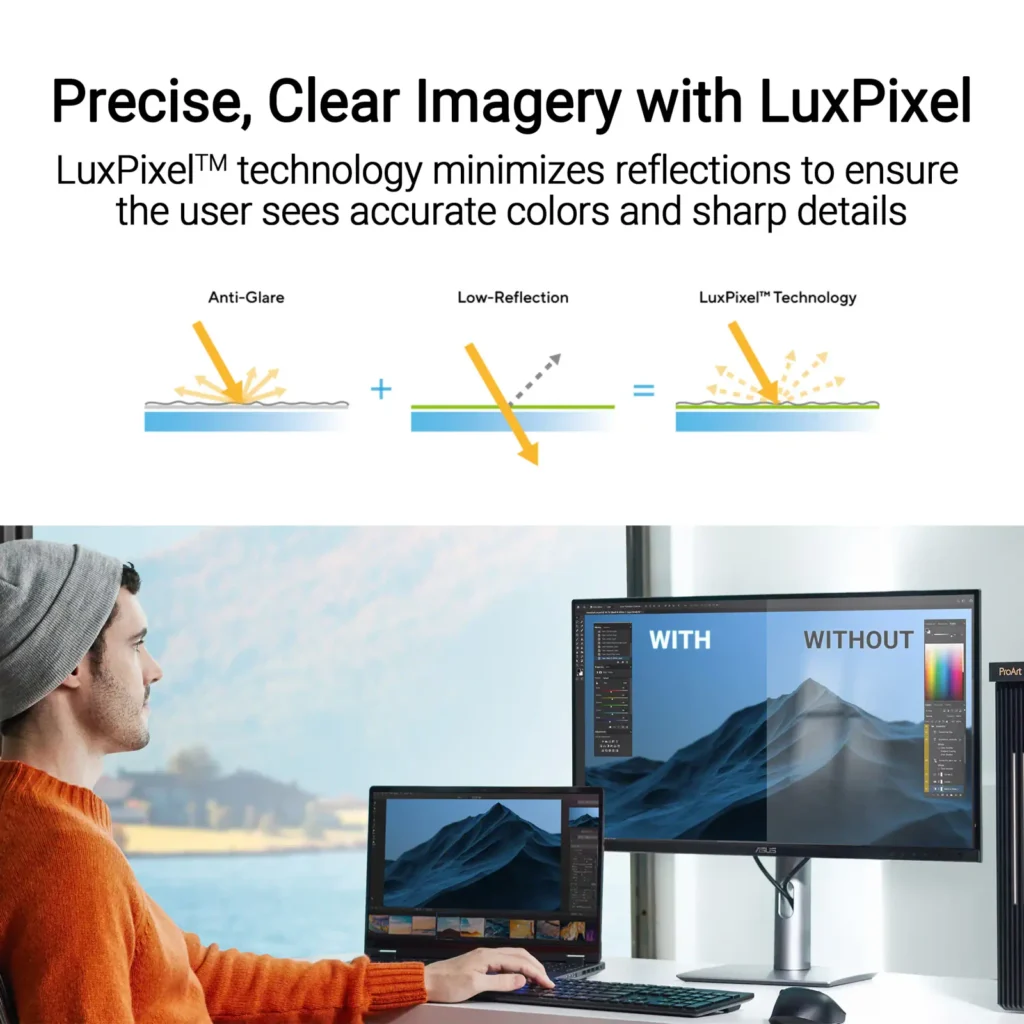
| LuxPixel™ Anti-Glare Low-Reflection Technology | Equipped with a specialized AGLR coating that minimizes distracting reflections and glare while maintaining high color consistency and sharp text clarity, even in brightly lit environments. |
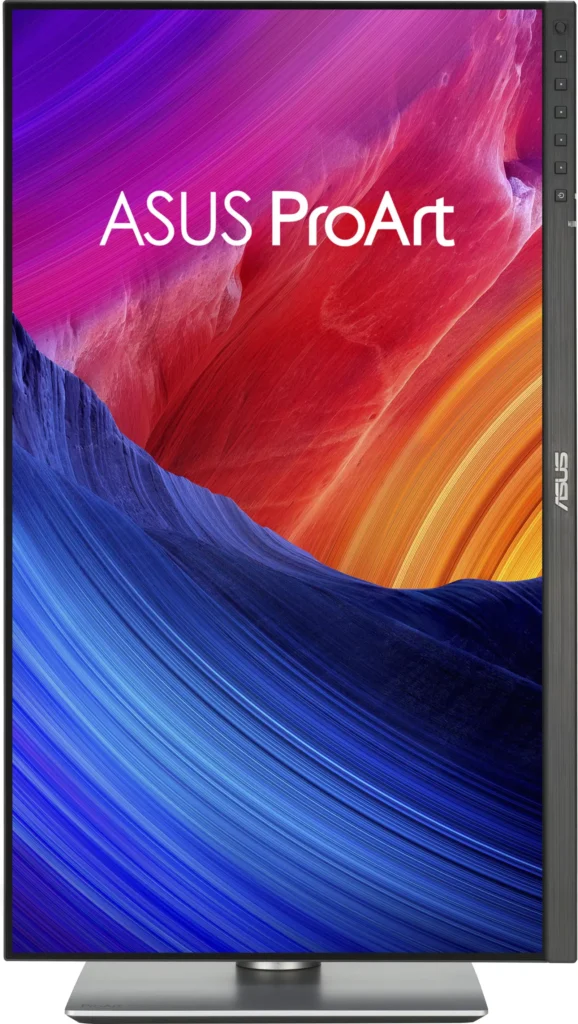
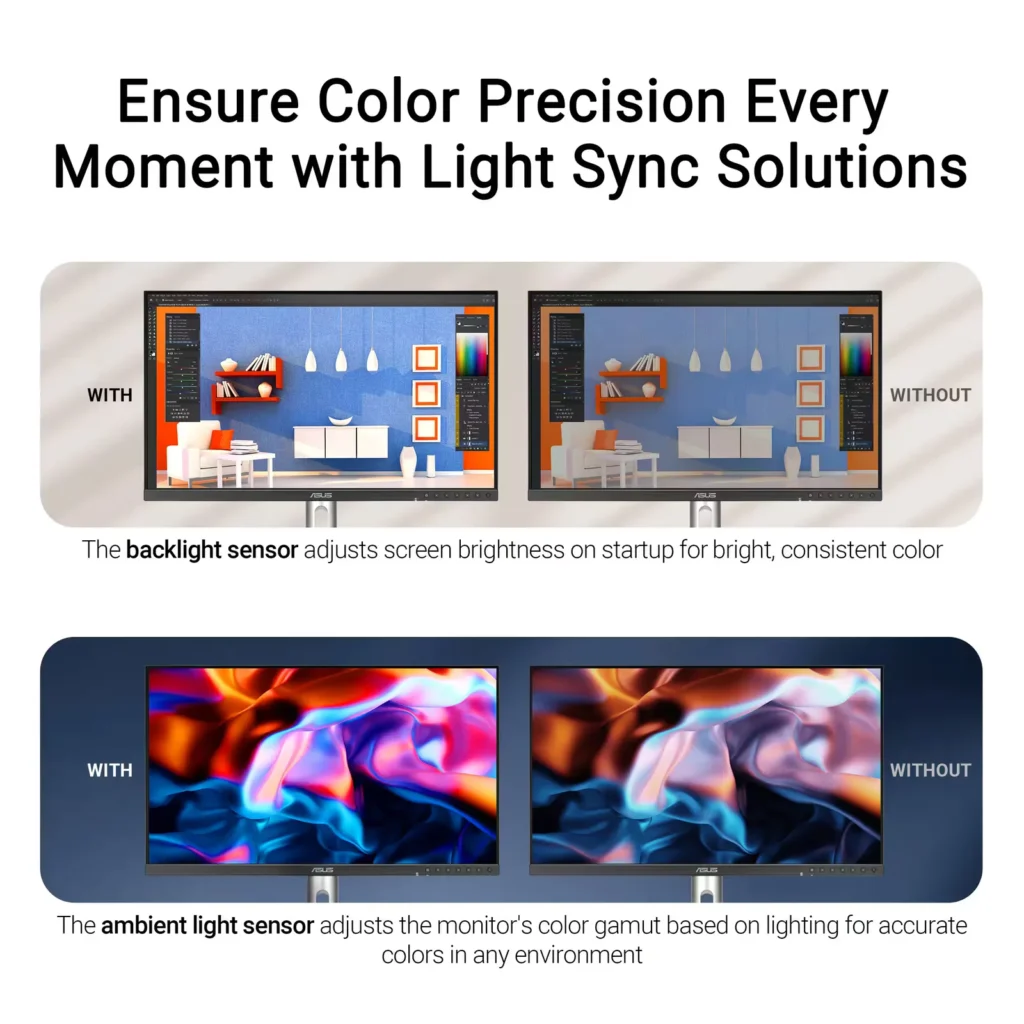
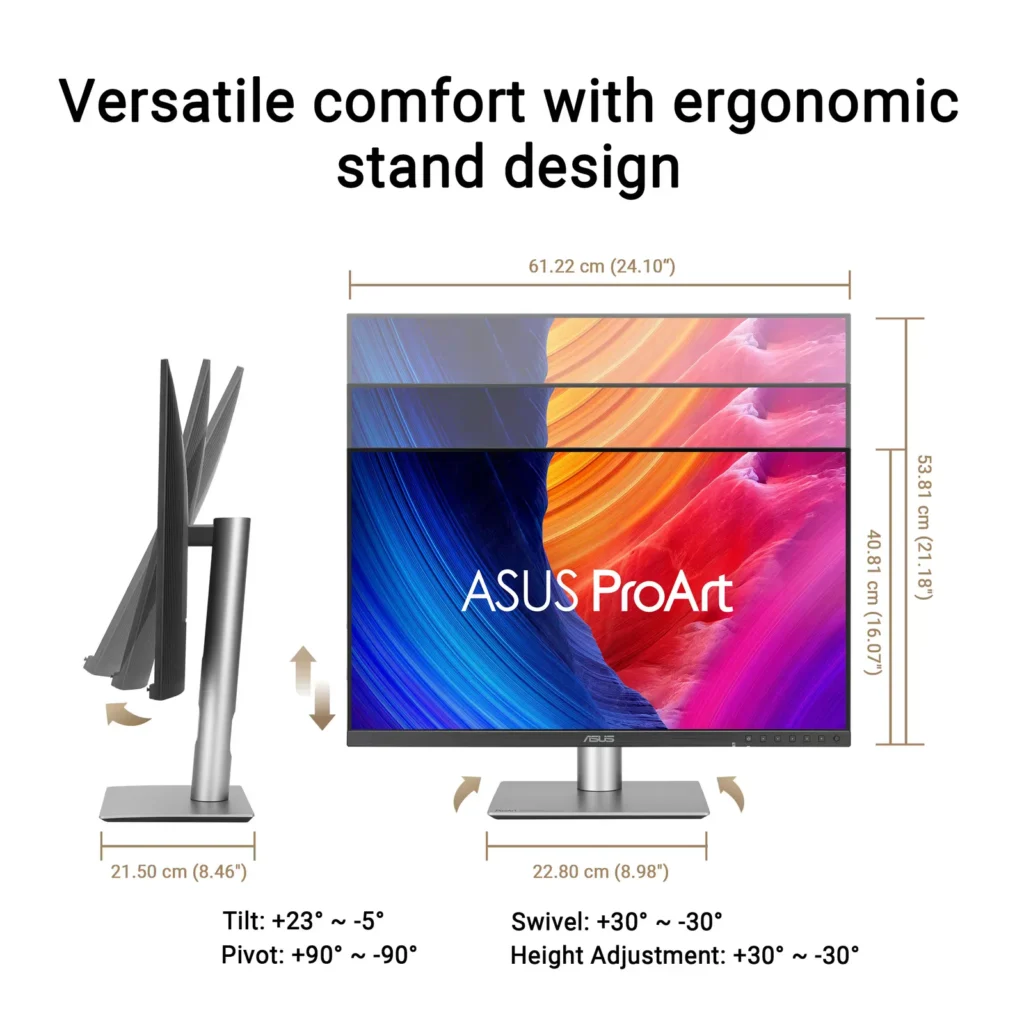
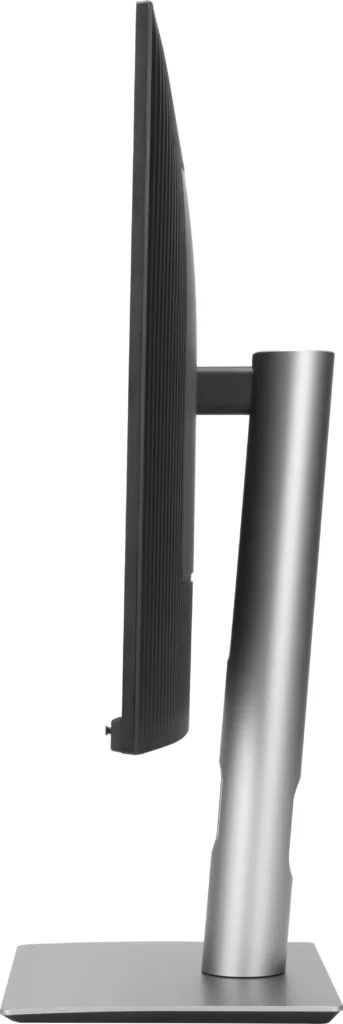
| Advanced Ergonomics and HDR Support | The VESA DisplayHDR 500 certified screen is mounted on a highly adjustable stand offering tilt, swivel, pivot, and height adjustments, complemented by an ambient light sensor that automatically adjusts brightness based on your surroundings. |
Pros & Cons
Pros
- Exceptional 5K Clarity: The 5120×2880 resolution provides incredible sharpness for text and high-resolution media, offering a pixel density that matches premium displays and eliminates the blurriness often found in 4K monitors on macOS.
- Professional Color Accuracy: The display comes Calman Verified with factory calibration reports, delivering true-to-life colors and high coverage of professional gamuts like DCI-P3 and sRGB, which is highly valued by photographers and video editors.
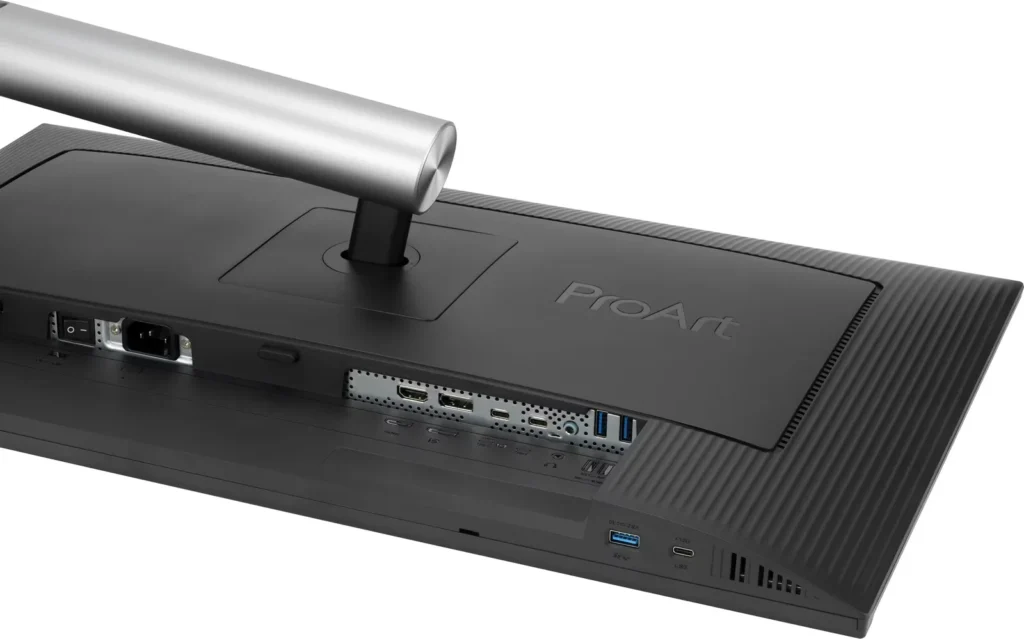
- Versatile Connectivity and Hub: It features a robust port selection including USB-C with 96W power delivery for laptop charging, a built-in KVM switch for managing multiple computers, and easily accessible front-facing USB ports.
Cons
- Hardware Reliability and QC Issues: Multiple reviews highlight serious quality control defects such as dead pixels, screen flickering, and total panel failure with vertical or horizontal lines appearing within a few months of purchase.
- Substandard Audio and Wake Times: The integrated speakers are described as tinny and poor quality, while the monitor is noted for having an annoyingly slow wake-up time when exiting power-save mode or starting up.
- Panel Uniformity and Coating Issues: Users reported noticeable backlight bleed on dark backgrounds, vignetting at the edges, and a matte 'LuxPixel' coating that some found to be too intense, creating a grainy or rainbow-like effect on the screen.
You might also like

Customer Reviews
Showing reviews 91-100 of 103
-
First 5k monitor!
Verified purchase Verified purchase: This reviewer bought the product.Tina February 14, 2025Review source: AmazonJust got the ASUS ProArt PA27JCV, and it’s amazing! My initial confusion about resolution turned into a cool learning experience.
Here’s what happened:
When I first plugged it in, my Mac showed 2560x1440p and I was puzzled – wasn’t this supposed to be a 5K display? Turns out, this is actually perfect. The monitor is indeed running at its full 5K (5120×2880) resolution, but macOS cleverly scales it to ensure everything stays readable while maintaining crystal-clear sharpness.HDMI input is not recognized!
-
Beutiful 5K monitor
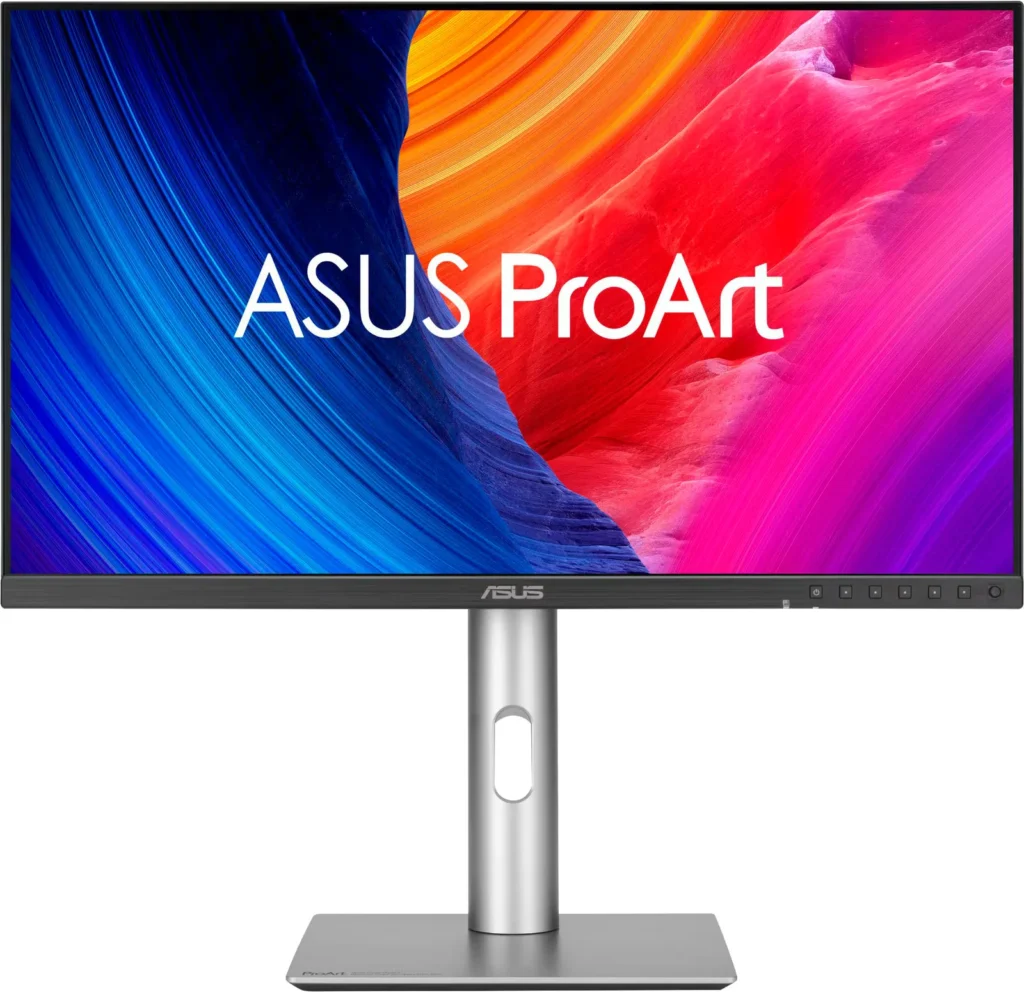
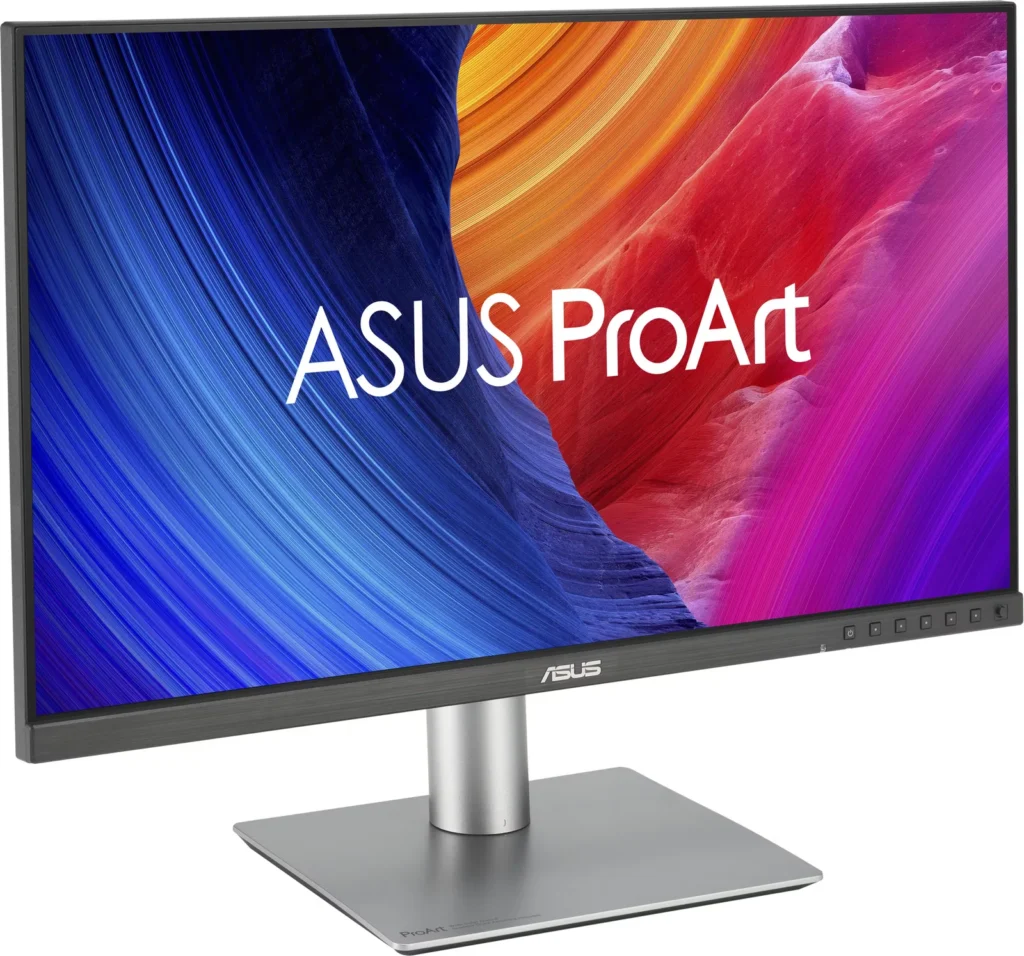
Verified purchase Verified purchase: This reviewer bought the product.H. Dwyer February 9, 2025Review source: AmazonPackaged well and protected. Easy, rather intuitive assembly, no tools required. Picture rivals previous Apple monitor. Small type in spreadsheets easy to read, very crisp and clear. Works well with Apple mini M4, easy hookup using included HDMI cable. Very thin bezel on three sides, thicker bezel on bottom has most controls if you need to change any settings, out of the box factory setting were right on. Tiny joystick built in at right side of bottom bezel activates menues although didn’t need to change anything. About half the price of Apple monitor.
-
solid stable display
Verified purchase Verified purchase: This reviewer bought the product.groundie February 8, 2025Review source: Amazoni was hoping for a significant jump in text clarity coming from dell 4k monitor. but it’s only a minor improvement, nothing close to Wow!
build quality is quite good. running KDE Neon 6, i had to use high-quality usb-c connection to get the highest resolution at 60hz. you will have to experiment with different scaling to achieve the best viewing. i ended up with 200%. with the old 4k monitor, scaling was 175%.
-
Sharp text, vibrant colors, impressive anti-glare
Verified purchase Verified purchase: This reviewer bought the product.Brian Stretch February 8, 2025Review source: AmazonUpdate: Radeon 25.3.1 drivers fixed the problem with my PC not being detected correctly. Also, pixel density is high enough that I’ve started reading Kindle books on my PC more than my Kindle Scribe and iPad. Very happy with this monitor.
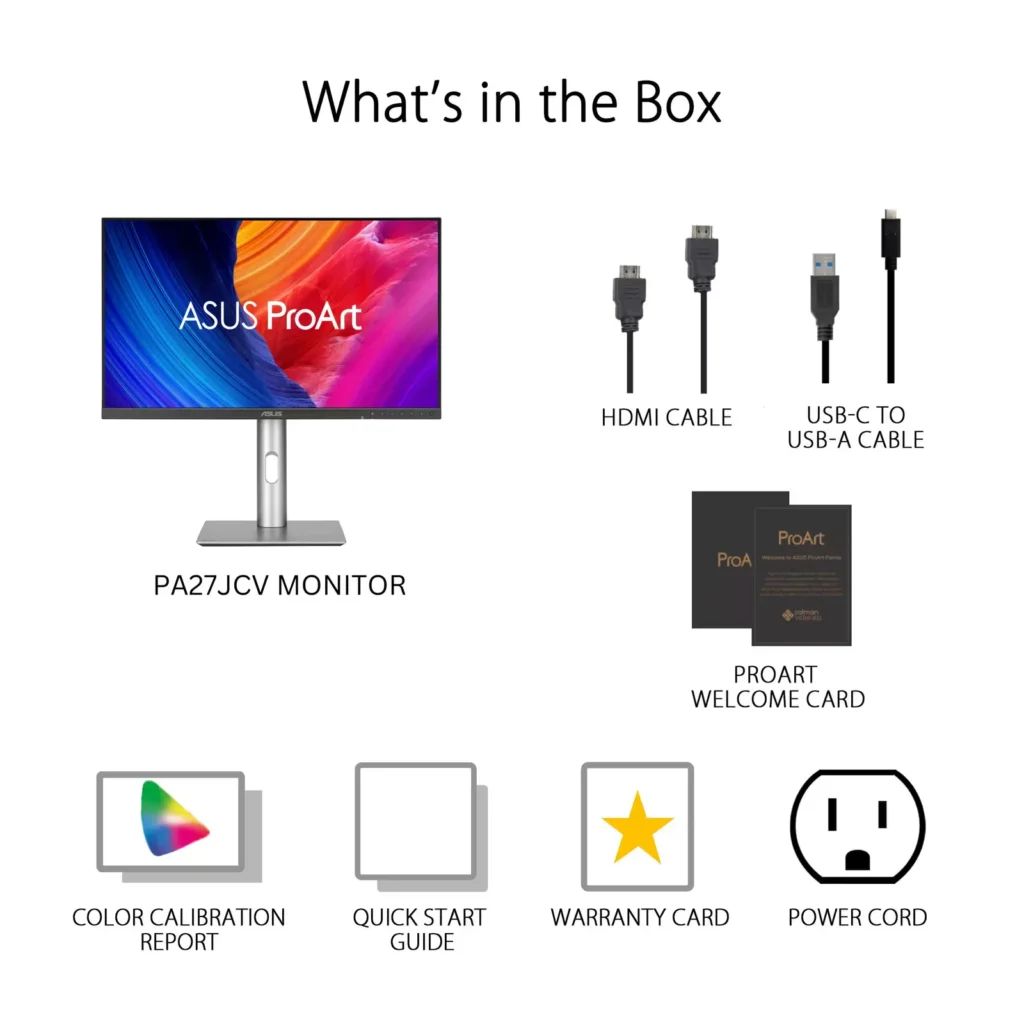
I’ve been wanting to step up from my several years old 4K monitors and claims of an improved antiglare coating pushed me over the edge. This monitor exceeded my expectations. Tiny text is noticeably improved, glare is nearly gone, blacks are blacker and colors are more vibrant. I hooked up the DisplayPort to my PC, HDMI to my Roku Ultra and USB-C to my 2018 Mac Mini. All work well… with the exception of the PC not being detected correctly half the time when it comes out of sleep mode so I have to switch inputs and back again. Radeon 7900 on the PC. I bought a second monitor for my work laptop, bog standard business laptop with 12th gen i5, and a couple of times the screen has been distorted after waking up. Hopefully there will be a firmware update to address this. The monitor looks so good that I’m willing to put up with those quirks. The user interface is easy to navigate. Per other reviews I set DCI-P3 and disabled Dynamic Dimming. I also disabled the power indicator (thank you ASUS!) and cut the brightness to 25%. I haven’t played with the KVM yet. I bought a 3′ long Monoprice braided 8K DisplayPort cable for my desktop and a 1 meter long Cable Matters 16K DisplayPort cable for the laptop. HDMI and USB-C cables were included. I have headphones plugged into the audio output.
-
Great 5K monitor with functional KVM
Verified purchase Verified purchase: This reviewer bought the product.Vadim Sukhomlinov January 26, 2025Review source: AmazonI was looking for monitor with high quality of text, but not too large. This one just fit my needs – I can barely see pixel with magnification and there is no post-processing (I tried Samsung 27PB earlier which had an excellent screen but “sharpness” processing which can’t be fully disabled and quite notable on color text on dark grey background).
In my setup I have a laptop connected using usb-c/thunderbolt to monitor (had to buy another cable as the one supplied with monitor was a little short for my setup) and desktop connected to Displayport + USB. Switching works great and I dropped use of standalone KVM (also found it is hard to find reliable 8K@60 Displayport KVM – few I tried have some kind of issues), so integrated KVM happened to be a great deal for me. Switching sources needs 2 clicks on the button on front panel (another thing I like in this model) – first click displays menu and second switches source and it can be same button. -
Best 5K Monitor in the Market Today
Verified purchase Verified purchase: This reviewer bought the product.JB January 25, 2025Review source: AmazonFinally, I am able to use 5K at a reasonable price! I’ve been looking at the very few 27″ 5K options, where obviously, the Studio Display is the best without question, yet MUCH more expensive than this monitor. I’ve also tried the Samsung 5K, but the quality of that monitor is just subpar. This monitor provides the optimal resolution for its size if you use a Mac. I read a lot on a monitor for work, and this 5K display is a gift for my eyes!
-
Quality Control Issue
Verified purchase Verified purchase: This reviewer bought the product.Saman January 22, 2025Review source: AmazonThis review is for the 5k model connected to a M4 MacBook Pro.
Unfortunately, I do see some occasional backlight flickering, mostly on the right side of my panel. See my attached video. It is not the end of the world and goes away, but I’m concerned that it may get worse over time, so I’m returning it.
If you win the panel lottery, then the product is good. However, I’m not sure if it’s worth it. Sure, it’s half the price of Apple Studio Display, but if you consider adding a decent webcam and speaker to it, you’ll get close to the used/refurbished price of a base Apple Studio Display (which has worst ergonomics but is overall a better product).
Alternatively, you may find a mint LG Ultrafine 5k for ~$650 these days (Jan 2025) which is still a decent option for the price.
BenQ is supposedly coming out with their 5k model soon. We really need more 5k monitors in the market. -
Grainy Rainbow Anti-Glare Coating
Verified purchase Verified purchase: This reviewer bought the product.beancozy January 18, 2025Review source: AmazonI’ve been doing paid creative work (photo/video/design) for 12 years. Plugging in an M1 Pro MBP. Ordered new in USA. First thought after the display turned on was, “is this covered in grease?”
No dead pixels, I find the build quality good enough, easy to put together, but then there’s this terribly obvious layer of static rainbow grain covering everything. The pixel density is awesome and seems great.. but it’s underneath that gross rainbow grain.. It’s the same look other screens get when you put a cheap screen protector on, or when I get off a phone-to-ear call and my phone screen is covered in skin grease. I’m NOT talking about moire, I think it’s just that the anti-glare coating on the screen is distractingly terrible.
I contacted ASUS support and they need two days to think about how to help or reply. Tried plugging it in with HDMI, and Thunderbolt/USB-C. The Thunderbolt definitely looks better in other ways but no change at all in the rainbow grain. Tried different res levels, color profiles, turning every setting on/off, changing my viewing angle, gently wiping a small test spot with microfiber cloth, etc.
I don’t think it’s even worth it to wait a couple days to see what they say because what else are they gonna recommend besides just returning it?? What a waste of time. How did this nasty anti-glare coating pass their fancy standards, it’s terribly distracting and makes my eyes water lol
Edit: eventually went with the Benq PD3225U, immediately very happy with it yay
-
Nothing special
Verified purchase Verified purchase: This reviewer bought the product.Mntbighker January 16, 2025Review source: AmazonI would not recommend this display. It’s a fairly poor quality display with a currently expensive panel. Compared to my two LG 4k and a Samsung 4k, all at half the cost, the difference is negligible. There is no camparison to the 5k panel on my old iMac. The is a very subtle improvement in sharpness. But not worth twice the cost. It’s just not a bright, vibrant display.
-
my setup
Verified purchase Verified purchase: This reviewer bought the product.Aram January 9, 2025Review source: AmazonBeautiful, modern and designed for professionals.