


Customer Media
Highlights
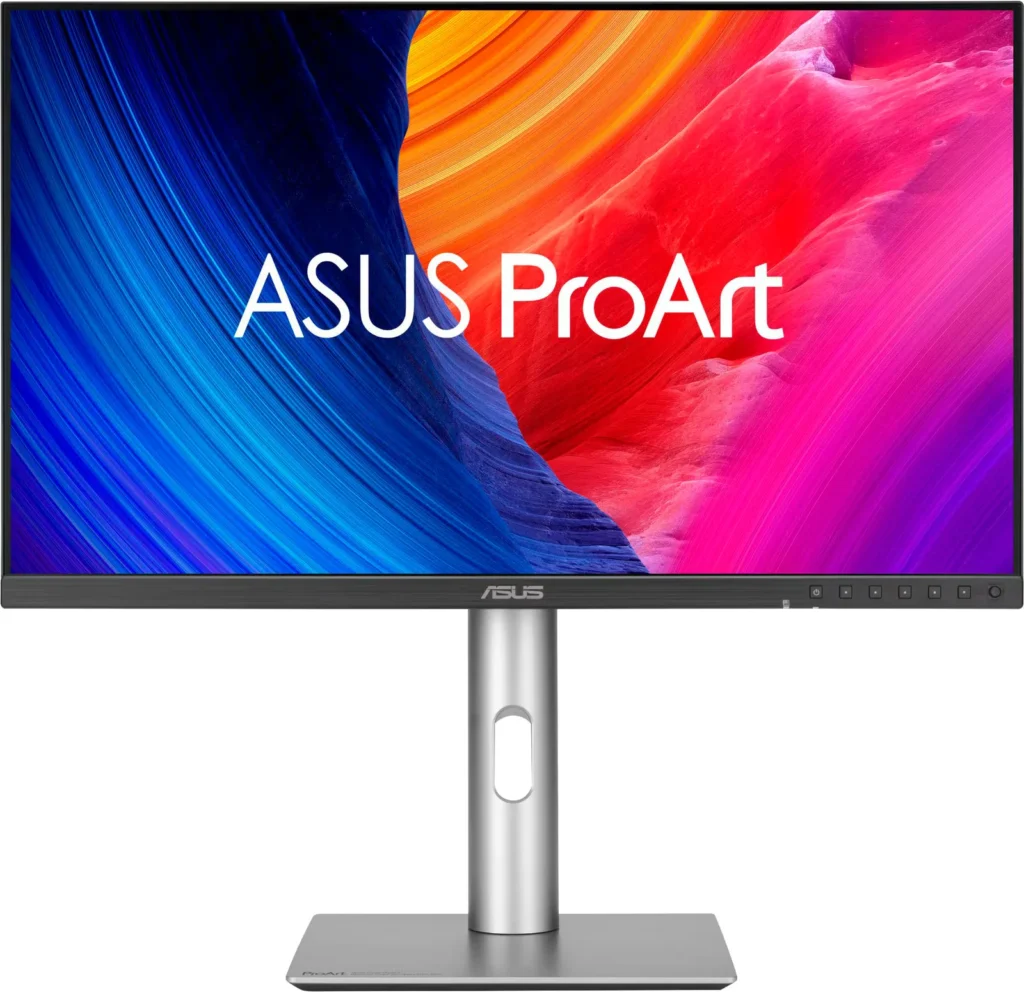
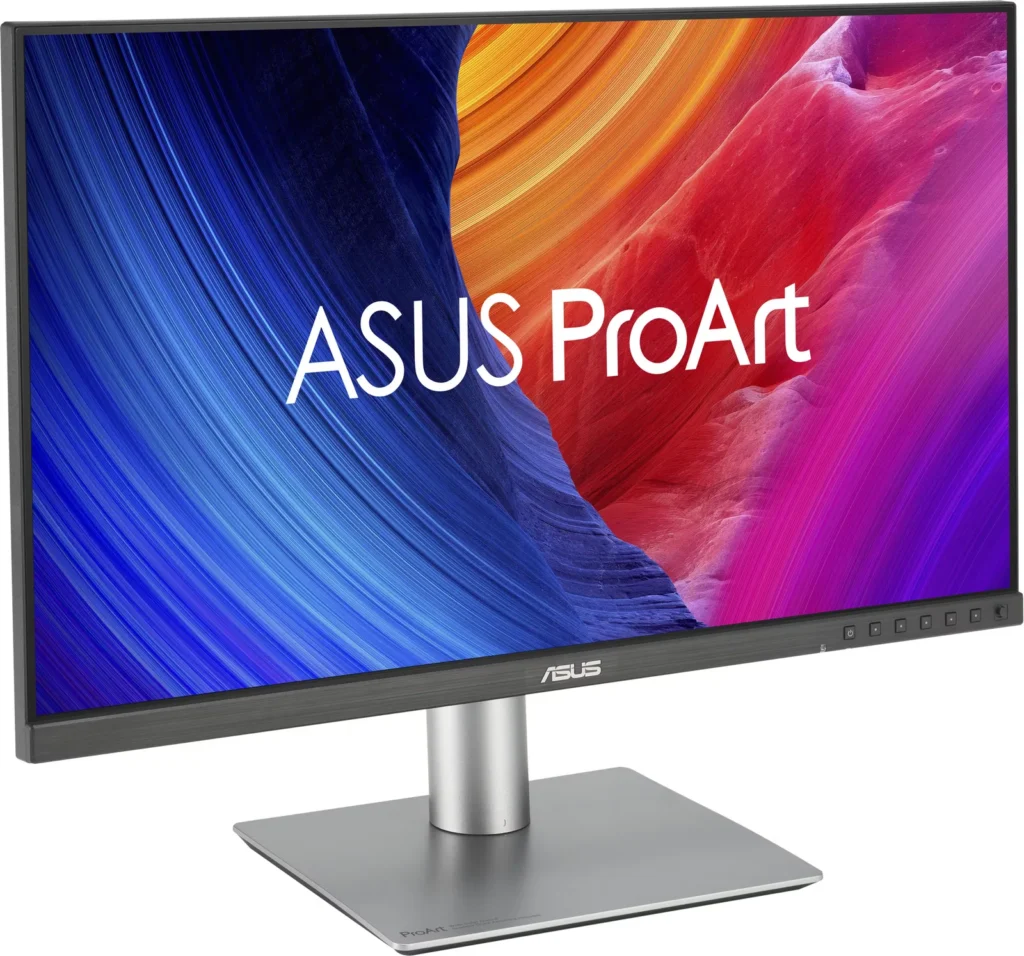
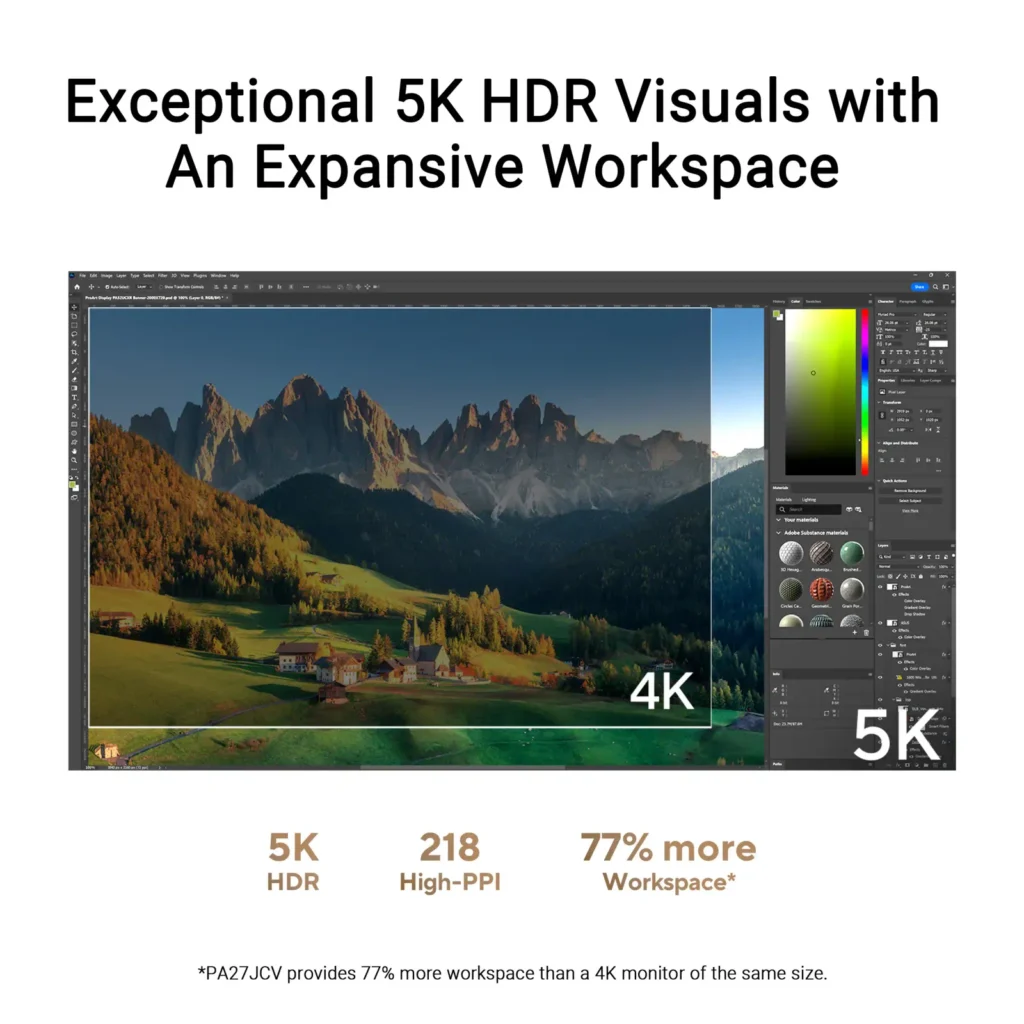
| Stunning 5K Resolution and Pixel Density | The 27-inch 5K (5120 x 2880) IPS panel delivers 14.7 million pixels with a high density of 218 PPI, providing 77% more onscreen space and significantly sharper detail than standard 4K displays. |
|---|---|
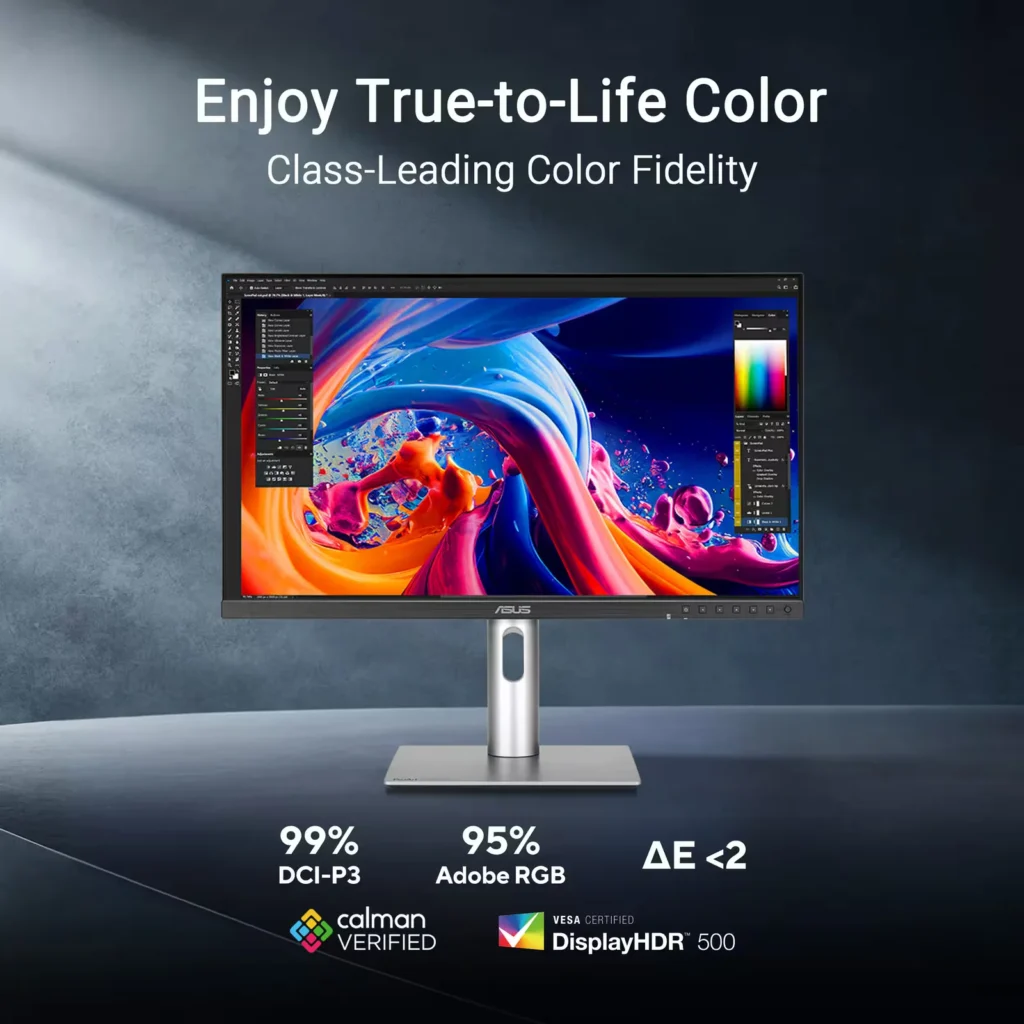
| Professional-Grade Color Accuracy | Factory pre-calibrated and Calman Verified with a Delta E < 2 color accuracy, this monitor covers 99% DCI-P3 and 100% sRGB color gamuts to ensure lifelike color reproduction for demanding creative workflows. |
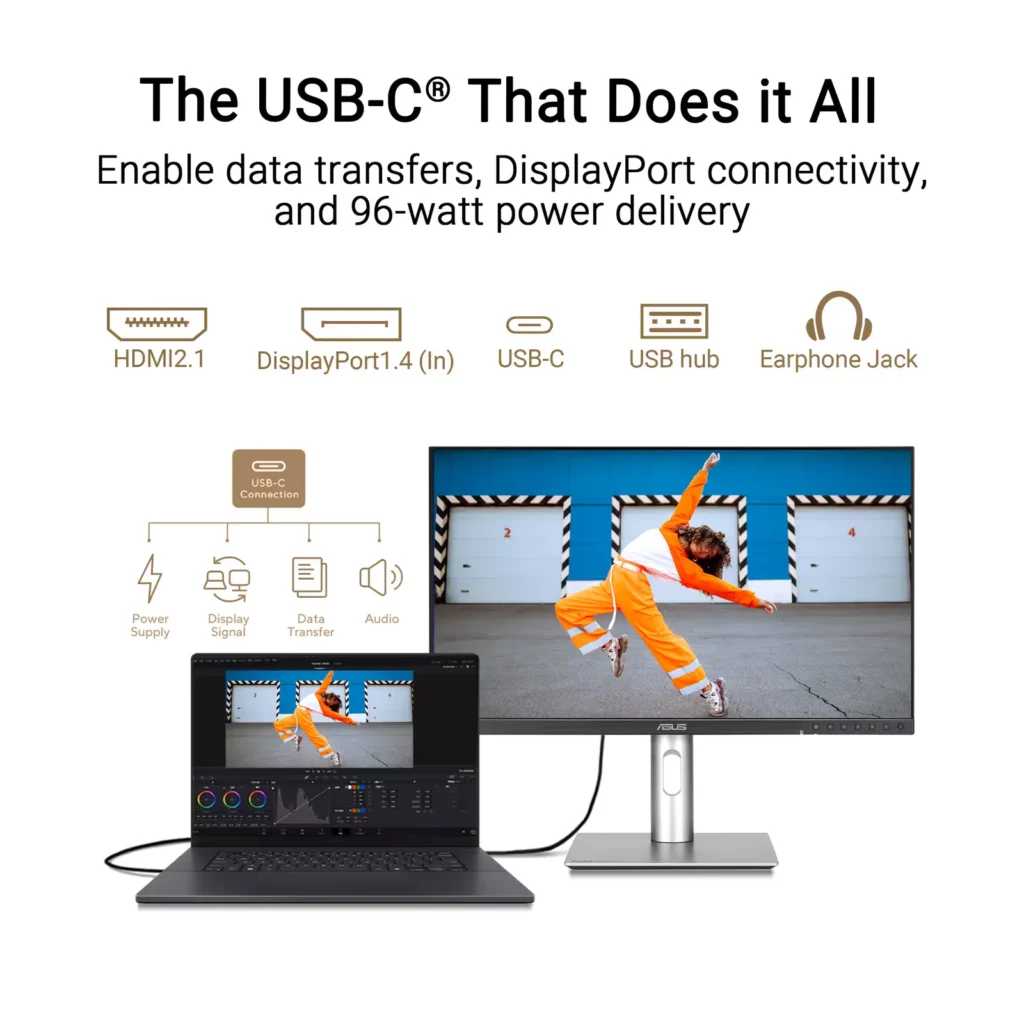
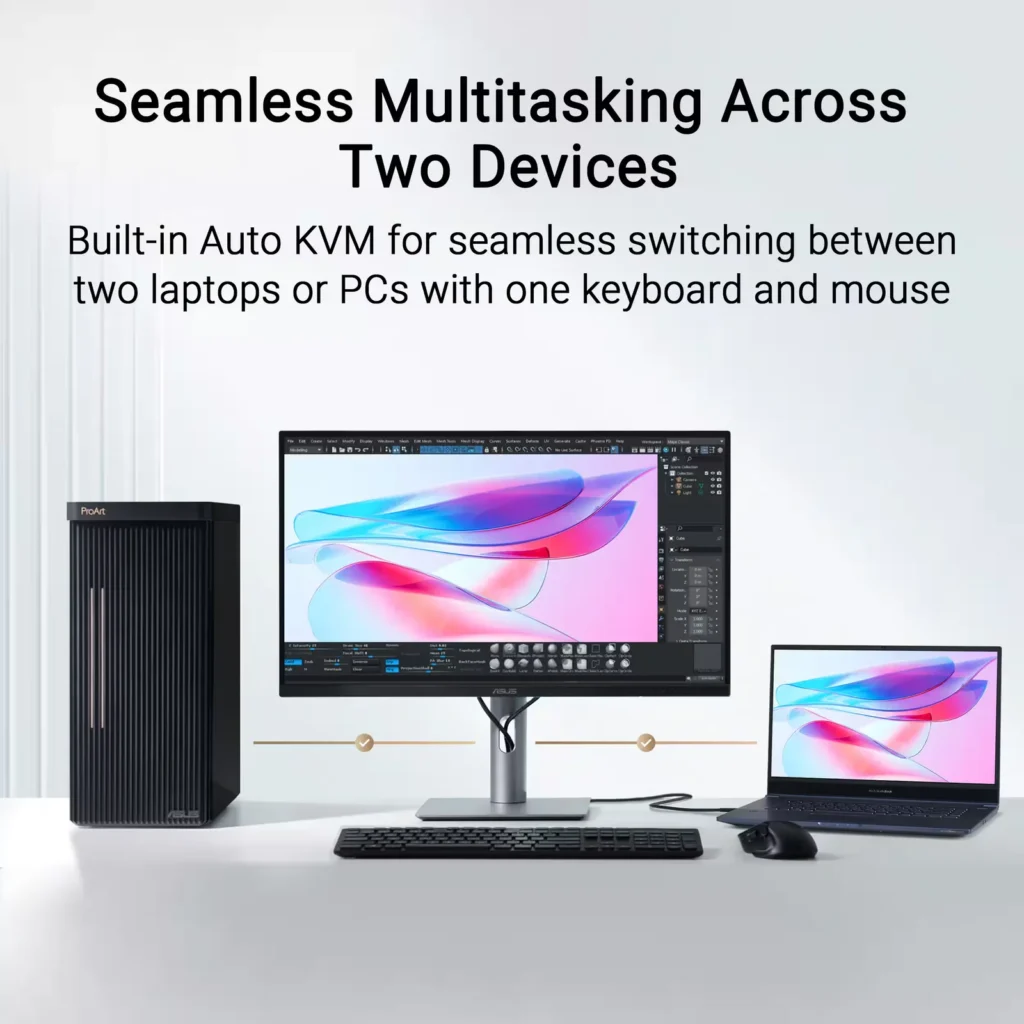
| Powerful USB-C and Auto KVM Integration | Features a full-function USB-C port with 96W Power Delivery, DisplayPort Alt Mode, and data support. The built-in Auto KVM switch allows you to seamlessly control two different devices using a single keyboard and mouse. |
| LuxPixel™ Anti-Glare Low-Reflection Technology | Equipped with a specialized AGLR coating that minimizes distracting reflections and glare while maintaining high color consistency and sharp text clarity, even in brightly lit environments. |
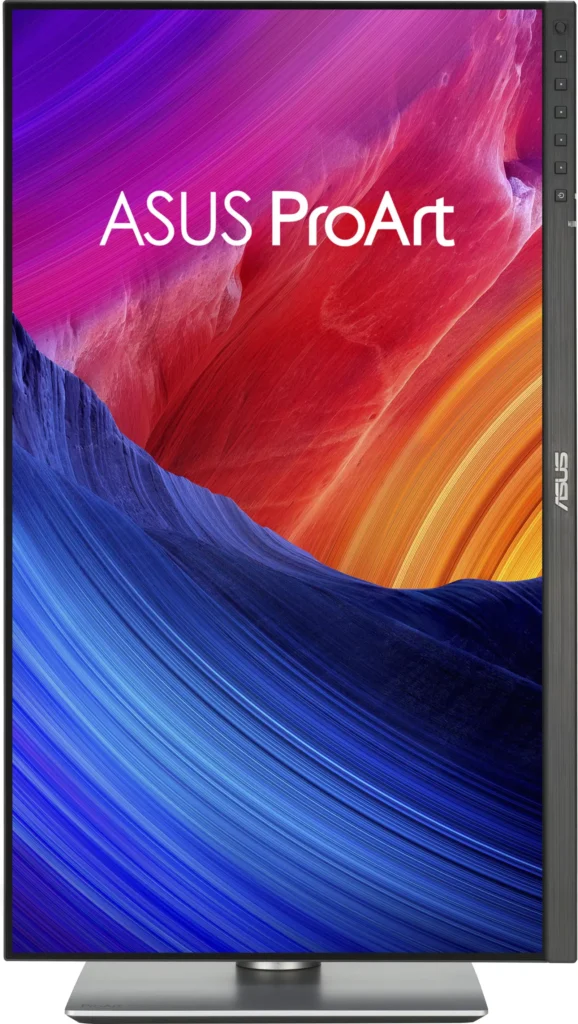
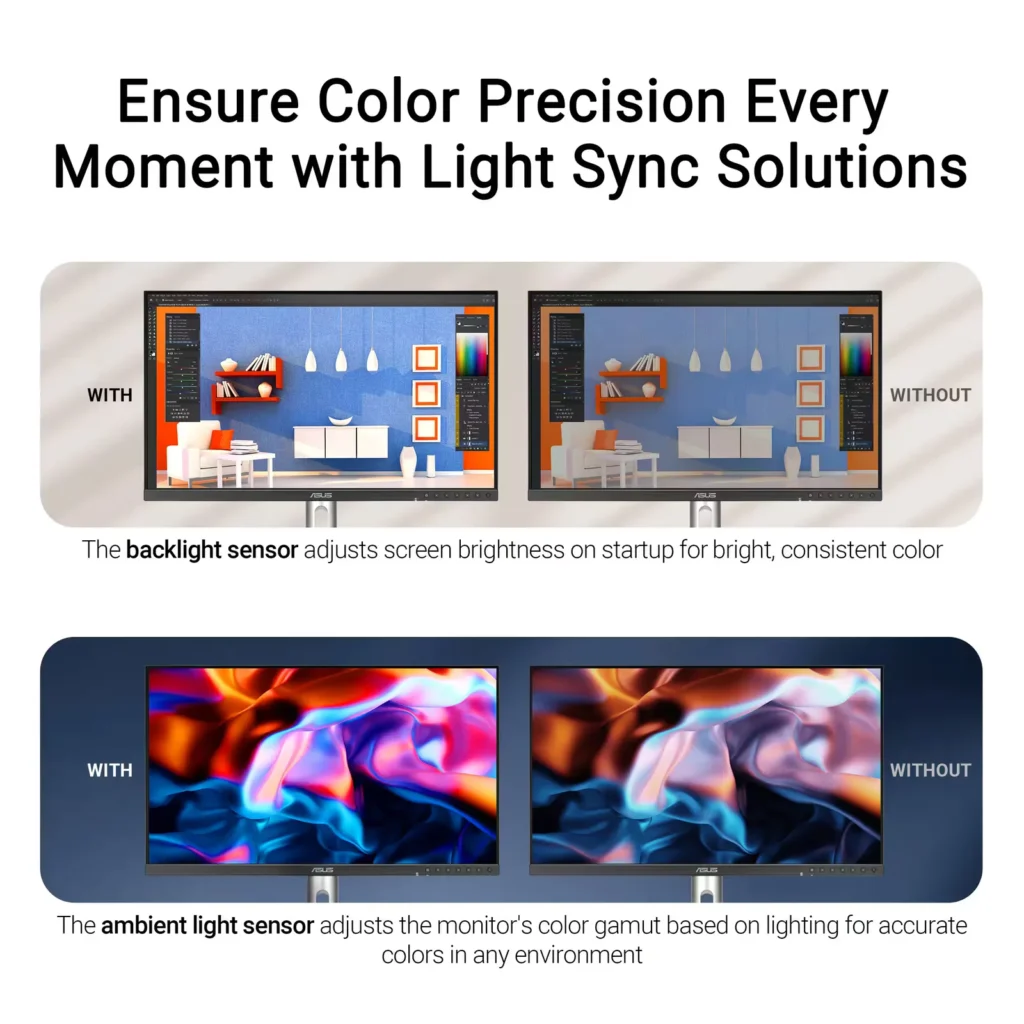
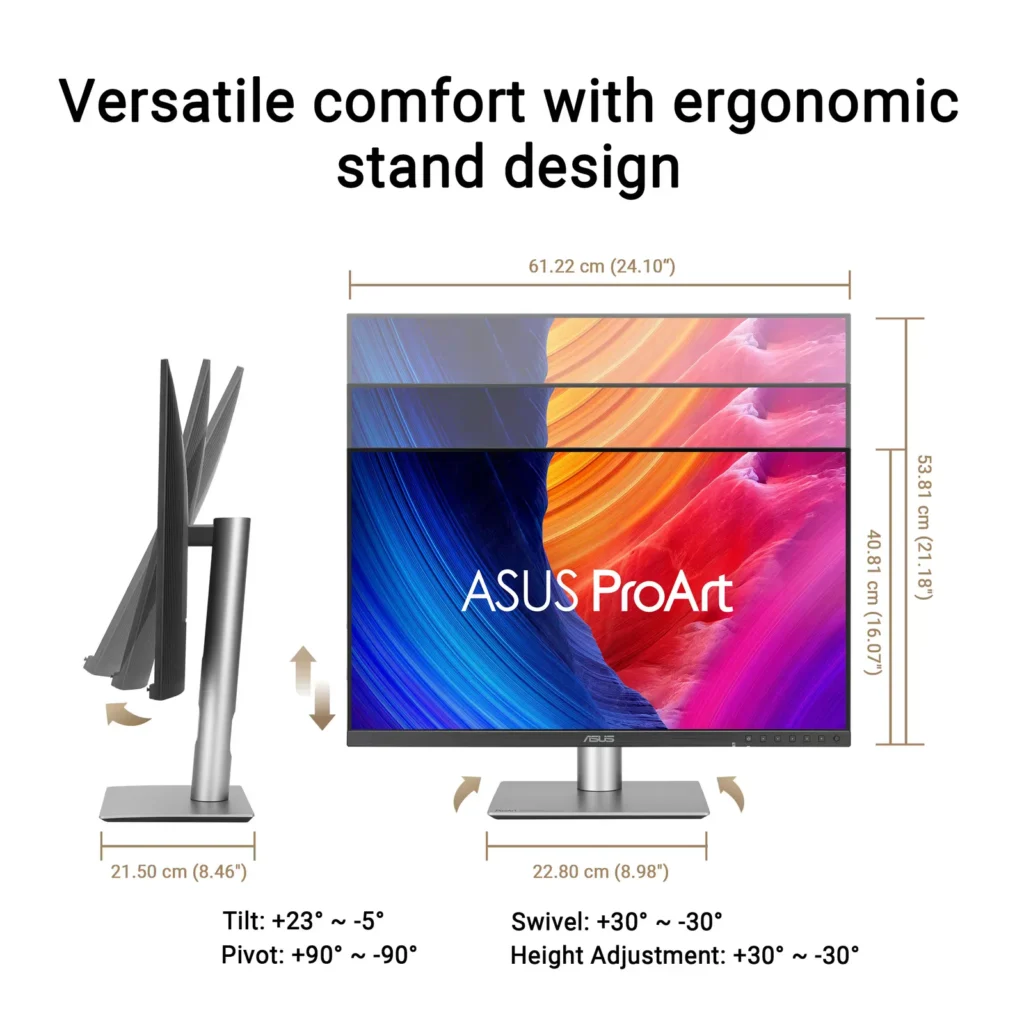
| Advanced Ergonomics and HDR Support | The VESA DisplayHDR 500 certified screen is mounted on a highly adjustable stand offering tilt, swivel, pivot, and height adjustments, complemented by an ambient light sensor that automatically adjusts brightness based on your surroundings. |
Pros & Cons
Pros
- Exceptional 5K Clarity: The 5120×2880 resolution provides incredible sharpness for text and high-resolution media, offering a pixel density that matches premium displays and eliminates the blurriness often found in 4K monitors on macOS.
- Professional Color Accuracy: The display comes Calman Verified with factory calibration reports, delivering true-to-life colors and high coverage of professional gamuts like DCI-P3 and sRGB, which is highly valued by photographers and video editors.
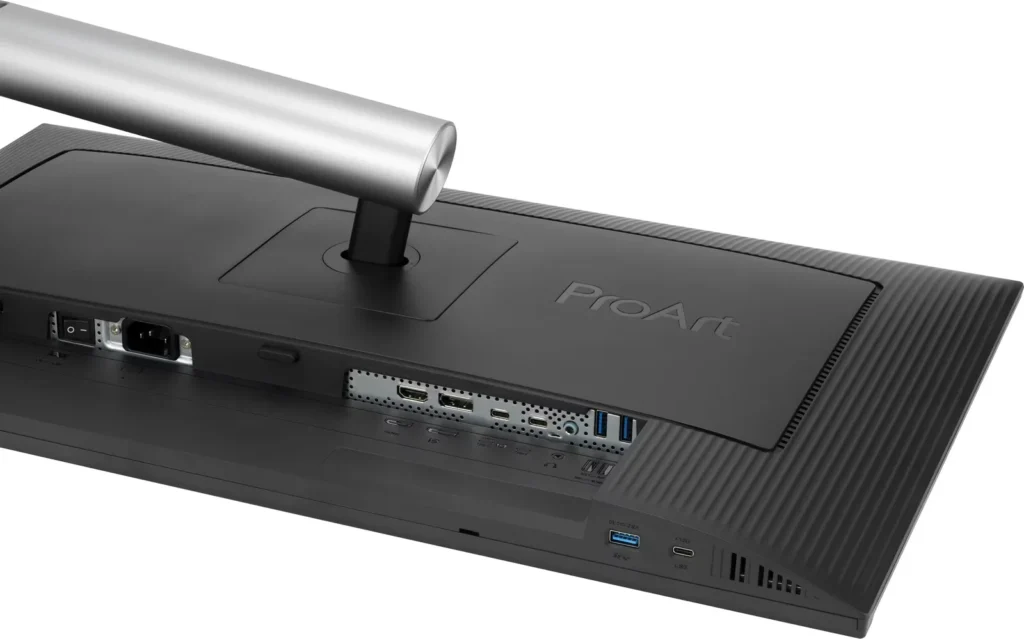
- Versatile Connectivity and Hub: It features a robust port selection including USB-C with 96W power delivery for laptop charging, a built-in KVM switch for managing multiple computers, and easily accessible front-facing USB ports.
Cons
- Hardware Reliability and QC Issues: Multiple reviews highlight serious quality control defects such as dead pixels, screen flickering, and total panel failure with vertical or horizontal lines appearing within a few months of purchase.
- Substandard Audio and Wake Times: The integrated speakers are described as tinny and poor quality, while the monitor is noted for having an annoyingly slow wake-up time when exiting power-save mode or starting up.
- Panel Uniformity and Coating Issues: Users reported noticeable backlight bleed on dark backgrounds, vignetting at the edges, and a matte 'LuxPixel' coating that some found to be too intense, creating a grainy or rainbow-like effect on the screen.
You might also like

Customer Reviews
Showing reviews 101-103 of 103
-
I'm mostly pleased, but there are many nits. Overall it's a good product *for the price*.
Verified purchase Verified purchase: This reviewer bought the product.Robert January 4, 2025Review source: AmazonIt was recently time to retire my iMac, and I decided I wanted a really good monitor so I could later replace my new M4 Mini (and keep this monitor) several times in the same time as I held onto that iMac. I was a professional programmer; the ability to stare at text comfortably for many hours is deeply important to me, and I understand the technical root of Apple’s intransigence on insisting that the world ends at 27″ and 5K, so that’s where I landed. I could not, however, land on their price point, so I spent months agonizing on the decision tree that led me here. There were, however, several features that I would not compromise upon and did not have to with this model.
I understand Apple’s insistence that the pixels that comprise the screen have an integral multiple of the pixels on the LCD screen. It seems odd that we talk about 4K monitors looking BAD on Macs, but they simply do. Once cutting through the noise, there are really only four makers of 5K, 27″ monitors. Two of them have substantial issues and are consistently shredded in reviews. One has only one excuse; it’s double the price of this one. That’s how I ended up anxiously awaiting the delivery of one of the very first PA27JCV’s in the world.
The picture is very good. This pretty much sets the tone for a phrase that can appear many times in a review of this product—you have to consciously add “for the price” to most sentences about this product once you have experience with a unit that costs twice as much. There is a notable dimming if you view the monitor from the side, and that’s simply not present in the higher-end model. “But I don’t use it from the side!” is a perfectly legitimate retort, but in an office environment, if you have a cubemate that may be with you in a code review or walk-through of a shared project, the other person may be unable to see the same bright, clear display that you do. From the side, it’s a dim, blotchy picture, but from a normal viewing angle, the colors are vibrant, text is crisp, and some motion blur is present but not noticeably objectionable (“for the price”).
I had two demands for the cabling system that led me to choose this product. One is common in desktop monitors in this bracket. One is not. The ability to attach your laptop (or other) via ONE cable that both charges the laptop and delivers a full video, audio, and USB (and thus multi-Gbps) networking is heavenly for someone docking their laptop on the big screen for the day. One of the two USB-C ports on the bottom of this will do that. It is poorly marked (like ALL ports on this unit), but it delivers. This monitor charges the attached laptop fine.
The other feature I demanded from the video input array is more rare. I wanted a KVM-like facility where I can deliver the primary screen AND a secondary input split (side-by-side). In addition to sometimes using the aforementioned Macbook, I also often work with small single-board computers. (Usually not literally a Pi, but that class of device.) These machines are small enough that I can’t devote a keyboard, mouse, and monitor to each one of them. The PA27JCV is a rare monitor that allows splitting the screen in this way so that one “head” can be attached to multiple computers and switched between them. The screen resolution is high enough, and the screen is large enough that splitting it either horizontally or vertically is practical. This actually works OK. It’s awfully clumsy to switch between them though as it involves fumbling with the bottom buttons that are poorly marked. This is actually the only 5K monitor that I could find with this feature – at any price. This may not be a distinguishing feature for many people, but it’s useful to me.
It’s not particularly rich in video input ports. There is one HDMI and one Thunderbolt 3/4 (?) connection.
The sound on this is absolutely embarrassing. This goes beyond “the sound is good…for the price.” It’s not. The sound is simply bad. Any gain in desktop space you hoped to gain via desk integration will be lost when you cover the ugly base with the desktop speakers you’ll have to buy and put over the plastic base.
Similarly, other units in this price range include a webcam and mic; this doesn’t. If videoconferencing is part of your life, add those costs to the speakers when thinking about the real price of this monitor.
It is an IPS panel, not an OLED. There are dimming zones meant to try to make darks more black, but you’re always aware that contrast just isn’t great. This is somewhat noticeable when watching video content, but since ‘dark mode’ is all the rage for programming editors, browsers, and tools these days, you’re just always aware that blacks aren’t the amazing HDR blacks that you might expect in other (smaller) devices.
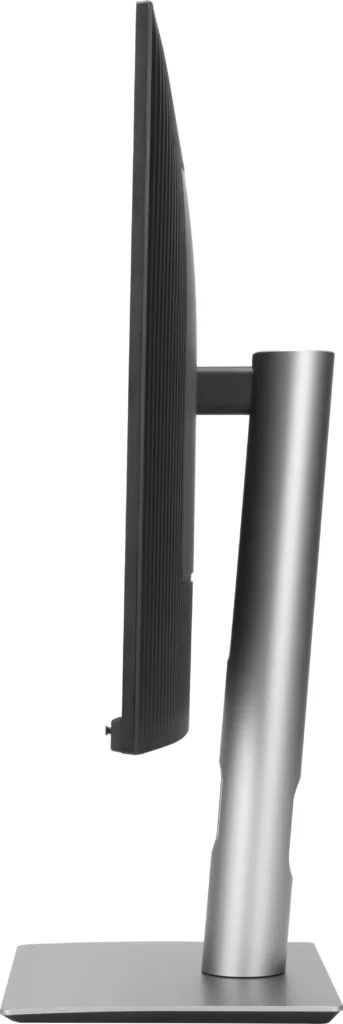
Physically and mechanically, the unit is just a contrast of clever and dumb. The monitor height lifts and lowers without much effort. The monitor rotates between portrait and landscape, but even at the highest position, the bottom right corner of the monitor hits your desk if you try to rotate it. You have to remember to rock it backward before rotating it. That’s just goofy. Cable management isn’t excessively ambitious, and the monitor’s base looks metal but has a plasticky, cheap feeling that feels more like a 3D-printed box than a stand holding up a monitor that is the price of a nice car payment.
Below the screen, there are six pushbuttons and one “d-pad” button that offers left, right, up, down, and inward push. Even a gentle push to select the buttons ends up scooting the monitor as the base is too light and doesn’t grip the desk. They try to make the buttons blend in, but that also means that they’re completely unrecognizable until one of them is pushed for the labels to appear. This also means that in practice, the six pushbuttons are rarely more than shortcuts to features that you’d have normally accessed in the menu with the dpad anyway.
To pair with that, it doesn’t support Apple’s well-known keyboard keys for volume and brightness. You have to fumble with the on-screen buttons to adjust that.
When exiting power save mode, the device takes annoyingly long to awaken. Perhaps all the internal computing has shut down and it has to fully cold boot. Adjust your screen lock to activate quickly, but use a long power saver timer value to be conservative to reduce this delay.
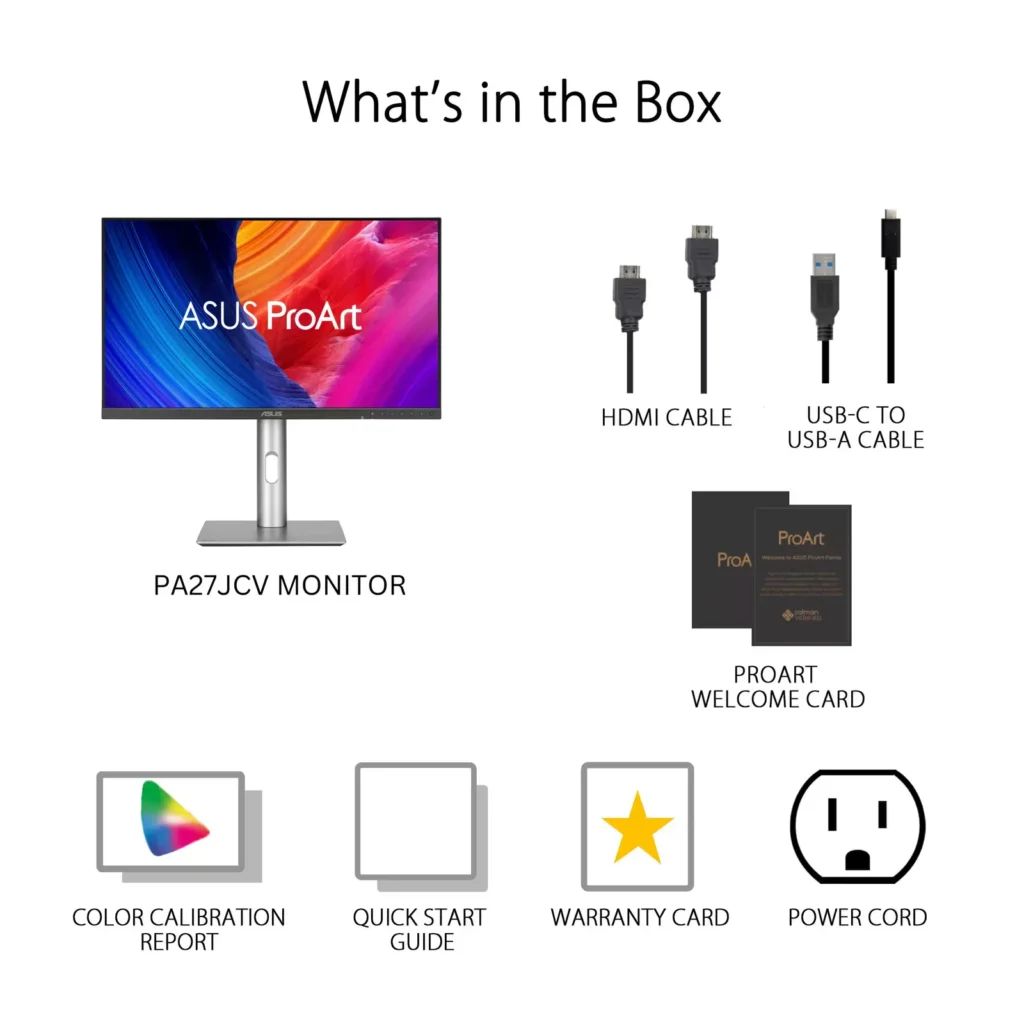
It does come with an HDMI and USB cable.
In all, I’ve now spent a month with this monitor. I do really like the clarity and color of the display, and that is the primary goal. Mine is a single-person workspace, so side viewing angles don’t matter to me. I went back to the speaker inside my Mini because the sound was better. (Yes, the sound of an encoded 5″ square plastic box with no visible holes was better. Really.) I like being able to attach my Macbook Pro for USB device use, viewing, and charging, all with a single cable.
I looked hard at the specs or demo units of every 5K, 27″ product in the market. Even with the annoyances I’ve listed—sound, mechanical, cheap base, limited ports, absence of modern Thunderbolt, absence of cam & mic like others at this price point—I’d probably again land on this monitor with the options available in the U.S. in December of 2024 because it’s good at displaying video, and that’s the primary goal of a monitor.
-
Terrible QC, right side would flicker
Verified purchase Verified purchase: This reviewer bought the product.Mirdha December 24, 2024Review source: AmazonTerrible QC issue. Mine had flickering issue on the right side of the monitor when I turned it on and lowered brightness.
-
There's a permanent smudge on display right out of the box…
Verified purchase Verified purchase: This reviewer bought the product.RG December 12, 2024Review source: Amazon…And my OCD is making me look at it! I know it’s not that big and I can honestly ignore it whilst I type on the otherwise gorjus display. BUT WOULD YOU LOOK AT IT. It’s not on the outside–it’s underneath the matte surface. I can’t get to it with anything to wipe it clean. I literally took it out of the box this morning and didn’t see it until this evening. Everything else about the PA27JCV is ok…honestly 4k to 5k is not that serious but is also is. And now I have a smudge in 5k. Needles to say I will not be buying another one at this price point…4k is literally premium for 600+ USD. Anyway, hope yours has less smudged. Which would be zero. Ok bye