


Customer Media
Highlights
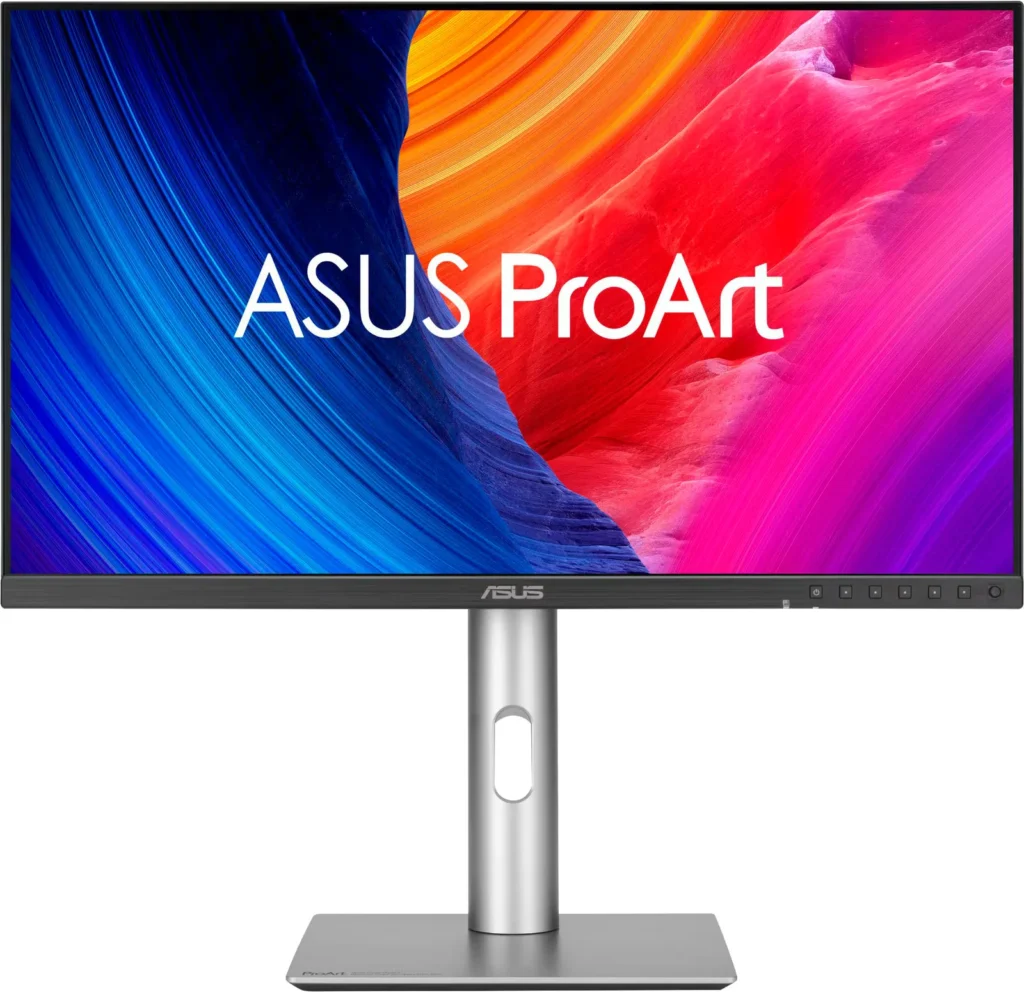
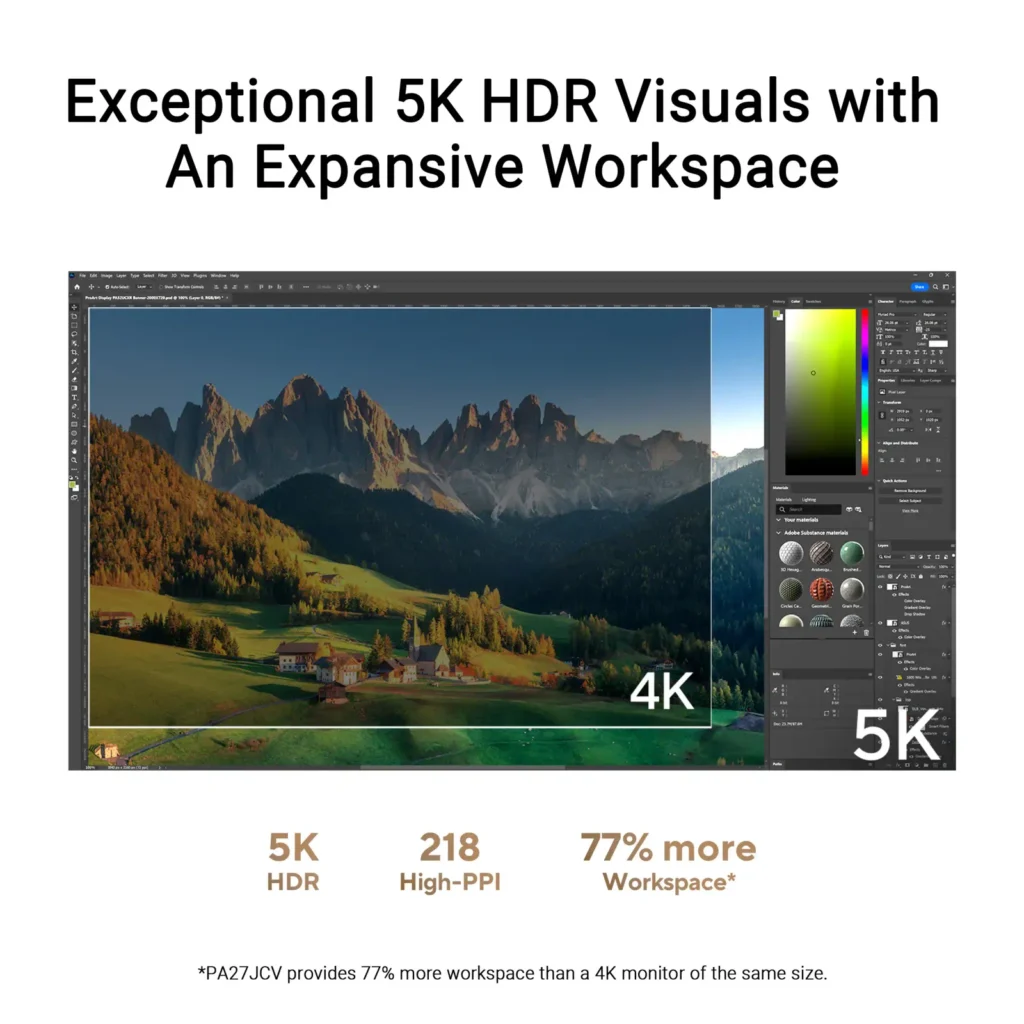
| Stunning 5K Resolution and Pixel Density | The 27-inch 5K (5120 x 2880) IPS panel delivers 14.7 million pixels with a high density of 218 PPI, providing 77% more onscreen space and significantly sharper detail than standard 4K displays. |
|---|---|
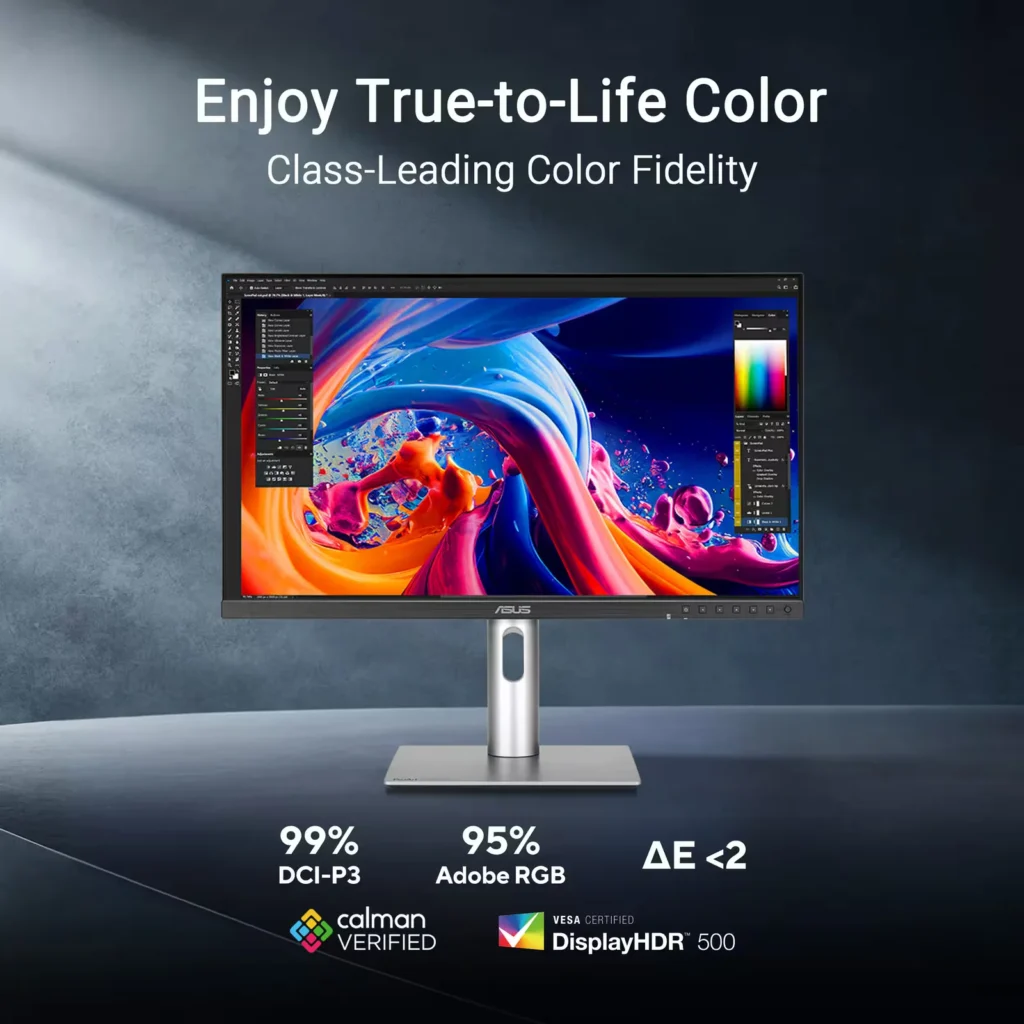
| Professional-Grade Color Accuracy | Factory pre-calibrated and Calman Verified with a Delta E < 2 color accuracy, this monitor covers 99% DCI-P3 and 100% sRGB color gamuts to ensure lifelike color reproduction for demanding creative workflows. |
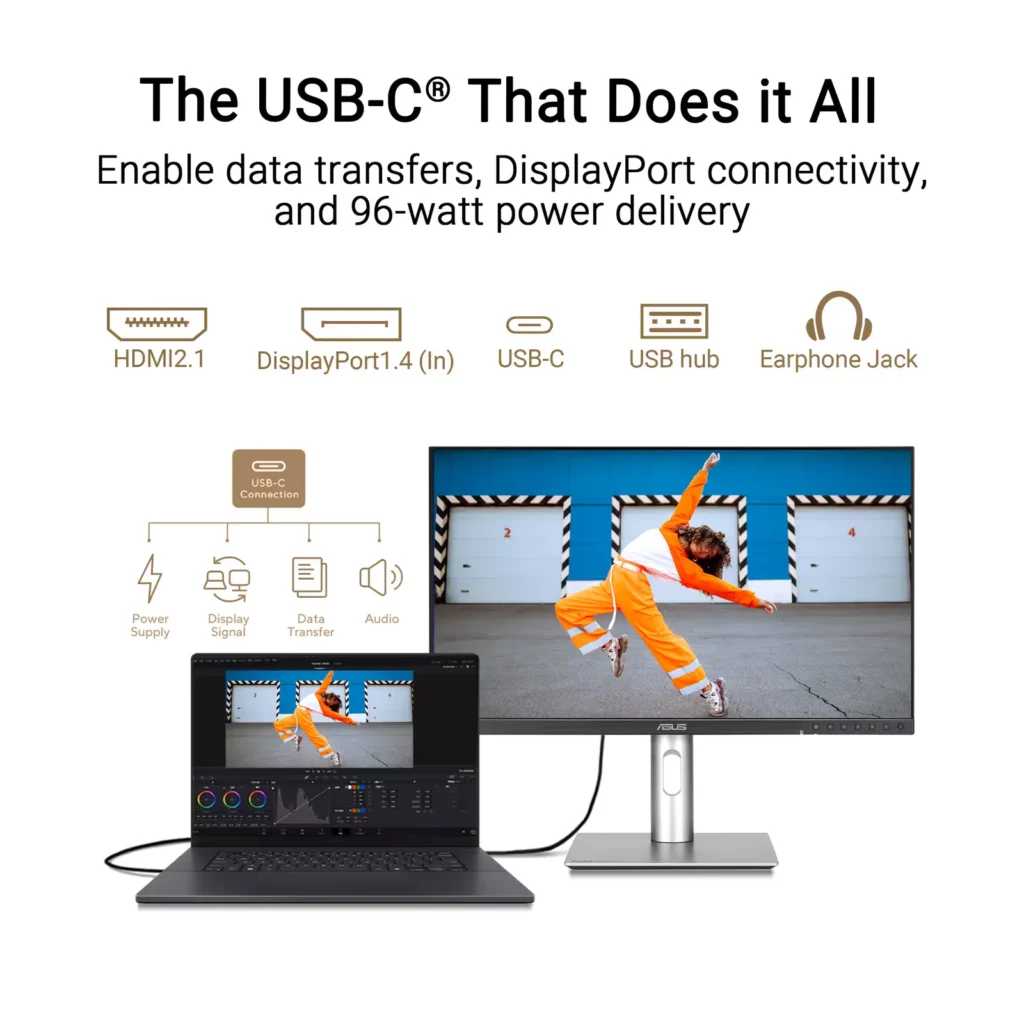
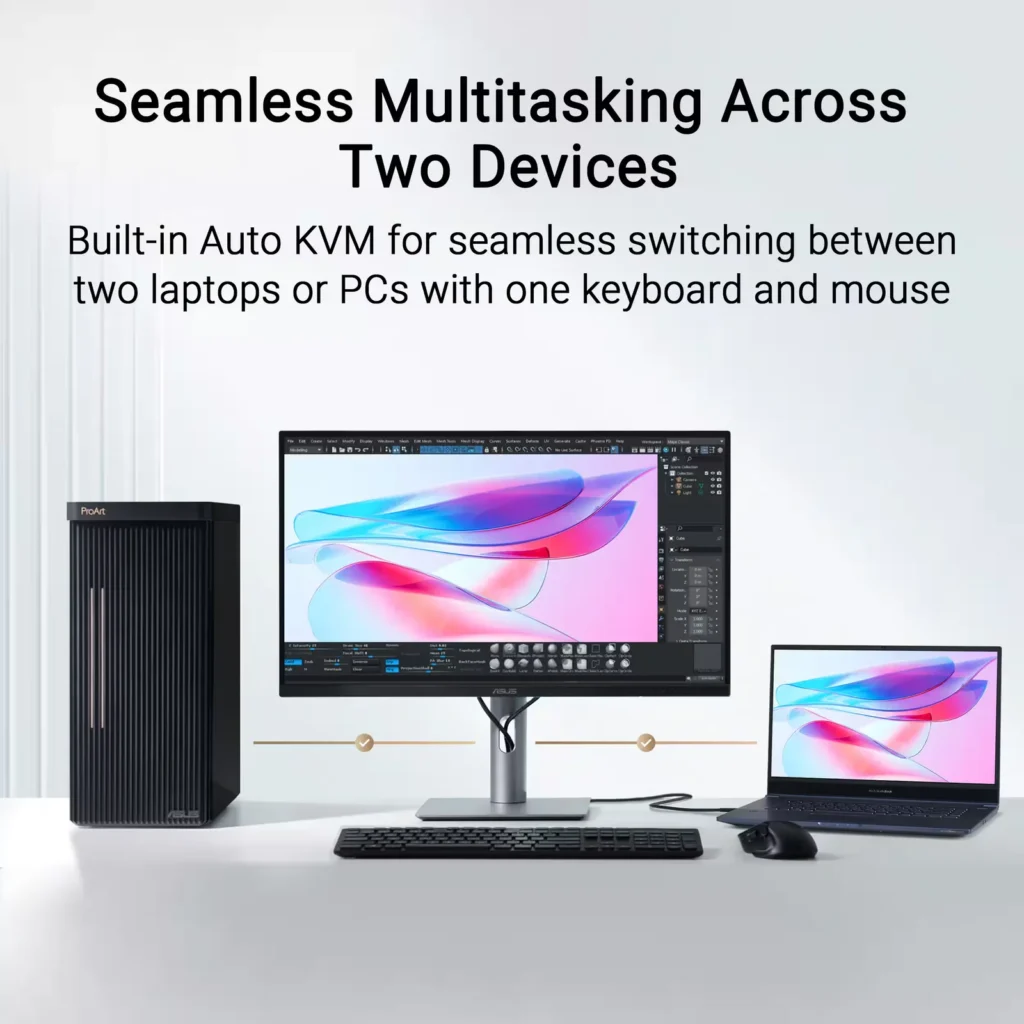
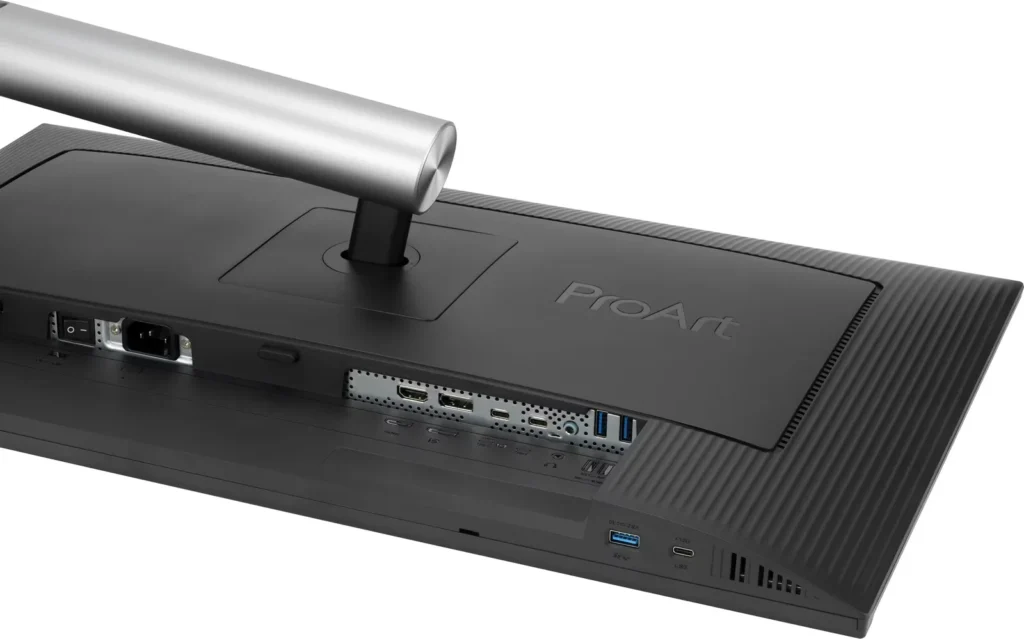
| Powerful USB-C and Auto KVM Integration | Features a full-function USB-C port with 96W Power Delivery, DisplayPort Alt Mode, and data support. The built-in Auto KVM switch allows you to seamlessly control two different devices using a single keyboard and mouse. |
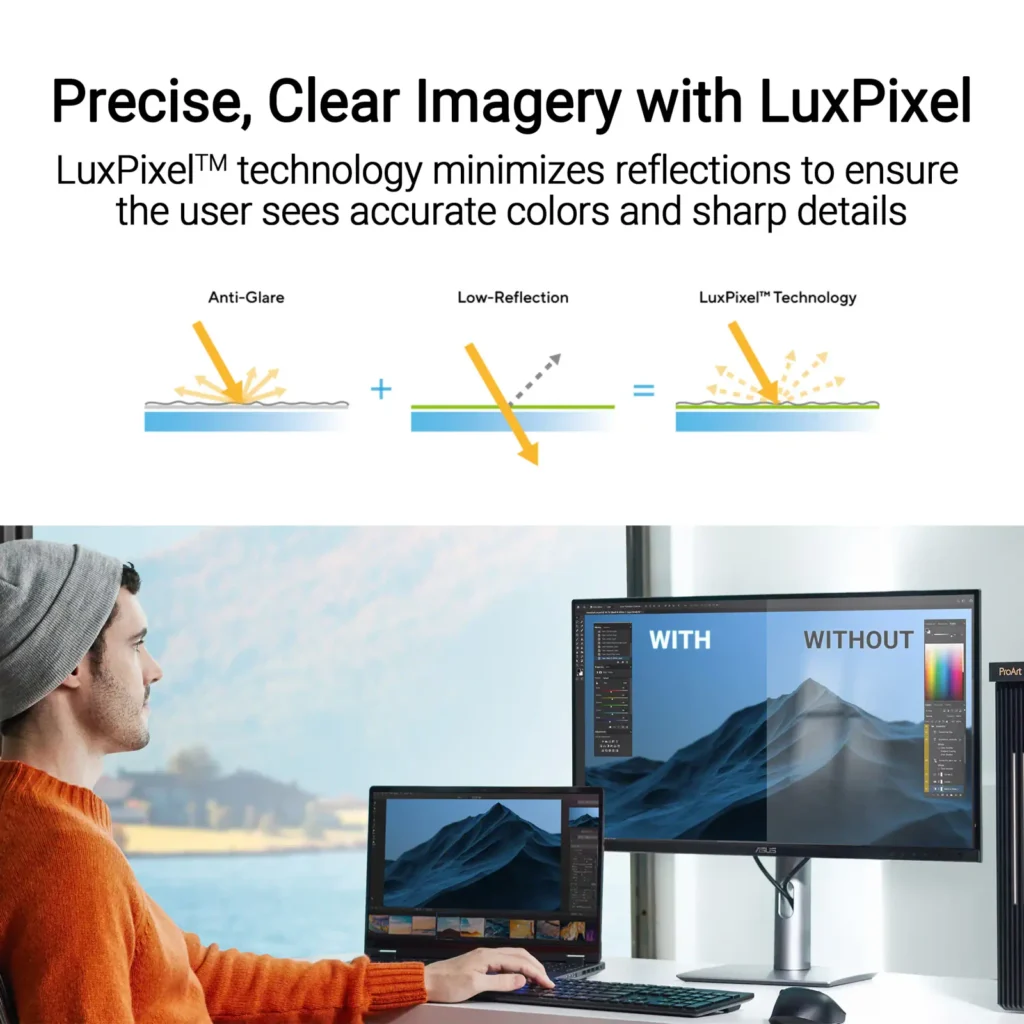
| LuxPixel™ Anti-Glare Low-Reflection Technology | Equipped with a specialized AGLR coating that minimizes distracting reflections and glare while maintaining high color consistency and sharp text clarity, even in brightly lit environments. |
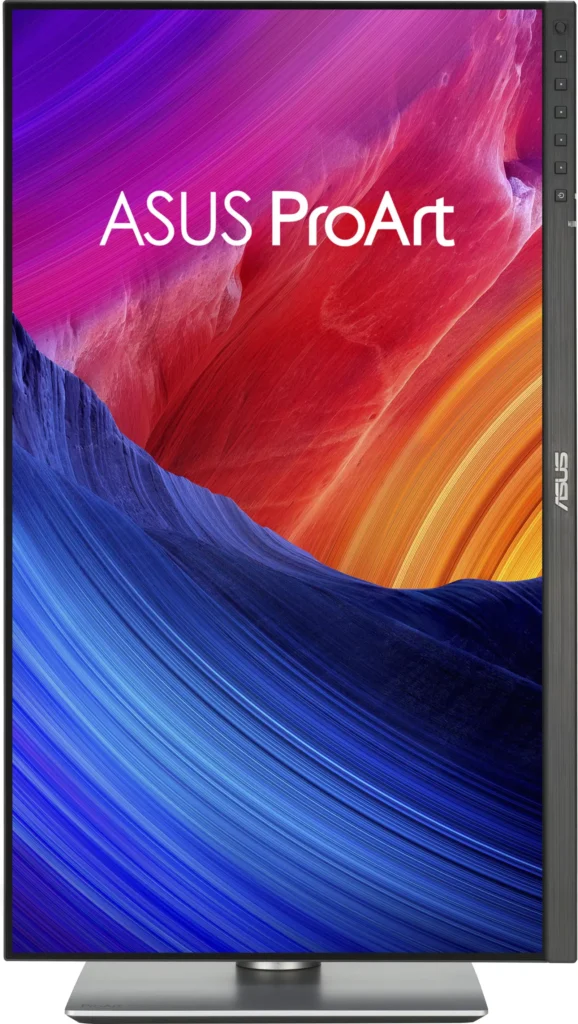
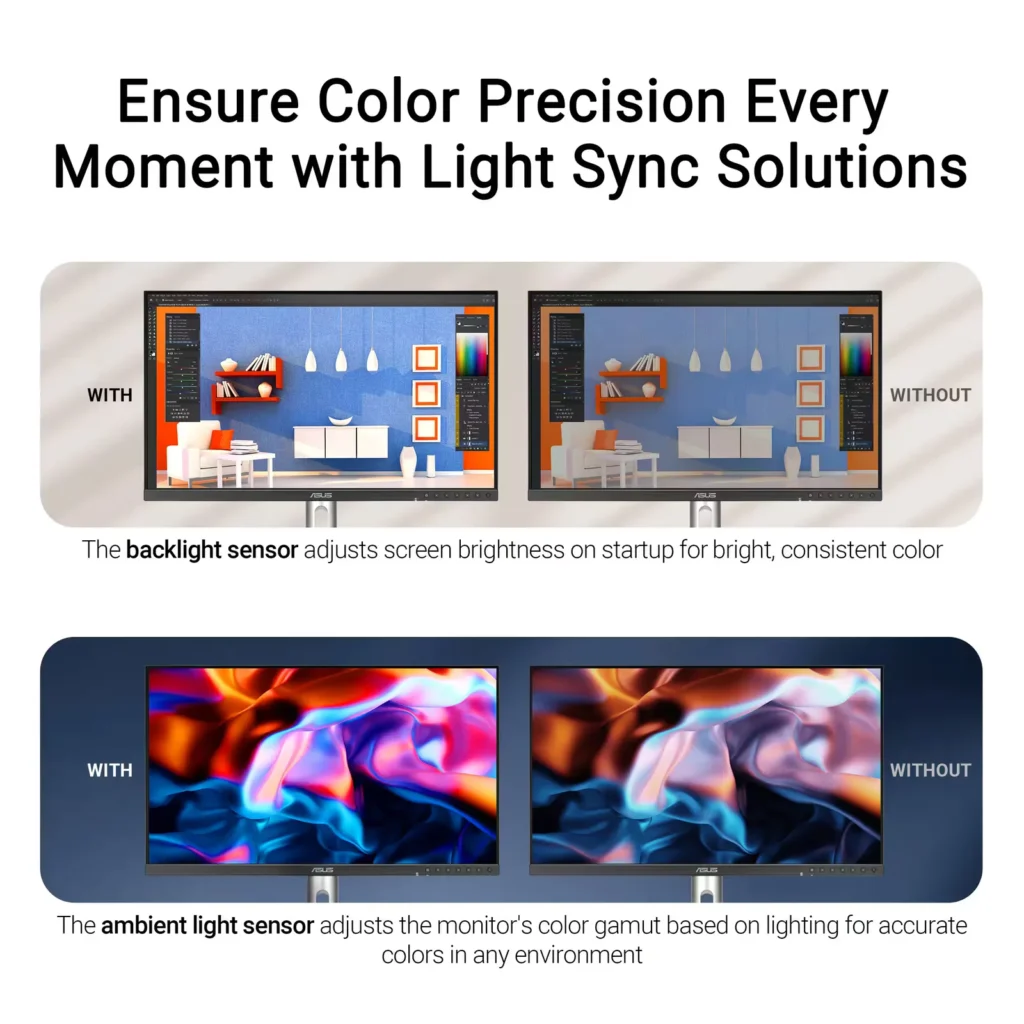
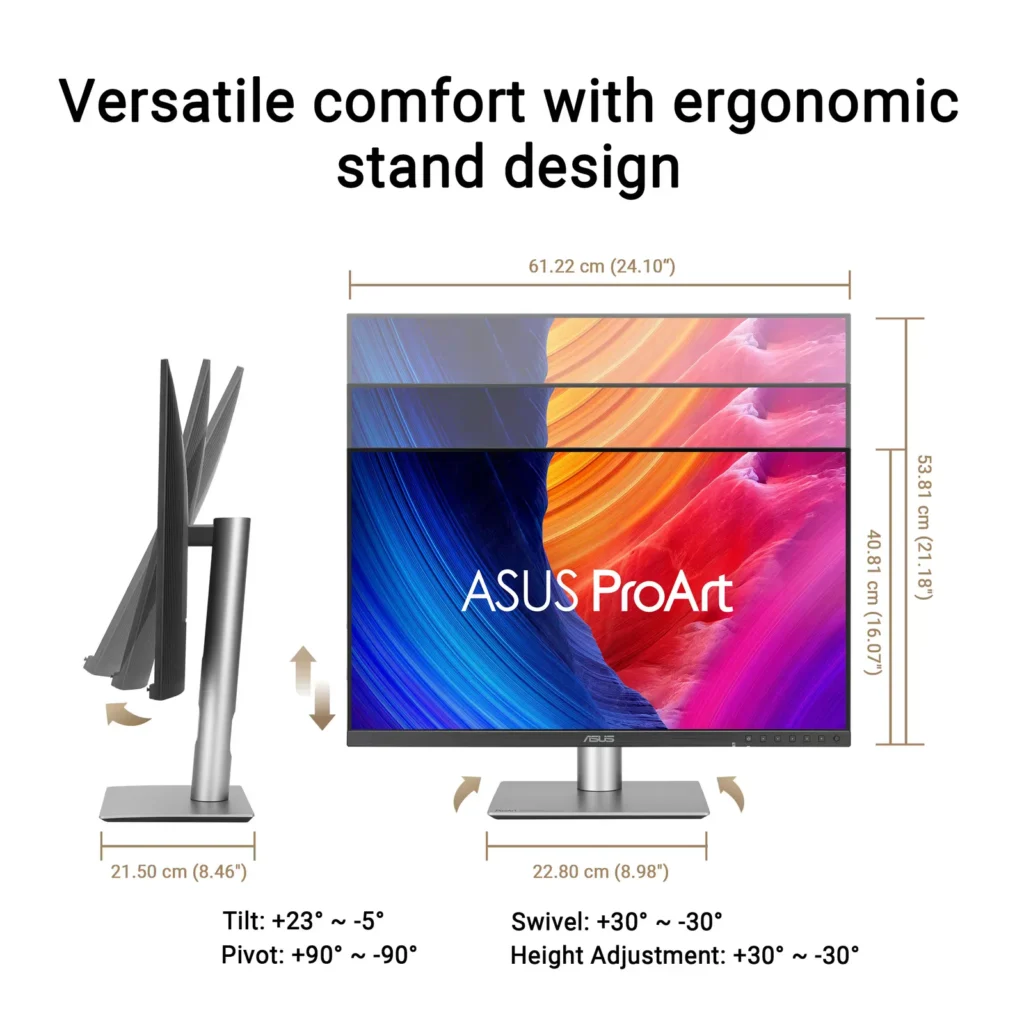
| Advanced Ergonomics and HDR Support | The VESA DisplayHDR 500 certified screen is mounted on a highly adjustable stand offering tilt, swivel, pivot, and height adjustments, complemented by an ambient light sensor that automatically adjusts brightness based on your surroundings. |
Pros & Cons
Pros
- Exceptional 5K Clarity: The 5120×2880 resolution provides incredible sharpness for text and high-resolution media, offering a pixel density that matches premium displays and eliminates the blurriness often found in 4K monitors on macOS.
- Professional Color Accuracy: The display comes Calman Verified with factory calibration reports, delivering true-to-life colors and high coverage of professional gamuts like DCI-P3 and sRGB, which is highly valued by photographers and video editors.
- Versatile Connectivity and Hub: It features a robust port selection including USB-C with 96W power delivery for laptop charging, a built-in KVM switch for managing multiple computers, and easily accessible front-facing USB ports.
Cons
- Hardware Reliability and QC Issues: Multiple reviews highlight serious quality control defects such as dead pixels, screen flickering, and total panel failure with vertical or horizontal lines appearing within a few months of purchase.
- Substandard Audio and Wake Times: The integrated speakers are described as tinny and poor quality, while the monitor is noted for having an annoyingly slow wake-up time when exiting power-save mode or starting up.
- Panel Uniformity and Coating Issues: Users reported noticeable backlight bleed on dark backgrounds, vignetting at the edges, and a matte 'LuxPixel' coating that some found to be too intense, creating a grainy or rainbow-like effect on the screen.
You might also like

Customer Reviews
Showing reviews 41-50 of 103
-
Great alternative to Apple Studio Display
Verified purchase Verified purchase: This reviewer bought the product.Andrew June 29, 2025Review source: BestbuyI bought two. I wanted 5k for my Mac, due to the scaling issue within MacOS, but didn’t want to spend the money on two Apple Studio Displays. The test is very sharp and not as tiring on my eyes when staring at it all day. This fits the bill. Stand feel premium compared to other monitors I’ve had. I am using this for productivity, not for gaming and not for video/photo editing.
-
Excellent monitor
Verified purchase Verified purchase: This reviewer bought the product.OlafM June 13, 2025Review source: BestbuyExcellent monitor; no problems; I had a Samsung before and nothing but problems, now I am good
-
Mac Display? Absolutely.
Verified purchase Verified purchase: This reviewer bought the product.KayW June 11, 2025Review source: BestbuyI was looking for a compatible external display for my iMac, that didn’t compromise the clarity you get with a Retina display. After 3 tries, I have finally found a monitor that gives Apple a run for its money, and saves you some. It is super close to the native colors of a Mac. I love it!!!
-
Faulty panel or coating, uneven color cast
Verified purchase Verified purchase: This reviewer bought the product.EricY June 2, 2025Review source: AmazonI wanted to love this monitor…the specs and features looked great and the price seemed reasonable compared to the few other 5K options. My unit even came with a calibration report showing delta E of < 0.34, which was phenomenal, But as soon as I turned it on I couldn't look away from the terrible color cast, like a gradient from magenta to green along the entire width. Not sure if it was the display panel or the matte coating at fault but they clearly were interacting in a strange way.
-
A Monitor That Far Exceeds Expectations
HiFiBlaster May 30, 2025Review source: BestbuyIn short: If you’re looking for a solid, high-quality screen with limited glare, for light gaming and any work from Office-based products to graphic design, look no further. The KVM switch and ability to daisy chain multiple screens together makes this a highly versatile monitor (NOTE: Please check your computer’s specifications to make sure it’s compatible). I would definitely recommend this monitor to a friend. Compared to other 5K monitors, this price point is modest. If you would like more details, please read on.
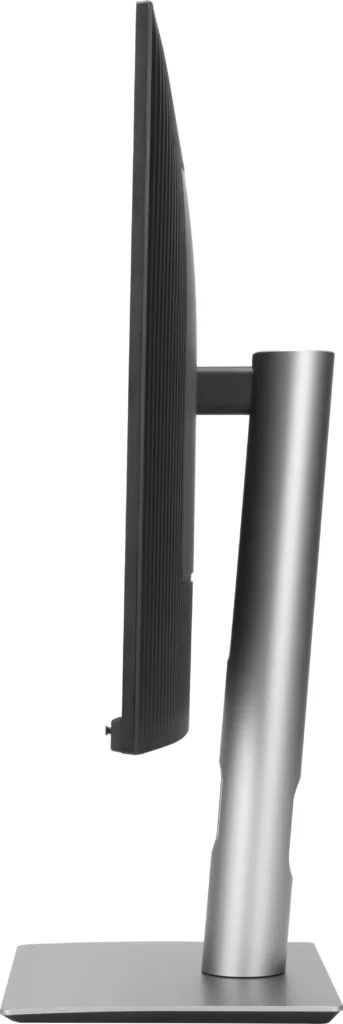
From the moment of unpacking, it was apparent that Asus put thought into every aspect of this monitor. The monitor has a VESA compatible for mounting or use on monitor arms, but it also comes with a very versatile mount that requires no tools. Up, down, tilt, rotate. Whatever you need to do to make this monitor comfortable for you, the provide mount is capable. I also like that I don’t have to find a place for some obnoxious brick on the power cord. The straight-line power to the monitor makes it easier for placement.
For those not familiar with KVM (Keyboard, Video, Mouse) switches like the one built into this monitor, it’s a pretty helpful feature for households or businesses with multiple computers. For us, we have a desktop computer that is used a fair bit. But we also have a docking station for the laptops our family uses. Having a KVM switch allow for just one plug in and whichever computer we’re using instantly has access to the monitor(s), keyboard, mouse, audio, and any other peripherals connected to the KVM switch. It’s a spacer saver, a time saver, and more importantly a money saver!
Along with the KVM abilities, the monitor comes with a USB-C Thunderbolt port, which provides all of the capabilities that come along with Thunderbolt. It also has a standard 1/8” audio jack, making it easy to attach stereo speakers to the system. There are built in speakers as well that are useable, unless you’re an audiophile like myself.
But the crème de la crème of this monitor is it’s 5K quality, color precision, anti-glare projection, and the innate ability to seem larger that it’s 27” should be. All of this pairs well for those that want to complete video/photo editing tasks. But the crispness and 60fps capability also lend it to being a worthy monitor for movie watching and light gaming. While utilizing Picture-in-Picture and watching Netflix inset while working on office work, the small picture still produces high quality.
Again, this monitor packs a punch and exceeds its price point. I would recommend this monitor to any friends that want to upgrade their current setup.Read More
-
Amazing picture quality for price !
Verified purchase Verified purchase: This reviewer bought the product.Sean S May 22, 2025Review source: AmazonI got this to match my new Mac Mini and it worked out perfectly. I also have two,2560 x 1,440 pixels version of this monitor and they picture quality of them were great but having this one next to those clearly shows the difference in quality. The price is double so I guess only pays off if you are working on pictures and videos daily otherwise the 1440 version are perfect resolution for Mac users.
-
A good monitor for someone who has a specific need
knamed2016 May 21, 2025Review source: BestbuyI like the colors presented by this monitor but it does have it’s own quirks. It has two on and off buttons. The screen stays faintly lit even when you turn it off unless you use the off switch on the back bottom. It is bright but not too bright but some may expect the ProArt line to pop a little more. It is fast enough for daily use and occasional gaming but is not able to compete in the gaming world. I think if someone is going for this brand they would likely expect a little more in performance and speck for your buck. The refresh rate is at 60Hz, which again is workable but these days anyone spending professional money is probably at expecting 120Hz. The size is up to the end user, some would prefer a slightly larger screen based on the amount of pixels presented but may need to balance it with desktop space for instance. The connections presented are ample for normal monitor use but again nothing special is available that screams this is the one. The base is sturdy and it definitely has a clean look to it though. I would recommend this monitor if you had a specific budget and need for 5k resolutions.
-
Calibrated to perfection right out of the box.
Drew B May 19, 2025Review source: BestbuyThis is the third monitor I’ve reviewed through the Best Buy Tech Insider program, and so far, it’s easily the best-looking one. I’ve used monitors in the past that leaned more toward entertainment features, with built-in apps and menus. The ProArt PA27JCV takes a different approach. It’s a professional display that focuses on what matters most: resolution, screen space, and color accuracy. And it does those things very well.
Packaging
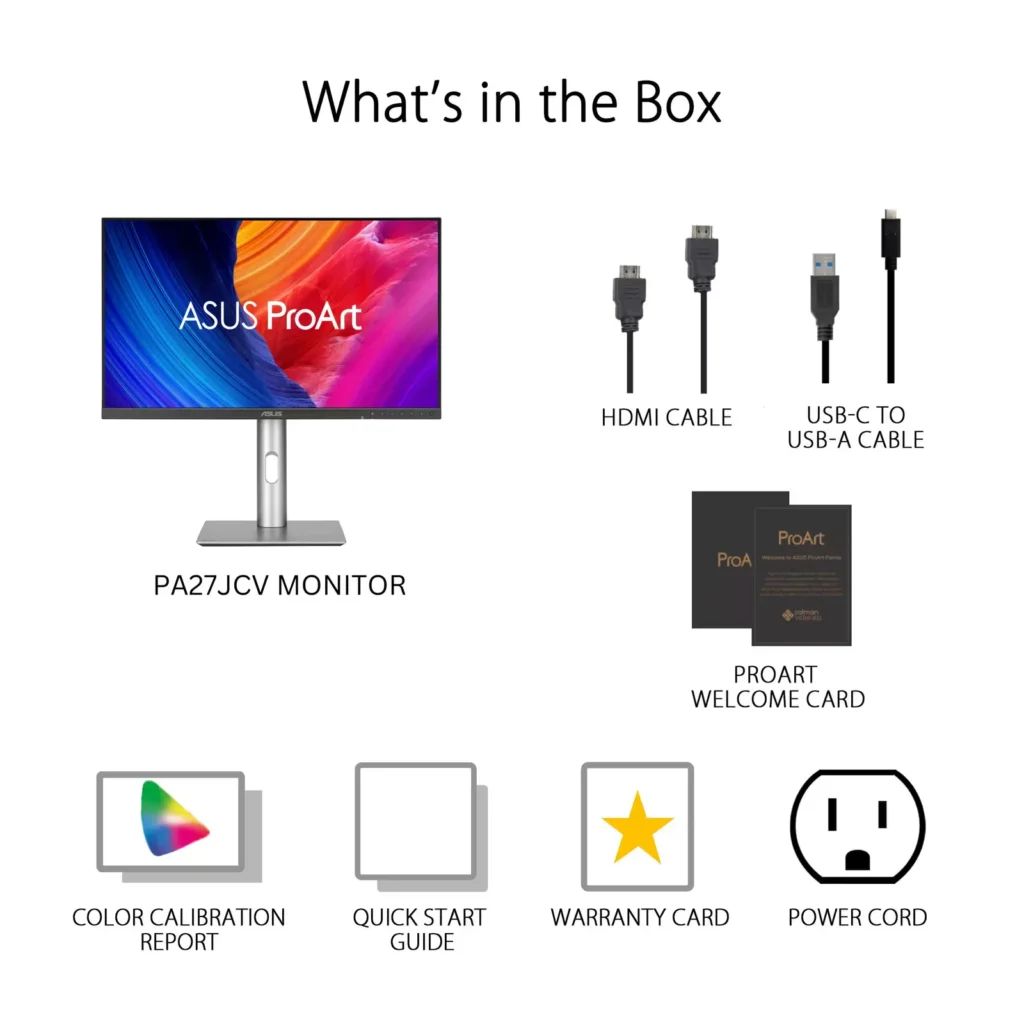
ASUS provided an appreciative unboxing experience. The box includes a “Welcome to ASUS ProArt” card, VIP member notice, CalMAN Verified color calibration report for your actual unit, microfiber cloth, ultra high speed HDMI cable, VESA mount, and the monitor. Everything was tightly packed, present in a clean, high-quality fashion right off the bat.Setup
Setup was a breeze. It took less than five minutes to unpack and plug in. I plugged it into my ASUS TUF Gaming F15 laptop using HDMI since it does not have a DisplayPort. I saw some banding in my wallpaper initially and thought that it might have been something to do with the display, but it turned out to be something amiss with the image itself. With a little tweaking, the display was sharp and even.Picture Quality
Resolution
The 27-inch 5K UHD screen is incredibly clear. I used it to view a movie with HDR and a lot of fast motion, and it handled it beautifully. No tearing of the screen, and the amount of detail was exceptional—everything from lighting to skin to background textures. With a 60Hz refresh rate, it’s not designed for high-speed gaming, but for content viewing and creative use, it’s well up to the task.Color Accuracy
This monitor comes pre-calibrated with a Calman Verified report tailored to your model. The colors are genuine and similar at different profiles like sRGB, Adobe RGB, DCI-P3, and BT2020. It is a smooth transition between them, and all modes work decently. Support for HDR10 also adds a feeling of depth, preserving highlights and leaving shadows deep without exaggeration.Audio and Connectivity
The speakers are functional, but the sound is thin. That’s expected on a display built for visuals, not audio. I’d recommend adding external speakers or a soundbar if sound matters to your setup. The HDMI 2.1 port allows for high-quality audio passthrough, which is a plus. However, be aware that there is only one HDMI input, so if you’re juggling multiple devices, you’ll need to plan around that or use a switch.Conclusion
The ASUS ProArt PA27JCV is an excellent choice for creatives, editors, and professionals who require solid visuals without intrusions. It omits unnecessary bells and whistles and excels where it matters most: resolution, color, and construction. From initial setup to everyday usage, it does not falter. Out of all the monitors I tested, this THE most impressive.5/5Read More
-
Works great
Verified purchase Verified purchase: This reviewer bought the product.EricB May 17, 2025Review source: BestbuyThis screen works well. The color palatte is excellent. The colors are not quite as vibrant as our old iMac, but more than serves our purposes.
-
Worth the price.
Verified purchase Verified purchase: This reviewer bought the product.RameshP May 16, 2025Review source: BestbuyWorks well with macbook air. the usb hub is very helpful in keeping workspace organized. Very well priced.