


Customer Media
Highlights
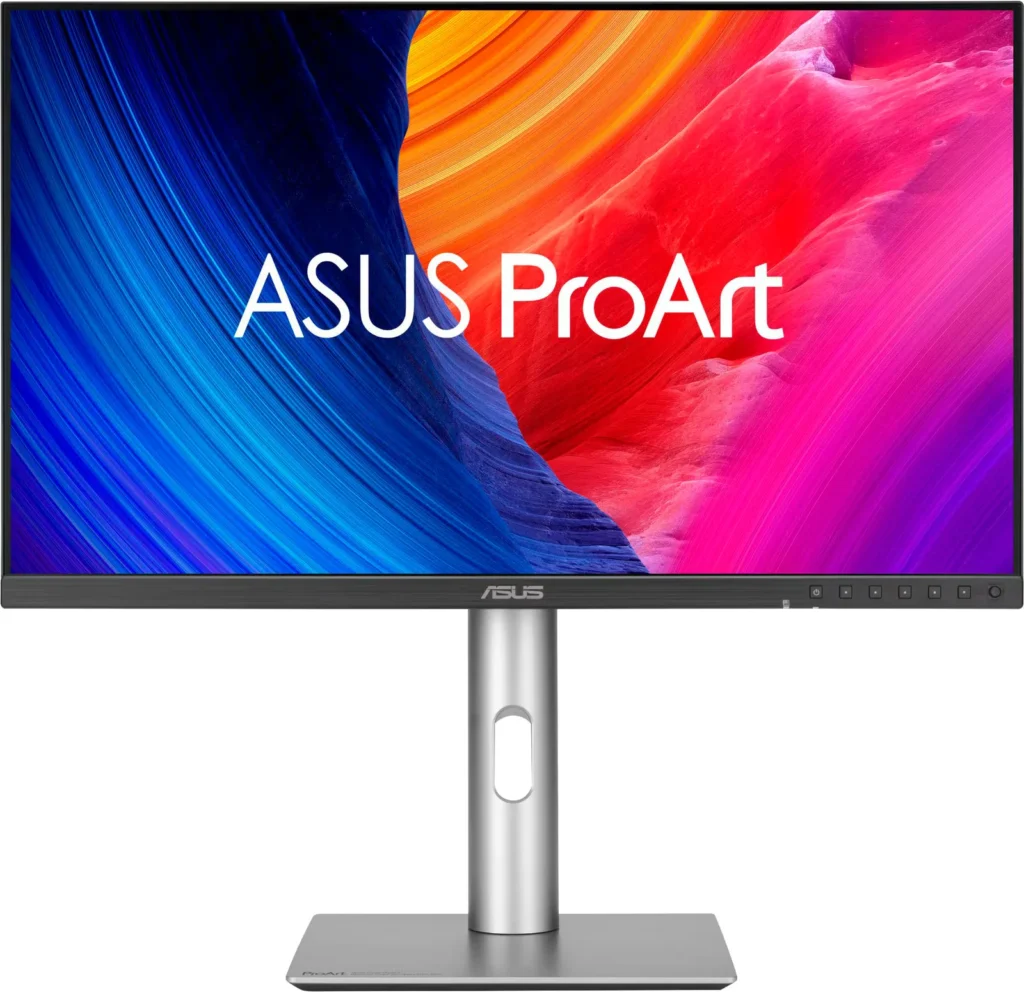
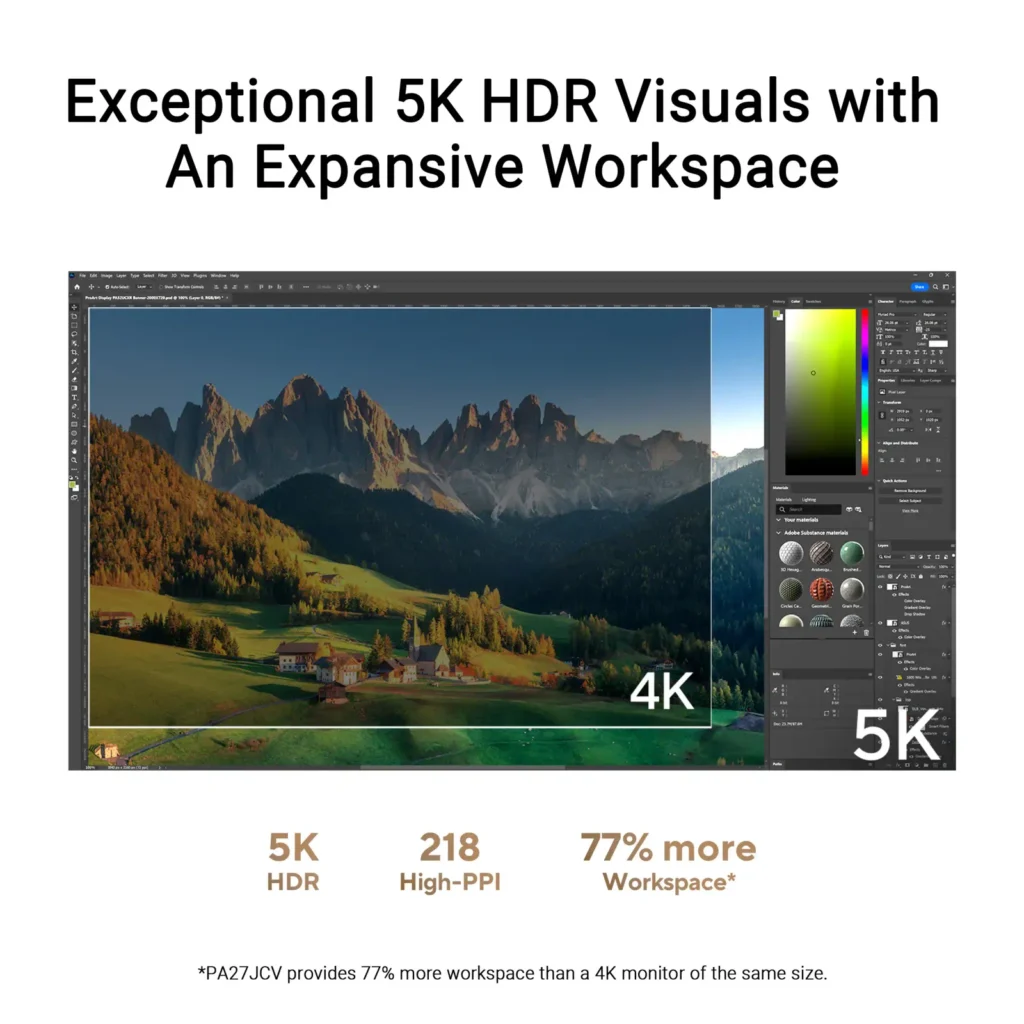
| Stunning 5K Resolution and Pixel Density | The 27-inch 5K (5120 x 2880) IPS panel delivers 14.7 million pixels with a high density of 218 PPI, providing 77% more onscreen space and significantly sharper detail than standard 4K displays. |
|---|---|
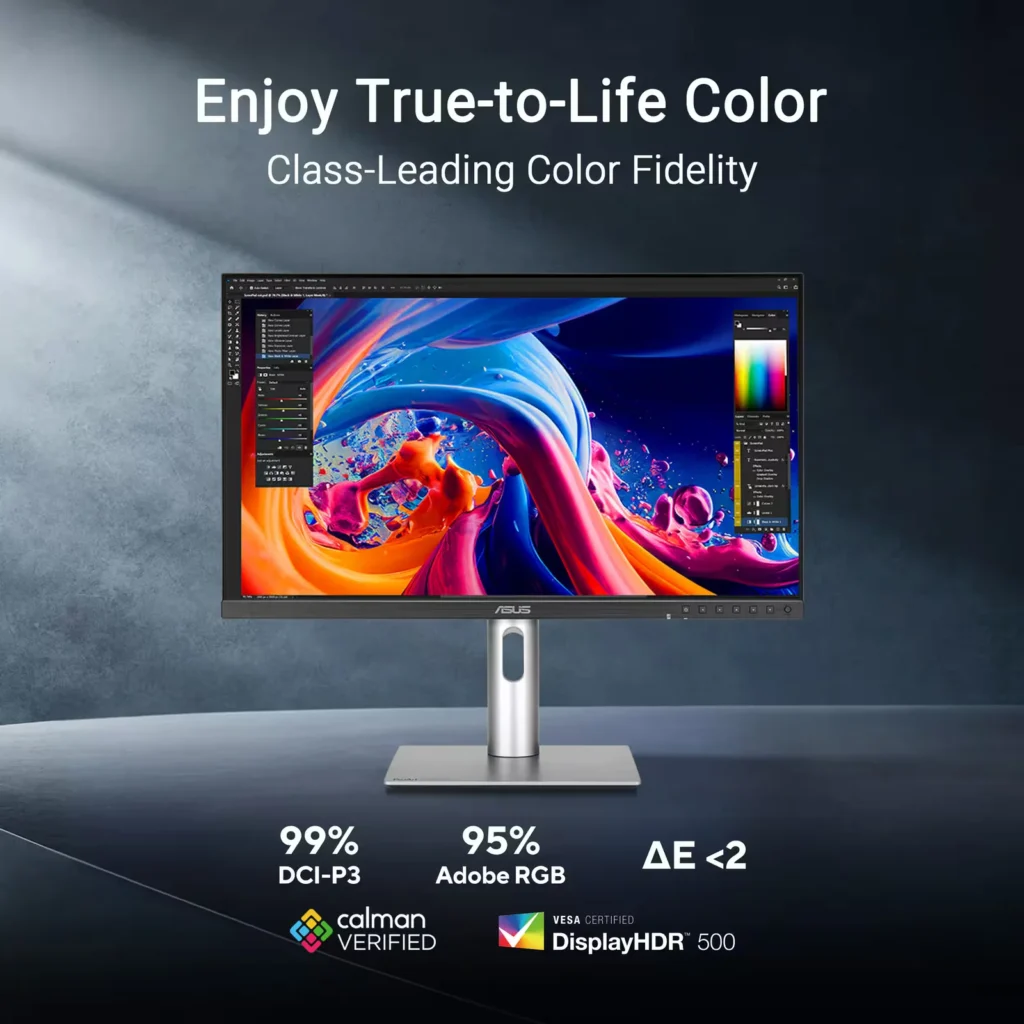
| Professional-Grade Color Accuracy | Factory pre-calibrated and Calman Verified with a Delta E < 2 color accuracy, this monitor covers 99% DCI-P3 and 100% sRGB color gamuts to ensure lifelike color reproduction for demanding creative workflows. |
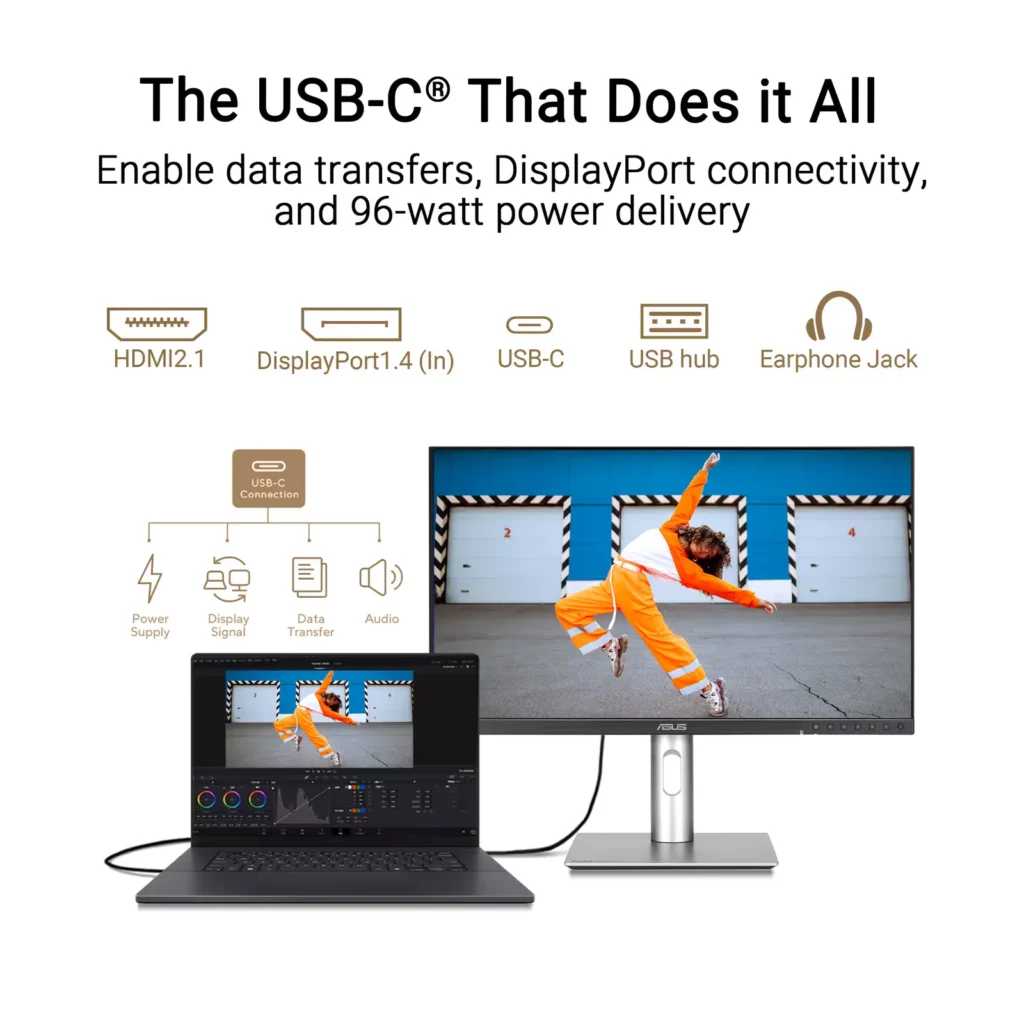
| Powerful USB-C and Auto KVM Integration | Features a full-function USB-C port with 96W Power Delivery, DisplayPort Alt Mode, and data support. The built-in Auto KVM switch allows you to seamlessly control two different devices using a single keyboard and mouse. |
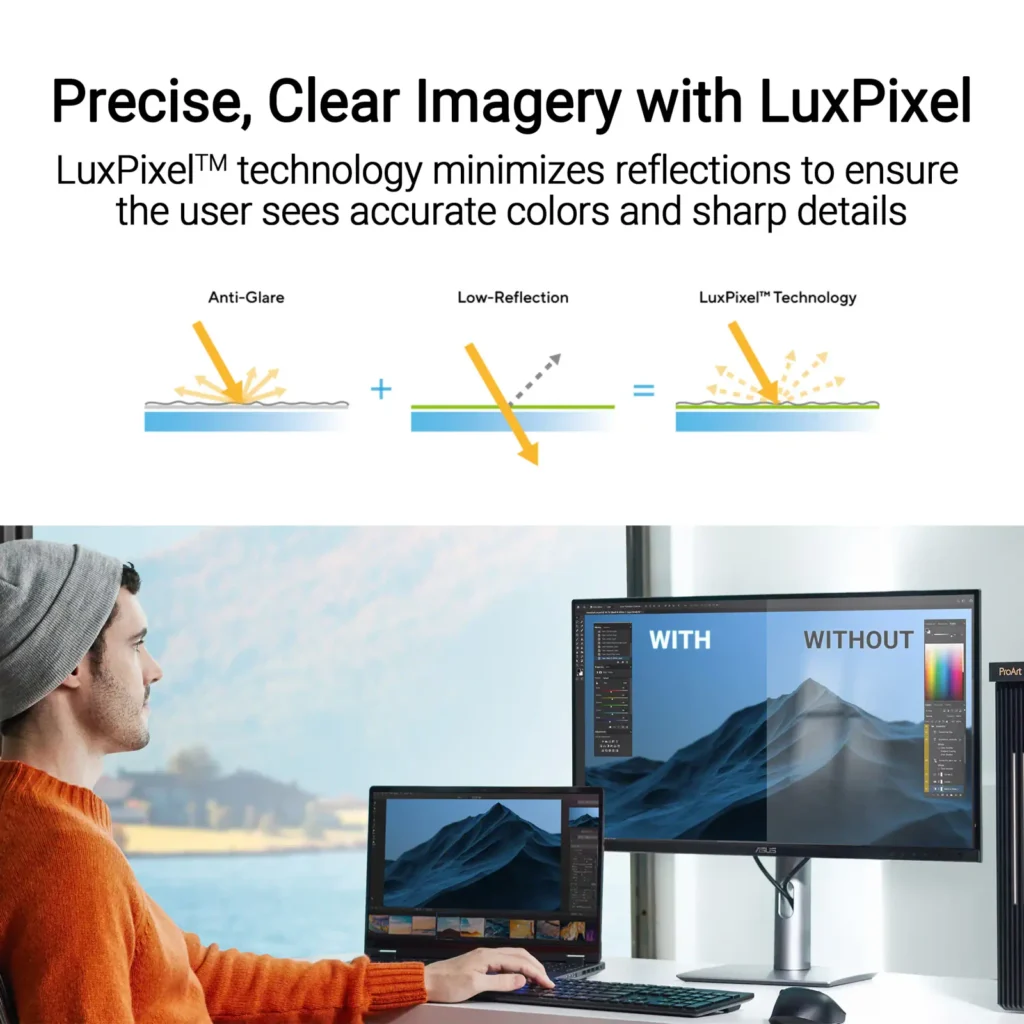
| LuxPixel™ Anti-Glare Low-Reflection Technology | Equipped with a specialized AGLR coating that minimizes distracting reflections and glare while maintaining high color consistency and sharp text clarity, even in brightly lit environments. |
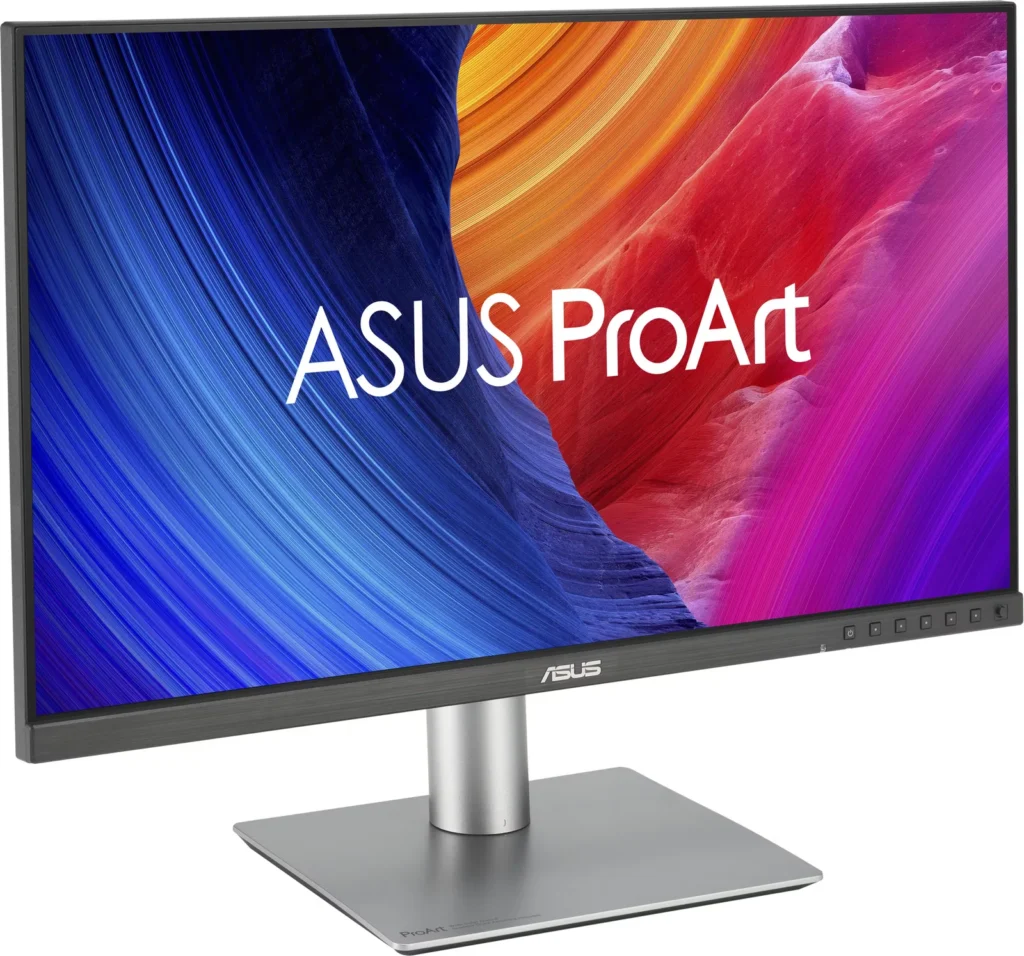
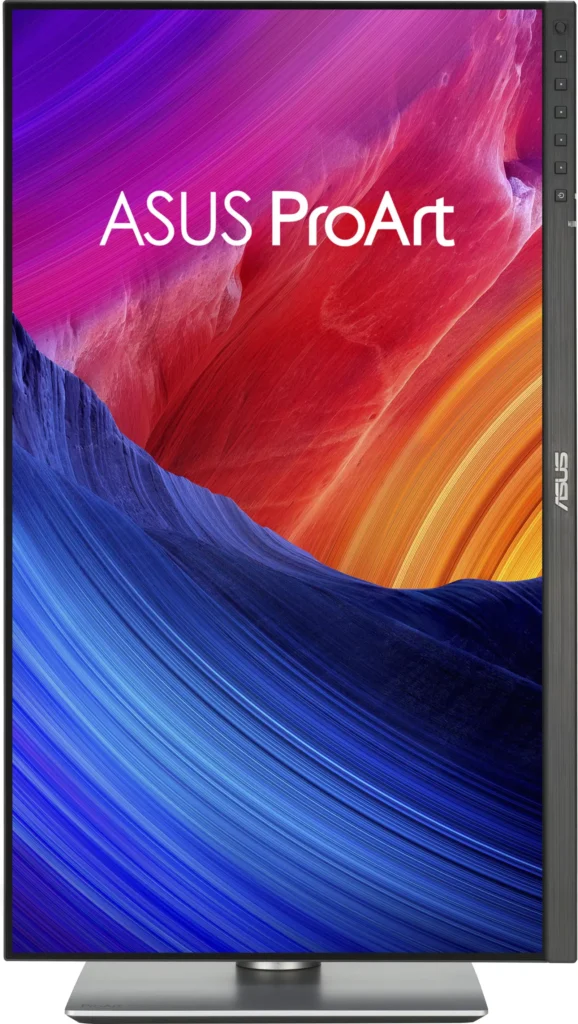
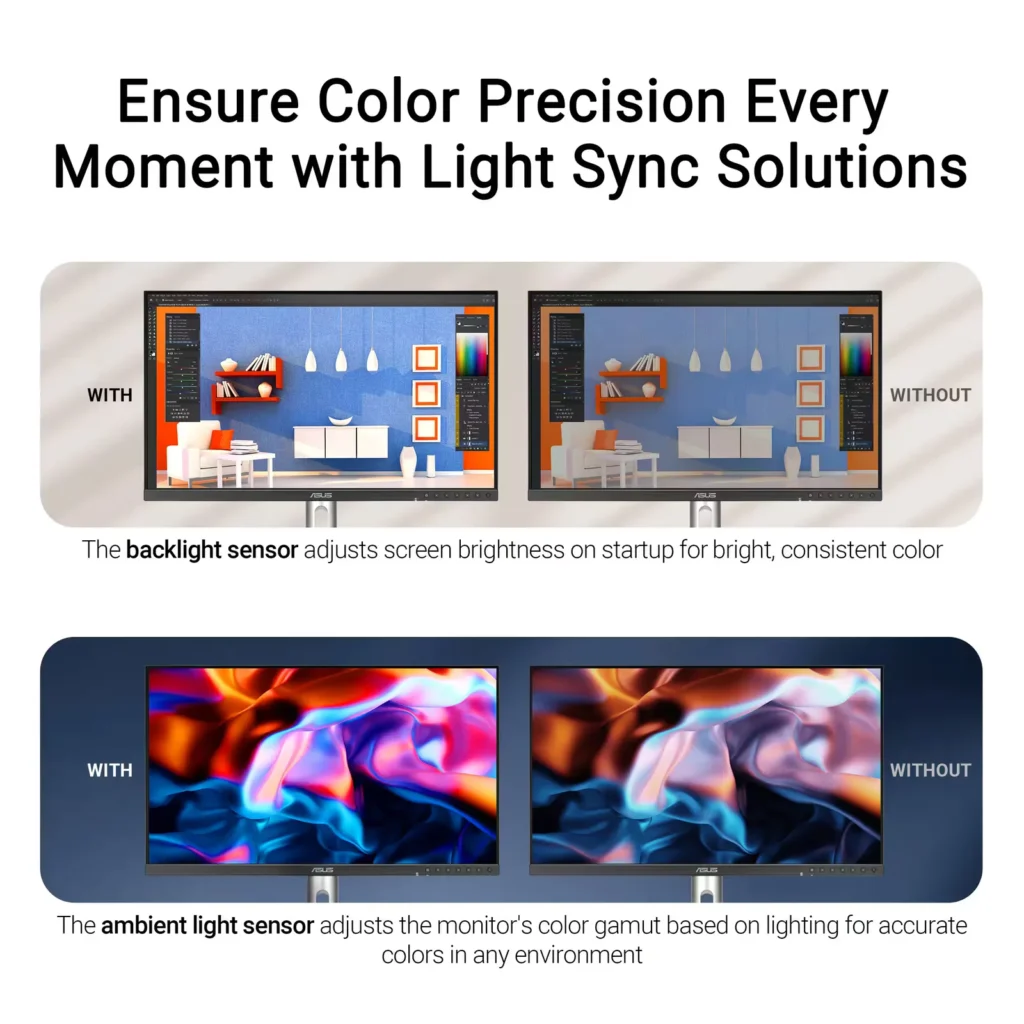
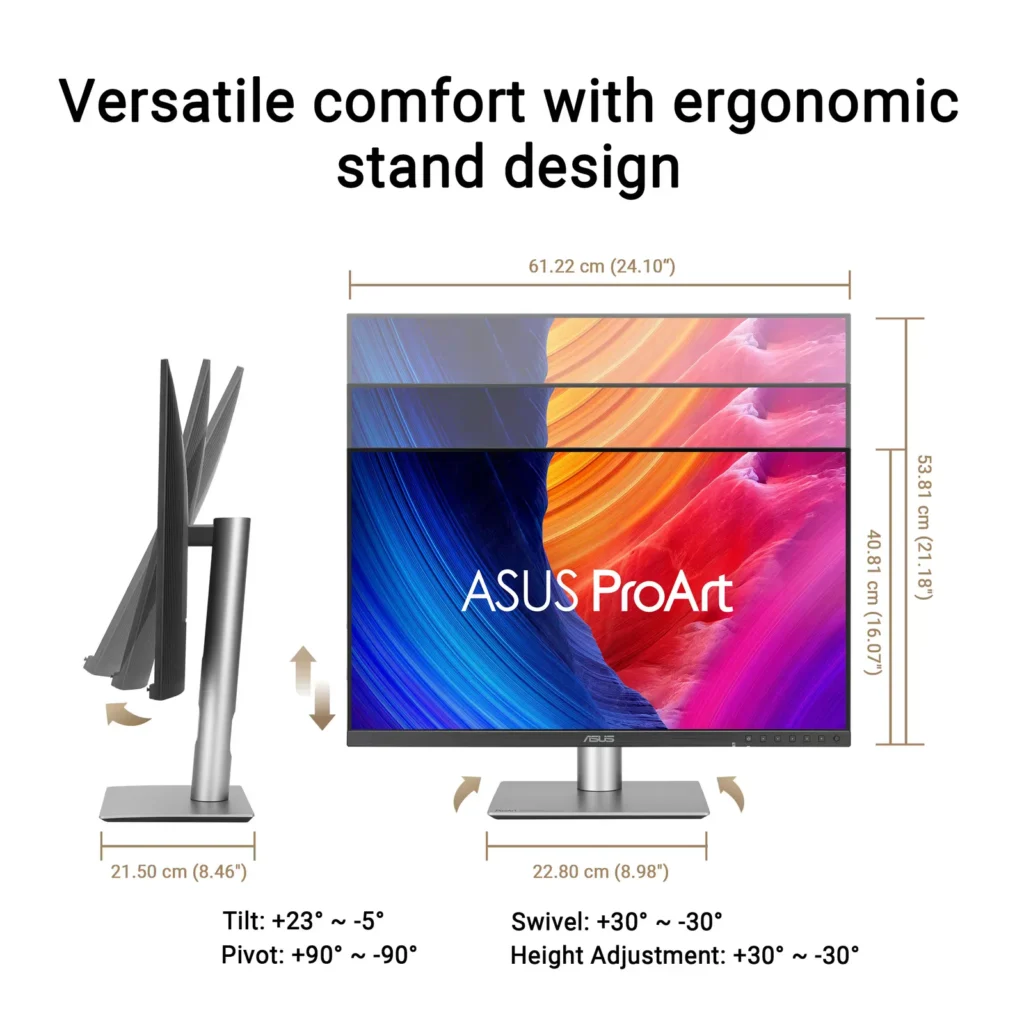
| Advanced Ergonomics and HDR Support | The VESA DisplayHDR 500 certified screen is mounted on a highly adjustable stand offering tilt, swivel, pivot, and height adjustments, complemented by an ambient light sensor that automatically adjusts brightness based on your surroundings. |
Pros & Cons
Pros
- Exceptional 5K Clarity: The 5120×2880 resolution provides incredible sharpness for text and high-resolution media, offering a pixel density that matches premium displays and eliminates the blurriness often found in 4K monitors on macOS.
- Professional Color Accuracy: The display comes Calman Verified with factory calibration reports, delivering true-to-life colors and high coverage of professional gamuts like DCI-P3 and sRGB, which is highly valued by photographers and video editors.
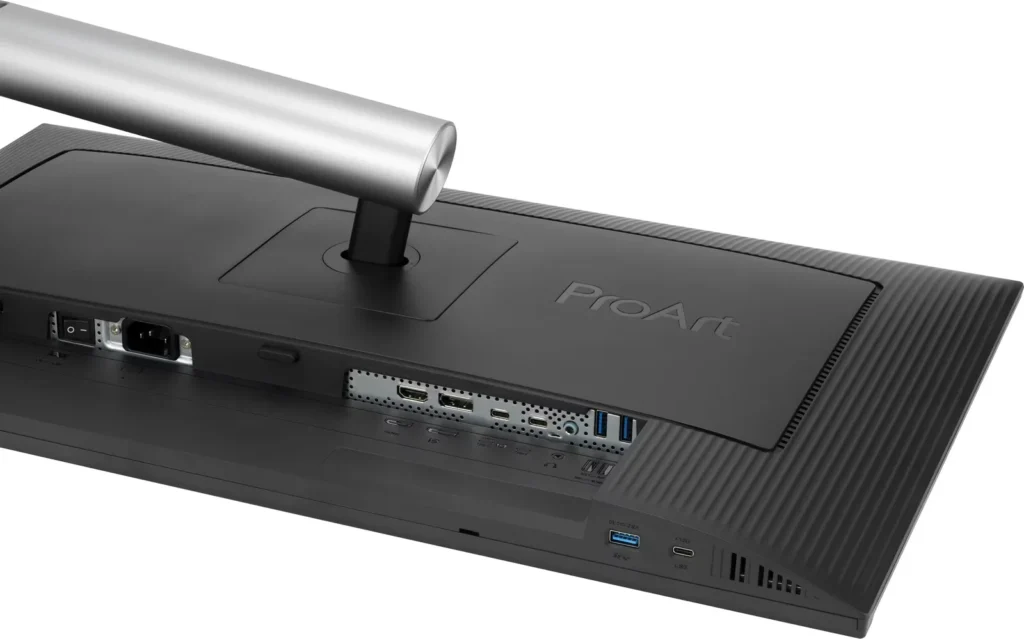
- Versatile Connectivity and Hub: It features a robust port selection including USB-C with 96W power delivery for laptop charging, a built-in KVM switch for managing multiple computers, and easily accessible front-facing USB ports.
Cons
- Hardware Reliability and QC Issues: Multiple reviews highlight serious quality control defects such as dead pixels, screen flickering, and total panel failure with vertical or horizontal lines appearing within a few months of purchase.
- Substandard Audio and Wake Times: The integrated speakers are described as tinny and poor quality, while the monitor is noted for having an annoyingly slow wake-up time when exiting power-save mode or starting up.
- Panel Uniformity and Coating Issues: Users reported noticeable backlight bleed on dark backgrounds, vignetting at the edges, and a matte 'LuxPixel' coating that some found to be too intense, creating a grainy or rainbow-like effect on the screen.
You might also like


Customer Reviews
Showing reviews 81-90 of 103
-
Half the price of a Studio Display
Verified purchase Verified purchase: This reviewer bought the product.C. E. Miles March 25, 2025Review source: AmazonThis was a fantastic option to pair with my new M4 Mac Mini. I simply could not justify spending the money on the Apple Studio Display, and after much research, I landed on this ASUS Pro Art display. It comes with a certificate of color calibration, and really works well with the Mac Mini. For the money, it has turned out to be a great option. It does have some draw backs, as it takes longer than I would like to wake up when I am ready to use my Mac, and the built in speakers are borderline worthless. However, I didn’t buy this for the sound quality, I bought for the resolution, which avoids the dreaded Apple “upscaling” issues, and for the value. Loving this set up!
-
Not an Apple but a money saver
Verified purchase Verified purchase: This reviewer bought the product.Matthewz March 18, 2025Review source: AmazonBackground: I’m a photographer who makes prints and sells them via a gallery space. I don’t sell a lot but it’s a little more than a hobby. I’m a Mac user, got a MacBook Pro 4 to ‘replace’ my 2017 iMac. I’m not going to send back the monitor but I wouldn’t highly recommend it or buy it again. For me the matte screen is a little too matte. It’s my first experience with this type of screen and I’m lukewarm on it. There is noticeable light dropoff on the sides. It’s plastic as I knew it would be and that’s ok. Feels sturdy all things considered and it can be adjusted every which way. I’ve calibrated it using iRite Display Colormunki. Seems to be about right. I had to do it twice. The first time it was surely too cool. I wondered if the matte screen affected the measurements. I do like that it acts as a hub. I bought the thing to save $500 or more. If I get another, I’ll save my money to get an Apple.
-
4K is probably good enough
Verified purchase Verified purchase: This reviewer bought the product.About The Details March 13, 2025Review source: AmazonHonestly, I can barely tell a difference over the 24-inch 1080p Asus I have, other than the color balance is different. I use it for Astro photography. I had to set larger fonts on FreeCAD. When I look at a high resolution photo, zoomed in or out, yes, there is a difference between the two monitors but slight. I came close to setting up the 24-inch similar to the 27-inch. I think this 27 has better setting capability. I would recommend this Asus series for its color.
I now know. A 4K monitor would have been fine and I could have saved $400. Perhaps a professional photo editor can benefit from higher resolution.
Size: for me 27-inch is large enough. I am using my 24-inch Asus as a second monitor. I have a larger curved monitor but it was too big – I had to move my head to see things and caused neck strain. It has 2K resolution and is out in the garage now.
-
Beutiful monitor BUT…
Verified purchase Verified purchase: This reviewer bought the product.Muskego Ed March 11, 2025Review source: AmazonI bought this monitor to use on my personal Mac Mini M4 as well as my work Windows based laptop. The selling feature was the Auto KVM. I wrongly assumed that for a monitor so well suited for MacOS that the KVM Display Widget software would support Mac OS…it does not…WINDOWS ONLY. I have a little bit of time to decide to return the monitor…I can still KVM between devices manaualy but without the software I cannot share the mouse and keyboard. I will update review if I return or if ASUS commits to a Mac OS version of the software.
-
Matches up well with Apple Studio Display
Verified purchase Verified purchase: This reviewer bought the product.Casey March 11, 2025Review source: AmazonI have an Apple Studio Display and was using a BenQ PD2705U 4k display with my work and home computer setups. The BenQ worked fine and looked decent but it just wasn’t bright enough in my office on sunny days. I was considering a 2nd Studio display but needed a KVM that would allow me to switch between my work MacBook Air and my personal M2 Pro Mac Mini. This works perfectly. Single cable connection to the laptop for charging and display and 2 cables to the mac mini. I have the MacBook air connected via the USB C input to provide power delivery as well as the video feed. I have the Mac Mini connected directly via the HDMI 2.1 output on the Mac Mini, and USB devices are shared via connecting a USB-C from an OWC Thunderbolt 3 hub. This setup appears stable and works well. I do not share my Studio Display with the MacBook air so the Asus is just a shared monitor between these 2 devices that I switch back and forth as needed. The monitor shares almost identical panel height with a Studio Monitor so if you have the 2 setting side by side one doesn’t look significantly larger than the other.
This is much brighter than my old BenQ monitor and the default display profile is very very very close to the Studio Display’s default profile as well. If you pixel peep you can see subtle differences in color but for the most part the 2 displays look identical without a lot of tweaking of settings. The color calibration certificate for mine shows a delta for DCI-P3 or.53. For sRGB it’s.65. I saw some reviewers that mentioned light bleed from the backlight. I tested this and if you’re really looking, in a dark room, there’s a little around the edges of my unit but it’s so minimal I think it’s a non issue.
The connections are relatively sparse compared to the BenQ but there are enough so that I can connect the Logitech Bolt receiver in the USB A under the chin of the monitor and share a mouse and keyboard between the 2 computers wirelessly. The cable management is adequate. It accomplishes the task but you do see the cables when you set the monitor to match the height of the Apple Studio Display. Some reviews I read mentioned that the stock stand is a bit wobbly, that hasn’t been my experience. It levels and adjusts relatively easily and isn’t particularly wobbly although I do have a very stable 4 legged sit/stand setup so perhaps that contributes to the stability.
The buttons in the chin work fine. They aren’t as convenient as the puck that BenQ uses but once I had the monitor setup I am usually only using the shortcut to switch inputs. The KVM switches reliably although it does take a few seconds longer than the BenQ. It takes about 6-8 seconds. One quirk I found is that I have to switch my logitech keyboard and mouse to connect to my laptop via bluetooth and provide some input to the laptop if the laptop is closed. If I don’t, the KVM’s auto sensing doesn’t detect the signal and just switches back over to the active input. Other than that one quirk everything works as expected.
This is an excellent monitor at an amazing price for what you’re getting. It has outstanding video quality and color accuracy. It’s 5k so it scales with a mac perfectly. The build quality isn’t as good as the Studio Display but it’s on par with most other monitors. I am super impressed by this monitor and very happy with my purchase.
-
Fantastic for photography
Verified purchase Verified purchase: This reviewer bought the product.The Halls March 9, 2025Review source: AmazonAbsolutely fantastic monitor for photo editing. Superb color accuracy and resolution. As good as an Apple monitor for half the price.
-
Don't buy it – failed after 6 months — dreadful support
Verified purchase Verified purchase: This reviewer bought the product.R. Lovato February 28, 2025Review source: AmazonI’m updating my review because after only six months this ASUS ProArt Display 27” 5K (PA27JCV) developed black lines across the screen. I contacted ASUS support and was told to ship it to their repair center so they could “evaluate” it first. If they confirm the issue, they’ll repair it—turnaround at least 14 business days without a working monitor. That’s a terrible customer experience for a “professional” display. I regret buying this and wish I had waited for an Apple display instead. Sometimes you really do get what you pay for.
-
This is as "Budget" as it's Going to Get for a 5K Monitor For Now
Verified purchase Verified purchase: This reviewer bought the product.JMA February 19, 2025Review source: AmazonAt $799, this is a bargain. You’re not going to find a 5K monitor at this price point as of this review. But don’t let the price fool you into thinking this isn’t a good option. It does what it’s designed to do and give you the best image and color accuracy the ProArt line is know for. It may not win awards in the design department but what’s here is perfectly functional. You’re given the freedom to put in on the included FULLY ADJUSTABLE stand or via a VESA mount. The choice is fully yours at no extra cost. For creators on a budget this is a great option. ASUS should be commended for bringing this to a market that needs more 5K monitors and at this price no less.
-
More pixels makes it feel much larger than 27 inches
Verified purchase Verified purchase: This reviewer bought the product.LC February 16, 2025Review source: AmazonLove it! I’ve been using a Dell 27″ 4K (168dpi) for years with my Macs and loved that monitor (and still recommend it for the price). I’ve tried curved widescreens and larger monitors in search of “more desktop” but with lower pixel density it was just too blurry for me so that never worked.
The one thing that blows me away and surprised me with this monitor at 27″ 5K (218dpi) is how much more I can fit on the screen. Instead of having my Magnet screen organizer work with only 1/4 screens, I’ve customized it now to also do 1/6 screens. It’s plenty sharp for my eyes and I end up using my Mac screen on the side much less. More pixels!
I don’t do any gaming so if you’re a gamer the 60Hz may not be good enough for you. But for me and my office work, design, and coding needs – it’s awesome.
-
Outstanding image quality!
Verified purchase Verified purchase: This reviewer bought the product.Toby February 16, 2025Review source: AmazonI love everything about this monitor. Great image quality. It’s lightweight, easy to set up, and the built-in KVM is excellent. The menu is straightforward, no instructions needed. Most negative reviews on youtube compare this to much pricier high end Apple displays. That seems unfair. This 5K display really shines when compared to similarly priced 4K models. I returned a BenQ 28” developer monitor due to terrible text sharpness and a flawed USB PD implementation in sleep mode—problems the Asus doesn’t have.
The only small issue is the lack of any software for macOS. But there is a 3rd party tool called MonitorControl that does this very well. Linux sees to natively support it for brightness and such.