Customer Media
Highlights
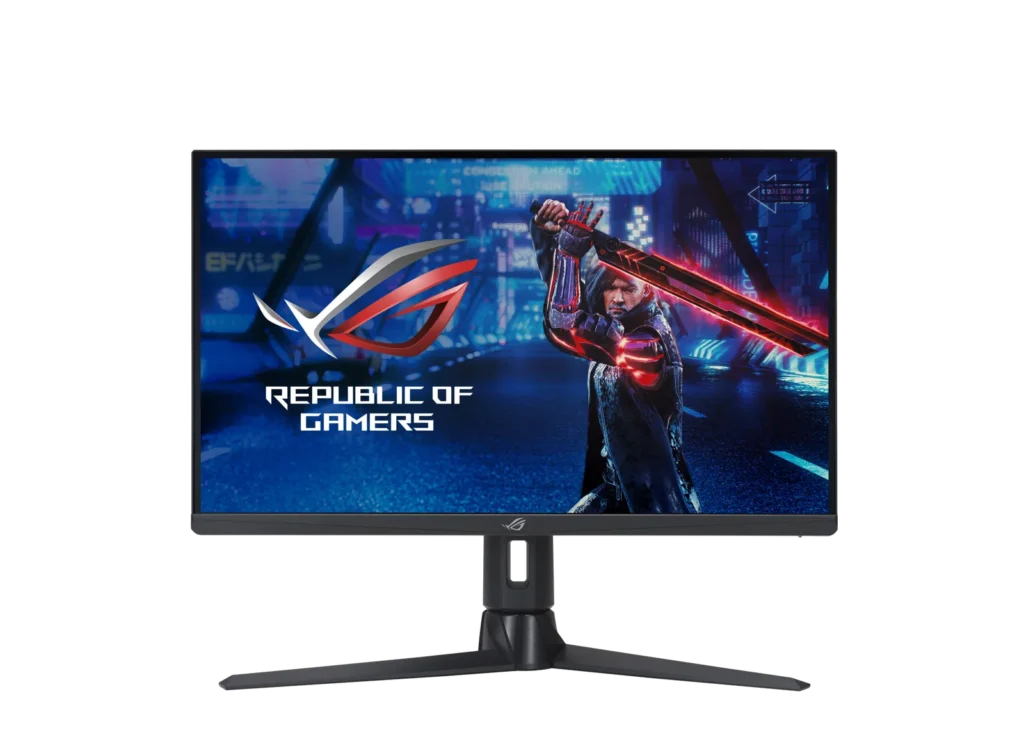
| Ultrafast 300Hz Refresh Rate | Experience incredibly fluid gaming visuals with a 300Hz refresh rate that provides a competitive edge in fast-paced titles like first-person shooters, racing, and real-time strategy games. |
|---|---|
| Fast IPS Technology with 1ms GTG | ASUS Fast IPS technology allows the display's liquid crystal elements to switch up to 4X faster than conventional IPS panels, delivering a 1ms gray-to-gray response time to eliminate smearing and motion blur. |
| WQHD High-Detail Visuals | The 27-inch WQHD (2560 x 1440) panel provides up to 77% more onscreen desktop space than standard Full HD displays, offering sharper details and more immersive gameplay. |
| VESA DisplayHDR 600 & Wide Color Gamut | Certified with DisplayHDR 600 and featuring a 97% DCI-P3 professional color gamut, this monitor delivers exceptional contrast and vibrant, accurate colors for lifelike gaming and content creation. |
| ASUS ELMB SYNC & Adaptive-Sync | Extreme Low Motion Blur Sync (ELMB SYNC) technology works simultaneously with G-SYNC Compatible and FreeSync Premium Pro to eliminate ghosting and tearing for sharp, high-frame-rate visuals. |
Pros & Cons
Pros
- Exceptional Motion Clarity: The native 300Hz refresh rate and ELMB mode provide incredibly fluid motion and responsiveness, which users find superior for fast-paced competitive gaming compared to lower refresh rate displays.
- Vibrant and Accurate Colors: Reviews frequently highlight the excellent out-of-the-box color calibration and vibrancy, with many users considering it one of the best non-OLED IPS panels for both gaming and productivity.
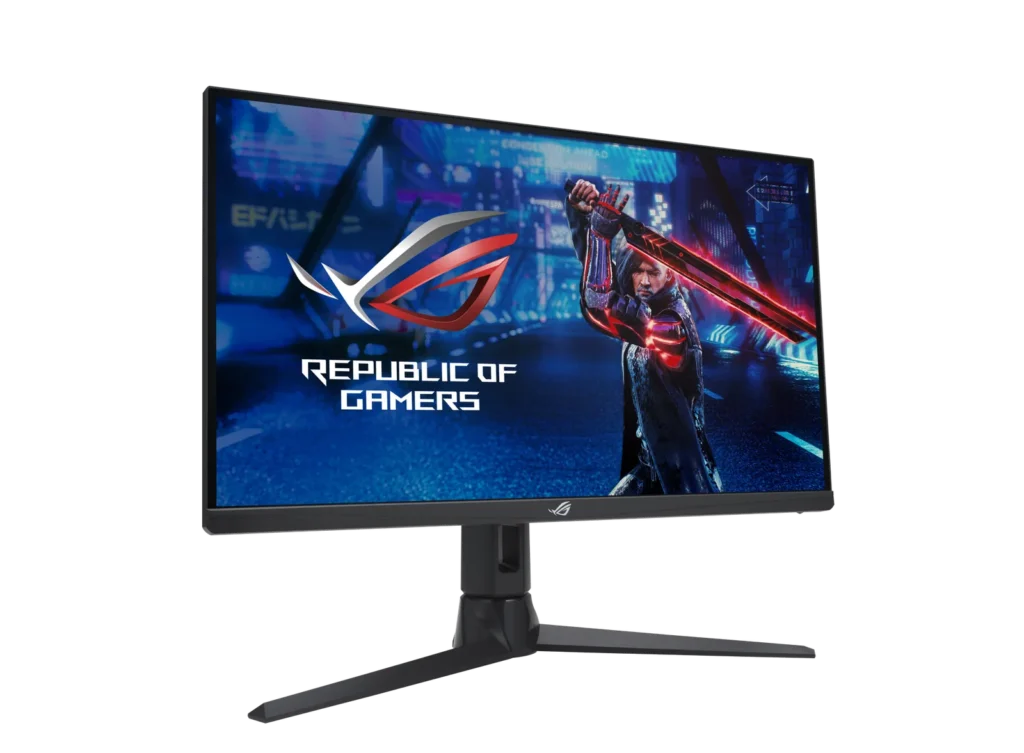
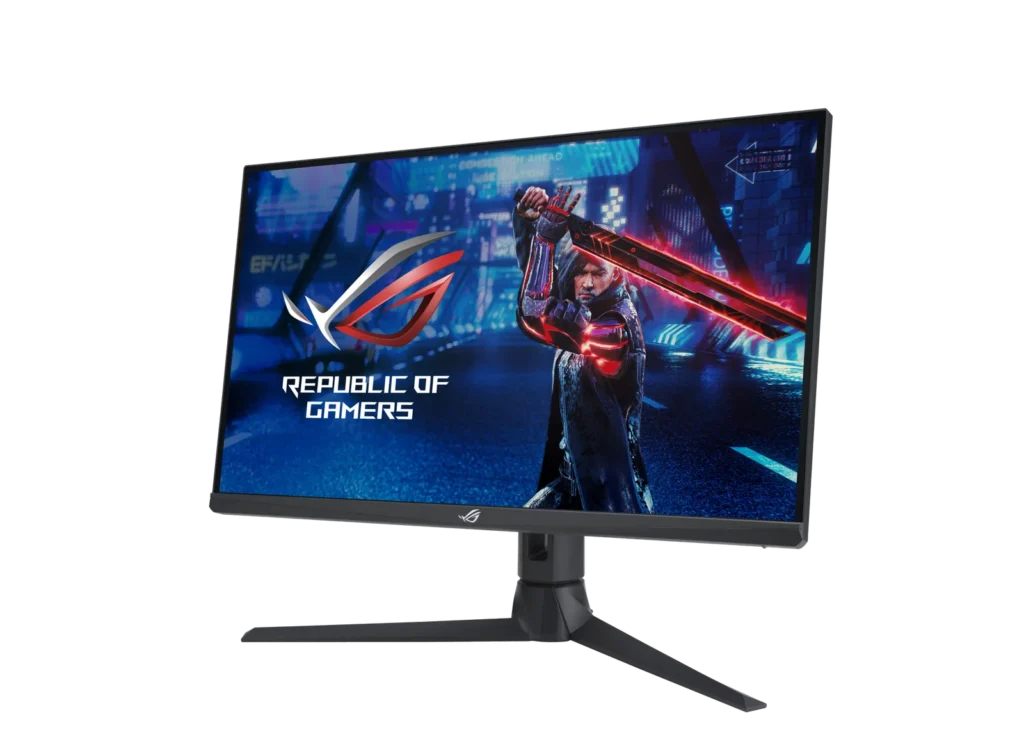
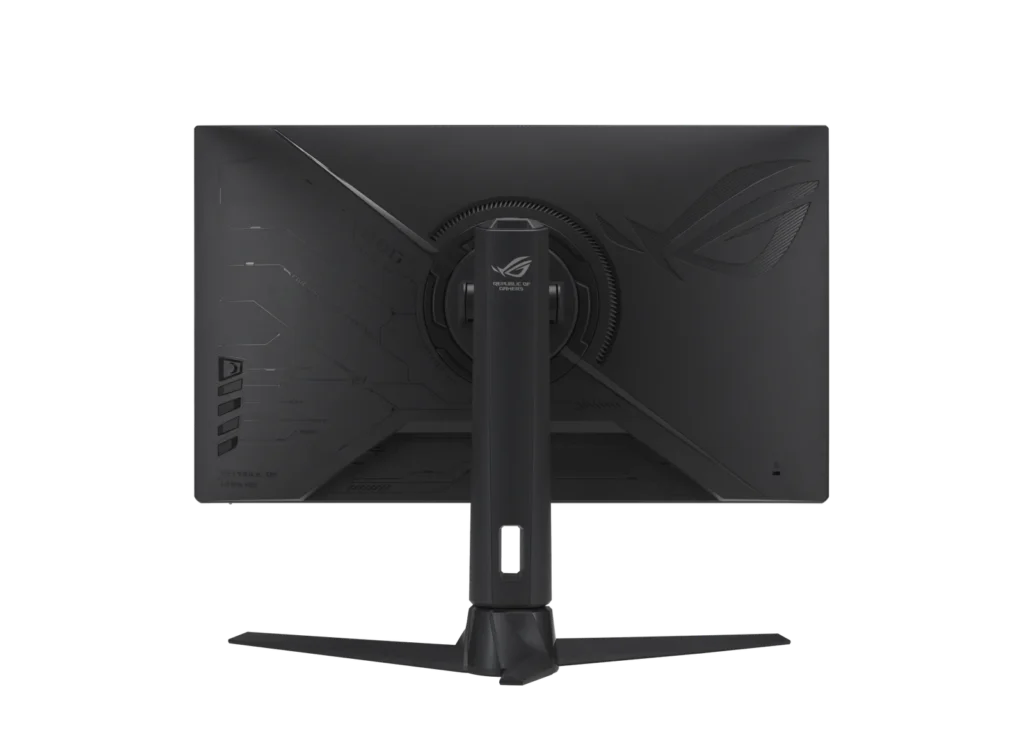
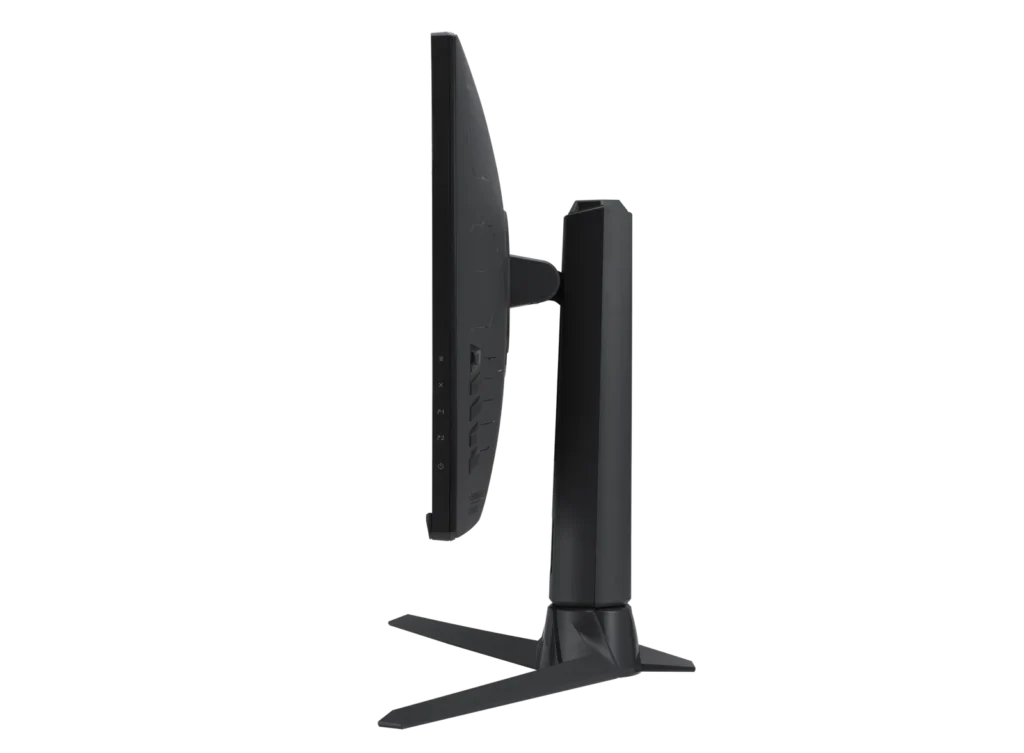
- Robust Ergonomic Stand: The monitor features a high-quality stand that allows for extensive adjustments, including height, tilt, swivel, and rotation, providing a comfortable and customizable setup.
Cons
- Frequent Quality Control Issues: A significant number of reviewers reported receiving units with dead or stuck pixels, as well as noticeable backlight bleed and IPS glow in the corners of the panel.
- Poor Long-Term Reliability: Multiple users experienced total hardware failure, where the monitor stopped powering on or displaying images after only a few weeks or months of use.
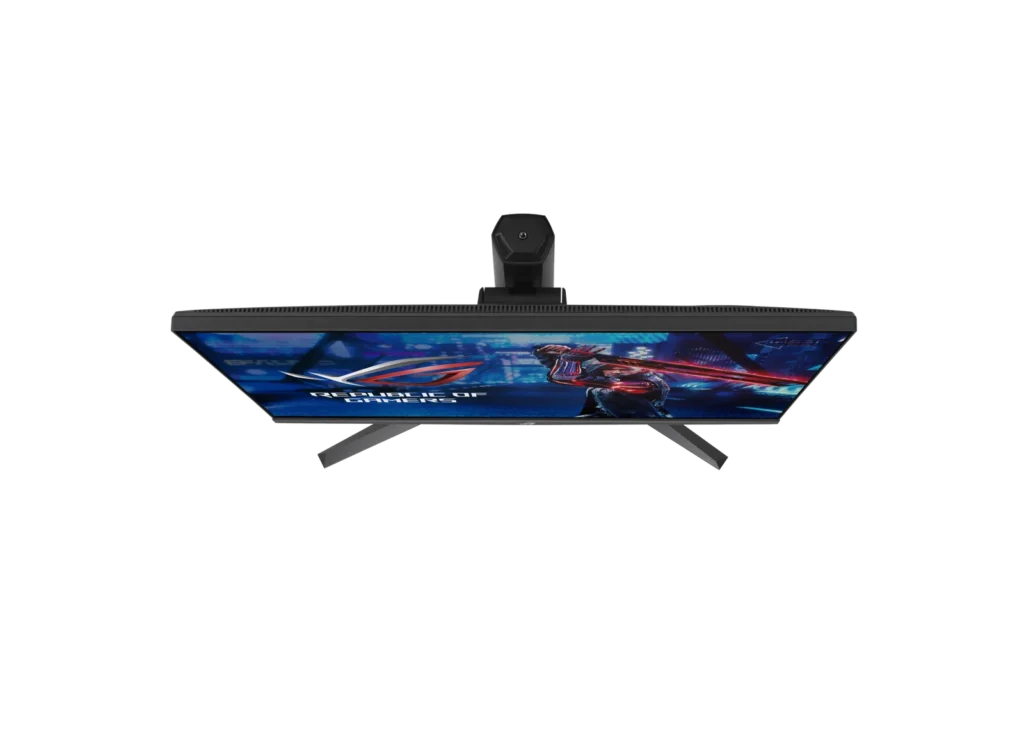
- Inconvenient Stand Design: The stand's rear stabilizing leg is criticized for pushing the monitor too far forward on the desk, and the large footprint can be intrusive for users with limited desk space.
You might also like
Customer Reviews
Showing reviews 31-40 of 72
-
Best on it's class
Verified purchase Verified purchase: This reviewer bought the product.Luis E. December 22, 2024Review source: AmazonBest IPS monitor, I’ve this for a while now, and it’s a monster on high refresh games, has nice color acurracy. Great adjustments capability. Happy with my purchase.
-
very satisfied
Verified purchase Verified purchase: This reviewer bought the product.shoponlyamz November 30, 2024Review source: Amazongot it on sale for 400 usd, upgraded from 144hz and it’s much smoother. I barely notice any backlight bleed unless I’m looking at the monitor at an angle in dark scenes. The out-of-the-box color calibration seems good to me and is worth it if you’re not looking for oled
-
Bright and Responsive, but held back by poor native contrast & backlight bleeding.
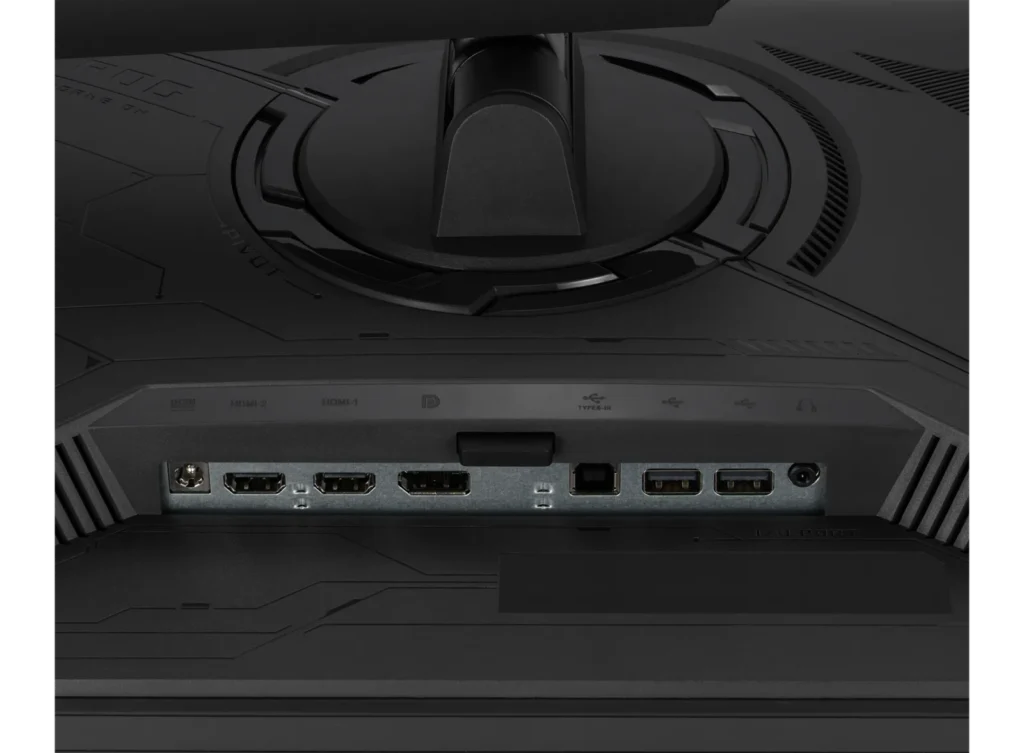
Verified purchase Verified purchase: This reviewer bought the product.Not My Real Name November 21, 2024Review source: AmazonI was surprised to find the Playstation 5 won’t use VRR (Variable Refresh Rate) on this monitor. The PS5 claims the monitor doesn’t support VRR for any resolution. I think it must be a limitation of the monitor’s HDMI inputs. It recognizes the inputs’ 120 Hz capability, but that only works for a small number of games.
Also, while using the monitor for some gaming on my PS5, I found the variable backlight dimming to be artificial and distracting, occasionally causing parts of the image to get “blown out” (i.e. lose detail). After disabling it, the contrast ratio is now awful (at least in HDR mode) due to heavy backlight bleeding. If you switch the HDR mode to “Adustable brightness”, then you can turn down the brightness setting to improve the black level, but you basically need to use the minimum brightness setting to achieve acceptable black levels.
My only other complaint, so far, is that input switching is more cumbersome than it should be. Even when you reassign one of the custom buttons to it, there’s still a menu that pops up and you have to use the thumb stick to pick and confirm which input you want. Not a huge deal, but I switch inputs dozens of times per day and my old monitor just required me to hit a single button one or two times, so I expect this will be annoying.
I had hoped the HDR capabilities of this monitor would be better, given its Freesync Premium Pro certification. I have to say this was a real disappointment. I think monitors with array backlighting have their own issues, and specifically didn’t want one of those. I guess the moral of the story is that you should stick with OLED or at least VA, if you care about HDR.
A final note: I tried the 3.5 mm audio output jack and had one instance where I switched HDMI inputs and didn’t get audio. I don’t plan on using that audio output much, but it’s something to consider if you plan to.
-
Beautiful colors and very fast
Verified purchase Verified purchase: This reviewer bought the product.elrobertcharle October 23, 2024Review source: AmazonI recommend it for $500 or less
-
Almost Zero Ghosting. Amazing vibrant Colors, and dark scenes. 10/10
Verified purchase Verified purchase: This reviewer bought the product.Infernoh August 10, 2024Review source: AmazonThis monitor is amazing. Did 8+ hours of research of trying to find the right monitor. I was looking for a 2k monitor, around 240hz with no ghosting, and one with no common issues. I ended up choosing this monitor, as the Alienware 280hz 2k had a ton of reports of bad backlight bleed, and the Gigabyte M27Q X (2k 240hz) had a lot of reports of dead pixels, and not as good colors. I got this monitor, and it was perfect. the colors are insane, there’s basically no backlight bleed, (a slight amount on the corners, but hardly noticeable.) And next to no ghosting. Also features like adaptive dimming are crazy. I turned it on for a really dark scene in a game where I couldn’t see a thing and could see everything after turning it on. Great monitor for competitive gaming, dark scene games, and amazing colors for enjoying movies and vibrant games. Had to return it though since it ended up being out of my price range for right now. 10/10 monitor.
-
High price! XG27AQMR
Verified purchase Verified purchase: This reviewer bought the product.Viktor Dmitrievich Gutsov. August 9, 2024Review source: AmazonHigh price! Menu freeze.
-
great value
Verified purchase Verified purchase: This reviewer bought the product.C G August 1, 2024Review source: Amazoni use this as my main monitor, the panel and colors are amazing, extremely happy with my purchase
-
asus xg27aqmr
Verified purchase Verified purchase: This reviewer bought the product.Darinson Martinez July 29, 2024Review source: AmazonSince the first day it has dead pixels
-
welp!
Verified purchase Verified purchase: This reviewer bought the product.Aubrey Legasto July 27, 2024Review source: Amazonit was asus so whats to know about it! make it more less expensive!
-
Exceptional Gaming Monitor
Verified purchase Verified purchase: This reviewer bought the product.Emil Suleymanli July 6, 2024Review source: AmazonThis monitor is phenomenal! The 27” QHD display delivers stunning visuals with crisp detail. The 300Hz refresh rate and 1ms response time make for incredibly smooth gameplay. With G-SYNC compatibility, games can provide a tear-free experience. This monitor is a must-have for serious gamers seeking top-tier performance!