Customer Media
Highlights
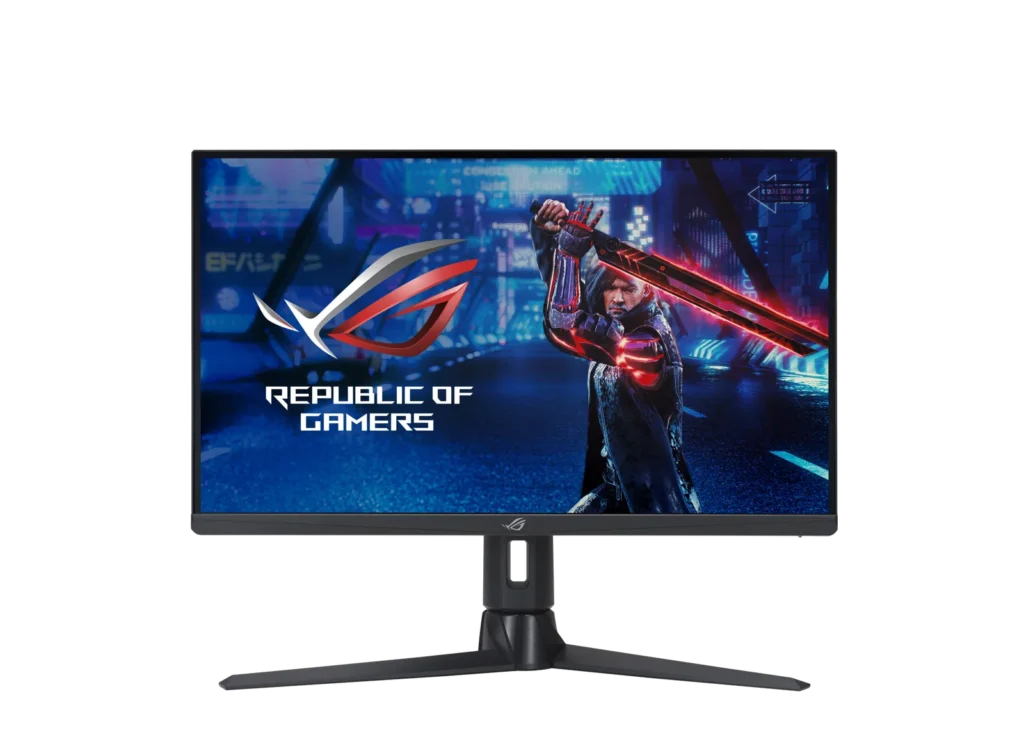
| Ultrafast 300Hz Refresh Rate | Experience incredibly fluid gaming visuals with a 300Hz refresh rate that provides a competitive edge in fast-paced titles like first-person shooters, racing, and real-time strategy games. |
|---|---|
| Fast IPS Technology with 1ms GTG | ASUS Fast IPS technology allows the display's liquid crystal elements to switch up to 4X faster than conventional IPS panels, delivering a 1ms gray-to-gray response time to eliminate smearing and motion blur. |
| WQHD High-Detail Visuals | The 27-inch WQHD (2560 x 1440) panel provides up to 77% more onscreen desktop space than standard Full HD displays, offering sharper details and more immersive gameplay. |
| VESA DisplayHDR 600 & Wide Color Gamut | Certified with DisplayHDR 600 and featuring a 97% DCI-P3 professional color gamut, this monitor delivers exceptional contrast and vibrant, accurate colors for lifelike gaming and content creation. |
| ASUS ELMB SYNC & Adaptive-Sync | Extreme Low Motion Blur Sync (ELMB SYNC) technology works simultaneously with G-SYNC Compatible and FreeSync Premium Pro to eliminate ghosting and tearing for sharp, high-frame-rate visuals. |
Pros & Cons
Pros
- Exceptional Motion Clarity: The native 300Hz refresh rate and ELMB mode provide incredibly fluid motion and responsiveness, which users find superior for fast-paced competitive gaming compared to lower refresh rate displays.
- Vibrant and Accurate Colors: Reviews frequently highlight the excellent out-of-the-box color calibration and vibrancy, with many users considering it one of the best non-OLED IPS panels for both gaming and productivity.
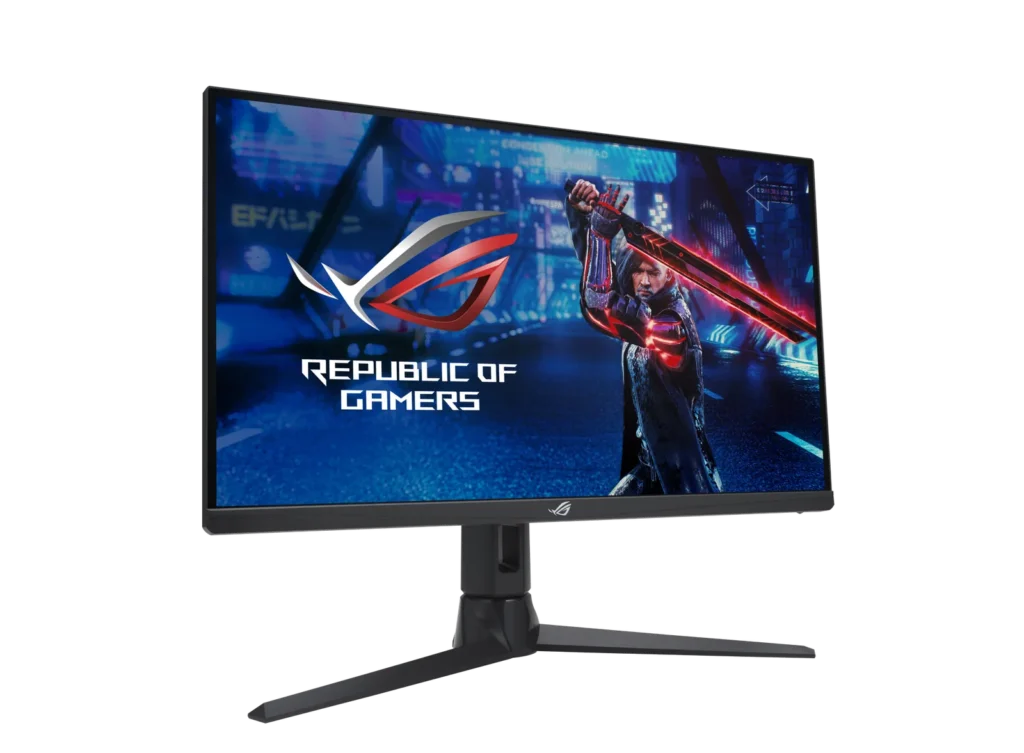
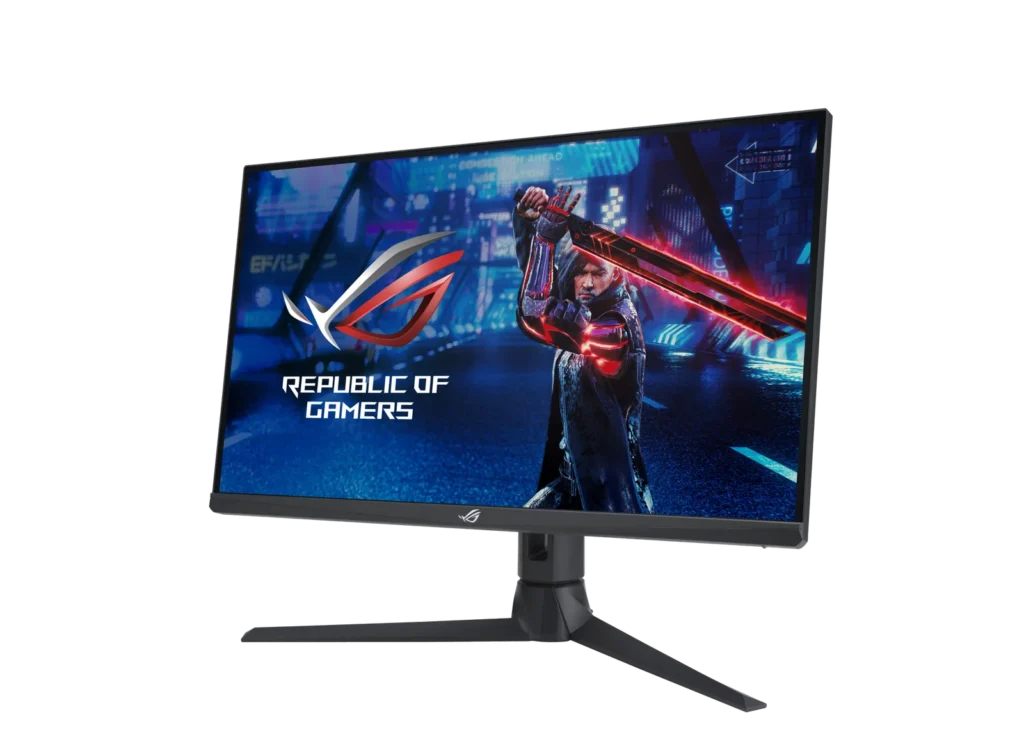
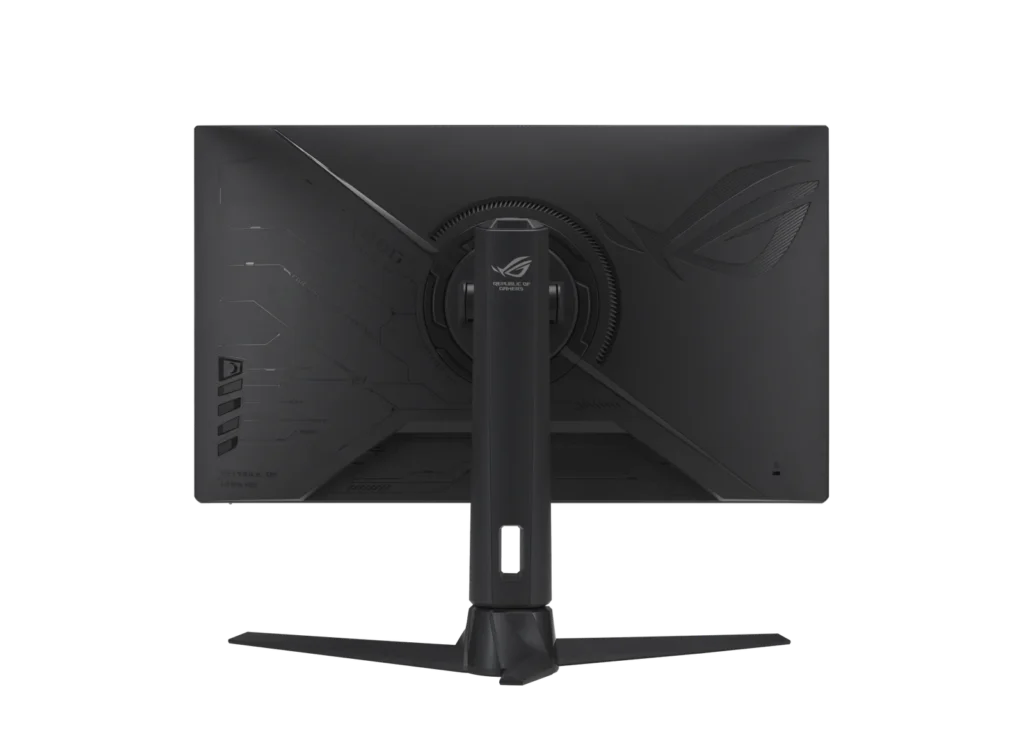
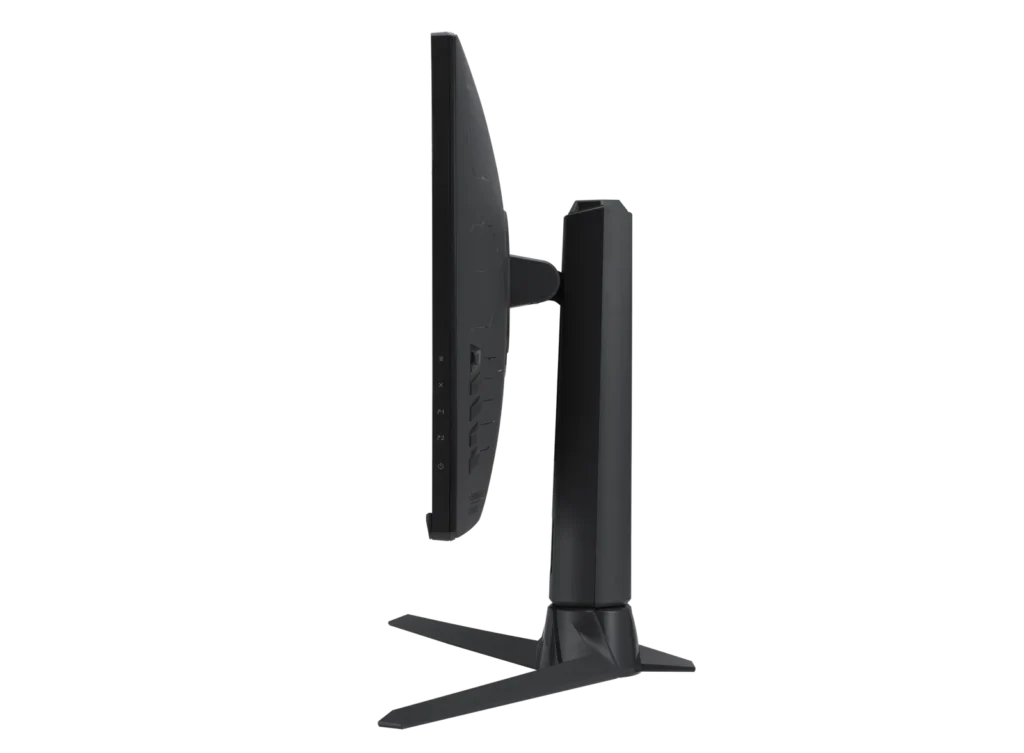
- Robust Ergonomic Stand: The monitor features a high-quality stand that allows for extensive adjustments, including height, tilt, swivel, and rotation, providing a comfortable and customizable setup.
Cons
- Frequent Quality Control Issues: A significant number of reviewers reported receiving units with dead or stuck pixels, as well as noticeable backlight bleed and IPS glow in the corners of the panel.
- Poor Long-Term Reliability: Multiple users experienced total hardware failure, where the monitor stopped powering on or displaying images after only a few weeks or months of use.
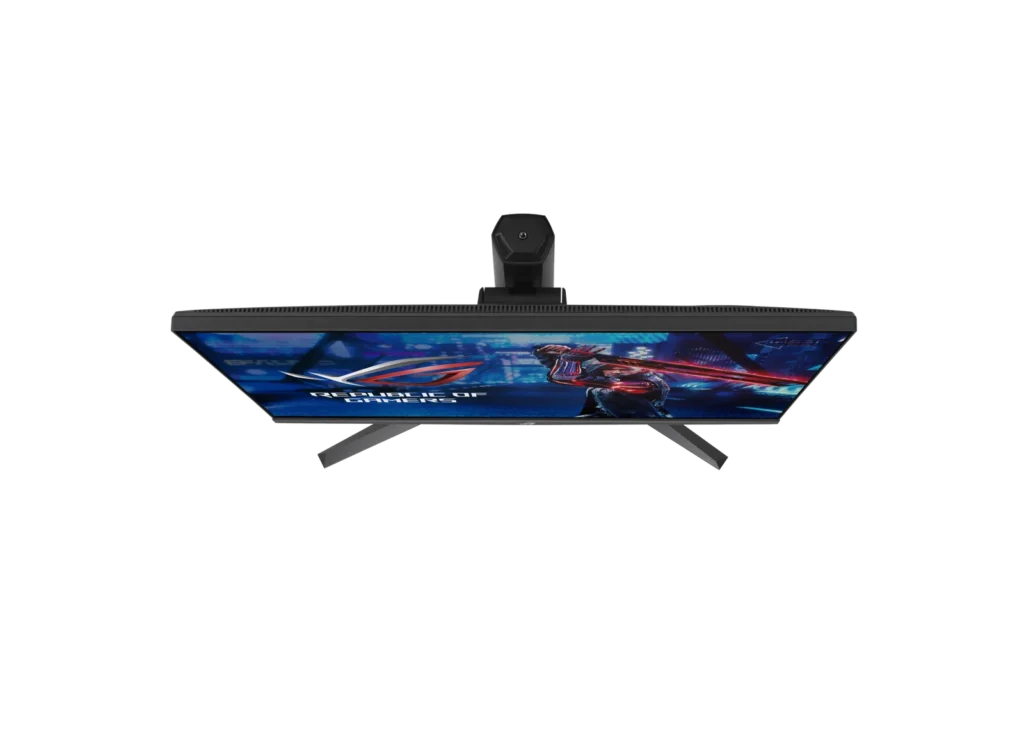
- Inconvenient Stand Design: The stand's rear stabilizing leg is criticized for pushing the monitor too far forward on the desk, and the large footprint can be intrusive for users with limited desk space.
You might also like
Customer Reviews
Showing reviews 51-60 of 72
-
Bought two, returned two
Verified purchase Verified purchase: This reviewer bought the product.Chris December 2, 2023Review source: AmazonThe first one I bought was good for about 14 days before it started developing stuck and dead pixels all over the panel. I returned it for a replacement. The replacement was on for less than 30 minutes before a pixel stuck red in the center of the screen.
Thankfully both monitors started acting up before the return window was up, saving me from having to deal with Asus’s abysmal customer service.
-
Doesn't work
Verified purchase Verified purchase: This reviewer bought the product.Zak F. November 30, 2023Review source: AmazonWouldn’t turn on at all. The power brick works with another monitor, but this one is just dead. Super disappointed for how expensive this is.
-
Best
Verified purchase Verified purchase: This reviewer bought the product.Ruslan November 29, 2023Review source: AmazonAmazing monitor. Best quality best price. 0 dead pixel
-
Solid
Verified purchase Verified purchase: This reviewer bought the product.Eduardo November 28, 2023Review source: AmazonFrom 144hz 1080p to this, huge difference. Specially in games like Apex. If you’re in a waiting game like me who wants to wait for a 500hz 1440p but doesn’t want to spend 1k in the 360hz 1440p at this moment, this is worth it.
-
Dead pixel
Verified purchase Verified purchase: This reviewer bought the product.Michael glory November 1, 2023Review source: Amazon1st one had dead pixels and looked used. I only know this because It had preset settings already on it. Got the new one in today, no dead pixels and its actually new.
-
Worked fine for two weeks
Verified purchase Verified purchase: This reviewer bought the product.Jonathan C September 30, 2023Review source: AmazonWorked fine and then started having flickering issues
-
Great monitor for FPS gaming with a 300hz downside
Verified purchase Verified purchase: This reviewer bought the product.Ken K. September 14, 2023Review source: AmazonFor purely gaming, this is a great monitor, but if you are running above 240 hz, the display forces a YCBCR 422 profile which causes red glow around text. To be fair I believe this is a tech limitation based on where we are with displays and isn’t specific to this monitor. You can set the monitor to 240 hz and change it to a YCBCR 444 profile to fix this issue but the trade off is 60 hz. For myself, this isn’t too big of a deal since I run a two monitor setup. Heavy reading will go to the other monitor, and gaming will stay on this monitor.
-
Great gamining monitor
Verified purchase Verified purchase: This reviewer bought the product.Crystal H. September 5, 2023Review source: AmazonWith 300hz this monitir is super sharp! Loving it so far. The quality is supurb. Looks sleak! I bought 2 of these to have a dual monitor setup. You can have them adjust and swivel… and rotate. Blown away.
The only down side is I bought this thinking that the monitor is RGB on the back like the picture, so for that -1 start.
Overall, recommended.
-
Great monitor if it worked…
Verified purchase Verified purchase: This reviewer bought the product.Leacar August 22, 2023Review source: AmazonI bought this to replace my old LG 75hz monitor for more competitive CS:GO experience and general productivity as an engineering student.
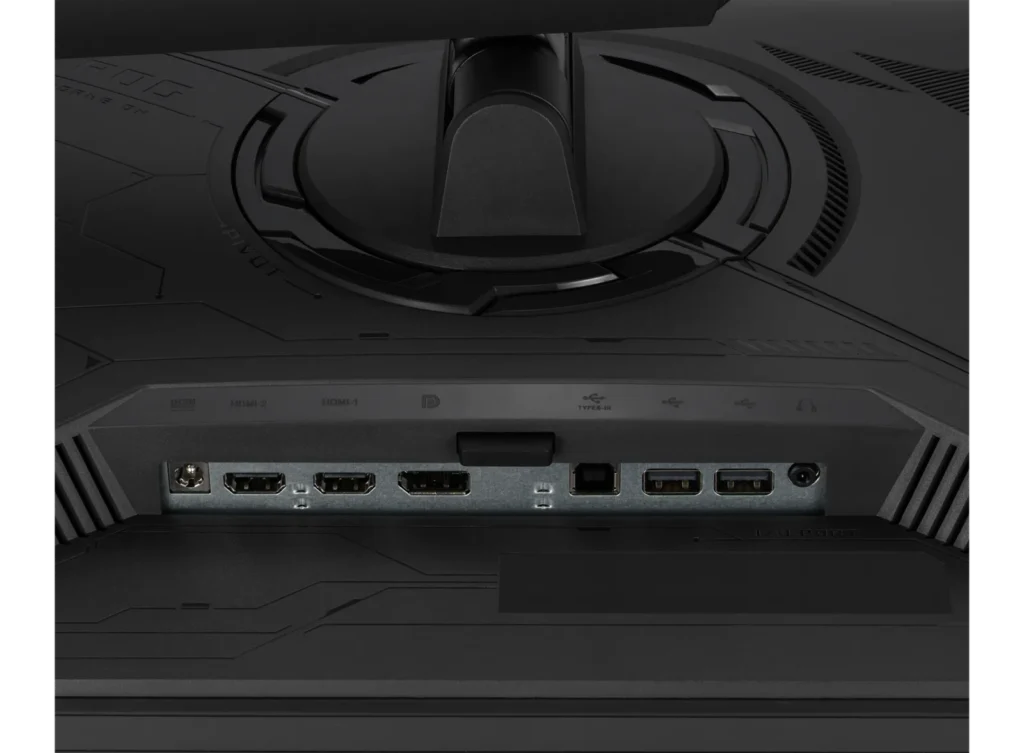
First few days the monitor worked like a dream then suddenly the monitor wouldn’t recognize that it was plugged in via displayport for anything. Multiple attempts at troubleshooting and even a fresh windows install and nothing…
Called ASUS and they recommended I return the unit for a new one.
The second unit had the same issue and ASUS straight told me to return it and buy a different brand’s monitor. -
Solid monitor
Verified purchase Verified purchase: This reviewer bought the product.Russ T August 17, 2023Review source: AmazonHappy with this display overall. No stuck pixels, good color performance, and amazing motion clarity. The only area I’m disappointed with is the screen uniformity. Mine has a vertical line slightly left of center that’s noticeable when there’s a solid color (grey especially) on screen. Not something that’s noticeable during normal use, though.