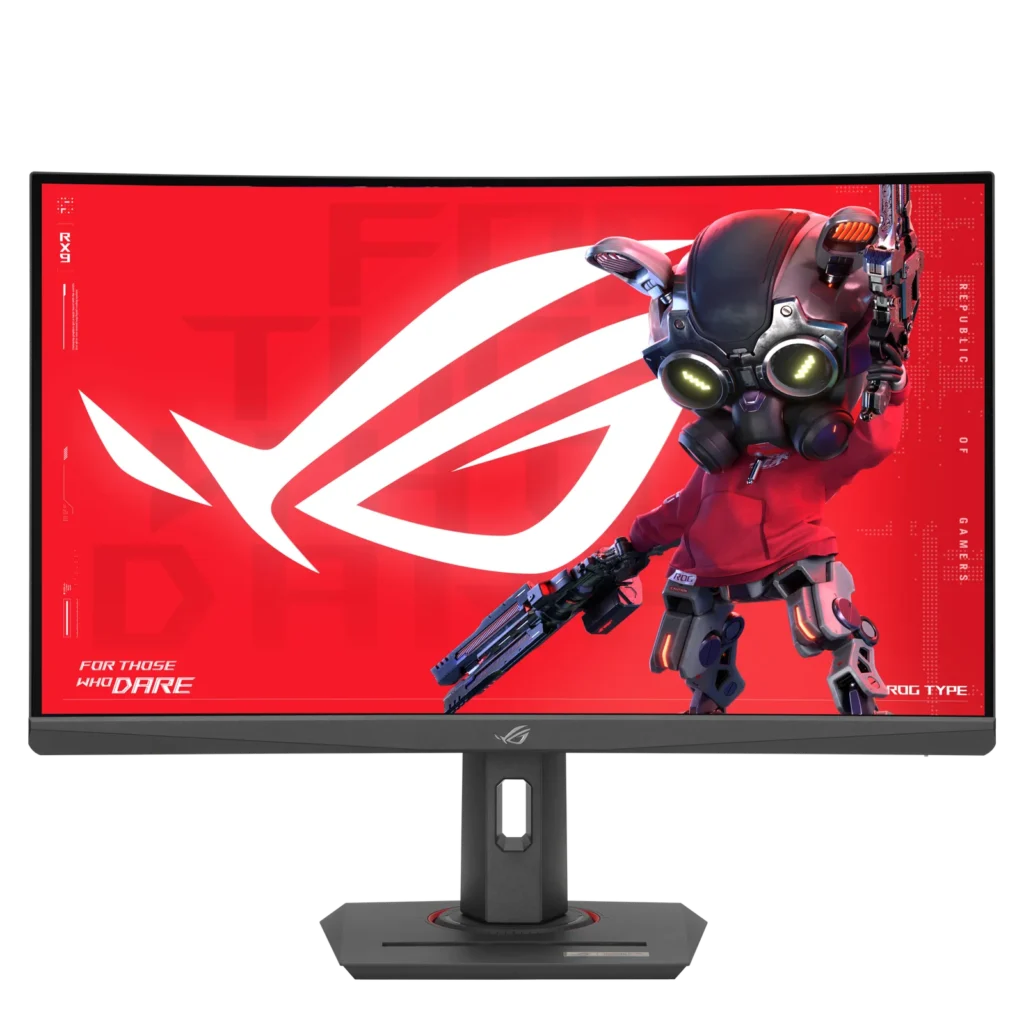
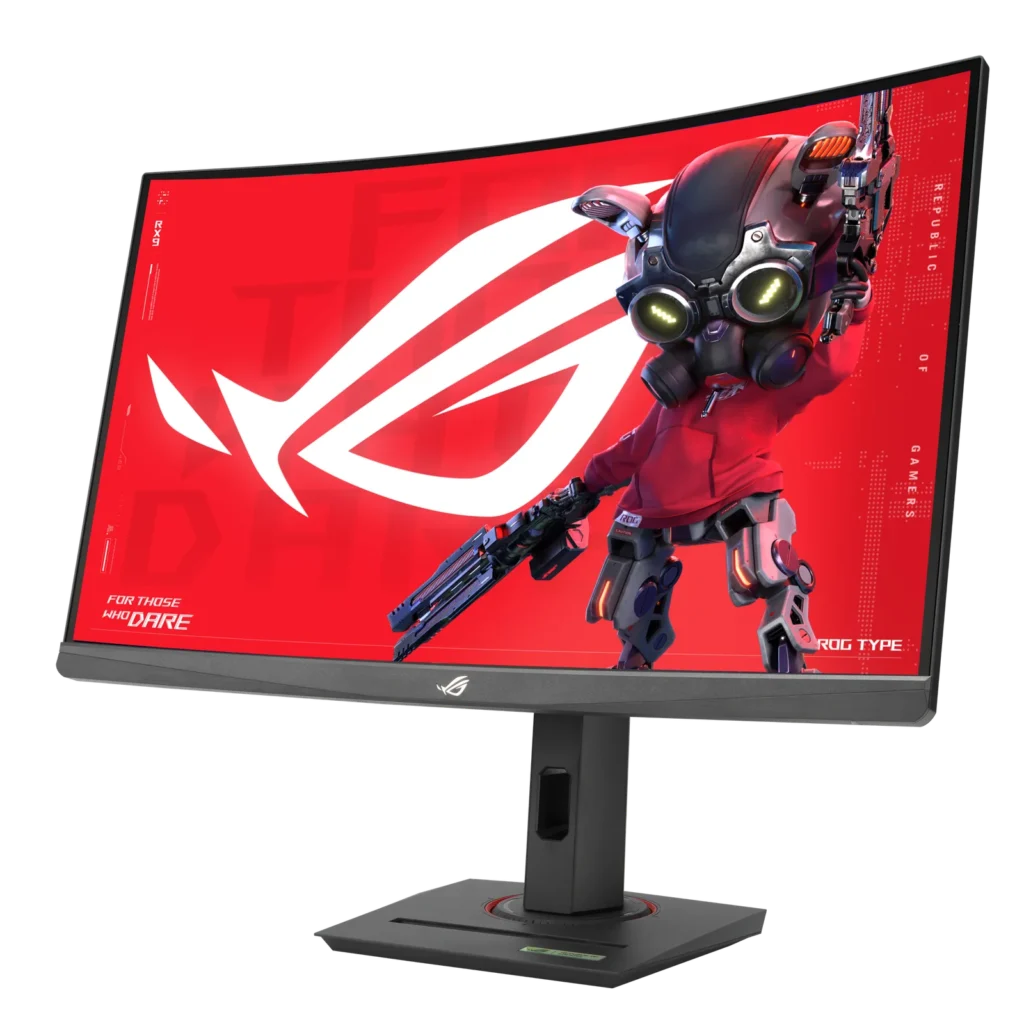
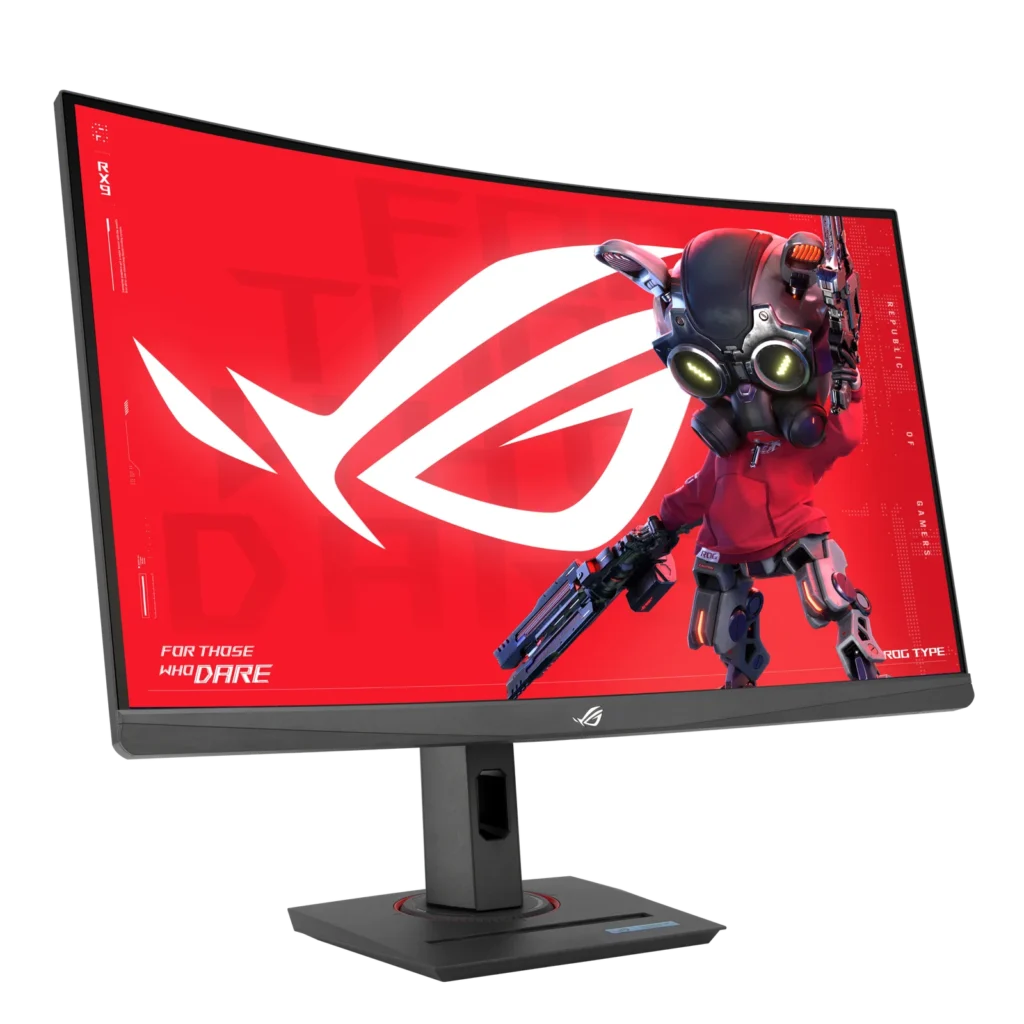
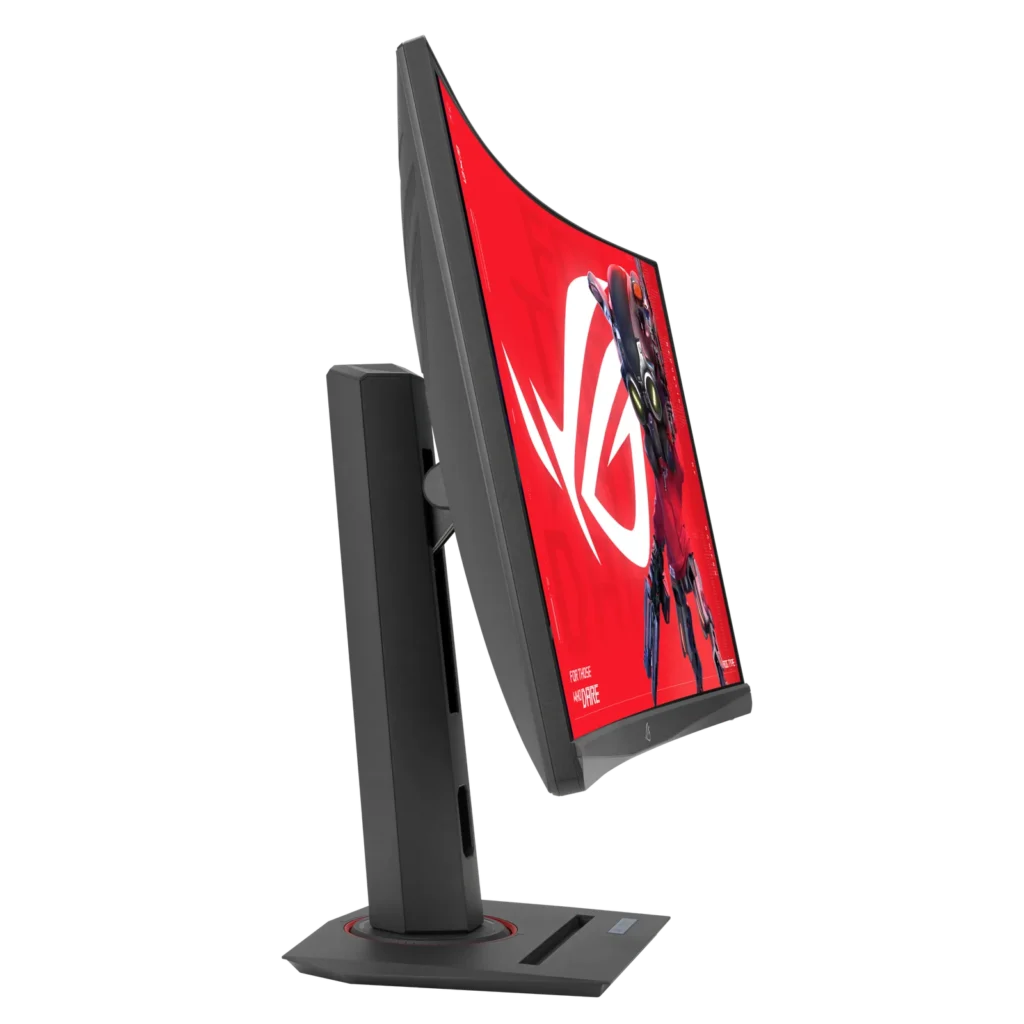
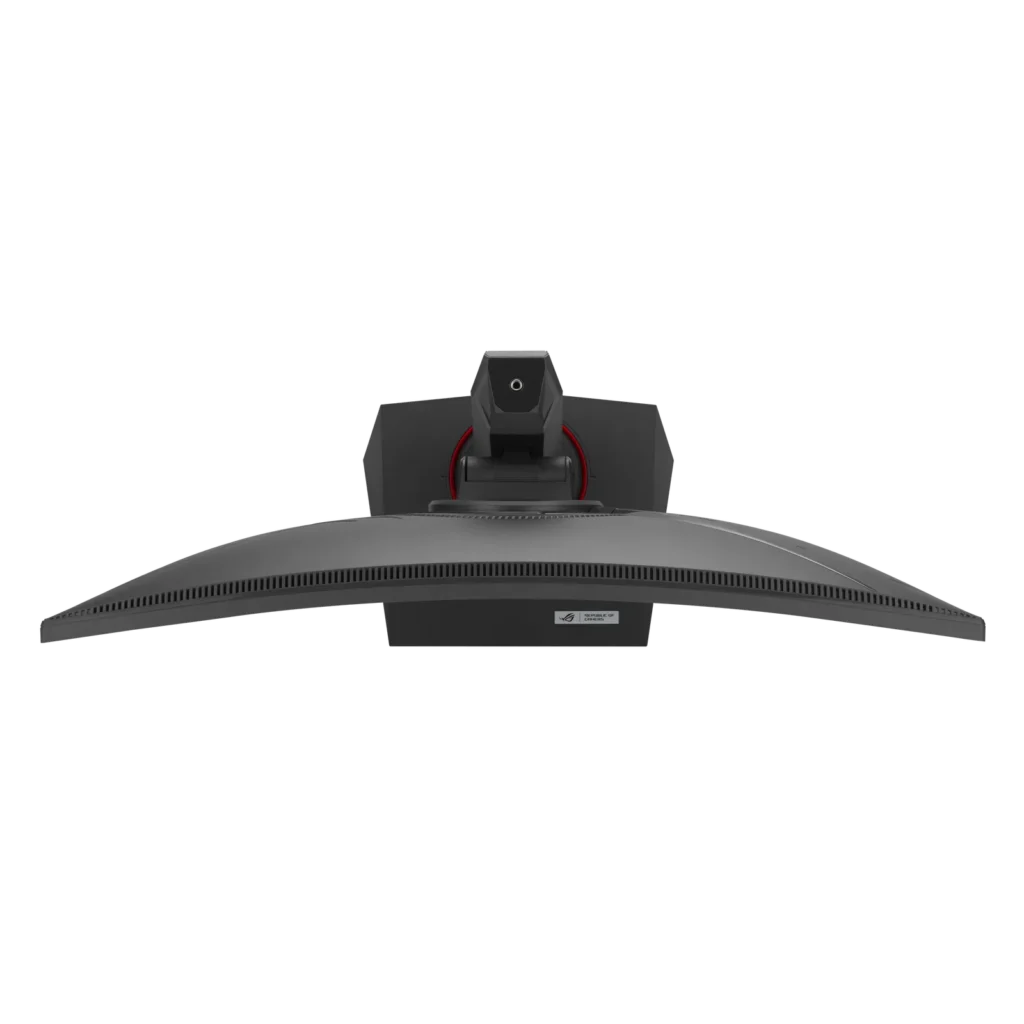
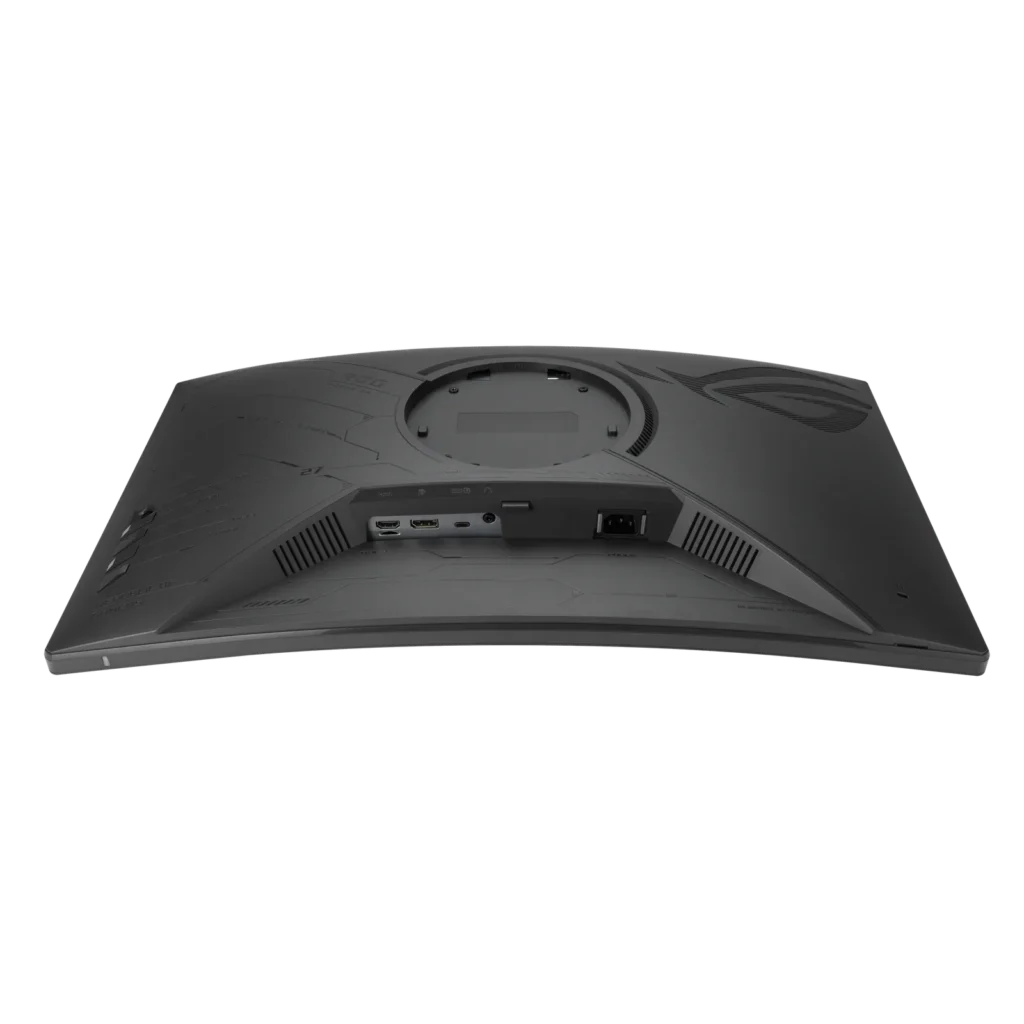
Customer Media
Highlights
| High-Performance Visuals | Experience stunning 27-inch 2K QHD (2560×1440) resolution visuals with an ultra-smooth 180Hz refresh rate and a lightning-fast 1ms (GTG) response time, ensuring crisp and fluid gameplay. |
|---|---|
| Immersive Curved Fast VA Panel | Dive into your games with a 1500R curved Fast VA panel, offering a wide DCI-P3 95% and sRGB 125% color gamut for vibrant colors, a 3000:1 contrast ratio, and HDR10 support for enhanced visual depth. |
| Seamless, Tear-Free Gaming | Enjoy tear-free and ghost-free gaming thanks to AMD FreeSync compatibility and ASUS Extreme Low Motion Blur Sync (ELMB Sync) technology, which enables ELMB alongside variable refresh rates for sharp visuals. |
| Versatile Connectivity | Connect with ease using a comprehensive array of ports, including USB Type-C (with DisplayPort Alt Mode and power delivery), DisplayPort 1.4, and HDMI 2.0, providing flexibility for various devices. |
| Enhanced Gaming Features & Ergonomics | Gain a competitive edge with AI-powered ROG Gaming A.I. features like GamePlus and Dynamic Shadow Boost, complemented by an ergonomically designed stand offering tilt, swivel, and height adjustments, plus a convenient phone holder. |
Pros & Cons
Pros
- Excellent Picture Quality and Performance: Many reviewers highlight the monitor's vibrant colors, deep blacks (due to its VA panel), and crisp 1440p resolution. Its high refresh rate (up to 180Hz, or 120Hz for consoles) and low 1ms response time contribute to smooth, lag-free gameplay and an immersive visual experience for both gaming and multimedia.
- Great Value for Money: The monitor is frequently recommended as an affordable or budget-friendly option, offering a strong set of features like 1440p resolution and high refresh rates at a competitive price point, making it an excellent upgrade for many users.
- Versatile and Ergonomic Stand: The stand is noted for its sturdy build and extensive adjustability, including height, tilt, swivel, and rotation, allowing users to easily customize their viewing experience. It also features practical additions like a phone slot and cable management.
Cons
- Backlight Bleed and Motion Clarity Issues: Several users reported noticeable backlight bleed, particularly in dark scenes or rooms, which can be severe. Some also experienced black smearing or slight ghosting, impacting overall motion clarity despite the fast response times.
- Inaccurate Product Specifications: Multiple customers found discrepancies between the advertised product specifications and the actual monitor. Specific issues include the stand's pivot function being restricted, fewer HDMI and USB ports than listed, and confusion over whether the panel is VA or IPS.
- Lack of Built-in Speakers: A recurring complaint is the absence of integrated speakers, meaning users must rely on external headphones or speakers for audio, which some found inconvenient.
Customer Fit
- Primary audience: Competitive or casual gamers seeking a high-refresh QHD curved display that balances price and performance.
- Secondary audience: Multi-device users (e.g., PC, PS5, Steam Deck, or MacBook) who want seamless connectivity and strong visual quality.
- Ideal scenarios: Ideal for gaming setups, home offices doubling as entertainment hubs, or multi-monitor environments needing smooth visuals and color accuracy.
You might also like
Customer Reviews
Showing reviews 171-180 of 211
-
Great Monitor
Verified purchase Verified purchase: This reviewer bought the product. Incentivized Incentivized review: The reviewer received a benefit for sharing feedback.Quinten July 9, 2024Review source: BestbuyPerfect monitor, has a great color accuracy and the refresh rate is pretty good. Overall a 10/10 monitor.
-
Pc rebuild
Verified purchase Verified purchase: This reviewer bought the product. Incentivized Incentivized review: The reviewer received a benefit for sharing feedback.KimK July 5, 2024Review source: BestbuyVery pleased thank you. The computer works very well!
-
Amazing monitor
Verified purchase Verified purchase: This reviewer bought the product. Incentivized Incentivized review: The reviewer received a benefit for sharing feedback.Raleigh July 5, 2024Review source: BestbuyAmazing!!!!! No issues and runs perfect! I use it on my PS5 running at 1440p with 120hz!
-
Hit or miss.
Incentivized Incentivized review: The reviewer received a benefit for sharing feedback.LuisIngles99 July 3, 2024Review source: BestbuyBought one the middle of June and dead pixels out the box. Returned it the next day perfectly fine until today now it has stuck pixels on the top left side.
-
Great for gaming
Verified purchase Verified purchase: This reviewer bought the product. Incentivized Incentivized review: The reviewer received a benefit for sharing feedback.Akbettylou June 27, 2024Review source: BestbuyGreat for gaming, it is fast, has good color, good size.
-
Great value and good color production from VA
Verified purchase Verified purchase: This reviewer bought the product. Incentivized Incentivized review: The reviewer received a benefit for sharing feedback.Javi June 21, 2024Review source: BestbuyGreat value and quality was used as a secondary monitor next to my oled the VA panel colors are awesome!!! but I can’t speak on gaming performance much as it wasn’t my primary and I feel hdmi 2.1 should be standard due to console gamers and prices on older chips dropping but still has 2.0
-
Great Budget Monitor
Verified purchase Verified purchase: This reviewer bought the product. Incentivized Incentivized review: The reviewer received a benefit for sharing feedback.JoshuaD June 18, 2024Review source: BestbuyThe monitor works amazingly, it is huge compared to others. Its battery saving mode helps a lot. It’s visually pleasing. Overall, a very good starting monitor!
-
Delivers Surprising Quality
Incentivized Incentivized review: The reviewer received a benefit for sharing feedback.tgharrell June 14, 2024Review source: BestbuyThe ASUS ROG Strix XG27WCS curved monitor is nice, and truly affordable for what technology you get. The 1440p resolution is optimal for this 27″ display, with a suitable 180Hz refresh rate. After spending several hours using it, here’s my review.
The 1440p resolution on this monitor is great and my preferred resolution at this size display. Not surprisingly, the picture is sharp and colors are vibrant. Standard HDR400 gets the job done, but I opt not to use HDR. Instead there are different modes to choose from, all customizable, as well as a user mode. The 180Hz refresh rate is perfect for fast-paced gaming if your rig allows you to have it.
The curvature of this display is 1500R, which most may find as optimal. For me, however, the curvature is too subtle and doesn’t make a significant difference, or any noticeable difference for that matter, in terms of immersive experience. For the record, I sit about two feet away from the display, so there may be some benefit if sitting closer.
The monitor is equipped with ELMB, VRR, and ELMB Sync, all aimed at mitigating or eliminating ghosting and tearing. I prefer VRR over ELMB (although the differences are minor in actual use), but if you have AMD FreeSync, you can utilize ELMB Sync, which combines both low-motion blur and variable refresh rate. I do not have AMD FreeSync and was therefore unable to test ELMB Sync.
Navigating the monitor’s OSD is fairly straightforward. Adjusting brightness, contrast, and other settings is hassle-free, and there are plenty of customization options to tailor the display to your liking. The monitor also features multiple connectivity options, including DisplayPort, HDMI (cable not included), and USB ports, providing flexibility for various setups and peripherals.
When not using HDR, I’m absolutely taking advantage of the GameVisual feature. There are various optimized settings for different types of games and content. Each preset is customizable and allows you to adjust brightness, contrast, blue light filter, and other settings. It takes some tweaking to get right where you want, but the compare function is helpful here, too. Additionally, you can set different games and applications to trigger the different presets.
The monitor comes with a DisplayPort cable but no HDMI cable. Chances are if you have a device with only HDMI output, you have a cable for it, but I wanted to make mention of this as it could be inconvenient for some who expect to receive all the compatible cables in the box.
The design of the monitor is sleek and modern, although a multi-monitor setup would be not ideal, as the bezel is not very thin. The base of the monitor is somewhat large, taking up a considerable amount of desk space. This might be an issue for those with smaller desks like me. The base does includes a built-in phone holder, a thoughtful addition that both makes my phone easily accessible and helps to reduce clutter.
Overall, the ASUS ROG Strix XG27WCS curved monitor offers decent performance and a fine range of features. The slight curvature, while not drastically enhancing the viewing experience, still adds a subtle aesthetic appeal. The exclusion of an HDMI cable is a minor inconvenience, but the included DisplayPort cable ensures you can fully utilize the monitor’s capabilities. The large base may require some desk space adjustment.
For anyone looking for a high-refresh-rate, high-resolution monitor with great design and useful features, this monitor is a solid choice. Despite a few minor drawbacks, it delivers outstanding visuals and performance, making it a worthy addition to any setup.
-
Review
Verified purchase Verified purchase: This reviewer bought the product. Incentivized Incentivized review: The reviewer received a benefit for sharing feedback.Ronald June 14, 2024Review source: BestbuyElegant Design, Visual and Frame rate are good, cheap
-
As advertised!
Verified purchase Verified purchase: This reviewer bought the product. Incentivized Incentivized review: The reviewer received a benefit for sharing feedback.DavidS June 7, 2024Review source: BestbuyThese are exactly as advertised! Work well for 9 plus hours of work! Would highly recommend.