Customer Media
Highlights
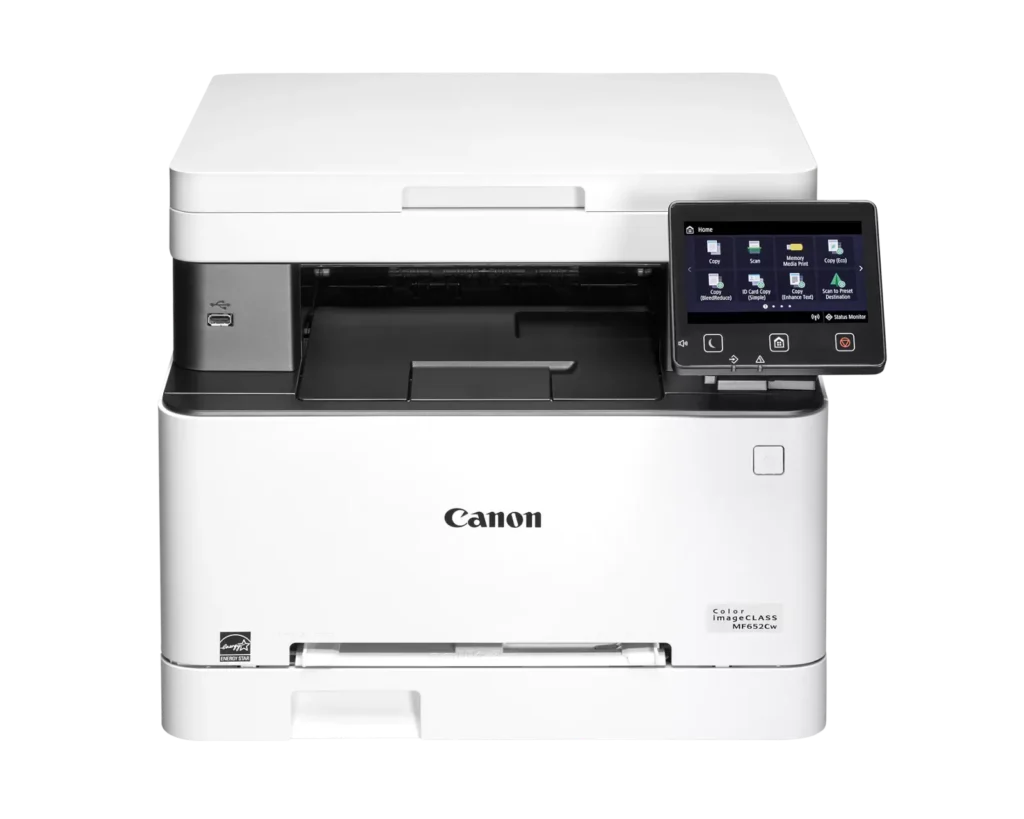
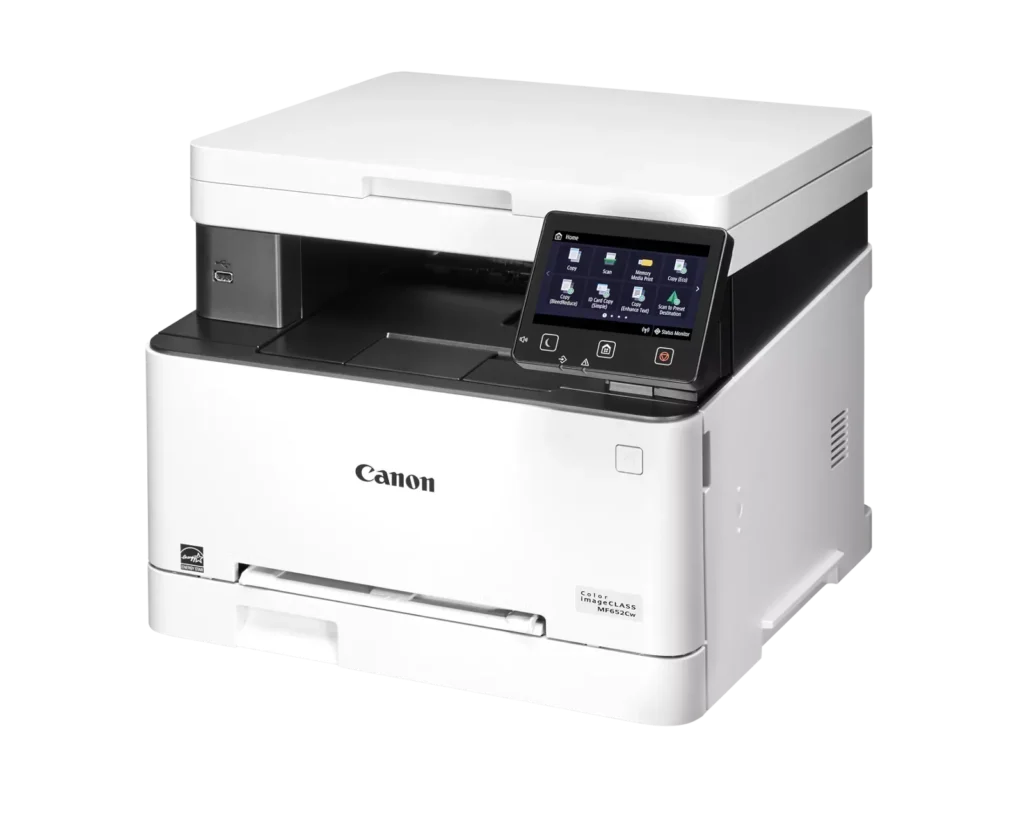
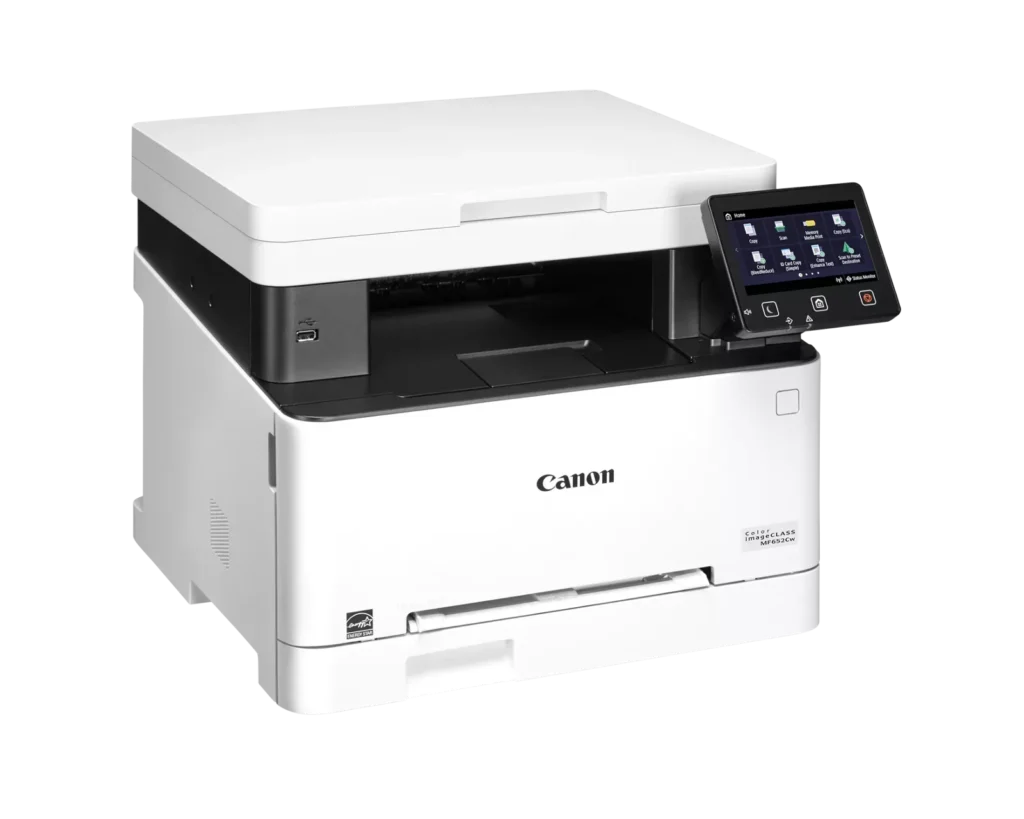
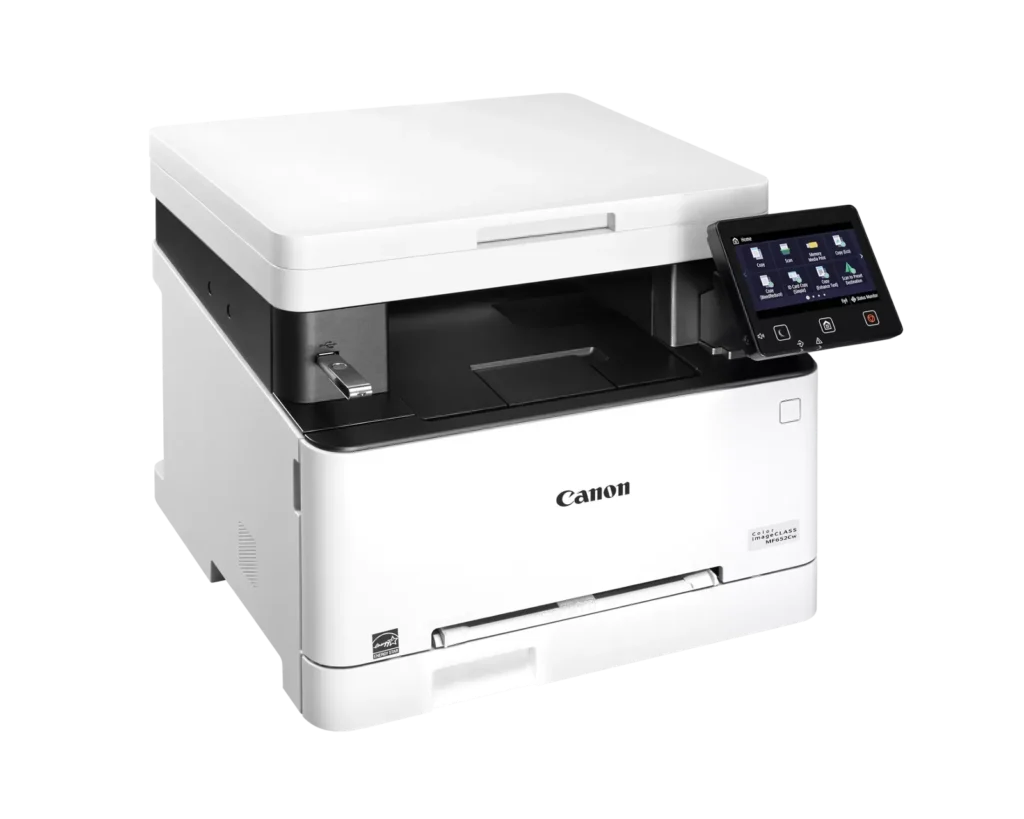
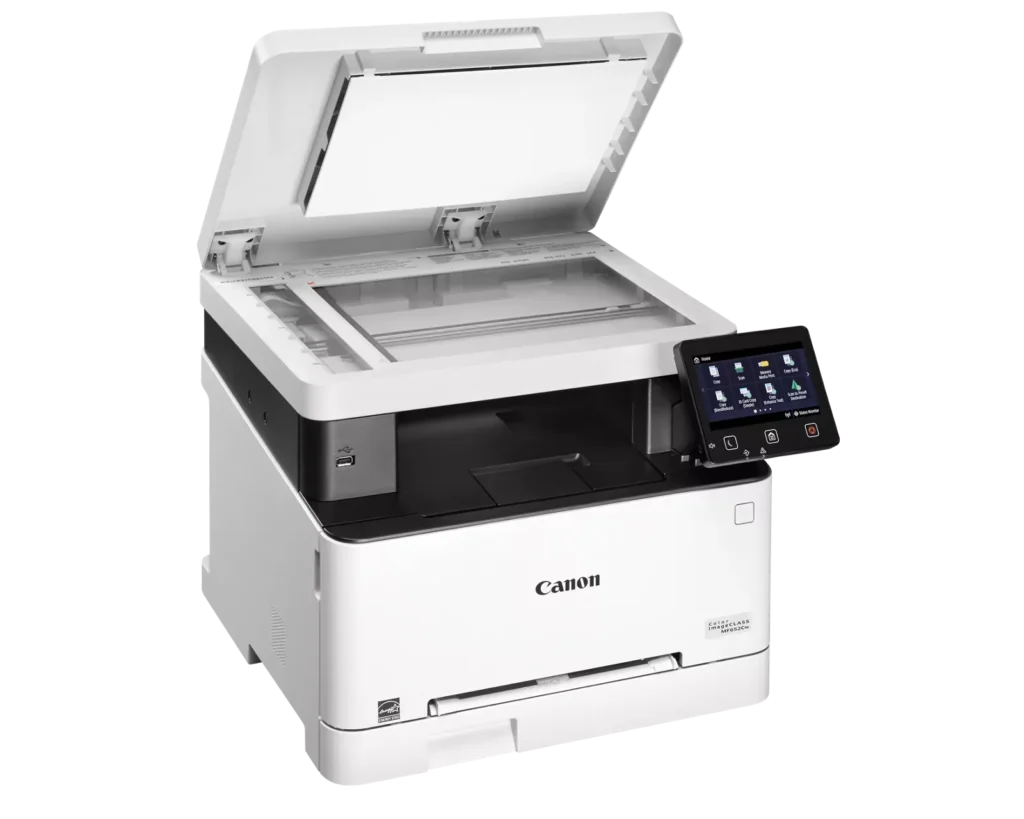
| Versatile 3-in-1 Functionality | Designed for small and medium-sized businesses, this multifunction printer provides high-quality color printing, scanning, and copying in a compact footprint. |
|---|---|
| Fast and Efficient Performance | Boost productivity with print speeds of up to 22 pages per minute (Letter) for both black-and-white and color documents, featuring a quick first-print time of approximately 10.3 seconds. |
| Intuitive 5-Inch Color Touchscreen | The customizable 5-inch color touchscreen allows you to easily navigate through features and create a personalized experience by placing your most-used icons on the home screen. |
| Seamless Wireless and Mobile Connectivity | Print on the go with support for Apple AirPrint, Mopria Print Service, and the Canon PRINT Business app. It also features built-in Wi-Fi and Ethernet for flexible networking. |
| Flexible Paper Handling and High Capacity | Equipped with a 250-sheet standard paper cassette and a 1-sheet multipurpose tray, this model supports various media types and uses high-capacity Toner 067H to minimize interruptions. |
Pros & Cons
Pros
- High Print Quality: Users consistently praise the sharp, vibrant color and crisp text, noting it performs well for documents, labels, and even photos better than expected for a laser printer.
- Fast Performance: The printer is frequently described as quick to start and fast during operation, making it an efficient choice for home office workflows.
- Excellent Value: Many reviewers feel the printer offers great value for the price, especially as a more reliable and cost-effective alternative to inkjet models due to longer-lasting toner.
Cons
- Difficult Software and Wireless Setup: Numerous users struggled with confusing instructions, unreliable wireless scanning (particularly on Mac), and problematic mobile app connectivity that often requires technical workarounds.
- Limited Copy and Scan Functionality: A major complaint is the lack of an automatic document feeder and automatic duplexing, requiring users to manually flip pages for double-sided printing or multi-page copies.
- Bulky and Noisy Operation: Several reviews highlight that the unit is unexpectedly large and heavy, requiring a sturdy stand, and it produces significant noise during the startup and printing process.
You might also like












Customer Reviews
Showing reviews 11-20 of 79
-
Zero Stars.
Verified purchase Verified purchase: This reviewer bought the product.Walter J. DeWitt November 26, 2025Review source: AmazonI bought this Laser Printer New at the end of March, 2025 to replace my Cannon ink jet Printer. As I was tired buying ink everytime I needed to print 3 pages of documents in the spring for the Accountant. I went to use it today in November of 2025 and it’s completely broken and won’t turn on. It’s definitely not what I expected from a Cannon Printer, as I had the other Cannon printer’s for years. I’m extremely disappointed. I gave them 1 star as I had too otherwise it would be zero stars. Run away as fast as you can. It’s junk!!!!
-
Don't waste your money
Verified purchase Verified purchase: This reviewer bought the product.S. S November 24, 2025Review source: AmazonHorrible Printer. It didn’t work since day 1. I had to return it.
-
Most difficult install I have had, still not functional.
Verified purchase Verified purchase: This reviewer bought the product.George Michael November 17, 2025Review source: AmazonI have a very slow start on getting the printer going. First a CD came with the. Machine but most newer laptops do not have CDs so I went to the download section of the website and could not find the model number found on the CD. Looking for help it was necessary to register the machine (I have always believed this was more for targeted marketing that for my benefit) so I did. But then there were still no human contact options. However, If i signed up for a super service more help might have been available. Eventually I discovered the machine model and the model on the CD were different. I downloaded software. When I tried to connect wirelessly I found that it is necessary to provide a ton of information about the router security that I do not have. The wait for customer service has been so long that I am running it wired, but some functions – scanner in particular, says it does not detect connection. Still no way to contact an IT dept to get help. If I join the chat group I can see if anyone has solved the problems but I do not like giving our information.
I have never needed to provide high level security details for a printer before, this is new for me.
In summary, I tried to count the number of computers, Scanners, printers, and fax machines I have successfully installed and started up, its well over 35 successful installs. Now, with the Canon, I will be calling in help for the first time.
I can only hope the juice is worth the squeeze once it is fully functional.
-
Good all-around choice
Verified purchase Verified purchase: This reviewer bought the product.Paul B. November 16, 2025Review source: AmazonNo problems at all. Works smoothly and has good print speed and color. Easy setup with WiFi.
-
Great printer!
Verified purchase Verified purchase: This reviewer bought the product.Amazon Customer November 15, 2025Review source: AmazonThis is an ‘easy setup and good print quality’ printer! Delivery was fast and secure. Network was connected in literally seconds.
This is a great buy and I’m loving this printer! -
Good small office / home laser printer
Verified purchase Verified purchase: This reviewer bought the product.Jimm74 November 11, 2025Review source: AmazonWorked well so far…..could use some more adjustment capabilities in the scanning resolution, but it is an entry level home office laser….so good value so far…..
-
App sucks
Verified purchase Verified purchase: This reviewer bought the product.Michael Acosta November 9, 2025Review source: AmazonThe printing is excellent, nevertheless the app sucks it gives a lot of trouble to print from the phone application
-
Reliable, No-Fuss Color Laser for Home Office
Verified purchase Verified purchase: This reviewer bought the product.richards1155 November 4, 2025Review source: AmazonWhen I started working from home, I had a company-issued laser printer from a different brand that worked great—but once I had to return it to the office, I was left scrambling for a replacement. I didn’t need anything fancy, just a no-nonsense printer that could handle everyday tasks without giving me a headache. High-quality printing was a must, and I wanted something with decent speed—not lightning fast, but not sluggish either. Copy and scan features were non-negotiable, and having Wi-Fi printing would make life a lot easier. Most importantly, I needed something that wouldn’t break the bank.
After doing some research, I landed on the Canon Color imageCLASS MF652Cw, and it’s been a solid choice. It prints sharp, vibrant documents and handles color jobs like a champ. The speed is just right for my needs—quick enough to keep up with my workflow without feeling rushed. The scanner and copier are reliable, and the touchscreen makes it easy to switch between functions. Setting up Wi-Fi printing was a breeze, and now I can print from my laptop or phone without any cables. For the price, it really delivers a lot of value. It’s not the quietest printer out there. Overall, it’s exactly the kind of dependable, no-frills printer I needed to keep my home office running smoothly.
-
solid printer
Verified purchase Verified purchase: This reviewer bought the product.Alan Brinton October 31, 2025Review source: AmazonIt works very well, produces good quality color documents for everyday purposes.
-
Absolutely buy this printer
Verified purchase Verified purchase: This reviewer bought the product.Dam IT Computers October 29, 2025Review source: AmazonI bought this printer as an upgrade for a customer that was using an inkjet printer. Here are a couple of the pros and cons.
Pros:
Shipping was very fast
Easy install on windows 10 and 11
Printer setup was plug and play
Toner tray easily accessible
Print and scan quality, far surpassed the hp inkjet
4,000+ printed pages per toner cartridge
Toner cartridge replacements are cheap on Amazon.Cons:
Make sure you buy a usb-be to usb adapter if you want to hook it up via USB. This unit does NOT come with one
WiFi setup is not user friendly
The printer admin console is all online. To access these settings the printer must have access to the internet.
By default the printer has 2 copy trays, this could be confusing to customers as to what tray to use when making post cards, or other single hand fed document copies.All in all this printer is a solid laser printer. I’d feel comfortable selling this unit to customers for both personal and business applications. Highly recommend this printer if you’re in the market for a new affordable color laser printer!