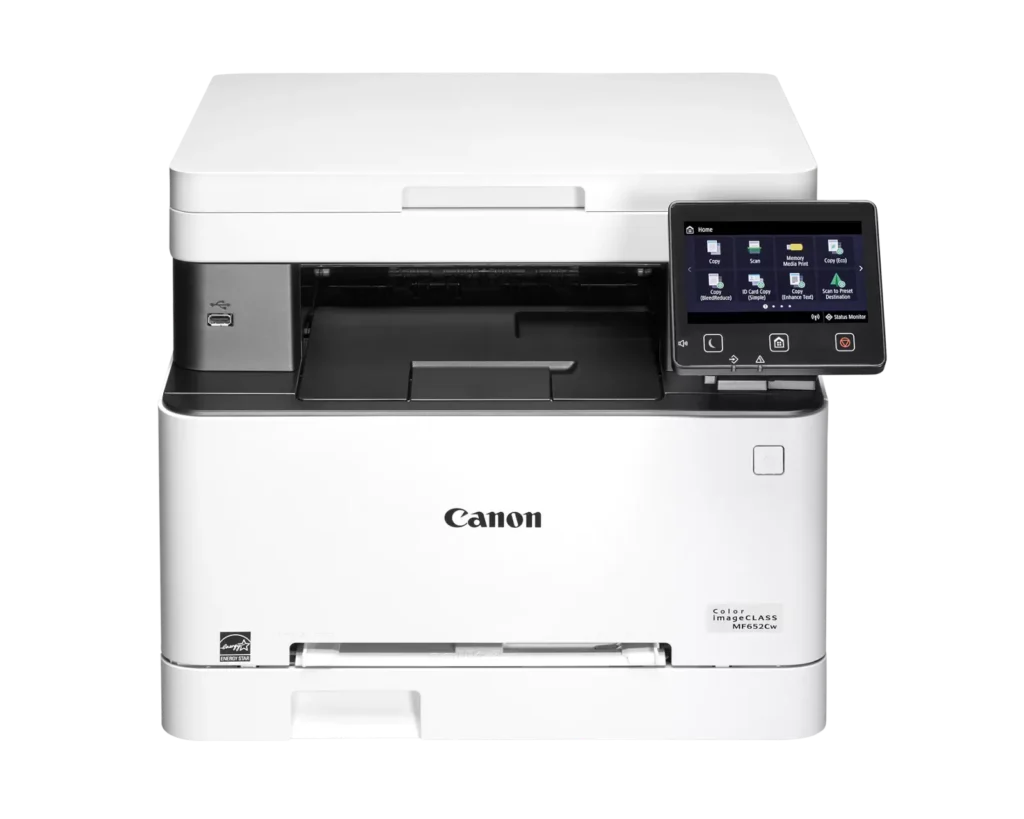
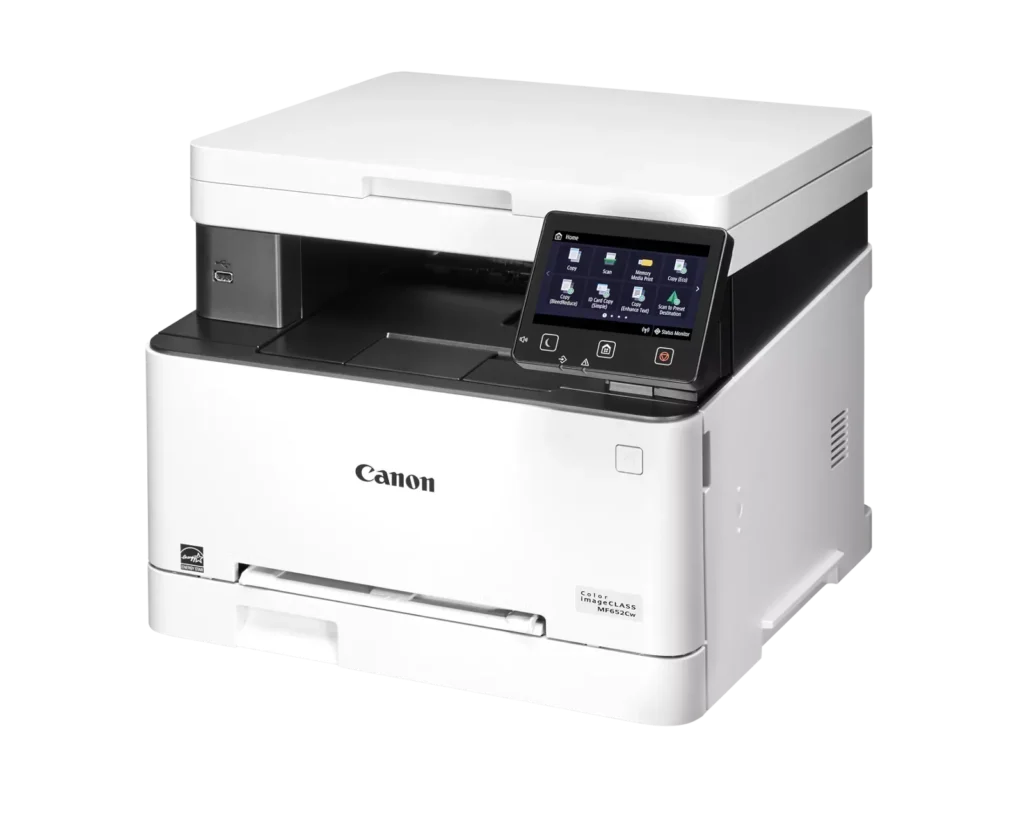
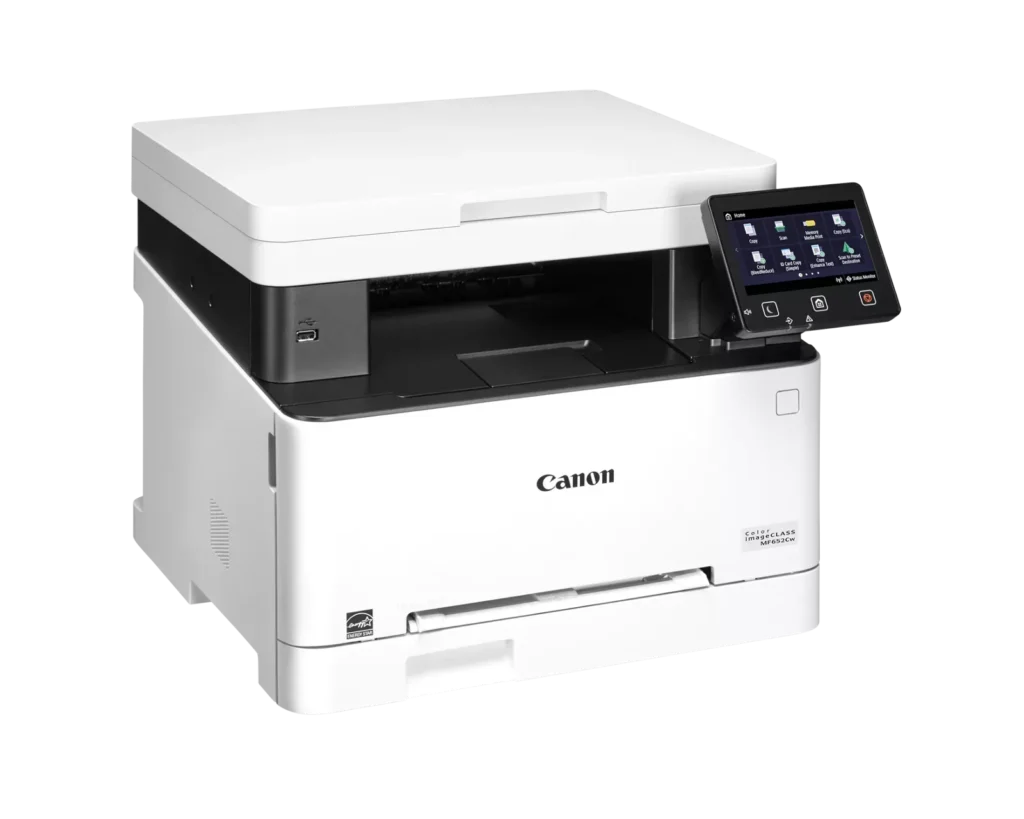
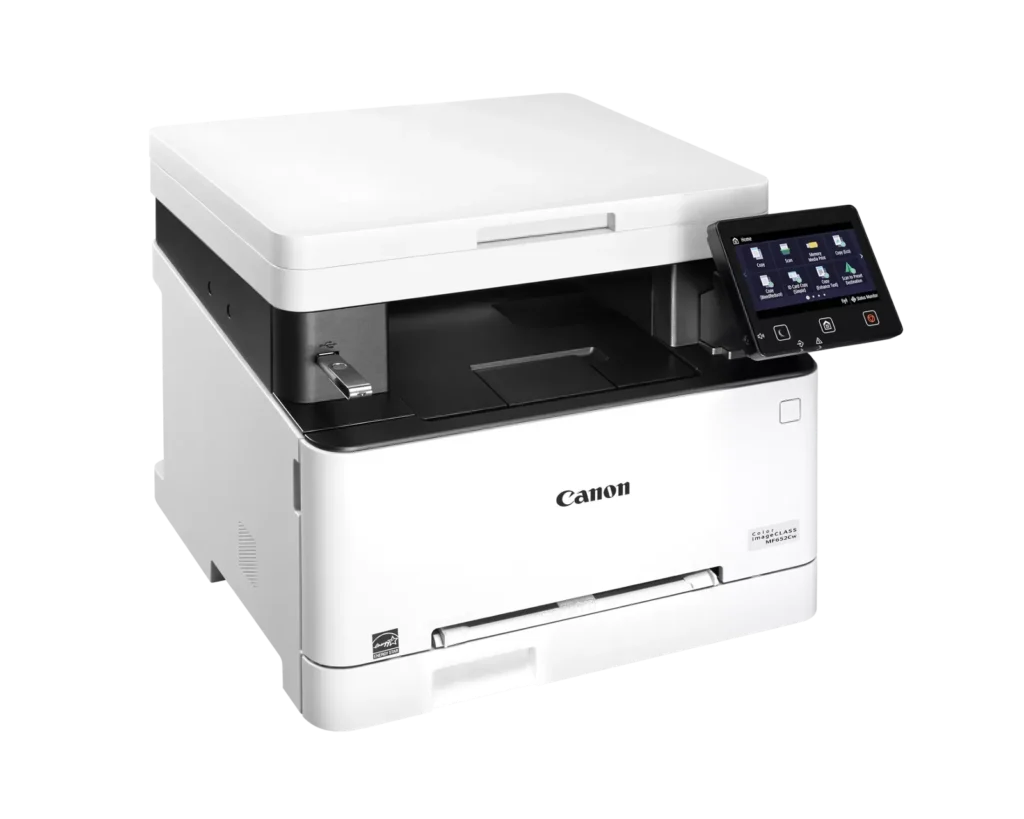
Customer Media
Highlights
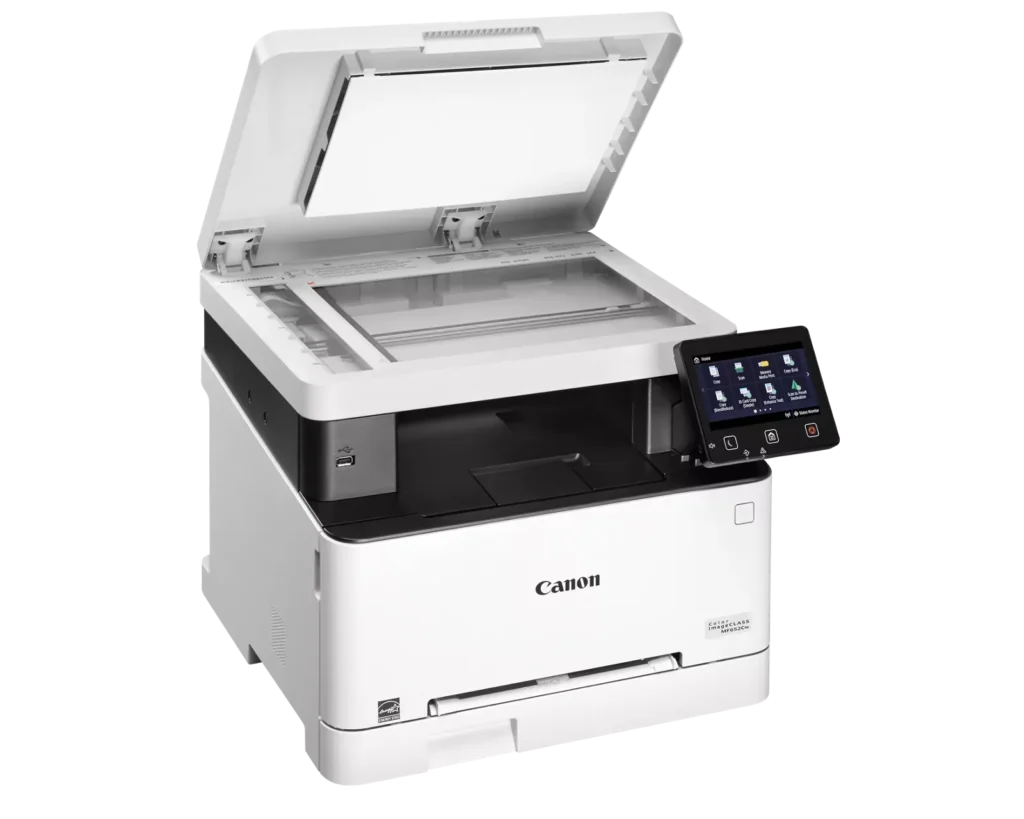
| Versatile 3-in-1 Functionality | Designed for small and medium-sized businesses, this multifunction printer provides high-quality color printing, scanning, and copying in a compact footprint. |
|---|---|
| Fast and Efficient Performance | Boost productivity with print speeds of up to 22 pages per minute (Letter) for both black-and-white and color documents, featuring a quick first-print time of approximately 10.3 seconds. |
| Intuitive 5-Inch Color Touchscreen | The customizable 5-inch color touchscreen allows you to easily navigate through features and create a personalized experience by placing your most-used icons on the home screen. |
| Seamless Wireless and Mobile Connectivity | Print on the go with support for Apple AirPrint, Mopria Print Service, and the Canon PRINT Business app. It also features built-in Wi-Fi and Ethernet for flexible networking. |
| Flexible Paper Handling and High Capacity | Equipped with a 250-sheet standard paper cassette and a 1-sheet multipurpose tray, this model supports various media types and uses high-capacity Toner 067H to minimize interruptions. |
Pros & Cons
Pros
- High Print Quality: Users consistently praise the sharp, vibrant color and crisp text, noting it performs well for documents, labels, and even photos better than expected for a laser printer.
- Fast Performance: The printer is frequently described as quick to start and fast during operation, making it an efficient choice for home office workflows.
- Excellent Value: Many reviewers feel the printer offers great value for the price, especially as a more reliable and cost-effective alternative to inkjet models due to longer-lasting toner.
Cons
- Difficult Software and Wireless Setup: Numerous users struggled with confusing instructions, unreliable wireless scanning (particularly on Mac), and problematic mobile app connectivity that often requires technical workarounds.
- Limited Copy and Scan Functionality: A major complaint is the lack of an automatic document feeder and automatic duplexing, requiring users to manually flip pages for double-sided printing or multi-page copies.
- Bulky and Noisy Operation: Several reviews highlight that the unit is unexpectedly large and heavy, requiring a sturdy stand, and it produces significant noise during the startup and printing process.
You might also like












Customer Reviews
Showing reviews 31-40 of 79
-
Good job Cannon
Verified purchase Verified purchase: This reviewer bought the product.Stevan Michael R October 12, 2025Review source: AmazonNice crisp prints
-
Ok, good overall value
Verified purchase Verified purchase: This reviewer bought the product.John D. October 11, 2025Review source: AmazonLittle clugy to set up, but not bad. Can’t seem to get it to work as a network printer AND use Apple direct print at the same time.
But, good print quality, fast!
-
Great Printer, Not Compatible With Netgear Mesh and Apple Air Print
Verified purchase Verified purchase: This reviewer bought the product.Kron October 6, 2025Review source: AmazonThe printer itself is tremendous. Everything I wanted in a color laser printer. Prints beautifully.
The problem is that it does not work with a WiFi Mesh system–I have Netgear Orbi–and Apple Air Print while the printer is in sleep mode. It prints great while not in sleep mode, but once in sleep mode Air Print flat out does not work. You can change the timer to keep it from sleeping for 60 minutes, but after that it will not function on Apple’s Air Print. Research after the fact has demonstrated to me that it’s a known problem. The only solution is to purchase a software program, Printopia. I’m going to try it and will update this review afterwards.
10/8/25–No success with Printopia. None of my devices, including the Mac Air next to the printer—will wake the printer. I have diagnosed and am certain my devices are broadcasting a wake up signal, the printer is just stone deaf. It needs to be manually awakened. For printing from devices in other parts of my house I’ve connected it to a smart plug and turn it on/off via HomeKit—which works.
THIS IS A KNOWN/DOCUMENTED PROBLEM. Research very, very carefully before buying. Your set up may not work and there is no cure. Buyer Beware.
-
Great printer for small office!
Verified purchase Verified purchase: This reviewer bought the product.Paola LaManna September 13, 2025Review source: AmazonGreat resolution! We bought this to replace another laser printer we lost to a power surge. First experience with a Canon and we are loving the print resolution. Perfect for our small business needs. Copy and scans great as well. My only wish is that the manual feed tray had a support bracket. We have to hold the paper in place till the machine pulls it in. Otherwise, great machine.
-
Perfect Printer for the Home.
Verified purchase Verified purchase: This reviewer bought the product.W. Schnabel September 12, 2025Review source: AmazonOutstanding printer for the price.
-
Nice color laser printer.
Verified purchase Verified purchase: This reviewer bought the product.Koicutie September 6, 2025Review source: AmazonThe quality of the print is great if you use recommended toner. Sometimes with off brand toner’s the print quality goes down. The printer has tons of options for paper settings. The only drawback is you have to change paper settings on printer and whatever your printing from. It has two paper feeds and prints fast. This is not a duplex printer. You have to manually flip pages for duplex printing. Not a deal breaker for me as it still prints fast. Connected to the Wi-Fi in one go, na hassle at all getting connected. All in all at this price point for color laser I would recommend.
-
Fantastic works grat
Verified purchase Verified purchase: This reviewer bought the product.John S. August 28, 2025Review source: AmazonFantastic. Works great.
-
I’ll never buy Canon again!
Verified purchase Verified purchase: This reviewer bought the product.C. Theimer August 13, 2025Review source: AmazonNot only was this printer very hard to set up (if you want anything more than basic printing functionality) but the instructions were skimpy and useless, using terms that could not mean anything to me. There is no straightforward way to get canon to troubleshoot. One site offered online chat troubleshooting for a fee, which I declined to pay.
I gave up on scanning to my computer, but can scan to a flash drive. I cannot print on card stock of any kind without making a terrible mess of smeared toner.
Due to the lack of support, I will not buy anything Canon again. Ever. -
Printer
Verified purchase Verified purchase: This reviewer bought the product.Karen Ray August 6, 2025Review source: AmazonLove it prints pictures well
-
Constant Error
Verified purchase Verified purchase: This reviewer bought the product.Josie July 30, 2025Review source: AmazonWould rate zero. When I can print something it is fine. But I am constantly getting Error 853. I have tried multiple fixes. I have a lot of issues trying to print from the canon app on my phone. I even have issues printing from my desktop.