Customer Media
Highlights
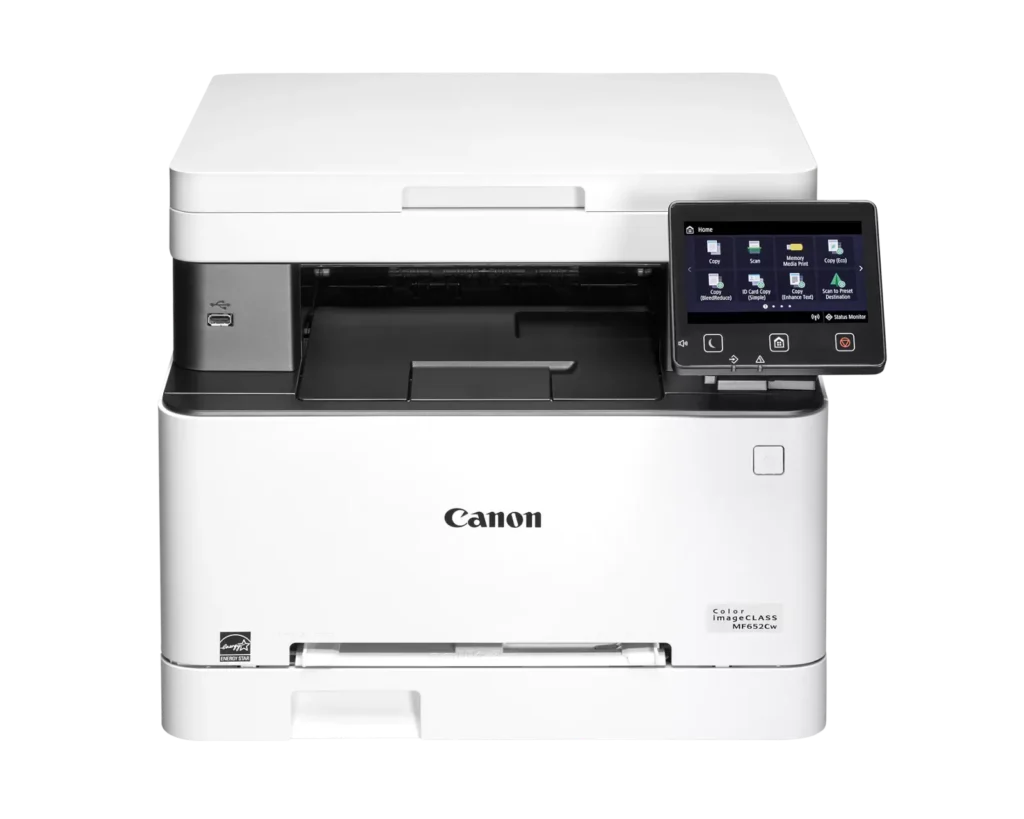
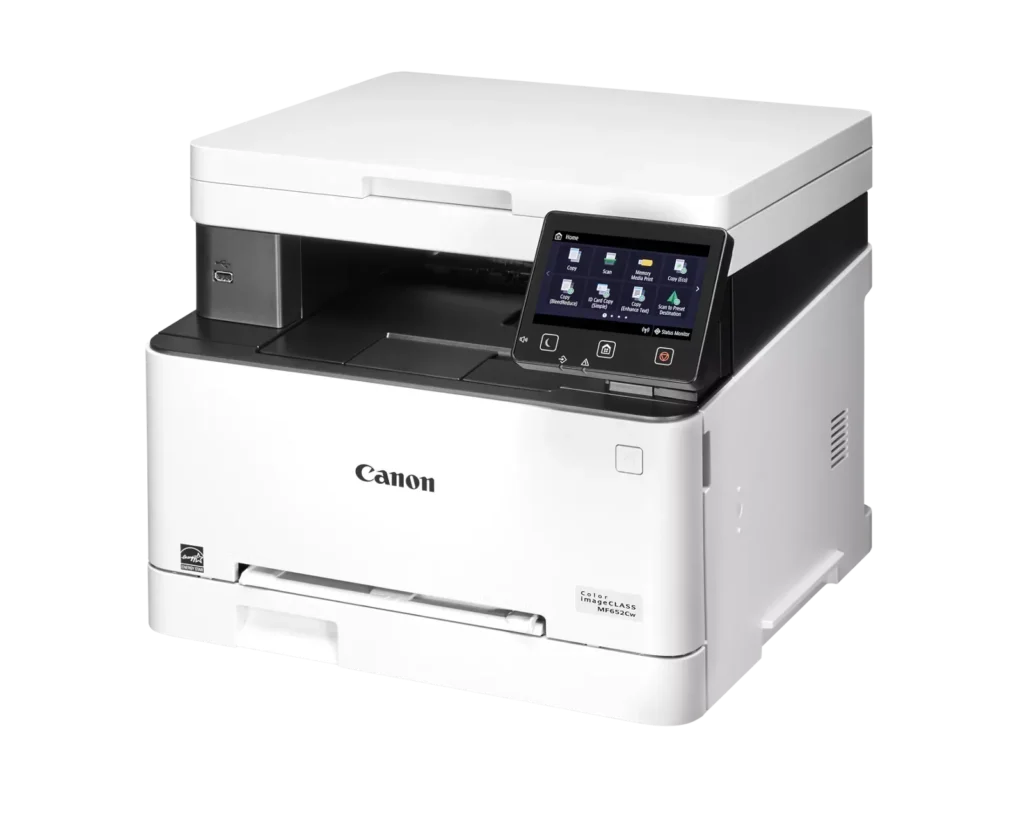
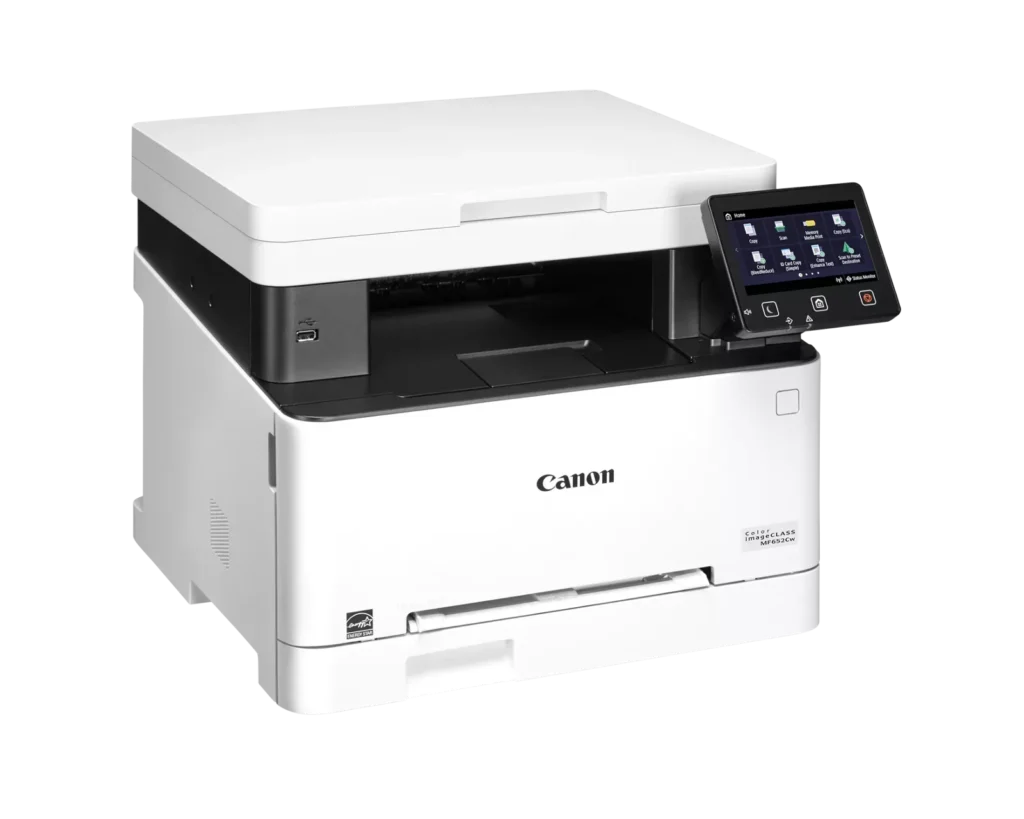
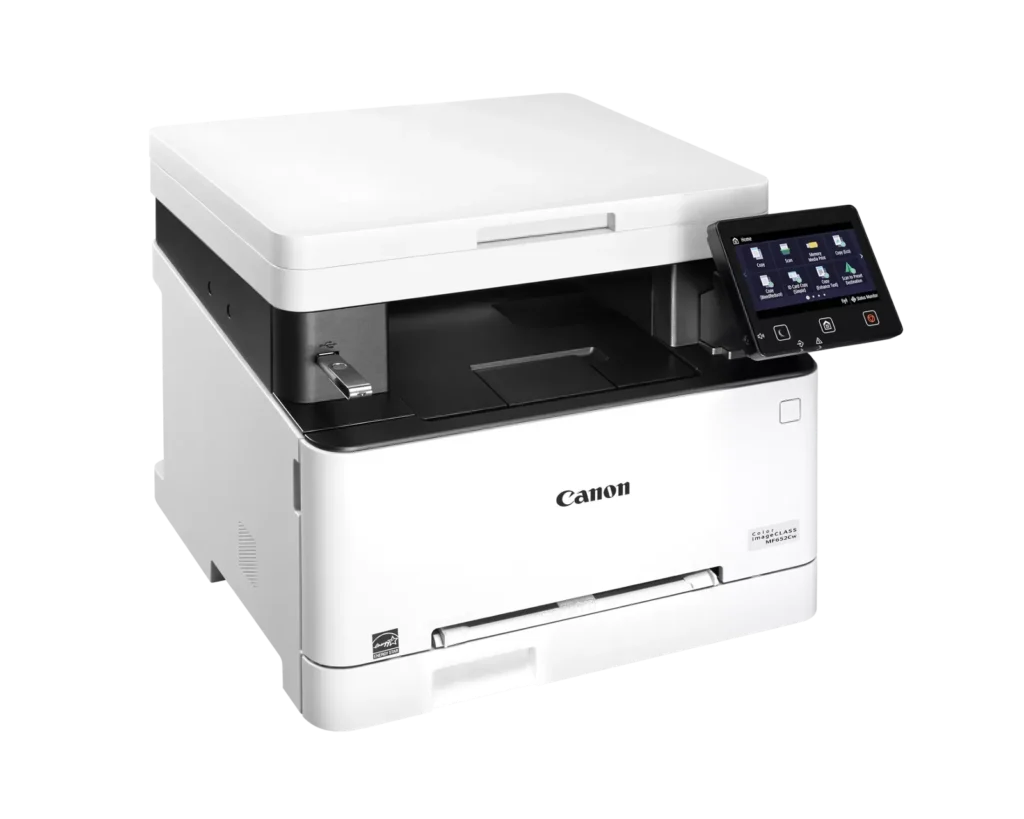
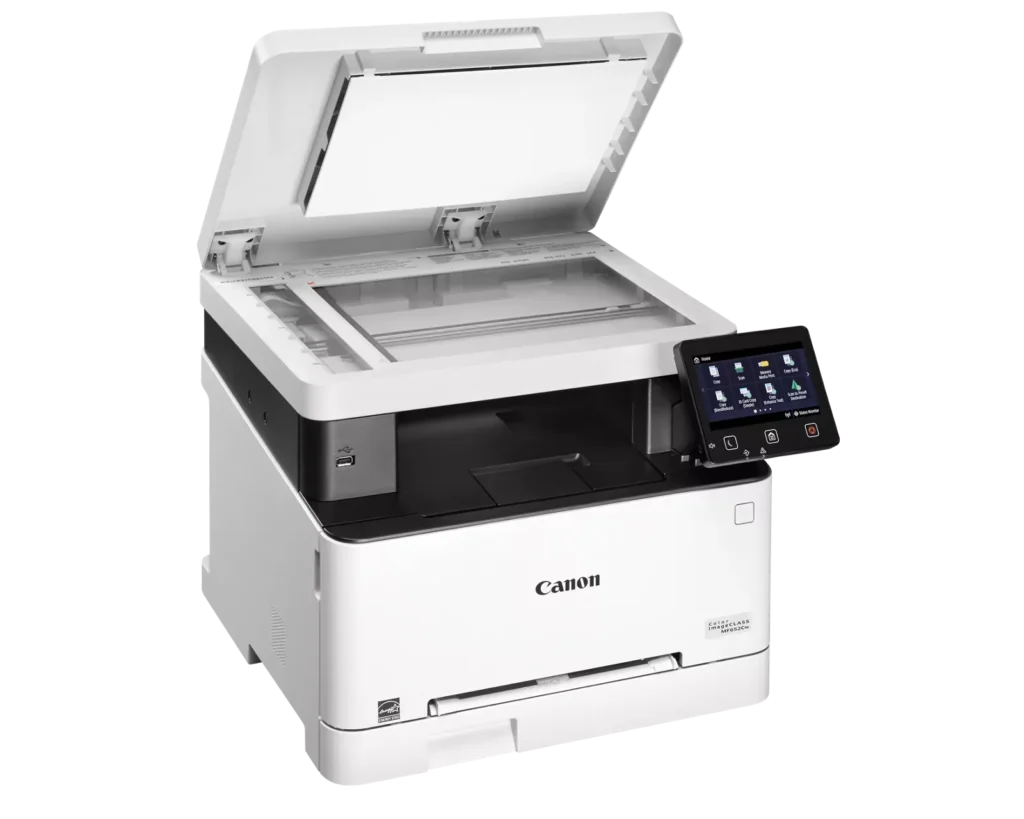
| Versatile 3-in-1 Functionality | Designed for small and medium-sized businesses, this multifunction printer provides high-quality color printing, scanning, and copying in a compact footprint. |
|---|---|
| Fast and Efficient Performance | Boost productivity with print speeds of up to 22 pages per minute (Letter) for both black-and-white and color documents, featuring a quick first-print time of approximately 10.3 seconds. |
| Intuitive 5-Inch Color Touchscreen | The customizable 5-inch color touchscreen allows you to easily navigate through features and create a personalized experience by placing your most-used icons on the home screen. |
| Seamless Wireless and Mobile Connectivity | Print on the go with support for Apple AirPrint, Mopria Print Service, and the Canon PRINT Business app. It also features built-in Wi-Fi and Ethernet for flexible networking. |
| Flexible Paper Handling and High Capacity | Equipped with a 250-sheet standard paper cassette and a 1-sheet multipurpose tray, this model supports various media types and uses high-capacity Toner 067H to minimize interruptions. |
Pros & Cons
Pros
- High Print Quality: Users consistently praise the sharp, vibrant color and crisp text, noting it performs well for documents, labels, and even photos better than expected for a laser printer.
- Fast Performance: The printer is frequently described as quick to start and fast during operation, making it an efficient choice for home office workflows.
- Excellent Value: Many reviewers feel the printer offers great value for the price, especially as a more reliable and cost-effective alternative to inkjet models due to longer-lasting toner.
Cons
- Difficult Software and Wireless Setup: Numerous users struggled with confusing instructions, unreliable wireless scanning (particularly on Mac), and problematic mobile app connectivity that often requires technical workarounds.
- Limited Copy and Scan Functionality: A major complaint is the lack of an automatic document feeder and automatic duplexing, requiring users to manually flip pages for double-sided printing or multi-page copies.
- Bulky and Noisy Operation: Several reviews highlight that the unit is unexpectedly large and heavy, requiring a sturdy stand, and it produces significant noise during the startup and printing process.
You might also like












Customer Reviews
Showing reviews 41-50 of 79
-
Good printer
Verified purchase Verified purchase: This reviewer bought the product.Samatha July 21, 2025Review source: AmazonGood quality printer. Beautiful prints worth the price.
-
Easy to install and produces great quality printing
Verified purchase Verified purchase: This reviewer bought the product.NWLL July 5, 2025Review source: AmazonI love this machine but it is not quiet. I read the reviews prior to purchasing but this is not quiet.. so if it is going in a quiet office.. while in use, it is noisy. Almost medium to loud noise level
-
Brilliant
Verified purchase Verified purchase: This reviewer bought the product.BENJAMINFILM June 9, 2025Review source: AmazonDoes everything it says perfectly. So refreshing after years of inkjet crap
-
Read if you will need to copy documents with multi pages.
Verified purchase Verified purchase: This reviewer bought the product.Armund June 8, 2025Review source: AmazonMy husband spent a lot of time researching printers and wound up ordering this one. I had a a multi page document I needed copies for and spent 20 minutes trying to figure out how to feed it in the printer. After an hour of reexamining the manual then talking to Canon, my husband came in to apologize stating that the printer will only copy one page at a time! The Canon representative said he should have called ahead of time and ask if the printer had that capability. Seriously, who would think to ask that question? I have used many printers to copy documents in the last 50 years and never met a printer that couldn’t accept multiple pages.
-
Difficult set-up
Verified purchase Verified purchase: This reviewer bought the product.WineBunny June 4, 2025Review source: AmazonThis is the most difficult printer I have ever used. The directions are very unclear and the website is not helpful at all. I still do not have scanning function. When I tried to get help, I entered the serial number on the box and it was rejected. I also have to manually select the paper source every time I print. The print quality is fine, but I am quite upset with the set up directions.
-
Lesson Learned.
Verified purchase Verified purchase: This reviewer bought the product.Hayley June 2, 2025Review source: AmazonTerrible. Had this less than two months having all types of problems printing!!!
-
Nice printer but many scanning features can not be used because of unrunnable software.
Verified purchase Verified purchase: This reviewer bought the product.Eric May 28, 2025Review source: AmazonThe printer is nice but many of the scanning features can not be used because of unrunnable software.
I bought this printer for my mom and when I went to install it I discovered that the Brother software will not detect the scanner even when given the exact IP address. This is 100% a problem with Brother’s software as the scanner can be accessed via windows generic scan and print app but not the Brother app. In this case the OS is Windows 10 home. I tried reinstalling drivers, app, etc. multiple times and went through a comprehensive troubleshooting regime only to discover that this is a known issue and has been ignored for more than 3 years by Brother. I am giving this printer 3 stars because it is a nice printer with great print quality and speed, accurate color reproduction and a lot of nice features. I am deducting 2 stars because the refusal by Brother to fix this well known driver/app issue which results in several of the nicer features of this printer to be unusable (scan to computer for instance).
All in all it is a nice printer if you are computer savvy and don’t mind coming up with workarounds for a lazy or disinterested support department. If you are not particularIy computer savvy I would avoid it completely. Sadly, I would not recommend this printer or any Brother printer in this series of printers.
-
Excellent printer. Make sure you use the right paper
Verified purchase Verified purchase: This reviewer bought the product.EEFRAT May 23, 2025Review source: AmazonExcellent printer. With the right paper – wow! I am so happy I bought it.
-
Best Value
Verified purchase Verified purchase: This reviewer bought the product.Frankie Brockett May 23, 2025Review source: AmazonBest value easy to setup
-
Good, not great
Verified purchase Verified purchase: This reviewer bought the product.Jules May 22, 2025Review source: AmazonWorks good, not great. I thought it was a good value so I purchased it. It prints good but not super crisp. Happy enough to keep it. It’s much bigger than I anticipated.