Customer Media
Highlights
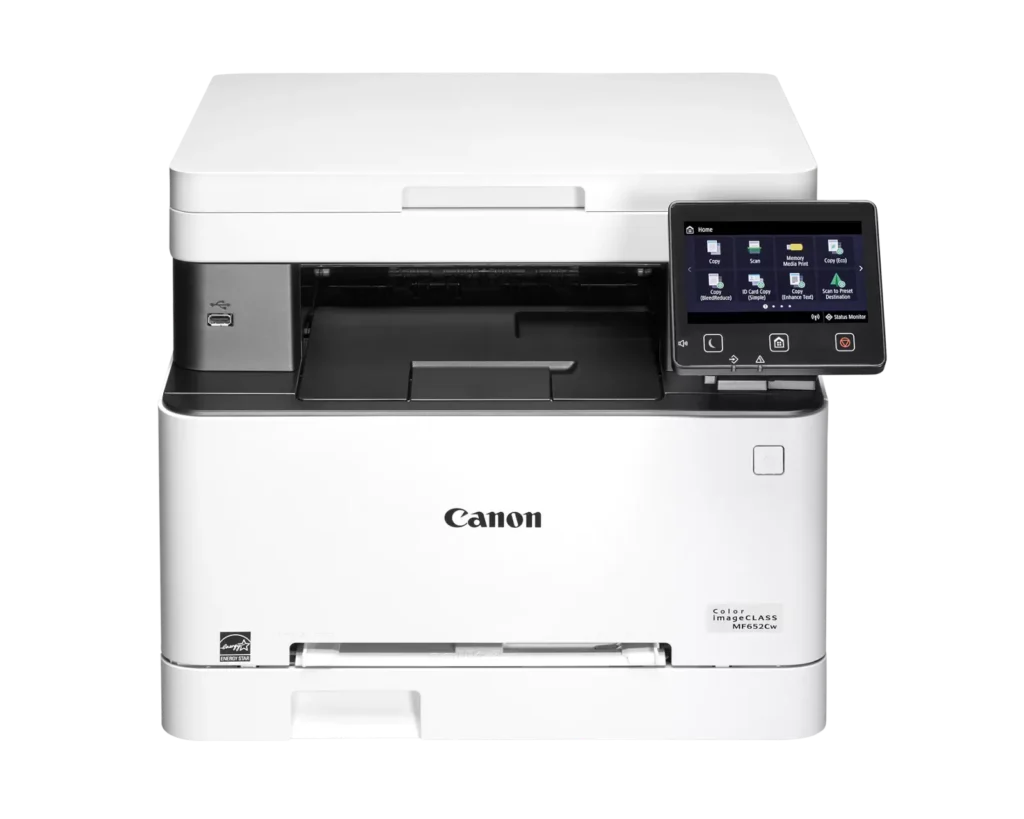
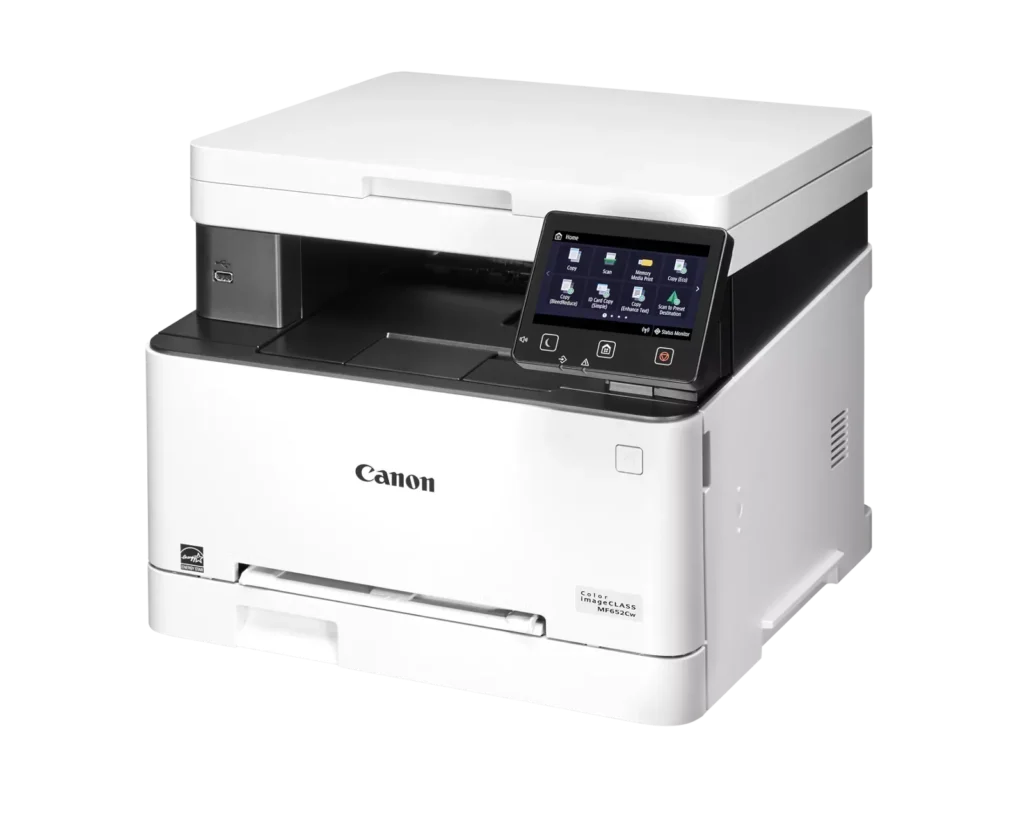
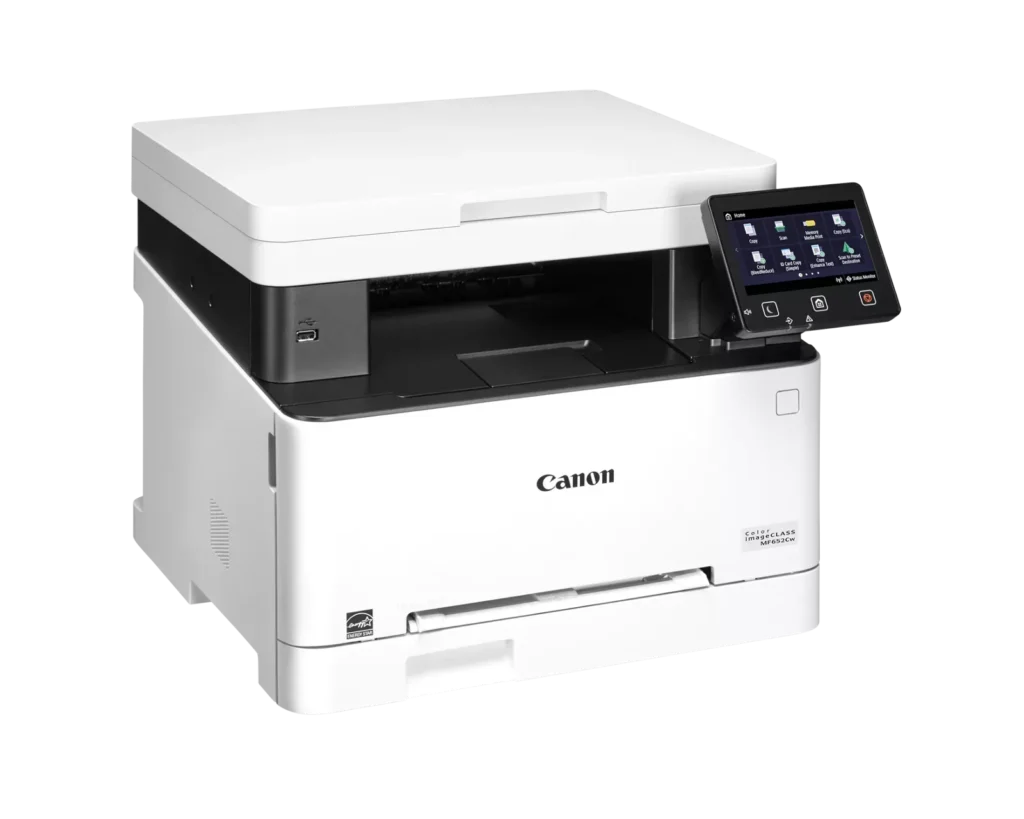
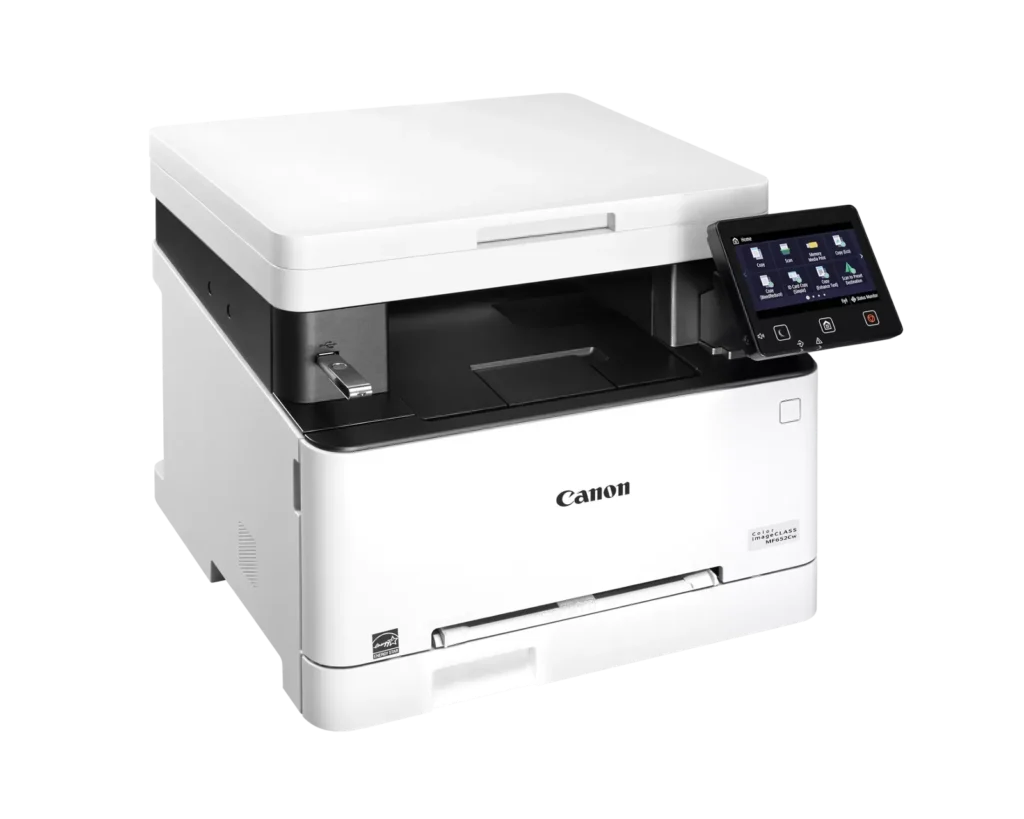
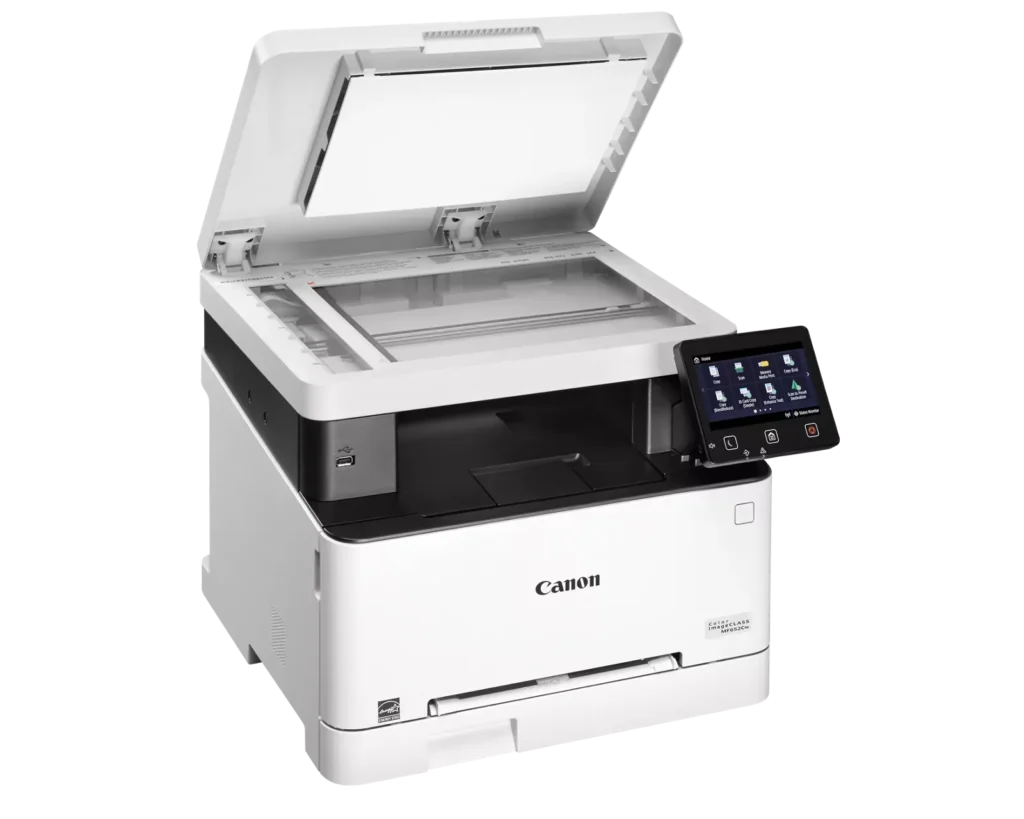
| Versatile 3-in-1 Functionality | Designed for small and medium-sized businesses, this multifunction printer provides high-quality color printing, scanning, and copying in a compact footprint. |
|---|---|
| Fast and Efficient Performance | Boost productivity with print speeds of up to 22 pages per minute (Letter) for both black-and-white and color documents, featuring a quick first-print time of approximately 10.3 seconds. |
| Intuitive 5-Inch Color Touchscreen | The customizable 5-inch color touchscreen allows you to easily navigate through features and create a personalized experience by placing your most-used icons on the home screen. |
| Seamless Wireless and Mobile Connectivity | Print on the go with support for Apple AirPrint, Mopria Print Service, and the Canon PRINT Business app. It also features built-in Wi-Fi and Ethernet for flexible networking. |
| Flexible Paper Handling and High Capacity | Equipped with a 250-sheet standard paper cassette and a 1-sheet multipurpose tray, this model supports various media types and uses high-capacity Toner 067H to minimize interruptions. |
Pros & Cons
Pros
- High Print Quality: Users consistently praise the sharp, vibrant color and crisp text, noting it performs well for documents, labels, and even photos better than expected for a laser printer.
- Fast Performance: The printer is frequently described as quick to start and fast during operation, making it an efficient choice for home office workflows.
- Excellent Value: Many reviewers feel the printer offers great value for the price, especially as a more reliable and cost-effective alternative to inkjet models due to longer-lasting toner.
Cons
- Difficult Software and Wireless Setup: Numerous users struggled with confusing instructions, unreliable wireless scanning (particularly on Mac), and problematic mobile app connectivity that often requires technical workarounds.
- Limited Copy and Scan Functionality: A major complaint is the lack of an automatic document feeder and automatic duplexing, requiring users to manually flip pages for double-sided printing or multi-page copies.
- Bulky and Noisy Operation: Several reviews highlight that the unit is unexpectedly large and heavy, requiring a sturdy stand, and it produces significant noise during the startup and printing process.
You might also like












Customer Reviews
Showing reviews 51-60 of 79
-
Excelente
Verified purchase Verified purchase: This reviewer bought the product.Amazon Customer May 20, 2025Review source: AmazonExcelente producto y calidad! Fácil de instalar y utilizar. Me encanta!
-
Turned off but never turned on
Verified purchase Verified purchase: This reviewer bought the product.Zhiyong Meng May 16, 2025Review source: AmazonI bought this machine in Jan 2025. However today I got this machine unexpectedly turned off, no matter what I do, plug and unplug, turn it on and off, the machine never startup. I have been a long-term user of canon printer, this is very disappointing. I cannot return now, but hope Canon customer service will help me out
-
Simple to use and prints well
Verified purchase Verified purchase: This reviewer bought the product.Lindsay Jameson May 15, 2025Review source: AmazonWorks fine and simple to set up just wish the document feeder could handle more than one sheet at a time. It’s also a slow printer gathering info from the computer
-
Best buy for a printer that uses toner
Verified purchase Verified purchase: This reviewer bought the product.Mike Walls May 13, 2025Review source: AmazonPrinter has all functions needed in home office. No chance for ink to dry or gum up the machine. Just works when you need it to
-
Great printer
Verified purchase Verified purchase: This reviewer bought the product.jeff kellogg May 12, 2025Review source: AmazonLove it. Upgrade from another Canon color laser. The features are amazing
-
Paper Jam is not cleared
Verified purchase Verified purchase: This reviewer bought the product.Joseph Berman May 11, 2025Review source: AmazonDisappointed.
-
Not good
Verified purchase Verified purchase: This reviewer bought the product.Brenda May 9, 2025Review source: AmazonI had problems from day 1 with this printer. In 3 days of trying to get it to work I was only able to print 2 pages and when it printed it took forever. The color was not good either, green came out like a blue color. The printer kept telling me that it was out of paper and it was full. I have never had this many problems with a printer before.
-
I love it already!
Verified purchase Verified purchase: This reviewer bought the product.beckyneilsen-Beta-ARC reader May 3, 2025Review source: AmazonWhy the heck haven’t I bought one of these before?! I had been struggling with an ink jet printer that kept having issue after issue. I finally threw it out because I was fed up with it. Then I immediately bought this and man, I am so glad I did!
It was a piece of cake to set up and works seamlessly with my Mac. No disc install needed.
The color is amazing and where I would have to turn off/ on the other and hope it worked, this one has the page printed before I can sneeze.
I love it! -
terrible printer
Verified purchase Verified purchase: This reviewer bought the product.John A Isaacs April 27, 2025Review source: Amazonthis Pinter is terrible in almost every way I can’t return it. Maybe it will work on my boaty
-
Set up is so easy!
Verified purchase Verified purchase: This reviewer bought the product.April Strickland April 26, 2025Review source: AmazonSet up was fast and easy! What to expect: I followed the instructions in the booklet. The machine made a lot of loud noise for a while after I pushed the power button. I was concerned about that because it seemed excessive, but it didn’t end up being a problem. When I got to the point where I needed to set up my computer, I went to the website that was listed in the booklet, since I (and most human beings) do not have a CD drive. I typed this into the search bar on the website: MF652Cw drivers and software. I clicked on the first option at the top of the list, which had a date of two months ago that was listed under MF652Cw. I downloaded and then clicked on the download and went through the process of installation that it guided me through. It worked great. When I went to print my first doc from my computer, I also had to change “print to pdf” to the printer MF652Cw in the print options. The print quality is good. I noticed that the color is not as sharp or as deep as the printers I’ve been using at UPS. But, it’s good. Black and White is excellent. I’ll continue to fiddle with the settings to see if I can increase the quality of my color prints. Using the device has been easy. So far, I am happy!