Customer Media
Highlights
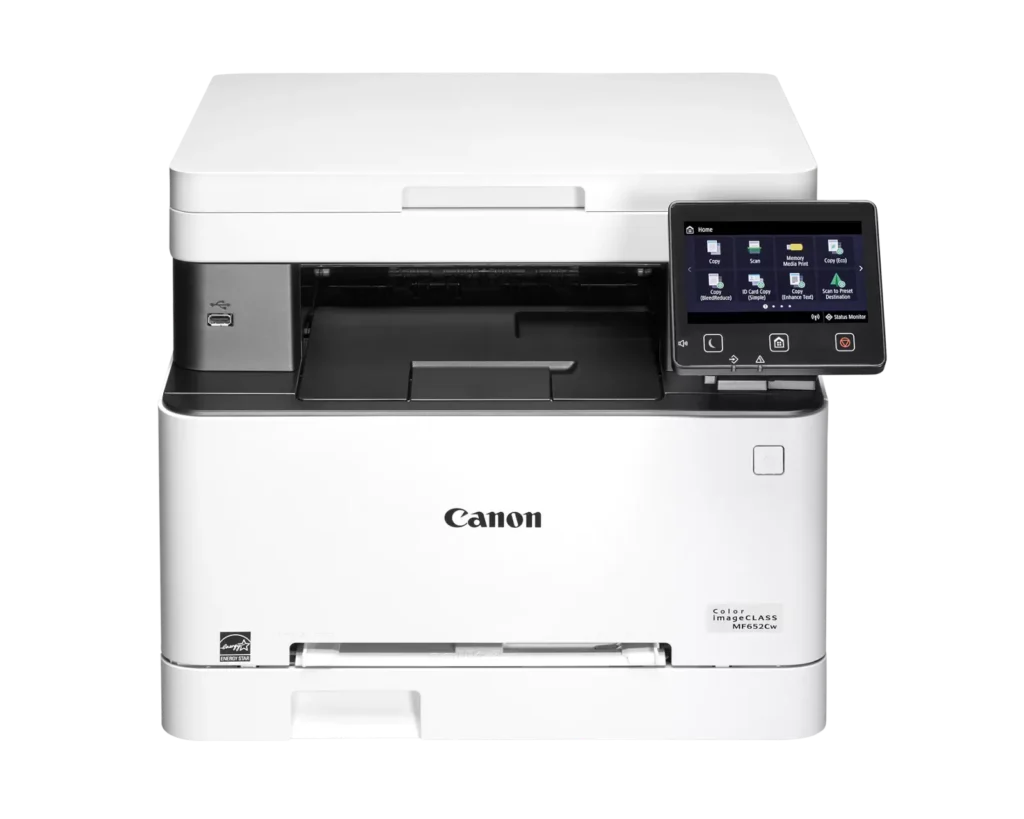
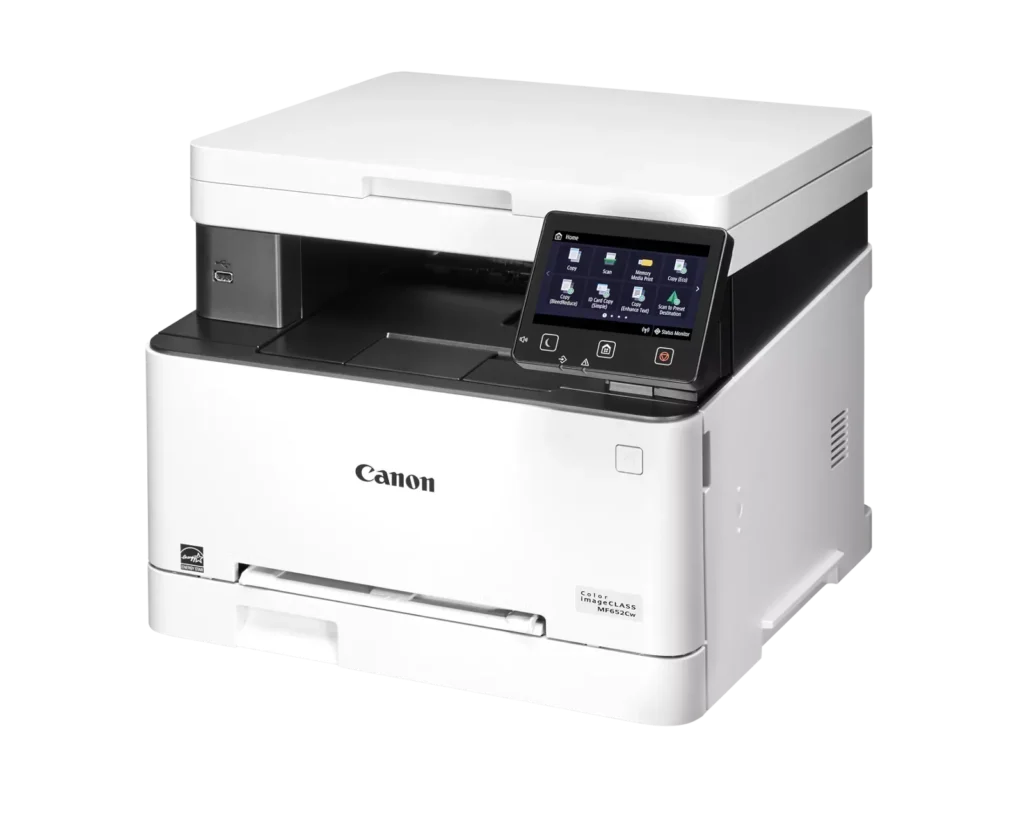
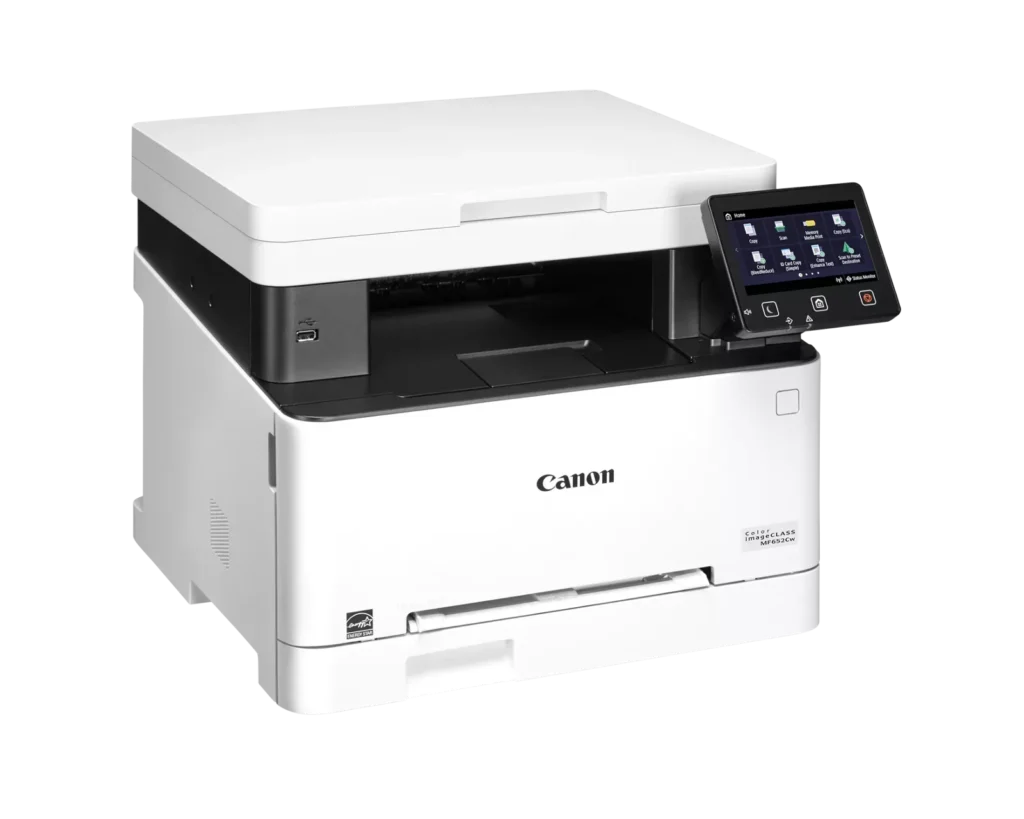
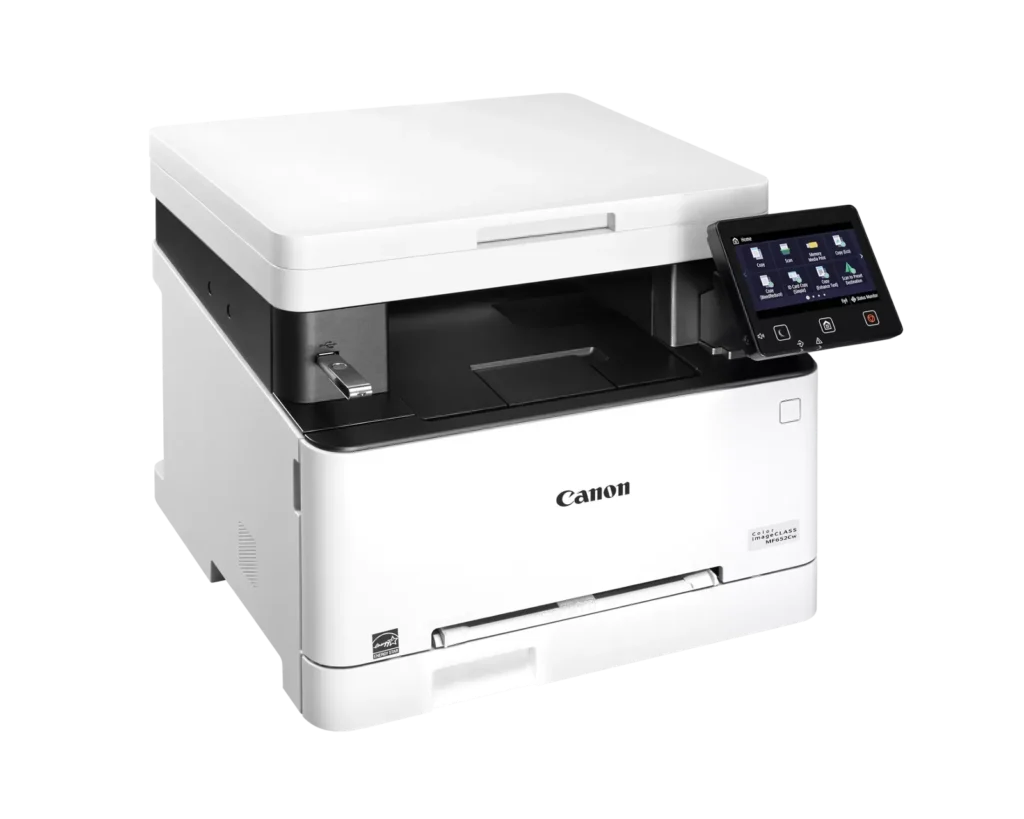
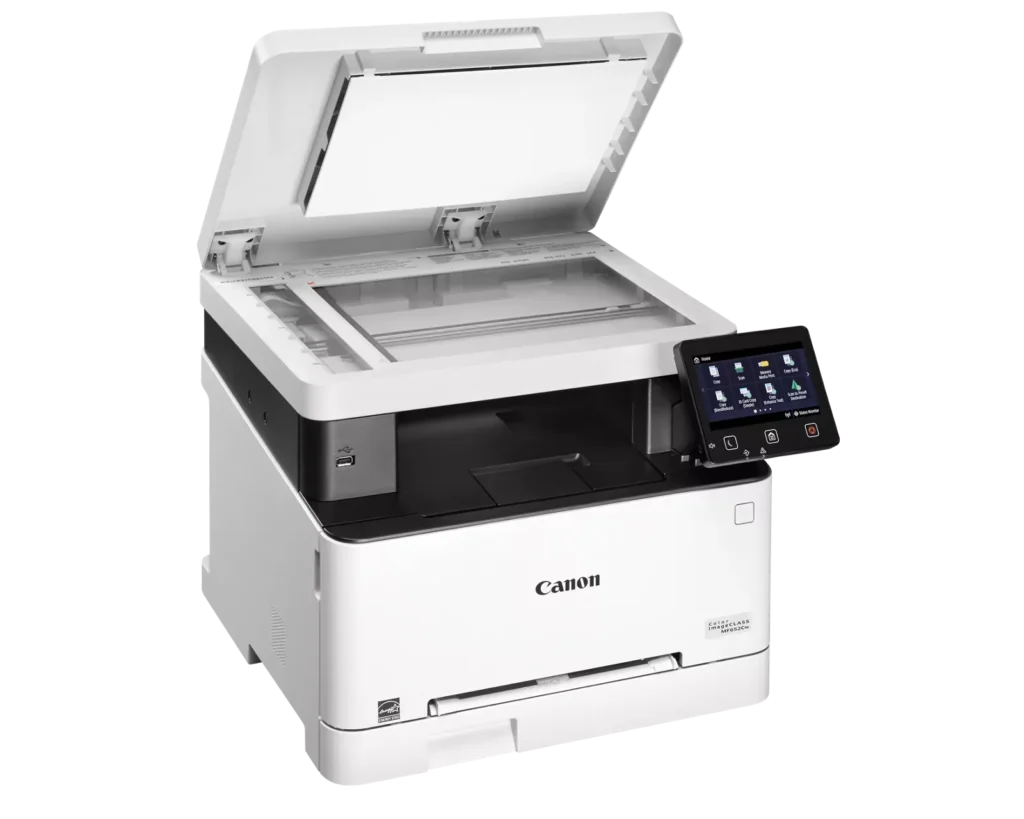
| Versatile 3-in-1 Functionality | Designed for small and medium-sized businesses, this multifunction printer provides high-quality color printing, scanning, and copying in a compact footprint. |
|---|---|
| Fast and Efficient Performance | Boost productivity with print speeds of up to 22 pages per minute (Letter) for both black-and-white and color documents, featuring a quick first-print time of approximately 10.3 seconds. |
| Intuitive 5-Inch Color Touchscreen | The customizable 5-inch color touchscreen allows you to easily navigate through features and create a personalized experience by placing your most-used icons on the home screen. |
| Seamless Wireless and Mobile Connectivity | Print on the go with support for Apple AirPrint, Mopria Print Service, and the Canon PRINT Business app. It also features built-in Wi-Fi and Ethernet for flexible networking. |
| Flexible Paper Handling and High Capacity | Equipped with a 250-sheet standard paper cassette and a 1-sheet multipurpose tray, this model supports various media types and uses high-capacity Toner 067H to minimize interruptions. |
Pros & Cons
Pros
- High Print Quality: Users consistently praise the sharp, vibrant color and crisp text, noting it performs well for documents, labels, and even photos better than expected for a laser printer.
- Fast Performance: The printer is frequently described as quick to start and fast during operation, making it an efficient choice for home office workflows.
- Excellent Value: Many reviewers feel the printer offers great value for the price, especially as a more reliable and cost-effective alternative to inkjet models due to longer-lasting toner.
Cons
- Difficult Software and Wireless Setup: Numerous users struggled with confusing instructions, unreliable wireless scanning (particularly on Mac), and problematic mobile app connectivity that often requires technical workarounds.
- Limited Copy and Scan Functionality: A major complaint is the lack of an automatic document feeder and automatic duplexing, requiring users to manually flip pages for double-sided printing or multi-page copies.
- Bulky and Noisy Operation: Several reviews highlight that the unit is unexpectedly large and heavy, requiring a sturdy stand, and it produces significant noise during the startup and printing process.
You might also like












Customer Reviews
Showing reviews 61-70 of 79
-
Great, but Noisy!
Verified purchase Verified purchase: This reviewer bought the product.Smart Consumer April 22, 2025Review source: AmazonWorks great, Noisy AF.
-
Good print but WiFi is difficult
Verified purchase Verified purchase: This reviewer bought the product.Robin April 22, 2025Review source: AmazonWe initially had connection problems and couldn’t figure out the paper tray system. This printer isn’t intuitive but it does print fast with good quality.
-
Couldn't get it to hook to the computer and no support from Canon
Verified purchase Verified purchase: This reviewer bought the product.Cmi April 21, 2025Review source: AmazonI ordered this printer and we can not get it to recognize the computer. We are currently waiting for Canon support to pick up and help us. We have been on hold for 27 minutes… Thinking this thing is going back in the box and going to be returned.
-
Good printer with terrible software.
Verified purchase Verified purchase: This reviewer bought the product.Tjaltz316 April 20, 2025Review source: AmazonGood Printer with terrible interface. Setup the printer and software using USB connection. Printed test page and scanner tested okay. When you later try to use it, you get a message that printer or scanner not connect, even though the original USB connection is still in place. Installed the latest software and drivers from the Canon website, same problem. Constantly disconnects from computer and becomes unusable. Print jobs fail and back up in the printer queue and scanner function returns error no scanner connected. I expected better from cannon.
-
Major chore just to print something
Verified purchase Verified purchase: This reviewer bought the product.anthony April 19, 2025Review source: AmazonNot very user-friendly. Always telling me to add paper and then telling me drawer is too full. just to print 50 pages it has to cool down every 2 to 3 pages. Plus numerous other errors and issues just to get something printed. Sometimes works fine though. Print quality is excellent. I was hoping this printer would be a simple push print and print, but it is not.
-
Cannons always the way to go
Verified purchase Verified purchase: This reviewer bought the product.Doesn't seem to work, I've tri… April 19, 2025Review source: AmazonIt’s awesome
-
Better than HP
Verified purchase Verified purchase: This reviewer bought the product.ReSP April 19, 2025Review source: AmazonThe product is really great for the price, much superior to HP. The only problem I had was with the software installation. But it works with the Windows scan software.
-
a couple of pesky problems
Verified purchase Verified purchase: This reviewer bought the product.j.a. harris April 15, 2025Review source: AmazonHad some problems with the printer. First, it was damaged during the shipping process. One side of the door which encloses the bottom half of the unit where the toner is found was broken and I had to spend about an hour taking the printer apart to get it put back together so it would close and allow the printer to work. Second, the instructions to set it up to work via wifi were terrible and failed to work. Had to look at a video on youtube to actually get the drivers loaded up and get the wifi set up. Now it works! but keep in mind if you aren’t very tech savvy to have a friend who is to give you a hand or do as I did and watch a couple of videos and copy their steps.
-
Not happy
Verified purchase Verified purchase: This reviewer bought the product.Blanca April 15, 2025Review source: AmazonNot very happy with it I can’t get it to print double side and that is why I purchased it very disappointing
-
Great printer
Verified purchase Verified purchase: This reviewer bought the product.Carlos B. Miller April 6, 2025Review source: AmazonPerfect printer easy to setup