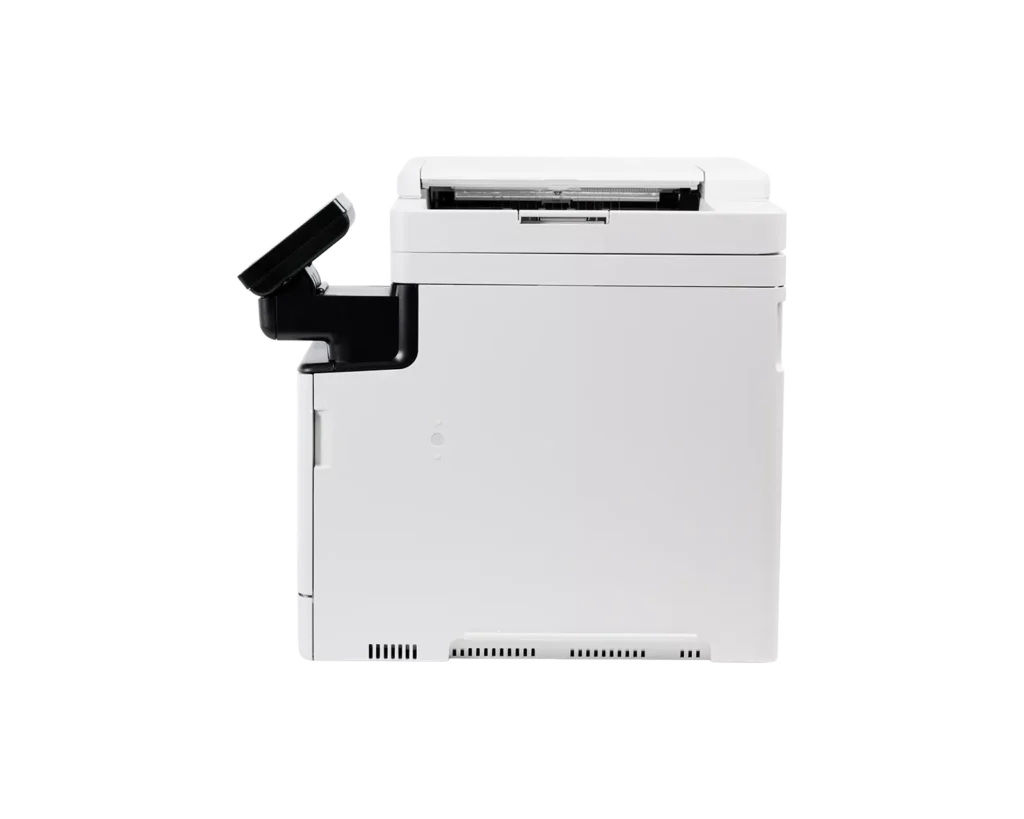
Customer Media
You might also like












Customer Reviews
Showing reviews 21-30 of 36
-
Fast and super versatile unit.
Verified purchase Verified purchase: This reviewer bought the product.Christopher Petersen December 2, 2025Review source: AmazonWorks great, added a 2nd tray, the multi tray does not stay locked on one option. My prior Canon I could set it up and keep it for envelopes. So far so good over all
-
SPECIAL INFORMATION FOR PURCHASERS WITH WIN 10 HOME
Verified purchase Verified purchase: This reviewer bought the product.Frederick November 25, 2025Review source: AmazonMicrosoft ended support for Windows 10 fall 2025 but it seems they blanket included the ‘Group Policy Client’ software to all WIN 10 users. GPC is to allow control of PC’s in a business. But of the three versions of Windows 10, the Home Edition (most common) does not allow access to the controls of the software which covers adding printers! So at Printer installation you may see WIN error 0x00000709, be unable to add it as a printer, set it as the default printer, or be noticed the driver is unavailable or not is loaded, and be unable to network. GPS in the Home Edition causes these problems. Canon and Amazon Techs will give you to Regedit entries to do, which doesn’t work.. Easiest solution is to reinstall Windows. Use Reset with the Windows on your PC not from the Cloud. That way you don’t lose your personal files, then add the Canon printer. Negative Reviews below appear to be central to this issue. The printer is actually pretty good when you can get Microsoft to allow the correct permissions to use it.
-
Canon Color
Incentivized Incentivized review: The reviewer received a benefit for sharing feedback.Customer Review November 20, 2025Review source: AmazonThis Canon printer is exactly what I needed. I had a smaller one, but it just wasn’t good enough quality for the business I am running. This printer makes crisp print outs, photo copies and easily saved scanned documents. I’m incredibly happy with the functions of this printer. I love that it has a good warranty as well! It prints up to 35 pages per minute, which is great for my flyers, and information pages. This was so easy to set up and connect to my devices as well. It’s a great price for a high end printer
-
A beast.
Incentivized Incentivized review: The reviewer received a benefit for sharing feedback.Jacob Snell-Field November 20, 2025Review source: AmazonThis thing may be a bit more than what I need, but that’s not an issue with the printer itself. I was able to easily set this up with my wifi and havent had a single connection issue since I got it. It prints FAST and the scanner works great too. I’m hoping it will last me a long time, because that’s a consistent issue with printers is that they’re kinda built to die. I also don’t know how much ink the toners hold and how often I’ll need to replace them. For now, I’m happy with this, but I’ll update my review if problems arise.
-
Brings big office features into my home workspace
Incentivized Incentivized review: The reviewer received a benefit for sharing feedback.Michele J November 19, 2025Review source: AmazonThis printer was printing perfectly within 2 minutes of my plugging it in. It was already loaded with starter color and black and white toner. All I had to do was peel off the orange tape and stick a USB cord (which I already had) between my computer and the printer and I was ready to go. My computer recognized the Canon.
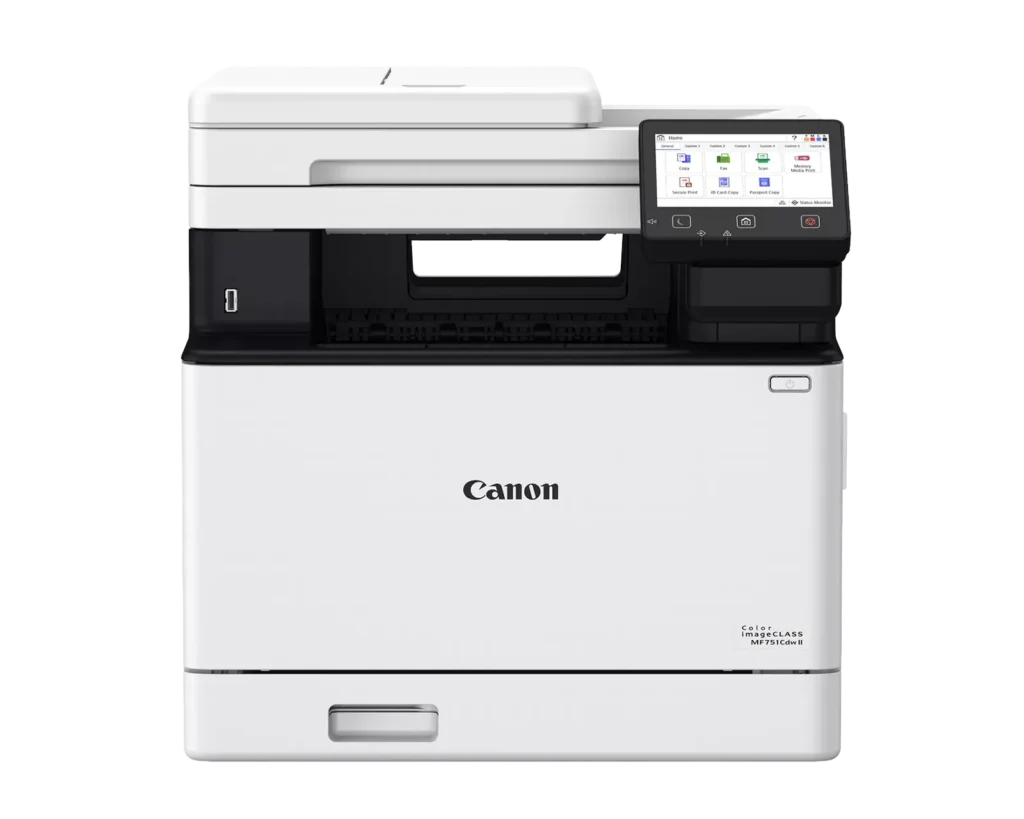
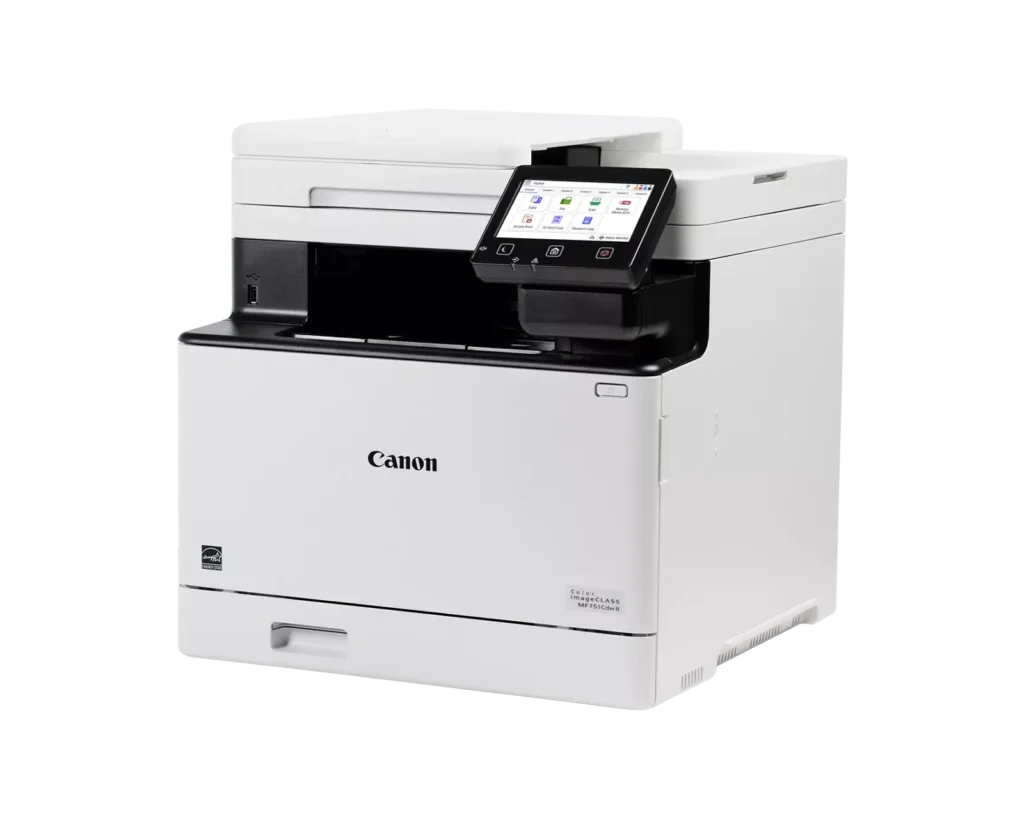
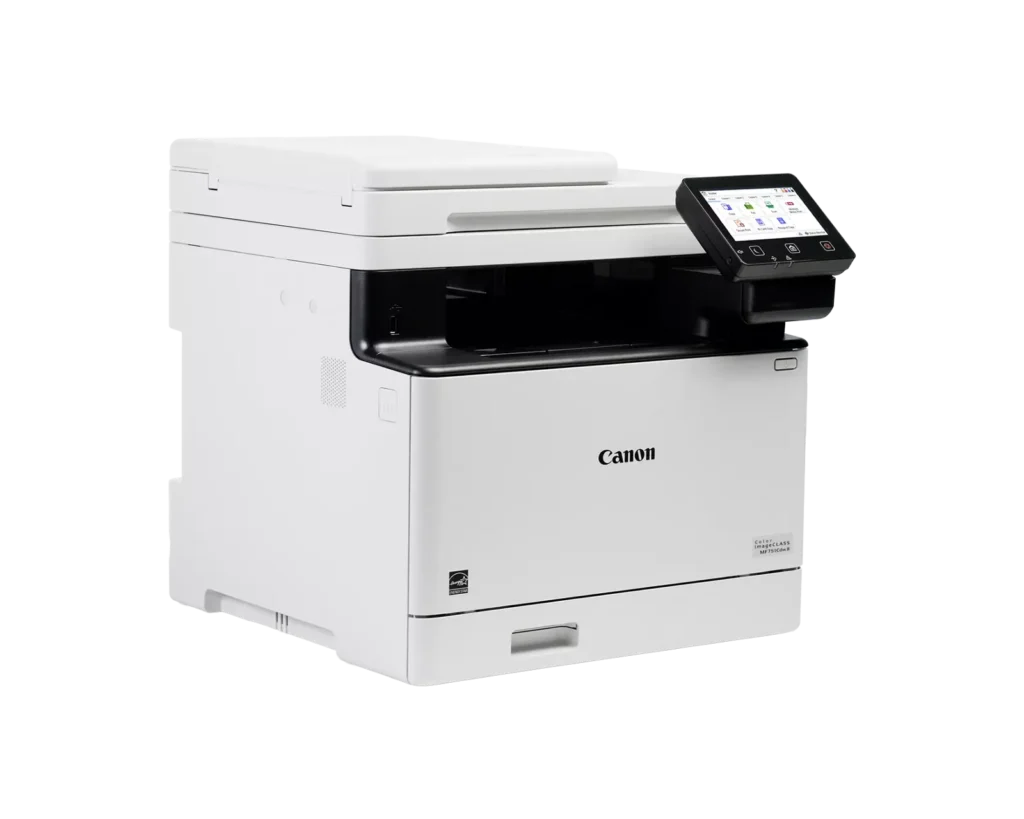
This computer is very heavy, but although it’s taller than my old black and white ink printer, it has about the same size foot print. So, I could fit it into my home office workspace without a problem. It doesn’t take up more room, yet does so much more.
Every month I would go to my neighborhood office store and have them print cards to go into my client’s packages. When I knew this printer was coming, I purchased some heavy weight, perforated blank cards and printed the monthly design myself. The pictures came out a little darker than I expected, but I was pleased with the results. Next time I want to print on glossy paper for an even better result.
I printed on both sides of my postcards and the two-sided process was smooth.
The text output is sharp and clean and comes out fast. The photo printing took about 30 seconds to start printing.
The copying and scanner work well and I actually didn’t have the same problem with the color being darker on the copies as I did when I was printing photos. I made the copy using the fold down automatic feeder and it took the paper without jamming.
Once I plugged in the printer and started moving it into position, the power came on. I hit the button accidentally. But now that I have it in place and know where the button is that shouldn’t happen more.
Using the wi-fi lets me print from my laptop and IPad when I’m in a different room than the printer.
This is a heavy duty printer for my home office needs and it makes me ore productive, allowing me to achieve results at home that I used to pay for. The ink is not cheap and the color runs out fast. I bought the high yield black toner, which should last me a a long time.
-
Solid All-Around Color Laser Printer — Great for Documents, Decent for Photos
Incentivized Incentivized review: The reviewer received a benefit for sharing feedback.R. Grossman November 18, 2025Review source: AmazonSetup for the Canon Color imageCLASS MF751Cdw II was surprisingly easy. The unit comes fully assembled, and you start by scanning a QR code before transitioning to the printer’s built-in screen. The only real hiccup was with the color calibration: it printed and scanned the test page but then reported a failure. I skipped it, and the printer has worked perfectly since. Because I was using an Apple device, I couldn’t use the expedited Wi-Fi setup and had to manually type my password on the touchscreen. The touchscreen is a good size, responsive, and easy to use, so this wasn’t a problem.
As for the scanner and copier, while I don’t anticipate using them often, they are good to have. The scanner produces cleaner results than phone-based scan apps, and the copier is handy for a quick, computer free copy when you need it. Paper handing with the automatic document feeder is great, with no jams so far, a problem I had experienced with another brand.
Overall, I’m very happy with this printer for the ability to produce high-quality color when needed. If you’re considering this model, my only recommendation is to think about how often you’ll use the scanning and copying features as there’s an otherwise identical version without them for less money and space. Otherwise, it’s a reliable, easy-to-set-up printer that delivers exactly what it promises.
-
I love the wireless feature
Incentivized Incentivized review: The reviewer received a benefit for sharing feedback.S Sargent November 16, 2025Review source: AmazonThis is my first wireless printer, and I love it! It was easy to set up, and it works perfectly with all of our computers. I use a PC and my husband uses a Mac, and it connects and works easily with both of them.
It’s a big machine, so it needs a good bit of countertop space, and it is heavy!
It only took about 15 minutes to set up.
One irritating thing was that I scanned the QR code to download the software, and it took me to a nothing page on the Canon website, so I had to search around to find what I needed to get the printer working. Once I found the software, the rest was easy.
The printer prints pages quickly, and the print quality is excellent. It prints in both black and white and color.
I love the features like scanning, copying, and feeding documents for easy copying. It has so many great features that we don’t use often, but it’s great to have them all in one place, on one device now when I need a feature like this.
The quality of this machine is really nice, and I expect that this printer will last us for many years. When I consider the machine with all the features it has and the quality of the printing, it’s a decent value. At the time of this review, the price is $479.00.
We have a couple of Canon printers, which are for printing art photography; they have lasted us for years, and we still use them. I like the quality of Canon printing products. -
Splendid color laser printer
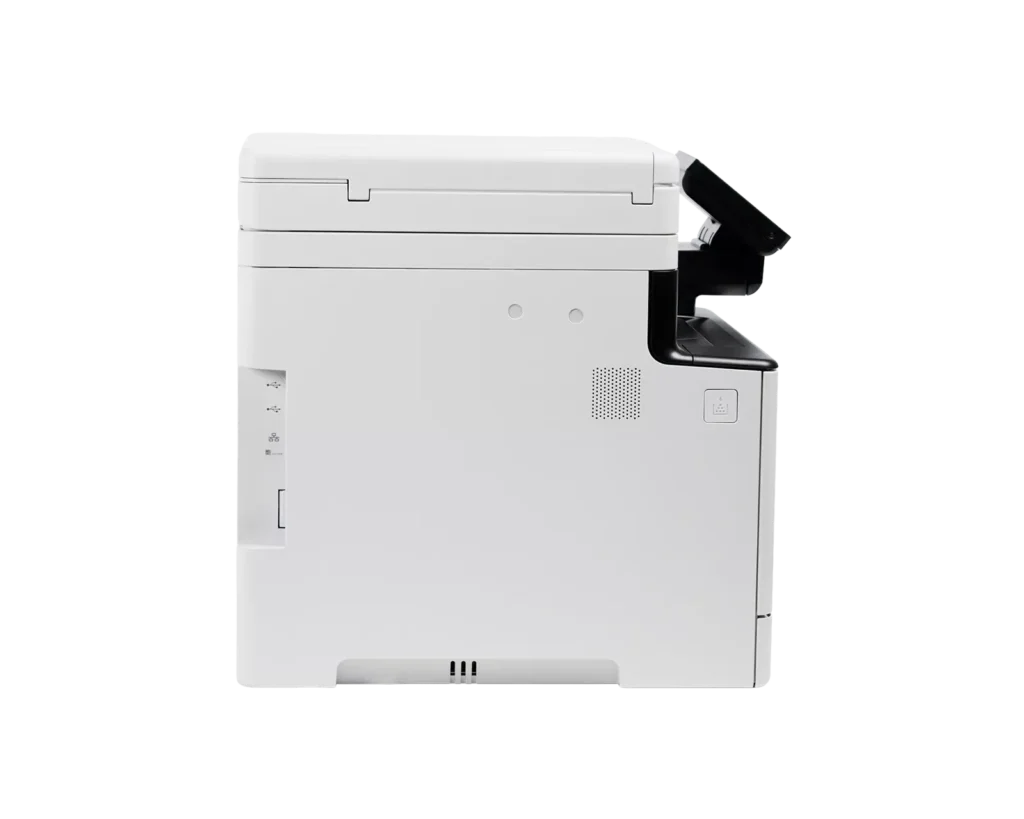
Incentivized Incentivized review: The reviewer received a benefit for sharing feedback.Steve M. November 15, 2025Review source: AmazonThis is a printer that ranks as suitable for business use. It does need sturdy table space due to its footprint and weight, but it performs as a wifi, usb, and network printer/scanner. It is easy to remove from the box and sets up for use in less than 10 minutes on a PC with win10-pro and wifi WPA 3. The toner cartridges are pre-loaded in the printer. The automatic document feed is powerful and fast moving. The printing product is crisp and the colors sharply contoured and vibrant. The touch screen menu pad is easy to use, large enough to read at arms-length, and has helpful icons. It has a pivot to orient the face of the panel for best reading angle. The sheet capacity is 250 primary and 50 specialty. The warm up time is quick and the output is fast. The Canon mobile app in Android version works fine and is simple to set up and with basic permissions will connect to the MF751 automatically. All of the compartments and lids have durable hinges and latches and securely fasten into place. The user-defined settings allow for making copies of documents that need enhancement as well as those that are ready for reproduction.
-
Fast, Reliable, and Feature-Packed!
Incentivized Incentivized review: The reviewer received a benefit for sharing feedback.Jimmylee November 8, 2025Review source: AmazonThe Canon imageCLASS MF751Cdw II is an excellent all-in-one color laser printer for home or office use. Printing at 35 pages per minute, it handles high-volume tasks efficiently, while the wireless duplex printing saves both time and paper. The multifunction capabilities—copying, scanning, and the automatic document feeder—make it highly versatile for a variety of tasks. Setup was straightforward, and the user interface is intuitive, even for those less tech-savvy. Print quality is crisp and vibrant, whether for text or color graphics. If I had to note a minor point, it would be that the unit is somewhat bulky, so it needs a dedicated space, but this is a small trade-off for its performance. Overall, this printer is reliable, fast, and packed with features, making it a solid choice for busy households or offices!
-
A large printer, but Wow, it is Fast with Excellent Quality
Incentivized Incentivized review: The reviewer received a benefit for sharing feedback.DC User November 3, 2025Review source: AmazonThis laser printer is a large format unit. Be sure you have space for it if using on a home office. Everything about this printer is quality. It’s fast, the laser prints are remarkable, scanning and copying are easy and fast with great results. The unit was easy to set up wirelessly once you download the software. The only downside I see so far is the ink cartridges are expensive. This printer has more features than any one i have owned, and that’s a lot of printers.