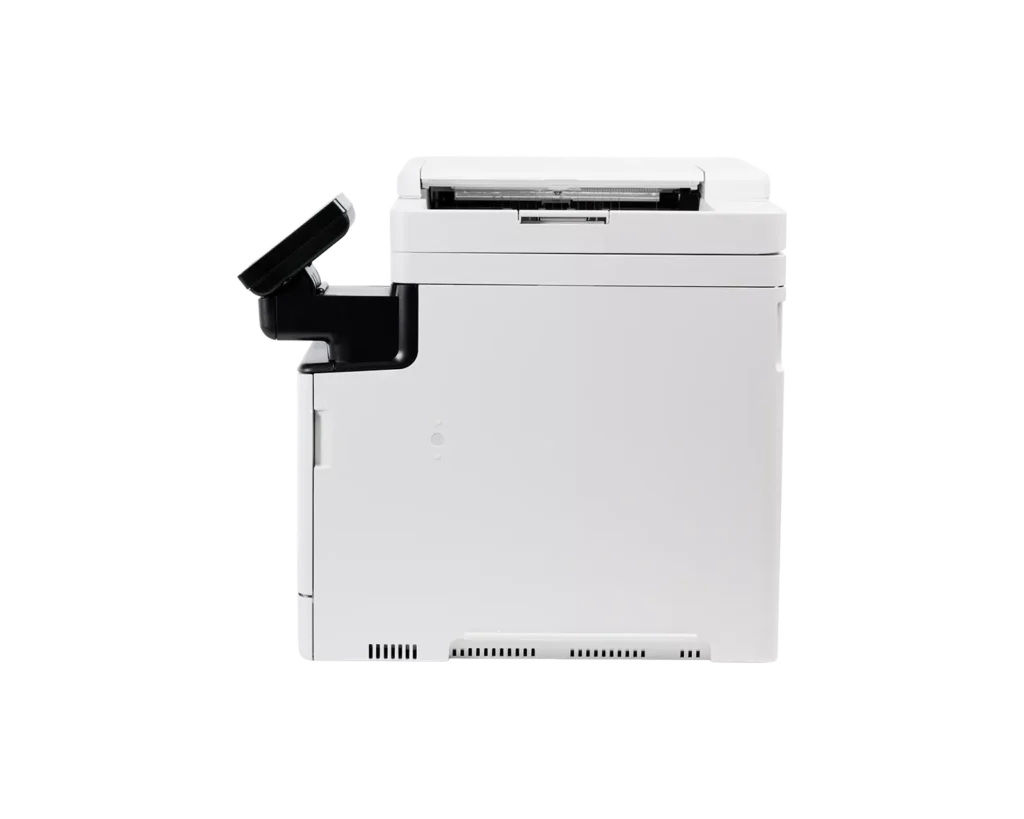
Customer Media
You might also like












Customer Reviews
Showing reviews 31-36 of 36
-
Compact and high-quality color printing and scanning
Incentivized Incentivized review: The reviewer received a benefit for sharing feedback.M. Silva November 2, 2025Review source: AmazonI have wanted to upgrade my home office to a color laser printer for several years. This Canon Color imageCLASS MF751Cdw II meets all my needs. The main difference between this and the Canon Color imageCLASS MF753Cdw II – is no FAX option and double-sided auto feed scanning, although this printer still supports double sided printing.
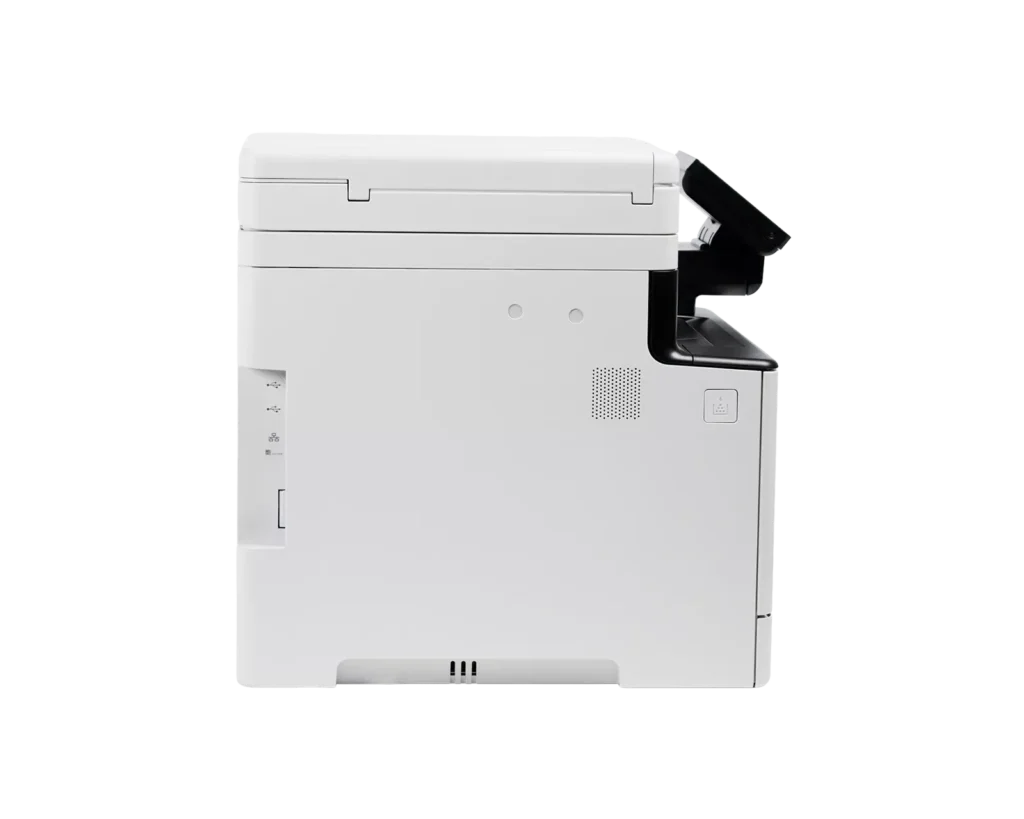
For my home office needs this printer is ideal. The print and scanning quality are excellent. The printer was easy to set up. I hard wired it to my ethernet network using DHCP. The included internet link walked me through everything without a hitch. I was successful with the downloading and installing the canon software on my Windows 10 and 11 computers in about 30 minutes. The printer supports wireless and USB connectivity, which I am not using or tested.
Printing quality is very good. Outputs are crisp and colorful and look professional. It’s a well sized printer that packs many professional features into a small space. The 5-inch touch panel allows for local control. I am also able access information about the printer using a web browser and connecting to the printers IP address.
The printer came preloaded with the 4 color toner cartridges. I believe these cartridges are not the same as the retail versions that support about 2000 pages. The printer diagnostics only tell me the cartridges are at 100% and do not give me an estimated remaining page/print count. I do not have massive printing requirements, but want high quality, when printing. Hopefully the factory supplied cartridges will allow a significant amount of printing. Replacing these toner cartridges with original canon cartridges is an expensive proposition. It seems the original canon toner can cost close to the price of the printer, so that is something to consider.
I am very pleased with the how the scanner performs. The supplied scanner software should meet and exceed my needs. The auto feeder and direct scan to targeted computer drives and even a NAS and emails, will allow me to significantly improve my records retention and organization. Overall, I expect this to become a significant workhorse in my home office. So far, I could not be more pleased with this combo printer and its capabilities.
-
Almost perfect (Air Print issues)
Verified purchase Verified purchase: This reviewer bought the product.Lily Lilac November 1, 2025Review source: Amazonthis printer works about 90% as advertised it for whatever reason refuses to function as an air printer
The configuration settings are fine and whether I connect the printer to the wireless or wired network, wireless devices can see it, but Apple wireless devices cannot see it as an air printer, even though macOS seize the bonjour services everything is enabled
but the print qualities is amazing. The copy works very well and I can use the canon application to print for my iPhone, even though I shouldn’t have to.
-
What's not to like?
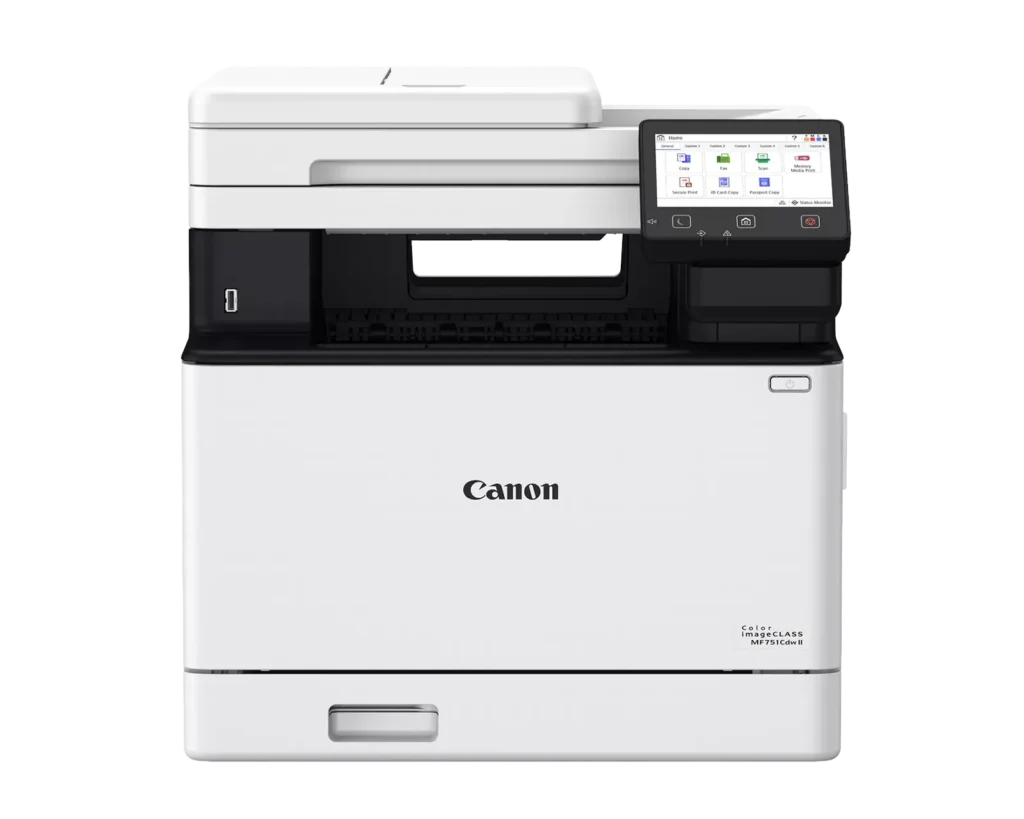
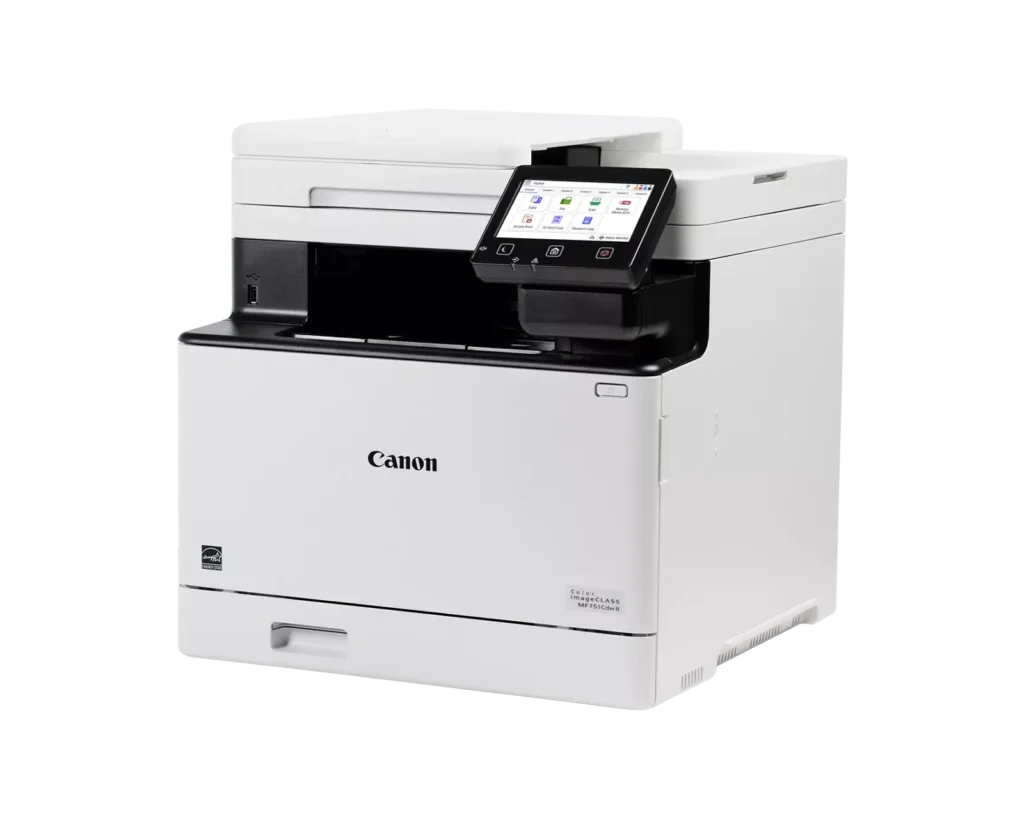
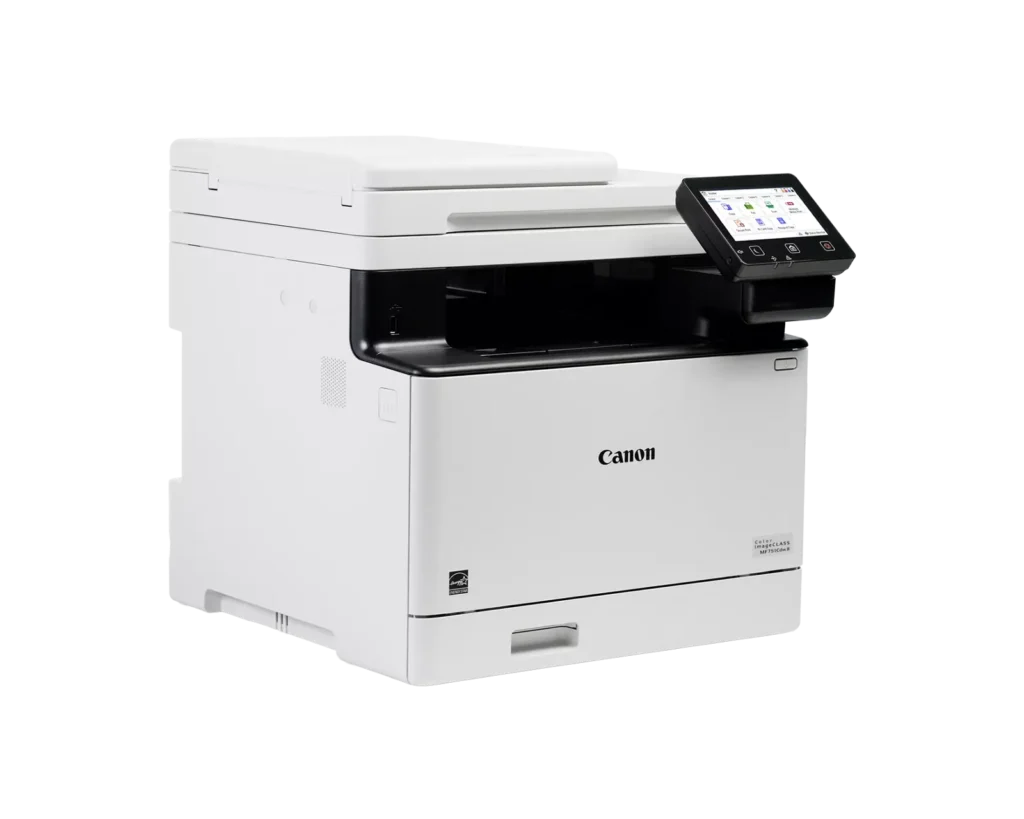
Incentivized Incentivized review: The reviewer received a benefit for sharing feedback.BT November 1, 2025Review source: AmazonIt should not be a surprise to anyone that this is a five star review. Canon is well known for its expertise in laser printers and this one is no exception. One caution for anyone considering this for your home office… it is HUGE so make sure you have room for it. My photo was taken with it on my dining room table because the rack system for my office has not come in yet. Oh, and it’s heavy too.
This one does not have the Fax capability but it has scan / copy / print / remote print features that most everyone needs these days. Laser cartridges are not inexpensive, but laser printers give you so much value for the money compared to inkjets. Having worked with commercial Canon products in the past I expect that this printer will outlast me and operate for even longer than that.
Setup was a breeze, all I had to do was write down my router password to put into the printer at the appropriate time, but aside from that it was just confirming the various steps item by item. Easily the simpliest printer setup I have ever done and my IT experience goes back to dot matric printers from the 80s.
I definitely recommend this one. -
Impressive
Incentivized Incentivized review: The reviewer received a benefit for sharing feedback.Anonymous Cajun October 31, 2025Review source: AmazonI am so impressed with this color laser printer.
Set-up was so easy. I completed it in less than 5 minutes, including my wireless connection.
It prints color pictures with such depth that they look like they are the actual photo from a photo processing service (like in the old days when we had film developed and prints made).
I really like the 5-inch touch screen. It’s so easy to make your selections, unlike others with a tiny touch screen.
I haven’t used the mobile print option, so I can’t address it. I just don’t print from my phone.
But I’m sure you will love this printer as much as I do.
-
The Canon ImageCLASS MF751CDw II: A Study in Precision, Purpose, and the Virtue of Restraint
Incentivized Incentivized review: The reviewer received a benefit for sharing feedback.Daniel J. Cascioppo October 31, 2025Review source: AmazonOccasionally, a piece of office equipment appears that reminds one what competence once meant. The Canon ImageCLASS MF751CDw II is such a creation. It is not quite ostentatious, nor does it pander to novelty; it simply does what it is designed to do with the quiet assurance of a professional who knows exactly how the world ought to work.
I have owned several Canon ImageCLASS printers, and the MF751CDw II carries forward that distinguished lineage with admirable restraint. It dispenses with the more theatrical features of its elder sibling, the MF753 model, omitting the superfluous fax function and the dual-sided, single-pass scanning apparatus. What remains is a machine that focuses on the essentials: superb color printing, reliable scanning, and an interface that respects the user’s intelligence.
Setup, as always with Canon, borders on elegant simplicity. One inserts the toner, removes the protective wrappings, and engages with the color touchscreen as though addressing a discreet concierge. It connects to Wi-Fi without complaint, and for those who prefer the comfort of cables, Ethernet and USB options await. The machine conducts itself with silent efficiency, utterly free of the shrill demands of printers that insist on user accounts and cloud tethering before consent to print a single page.
Of particular note is the front gravity-fed pass-through compartment—a rare and civilized accommodation for those who print on cardstock, envelopes, or other specialty media. The sheets feed smoothly, with a precision that suggests mechanical grace rather than mechanical struggle. It is the kind of design detail one expects from a company that still believes engineering is an art form.
Scanning, while limited to single-sided capture, remains crisp and fast, and for most real-world use this restraint feels intentional rather than limiting. It produces perfect digital images through Windows Scan or Canon’s own application without the melodrama common to lesser machines. Printing from USB drives is equally straightforward and gratifying in its immediacy.
The printer’s professional pedigree extends to its software compatibility. It integrates neatly with Salesforce and other serious line-of-business platforms that require consistent print and scan resources at the network level. In professional environments this reliability is worth far more than novelty features one will never use.
In operation, the MF751CDw II performs with composure and accuracy. Color reproduction is balanced, lines are sharp, and every motion feels deliberate rather than hurried. It is a machine that exudes competence without feeling the need to announce it.
As for toner, one should not insult a device of this refinement with counterfeits. To install off-brand cartridges would be as tasteless as pairing fine wine with a paper cup. Use genuine Canon supplies and sleep soundly knowing the machine will reward you with consistency.
My previous ImageCLASS printer has survived five years of steady work and remains unbothered by time. I expect this model to do the same, perhaps longer, because it is not cluttered by unnecessary contrivances.
In conclusion, the Canon ImageCLASS MF751CDw II is the thinking person’s printer—a perfectly judged balance of capability and restraint. It prints beautifully, scans dependably, and handles specialty media through its front feed compartment with aplomb. It does not try to be everything; it is content to be excellent, and that is far rarer than most realize. -
Excellent printer, relatively easy wifi setup
Incentivized Incentivized review: The reviewer received a benefit for sharing feedback.JustMe October 31, 2025Review source: AmazonThis is a wonderful color laser printer! I did find that their enclosed instructions didn’t work – but going to the control panel and finding the printer device/downloading appropriate drivers worked, and it installed quickly. Once installed it connected to the wifi immediately. It’s a very quiet printer and the print quality is very good. I was able to print both from my tablet as well as the computer. My android galaxy phone would not find it. I haven’t had any paper jams. This printer has an excellent price for a device that should last for years. The toner prices do range from affordable to extremely expensive – I purchased non-Canon in order to save money (a lot). I have done that in the past with IBM, HP and Brother, without issue, so expect this will be fine as well.