Customer Media
Highlights
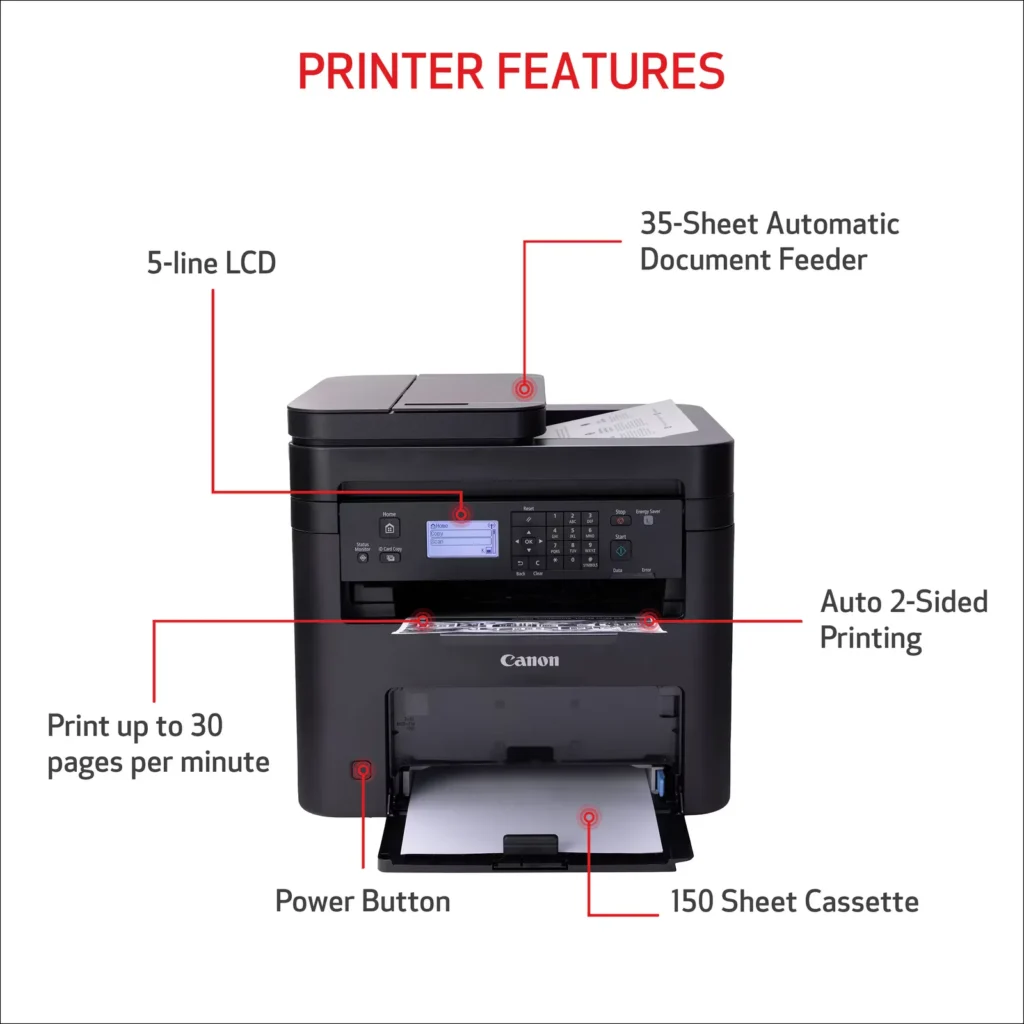
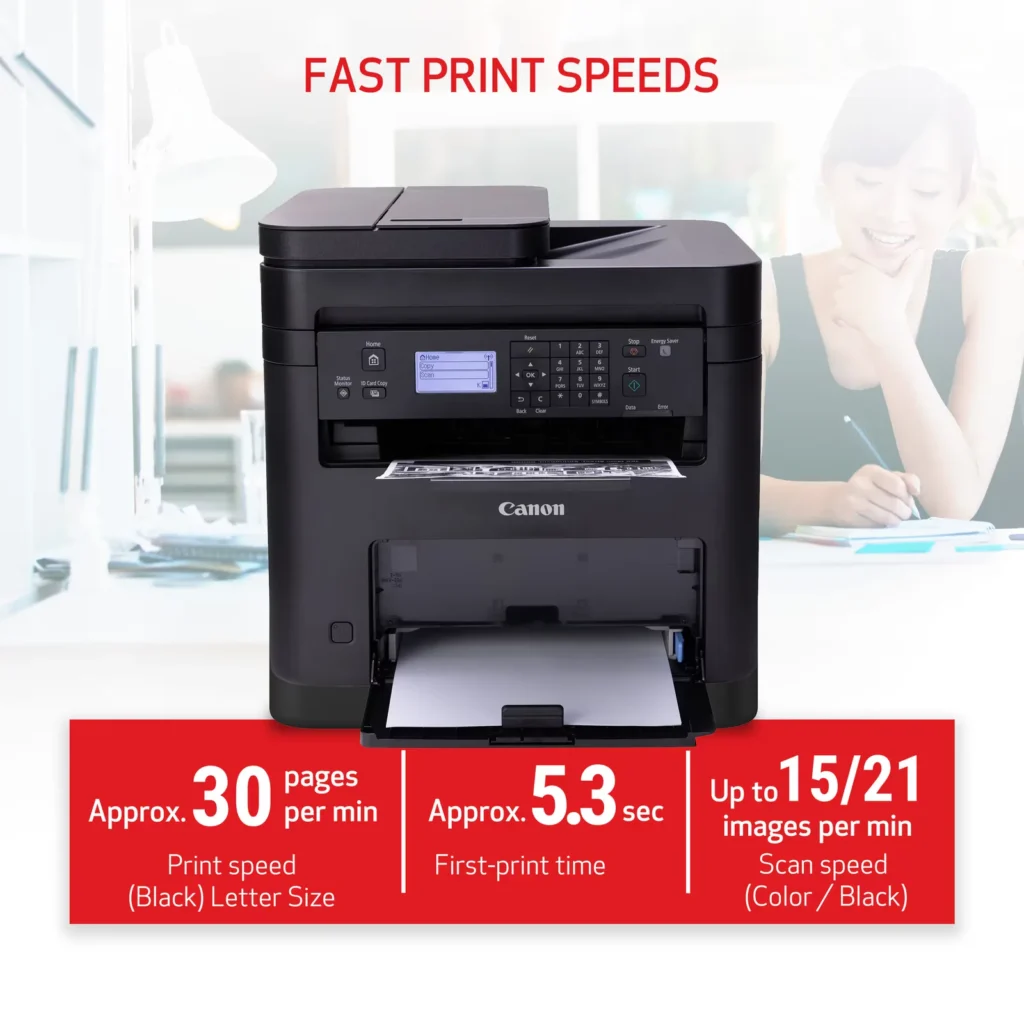
| High-Speed Performance | Boost office productivity with rapid print speeds of up to 30 pages per minute and a quick first-print time of approximately 5.3 seconds, ensuring minimal wait times for your documents. |
|---|---|
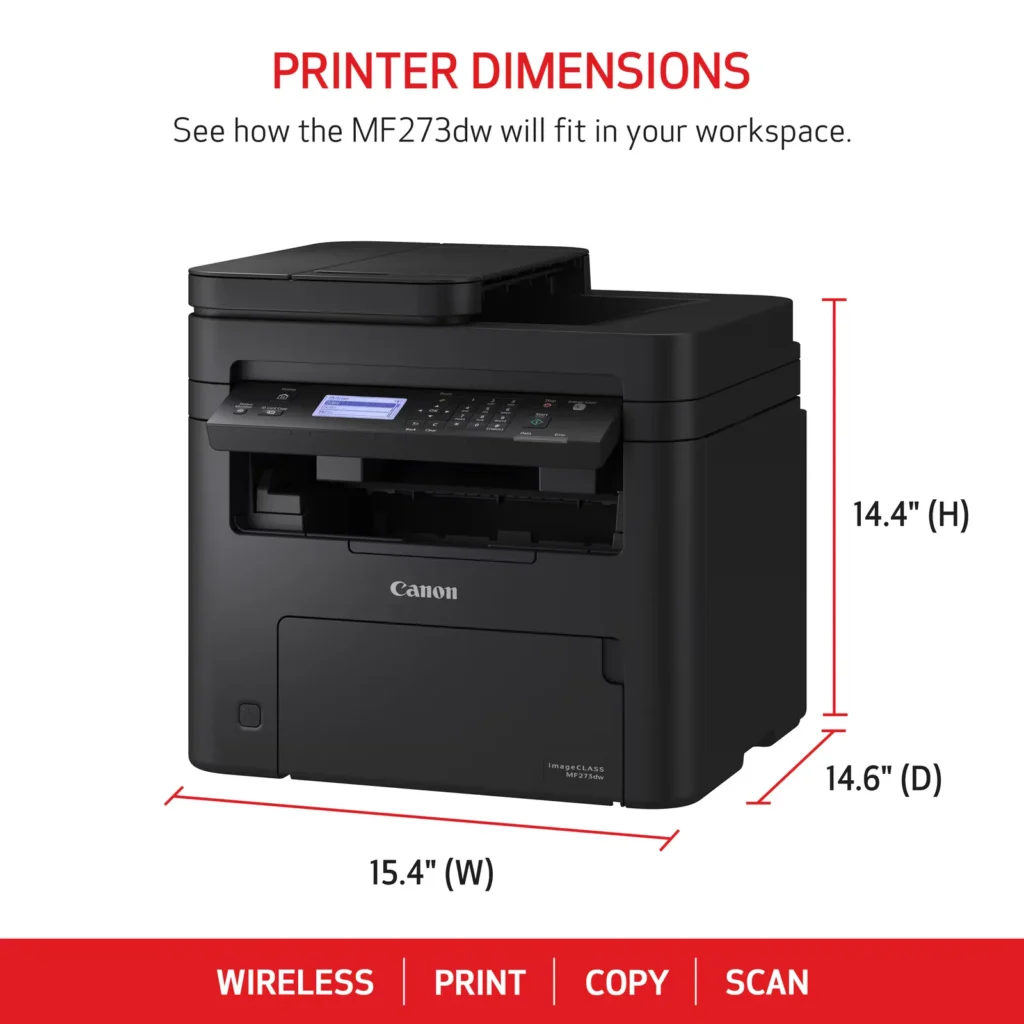
| Versatile 3-in-1 Functionality | This multifunctional monochrome laser printer streamlines your workflow by combining high-quality printing, scanning, and copying capabilities into a single, compact device. |
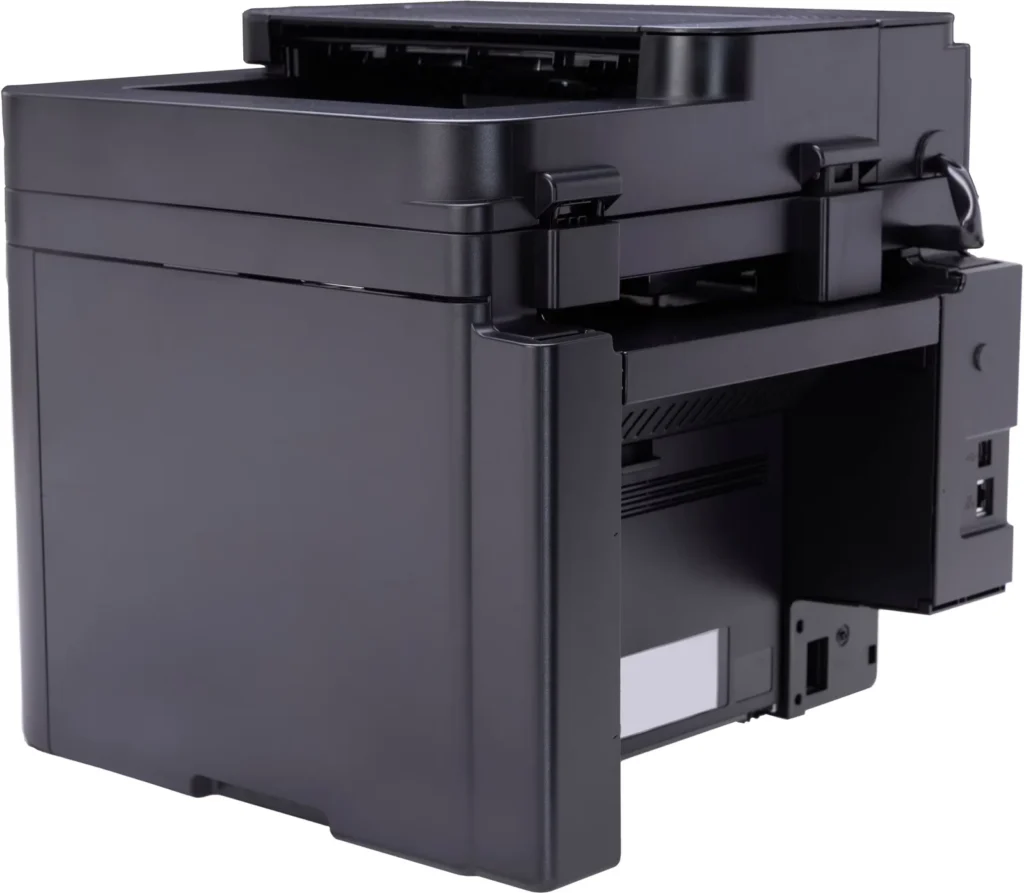
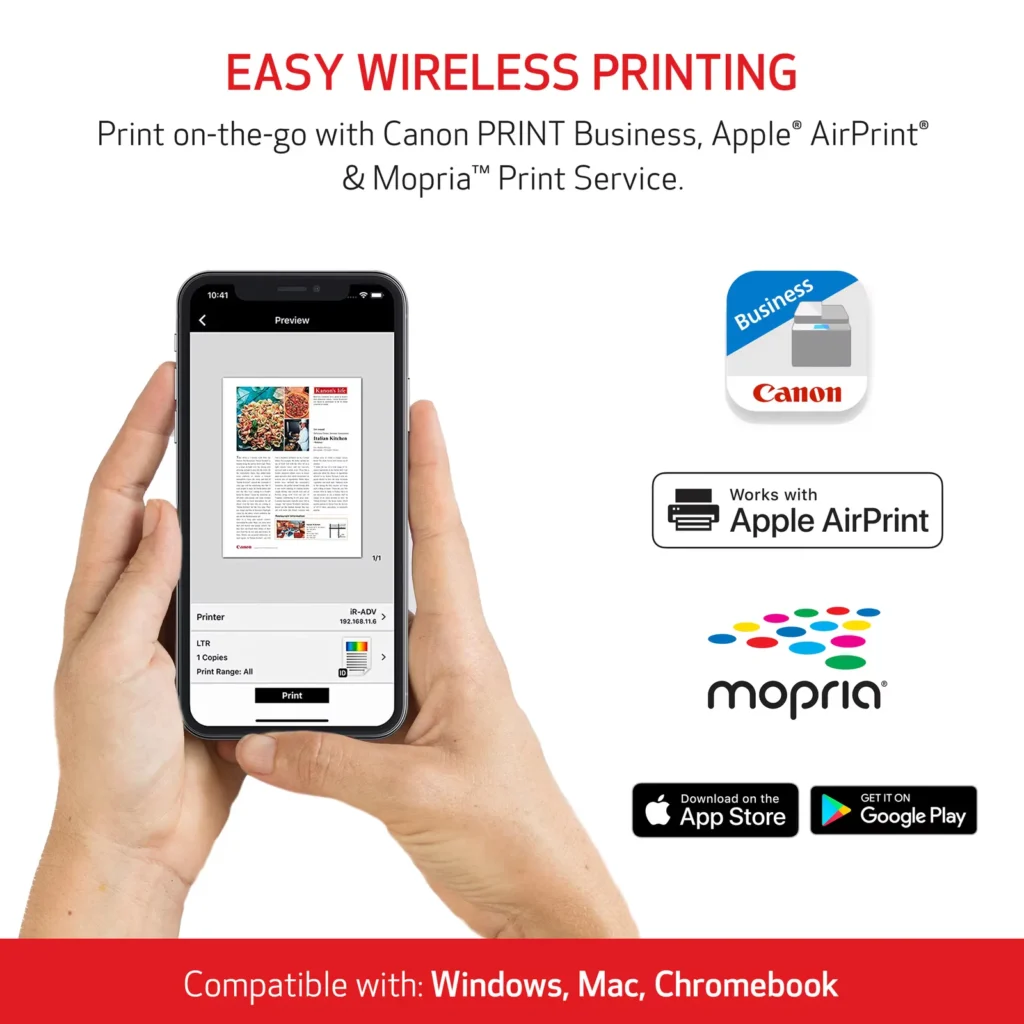
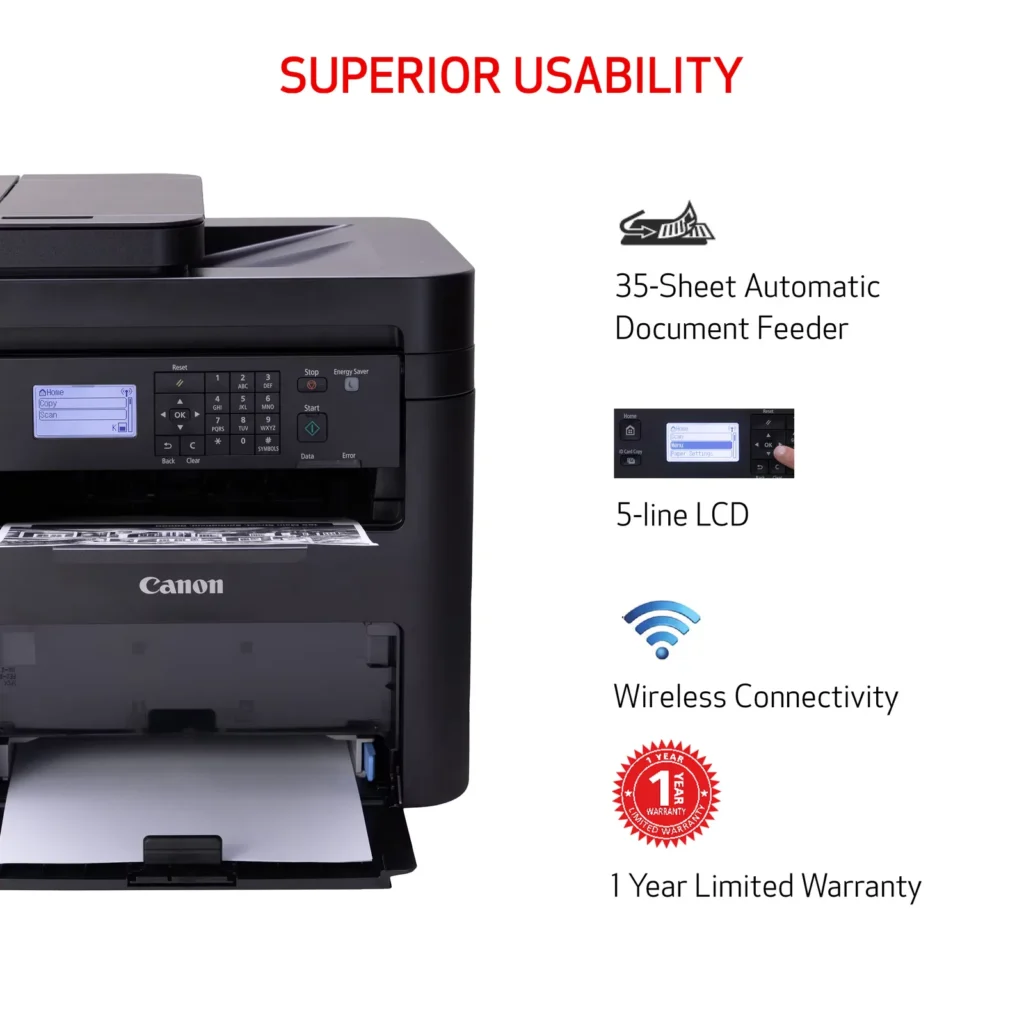
| Seamless Wireless & Mobile Connectivity | Easily connect via Wi-Fi, Wi-Fi Direct, or Ethernet, and print on-the-go from your favorite mobile devices using the Canon PRINT Business app, Apple AirPrint, and Mopria Print Service. |
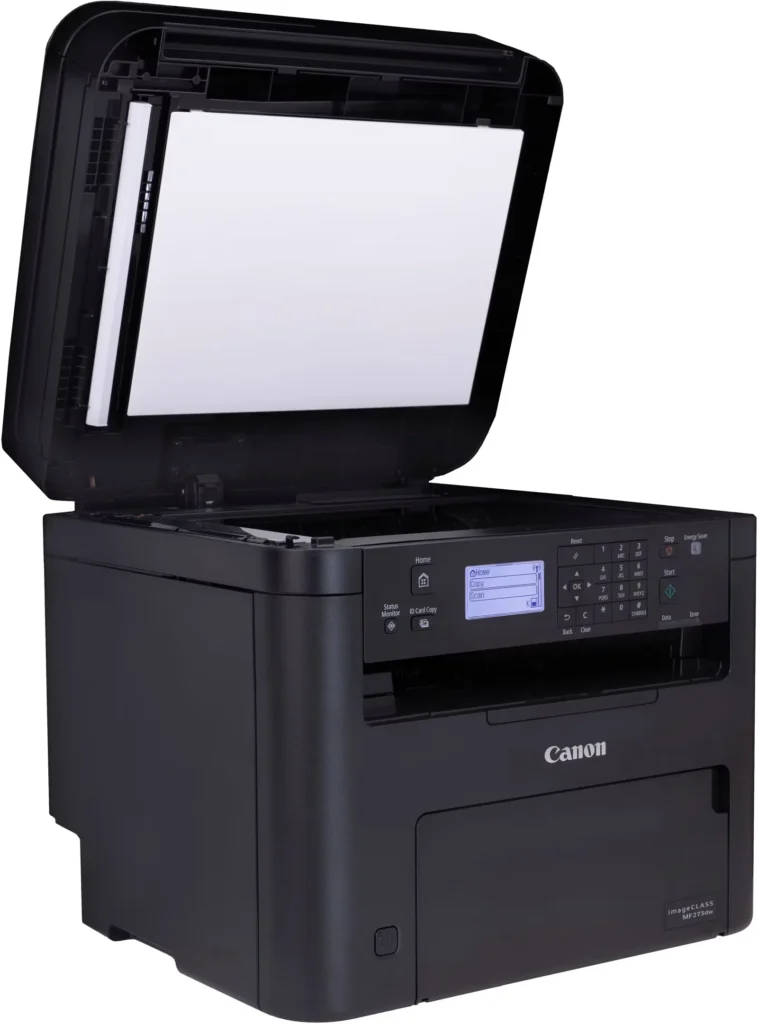
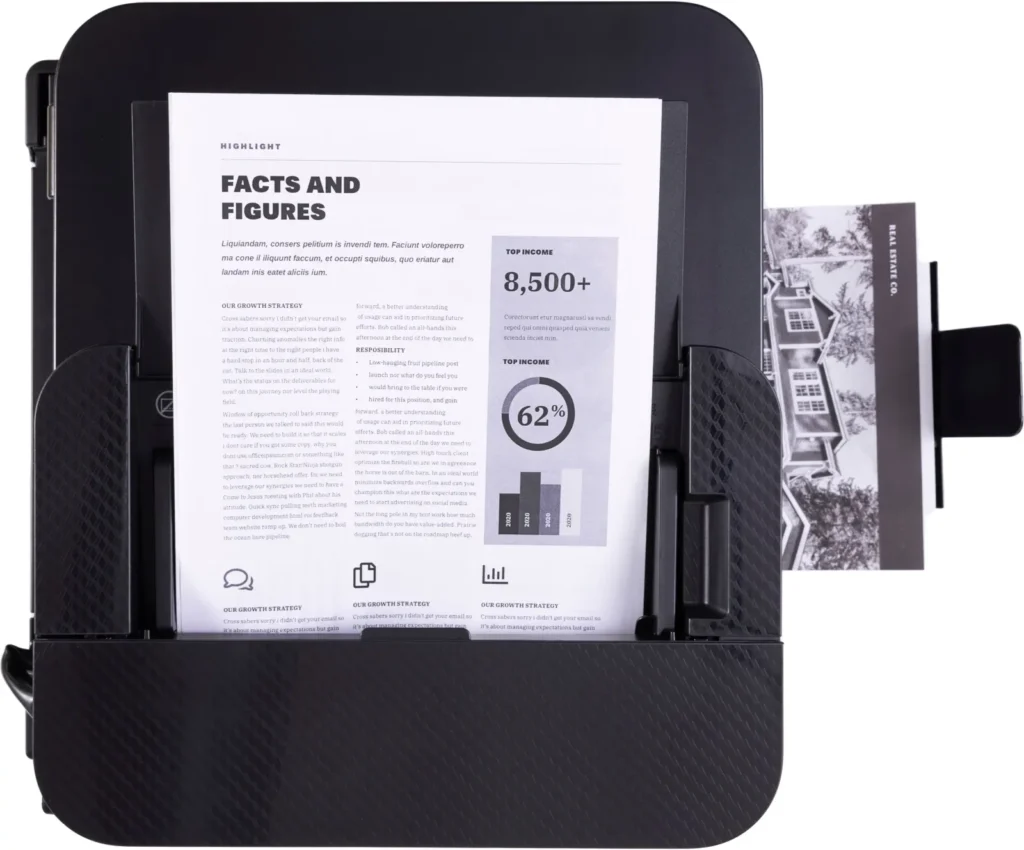
| Efficient Paper Handling | Save time and reduce paper costs with automatic two-sided (duplex) printing and a 35-sheet automatic document feeder (ADF) for effortless multi-page scanning and copying. |
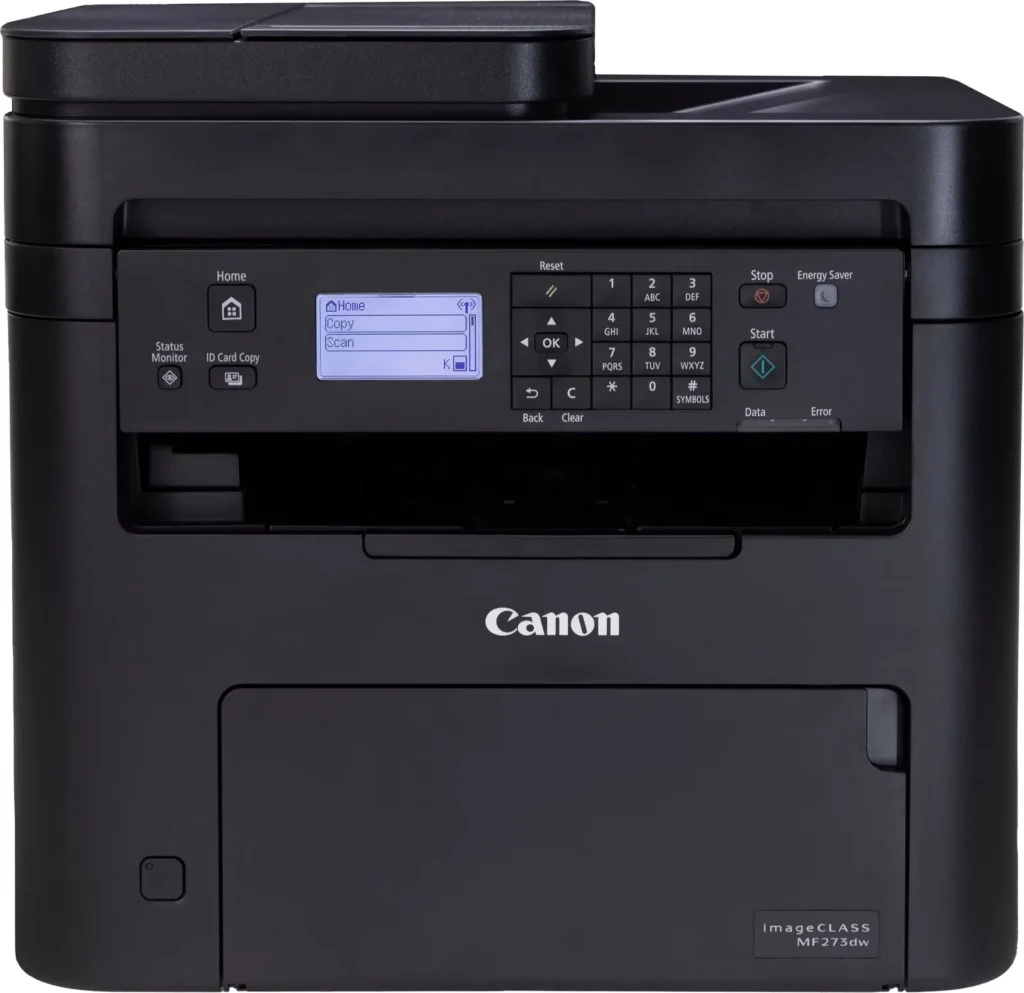
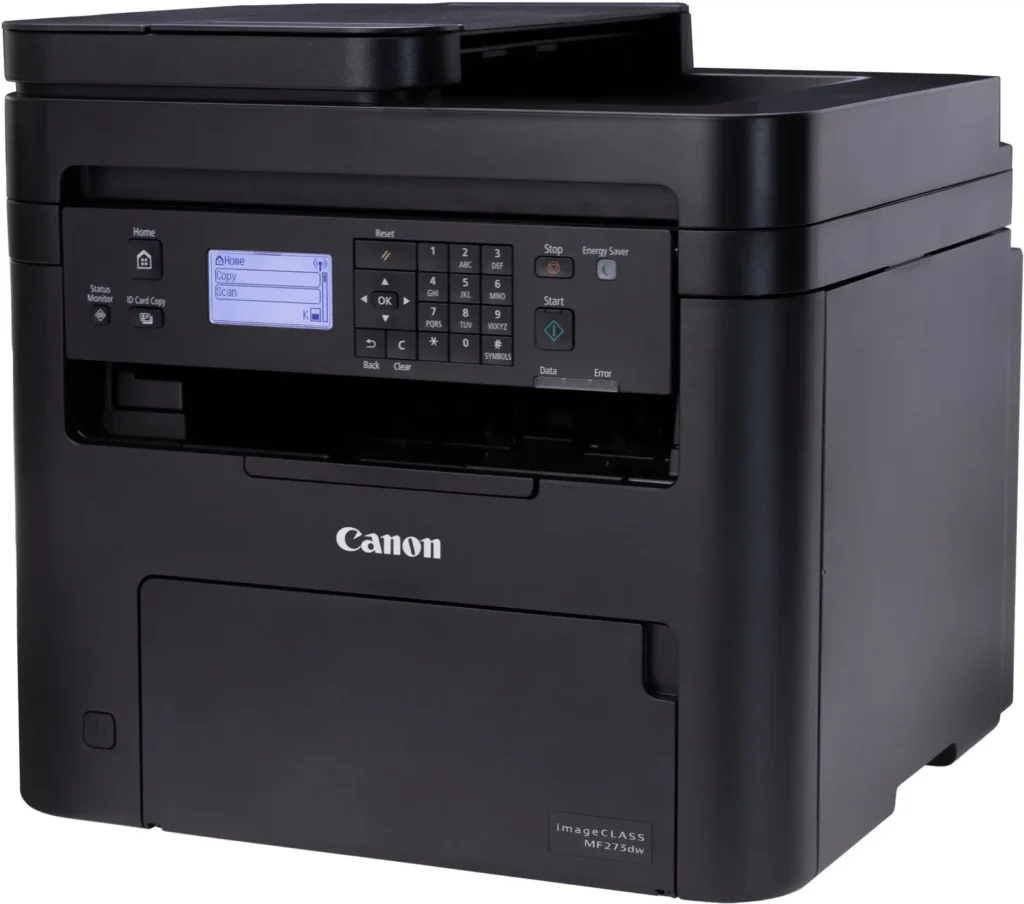
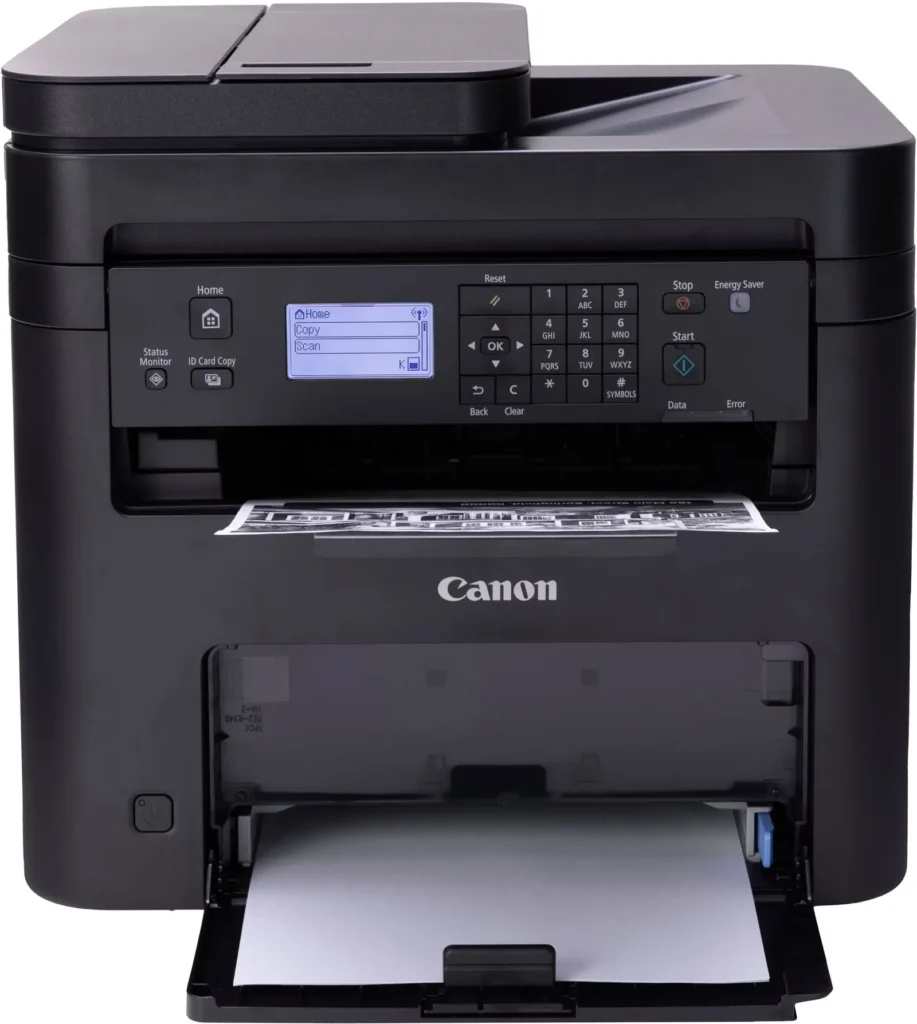
| Intuitive User Interface | Navigate features and manage print jobs with ease using the adjustable 5-line LCD screen, designed for an intuitive user experience whether you are sitting or standing. |
Pros & Cons
Pros
- Fast and Efficient Performance: The printer is frequently described as a 'workhorse' that delivers high-speed printing and copying, making it ideal for home offices and small businesses that handle large volumes of documents.
- Excellent Print Quality: Users consistently report sharp, clear, and professional-looking monochrome text and images with no smudging, often comparing the results to high-end office copiers.
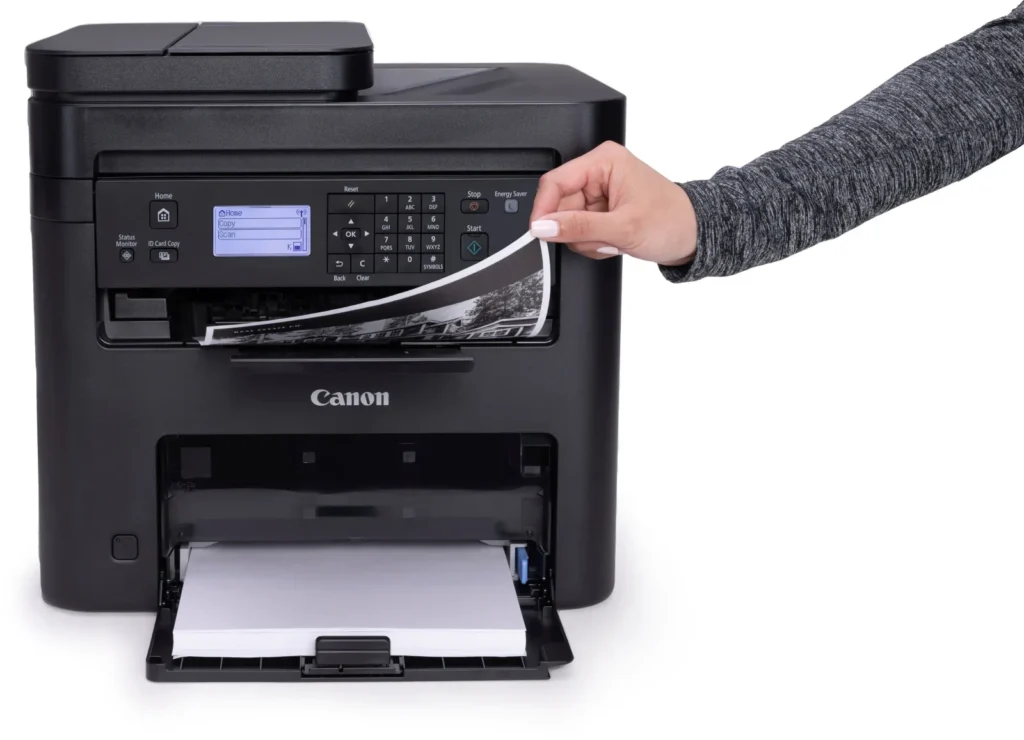
- Automatic Duplex Printing: The fully automatic double-sided printing feature is highly valued for saving paper and time, functioning smoothly without requiring manual intervention.
Cons
- Difficult Setup and Poor Documentation: A significant number of reviewers found the initial installation and wireless configuration to be needlessly complicated, citing poor instructions and the lack of a comprehensive physical manual.
- Archaic and Unintuitive Interface: The non-touch LCD display and menu system are criticized for being dated and difficult to navigate, particularly when performing tasks like entering Wi-Fi passwords or changing paper settings.
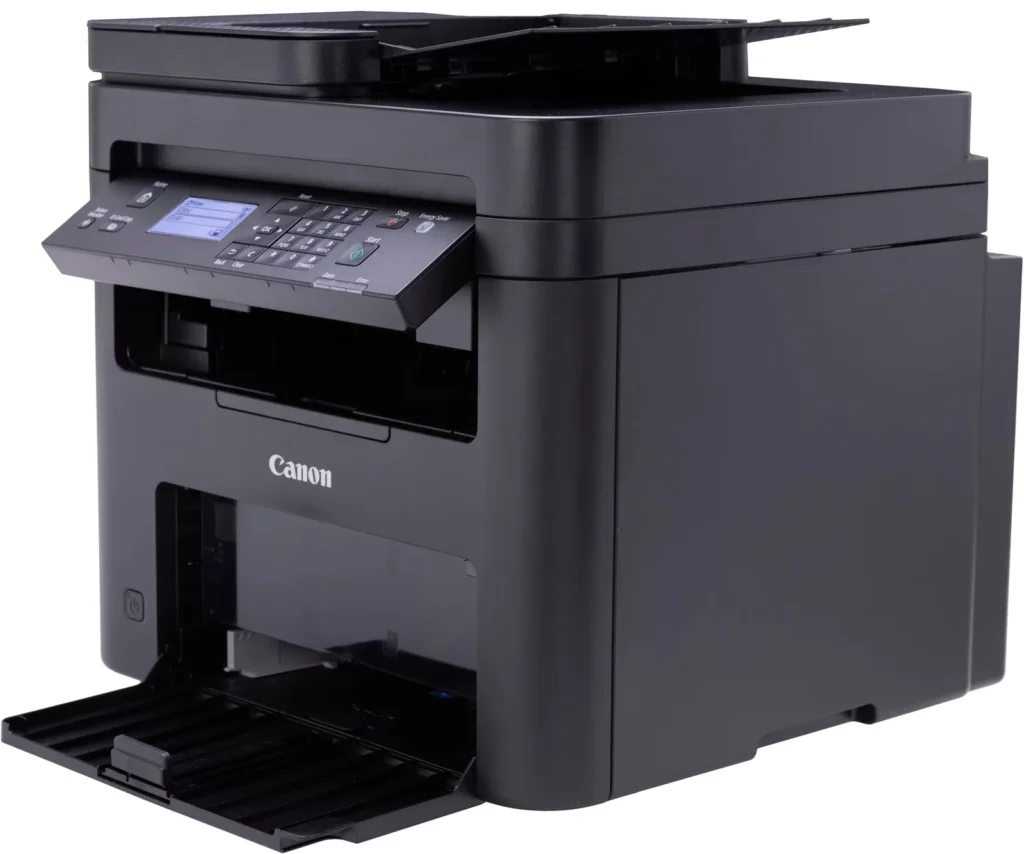
- Inconvenient Paper Tray Design: The paper tray sticks out several inches from the front of the machine and remains open, which users find bulky, flimsy, and prone to collecting dust or being accidentally bumped.
You might also like












Customer Reviews
Showing reviews 121-130 of 262
-
Printer didn’t work.
Verified purchase Verified purchase: This reviewer bought the product.FrancisK September 2, 2025Review source: BestbuyCould not get this item to work, even with 3 hours of geek squad help. The printer was returned to the store in Johnston, pa.
-
It works. But not intuitive at all, not worth it
Verified purchase Verified purchase: This reviewer bought the product.jamcracker September 1, 2025Review source: AmazonIt works and the prints are good. But it’s hard to use, not intuitive. Some of the settings are not documented in the manual and I had to call their support. It’s a long wait each time I had to call. The support staff were nice and solved my issue each time. Just the waiting time is so long 30 minutes. I’d recommend search for a better one even if you have to pay a little more.
-
Great features and service
Verified purchase Verified purchase: This reviewer bought the product.GaryU August 31, 2025Review source: BestbuyFast and relatively inexpensive duplex laser printer/scanner. Customer Service by phone is prompt and helpful
-
Good specs but needs frequent maintenance
Verified purchase Verified purchase: This reviewer bought the product.Fritz Tegularius August 31, 2025Review source: AmazonPurchased this printer for my small home office. It has all the functions I need, but it requires constant cleaning. Every few days, prints start coming out smudged and the printer needs a cleaning cycle (wasting ink and paper). I’m using a genuine Canon toner cartridge.
-
Excellent
Verified purchase Verified purchase: This reviewer bought the product.AdamR August 30, 2025Review source: BestbuyExcellent for the money, prints fast and easy to connect to WiFi for printing without cords.
-
Archaic and does not do auto duplex scanning
Verified purchase Verified purchase: This reviewer bought the product.Heidi August 30, 2025Review source: BestbuyWorks and set up is like its out of the 90’s. Does not do auto duplex scanning.
-
Efficient Workhorse for Home and Small Offices
Verified purchase Verified purchase: This reviewer bought the product.HiteshG August 30, 2025Review source: BestbuyThe Canon imageCLASS MF273dw is an excellent choice for a small office or home use, offering a great balance of features and performance. This multifunction monochrome laser printer capably handles printing, scanning, and copying, delivering sharp text and clear images at a respectable speed. The automatic duplex printing feature is a standout, saving both time and paper. Its compact design is a plus for limited desk space, and the wireless connectivity options make it easy to set up and use with multiple devices. While it is a monochrome printer, the MF273dw’s reliability, user-friendly interface, and cost-effective toner make it a highly practical and efficient workhorse for everyday document tasks..
-
Great printer for price
Verified purchase Verified purchase: This reviewer bought the product.JonR August 25, 2025Review source: BestbuyWorks like it should, have not had an issue. Nice design.
-
AVOID!!!
Verified purchase Verified purchase: This reviewer bought the product.Glenn Bopp August 25, 2025Review source: AmazonNo Star. Mistake. I have owned several laser prints over the year, plug and go. Canon inkjets, plug and go. KIt didn’t help Amazon delivered to wrong address. Setup is beyond complicated. DO NOT WASTE YOUR TIME. I THINK CANON KNOWS IT’S A STUPID DESIGN. A V O I D!!! Oh gee, they even force you to rate it. This star does not count!
-
Best Printer Brand Period
Verified purchase Verified purchase: This reviewer bought the product.DaleA August 22, 2025Review source: BestbuyBest monochrome printer at a decent price. Cheap toner cartridges. Canon has always impressed me with the attention to detail and quality. I manage 3000 printers at work. Real crisp printing.