Customer Media
Highlights
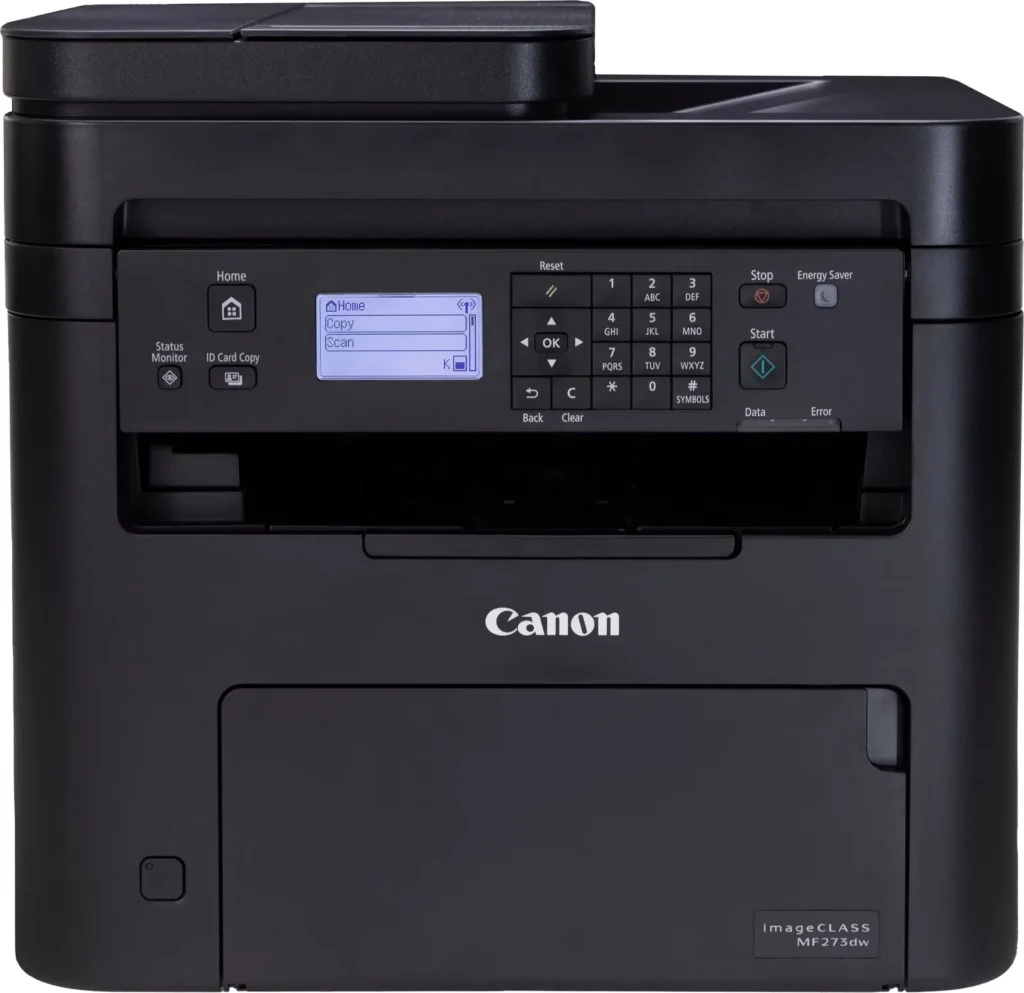
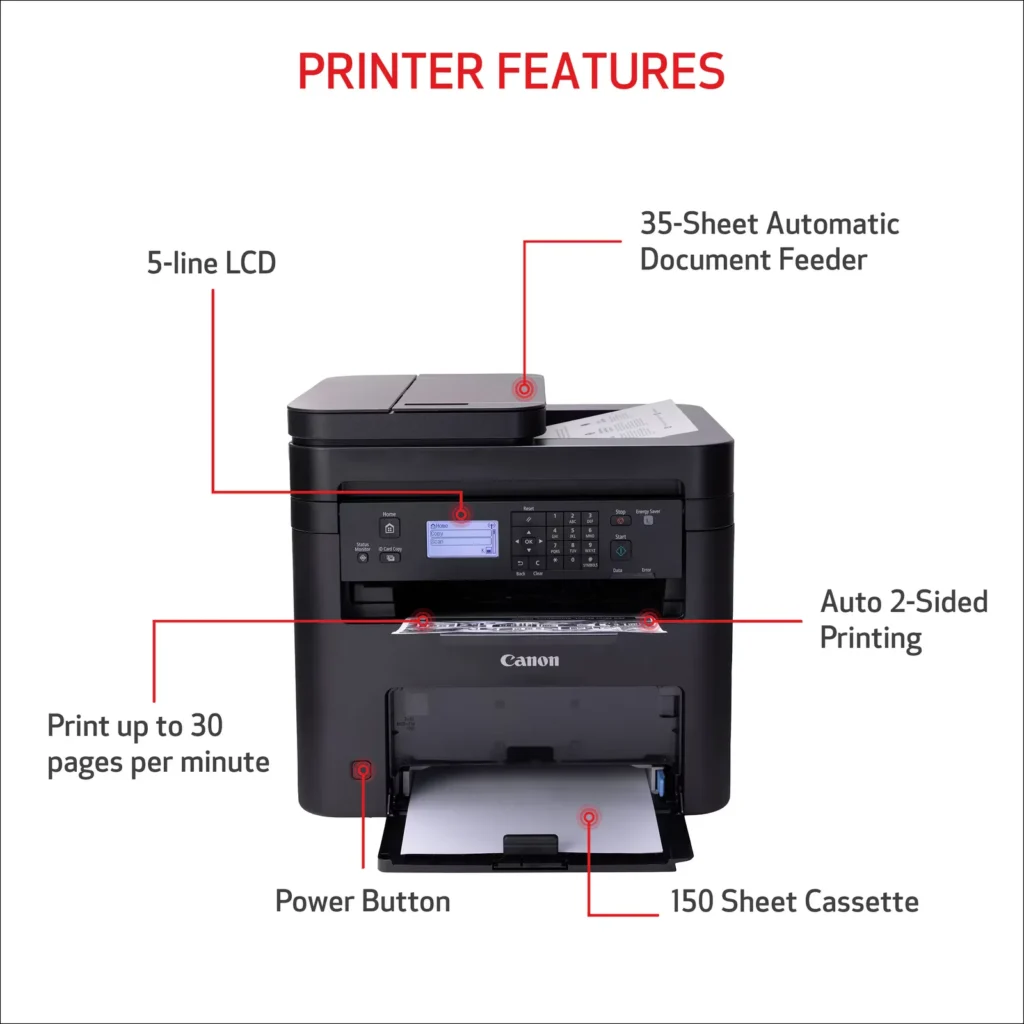
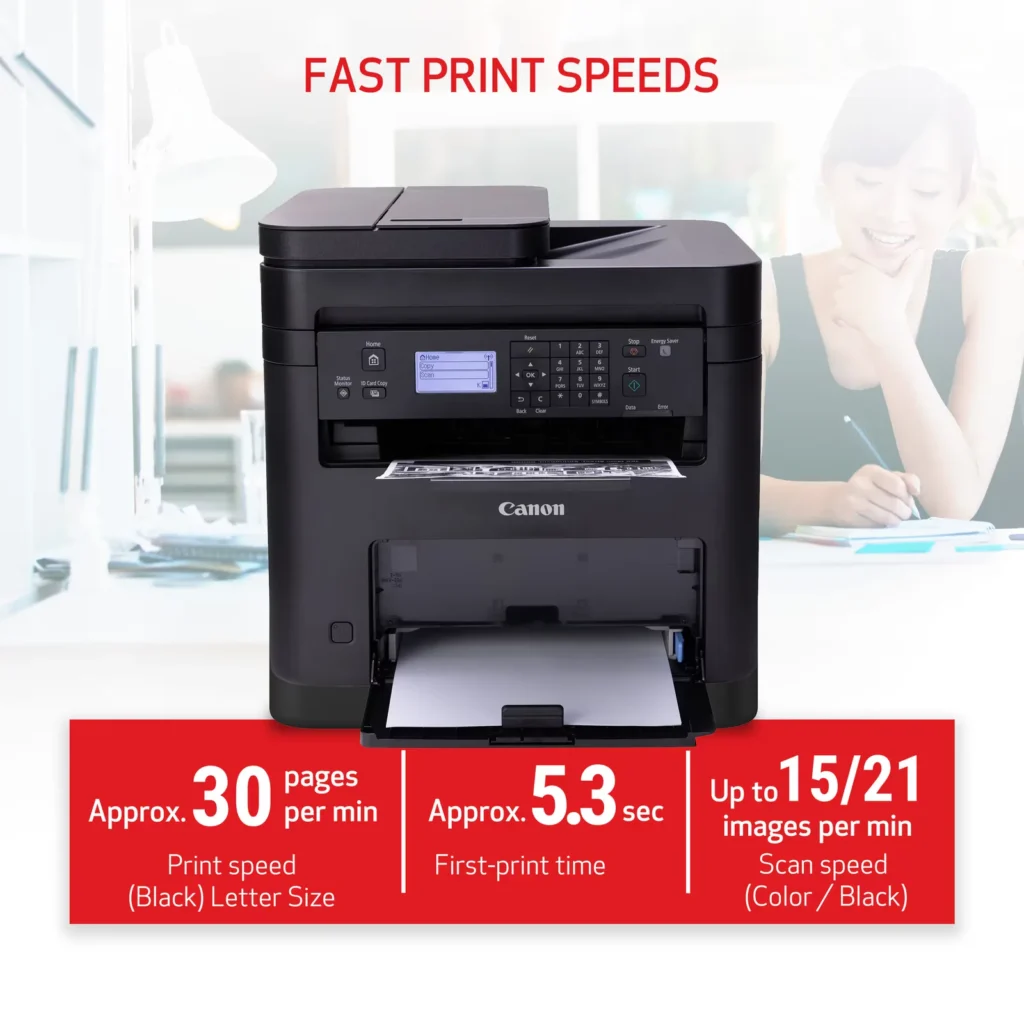
| High-Speed Performance | Boost office productivity with rapid print speeds of up to 30 pages per minute and a quick first-print time of approximately 5.3 seconds, ensuring minimal wait times for your documents. |
|---|---|
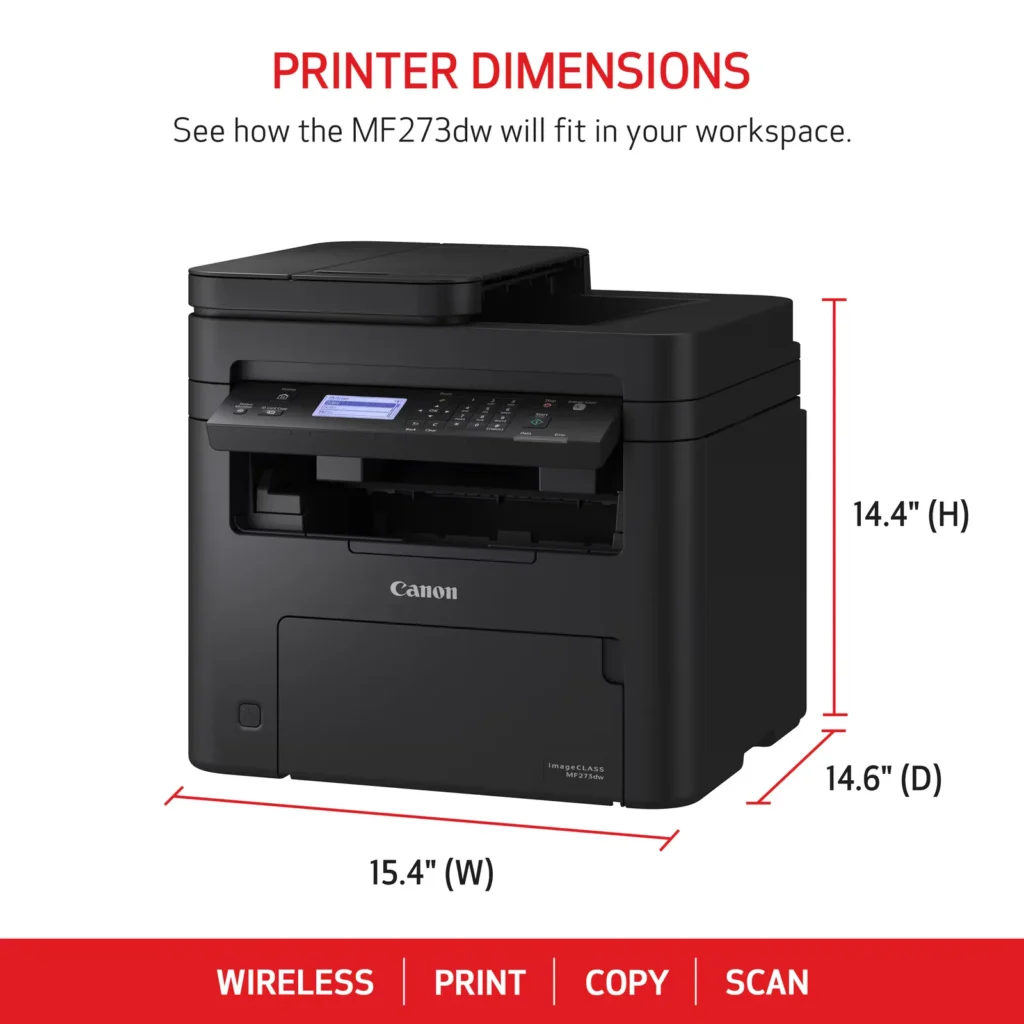
| Versatile 3-in-1 Functionality | This multifunctional monochrome laser printer streamlines your workflow by combining high-quality printing, scanning, and copying capabilities into a single, compact device. |
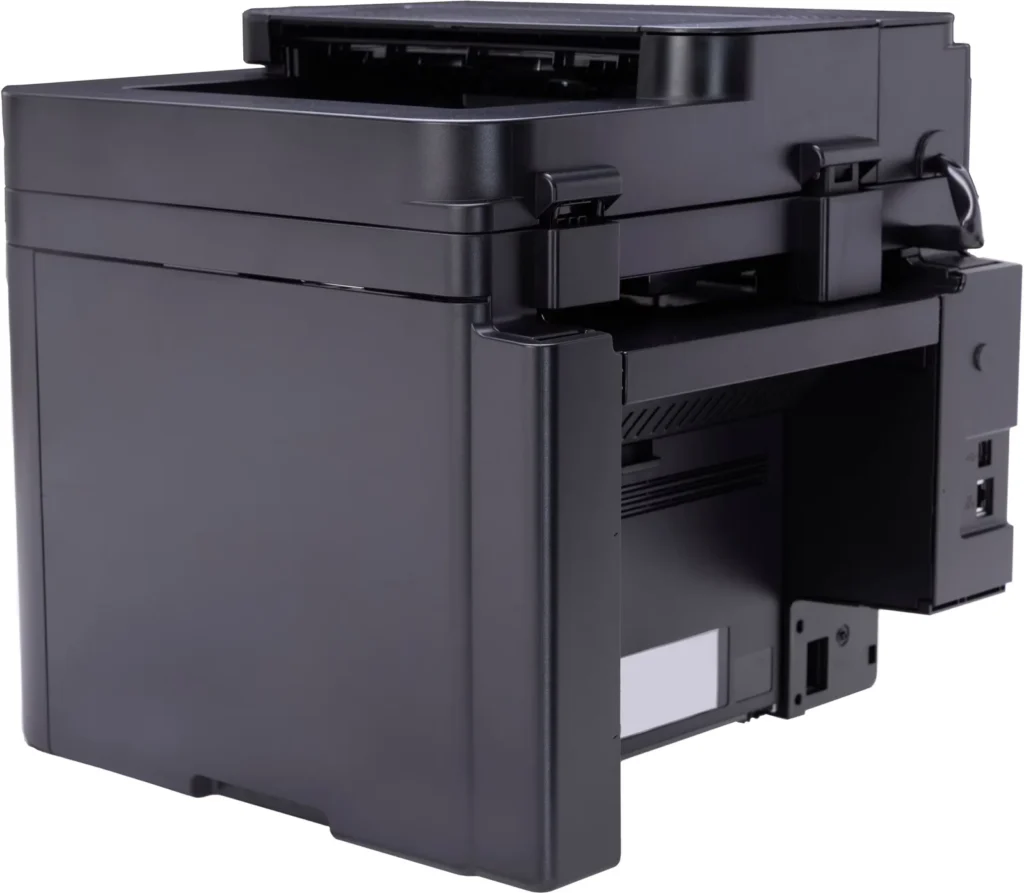
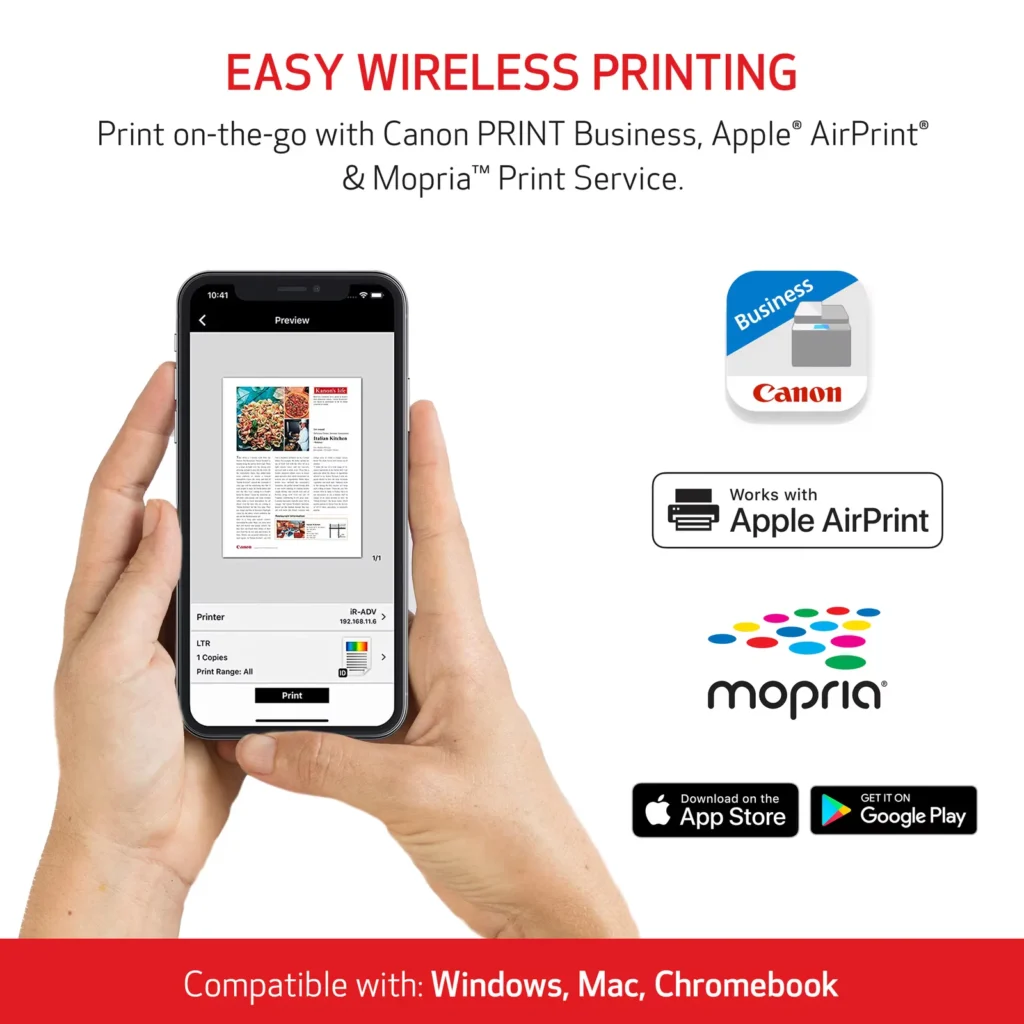
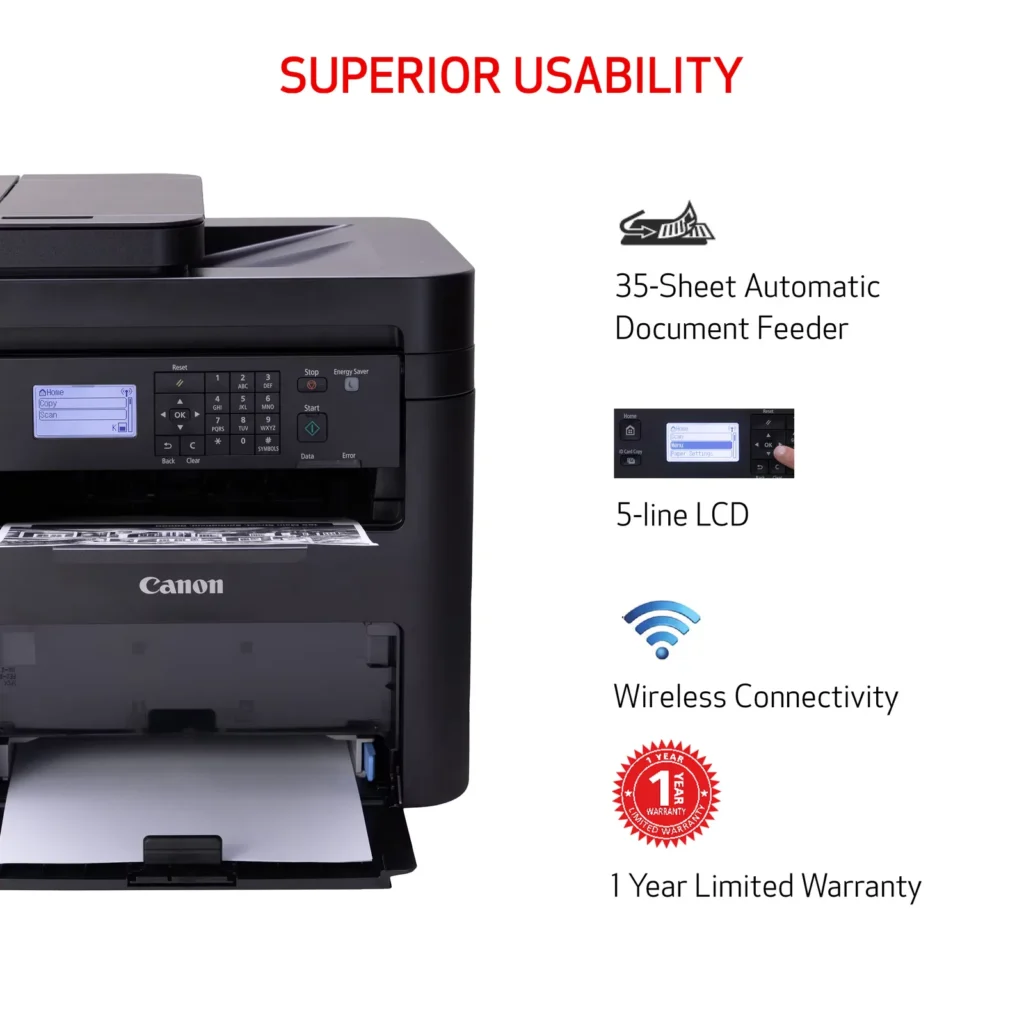
| Seamless Wireless & Mobile Connectivity | Easily connect via Wi-Fi, Wi-Fi Direct, or Ethernet, and print on-the-go from your favorite mobile devices using the Canon PRINT Business app, Apple AirPrint, and Mopria Print Service. |
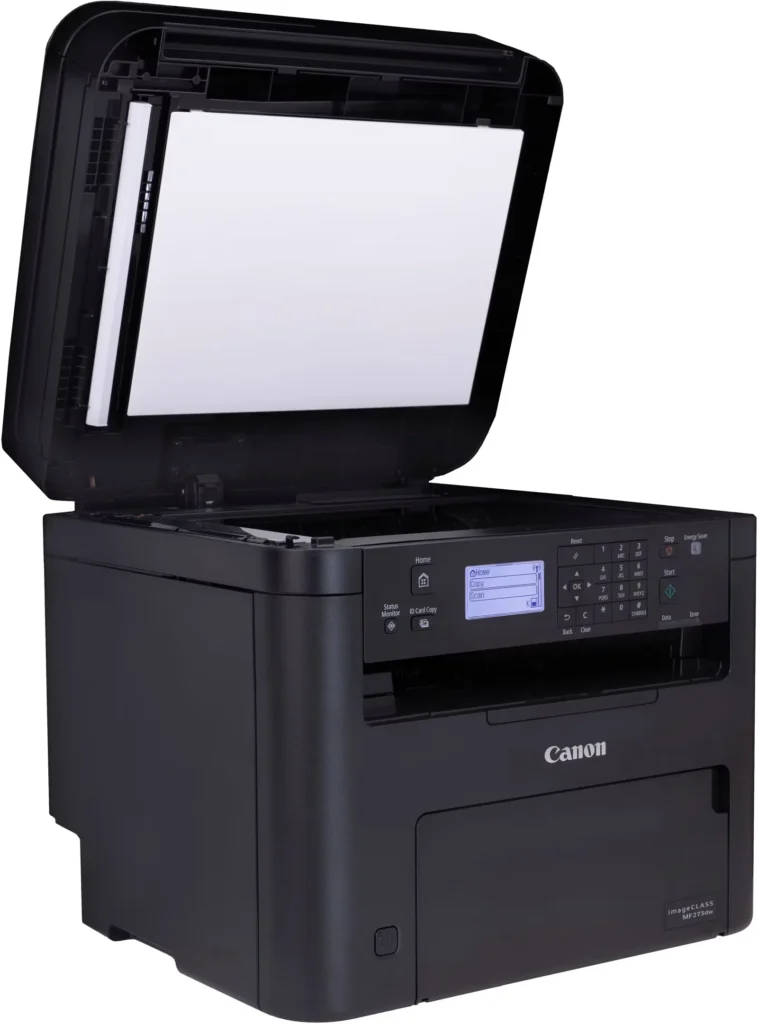
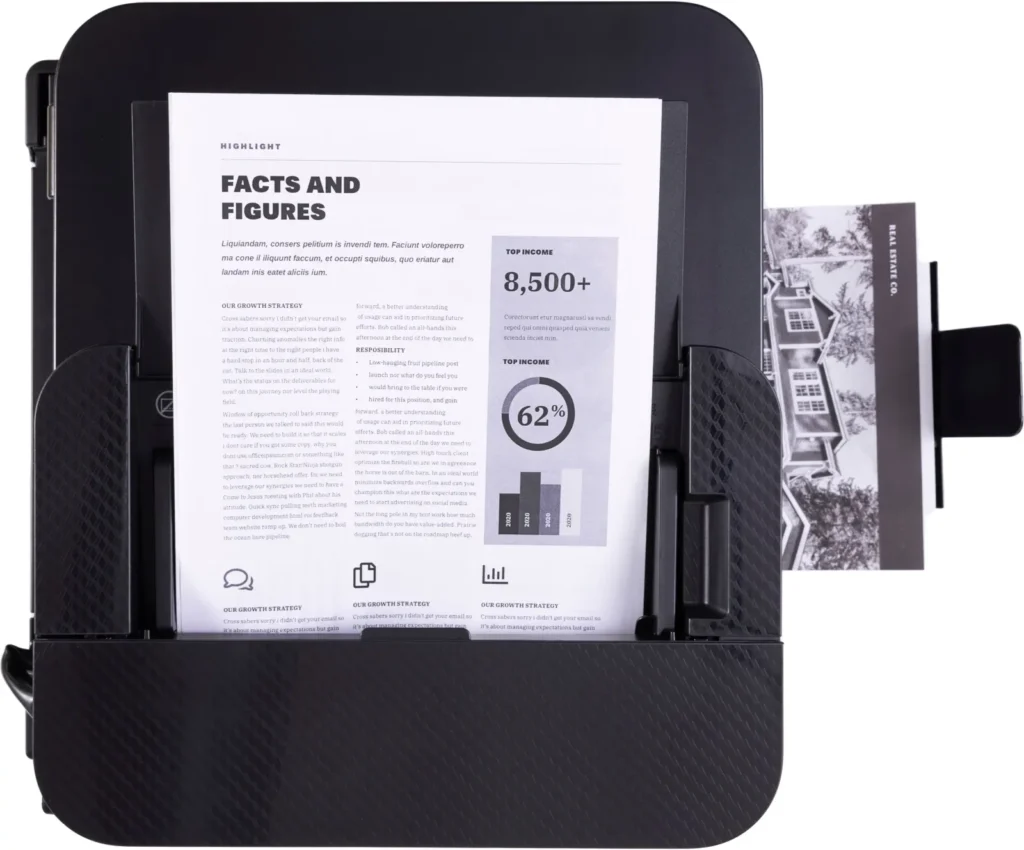
| Efficient Paper Handling | Save time and reduce paper costs with automatic two-sided (duplex) printing and a 35-sheet automatic document feeder (ADF) for effortless multi-page scanning and copying. |
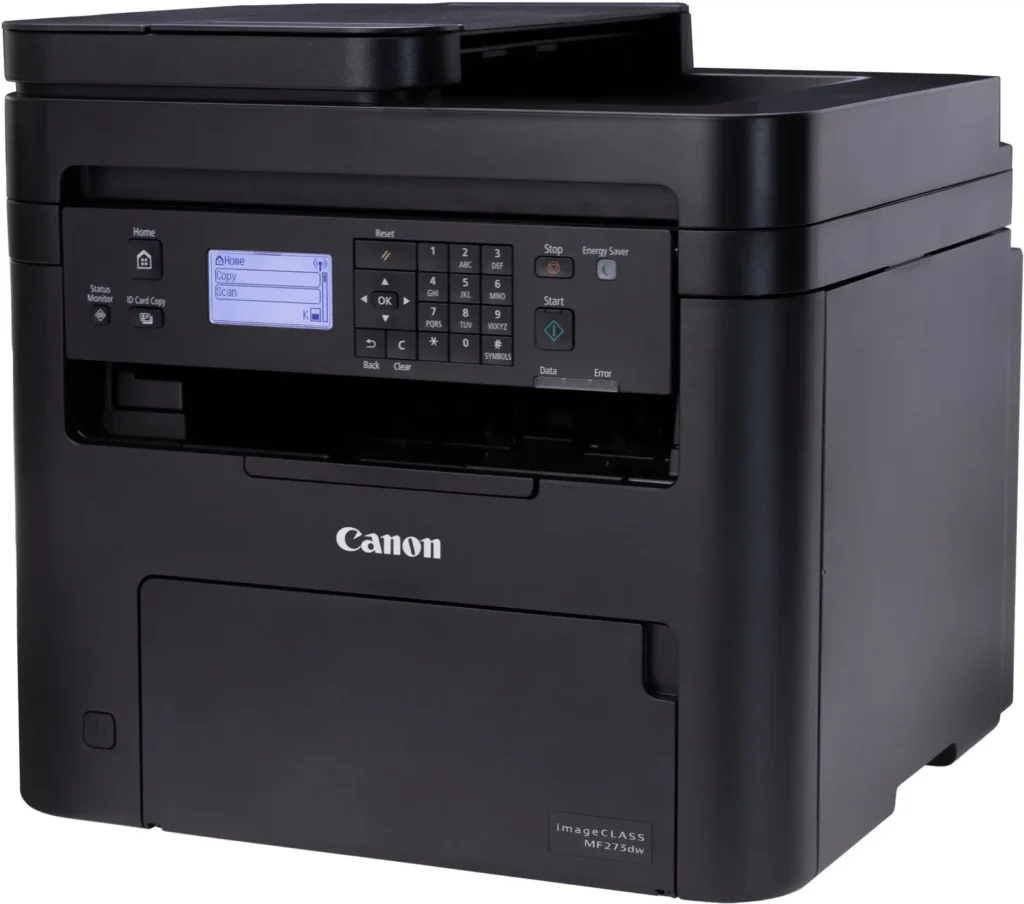
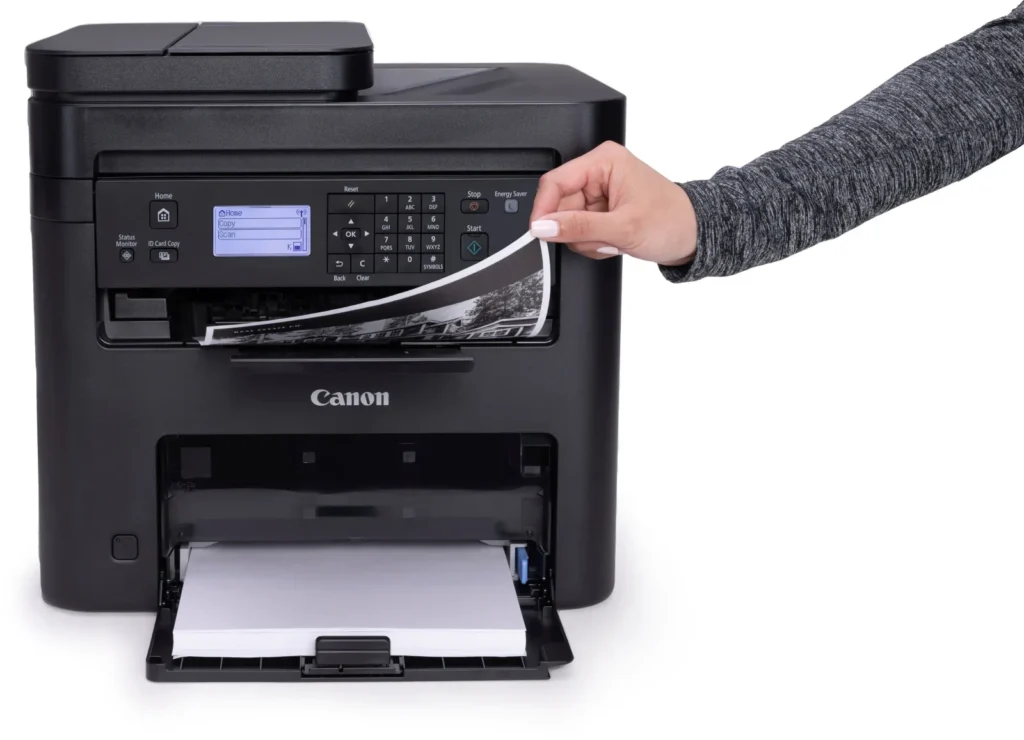
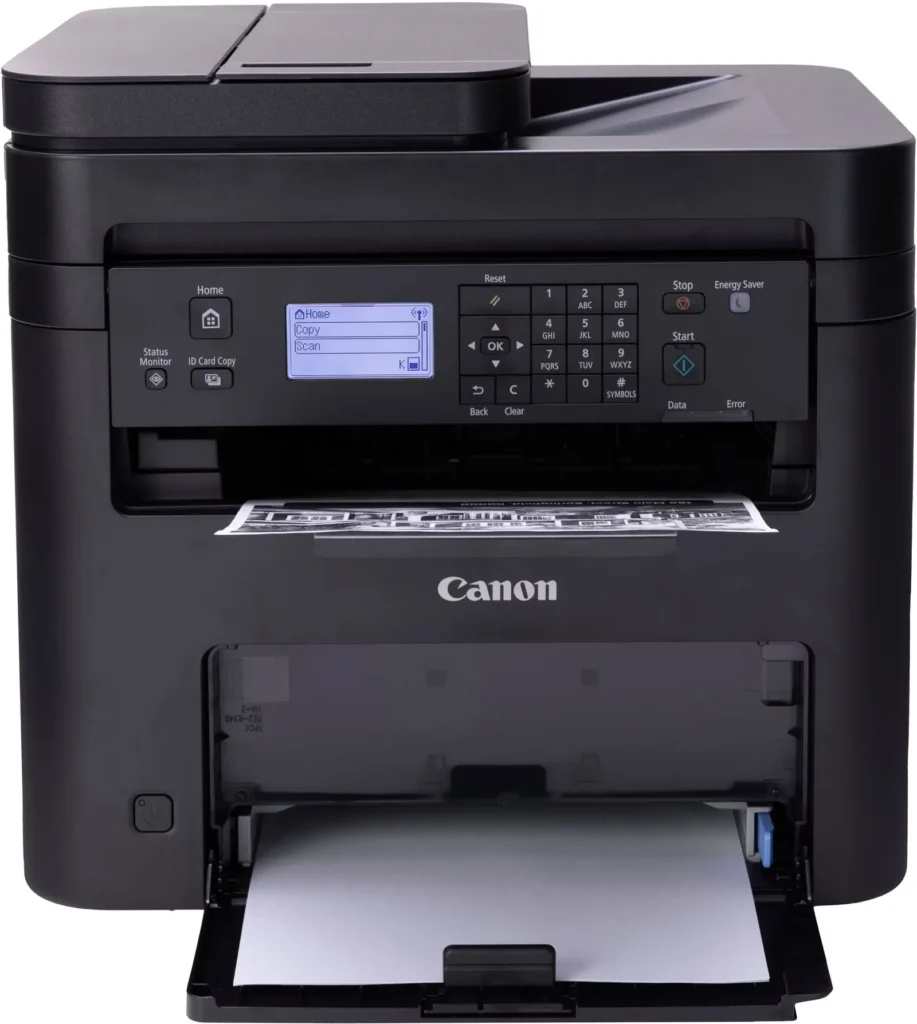
| Intuitive User Interface | Navigate features and manage print jobs with ease using the adjustable 5-line LCD screen, designed for an intuitive user experience whether you are sitting or standing. |
Pros & Cons
Pros
- Fast and Efficient Performance: The printer is frequently described as a 'workhorse' that delivers high-speed printing and copying, making it ideal for home offices and small businesses that handle large volumes of documents.
- Excellent Print Quality: Users consistently report sharp, clear, and professional-looking monochrome text and images with no smudging, often comparing the results to high-end office copiers.
- Automatic Duplex Printing: The fully automatic double-sided printing feature is highly valued for saving paper and time, functioning smoothly without requiring manual intervention.
Cons
- Difficult Setup and Poor Documentation: A significant number of reviewers found the initial installation and wireless configuration to be needlessly complicated, citing poor instructions and the lack of a comprehensive physical manual.
- Archaic and Unintuitive Interface: The non-touch LCD display and menu system are criticized for being dated and difficult to navigate, particularly when performing tasks like entering Wi-Fi passwords or changing paper settings.
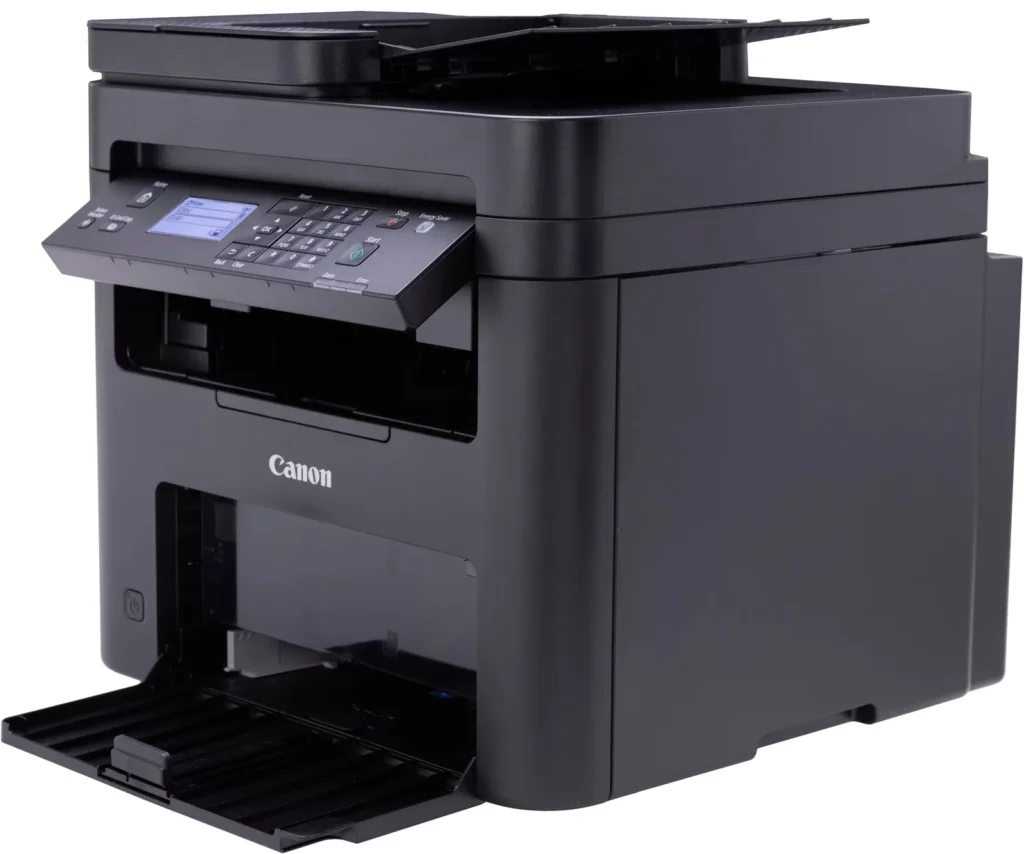
- Inconvenient Paper Tray Design: The paper tray sticks out several inches from the front of the machine and remains open, which users find bulky, flimsy, and prone to collecting dust or being accidentally bumped.
You might also like












Customer Reviews
Showing reviews 141-150 of 262
-
Laser
Verified purchase Verified purchase: This reviewer bought the product.KeithW August 1, 2025Review source: BestbuyEasy set up, compact, and prints great. Couldn’t download manual
-
Very good
Verified purchase Verified purchase: This reviewer bought the product.Anonymous August 1, 2025Review source: BestbuyIs more the I specter very good…Canon has a great quality
-
Home printer
Verified purchase Verified purchase: This reviewer bought the product.TrishaK July 25, 2025Review source: BestbuyRight out of the box. Easy setup and connection to our WiFi! Prints fast and smooth for our home office!
-
good machine; documentation not as good
Verified purchase Verified purchase: This reviewer bought the product.256gbSandisk July 20, 2025Review source: BestbuyPrints well both with its driver and with airprint. Documentation even online is problematic. To scan you MUST use keypad; otherwise machine seems to not understand computer instructions. Machine is a bargain in my opinion.
-
Great printer !!
Verified purchase Verified purchase: This reviewer bought the product.JohnZ July 18, 2025Review source: BestbuyThis printer has performed beyond my expectations. I can copy, fax and email documents also using the document feeder instead of placing and removing documents one at a time on the glass screen. I also love the copying speed. I recommnded this product to everyone. It far surpasses my previous HP printer
-
Good Price
Verified purchase Verified purchase: This reviewer bought the product.RobertP July 11, 2025Review source: BestbuyI like not needing color cartridges since B/W printer, quick printing, quite operational
-
wouldn't connect
Verified purchase Verified purchase: This reviewer bought the product.rafael ayala July 10, 2025Review source: AmazonFunctionality:
sucks! -
Great Printer – Easy Setup and High Quality
Verified purchase Verified purchase: This reviewer bought the product.SumanK July 9, 2025Review source: BestbuyI recently bought the Canon imageCLASS MF273dw and I’m really happy with it. Setup was quick and easy, and I had no issues getting it connected.
The print quality is sharp and fast, and it handles scanning and copying well. I use it at home, and it works great every time. I highly recommend it for everyone who wants a reliable and affordable all-in-one printer.
-
Useless dust collector/boar anchor
Verified purchase Verified purchase: This reviewer bought the product.KatLeavesReviews July 9, 2025Review source: AmazonNo. Just no. Display is from the stone ages (difficult to navigate and input selections), and absolutely will not connect to a computer. Have been troubleshooting via the canon website as well as other web pages, and have had no instructions that actually work. Impossible to reach an actual human for support.
Have utilized many printers over the years, and this one is basically an expensive boat anchor as it’s next to useless. -
Good local printer, not so for network.
Verified purchase Verified purchase: This reviewer bought the product.Ajunco July 5, 2025Review source: BestbuyThis is a good printer. Has good features and prints fast. But I had trouble with the wifi/remote connection. Just would not let me remote print, lost internet connection constantly (probable a defective unit). Bought the model 275 and it all works fine. Two stars because mine didn’t work, but 5 starts for printer part, speed and features (that worked).