Customer Media
Highlights
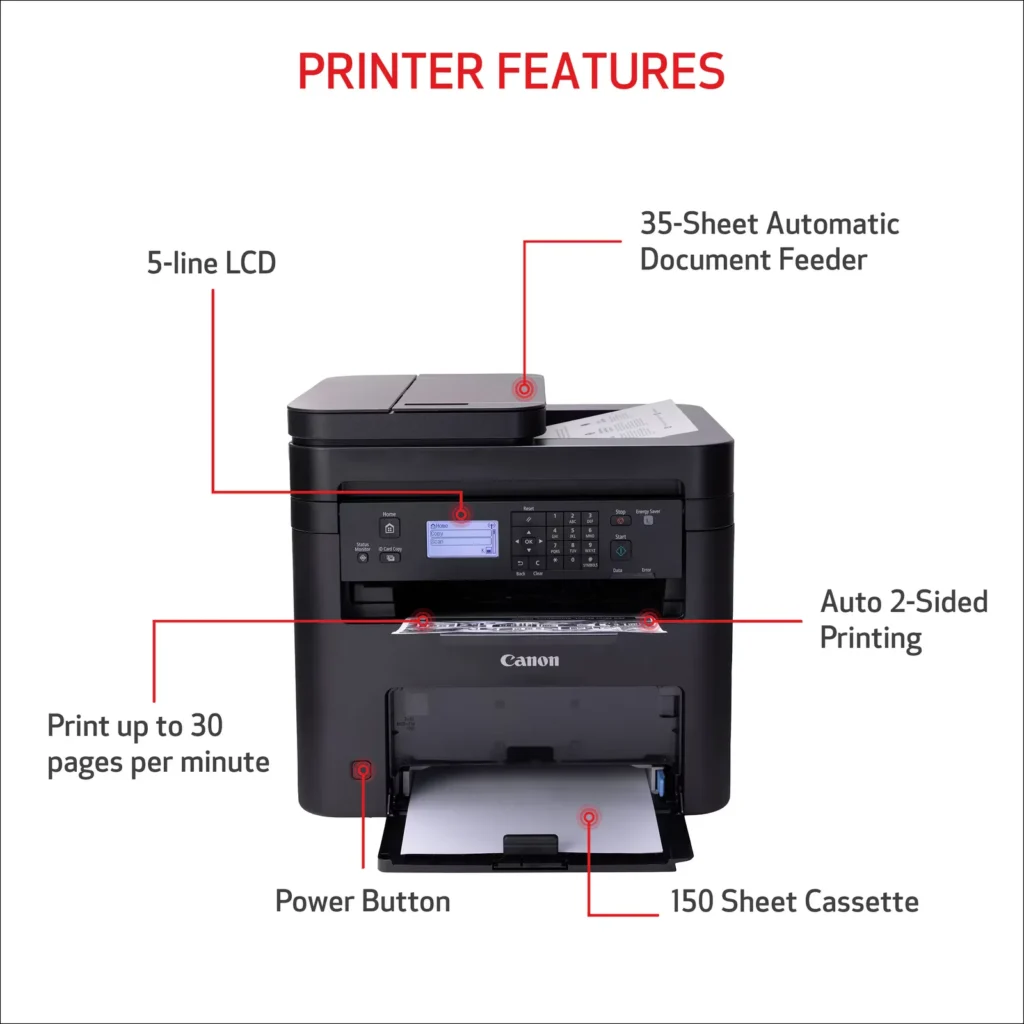
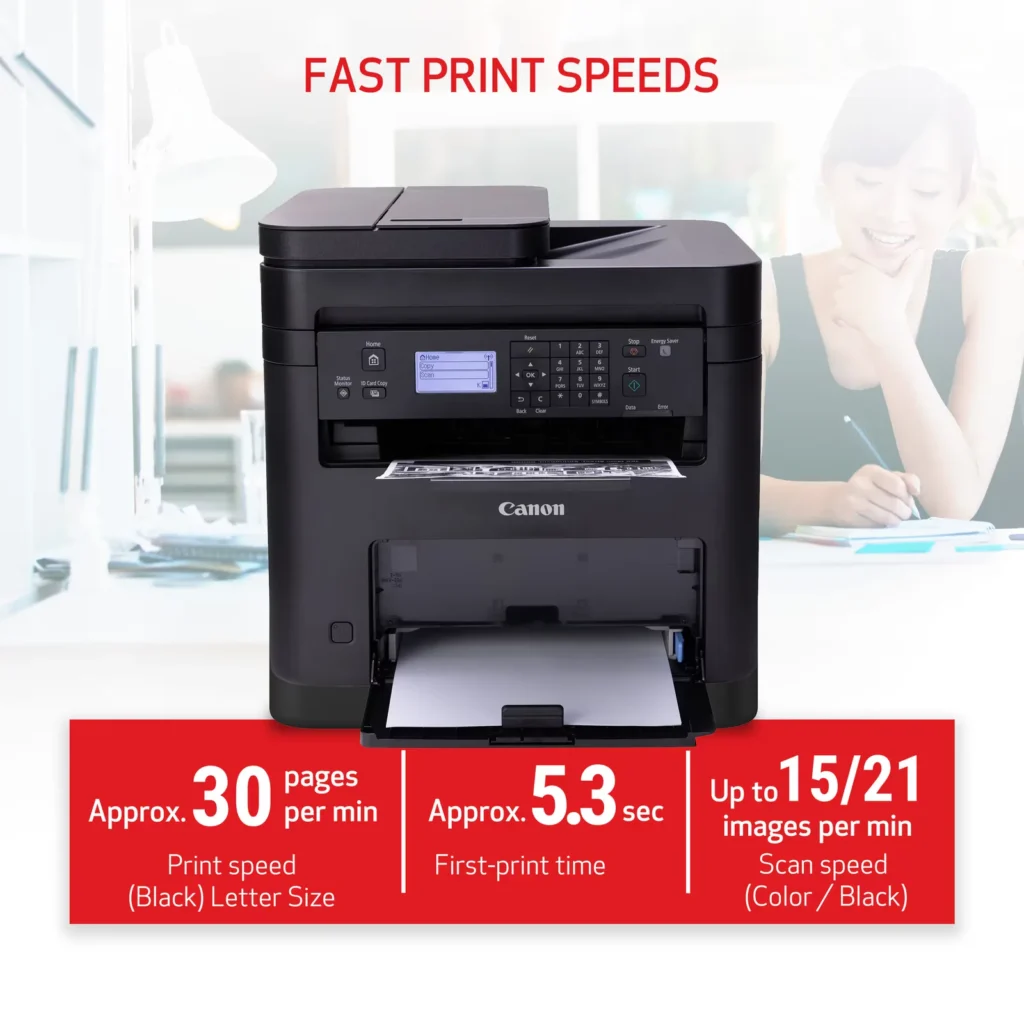
| High-Speed Performance | Boost office productivity with rapid print speeds of up to 30 pages per minute and a quick first-print time of approximately 5.3 seconds, ensuring minimal wait times for your documents. |
|---|---|
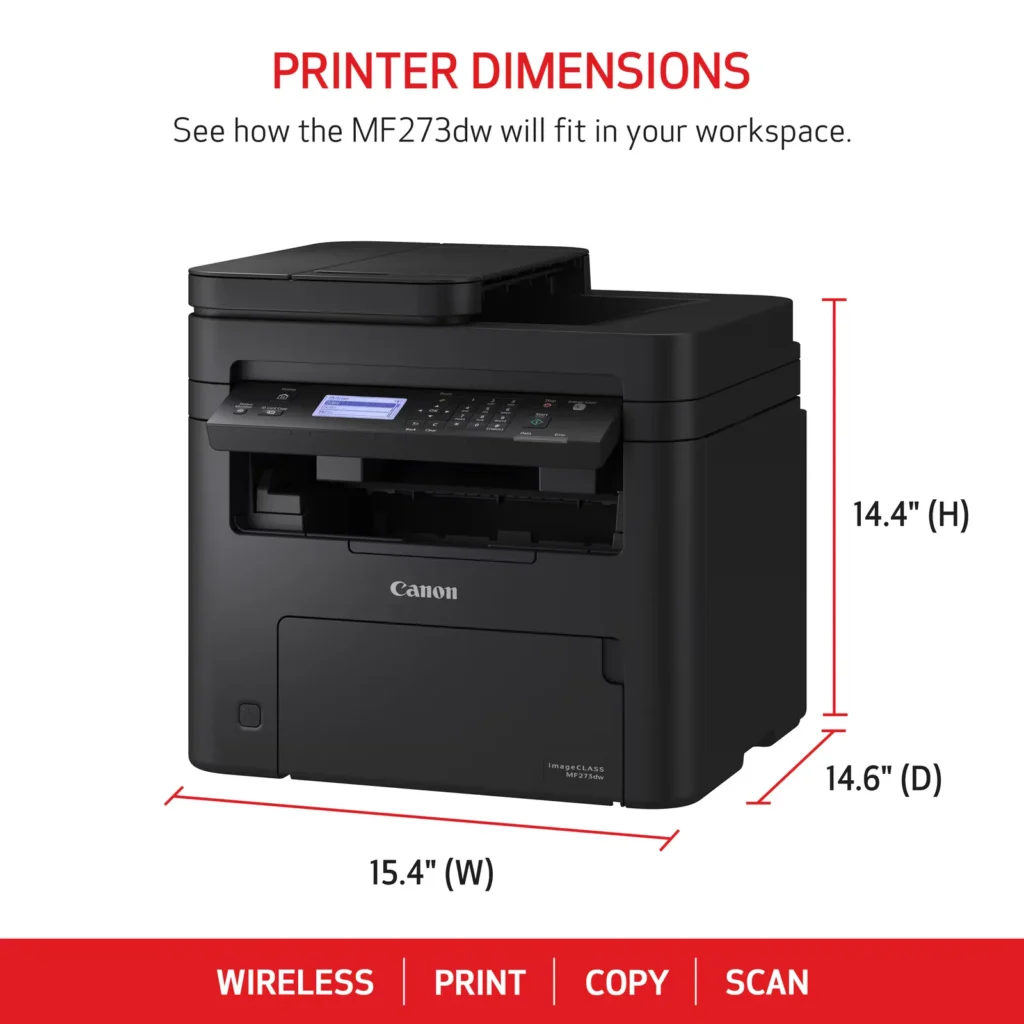
| Versatile 3-in-1 Functionality | This multifunctional monochrome laser printer streamlines your workflow by combining high-quality printing, scanning, and copying capabilities into a single, compact device. |
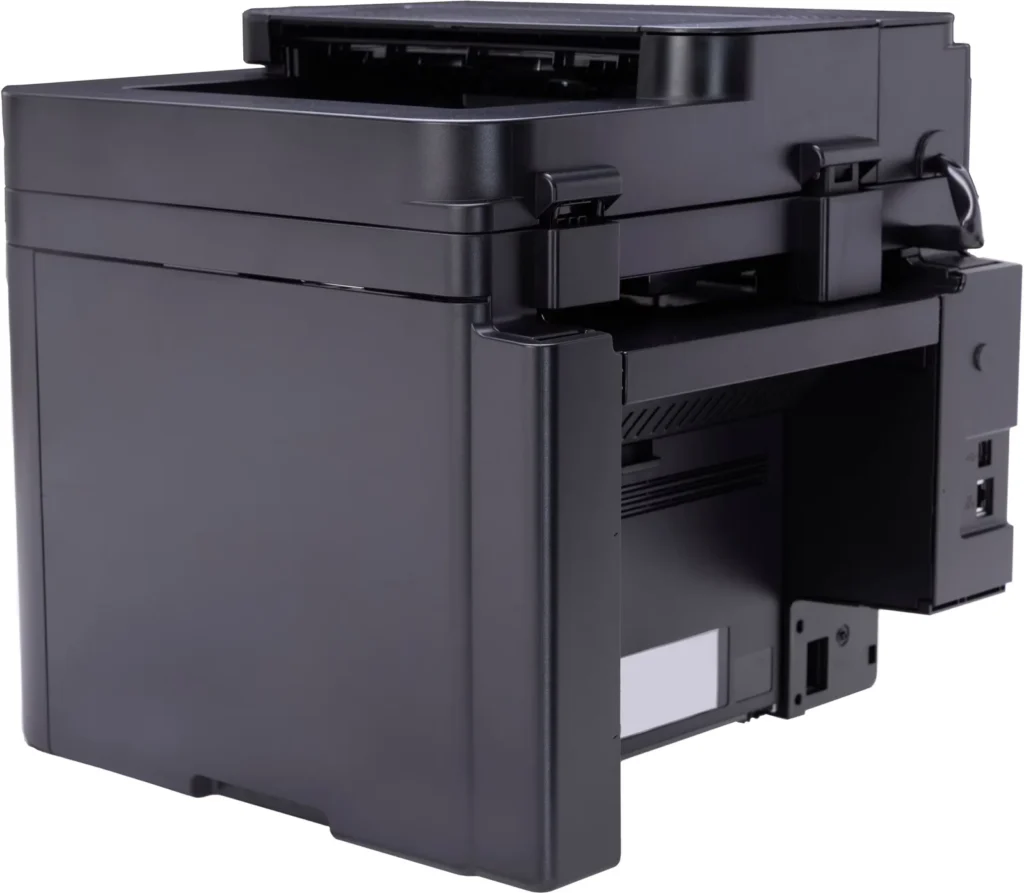
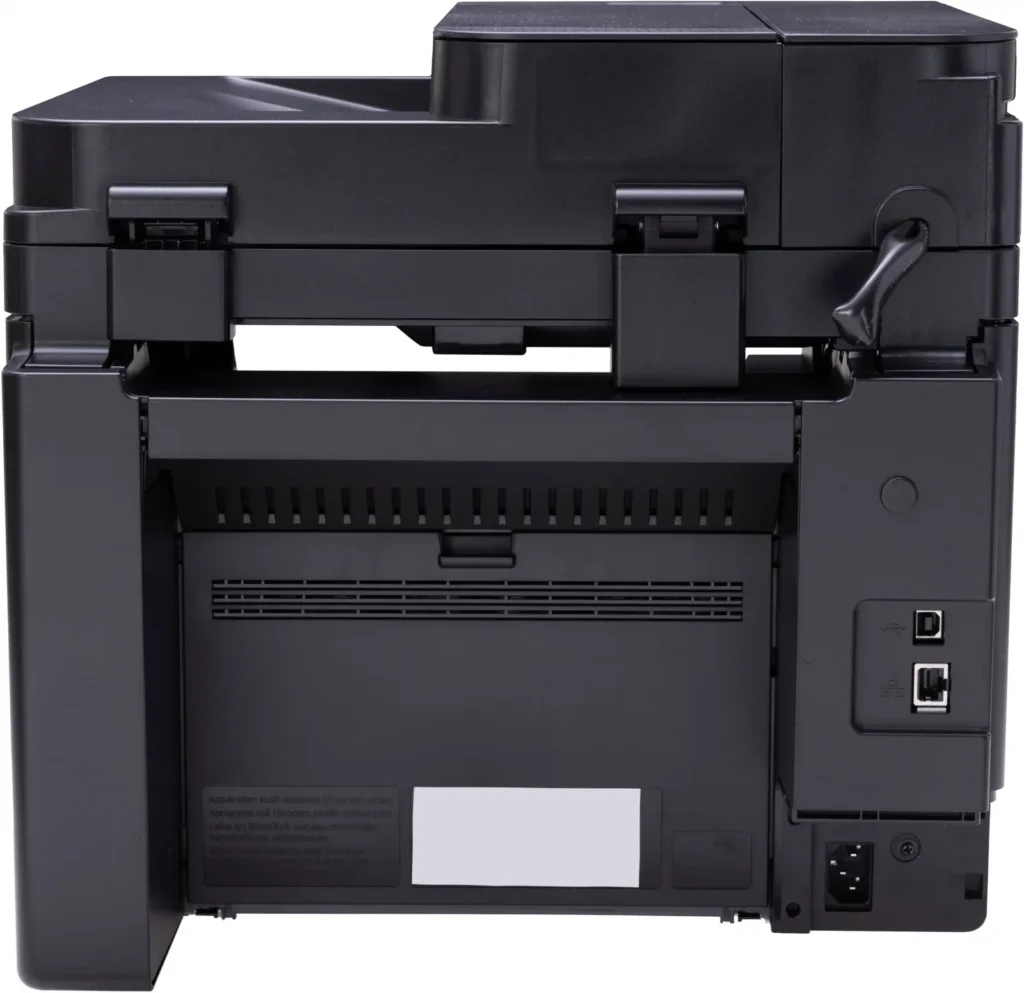
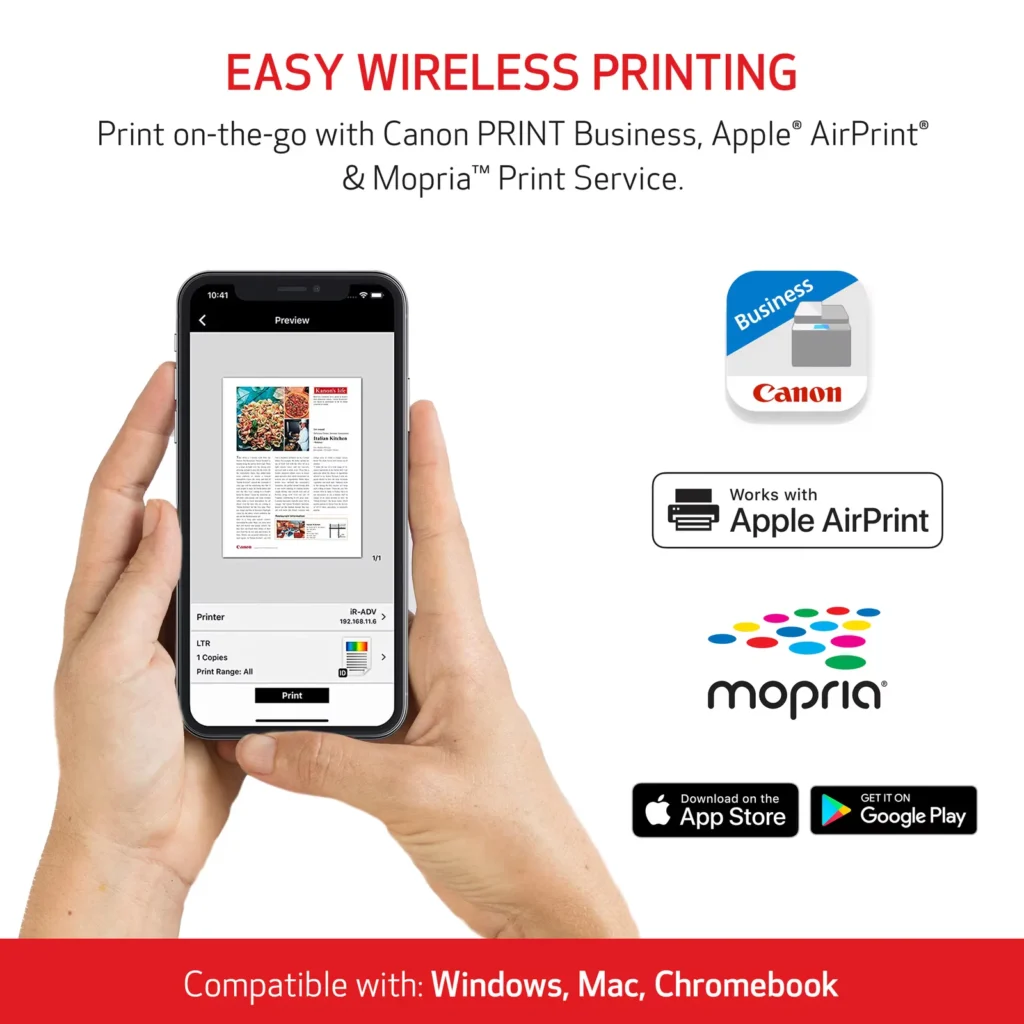
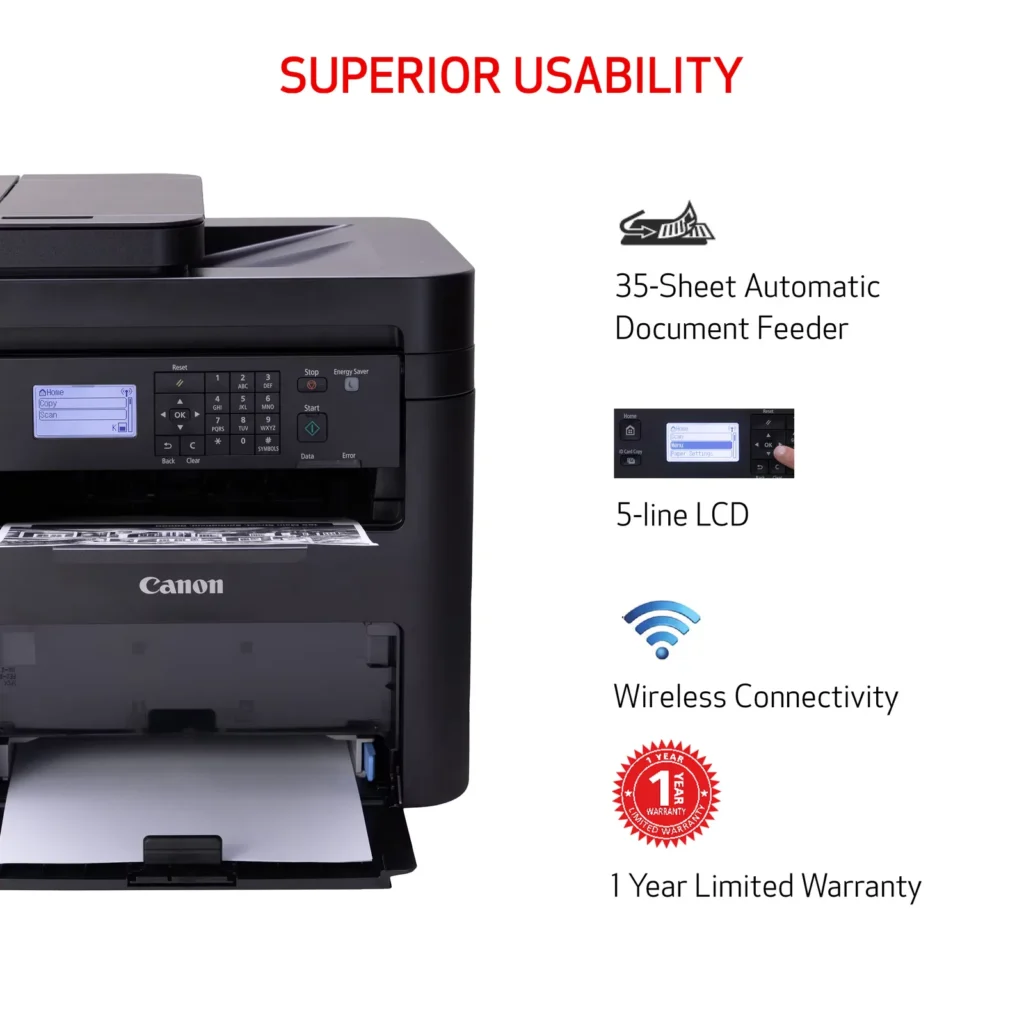
| Seamless Wireless & Mobile Connectivity | Easily connect via Wi-Fi, Wi-Fi Direct, or Ethernet, and print on-the-go from your favorite mobile devices using the Canon PRINT Business app, Apple AirPrint, and Mopria Print Service. |
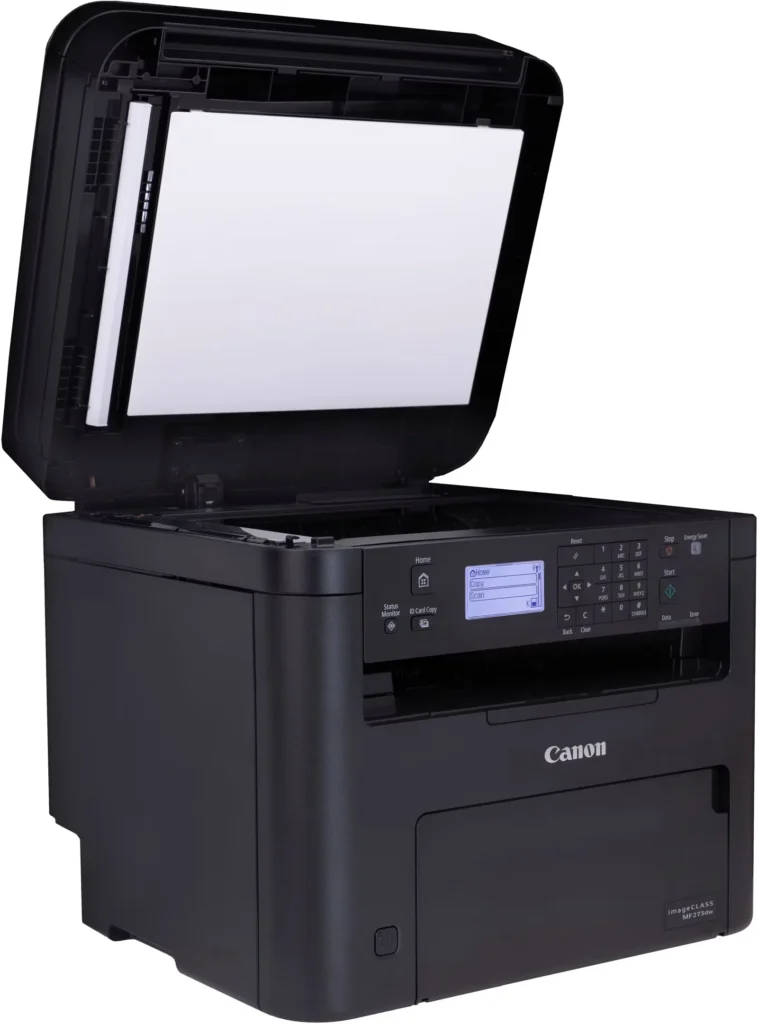
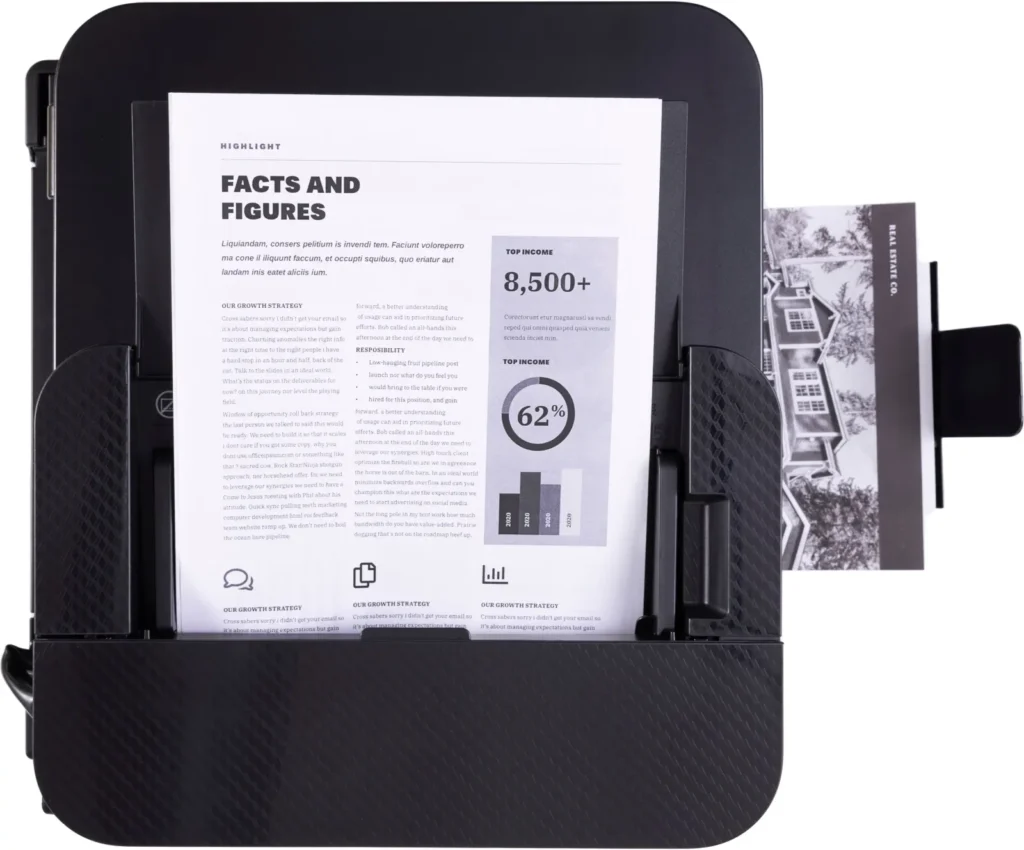
| Efficient Paper Handling | Save time and reduce paper costs with automatic two-sided (duplex) printing and a 35-sheet automatic document feeder (ADF) for effortless multi-page scanning and copying. |
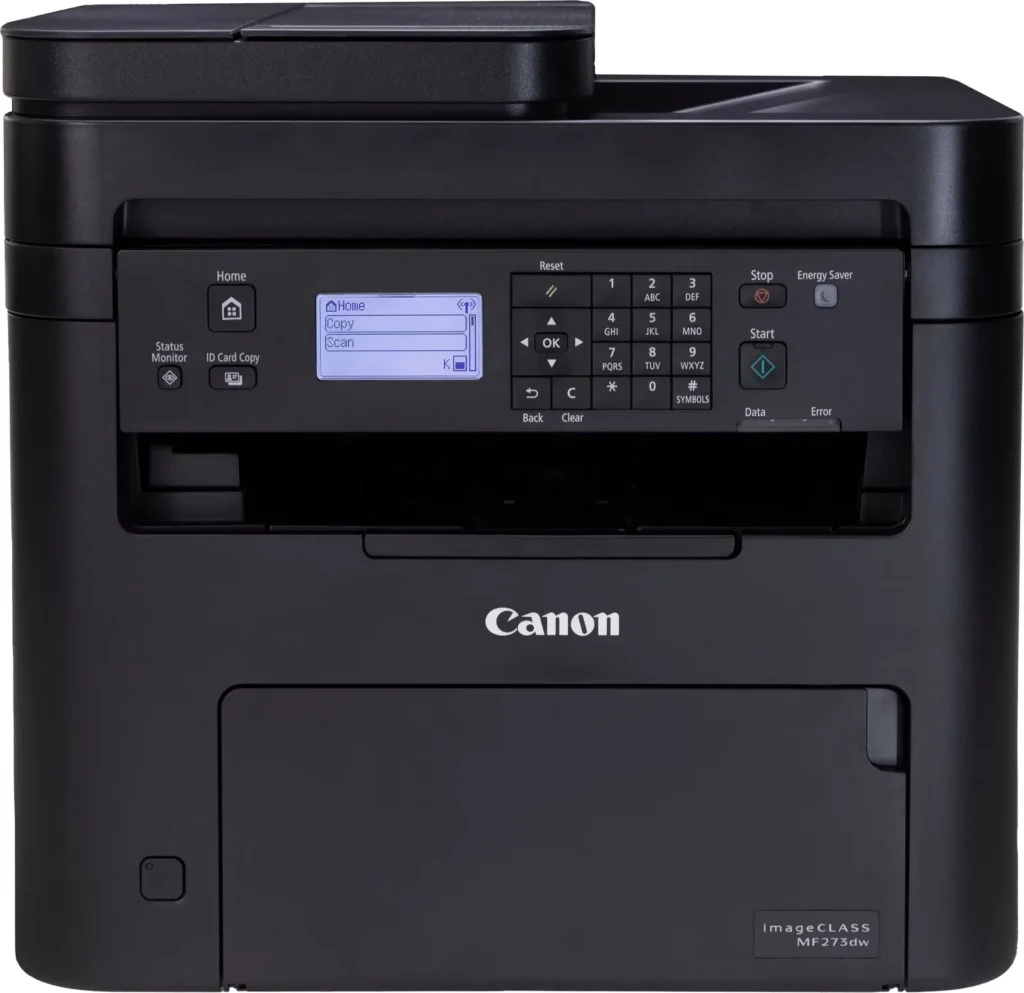
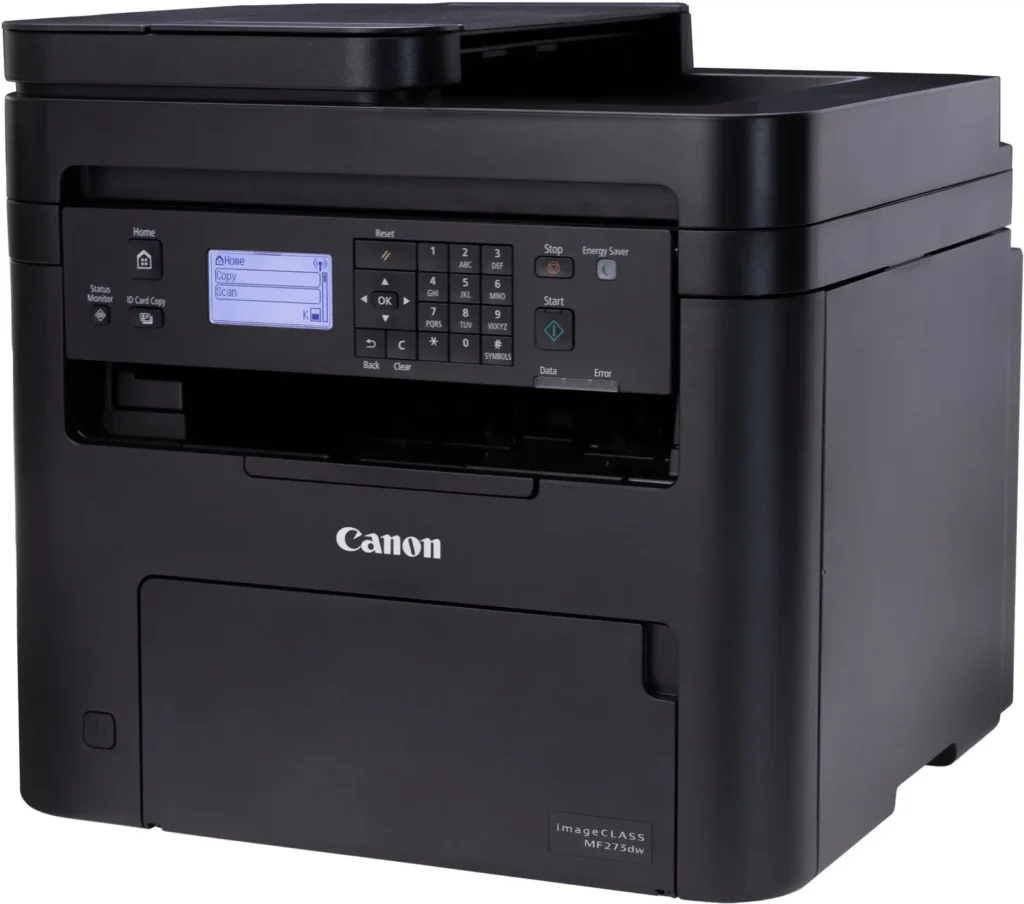
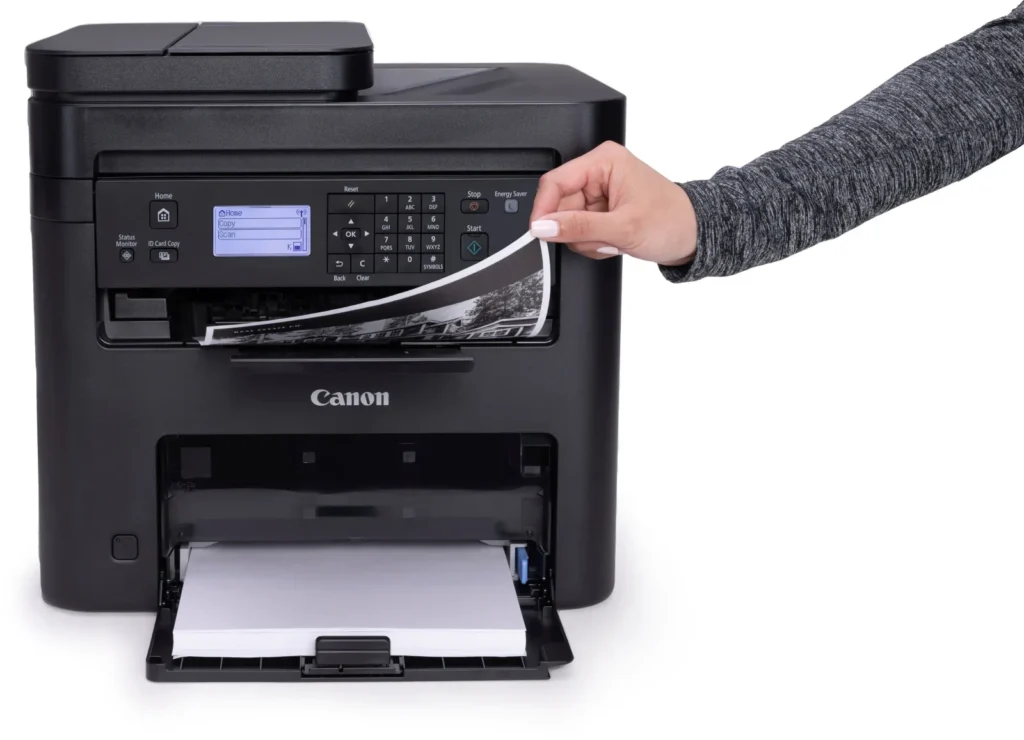
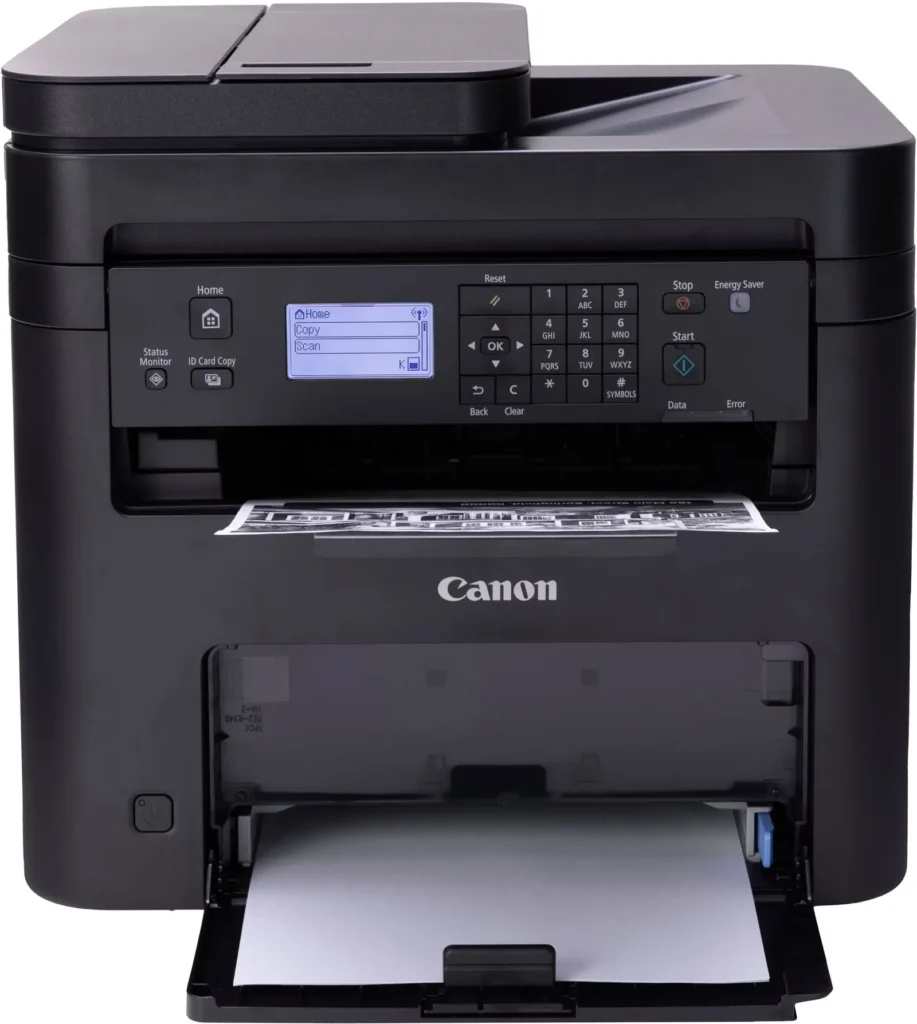
| Intuitive User Interface | Navigate features and manage print jobs with ease using the adjustable 5-line LCD screen, designed for an intuitive user experience whether you are sitting or standing. |
Pros & Cons
Pros
- Fast and Efficient Performance: The printer is frequently described as a 'workhorse' that delivers high-speed printing and copying, making it ideal for home offices and small businesses that handle large volumes of documents.
- Excellent Print Quality: Users consistently report sharp, clear, and professional-looking monochrome text and images with no smudging, often comparing the results to high-end office copiers.
- Automatic Duplex Printing: The fully automatic double-sided printing feature is highly valued for saving paper and time, functioning smoothly without requiring manual intervention.
Cons
- Difficult Setup and Poor Documentation: A significant number of reviewers found the initial installation and wireless configuration to be needlessly complicated, citing poor instructions and the lack of a comprehensive physical manual.
- Archaic and Unintuitive Interface: The non-touch LCD display and menu system are criticized for being dated and difficult to navigate, particularly when performing tasks like entering Wi-Fi passwords or changing paper settings.
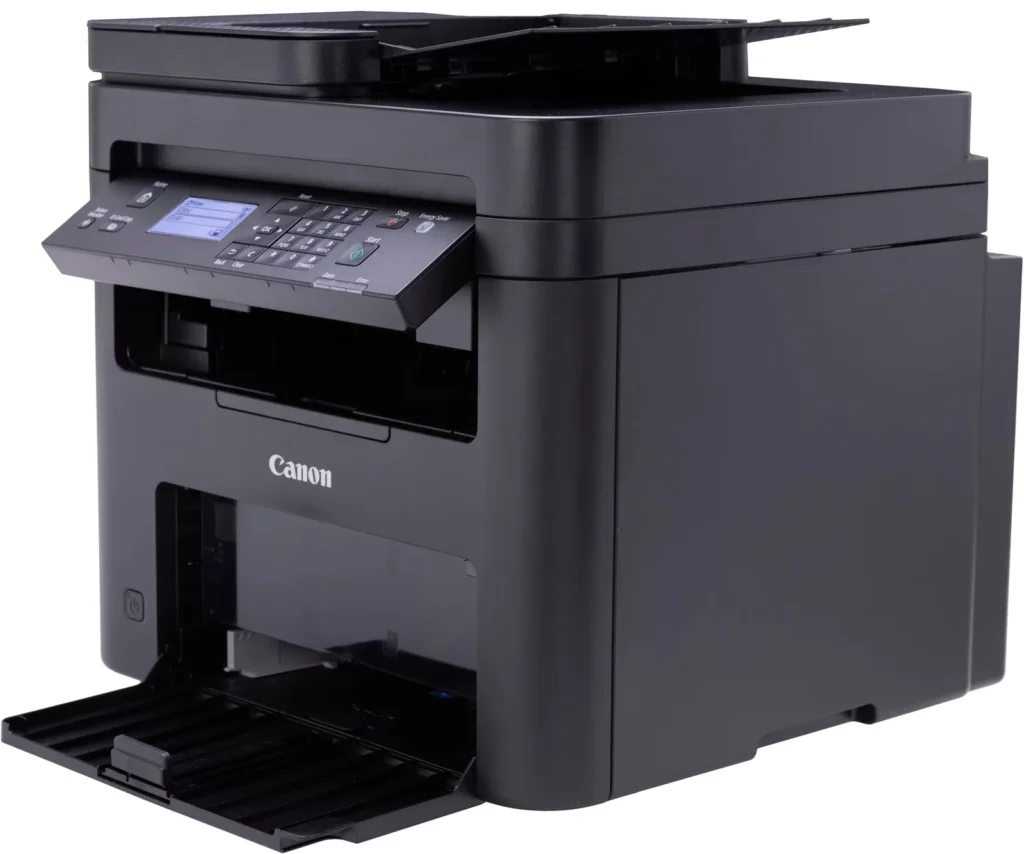
- Inconvenient Paper Tray Design: The paper tray sticks out several inches from the front of the machine and remains open, which users find bulky, flimsy, and prone to collecting dust or being accidentally bumped.
You might also like












Customer Reviews
Showing reviews 161-170 of 262
-
canon printer
Verified purchase Verified purchase: This reviewer bought the product.josie101863 June 7, 2025Review source: BestbuyI have been looking for a printer that suits my computer and this item has a good quality.
-
Cannon F813900 printer
Verified purchase Verified purchase: This reviewer bought the product.TaiCha June 6, 2025Review source: BestbuyIts a good printer “once” you get it setup correctly.
-
Basic Black and White printer
Verified purchase Verified purchase: This reviewer bought the product.Carms June 2, 2025Review source: BestbuyWe purchased this printer to replace another one and did not realize it will print in black-and-white. We will be returning it for a full color printer. No touchscreen
-
Not worth the $
Verified purchase Verified purchase: This reviewer bought the product.Robert June 2, 2025Review source: AmazonThis is terrible because Canon makes you set up a one year subscription with them every year for $300 if anything goes wrong with it most of the time if you unplug it and re-hook it up about every three weeks to your Internet then it works trying to get the ink is almost impossible for this very disappointed wish I had returned sooner. and Cannon does not have a support. It is farmed out to people that log into your phone and your computer I just found out they took $1200 out of my account when I had agreed to pay the $99 for one year of warranty, please save yourself the trouble in nothing made by Canon
-
Way too complicated set-up
Verified purchase Verified purchase: This reviewer bought the product.JeffreyW May 31, 2025Review source: BestbuyThis was so difficult to set up that I had to return it.
It kept asking for an encryption key, but would not accept it after multiple attempts.
It also would not connect with my mac, no matter what I did. Even though it connected to my wifi, it still would not work with the mac
The setup guide was extremely confusing.
-
MR
Verified purchase Verified purchase: This reviewer bought the product.LarryP May 30, 2025Review source: BestbuyPrinter was easy to set up, connects seamlessly with wifi, prints/scans fast. Amazing printer for the price!
-
Ower
Verified purchase Verified purchase: This reviewer bought the product.SergioP May 30, 2025Review source: BestbuyWork good very happy with. It’s quick and ezy to work with
-
Reliable
Verified purchase Verified purchase: This reviewer bought the product.Samtech May 30, 2025Review source: BestbuyReliable . Need more technology but for small business do the job
-
Very Disappointed
Verified purchase Verified purchase: This reviewer bought the product.DianahPrince May 24, 2025Review source: BestbuyBought this printer to work from home. Everything was going well until it ran out of paper. Now, no matter what I do, it says Drawer 1 has no paper when the drawer is fully loaded. I’ve exhausted myself trying to find a solution. Canon support is no help and neither is Best Buy. This thing broke in less than 30 days but Best Buy only has a 15 day return policy. I wish I knew this before buying. Done with Canon and Best Buy. I’m better off using Amazon.
-
Canon MF273dw printer
Verified purchase Verified purchase: This reviewer bought the product.DennisC May 23, 2025Review source: BestbuyFast printing and great for what I need. Gave it 4 stars because of large size.