Customer Media
Highlights
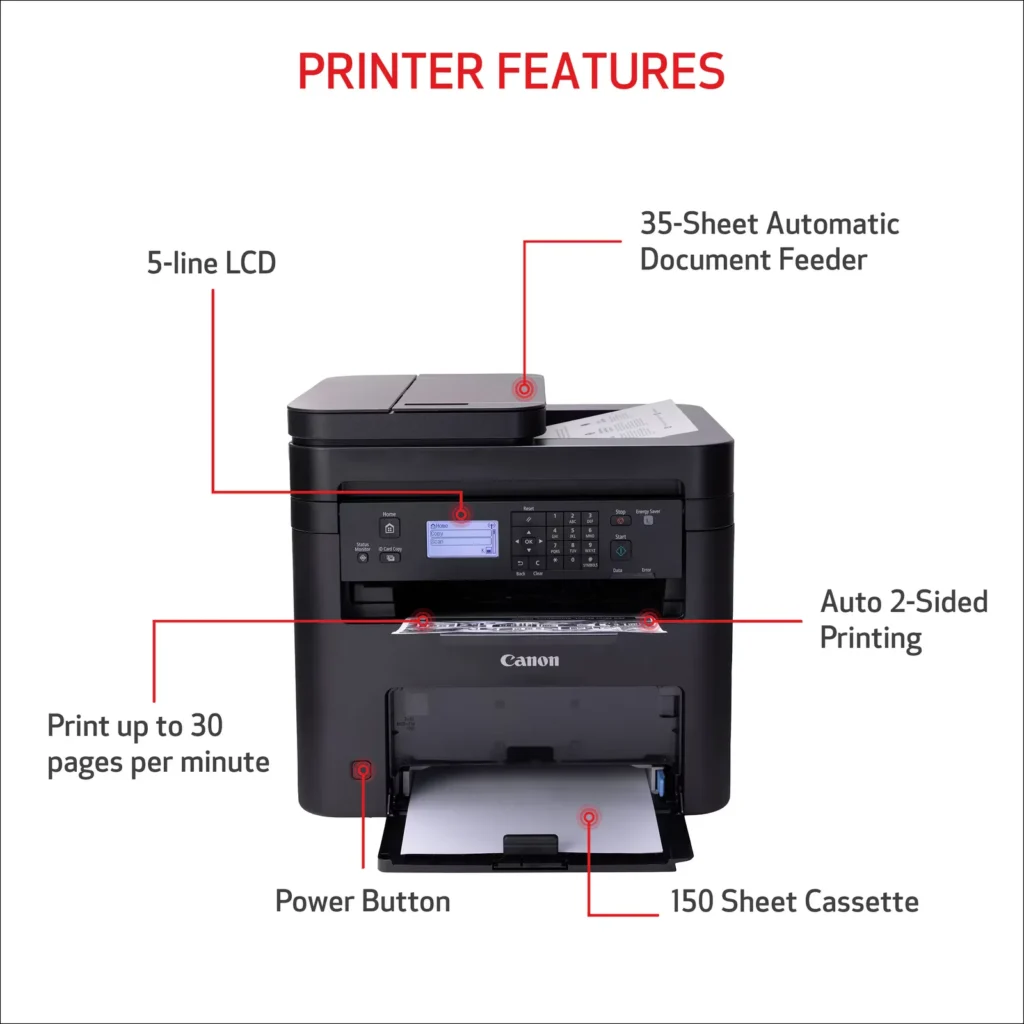
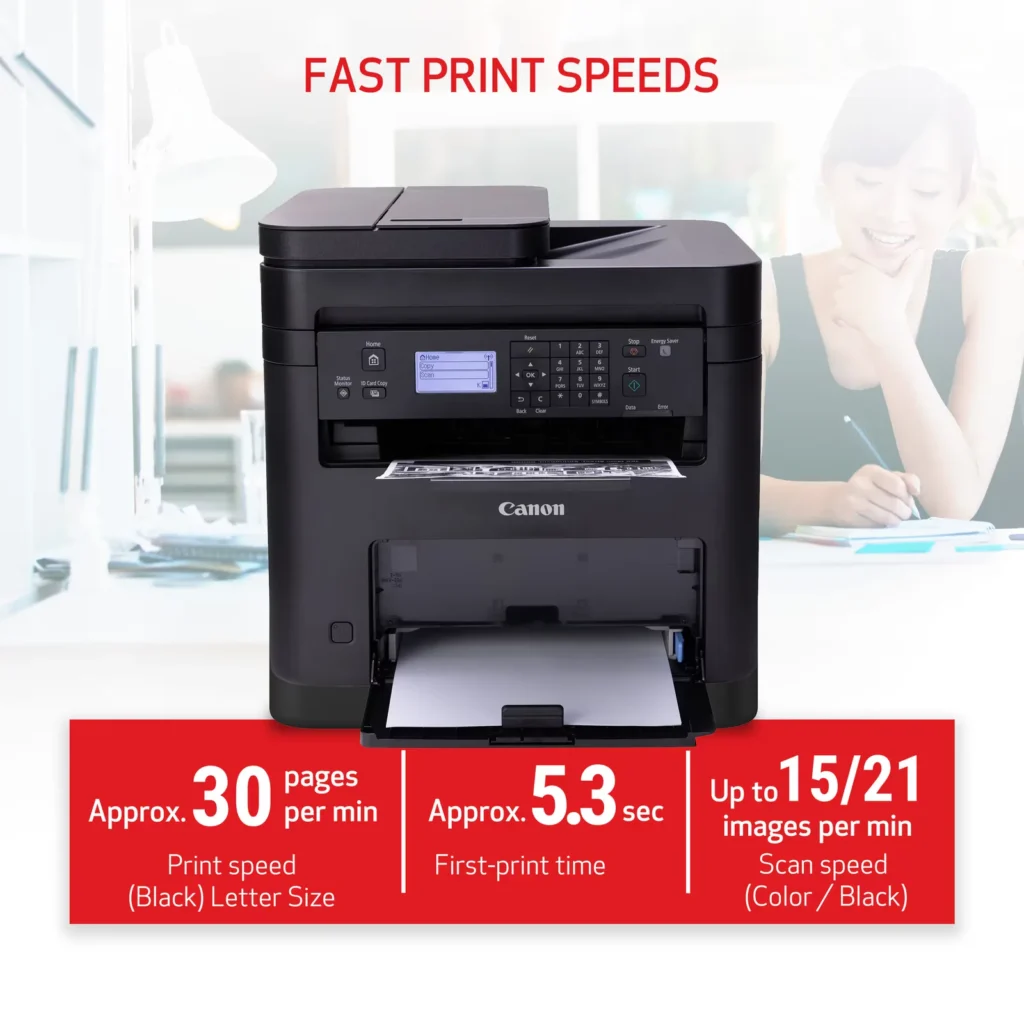
| High-Speed Performance | Boost office productivity with rapid print speeds of up to 30 pages per minute and a quick first-print time of approximately 5.3 seconds, ensuring minimal wait times for your documents. |
|---|---|
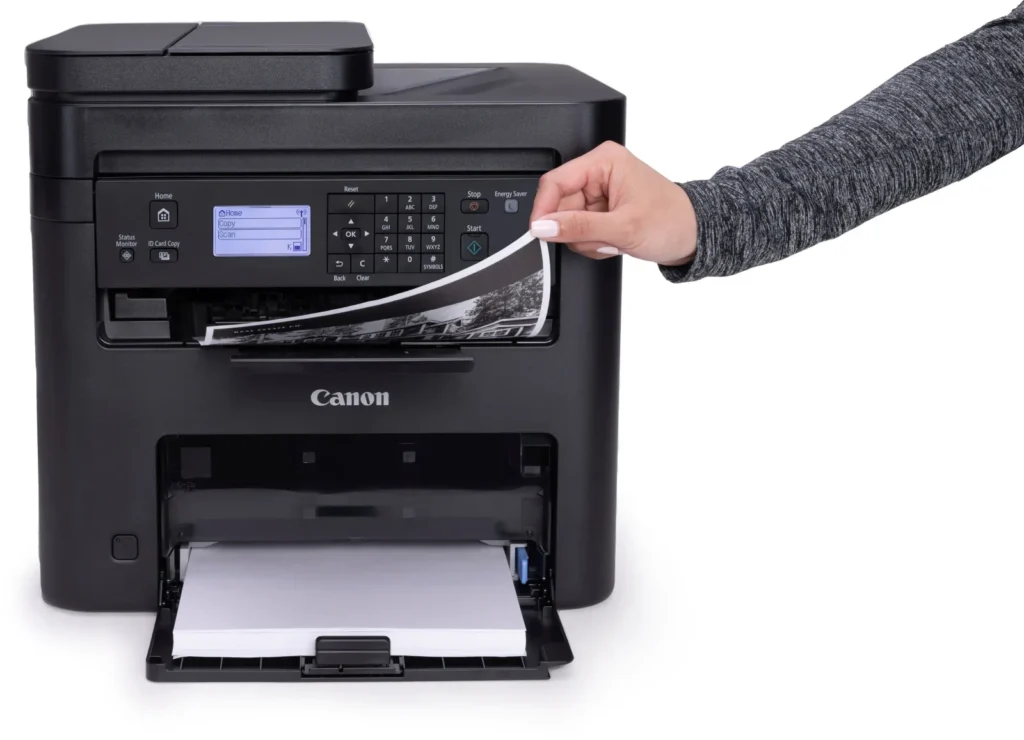
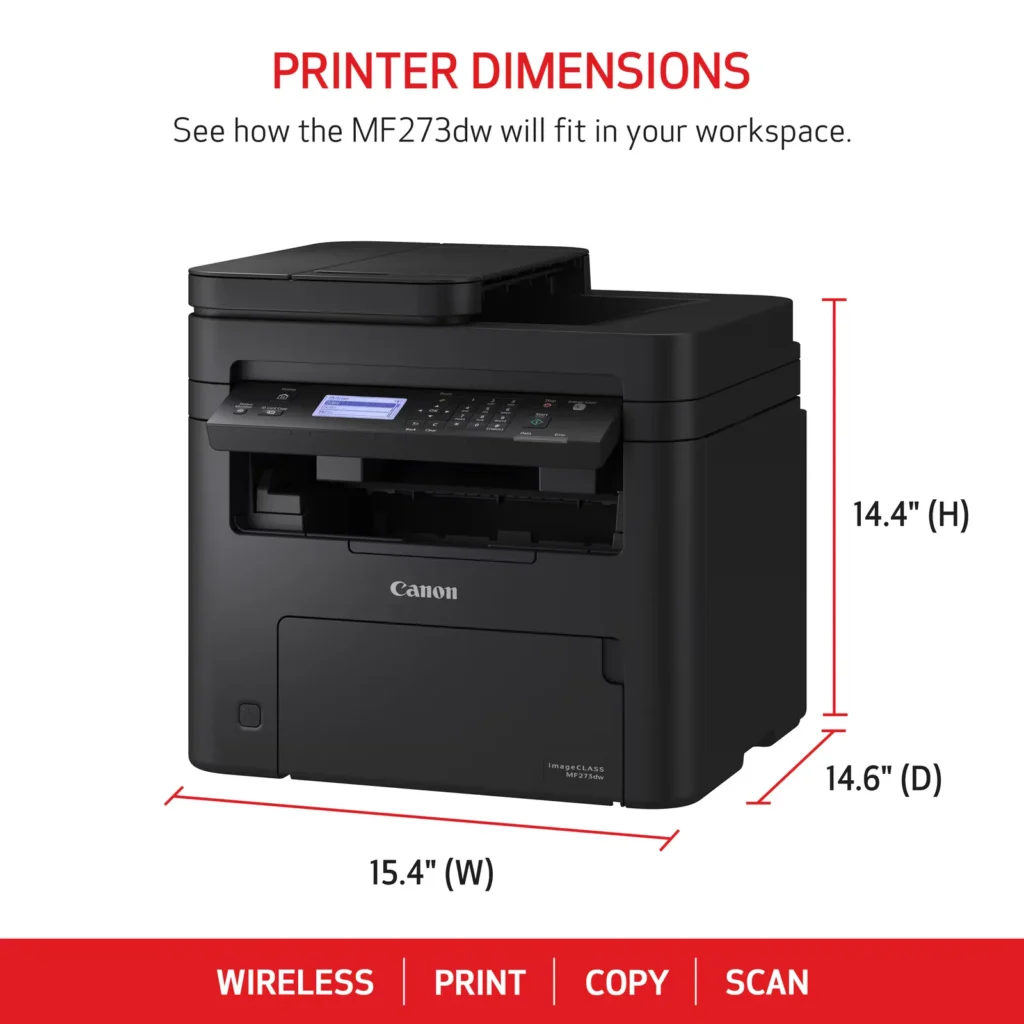
| Versatile 3-in-1 Functionality | This multifunctional monochrome laser printer streamlines your workflow by combining high-quality printing, scanning, and copying capabilities into a single, compact device. |
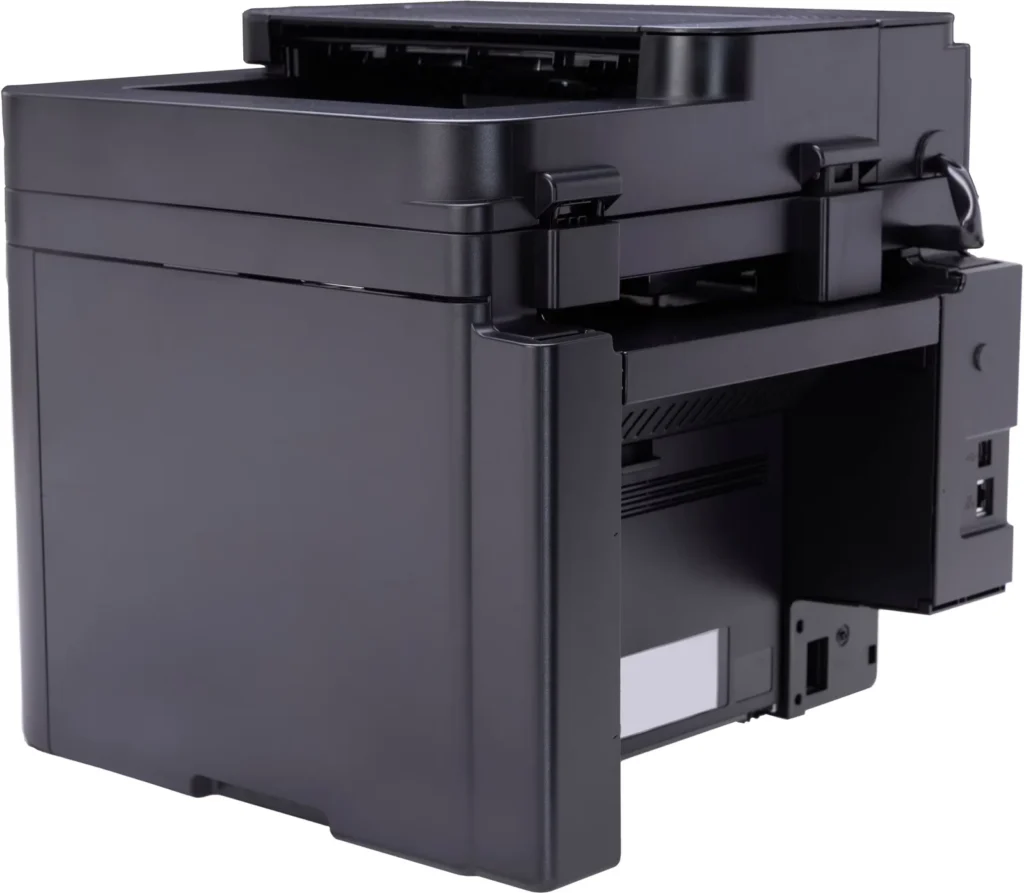
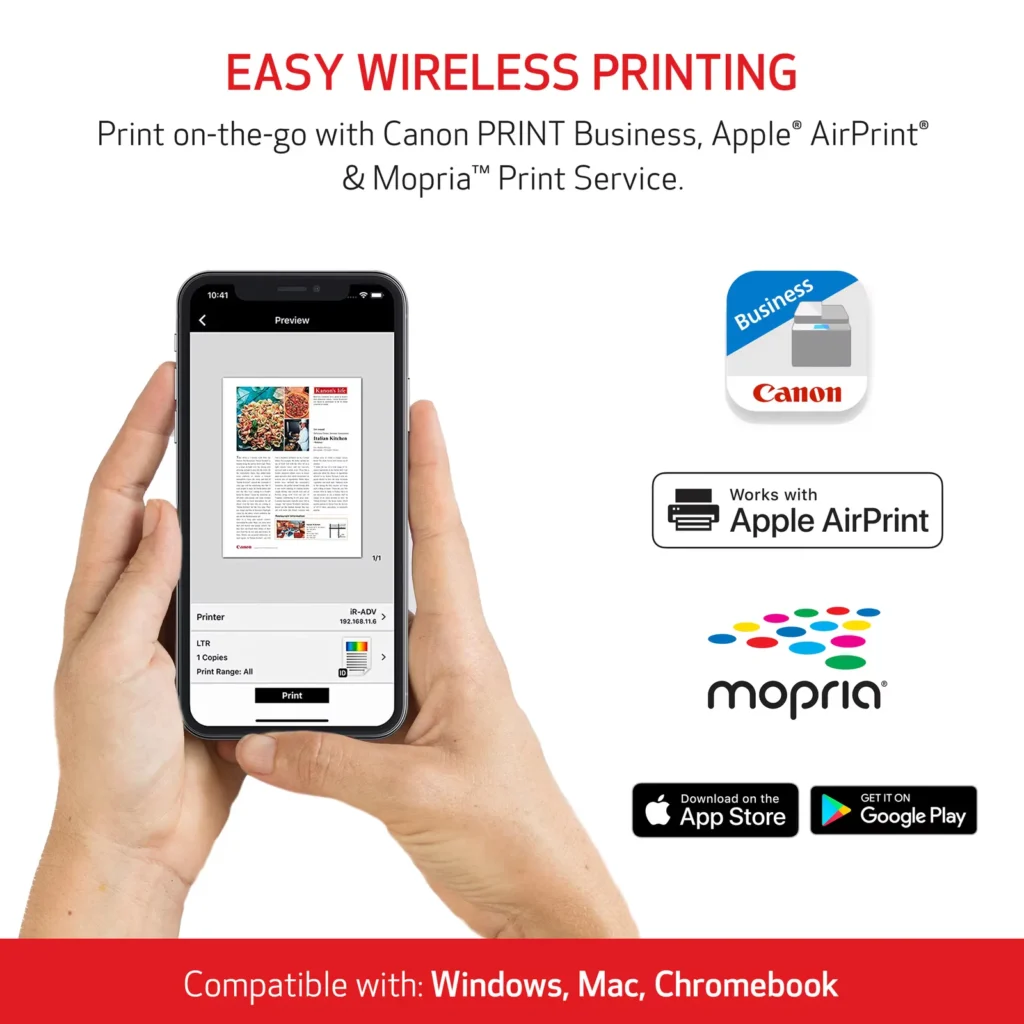
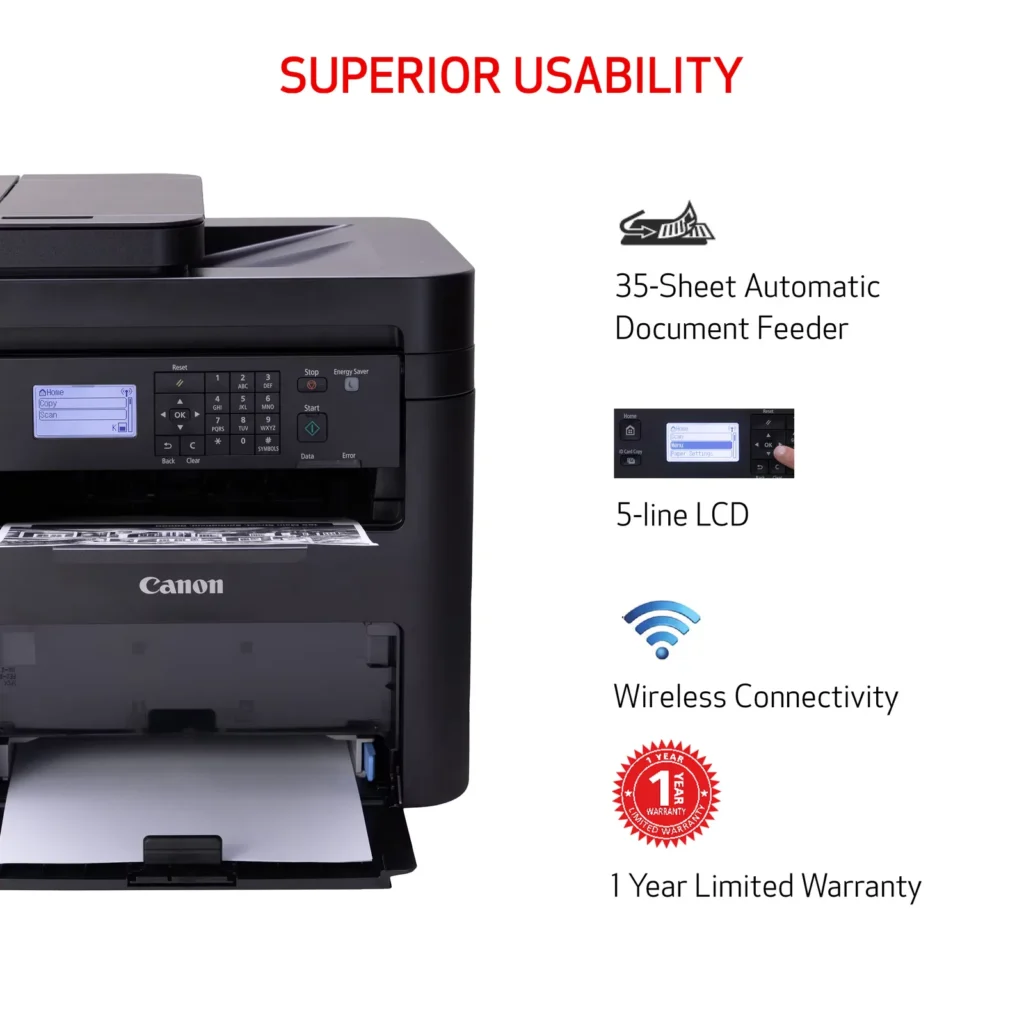
| Seamless Wireless & Mobile Connectivity | Easily connect via Wi-Fi, Wi-Fi Direct, or Ethernet, and print on-the-go from your favorite mobile devices using the Canon PRINT Business app, Apple AirPrint, and Mopria Print Service. |
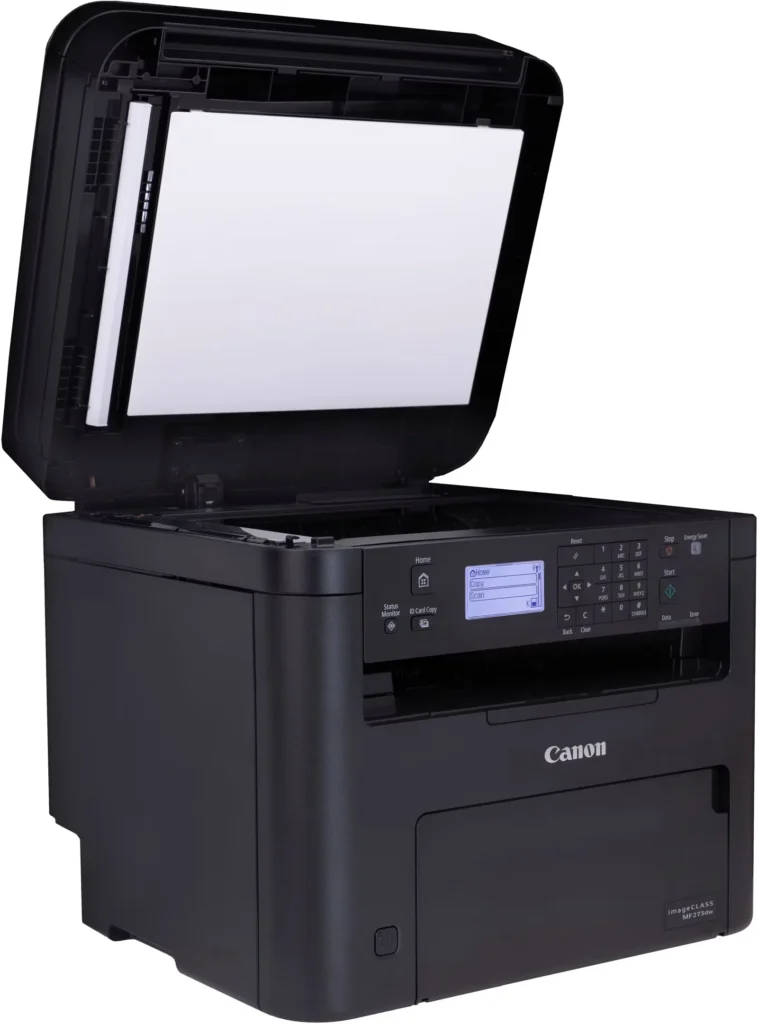
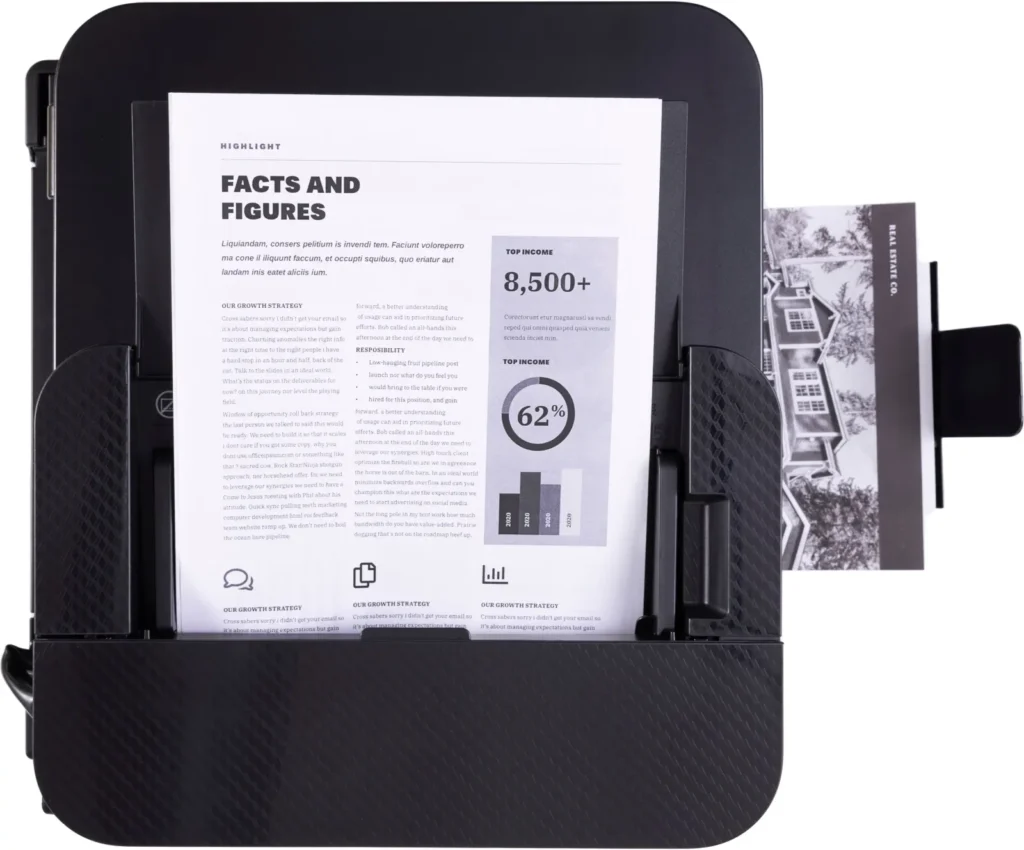
| Efficient Paper Handling | Save time and reduce paper costs with automatic two-sided (duplex) printing and a 35-sheet automatic document feeder (ADF) for effortless multi-page scanning and copying. |
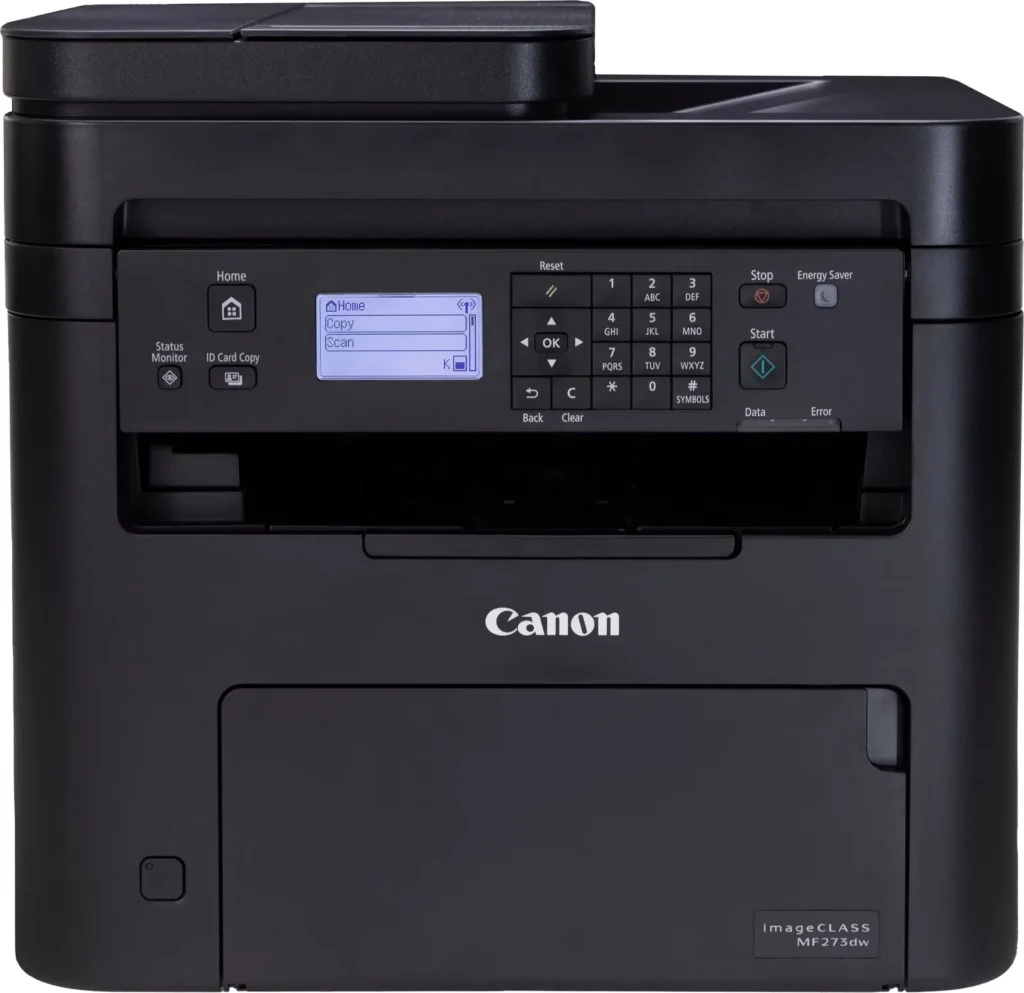
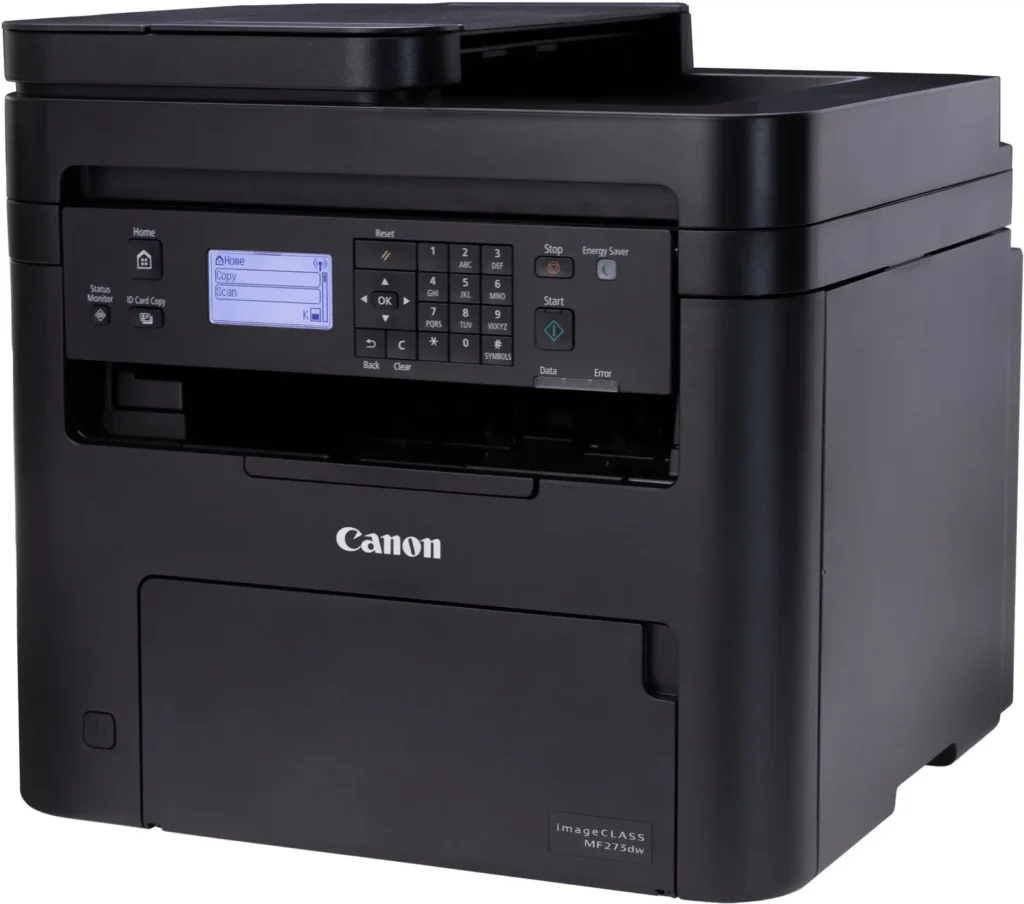
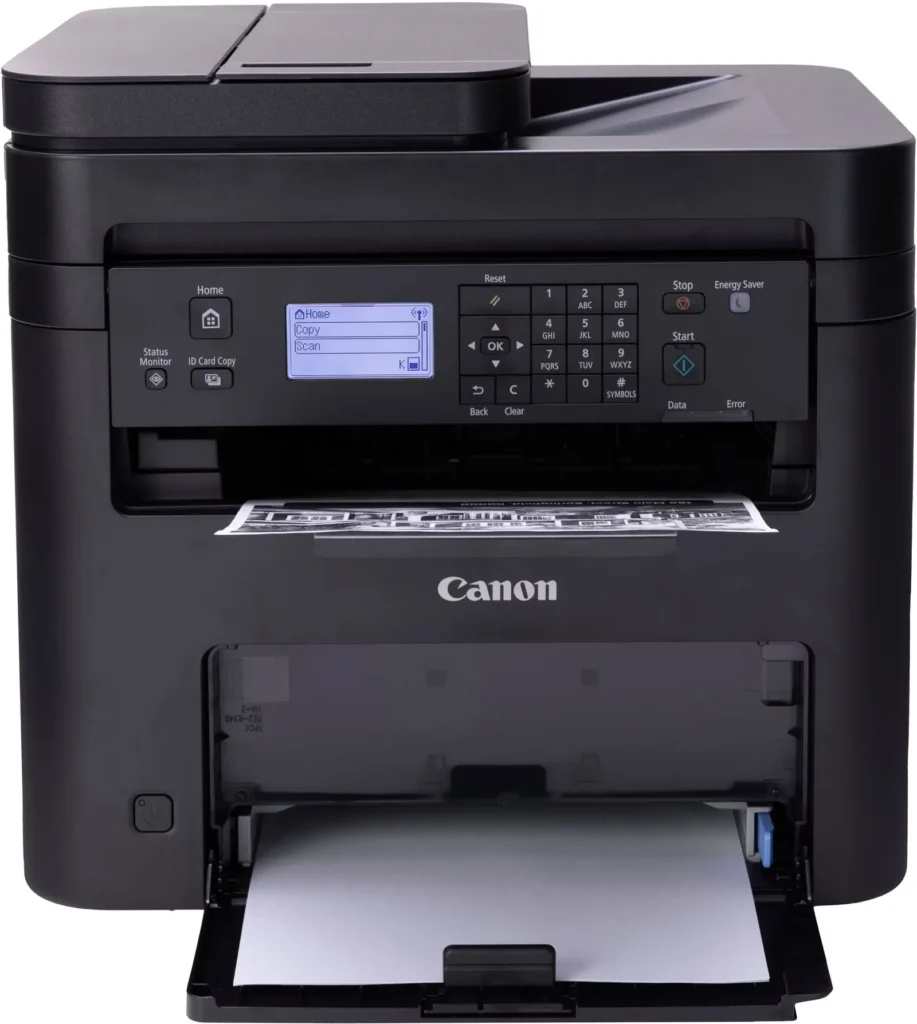
| Intuitive User Interface | Navigate features and manage print jobs with ease using the adjustable 5-line LCD screen, designed for an intuitive user experience whether you are sitting or standing. |
Pros & Cons
Pros
- Fast and Efficient Performance: The printer is frequently described as a 'workhorse' that delivers high-speed printing and copying, making it ideal for home offices and small businesses that handle large volumes of documents.
- Excellent Print Quality: Users consistently report sharp, clear, and professional-looking monochrome text and images with no smudging, often comparing the results to high-end office copiers.
- Automatic Duplex Printing: The fully automatic double-sided printing feature is highly valued for saving paper and time, functioning smoothly without requiring manual intervention.
Cons
- Difficult Setup and Poor Documentation: A significant number of reviewers found the initial installation and wireless configuration to be needlessly complicated, citing poor instructions and the lack of a comprehensive physical manual.
- Archaic and Unintuitive Interface: The non-touch LCD display and menu system are criticized for being dated and difficult to navigate, particularly when performing tasks like entering Wi-Fi passwords or changing paper settings.
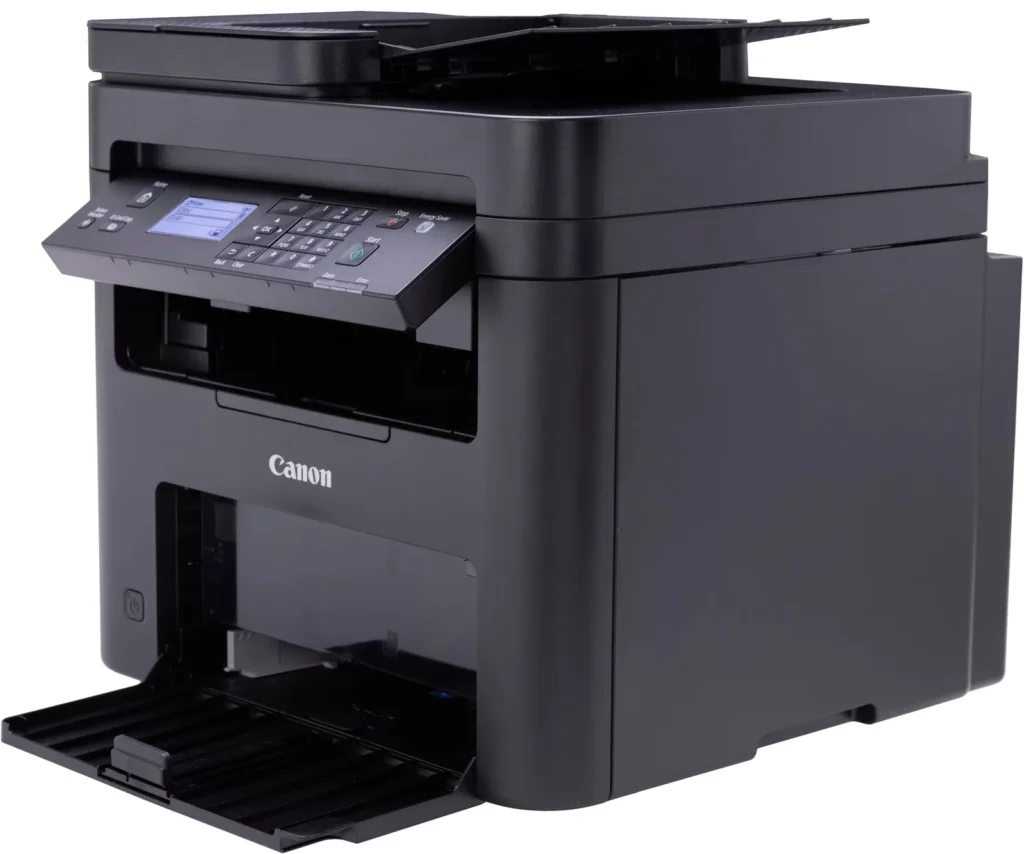
- Inconvenient Paper Tray Design: The paper tray sticks out several inches from the front of the machine and remains open, which users find bulky, flimsy, and prone to collecting dust or being accidentally bumped.
You might also like












Customer Reviews
Showing reviews 171-180 of 262
-
Cannan MF273dw
Verified purchase Verified purchase: This reviewer bought the product.MichaelR May 23, 2025Review source: BestbuyA little complicated for scanning, images are often crooked
-
Great value for the price
Verified purchase Verified purchase: This reviewer bought the product.AndrewP May 23, 2025Review source: BestbuyGreat value and performance for the price. Recommended.
-
GREAT VALUE
Verified purchase Verified purchase: This reviewer bought the product.OliviaK May 20, 2025Review source: BestbuyWe are searching a printer + scanner for our office. Thia is great value! Just a little bigger than we thought! Can not put it in the back of the truck.
-
Do Not Buy
Verified purchase Verified purchase: This reviewer bought the product.Donald Sisson May 18, 2025Review source: AmazonProbably the worst printer that I have ever used. Difficult installation. Refuses to connect with computer and is basically non functional. Replaced an older Canon that was far superior. Will need to replace this because it is basically a piece of junk.
-
Great Printer!
Verified purchase Verified purchase: This reviewer bought the product.RonaldW May 17, 2025Review source: BestbuyGreat Laser Printer for the price. Does everything that you need in a laser printer and does not break the bank.
-
Canon – imageCLASS MF273dw Wireless
Verified purchase Verified purchase: This reviewer bought the product.KevinH May 17, 2025Review source: BestbuyI highly recommend this printer. It is a great option when I don’t want to walk to the copier.
-
Kind of good
Verified purchase Verified purchase: This reviewer bought the product.BHarrisR May 17, 2025Review source: BestbuyThe box should say you need a degree in computer science to get this to connect and print.
-
Great printer but horrible scanner
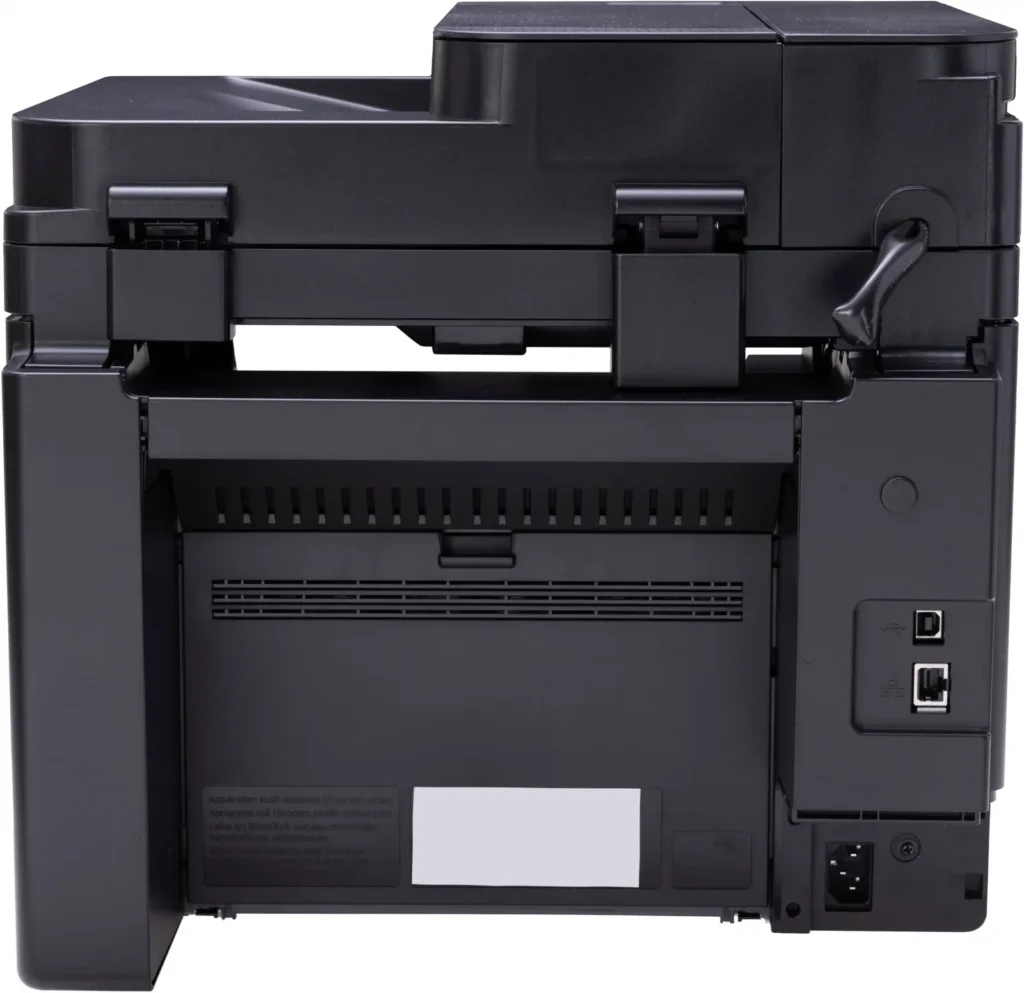
Verified purchase Verified purchase: This reviewer bought the product.MikeMN May 15, 2025Review source: BestbuyThe black & white printer works great! The scanner function was impossible to setup compared to my my many HP printers. There’s not even a usb port!
-
Reliable and Efficient Printer
Verified purchase Verified purchase: This reviewer bought the product.Gracia May 15, 2025Review source: AmazonThis printer has been a solid performer for my home office needs. The print quality is sharp and consistent, and it handles documents quickly without jamming. Setup was fairly straightforward, and wireless printing works smoothly. The only reason I’m giving it 4 stars instead of 5 is because the toner cartridges can be a bit pricey. Overall, a great value for the performance.
-
Don’t Buy it.
Verified purchase Verified purchase: This reviewer bought the product.MartinL May 6, 2025Review source: BestbuyAverage printer with terrible display and user interface