Customer Media
Highlights
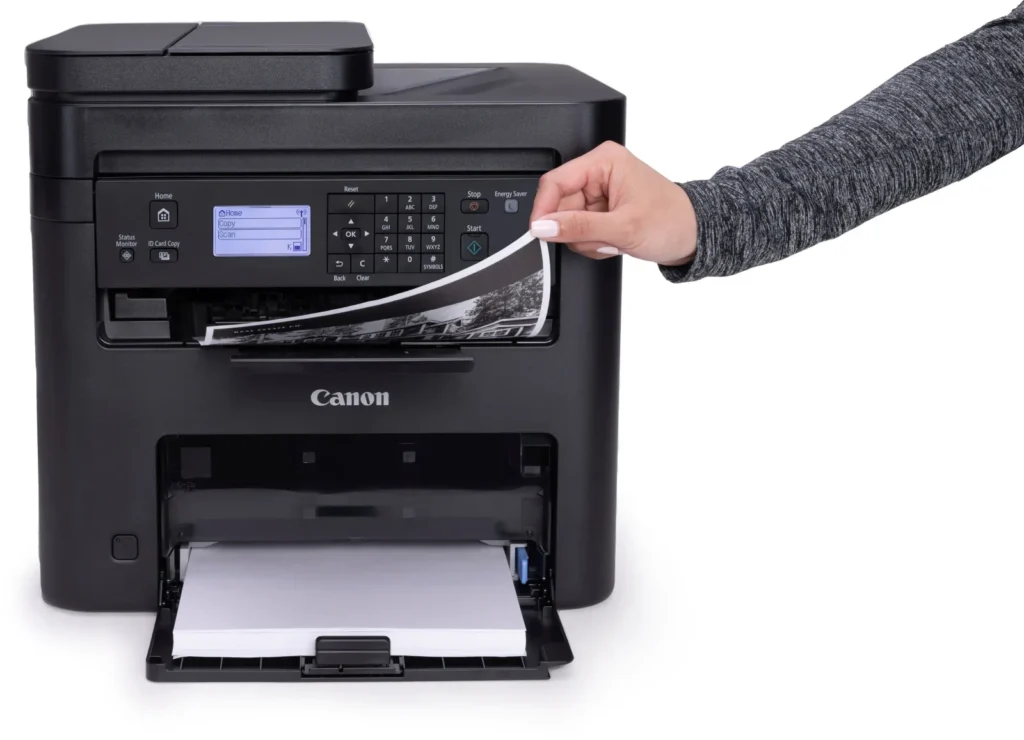
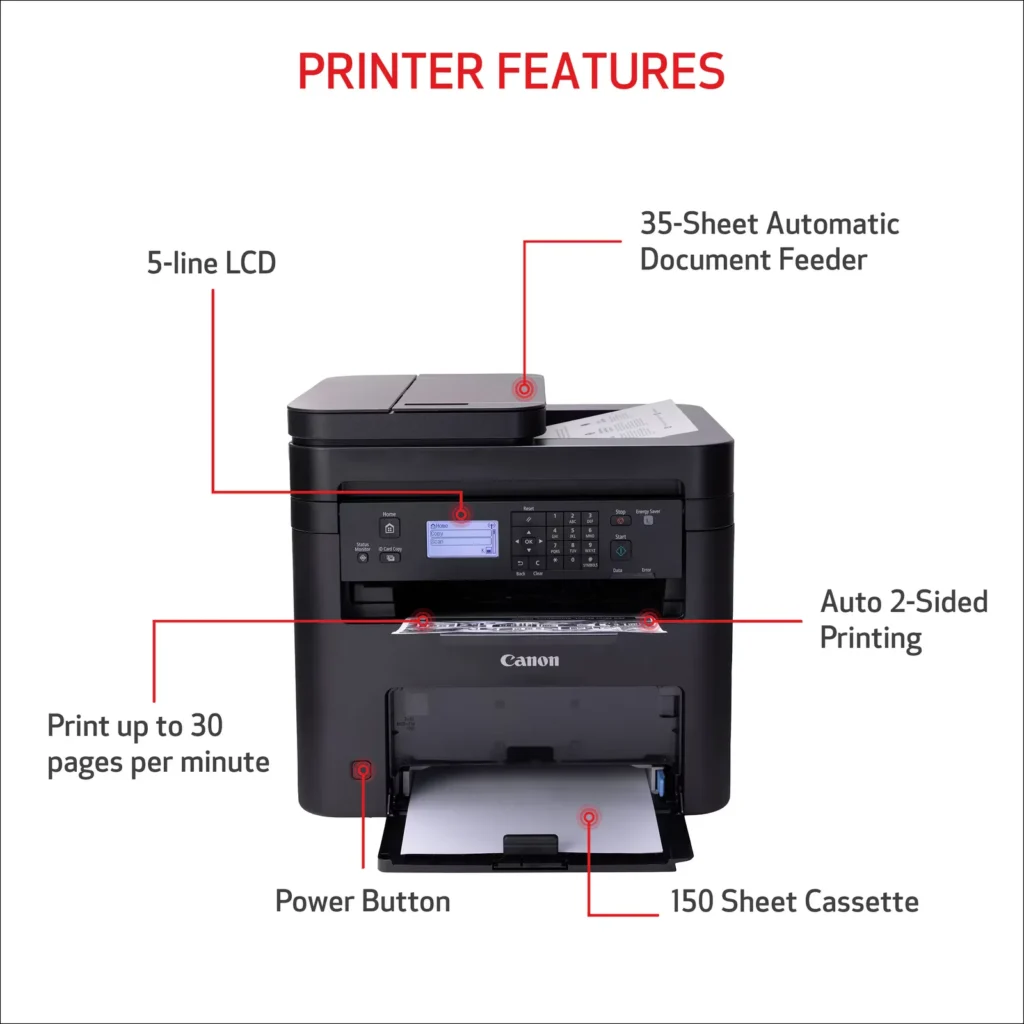
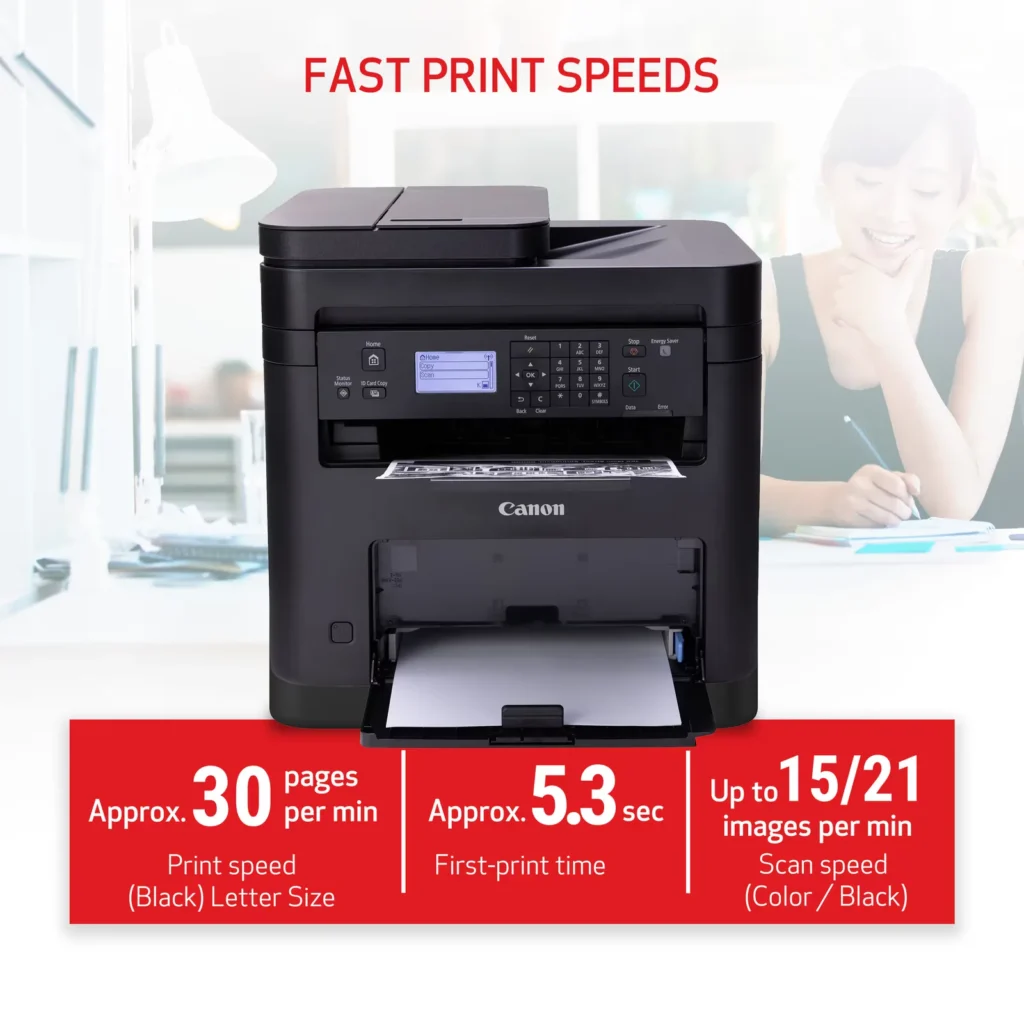
| High-Speed Performance | Boost office productivity with rapid print speeds of up to 30 pages per minute and a quick first-print time of approximately 5.3 seconds, ensuring minimal wait times for your documents. |
|---|---|
| Versatile 3-in-1 Functionality | This multifunctional monochrome laser printer streamlines your workflow by combining high-quality printing, scanning, and copying capabilities into a single, compact device. |
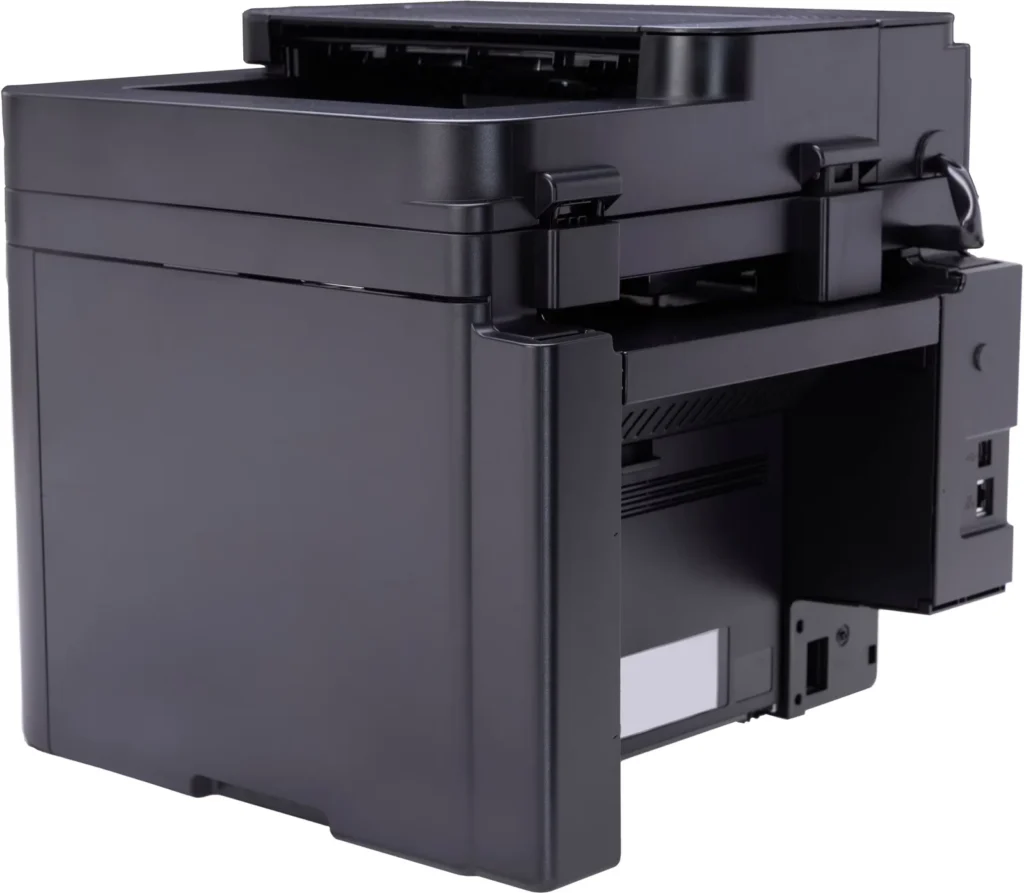
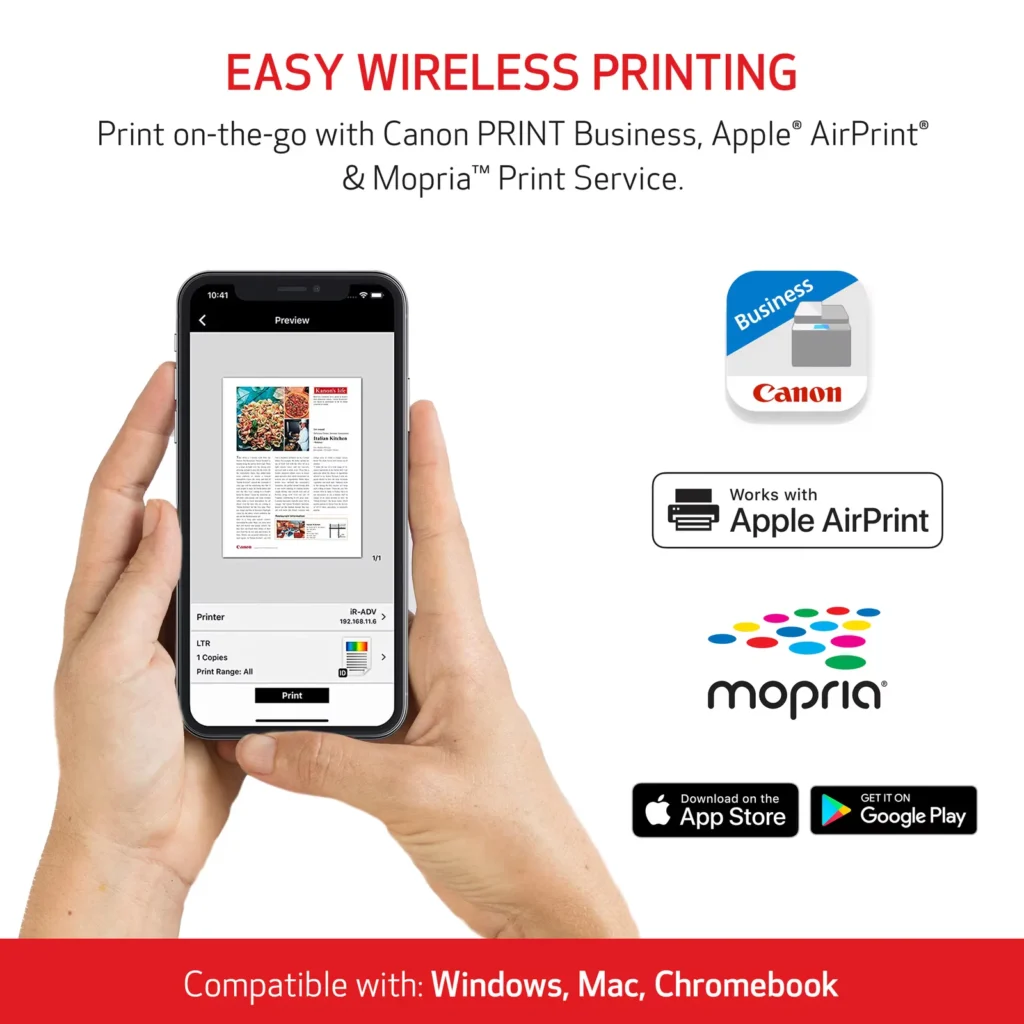
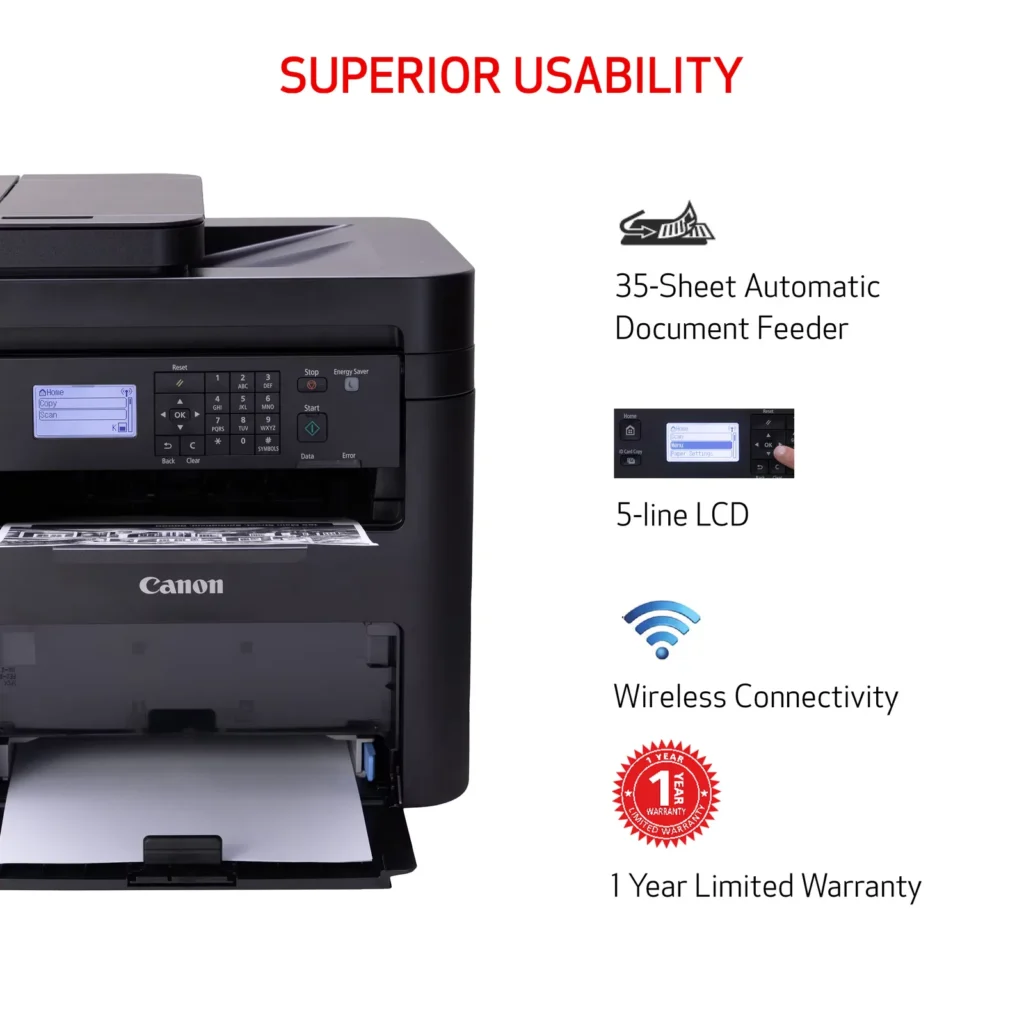
| Seamless Wireless & Mobile Connectivity | Easily connect via Wi-Fi, Wi-Fi Direct, or Ethernet, and print on-the-go from your favorite mobile devices using the Canon PRINT Business app, Apple AirPrint, and Mopria Print Service. |
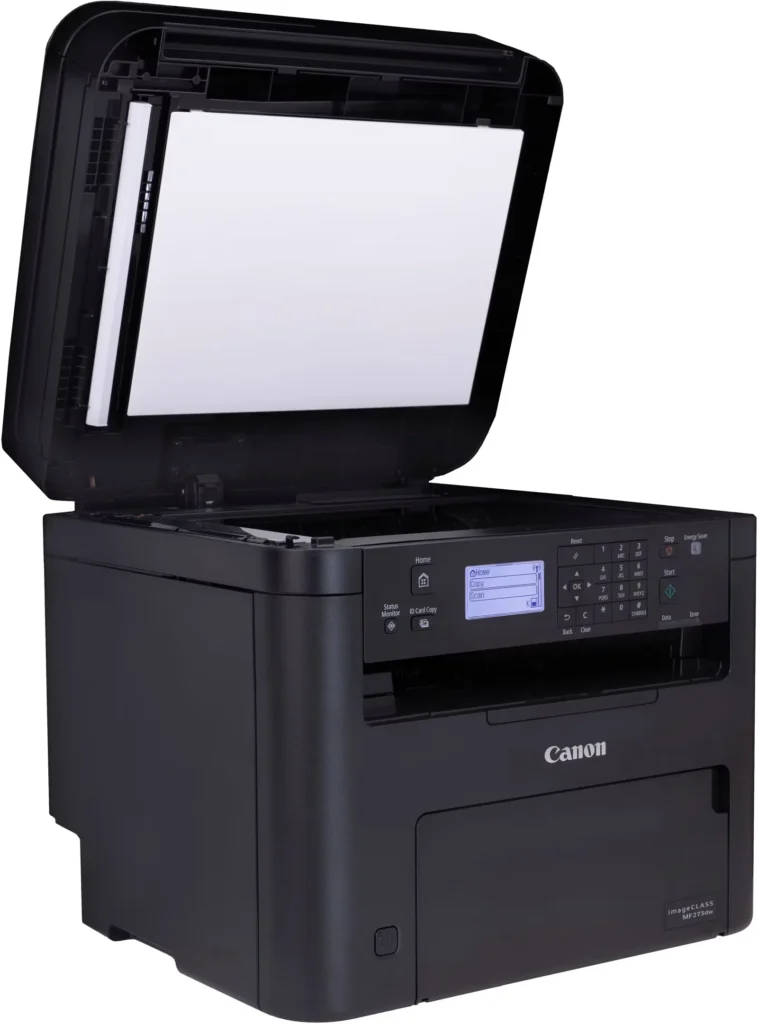
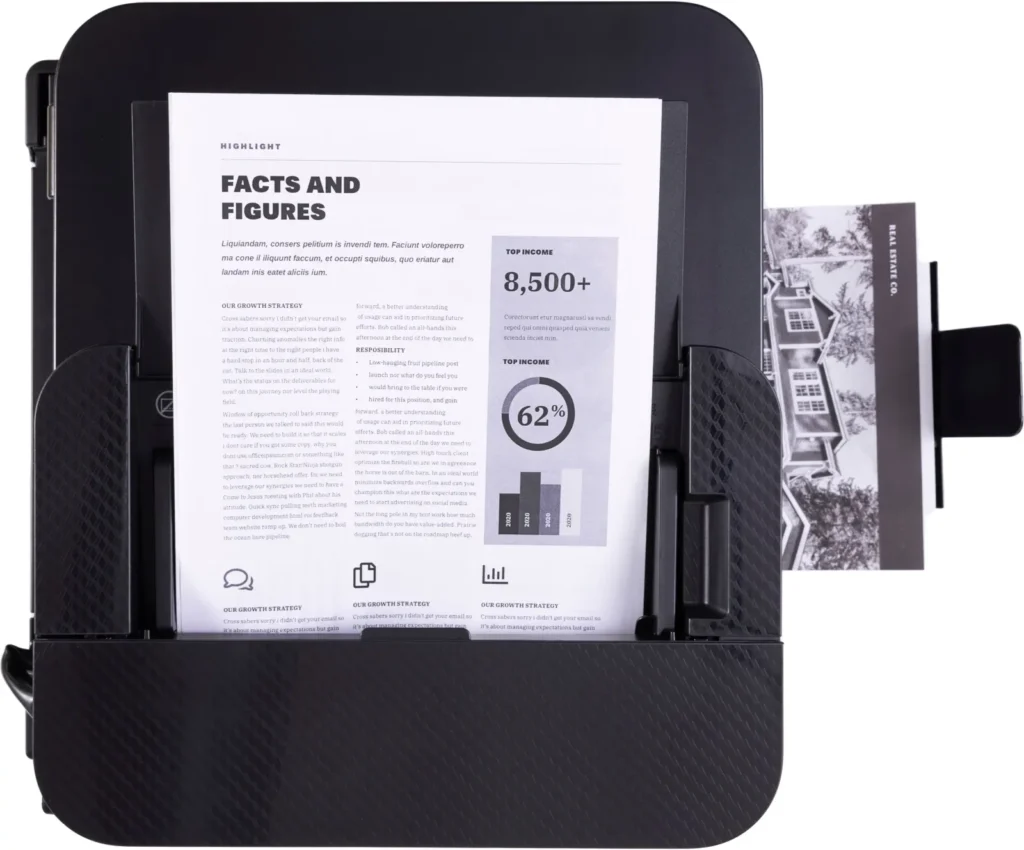
| Efficient Paper Handling | Save time and reduce paper costs with automatic two-sided (duplex) printing and a 35-sheet automatic document feeder (ADF) for effortless multi-page scanning and copying. |
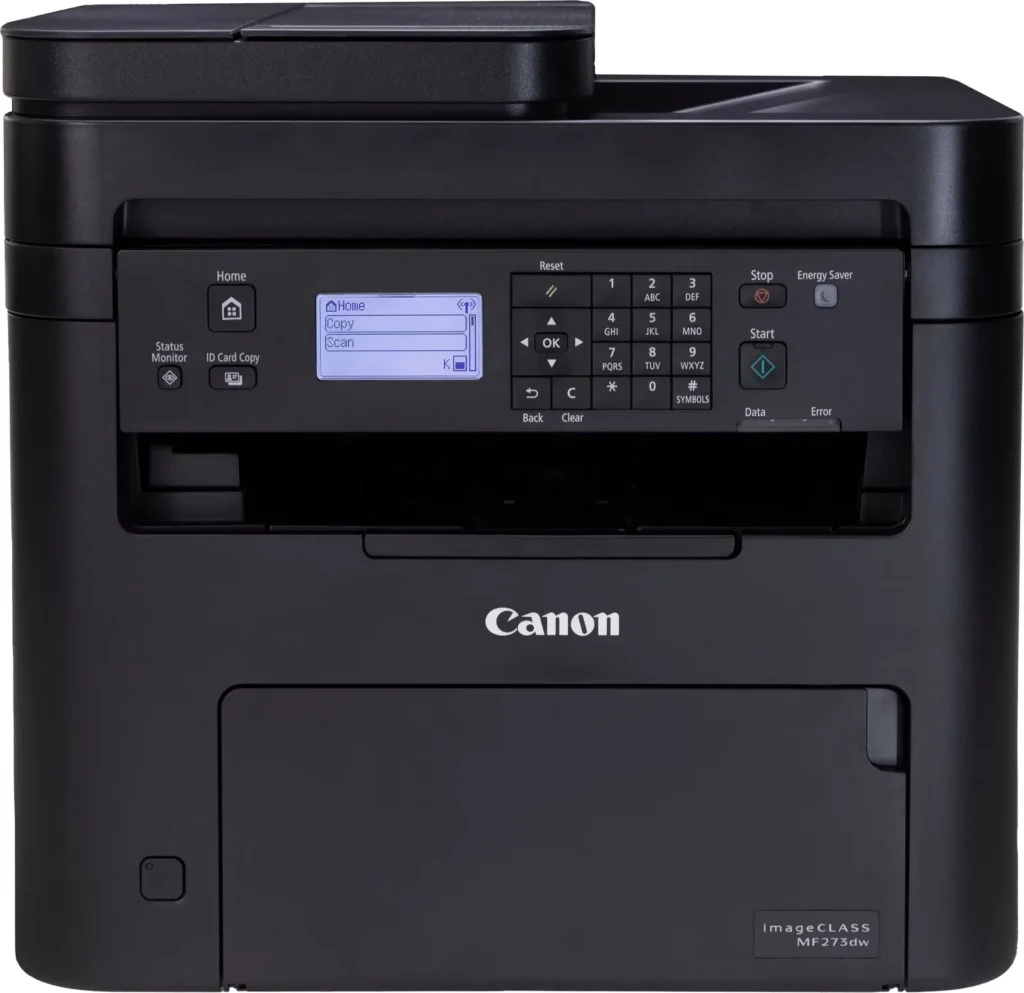
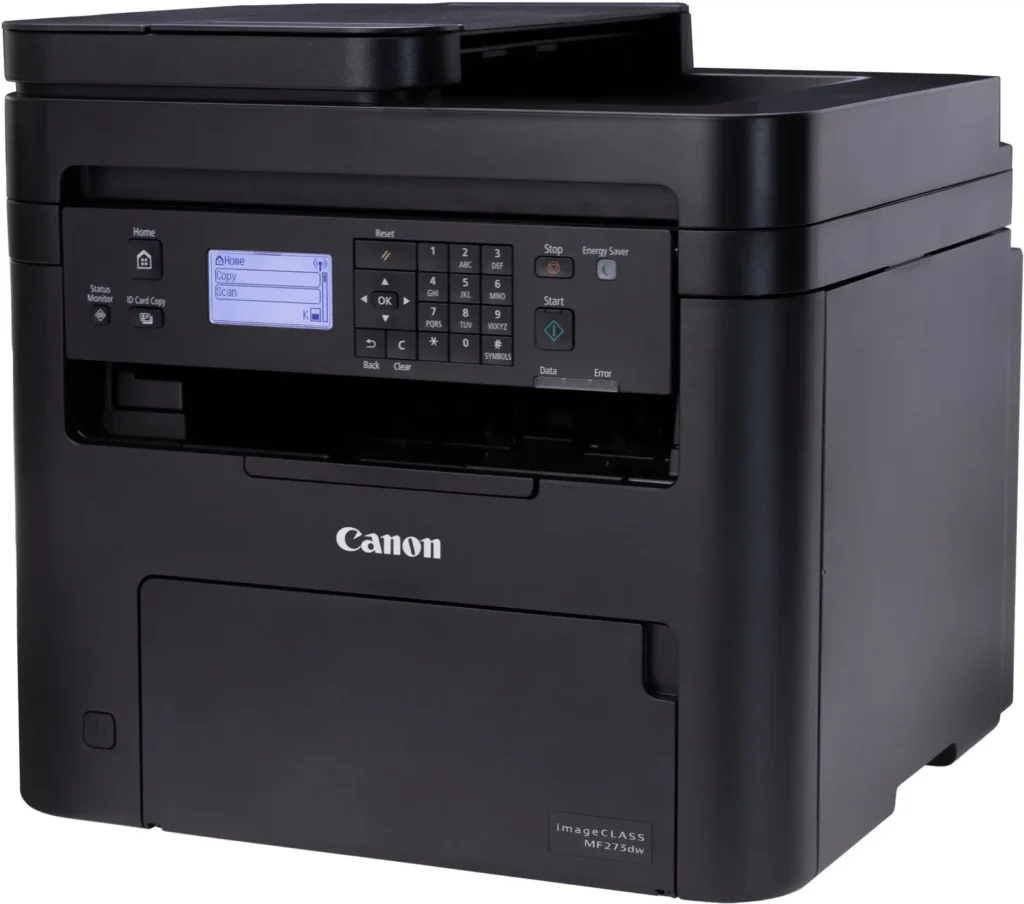
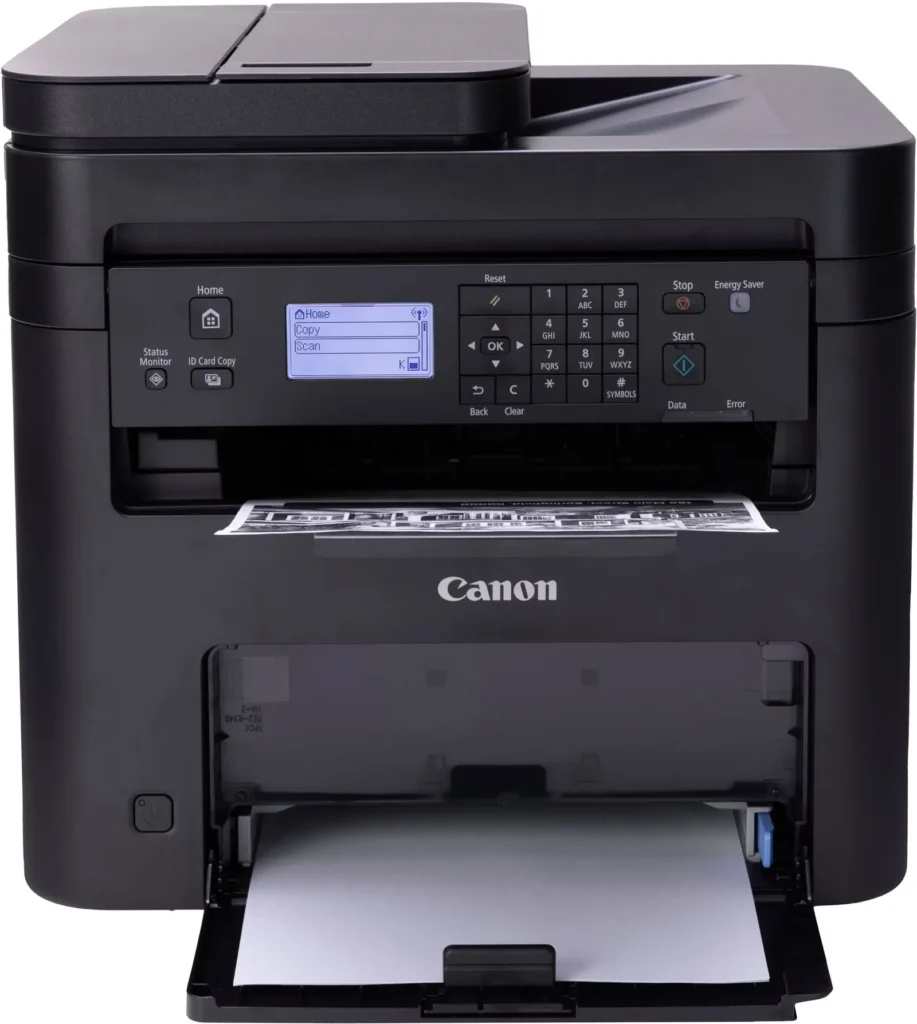
| Intuitive User Interface | Navigate features and manage print jobs with ease using the adjustable 5-line LCD screen, designed for an intuitive user experience whether you are sitting or standing. |
Pros & Cons
Pros
- Fast and Efficient Performance: The printer is frequently described as a 'workhorse' that delivers high-speed printing and copying, making it ideal for home offices and small businesses that handle large volumes of documents.
- Excellent Print Quality: Users consistently report sharp, clear, and professional-looking monochrome text and images with no smudging, often comparing the results to high-end office copiers.
- Automatic Duplex Printing: The fully automatic double-sided printing feature is highly valued for saving paper and time, functioning smoothly without requiring manual intervention.
Cons
- Difficult Setup and Poor Documentation: A significant number of reviewers found the initial installation and wireless configuration to be needlessly complicated, citing poor instructions and the lack of a comprehensive physical manual.
- Archaic and Unintuitive Interface: The non-touch LCD display and menu system are criticized for being dated and difficult to navigate, particularly when performing tasks like entering Wi-Fi passwords or changing paper settings.
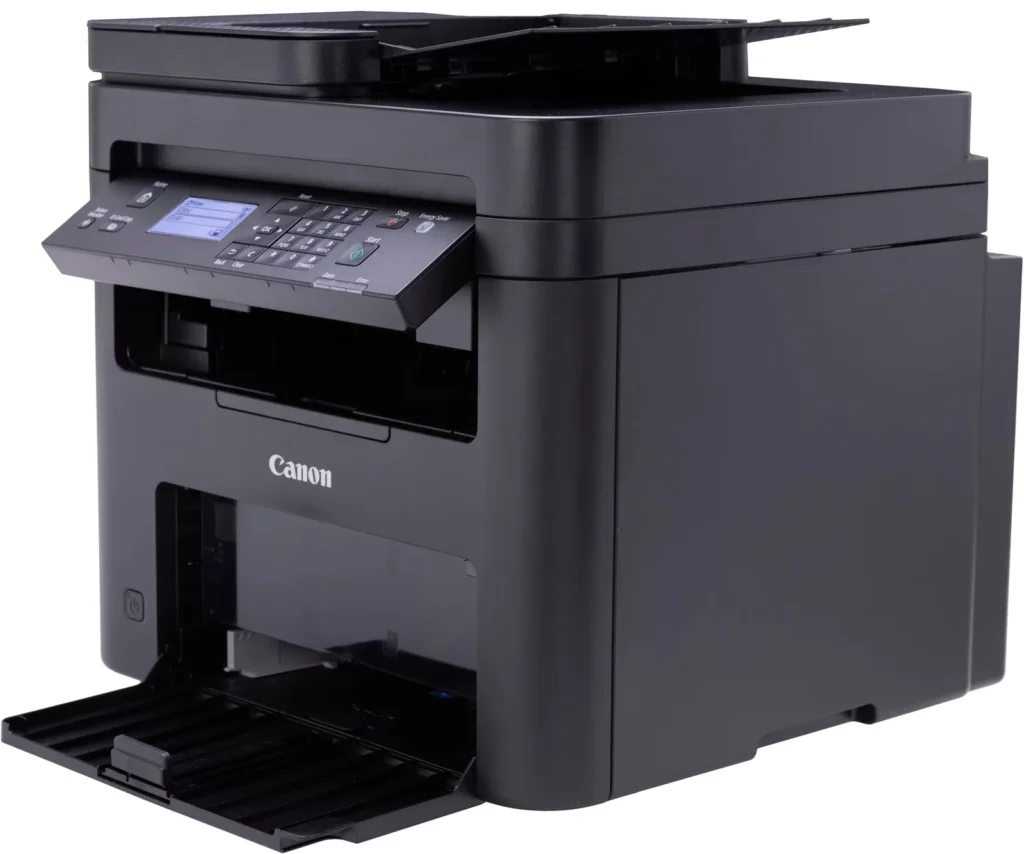
- Inconvenient Paper Tray Design: The paper tray sticks out several inches from the front of the machine and remains open, which users find bulky, flimsy, and prone to collecting dust or being accidentally bumped.
You might also like












Customer Reviews
Showing reviews 191-200 of 262
-
printer functions but can't register in usa and mopria not user friendly for android
Verified purchase Verified purchase: This reviewer bought the product.daffguy February 11, 2025Review source: Amazonugh… don’t recommend purchase… only when trying to register product after unpacking and setting up the printer did i learn it was not eligible as not a usa device… trying to enable scan function is maybe possible for phds in technology but every avenue i tried was a dead end… and mopria is not user friendly for android users like me…. product does print so i guess two stars is warranted… but would much be too much a hassle to try and re-box the printer for a return… oh well
-
Do NOT buy this!
Verified purchase Verified purchase: This reviewer bought the product.Jodine D. February 9, 2025Review source: AmazonAfter downloading the drivers and two different files from canon support and then connecting it to my WIFI network, then connecting it to my PC with a USB cable I could print from my iPhone or PC. It would copy. However it WILL NOT SCAN!! I spent hours trying to get this to scan wired and wirelessly. Kept getting the same message that “Cannot communicate with scanner”. The interface is straight out of 2004.
-
It prints, copies, maybe even faxes (?)
Verified purchase Verified purchase: This reviewer bought the product.D. Larson February 7, 2025Review source: AmazonTrying to think of the last time I received a fax. Must be thirty years since I sent one. But this Canon claims it can do that. As a B&W laser printer, it works just fine, no complaints. As a copier, ditto. Pun intended.
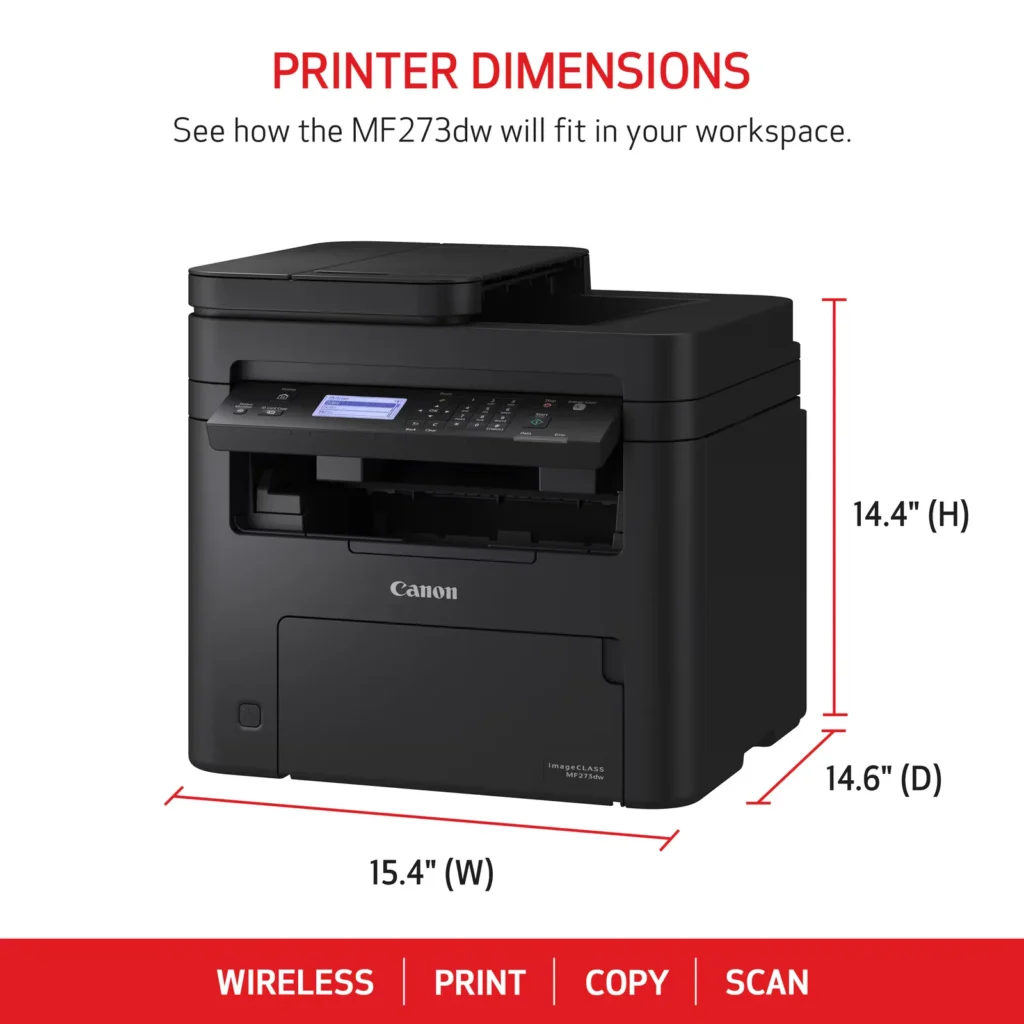
My only criticism might be that this thing is huge; measure your space when deciding on a printer. You’ll need 25″ of vertical clearance on your shelf, about 16″ deep and 18″ wide. Documentation is minimal beyond a “quick setup” guide, so you’ll want to load in the manual from the provided CD. I don’t care for the envelope feeder, but it’s workable.
This Canon replaces an ancient Brother. But I will say that the Brother was built like a tank, compared to the slightly flimsy feeling plastic of the Canon. Nothing wrong with it, I don’t suppose, but it doesn’t feel as substantial.
Also, allow for clearance for the paper in-tray. It projects out from the printer eight inches or so and be sure to put in where nobody is going to bump into it. Because, the tray is pretty lightweight and seems breakable.
For the price, this seems to be a good, versatile unit that provides a quality print job, and it runs a lot quicker and quieter than the old Brother. Good as any, better than some, and will not nag you to join a toner subscription program. I don’t care for machinery that nags me.
-
great copier and scanner
Verified purchase Verified purchase: This reviewer bought the product.Gary J. Steigerwald February 6, 2025Review source: AmazonDid not want a copier that you had to set up a password and an account for. I have enough already. Also did not want 6 months of paper. I do not print that often, maybe a few times a week. This Cannon works great. The speed and the quality of the copies look like the original. I had an HP for 13 years until the rollers wore out. All the companies that you have to have set up an account, password and 6 months of paper automatically delivered to the home. You should see a decline in your sales. I am retired and do not need a work horse.
-
This is the one!
Verified purchase Verified purchase: This reviewer bought the product.Kelli Cole January 30, 2025Review source: AmazonI’m so happy with this printer!! Easy to set up, holds a lot better f blank paper, so fast, ink lasts a long time… NO JAMS! It’s perfect, exactly what I needed. No hassles! Highly recommend!
-
Canon laser printer 🖨️
Verified purchase Verified purchase: This reviewer bought the product.Doo January 23, 2025Review source: AmazonReally love this printer. Easy setup and prints fast.
-
Good quality printer & reasonably priced.
Verified purchase Verified purchase: This reviewer bought the product.Valerie January 21, 2025Review source: AmazonI prefer laser printers because they are usually cheaper to operate in the long run. I had a very basic Brother black & white printer for years. I loved it because it was incredibly cheap to operate and it was durable. This time I decided to pay a little more and get this Canon IMAGE CLASS MF 273dw with many more features than my old Brother printer.
This printer is black & white printer that prints, scans and copies. I rarely really need color prints so I prefer b&w printers over more expensive color printers. It has a 150- sheet paper cassette and a 35-sheet automatic document feeder. It also does duplex printing.
This printer prints via wired and wireless WiFi network and Bluetooth.
It’s also ENERGY STAR and EPAT Silver rated.
My only complaints about the printer that it doesn’t come with a paper manual. You have to download the manual. I know that’s standard procedure with tech products but I prefer paper manuals. It’s also a little complicated to set up, especially if you don’t use the full manual instead of the quick set-up guide.
While the set-up can be a little complicated, especially if you haven’t set up a new printer recently, Canon’s tech support is excellent. I had a problem with my printer not finding my Wi-Fi network automatically and I had problems manually setting it up. The tech support person I talked to was friendly and knowledgeable. He gave me the information I needed to manually set up the WI-FI connection and when that didn’t work he suggested, politely, that it might not be a problem with the printer. After the call I tried to set up the WI-FI connection again and that time the automatic connection worked immediately. A couple of days later I realized my router was intermittently failing and that had caused my initial set-up problems with my printer.
I am very happy with my Canon laser printer. The print quality is excellent, it’s inexpensive to operate, and it’s easy to operate after the set-up is completed. I’m also impressed with Canon’s customer service.
-
Great printer… but ITS ONLY prints BLACK& WHITE
Verified purchase Verified purchase: This reviewer bought the product.shopper78 January 19, 2025Review source: AmazonGreat printer… but it ONLY prints BLACK& WHITE. The description states it is black, but I have to dig deep into the description AFTER I purchased it that it only prints Black & White – Not cool. I didn’t even know they only made black-and-white printers in 2025. It works great, is office-grade, and prints quickly — the price was reasonable, but I had to think hard before returning it and paying more for a color printer of the same caliber.
-
Not user friendly
Verified purchase Verified purchase: This reviewer bought the product.C. Jacobson January 17, 2025Review source: AmazonMy last Canon printer died. I had it for 10 years give or take. Purchased this one as it was similar.
I don’t understand why Canon makes it so difficult to set the printer up and access the online owners Manuel.
It’s just a printer! Definitely not user friendly.
Next time I’ll research it better and find one more user friendly -
Workhorse
Verified purchase Verified purchase: This reviewer bought the product.Zach January 15, 2025Review source: AmazonPros: If you mainly print documents, there’s no better or more economical printer. The toner lasts forever, and it’s reliable.
(Short story: in my grad program, the students—insultingly—weren’t allowed to use the copy room. Consequently, all free copiers/printers in the library and elsewhere were always in use. Out of desperation, I bought this printer to print the majority of the course documents for the classes I taught, and it kept up with no problems. No paper jams and few glitches. One toner cartridge lasted about two semesters.)
Cons: The menu is confusing and hard to navigate, though the initial setup has been simplified compared to earlier models (AirPrint compatibility also improves things). It is also quite large (most lasers are), but Canon has done quite a bit to shrink its footprint, so it’s less obtrusive on a desk than you might think.
In short, it takes some getting used to, but it’s a solid piece of kit for a home office.