
Customer Media
Highlights
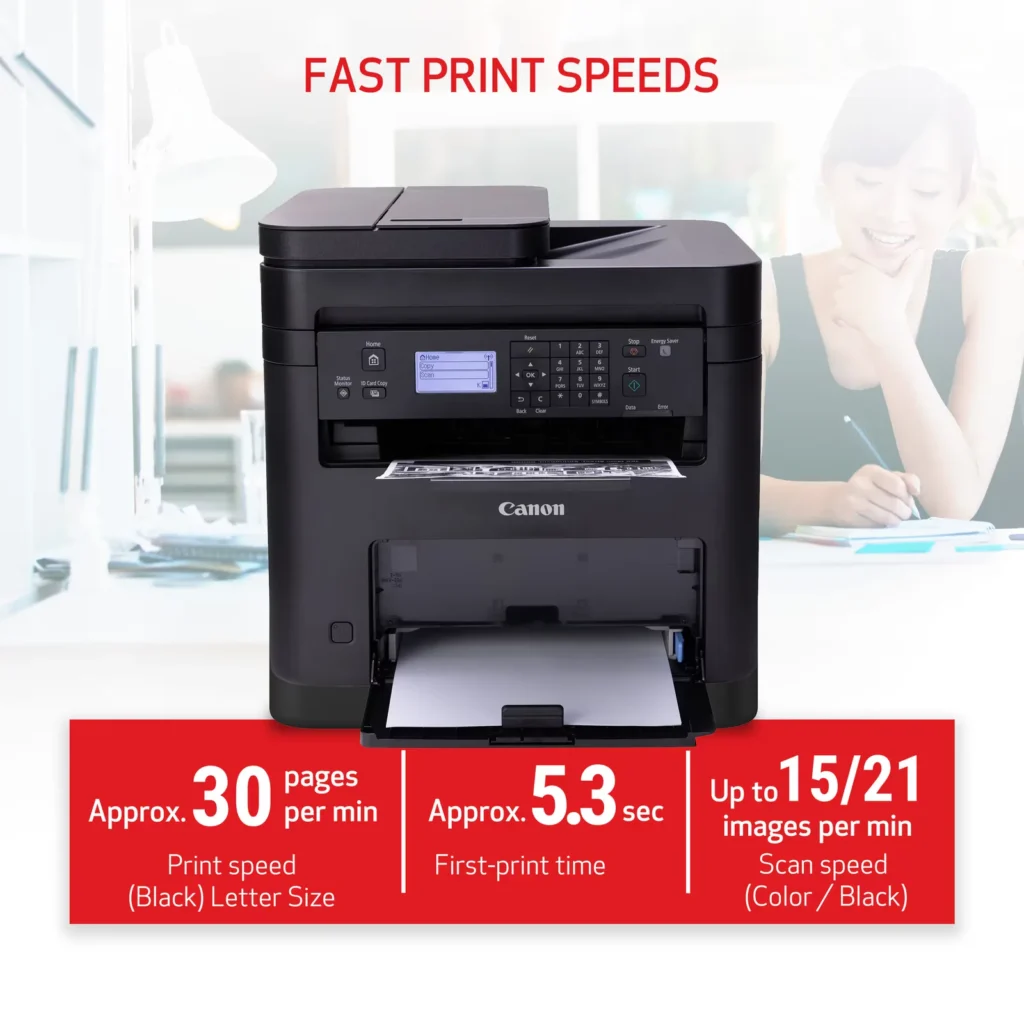
| High-Speed Performance | Boost office productivity with rapid print speeds of up to 30 pages per minute and a quick first-print time of approximately 5.3 seconds, ensuring minimal wait times for your documents. |
|---|---|
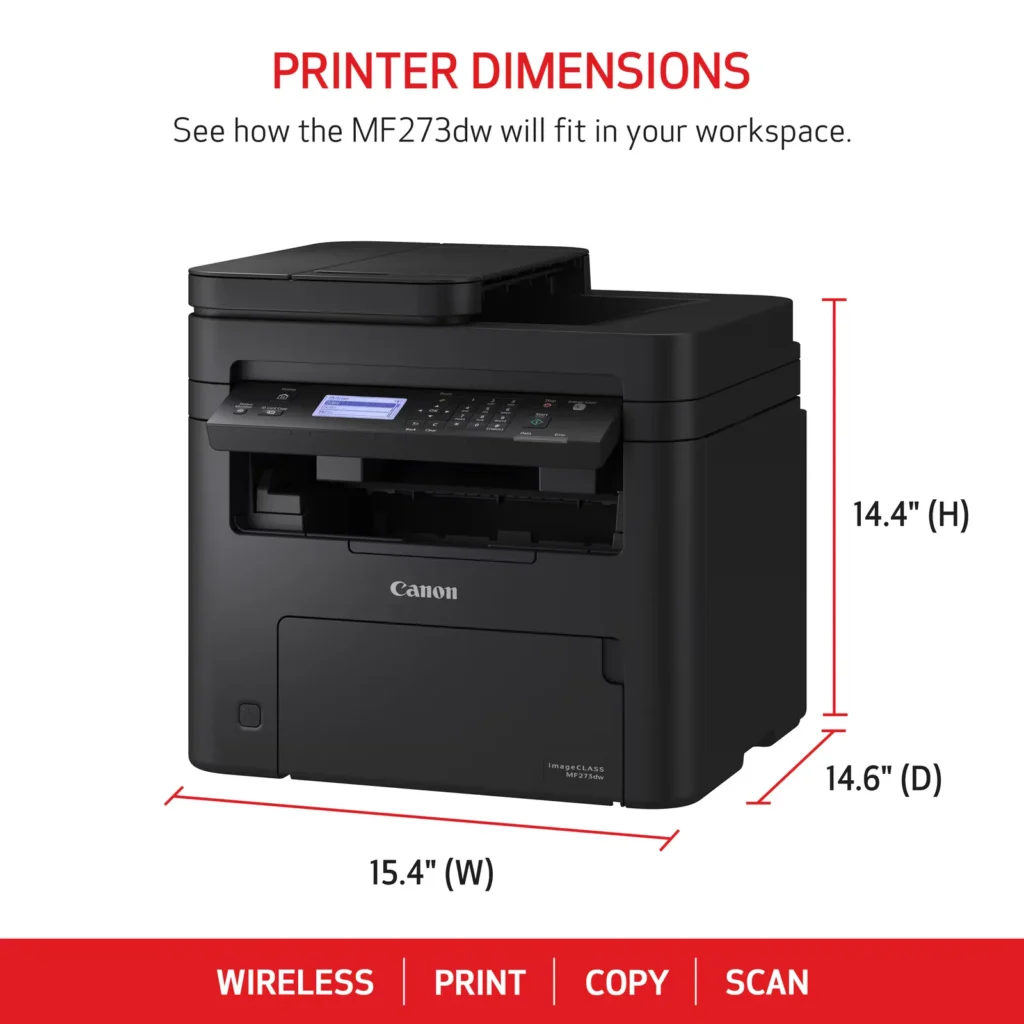
| Versatile 3-in-1 Functionality | This multifunctional monochrome laser printer streamlines your workflow by combining high-quality printing, scanning, and copying capabilities into a single, compact device. |
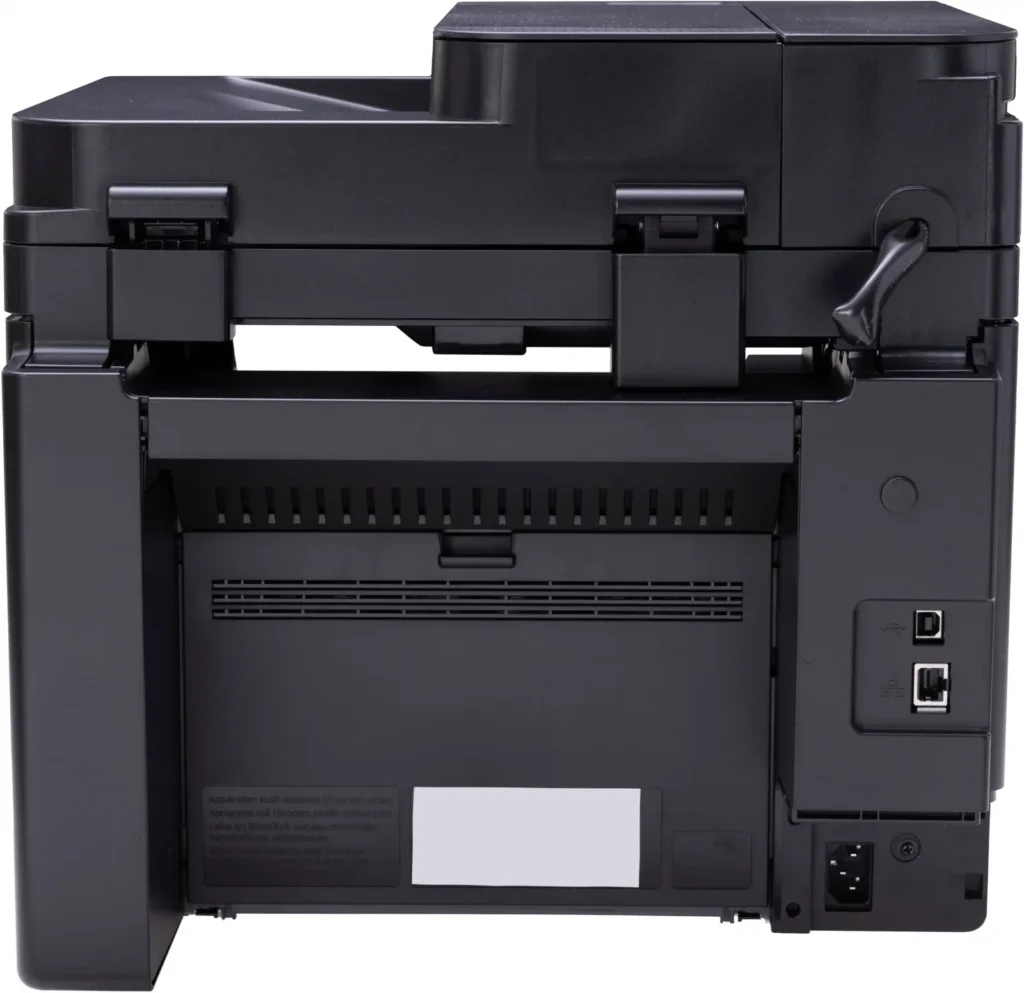
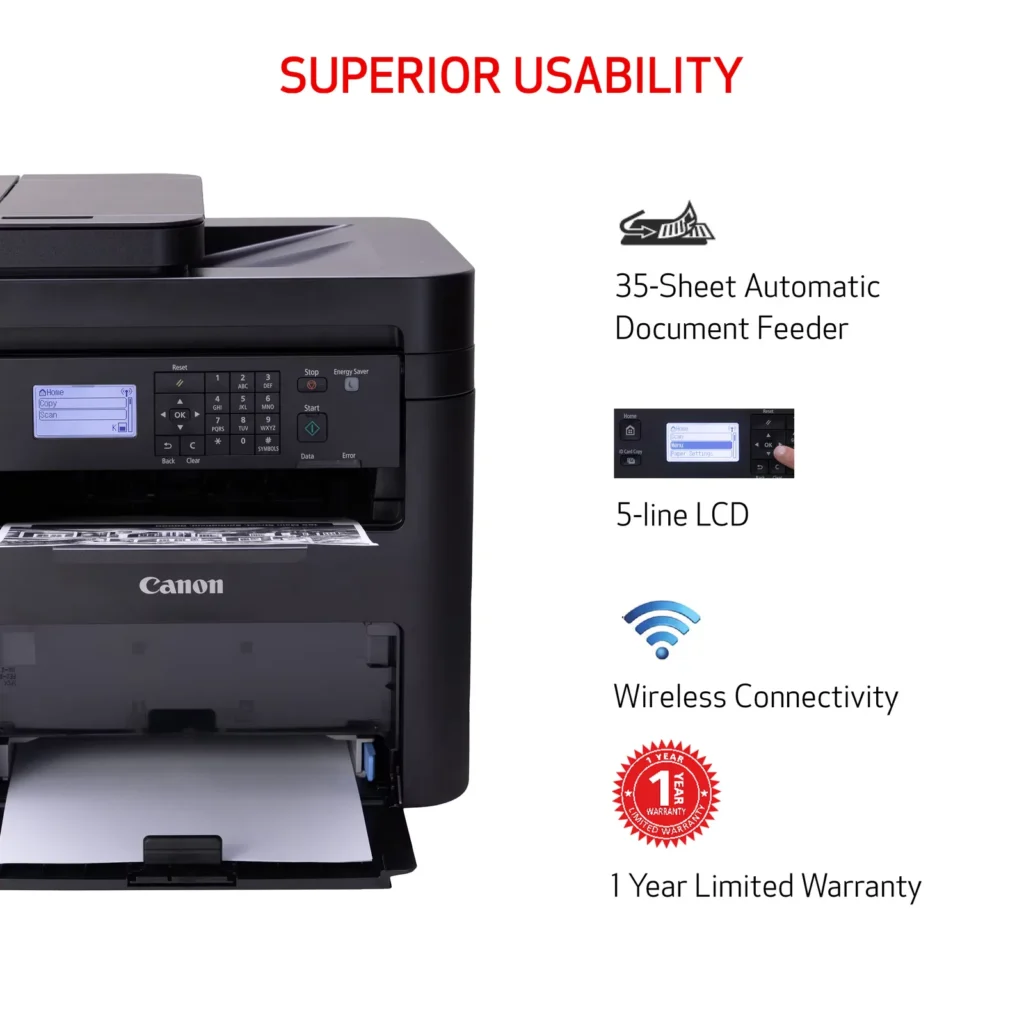
| Seamless Wireless & Mobile Connectivity | Easily connect via Wi-Fi, Wi-Fi Direct, or Ethernet, and print on-the-go from your favorite mobile devices using the Canon PRINT Business app, Apple AirPrint, and Mopria Print Service. |
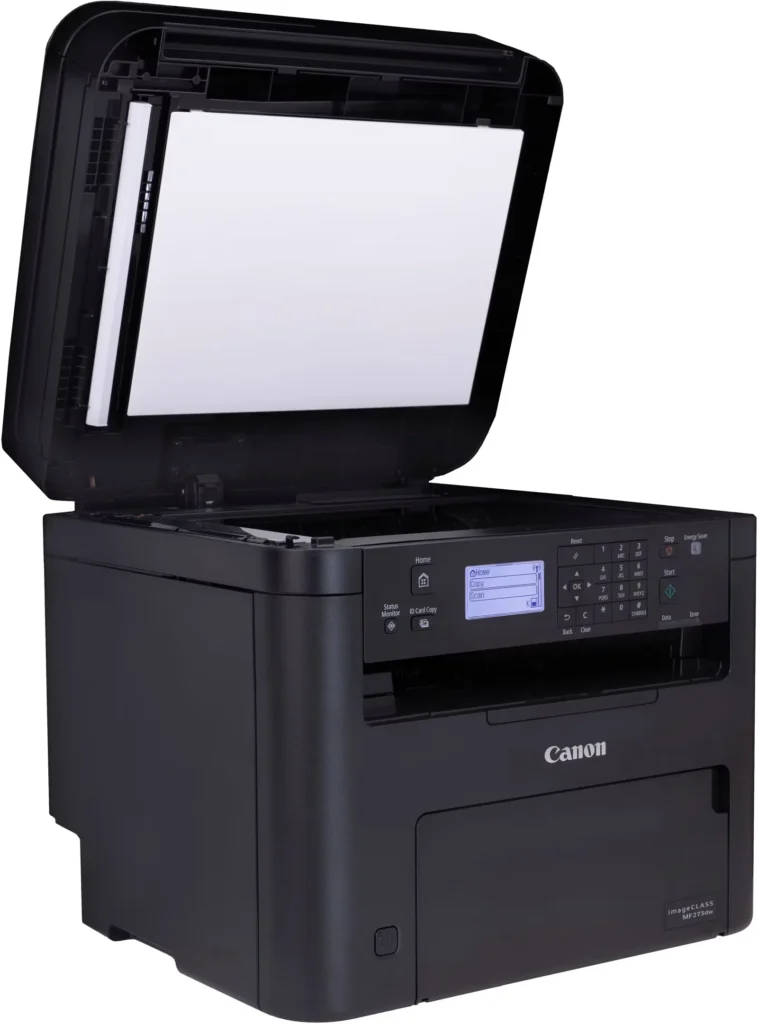
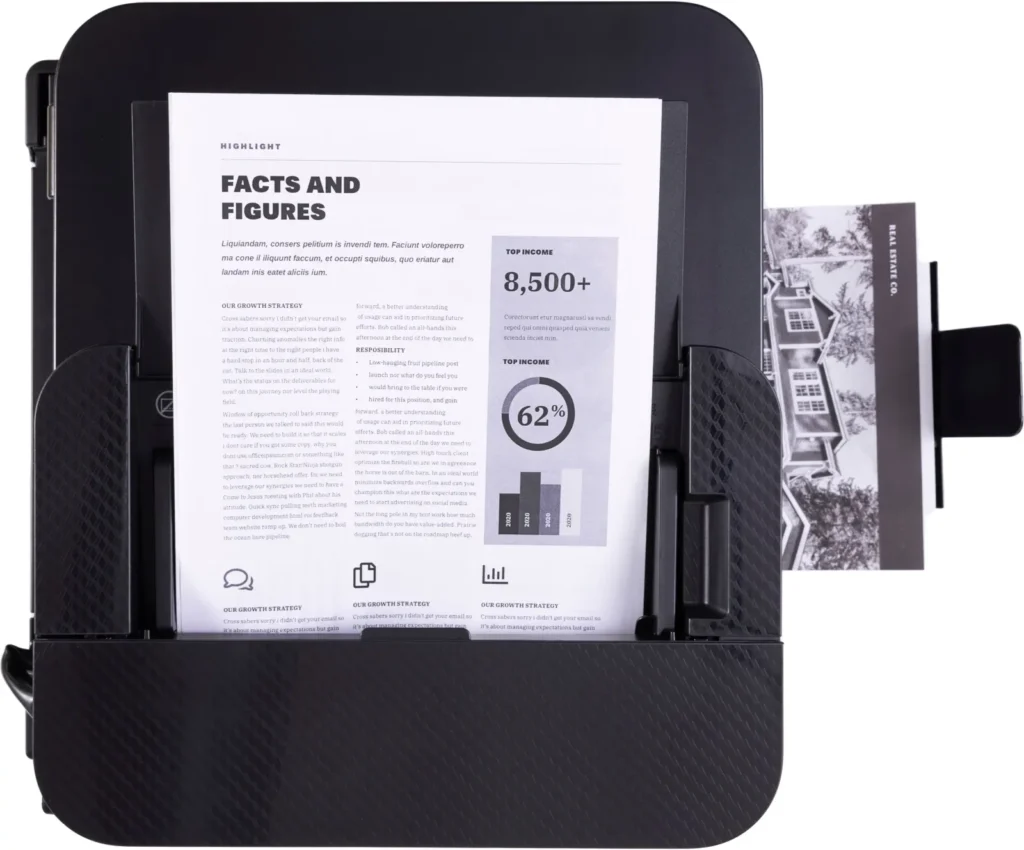
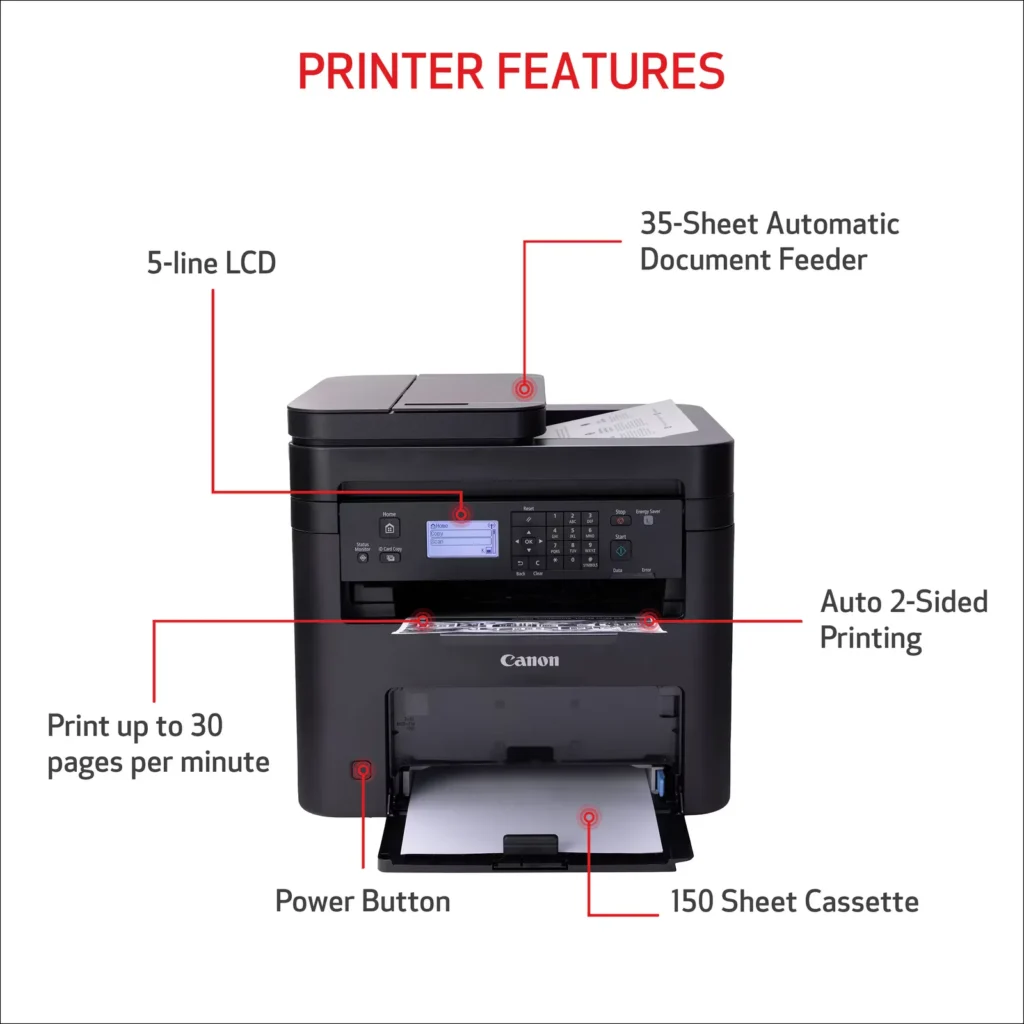
| Efficient Paper Handling | Save time and reduce paper costs with automatic two-sided (duplex) printing and a 35-sheet automatic document feeder (ADF) for effortless multi-page scanning and copying. |
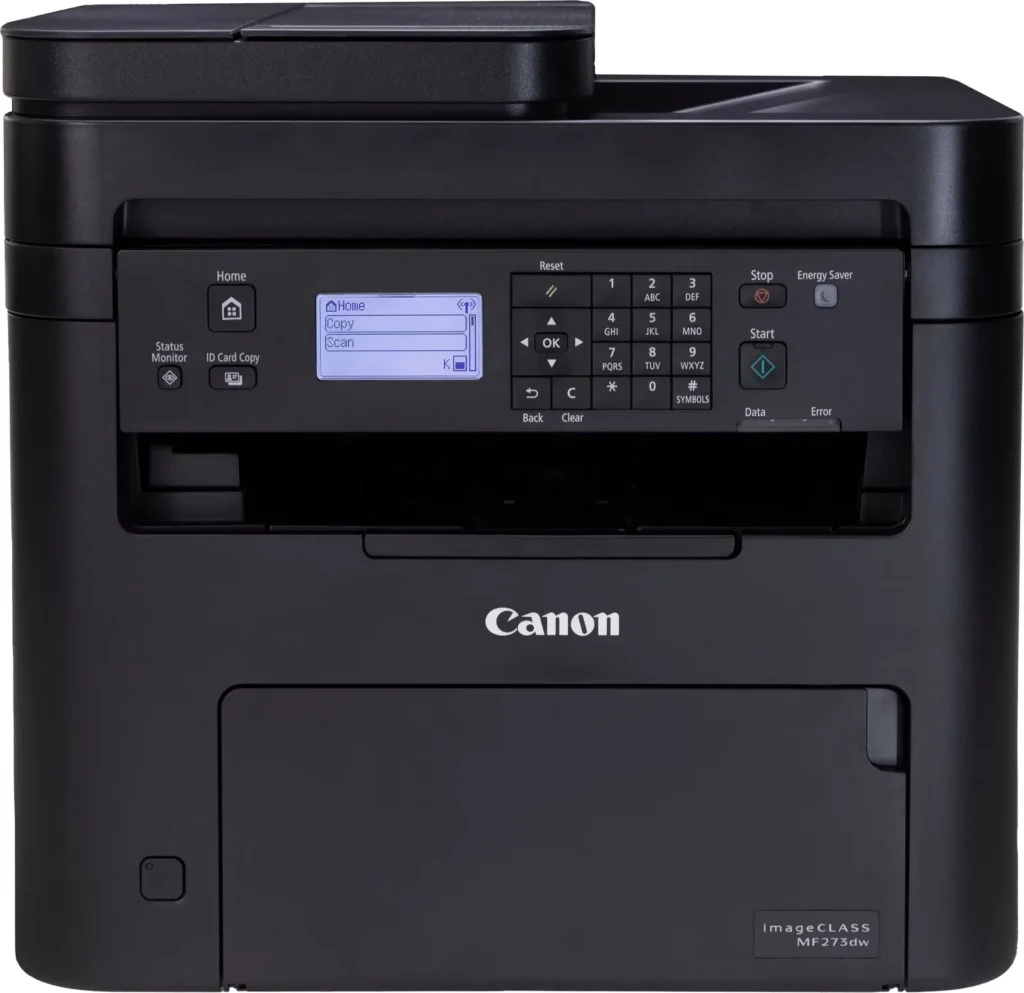
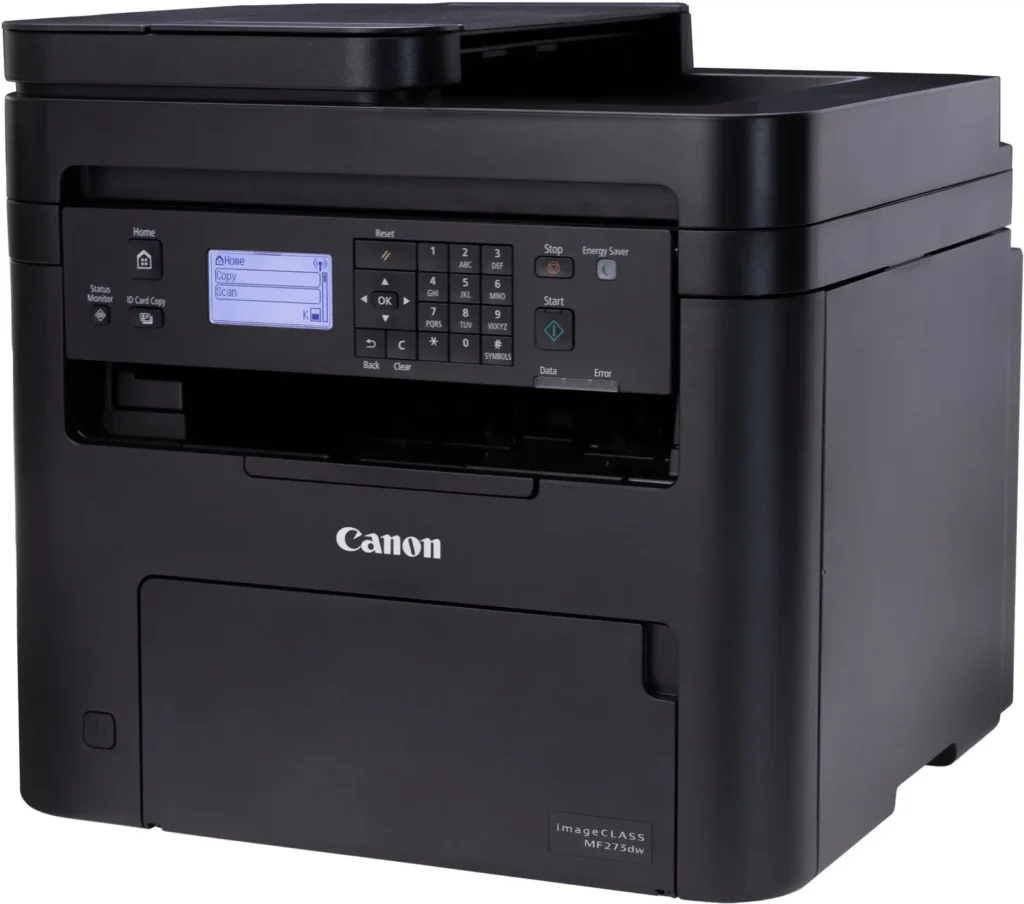
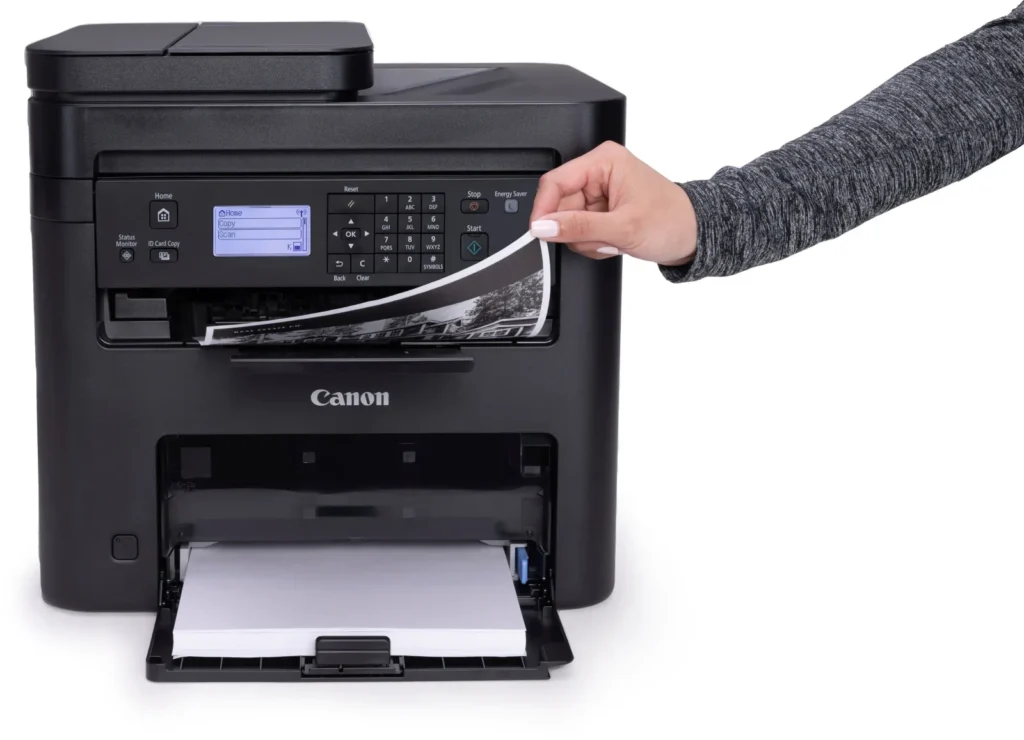
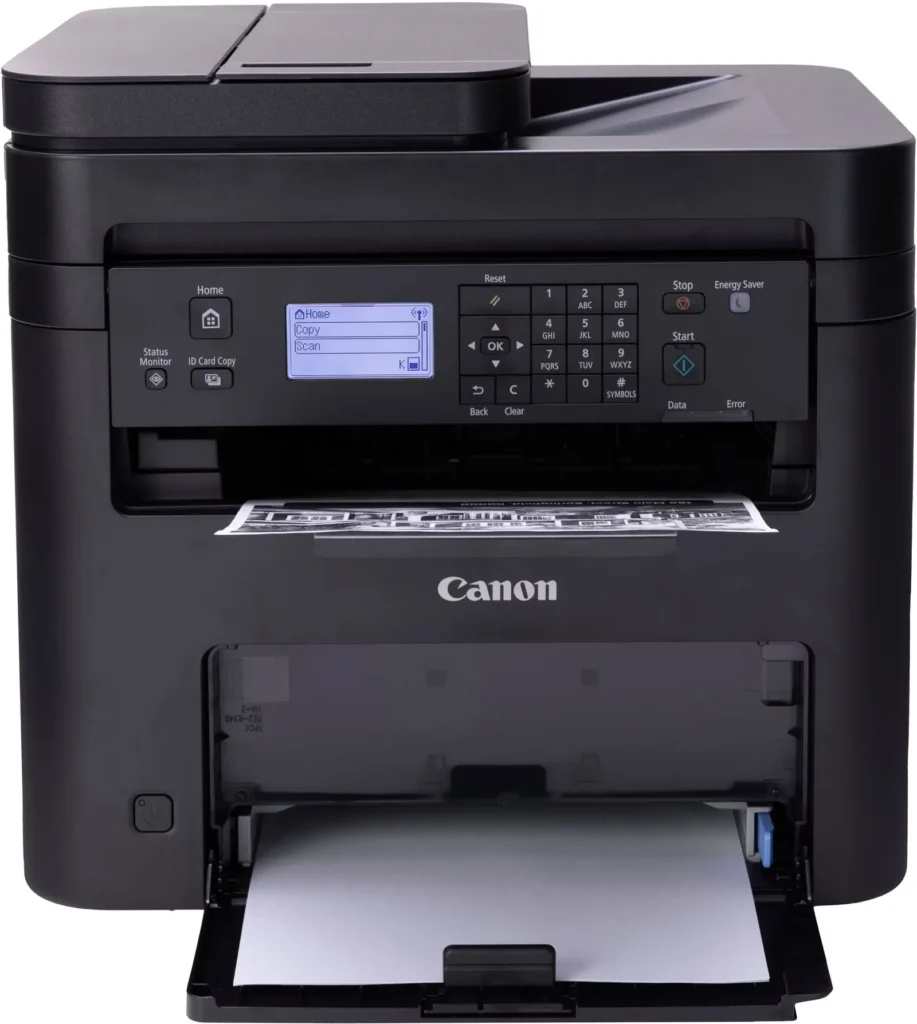
| Intuitive User Interface | Navigate features and manage print jobs with ease using the adjustable 5-line LCD screen, designed for an intuitive user experience whether you are sitting or standing. |
Pros & Cons
Pros
- Fast and Efficient Performance: The printer is frequently described as a 'workhorse' that delivers high-speed printing and copying, making it ideal for home offices and small businesses that handle large volumes of documents.
- Excellent Print Quality: Users consistently report sharp, clear, and professional-looking monochrome text and images with no smudging, often comparing the results to high-end office copiers.
- Automatic Duplex Printing: The fully automatic double-sided printing feature is highly valued for saving paper and time, functioning smoothly without requiring manual intervention.
Cons
- Difficult Setup and Poor Documentation: A significant number of reviewers found the initial installation and wireless configuration to be needlessly complicated, citing poor instructions and the lack of a comprehensive physical manual.
- Archaic and Unintuitive Interface: The non-touch LCD display and menu system are criticized for being dated and difficult to navigate, particularly when performing tasks like entering Wi-Fi passwords or changing paper settings.
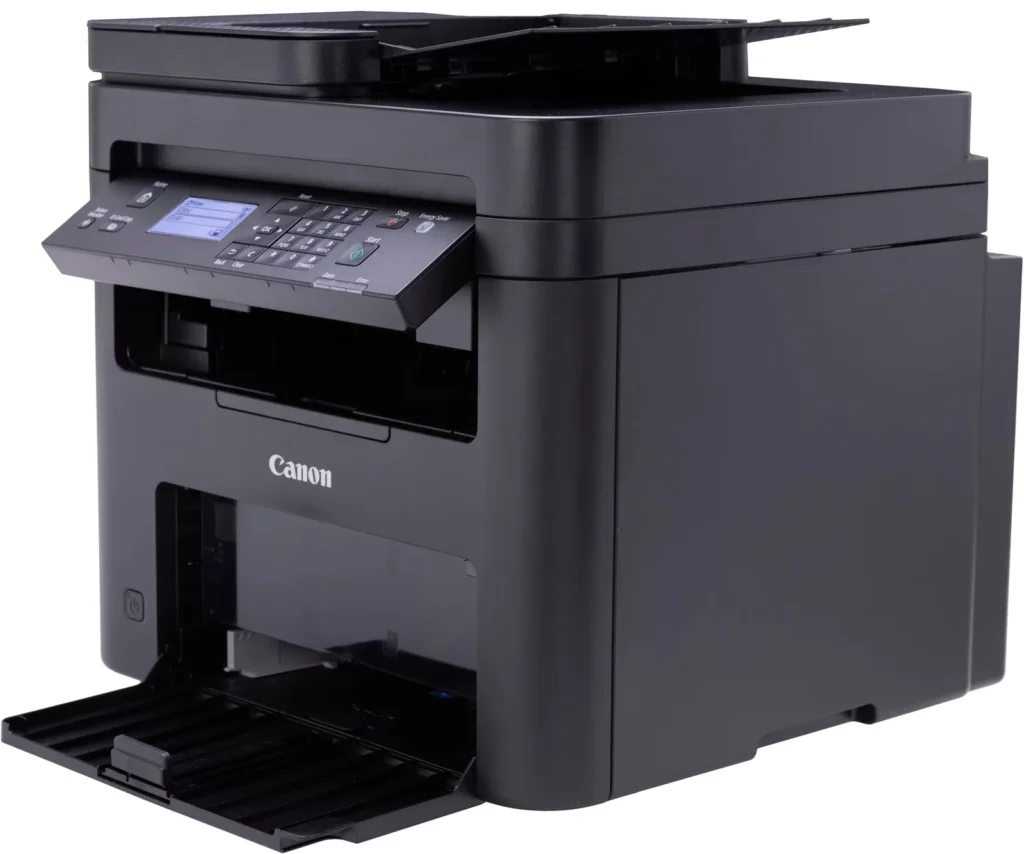
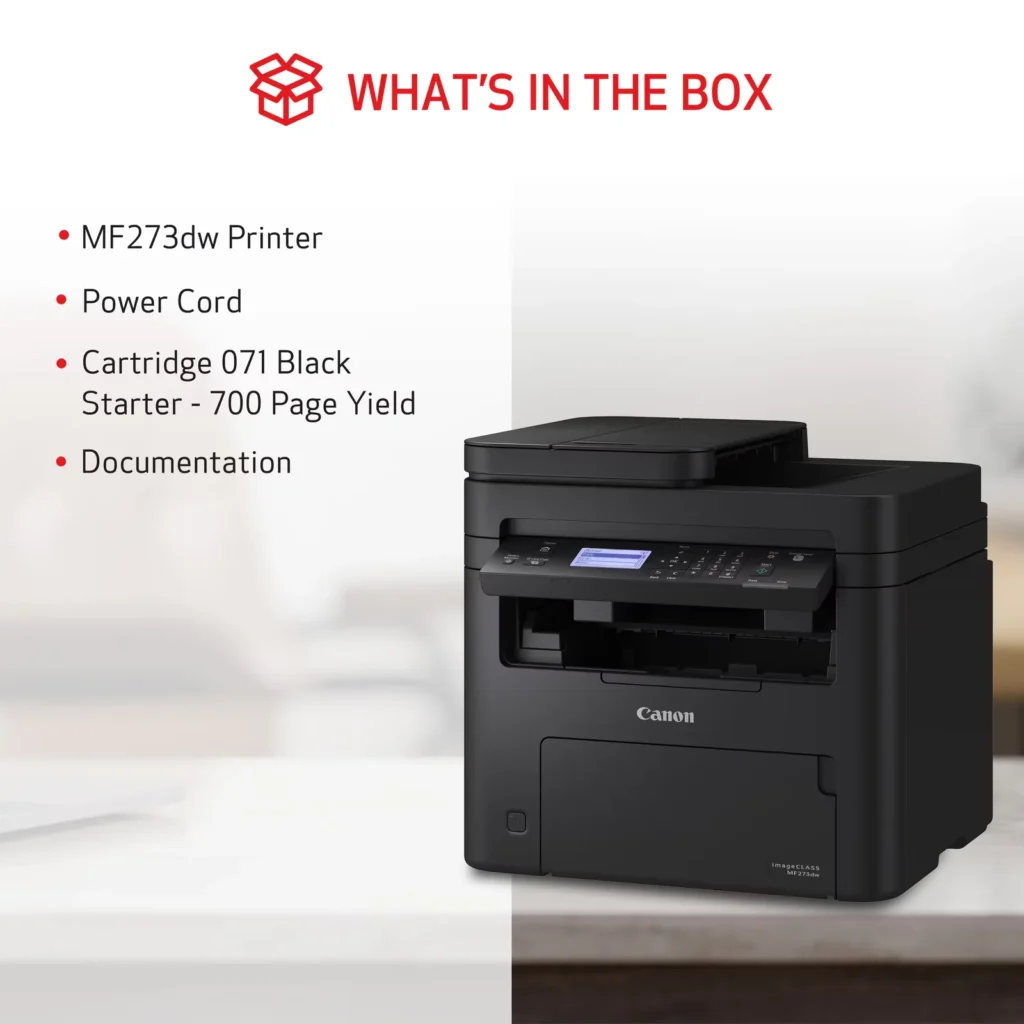
- Inconvenient Paper Tray Design: The paper tray sticks out several inches from the front of the machine and remains open, which users find bulky, flimsy, and prone to collecting dust or being accidentally bumped.
You might also like












Customer Reviews
Showing reviews 201-210 of 262
-
ms273dw printer
Verified purchase Verified purchase: This reviewer bought the product.LAC December 26, 2024Review source: AmazonI like the product, but tiring to update the firmware at the printer it keeps failing. I’ve tried it several times.
I’ve even downloaded it to the computer and doesn’t install. That would be my biggest problem. Otherwise, it prints great. We’ll have to see about the firmware upgrade. Not much help at canon’s web site for support. Three stars because of the update and their web site.Update: The printer doesn’t scan half the time from the computer or the printer scan function. It does print but that’s all I’ve gotten it to do every time. I’ve tried connecting direct to the usb and also wifi (which is my preferred way.) Thinking of sending it back before it’s too late to do.
Update: returned the printer because of the scanning problems and no help from there tech support.
I never did get through to them for help. That was one big reason to look for other printers. -
Easy set up
Verified purchase Verified purchase: This reviewer bought the product.fish December 22, 2024Review source: AmazonWell I use it for what is is intended for,printing ect. A good price too
-
love it!!!
Verified purchase Verified purchase: This reviewer bought the product.msmikalove December 19, 2024Review source: Amazonvery easy to hook up
-
No problems with set-up…..
Verified purchase Verified purchase: This reviewer bought the product.Diane Galicia December 12, 2024Review source: Amazonethernet connection. Following the LCD onscreen installation instructions is mostly okay. Downloading the drivers is also mostly okay. Test page looks fine. A little experience with computers, etc. is very helpful with filling in the gaps in instructions. It’s more than twice the size of the ink jet it’s replacing.
-
Anybody have the same problem like I do? Need help here
Verified purchase Verified purchase: This reviewer bought the product.Lwe say December 9, 2024Review source: Amazon -
Returned because I wanted duplex scanning
Verified purchase Verified purchase: This reviewer bought the product.J. Lints December 4, 2024Review source: AmazonI like Canon printers and the setup was easy. I upgraded from this model to a Canon color laser (MF65dw) with duplex scanning, which is important to me. Printing speed is OK, the same as my new color Canon laser printer. I’m replacing a dedicated b/w duplex printer (not all in one) and I miss the 38 pages per minute. A similar duplex b/w printer at 38 ppm is now $270 (!) so I’d rather get a good all in one. I didn’t like that the paper feed on this MF273w printer stuck out from the bottom, which was kind of awkward.
-
CAN’T CONNECT TO WIRELESS LAN!
Verified purchase Verified purchase: This reviewer bought the product.Old guy November 27, 2024Review source: AmazonBought ImageClass 273dw (monochrome) print, copy & fax machine Nov 2023. It worked ok for a year. Now it won’t connect to my wireless LAN. Online user manual not user-friendly to me. I’ve tried several times to reconnect it, no luck. I have to buy a better wireless printer. Won’t buy Canon again!
-
Works perfect
Verified purchase Verified purchase: This reviewer bought the product.Richard Costello November 20, 2024Review source: AmazonWorks perfect – Good Price!
-
GREAT Printer
Verified purchase Verified purchase: This reviewer bought the product.William Clune November 7, 2024Review source: AmazonThis is well worth the money!
-
Great printer
Verified purchase Verified purchase: This reviewer bought the product.Jet Stream October 30, 2024Review source: AmazonI finally resolved the issue I had been having with inkjet printers for home use. Due to very limited quantity of prints per year, every time I need to print something important, the ink cartridge would not respond and I had to scramble next morning to get new cartridges and print documents in a short deadline.
I still print very few documents per year, however, every time I need the printer, the toner is ready to print.
Printing quality is excellent, scanner speed to ready one, or multiple pages is very good and wireless operations work without a glitch.
I am very happy I left the inkjet domain and moved into the laser space.