
Customer Media
Highlights
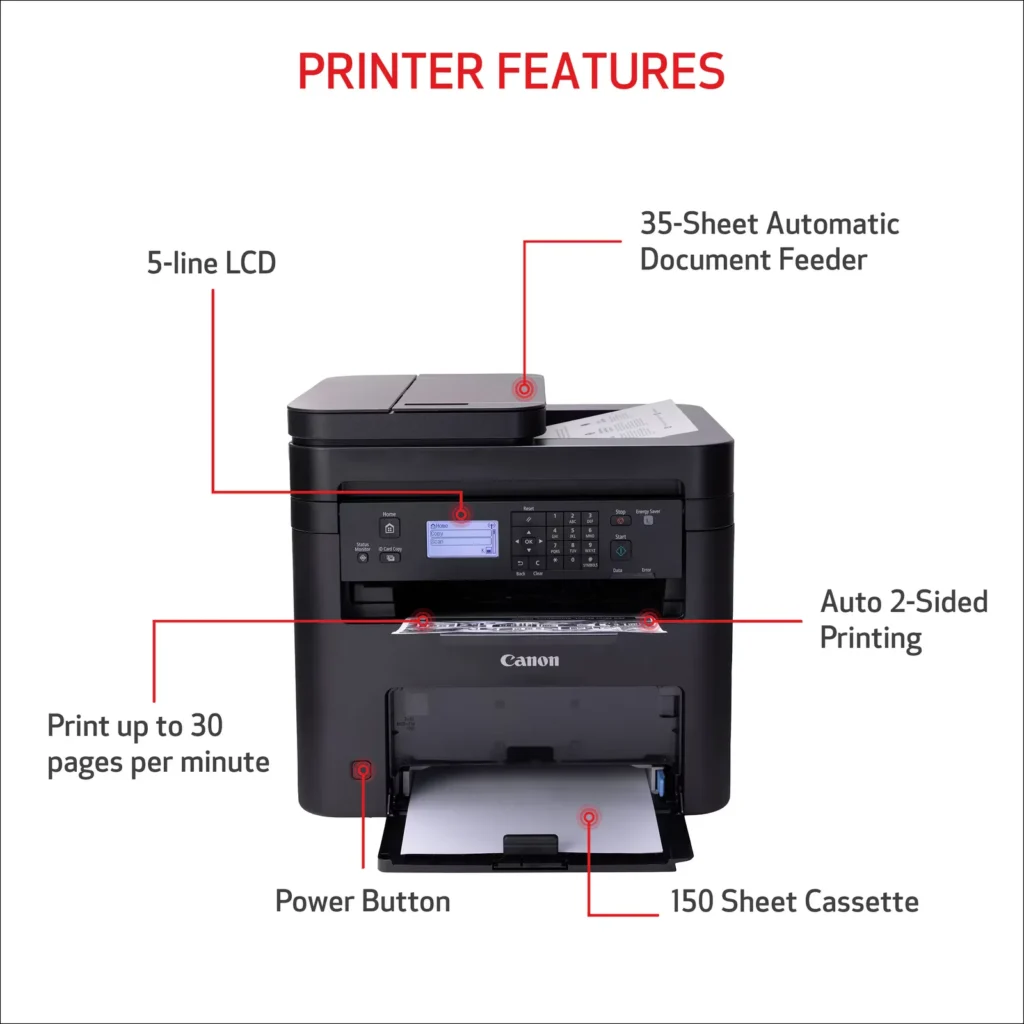
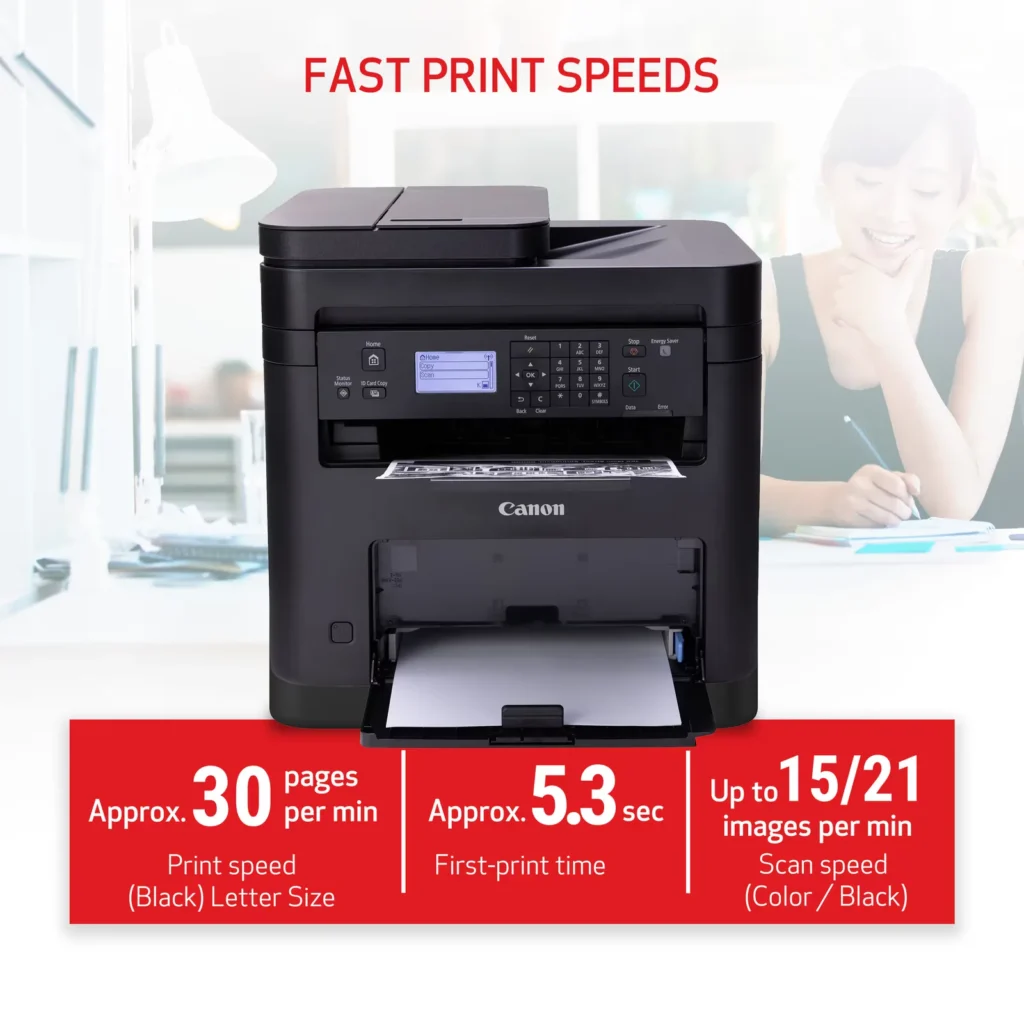
| High-Speed Performance | Boost office productivity with rapid print speeds of up to 30 pages per minute and a quick first-print time of approximately 5.3 seconds, ensuring minimal wait times for your documents. |
|---|---|
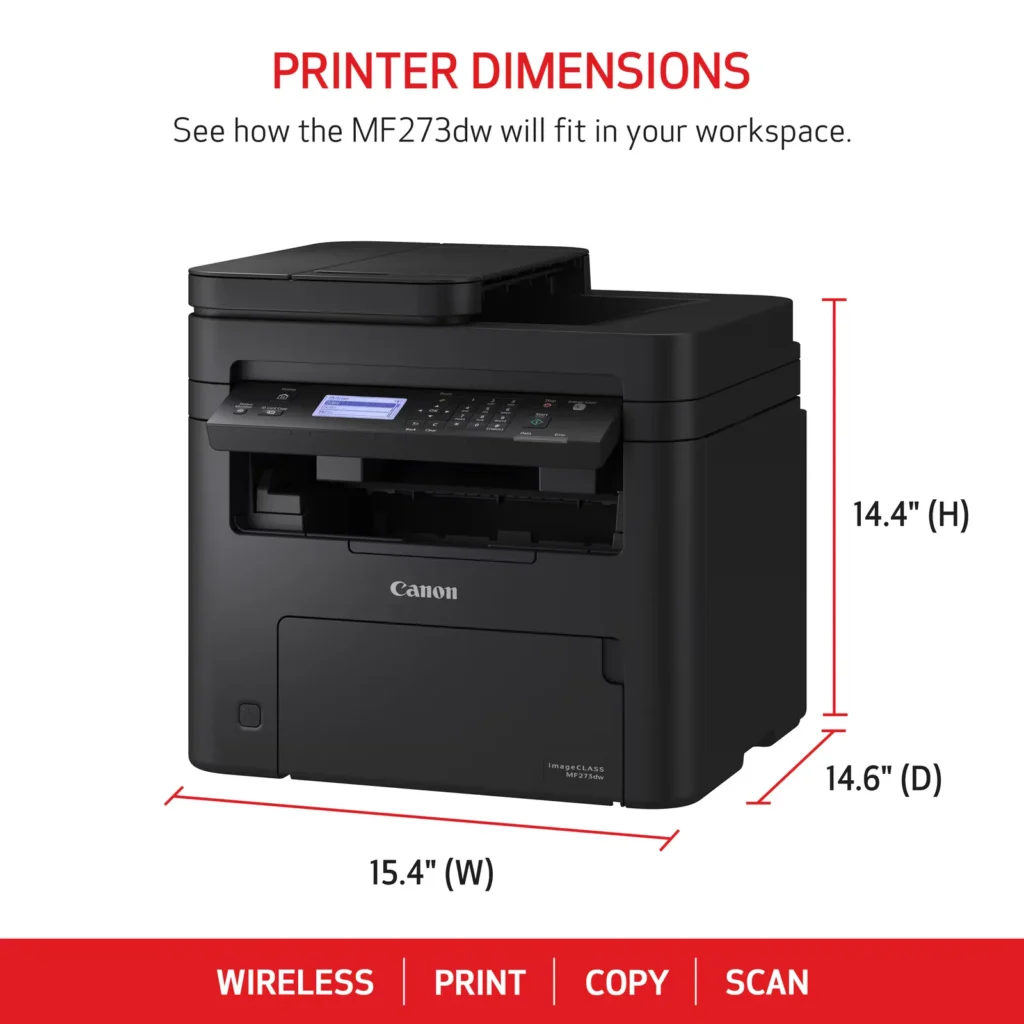
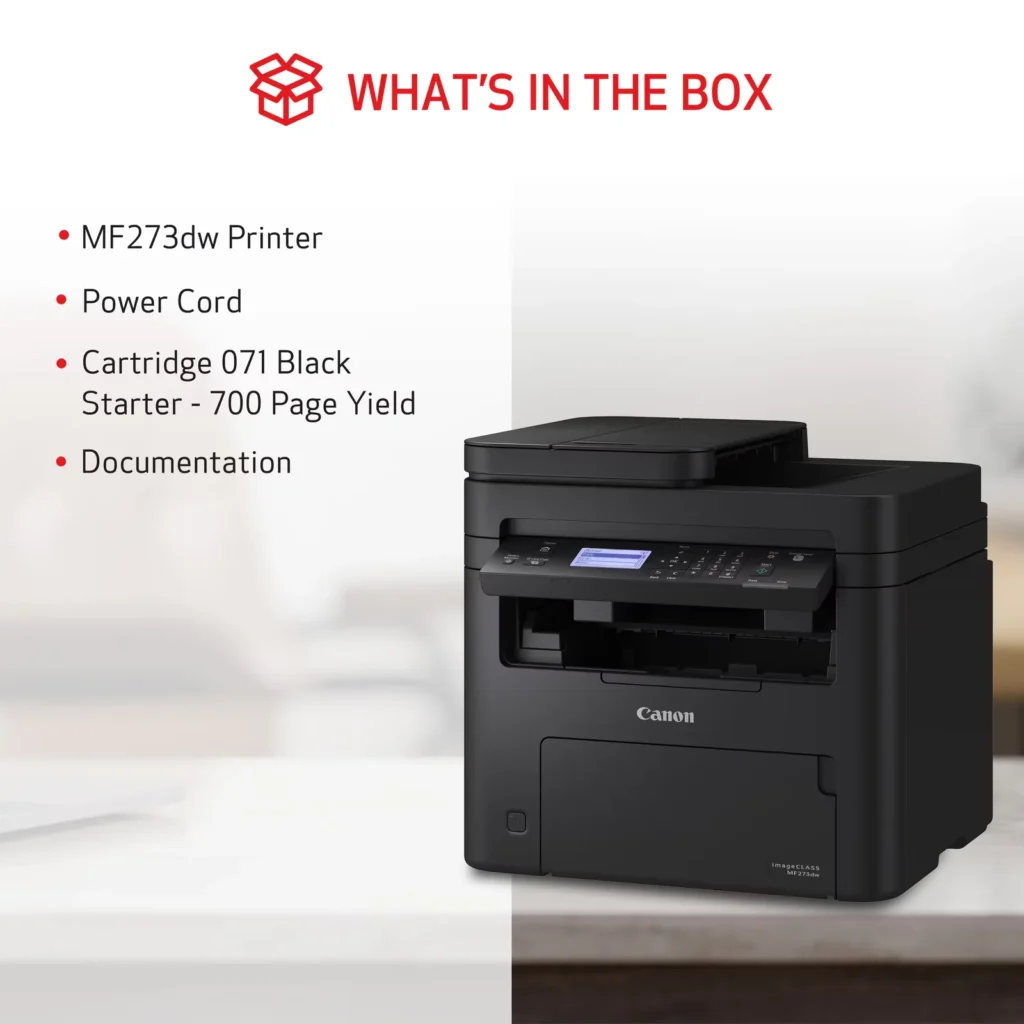
| Versatile 3-in-1 Functionality | This multifunctional monochrome laser printer streamlines your workflow by combining high-quality printing, scanning, and copying capabilities into a single, compact device. |
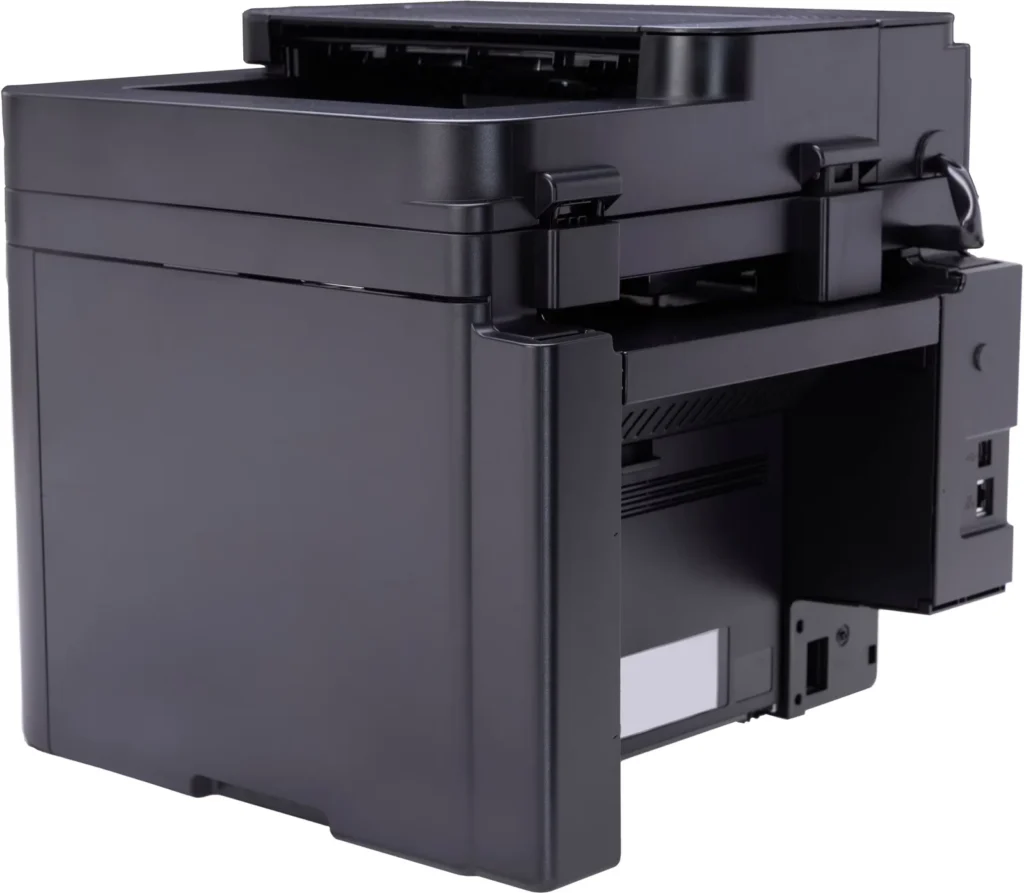
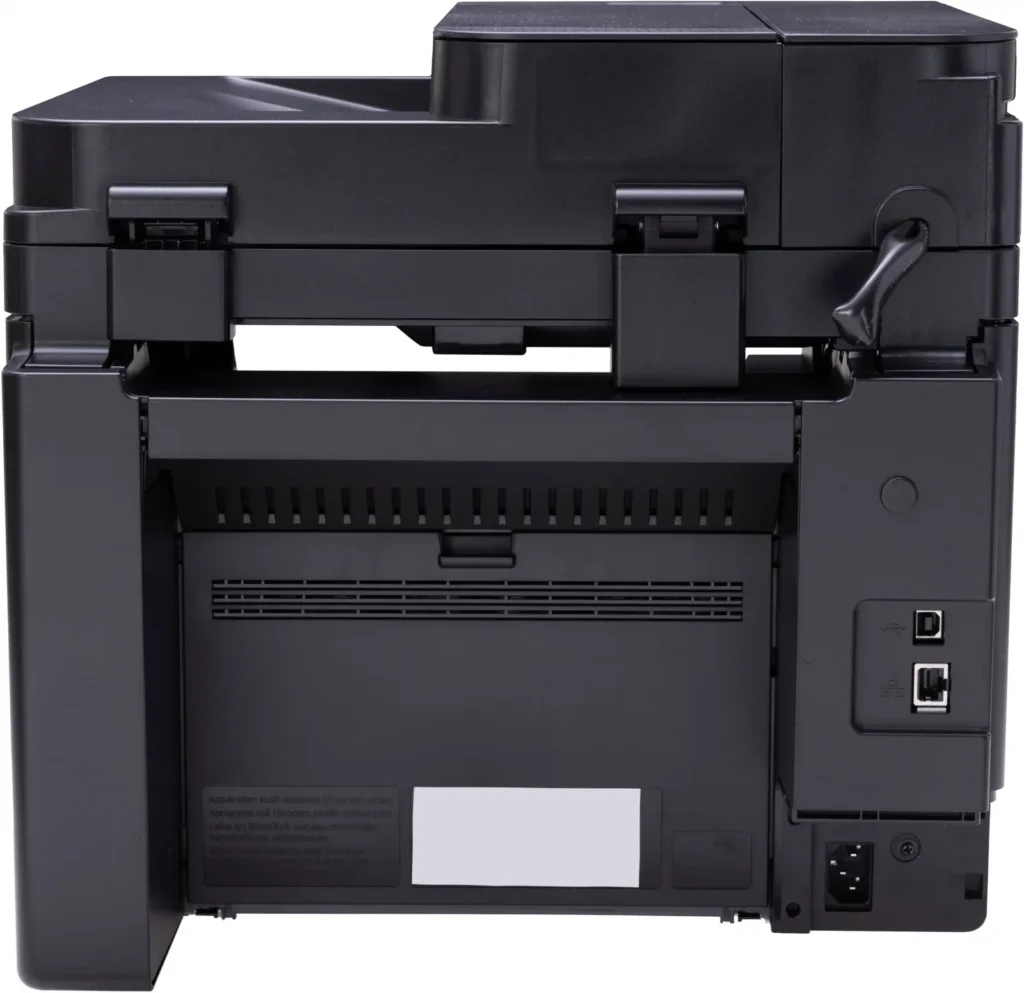
| Seamless Wireless & Mobile Connectivity | Easily connect via Wi-Fi, Wi-Fi Direct, or Ethernet, and print on-the-go from your favorite mobile devices using the Canon PRINT Business app, Apple AirPrint, and Mopria Print Service. |
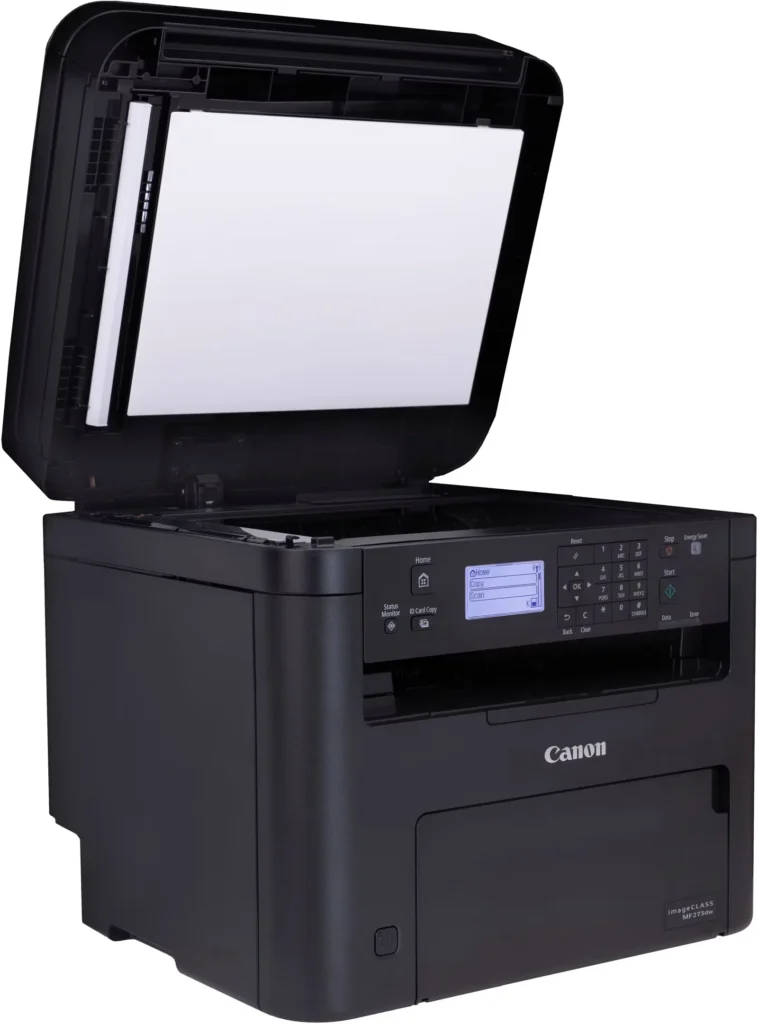
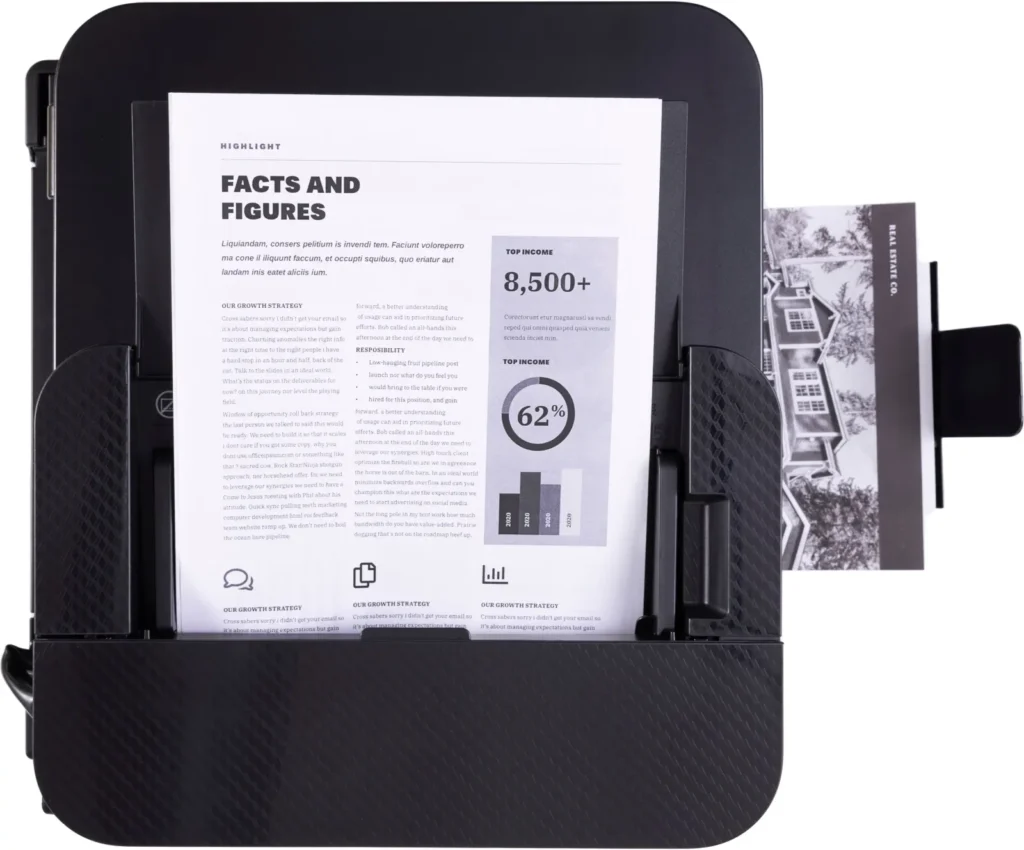
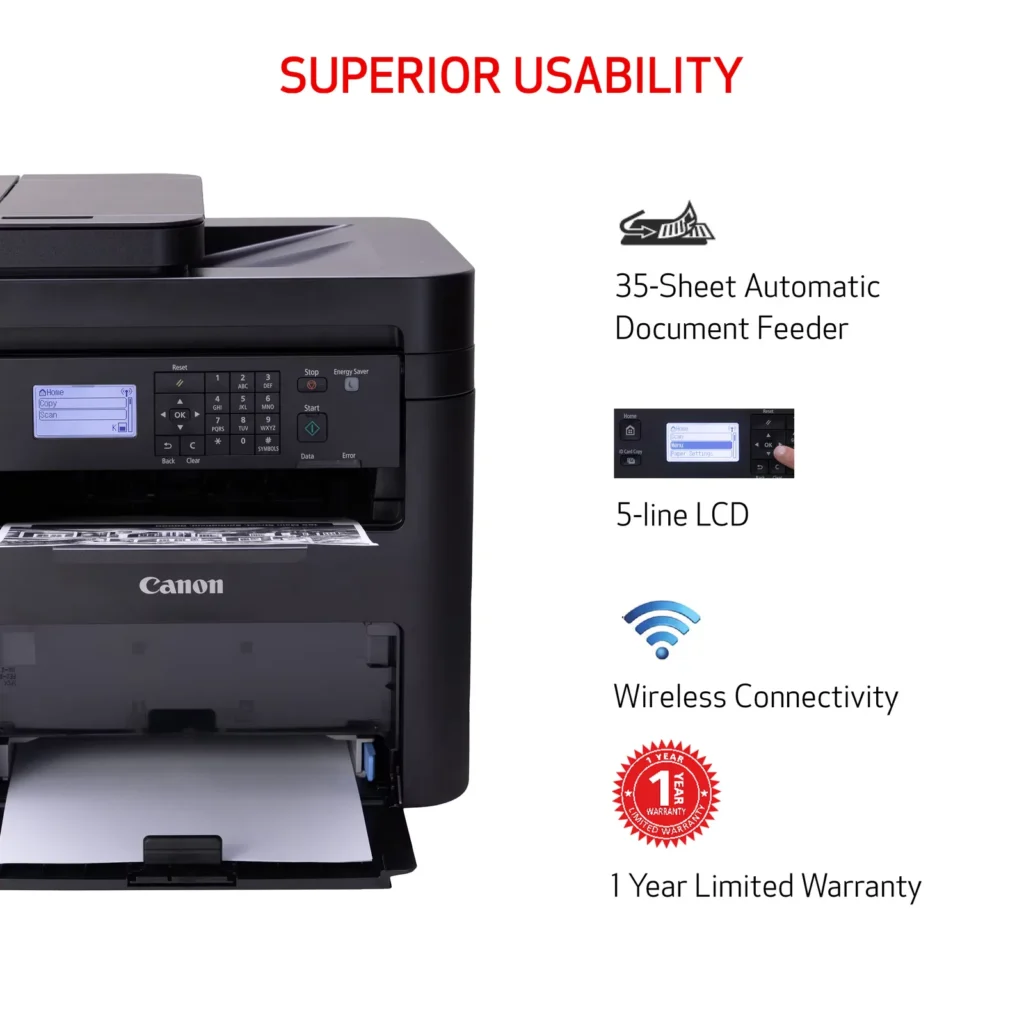
| Efficient Paper Handling | Save time and reduce paper costs with automatic two-sided (duplex) printing and a 35-sheet automatic document feeder (ADF) for effortless multi-page scanning and copying. |
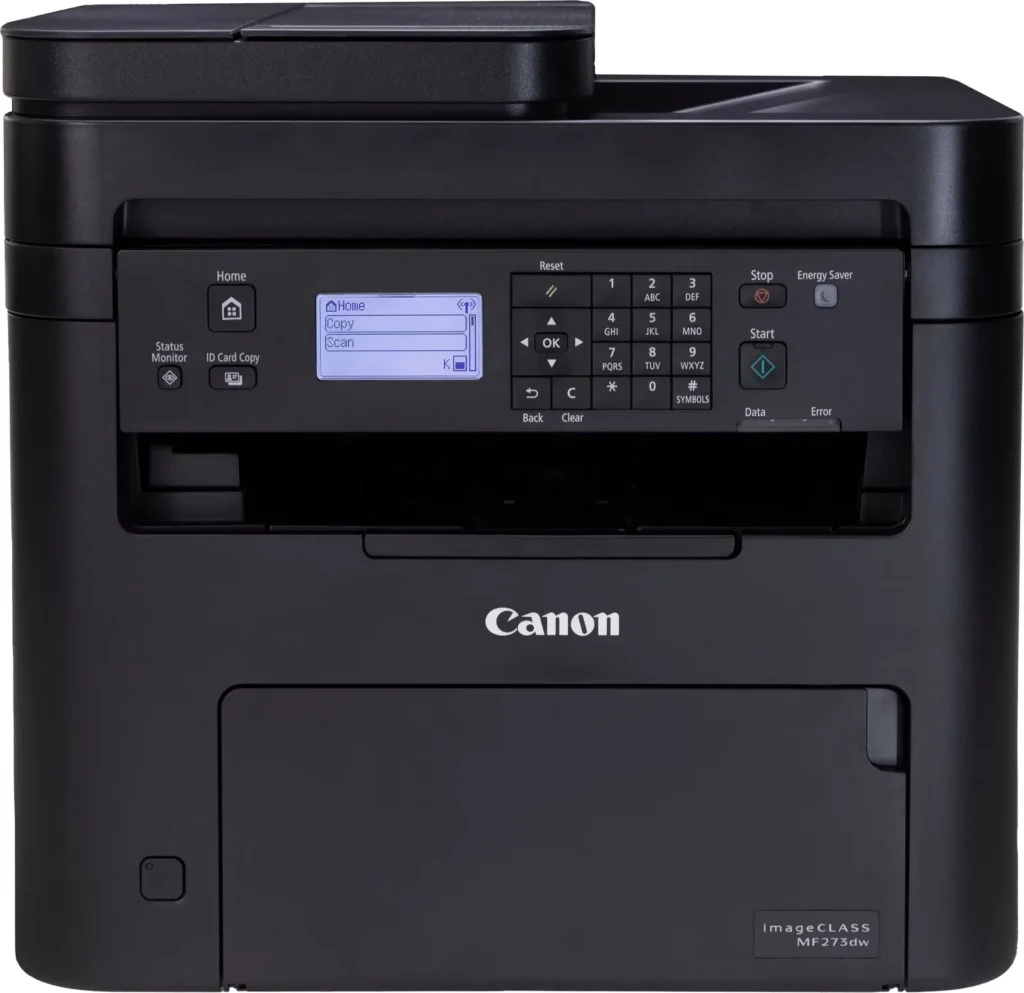
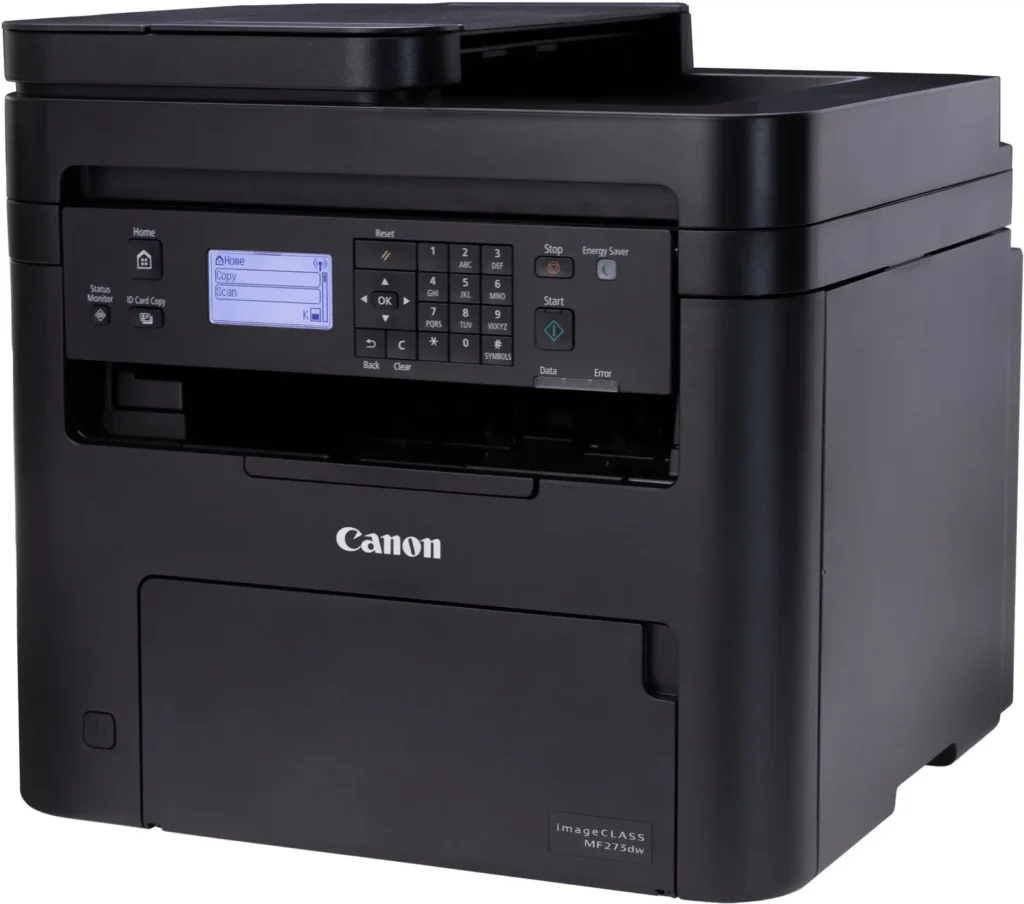
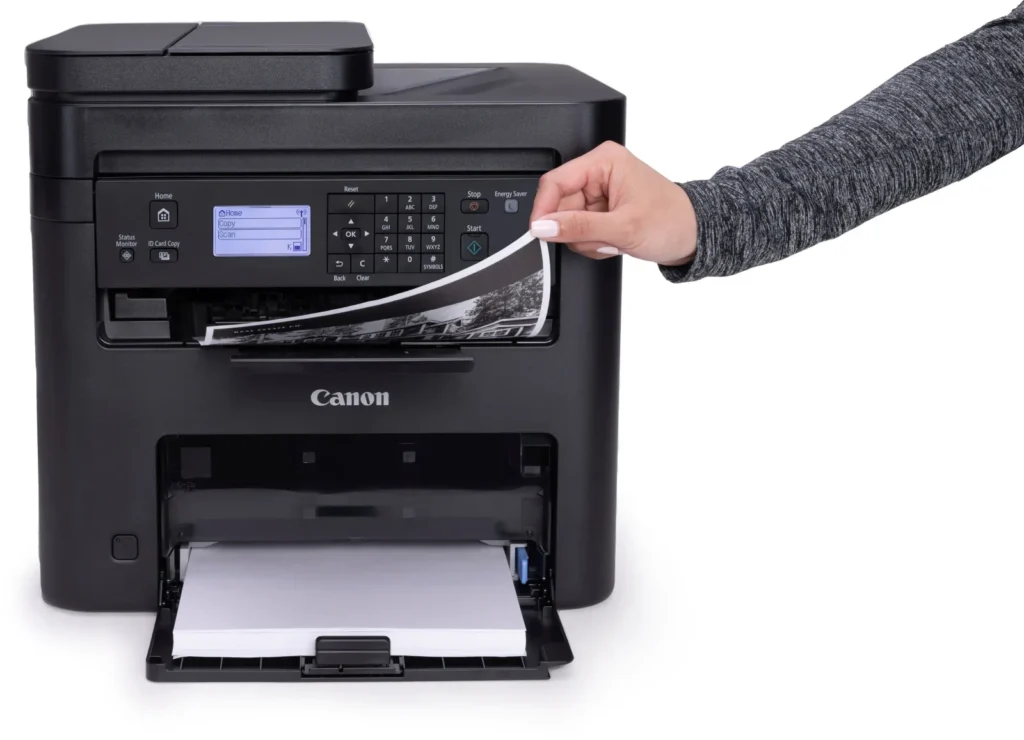
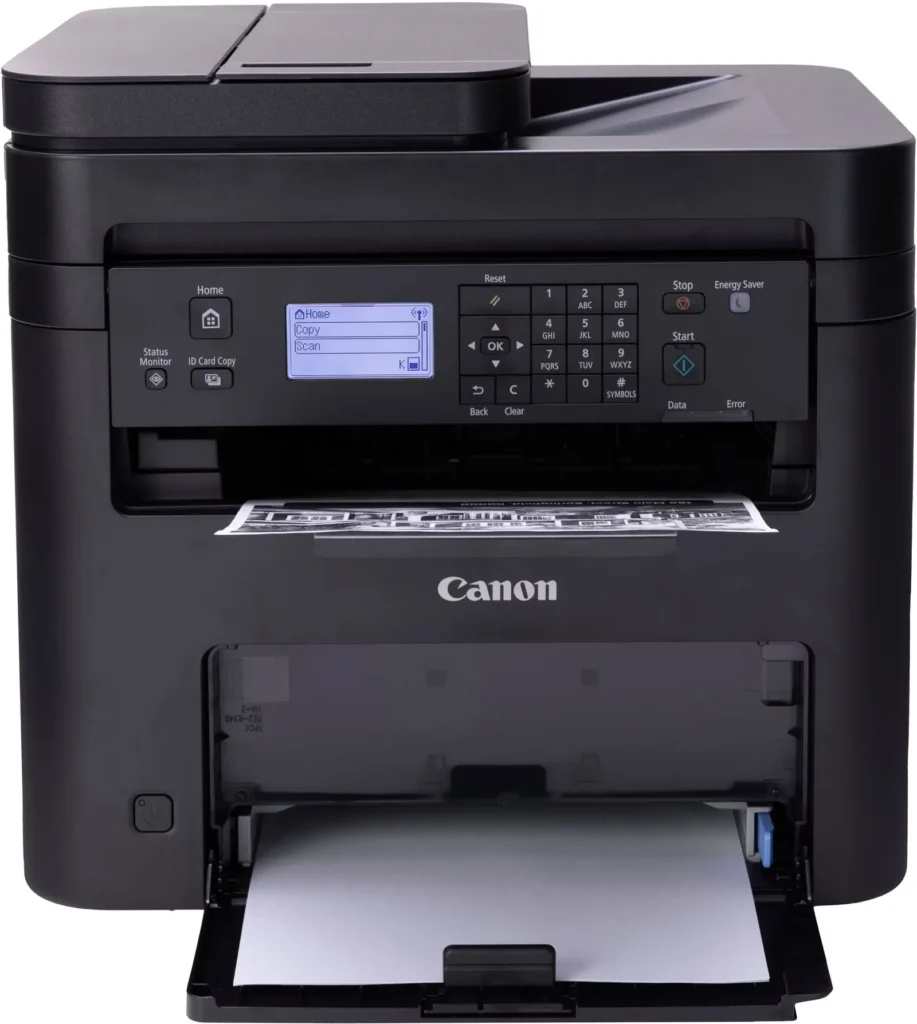
| Intuitive User Interface | Navigate features and manage print jobs with ease using the adjustable 5-line LCD screen, designed for an intuitive user experience whether you are sitting or standing. |
Pros & Cons
Pros
- Fast and Efficient Performance: The printer is frequently described as a 'workhorse' that delivers high-speed printing and copying, making it ideal for home offices and small businesses that handle large volumes of documents.
- Excellent Print Quality: Users consistently report sharp, clear, and professional-looking monochrome text and images with no smudging, often comparing the results to high-end office copiers.
- Automatic Duplex Printing: The fully automatic double-sided printing feature is highly valued for saving paper and time, functioning smoothly without requiring manual intervention.
Cons
- Difficult Setup and Poor Documentation: A significant number of reviewers found the initial installation and wireless configuration to be needlessly complicated, citing poor instructions and the lack of a comprehensive physical manual.
- Archaic and Unintuitive Interface: The non-touch LCD display and menu system are criticized for being dated and difficult to navigate, particularly when performing tasks like entering Wi-Fi passwords or changing paper settings.
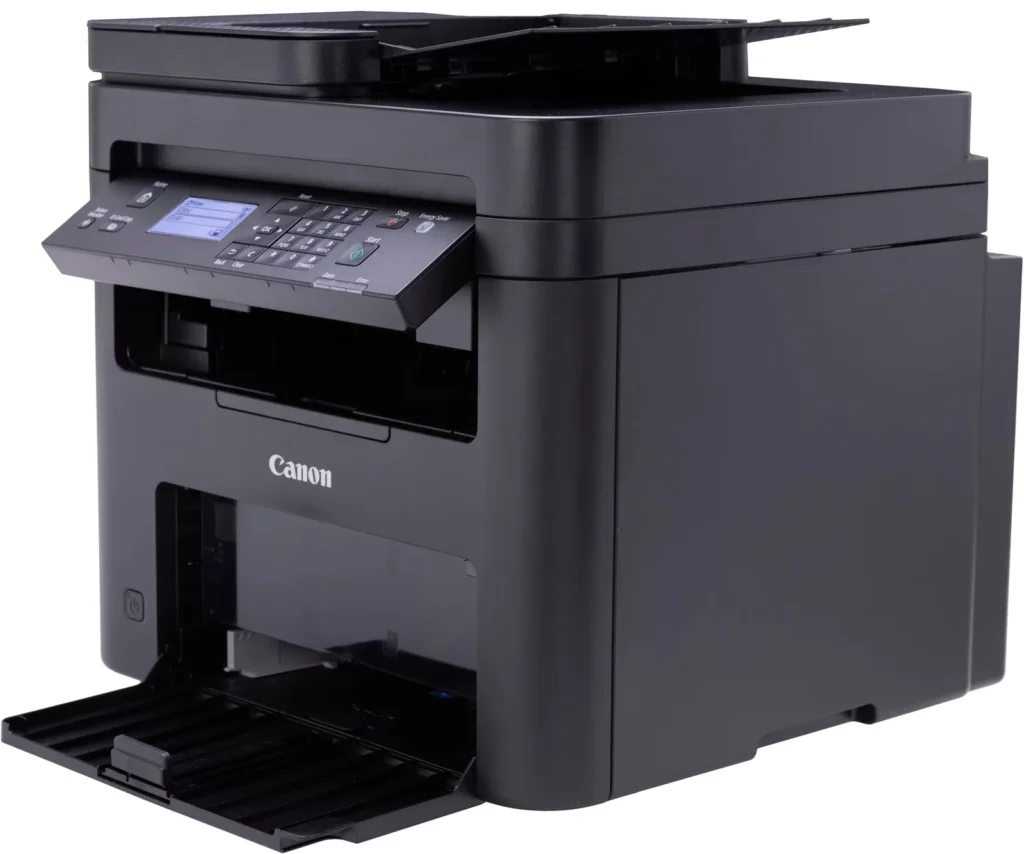
- Inconvenient Paper Tray Design: The paper tray sticks out several inches from the front of the machine and remains open, which users find bulky, flimsy, and prone to collecting dust or being accidentally bumped.
You might also like












Customer Reviews
Showing reviews 211-220 of 262
-
NASTY Printer! UGLY problems!
Verified purchase Verified purchase: This reviewer bought the product.SO-GLAD October 28, 2024Review source: AmazonFIRST KNOW: CANON recommends a MAXIMUM of 50 pages in the tray! If I knew about this “design flaw” in advance it would have been a “deal breaker”. Working on projects with focus elsewhere, ALL prints STOP until I refill that pathetically ‘small tray’ ~ again! That’s really DUMB!
This Canon took quite a while to set up, but “FINALLY” ~ ONE “Test Print” delivered!
After that ONE PRINT absolutely NOTHING else would! Instead it was HOURS of ERROR after ERRORS ~ ALL reporting the same: ‘NO PAPER’!?AFTER locating and installing EVERY newest Firmware and Drivers I could find ~ STILL NO prints! And yes, I *RESET often and did my best to provide a clean/new slate and “environment” for this *Canon.
GOOGLE provided FIX after fix, but NOTHING worked! One fix offered: ‘Fool the printer’ and Set the Paper TYPE to ‘BOND”. WHY so many GOOGLE pages of Canon MF273 problems and fixes?? To be fair I add this Canon found and accepted our WiFi network with no apparent problems. But it was Saturday night, Canon Support was closed and still NO printing.
Sunday AM I reconnected ‘AC’ and SUDDENLY ~ this Printer started WORKING!?! I honestly, I have NO idea what made things right? Now the truth is; I’m afraid to turn this Canon off!? Will it WORK again after it reboots??
VOLUMES have been written about “CUSTOMER PERCEPTIONS” ~ ESPECIALLY a “NEW” customer, so I close with this:
CANON has been selling printers for decades AND there is NO EXCUSE for dumping poor/bloated software or products ~ on customers that CANON hopes to WIN and KEEP! So buyers, spend what you need elsewhere, but NOT on this Canon product. I now vow this will be my LAST Canon.
Canon and AMAZON want to make money and I get that. But will it be worth YOUR hours of FRUSTRATION buying and installing a turkey product? Yes this Canon finally INSTALLED, but it cost me HOURS OF LIFE I can never recover.
[Windows 10 Pro 64 with all of the latest updates offered.]
* RESETS with: Registrar Registry Manager (64-bit) -
Amazing
Verified purchase Verified purchase: This reviewer bought the product.Amazon Customer October 8, 2024Review source: AmazonI would most def buy another if needed
-
Excellent speed.
Verified purchase Verified purchase: This reviewer bought the product.Mark E October 4, 2024Review source: AmazonHad a 15 year old ink jet….really slow.
This is instant.
Set it up with no help….I’m 73. -
ok
Verified purchase Verified purchase: This reviewer bought the product.James October 4, 2024Review source: Amazonafter 8 weeks of average use, seems no problem at all, set up is way easy
-
Suddenly stopped accepting third party cartridges
Verified purchase Verified purchase: This reviewer bought the product.Brian L. October 4, 2024Review source: AmazonThree stars because it works as advertised. But only three stars because it stopped accepting third party toner cartridges after a year of allowing them. And of course Canon’s toner cartridges are more expensive. Go with the Brother DCP-L2640DW instead. It might allow third-party toners and even if it doesn’t, Brother’s first-party toners are cheaper than Canon’s.
-
Set up to used of printer
Verified purchase Verified purchase: This reviewer bought the product.Danny October 3, 2024Review source: AmazonHard to set up wireless to used the printer with phe iphone and other apple product
-
Great printer
Verified purchase Verified purchase: This reviewer bought the product.Jim September 29, 2024Review source: AmazonLove it
-
Printer works great but toner ran out within a month with very little use
Verified purchase Verified purchase: This reviewer bought the product.monica September 25, 2024Review source: AmazonI got this printer a little over a month ago; it works great, but the toner ran out very quickly, as I said, I’ve had it for about a month and don’t use it that much, I don’t think I have printed even 300 pages
-
Can't print off phone w/o network connection
Verified purchase Verified purchase: This reviewer bought the product.Conrad J. Herbster September 18, 2024Review source: AmazonPurchased with hope of printing off my phone. Literature seem to indicate that should be possible.
Just got off tech support where I was told I can not print directly from phone to printer. -
Disappointing . . .
Verified purchase Verified purchase: This reviewer bought the product.Our Lady of Guadalupe Seminary September 12, 2024Review source: Amazon1) The printing is already smudging, unfortunately.
2) To print envelopes, there is no easy or separate envelope-printing tray. One has to remove the paper from the feeder, insert the envelope, go through a manual, multi-step process to change the settings on the printer from 8-1/2 x 11 paper to the envelope setting, print the envelope, and then go back through the same process to set it back to normal paper.
3) Sometimes the feeder does not quite catch the paper, and then the printer stops and thinks that there is a paper jam (there is no paper jam, as the paper has not even begun to be fed through.) There is no way to cancel the job or convince the printer that there is no paper jam besides turning off the printer AND resetting the computer. Once I have done both of these things, the printer is reset and the driver is cleared, and I am able to print again. Every time this happens (and it has happened probably 8 to 10 times since I’ve gotten this printer), it’s been a time-consuming fix.