Customer Media
Highlights
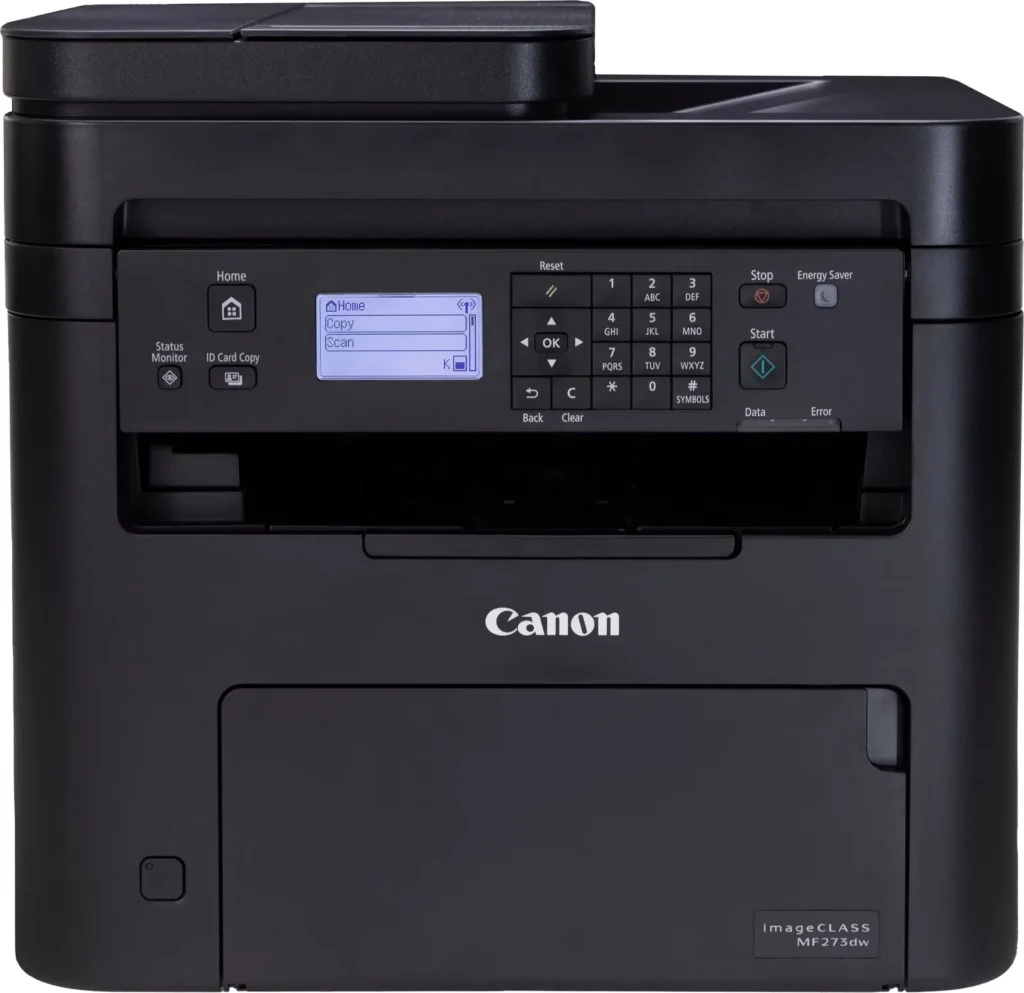
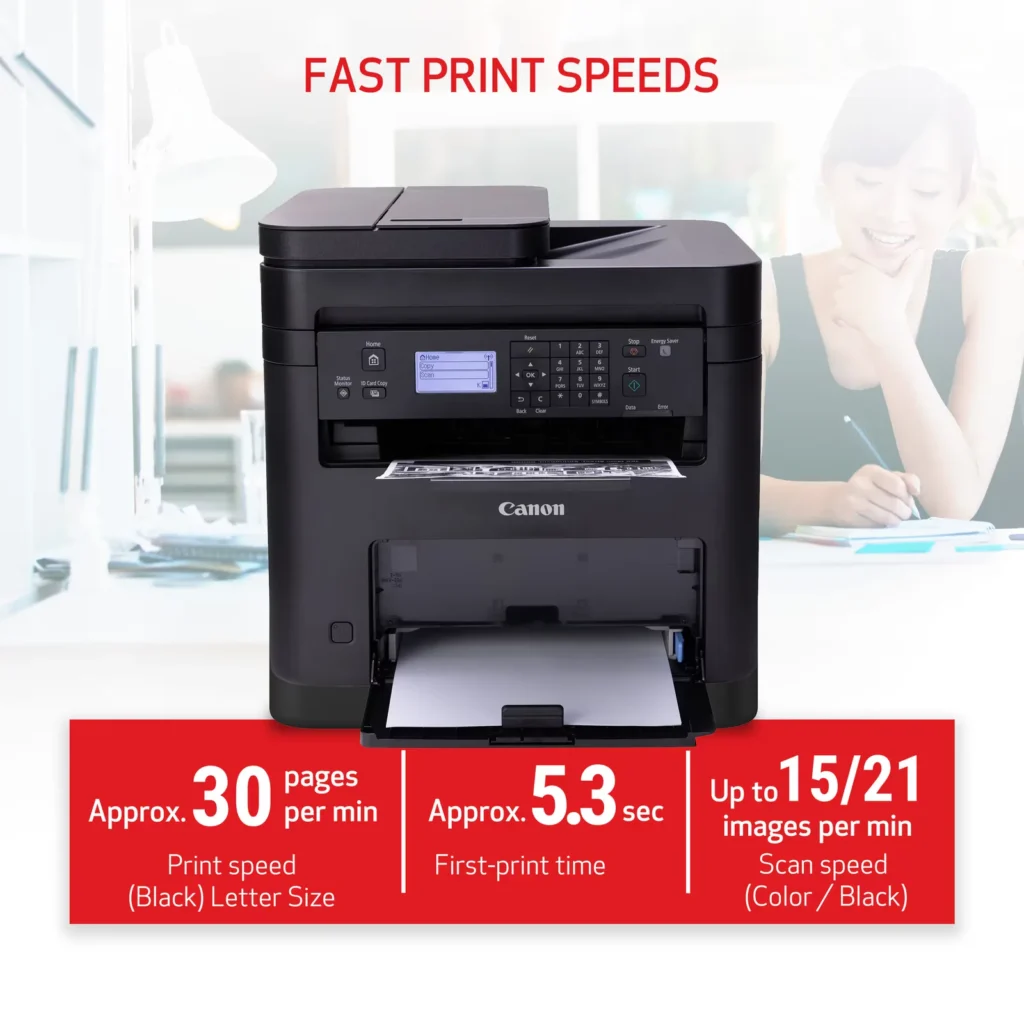
| High-Speed Performance | Boost office productivity with rapid print speeds of up to 30 pages per minute and a quick first-print time of approximately 5.3 seconds, ensuring minimal wait times for your documents. |
|---|---|
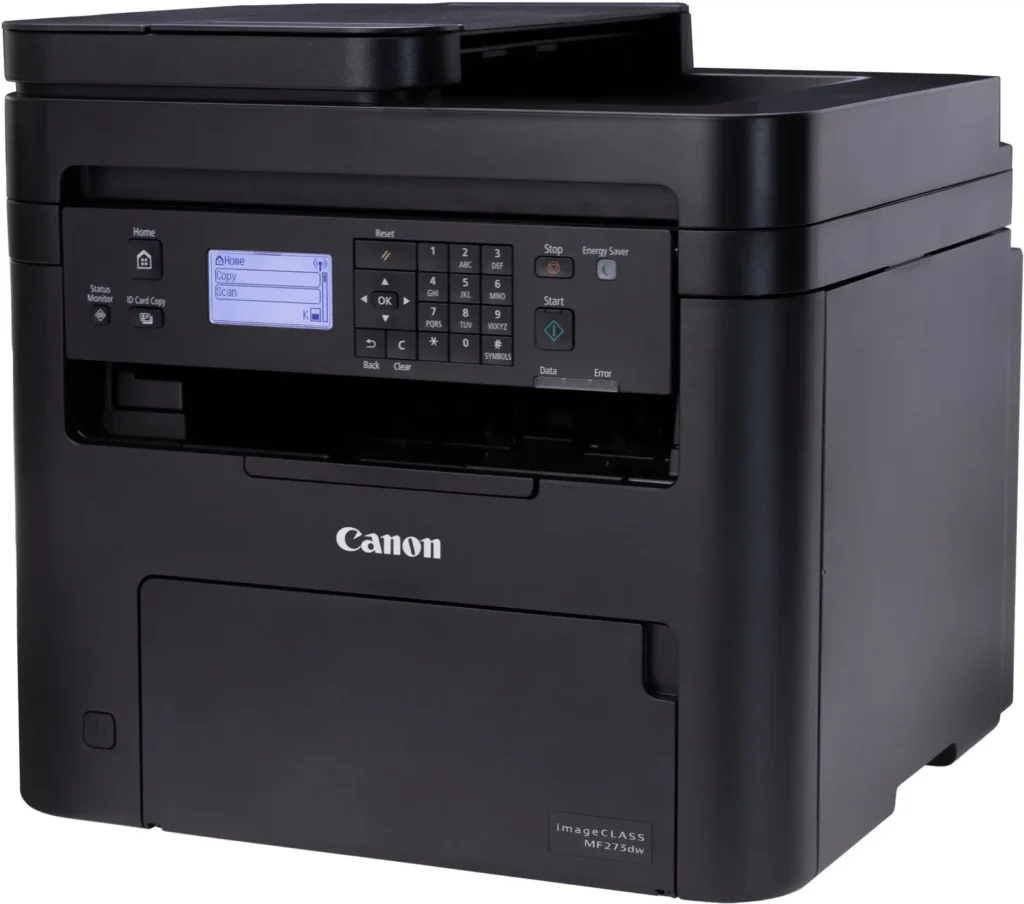
| Versatile 3-in-1 Functionality | This multifunctional monochrome laser printer streamlines your workflow by combining high-quality printing, scanning, and copying capabilities into a single, compact device. |
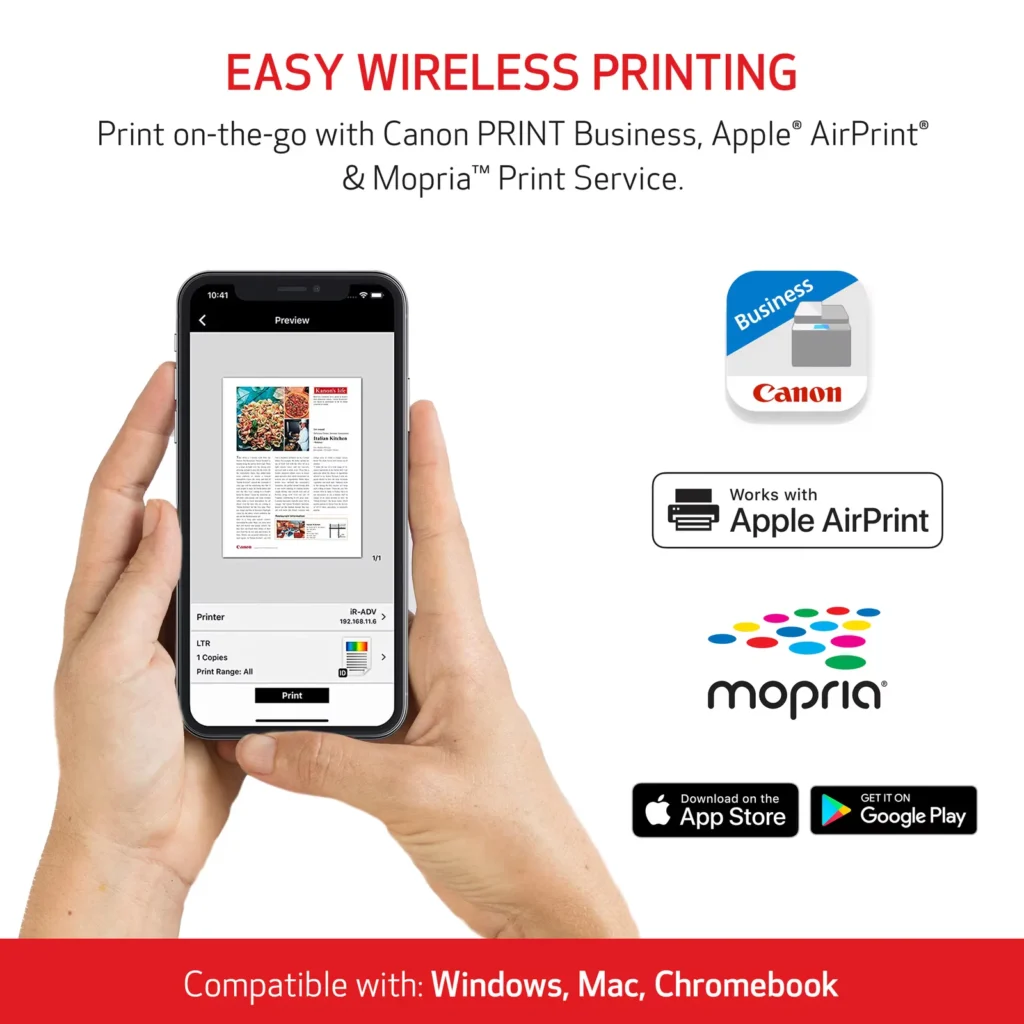
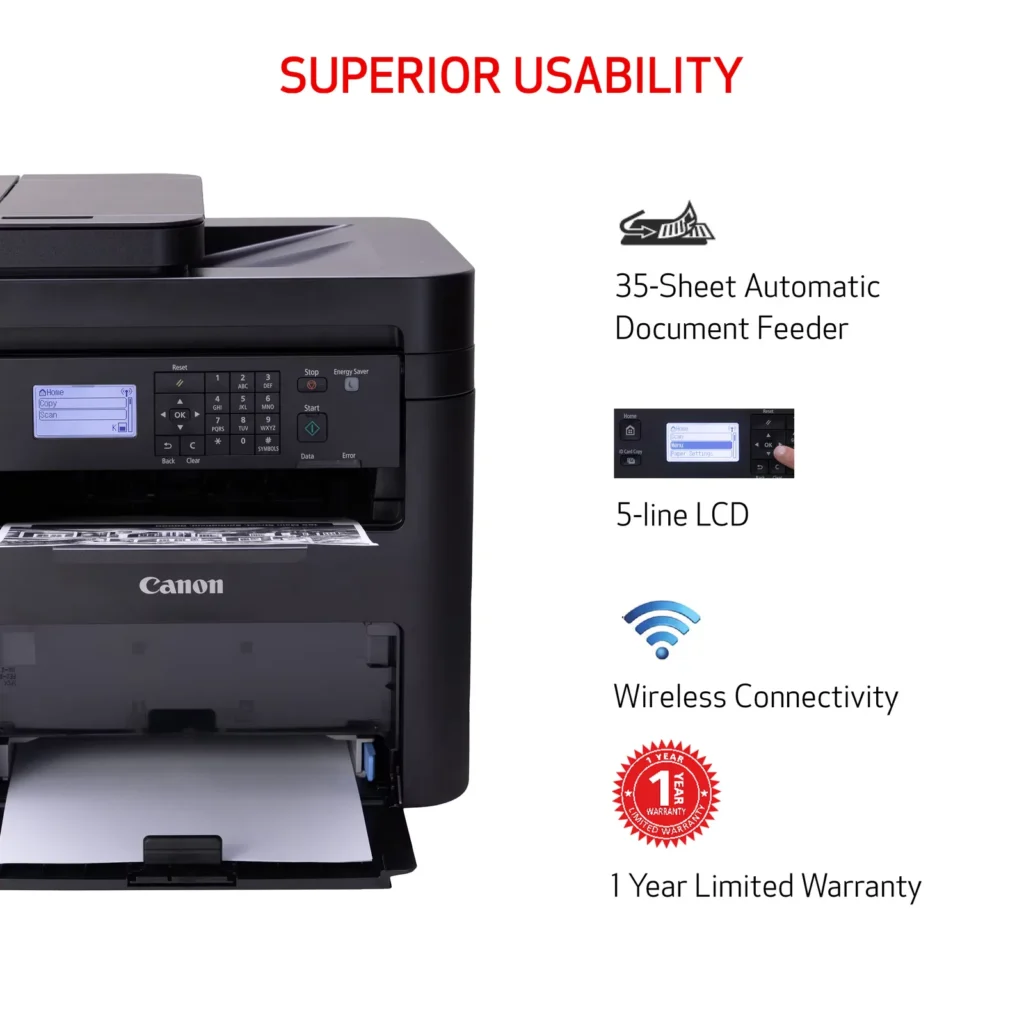
| Seamless Wireless & Mobile Connectivity | Easily connect via Wi-Fi, Wi-Fi Direct, or Ethernet, and print on-the-go from your favorite mobile devices using the Canon PRINT Business app, Apple AirPrint, and Mopria Print Service. |
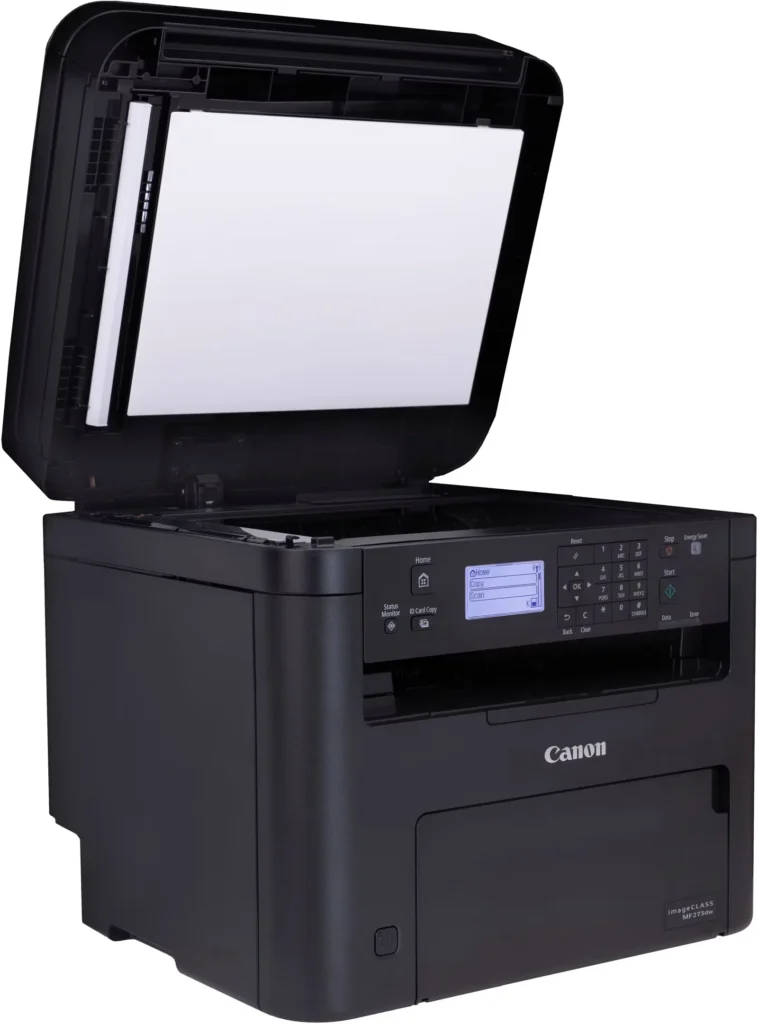
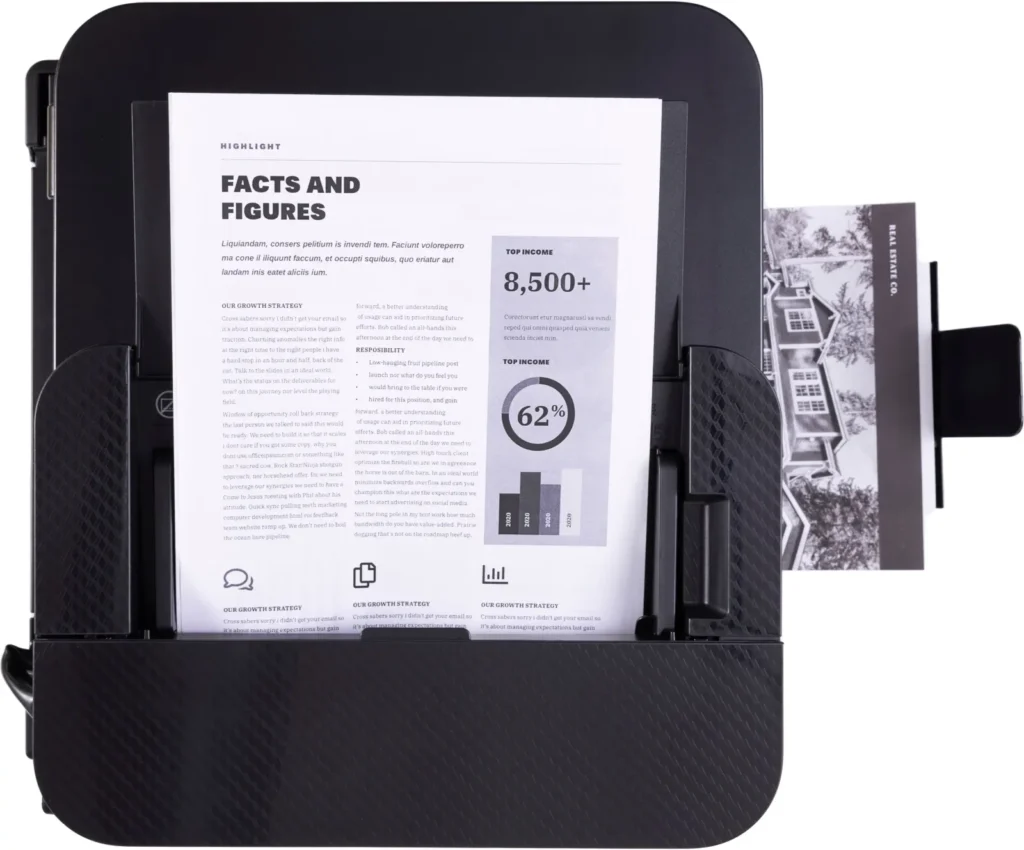
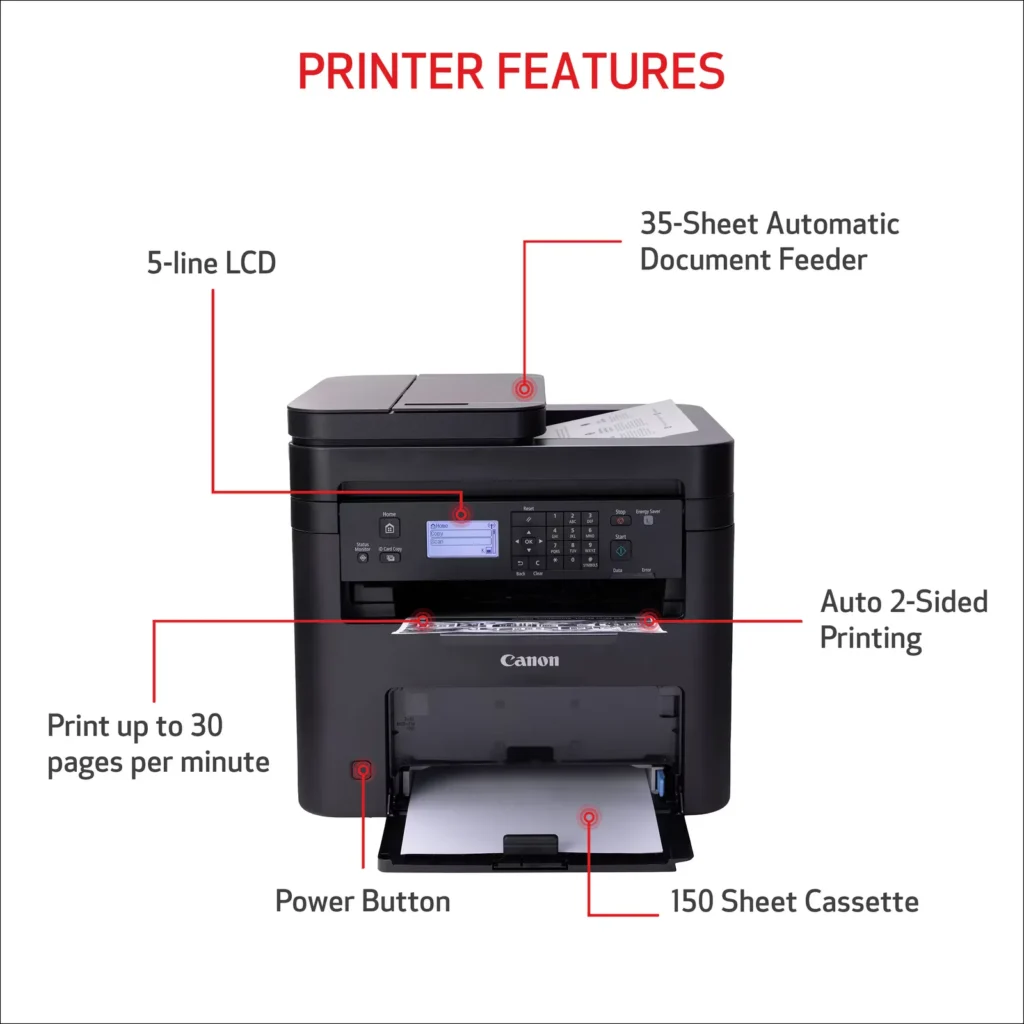
| Efficient Paper Handling | Save time and reduce paper costs with automatic two-sided (duplex) printing and a 35-sheet automatic document feeder (ADF) for effortless multi-page scanning and copying. |
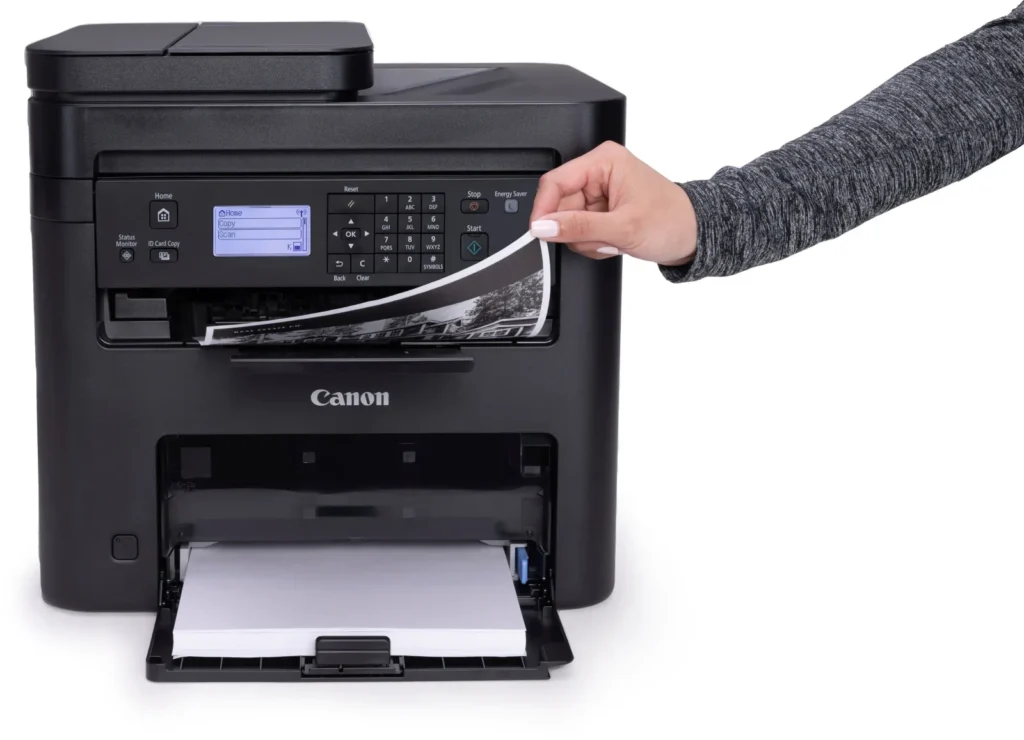
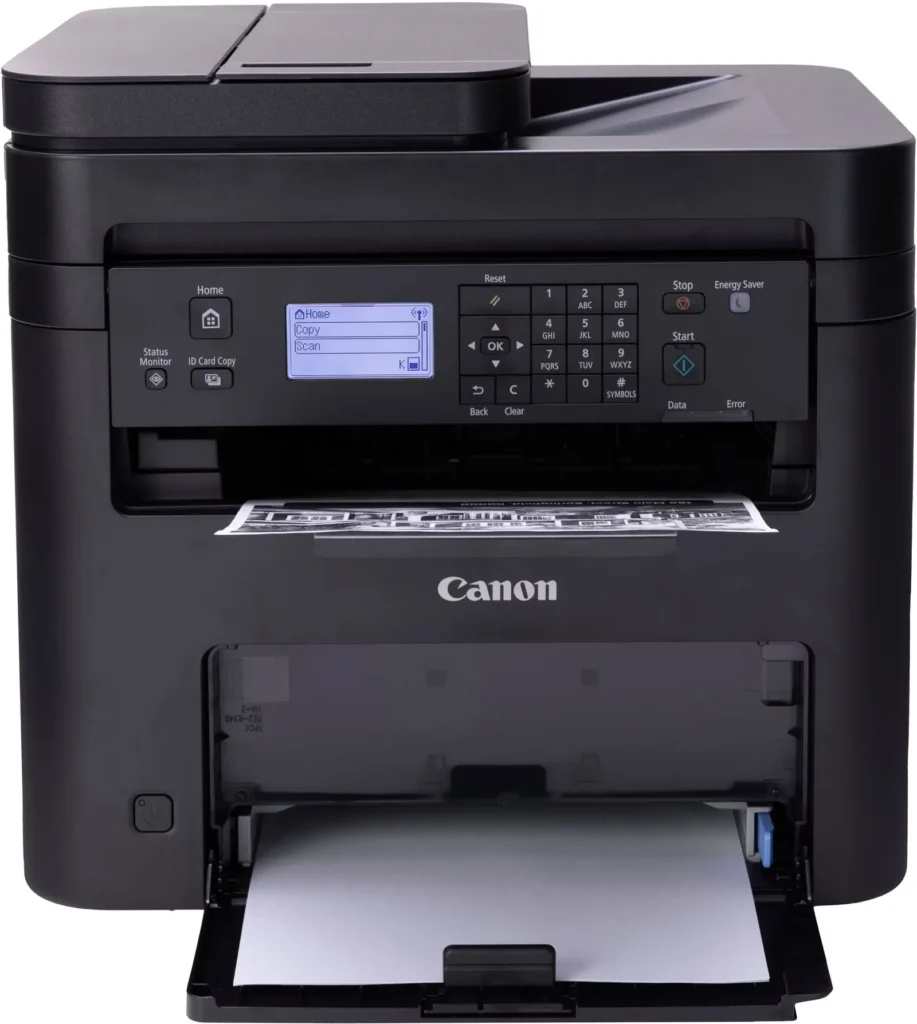
| Intuitive User Interface | Navigate features and manage print jobs with ease using the adjustable 5-line LCD screen, designed for an intuitive user experience whether you are sitting or standing. |
Pros & Cons
Pros
- Fast and Efficient Performance: The printer is frequently described as a 'workhorse' that delivers high-speed printing and copying, making it ideal for home offices and small businesses that handle large volumes of documents.
- Excellent Print Quality: Users consistently report sharp, clear, and professional-looking monochrome text and images with no smudging, often comparing the results to high-end office copiers.
- Automatic Duplex Printing: The fully automatic double-sided printing feature is highly valued for saving paper and time, functioning smoothly without requiring manual intervention.
Cons
- Difficult Setup and Poor Documentation: A significant number of reviewers found the initial installation and wireless configuration to be needlessly complicated, citing poor instructions and the lack of a comprehensive physical manual.
- Archaic and Unintuitive Interface: The non-touch LCD display and menu system are criticized for being dated and difficult to navigate, particularly when performing tasks like entering Wi-Fi passwords or changing paper settings.
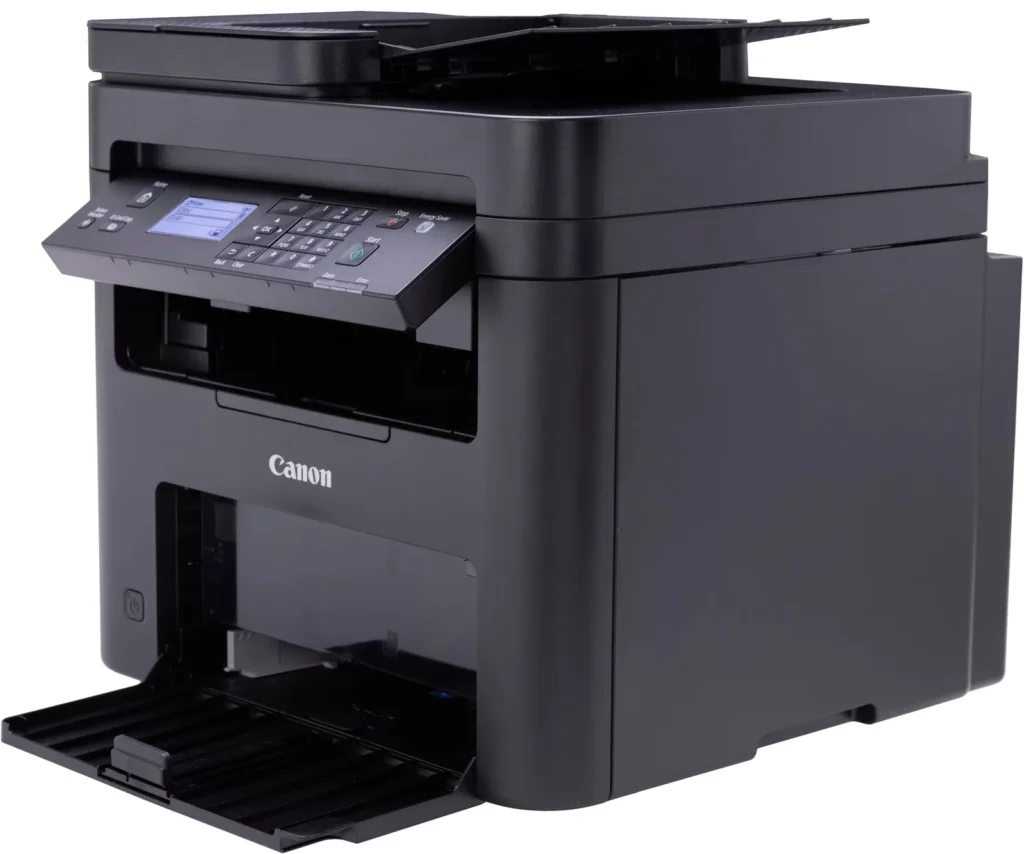
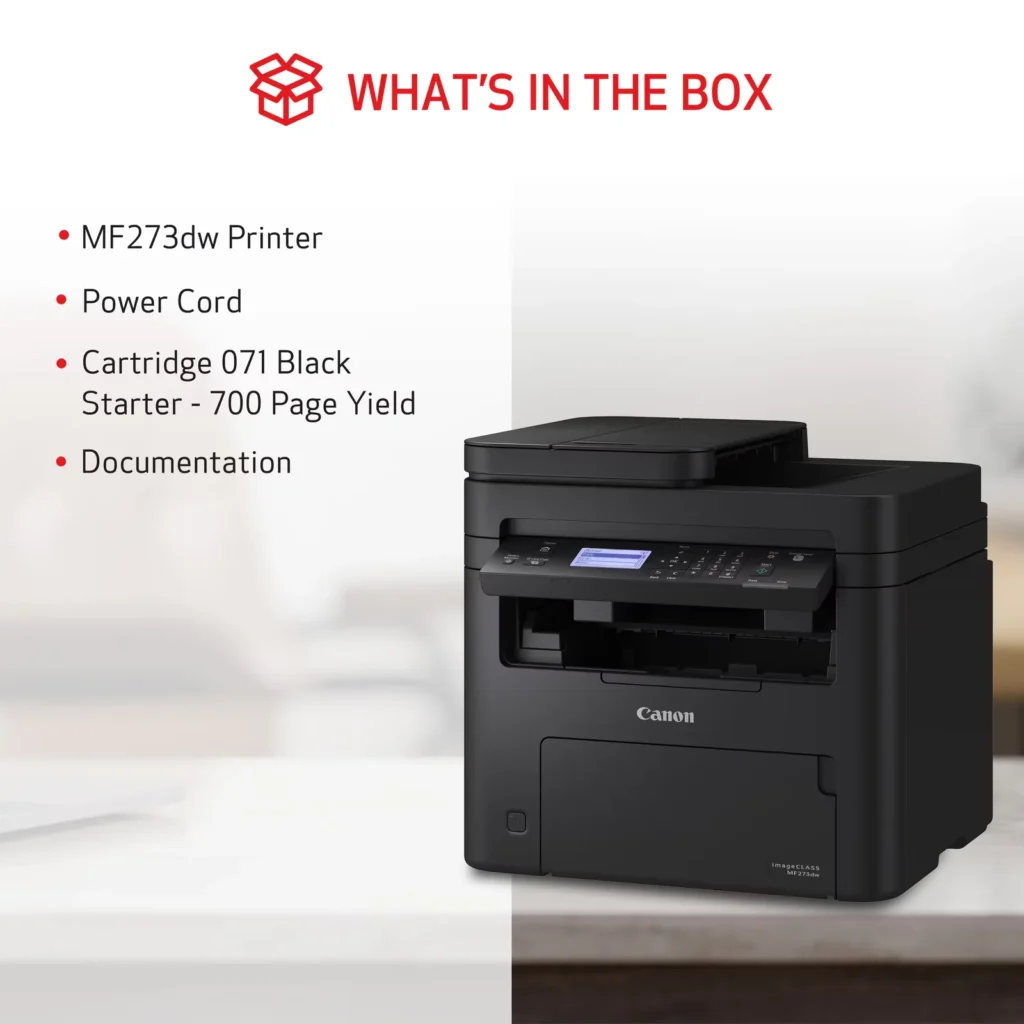
- Inconvenient Paper Tray Design: The paper tray sticks out several inches from the front of the machine and remains open, which users find bulky, flimsy, and prone to collecting dust or being accidentally bumped.
You might also like












Customer Reviews
Showing reviews 221-230 of 262
-
I regret buying this.
Verified purchase Verified purchase: This reviewer bought the product.Jim Cunningham September 9, 2024Review source: AmazonCome on Canon. Put the model number on the front of the printer so we don’t have to look for it when we try to set up drivers etc. This is basic common sense.
Give us a better scan application like your previous MF Toolbox. We shouldn’t have to click so many times to do a simple scan.
Make the instruction manual easier to find.
These things don’t need to be so tedious. If it wasn’t for these things, I would probably give it 5 stars because the scanner seems to scan well, and the printer seems to print well. -
Great Printer for Price
Verified purchase Verified purchase: This reviewer bought the product.NikkiNicole August 26, 2024Review source: AmazonI love this printer. I found out about it when I was working remotely and fell in love with it. It prints quickly, easy set up and if I had one con, it would be the fact that the paper tray gets in the way a lot as it seems as if it has to stay open. The last one I had didn’t have the paper feeder but the paper tray wasn’t always in the way either. Great price, great printer hands down. One other plus is that it comes with laser ink and it’s a decent amount. I still haven’t ran out of the toner that came with the printer.
-
REAL PAIN IN THE A********!
Verified purchase Verified purchase: This reviewer bought the product.BellBell August 19, 2024Review source: AmazonThis printer is much more complicated to use than it should be. It would really be helpful if there was an option to leave the wireless LAN code displayed until connected. All of the questions about what kind of paper’s being used are just plain rIdiculous! Canon is probably trying to show how techie they are but if they were really techie they’d make an awesome machine that would print on all types of paper ie., recycled, new, weight, blah, blah blah without asking the consumer to jump through all types of hoops. I don’t want to be a trained technician by the time I get a printer set up and printing. This is just too much work. It printed one page without a hitch, then error codes began, then it couldn’t connect. It won’t print wirelessly or with a cable connection. Trouble shooting can’t identify the problem on and on…This printer may be ok eventually but right now I’ve endured too much pain and suffering getting it ready to use.
-
Great B/W Laser printer
Verified purchase Verified purchase: This reviewer bought the product.BBS Bassman August 18, 2024Review source: AmazonI’ve had this Canon imageCLASS MF273dw printer in use for 3 months. Fairly easy to setup & works as advertised. I’ve had no problems with it at all. Printouts are laser quality – black and white only, no color. Nice to have dual-sided printing that’s fully automatic. The scanner works from either the doc feeder or the flat glass (manually), and I have it set to save the scanned file to my desktop PC – simple process and scans are very good quality. I’ve printed about 400 pages in the last 3 months – still using the 071 “starter cartridge” that came with it. The status page says there is still 40% usage left for that starter cartridge. I don’t use the WiFi printing feature so I can’t speak to that, but overall I really like this printer. Well worth the $159 I paid for it.
-
Cannon support was fantastic
Verified purchase Verified purchase: This reviewer bought the product.Very workable, but printing er… August 14, 2024Review source: AmazonProduct worked well out of the box for basic printing functions, but scanning was initially impossible. The Cannon support group was unexpectedly awesome, thank you for such great support of your product. In 20ish minutes we had all our clinic devices working perfectly with scanning solved! Thank you again!
-
Difficult Setup
Michael August 10, 2024Review source: AmazonI have found setup to be extremely difficult. Manual does not provide complete setup steps. Unless you have a computer guru in house/office, I would pass on this one. Rather than return it, I think I will donate it to Goodwill.
-
Hello 1980
Verified purchase Verified purchase: This reviewer bought the product.bzirkone August 3, 2024Review source: AmazonJust got the new Canon MF(and I do mean MF)273dw installed. It’s a decent printer for the money. I’m coming off a high-dollar HP color laserjet, so this is a few steps down, but it’ll do. I use it in a small business. It takes up much less space. Agree with the other reviews that the paper tray sticking out from the bottom is a potential disaster. The plastic pieces feel cheap and cheesy. The display screen… my god. 1980 is calling… they want this dinosaur back. The display is tedious and unintuitive. Finally went online to figure out how to use lowercase and numbers. By this time I was angry, so it may not be as hard as all that, but my gasket was blowing. I hadn’t used old-school displays like this for a few years. Either way, the printer is decent and I got all the things working. The printing is good if not crisp. It’s fine for the money.
-
nice printer
Verified purchase Verified purchase: This reviewer bought the product.john capadanno July 18, 2024Review source: AmazonIt works awsome
-
The paper drawer is open at all times.
Verified purchase Verified purchase: This reviewer bought the product.David L. Laidig July 13, 2024Review source: AmazonThe paper drawer must be open at all times. If I had any clue that was the case I would not have bought it. It comes with paper not loaded fault that is very hard to correct. There is no information from the Canon site to deal with it. Other than those two flaws, it prints great. The setup is easy. The wifi hooks right up. It prints from all over the house. I’m going to keep it because it is very inexpensive.
-
Easy setup, fast & quiet printing
Verified purchase Verified purchase: This reviewer bought the product.KDoll July 10, 2024Review source: AmazonThis has worked great for us so far. Set up was simple. My phone was able to easily find it, connect and print to it. It prints super fast. My desk is in my bedroom and I was very concerned about light and noise, but it’s very quiet and when powered off there is none. Only takes seconds to power on and be ready to go. Probably fancier than I needed for home use, would work great in a small office. My only complaint is the paper tray that sticks out the front. I wish it were more I closed, but I just keep the paper in a drawer and load a few pages in when I need to print. Great value!