
Customer Media
Highlights
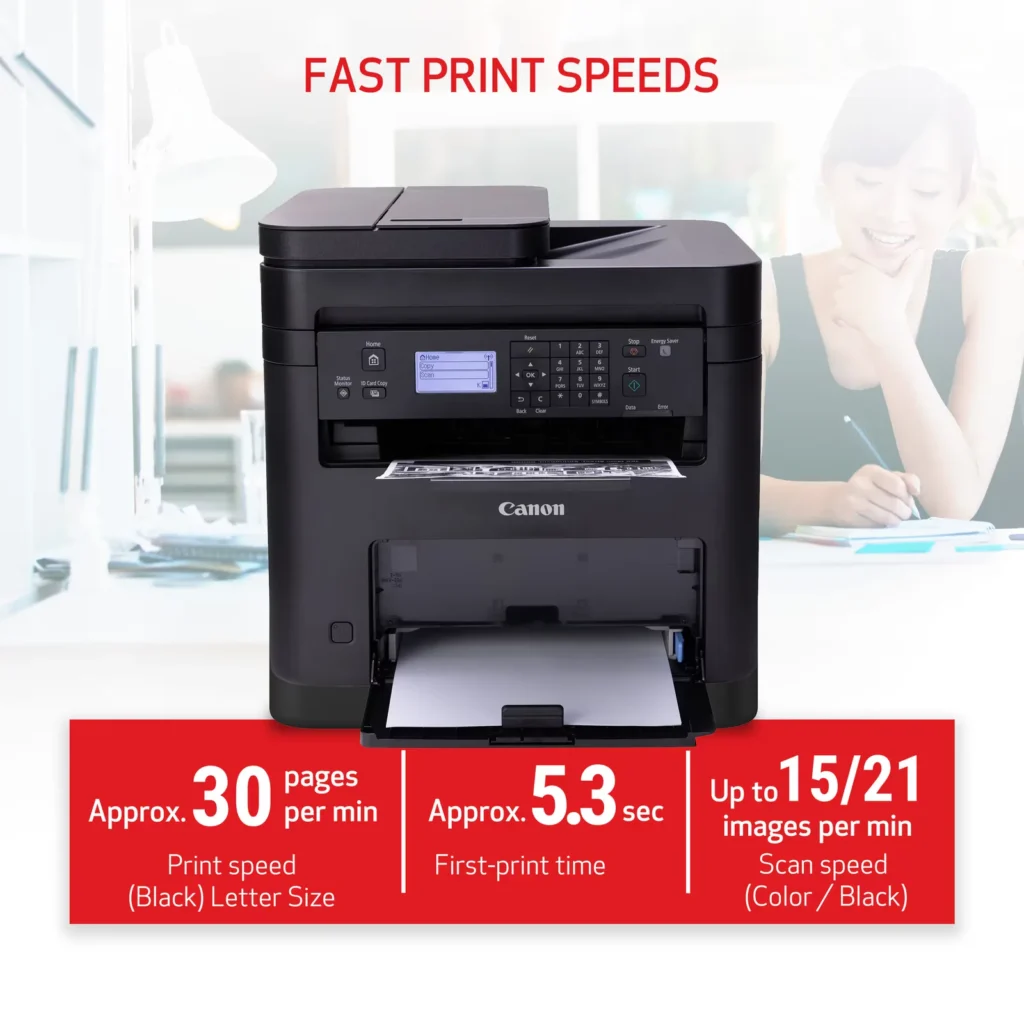
| High-Speed Performance | Boost office productivity with rapid print speeds of up to 30 pages per minute and a quick first-print time of approximately 5.3 seconds, ensuring minimal wait times for your documents. |
|---|---|
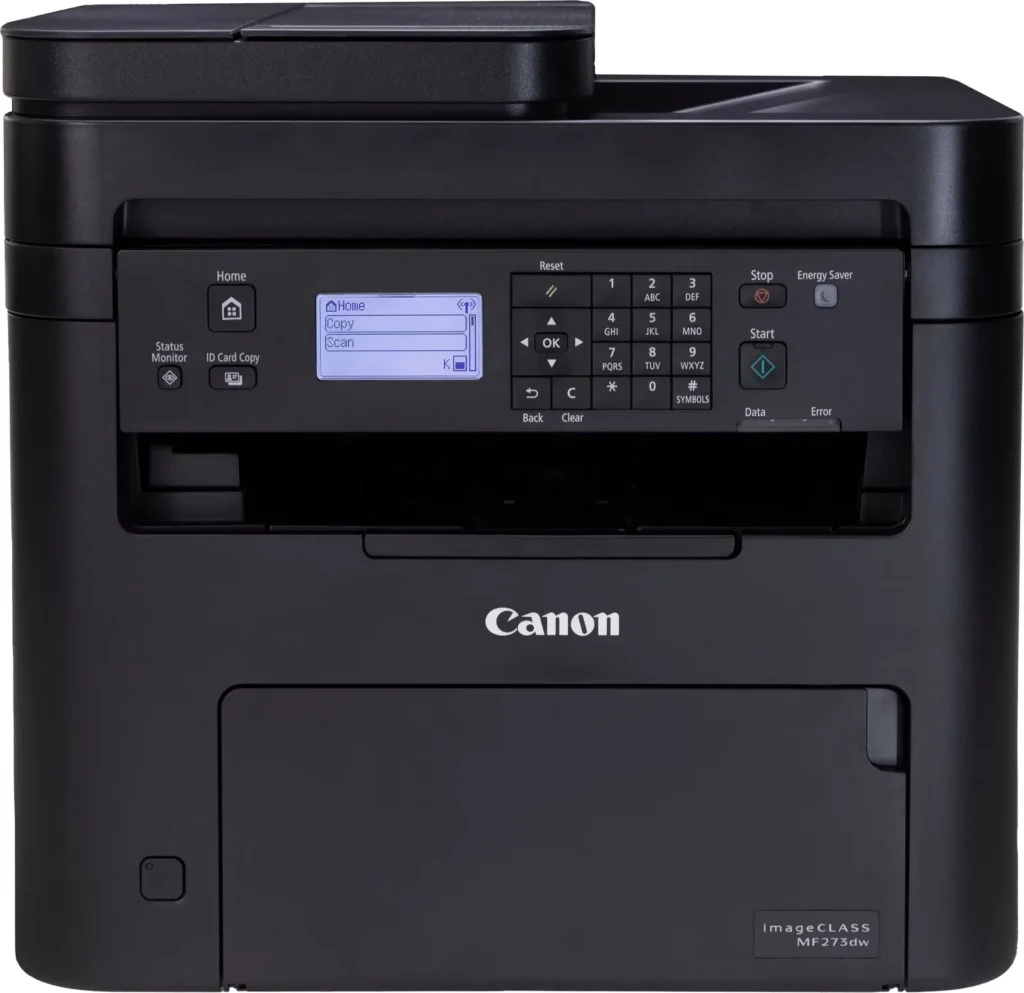
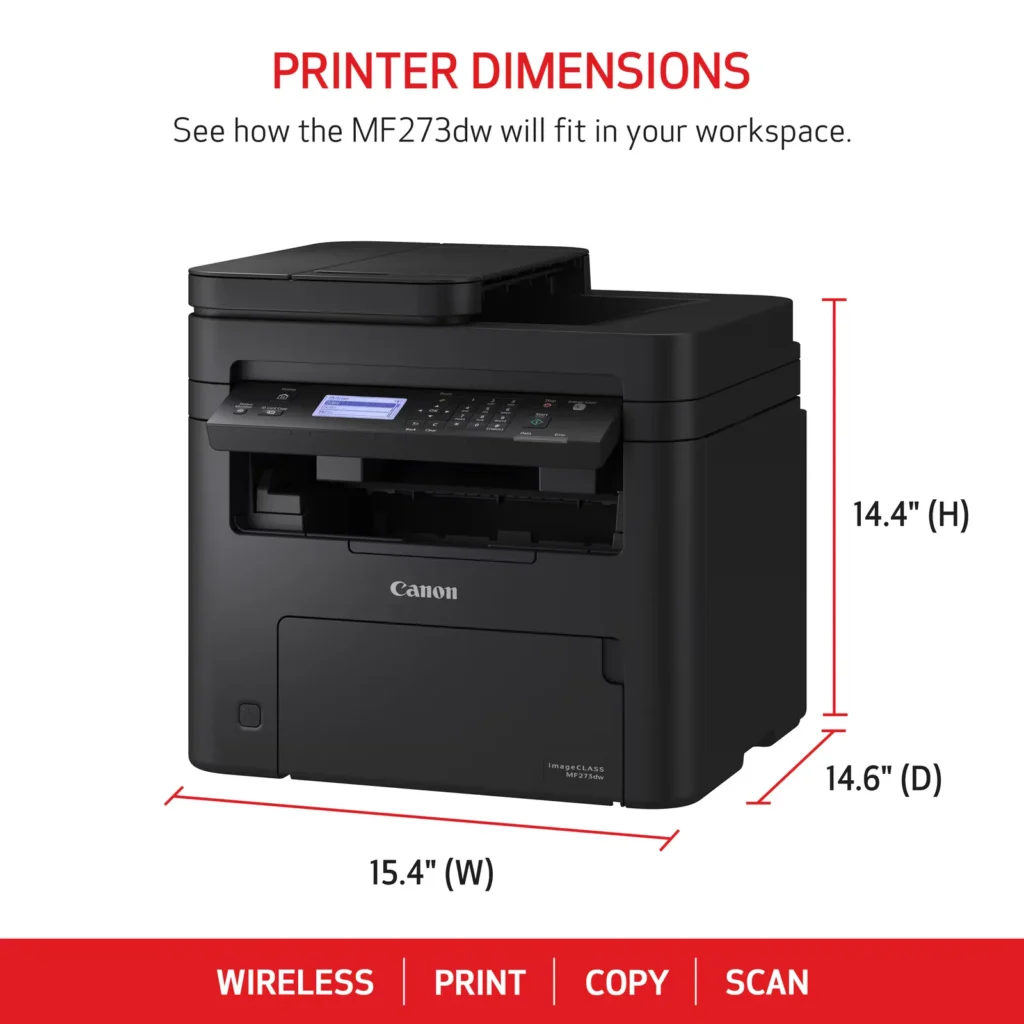
| Versatile 3-in-1 Functionality | This multifunctional monochrome laser printer streamlines your workflow by combining high-quality printing, scanning, and copying capabilities into a single, compact device. |
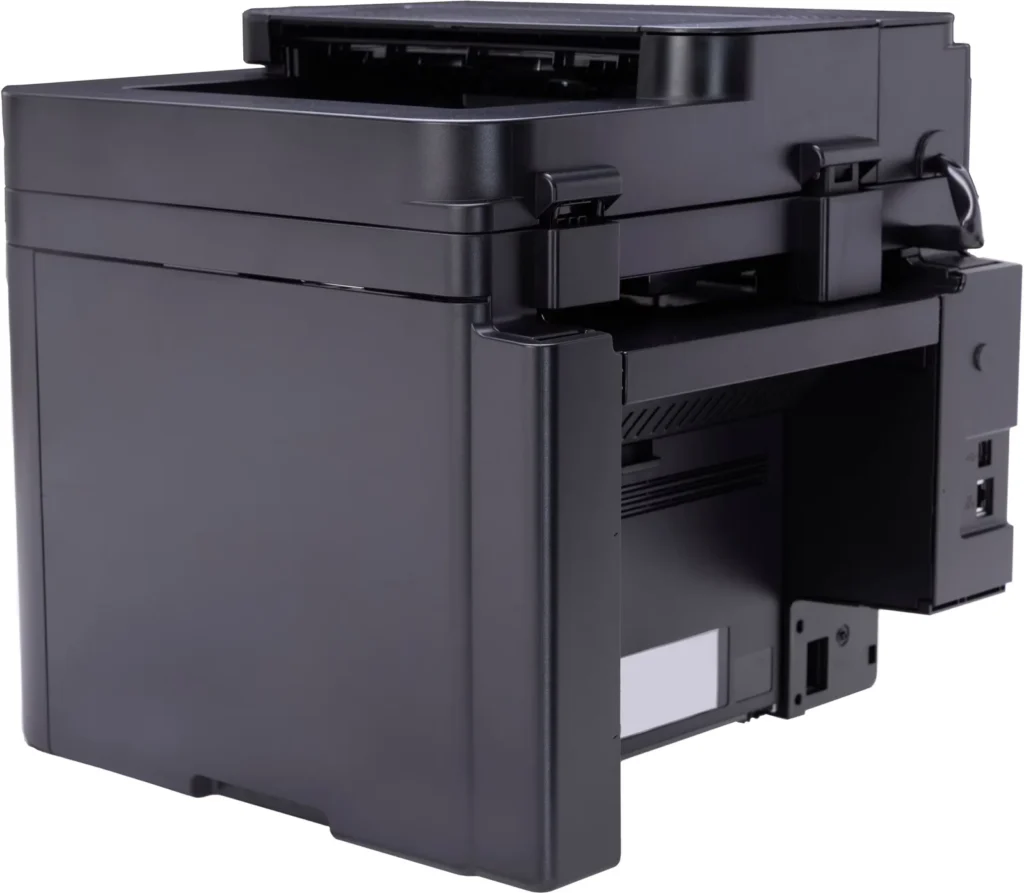
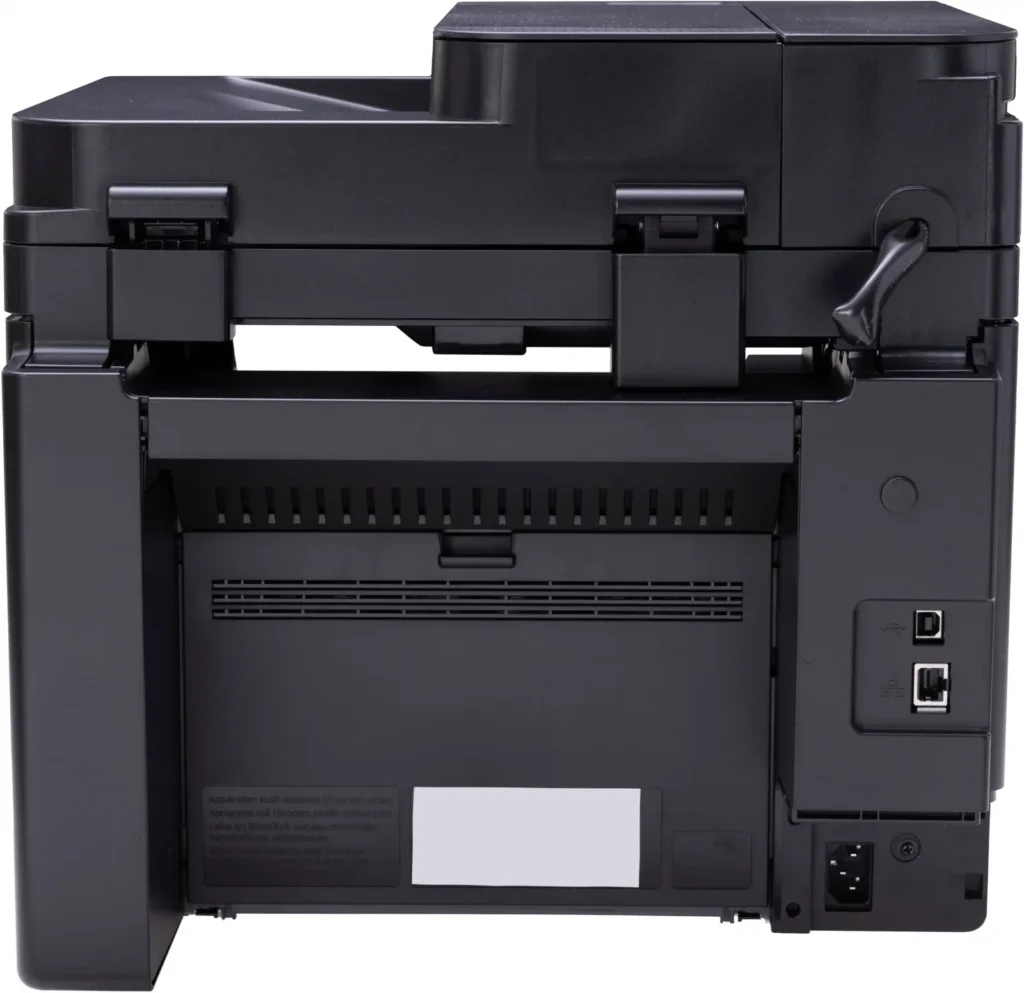
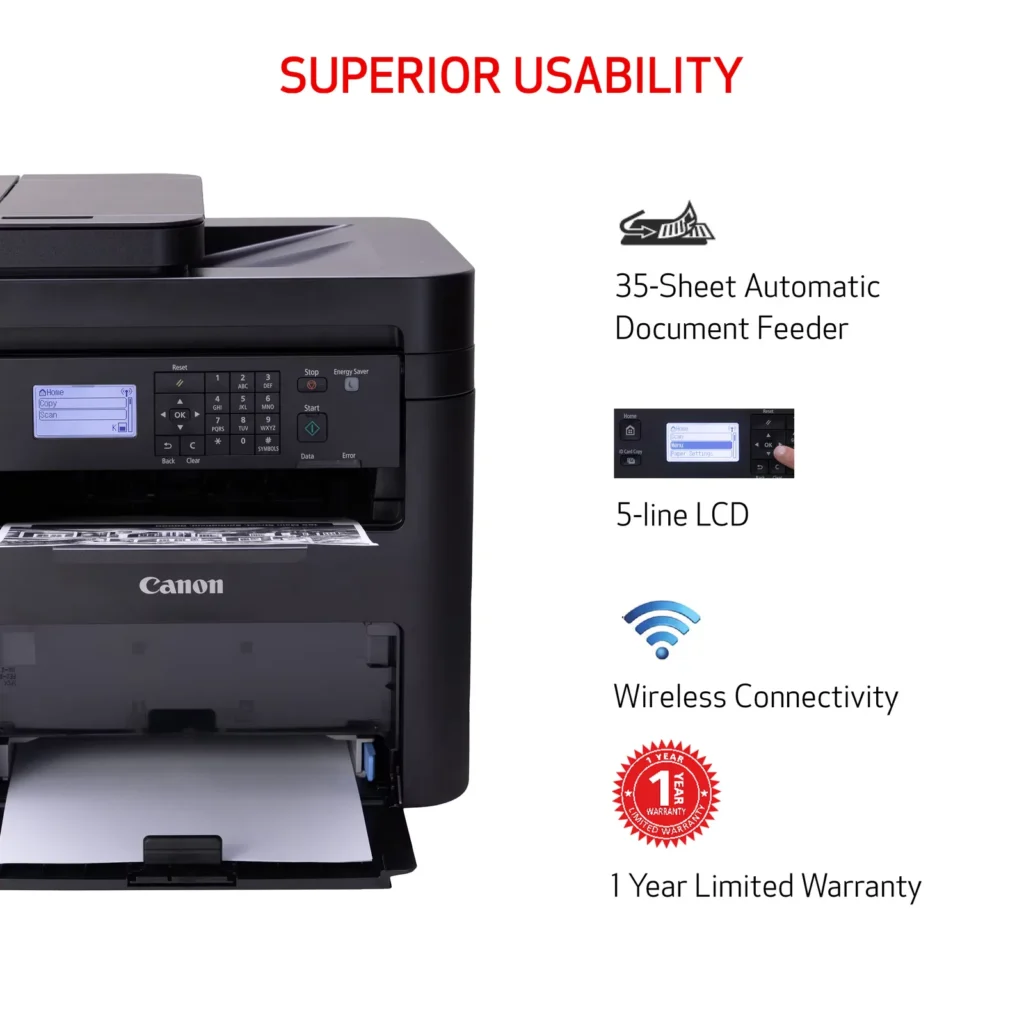
| Seamless Wireless & Mobile Connectivity | Easily connect via Wi-Fi, Wi-Fi Direct, or Ethernet, and print on-the-go from your favorite mobile devices using the Canon PRINT Business app, Apple AirPrint, and Mopria Print Service. |
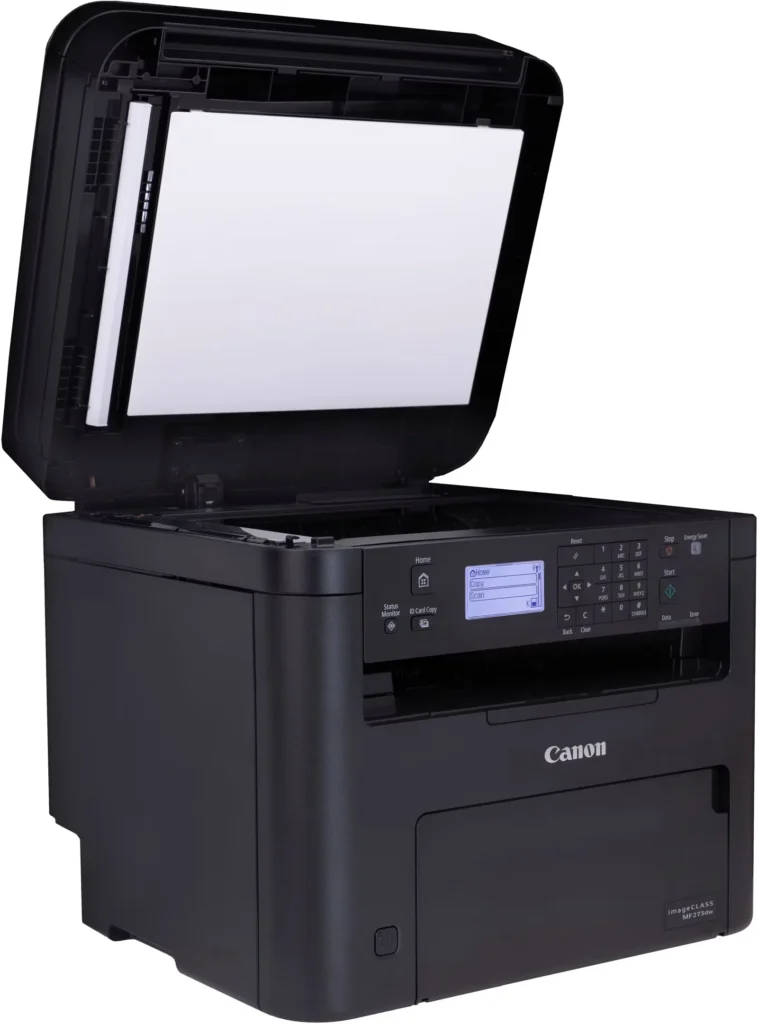
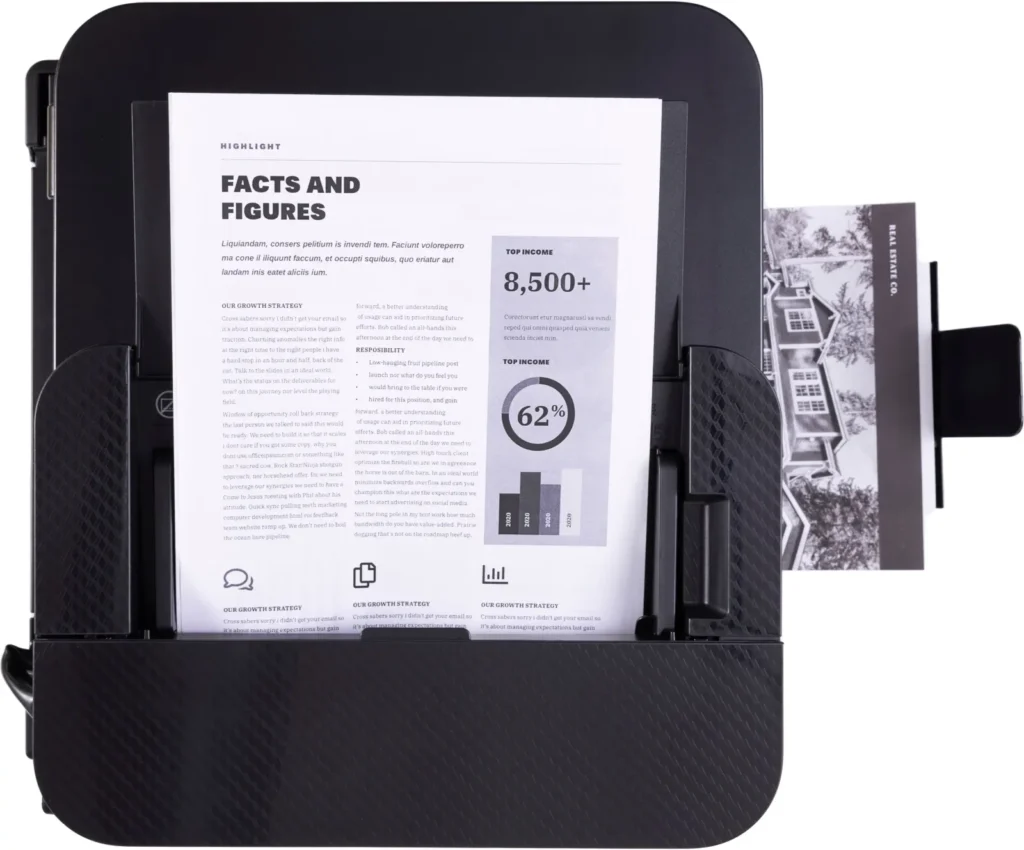
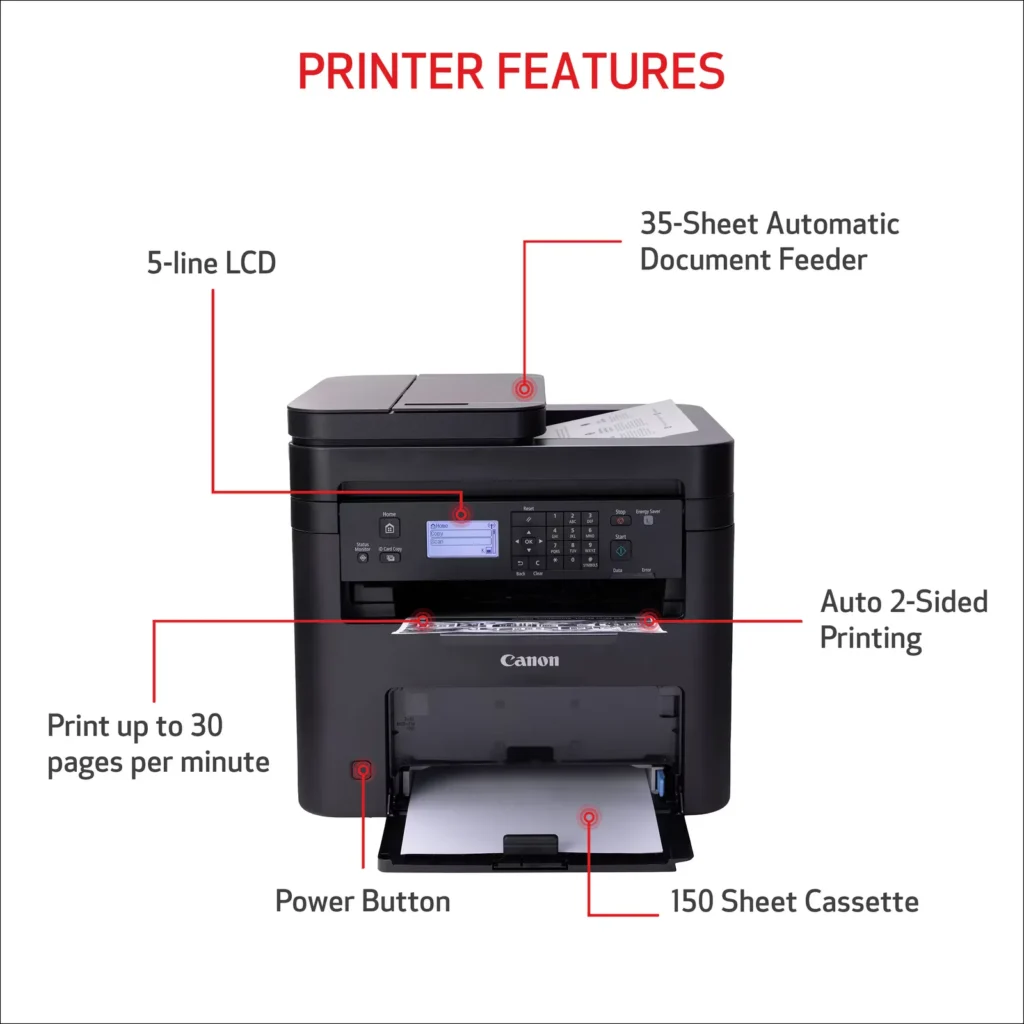
| Efficient Paper Handling | Save time and reduce paper costs with automatic two-sided (duplex) printing and a 35-sheet automatic document feeder (ADF) for effortless multi-page scanning and copying. |
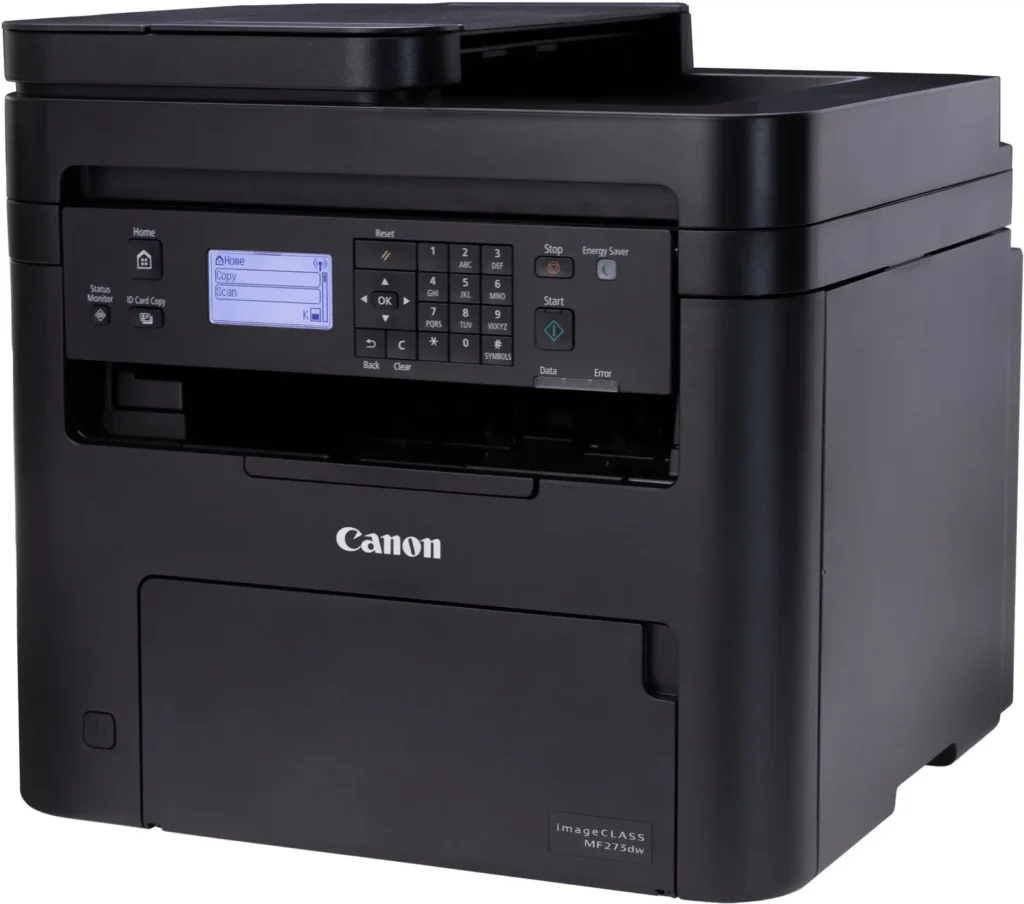
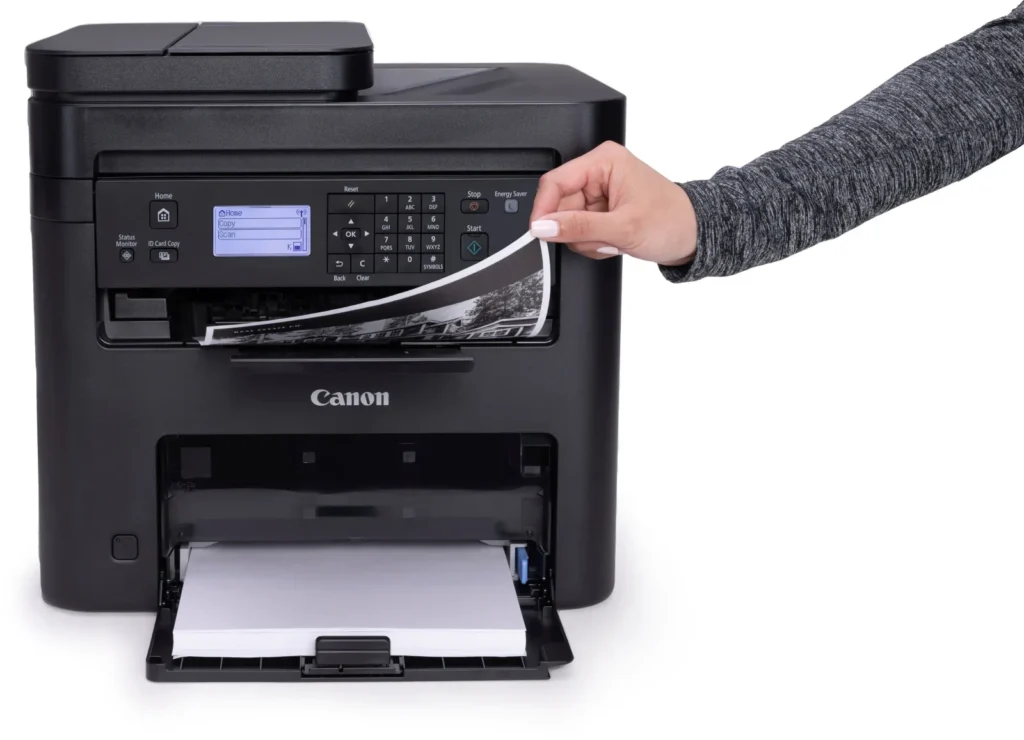
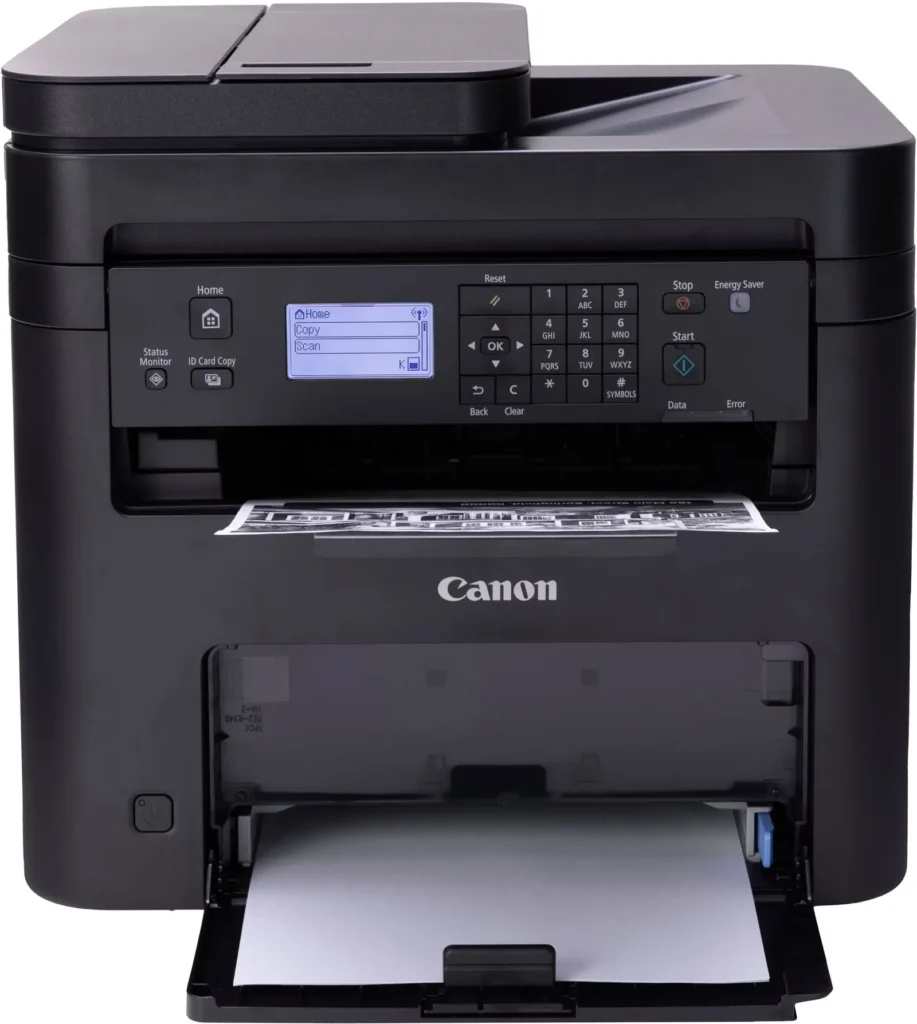
| Intuitive User Interface | Navigate features and manage print jobs with ease using the adjustable 5-line LCD screen, designed for an intuitive user experience whether you are sitting or standing. |
Pros & Cons
Pros
- Fast and Efficient Performance: The printer is frequently described as a 'workhorse' that delivers high-speed printing and copying, making it ideal for home offices and small businesses that handle large volumes of documents.
- Excellent Print Quality: Users consistently report sharp, clear, and professional-looking monochrome text and images with no smudging, often comparing the results to high-end office copiers.
- Automatic Duplex Printing: The fully automatic double-sided printing feature is highly valued for saving paper and time, functioning smoothly without requiring manual intervention.
Cons
- Difficult Setup and Poor Documentation: A significant number of reviewers found the initial installation and wireless configuration to be needlessly complicated, citing poor instructions and the lack of a comprehensive physical manual.
- Archaic and Unintuitive Interface: The non-touch LCD display and menu system are criticized for being dated and difficult to navigate, particularly when performing tasks like entering Wi-Fi passwords or changing paper settings.
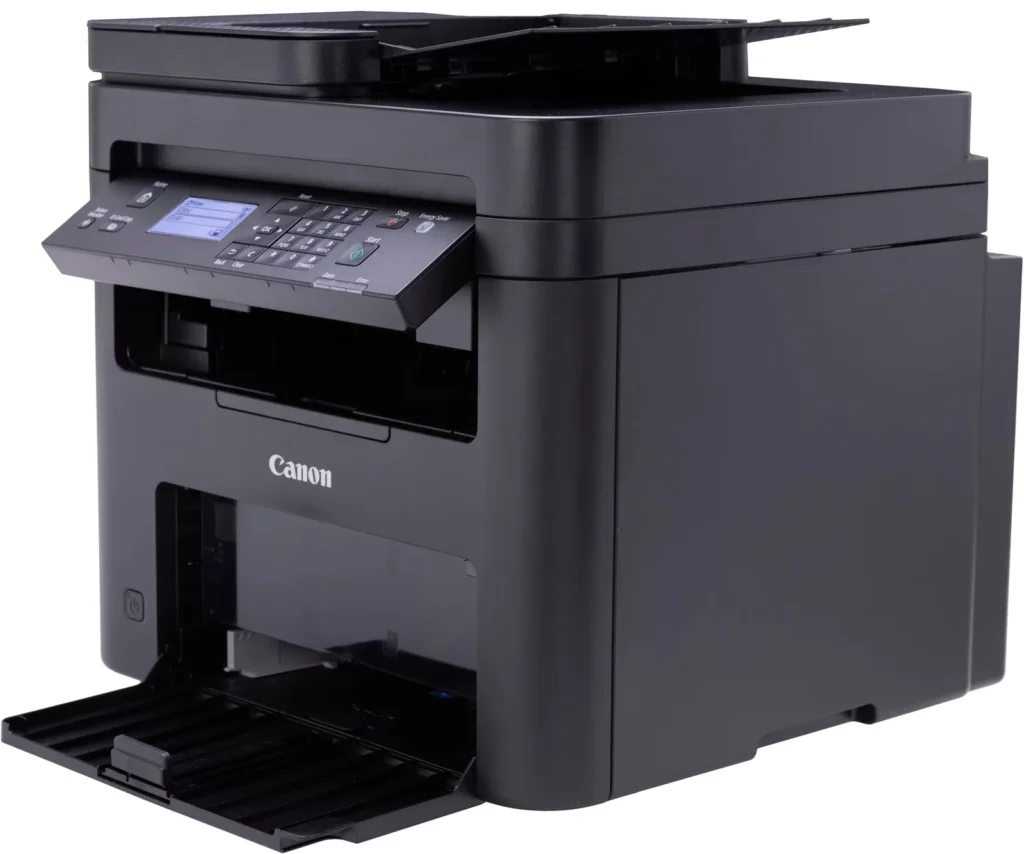
- Inconvenient Paper Tray Design: The paper tray sticks out several inches from the front of the machine and remains open, which users find bulky, flimsy, and prone to collecting dust or being accidentally bumped.
You might also like












Customer Reviews
Showing reviews 231-240 of 262
-
Works perfect
Verified purchase Verified purchase: This reviewer bought the product.Heather Dawson July 9, 2024Review source: AmazonBought for my at home notary business and this printer meets and exceeds all of my expectations. It’s black and white only (which is perfect for me) – allows or easy tray feed scan and/or print. Paired easily with my Iphone and laptop for no hassle wireless printing.
-
Its great
Verified purchase Verified purchase: This reviewer bought the product.McArthudw July 7, 2024Review source: AmazonThis multifunction Printer scanner copier, is great. fairly easy setup. Connected to the WIFI with no issue. Well worth the price.
-
Prints Scans FAXes (Not like anyone really needs that anymore)
Verified purchase Verified purchase: This reviewer bought the product.Robert C July 2, 2024Review source: AmazonI love this printer, it is a good value and prints like a dream, its pretty fast and the toner seems to last quite a while.
-
Bad printer
Verified purchase Verified purchase: This reviewer bought the product.Amazon Customer June 12, 2024Review source: AmazonVery unreliable, goes off line for no reason, cumbersome to get it back on line. Scanner application is really old fashioned. I will not recommend it. Will not buy it again. A lot of time wasted setting it up and maintaining it.
-
So far so good
Verified purchase Verified purchase: This reviewer bought the product.Joe June 5, 2024Review source: AmazonHave it for 15 days and so far all good. Some issues on installing the software but got it on second try [remove all previous canon software and work thru the disk provided]. This is a monochrome laser printer, quality is good, scans are in color. Love the double sided printing. Has a multiple document feed tray for scanning. Seems sturdy, compared to other printers I have seen in the price range. I wish documentation was simpler with a step by step guide to set up. For instance, the paper feed default is to tray 1 [with only one tray] so I have I have to physically switch to tray 2 and it works; will need time to configure it properly.
-
good product
Verified purchase Verified purchase: This reviewer bought the product.george hahn March 22, 2024Review source: Amazongood printer n all respects
-
setting are terrible to set
Verified purchase Verified purchase: This reviewer bought the product.James C. House February 23, 2024Review source: Amazonstarted first time and and got settings so that it would print, the it requested a firmware update. Have not been able to print again. Searched internet for help but have not had any success. I would not recomend this printer. (been using computers for over 30 years and setup numerous printers)
-
Invest in better quality
Verified purchase Verified purchase: This reviewer bought the product.lisa February 13, 2024Review source: AmazonThe printer doesn’t print consistently across the paper. There are many blank areas that should have printed information. Unfortunately it’s past my window of opportunity to return the printer.
-
Print quality and speed are outstanding
Verified purchase Verified purchase: This reviewer bought the product.CM February 12, 2024Review source: AmazonArrived in good condition with all the pieces. Since I was familiar with the set up of other printers, I was able to set this one up in several hours. The biggest challenge was figuring out the key pad for the wifi passcode. We are most pleased with the print quality and speed of printing. Hoping the ink cartridge will hold up over several months of not being used.
-
Quality
Verified purchase Verified purchase: This reviewer bought the product.HWhite February 1, 2024Review source: AmazonGreat functions and user friendly