Customer Media
Highlights
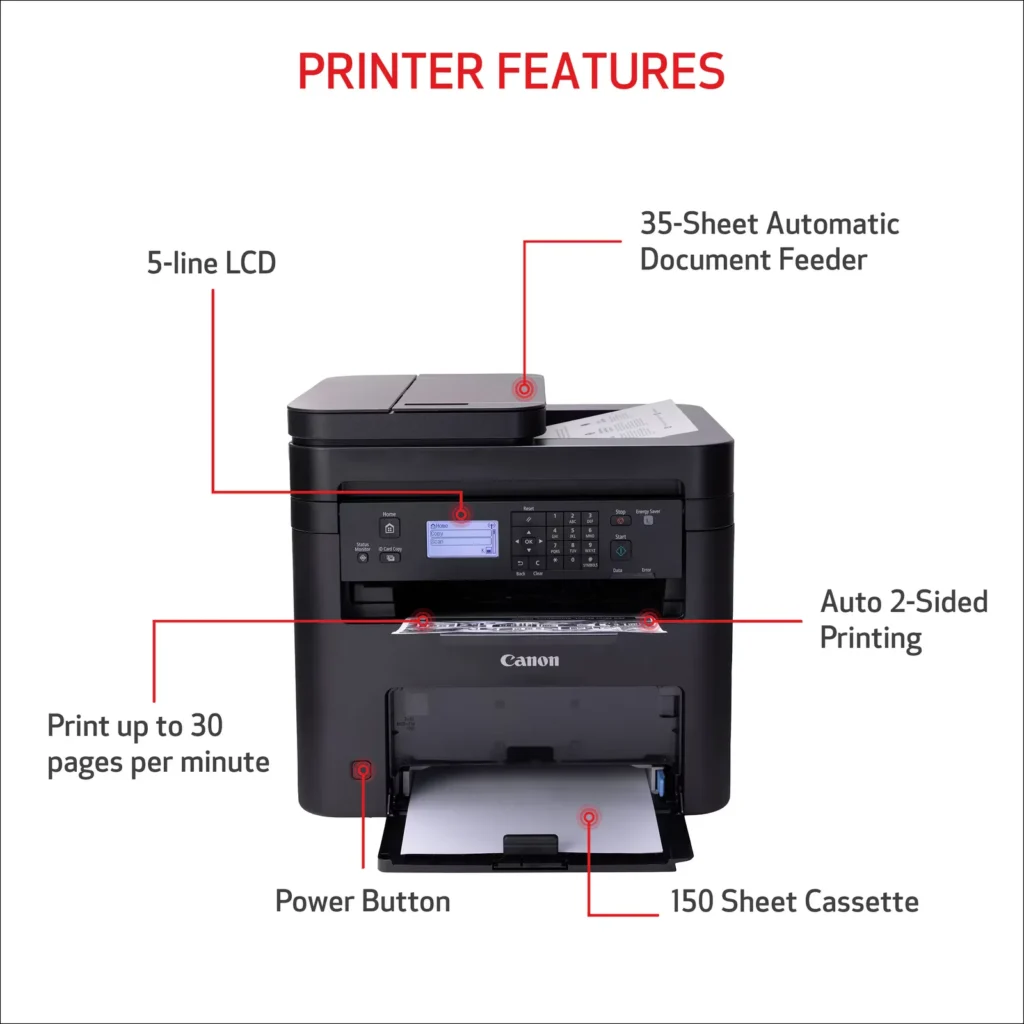
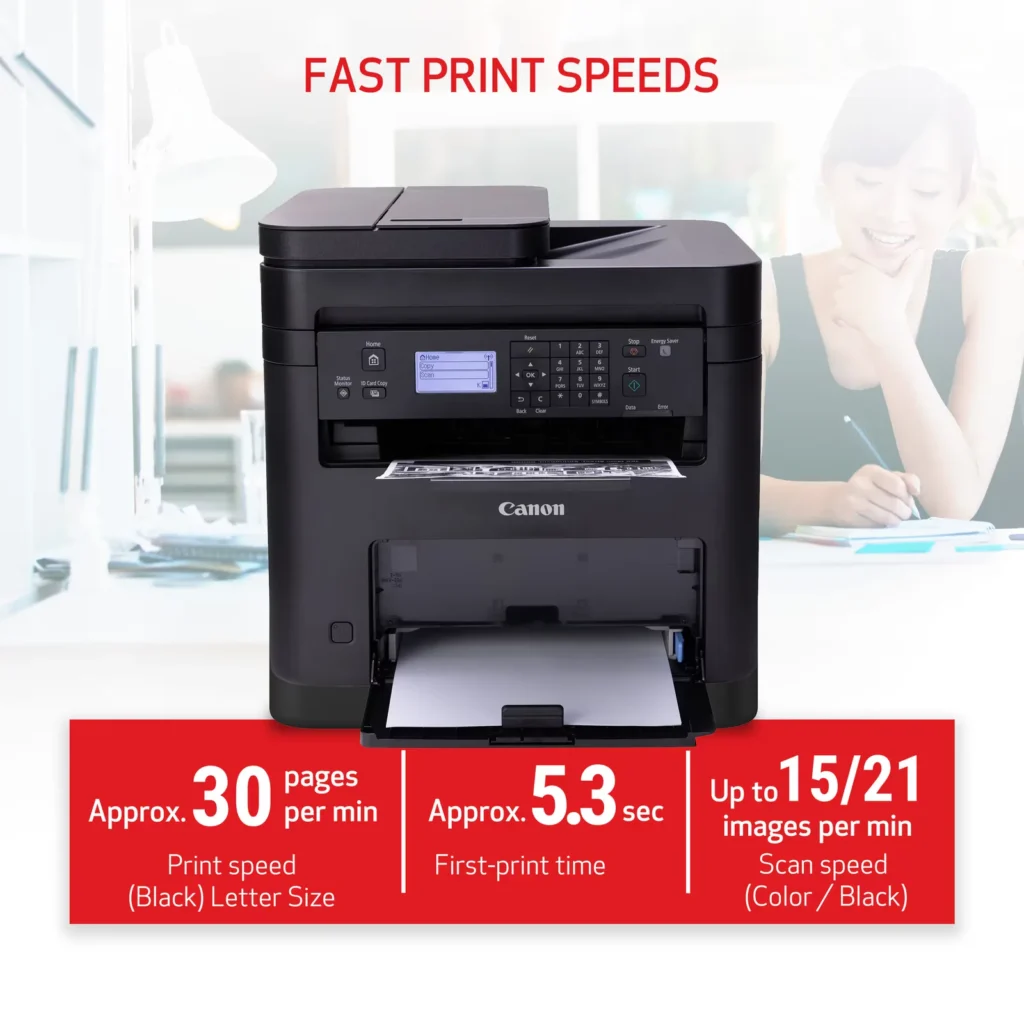
| High-Speed Performance | Boost office productivity with rapid print speeds of up to 30 pages per minute and a quick first-print time of approximately 5.3 seconds, ensuring minimal wait times for your documents. |
|---|---|
| Versatile 3-in-1 Functionality | This multifunctional monochrome laser printer streamlines your workflow by combining high-quality printing, scanning, and copying capabilities into a single, compact device. |
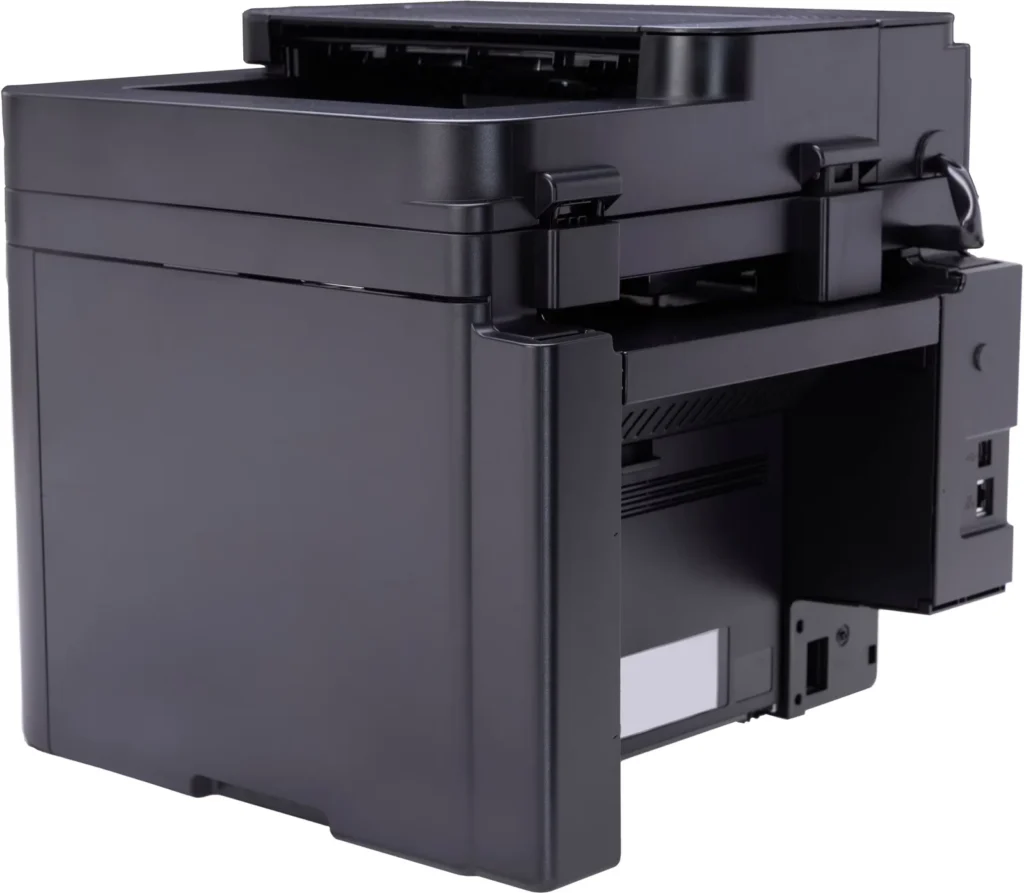
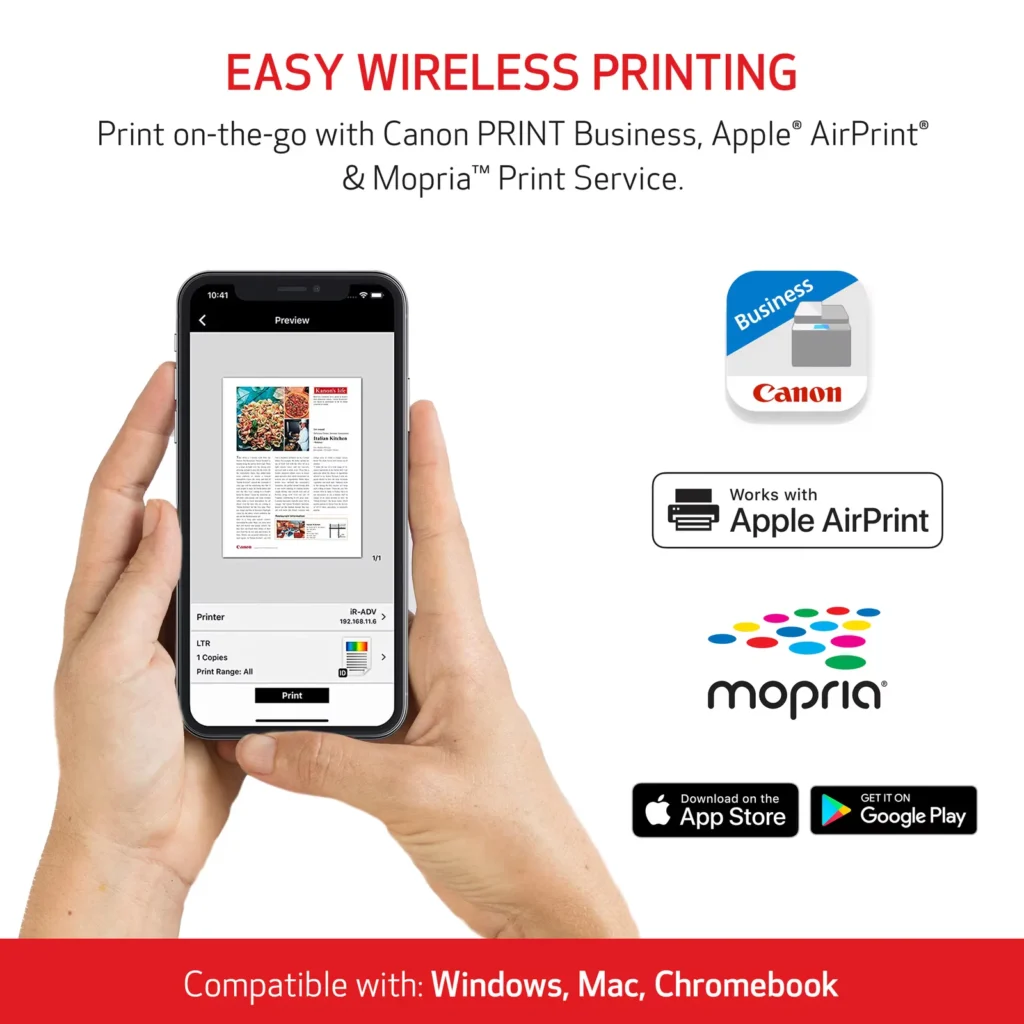
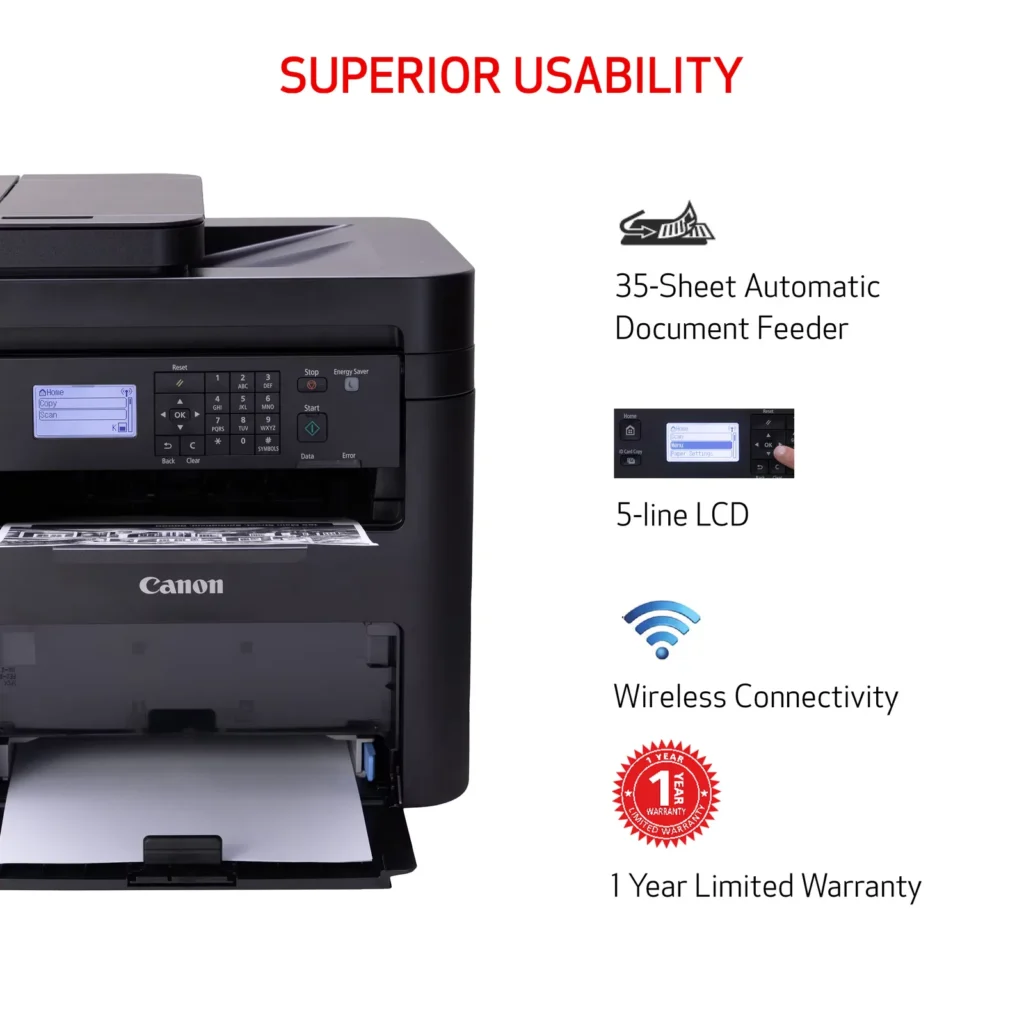
| Seamless Wireless & Mobile Connectivity | Easily connect via Wi-Fi, Wi-Fi Direct, or Ethernet, and print on-the-go from your favorite mobile devices using the Canon PRINT Business app, Apple AirPrint, and Mopria Print Service. |
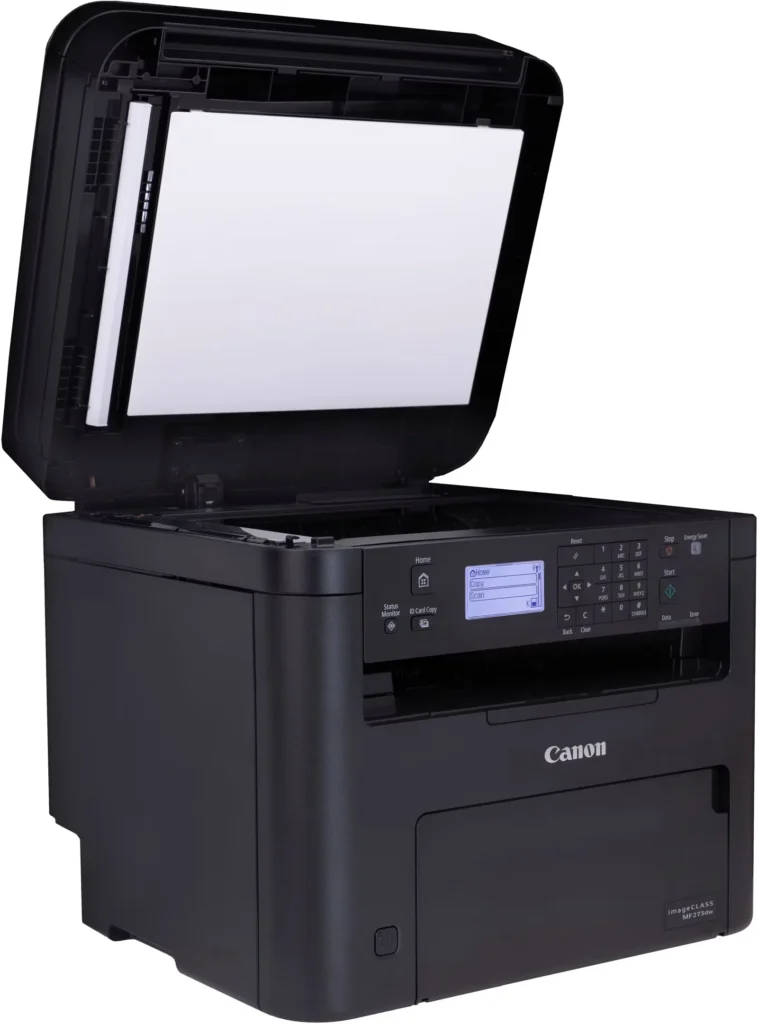
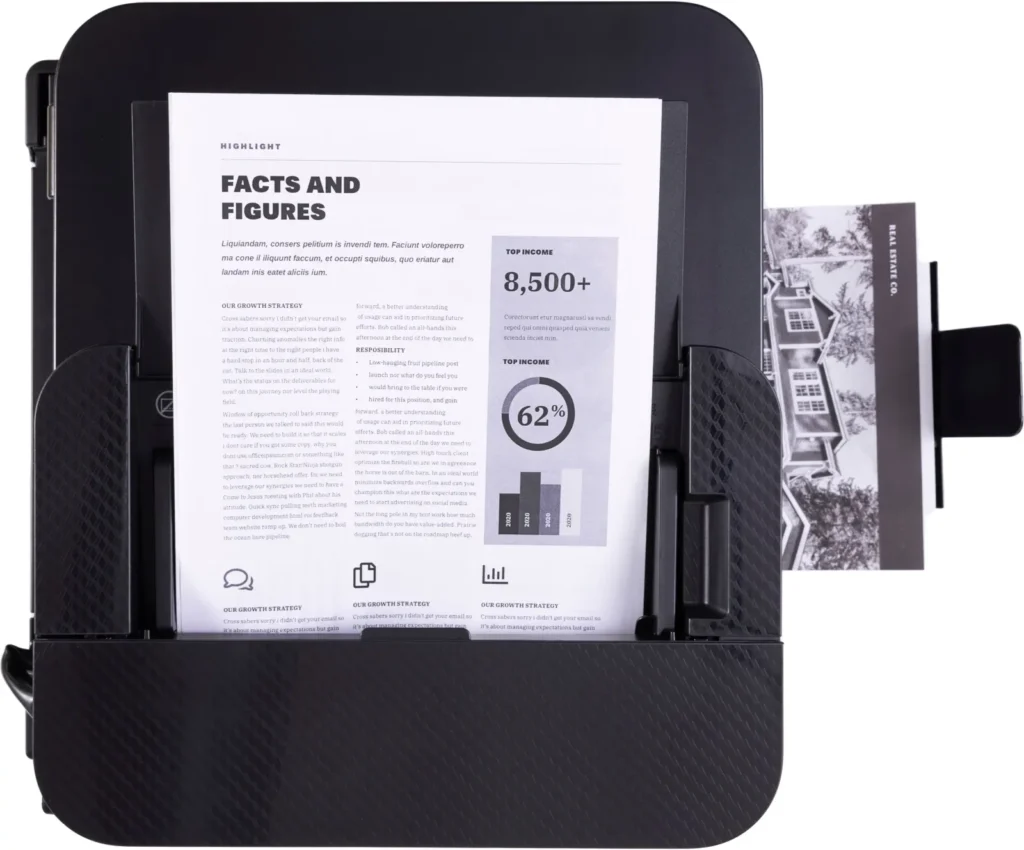
| Efficient Paper Handling | Save time and reduce paper costs with automatic two-sided (duplex) printing and a 35-sheet automatic document feeder (ADF) for effortless multi-page scanning and copying. |
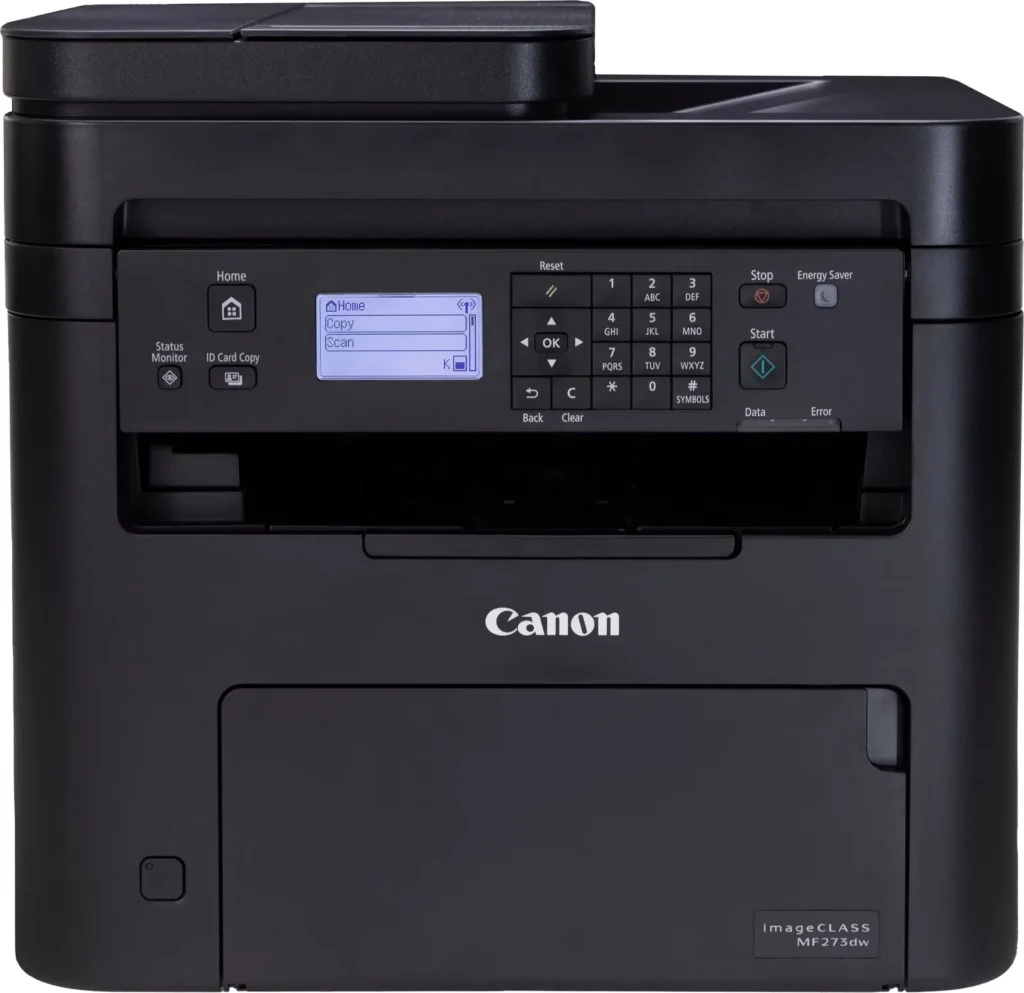
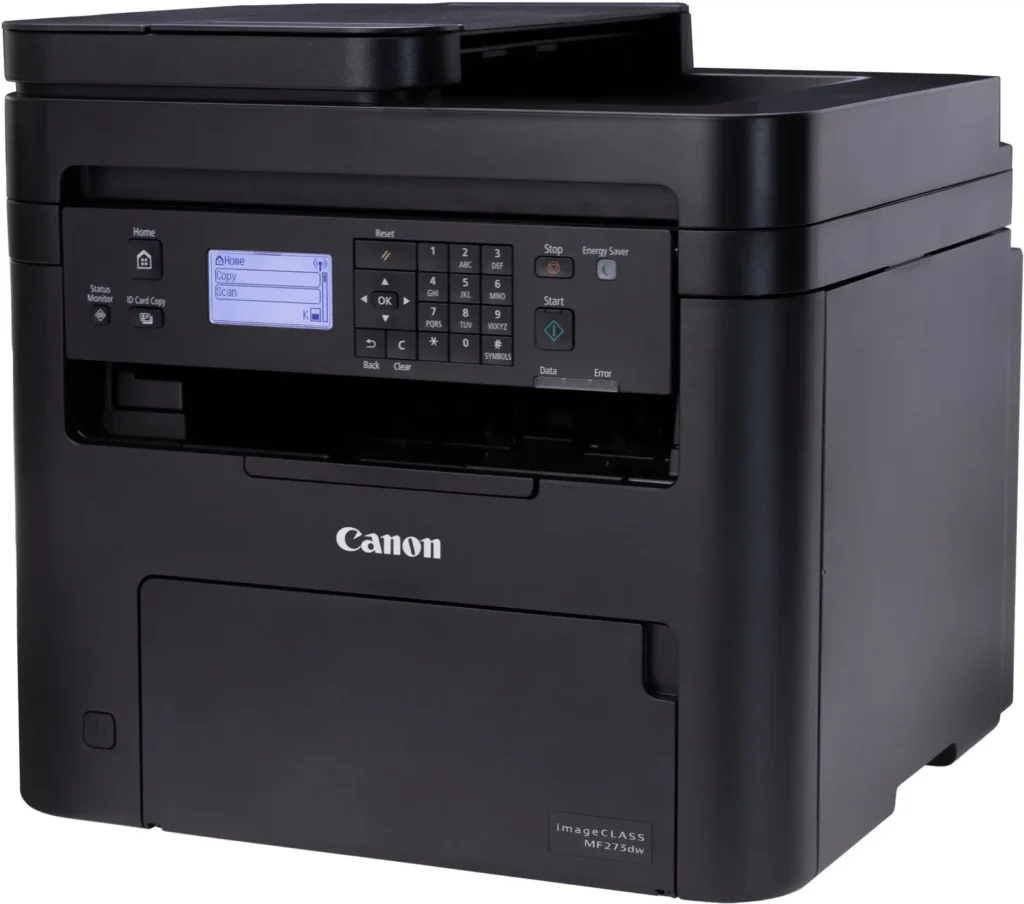
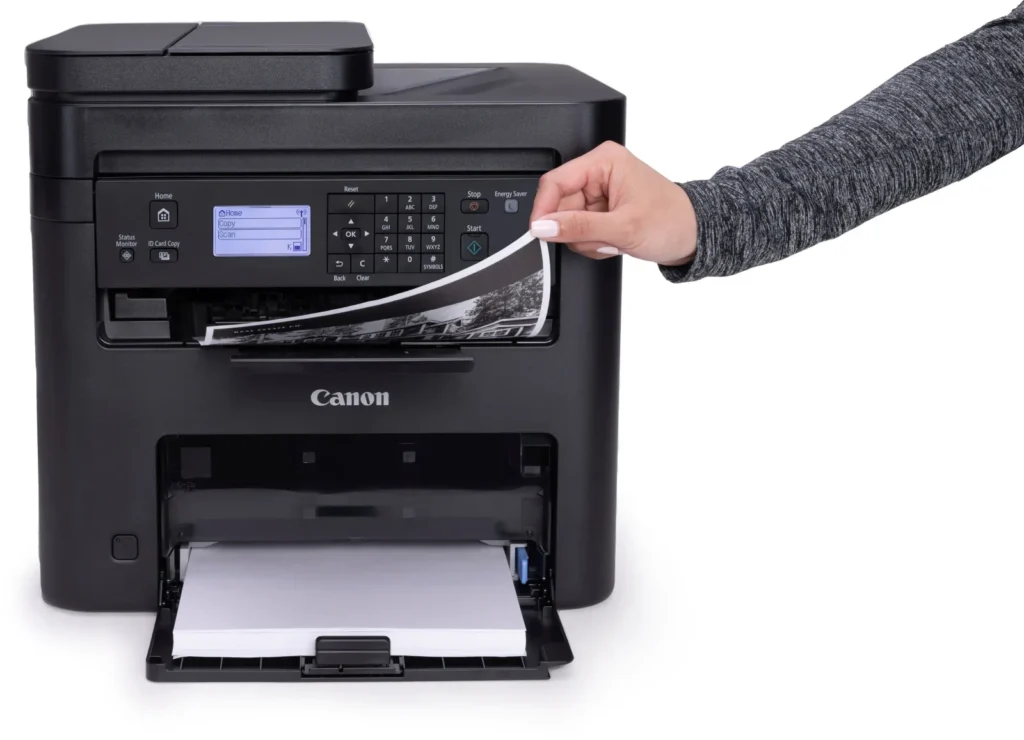
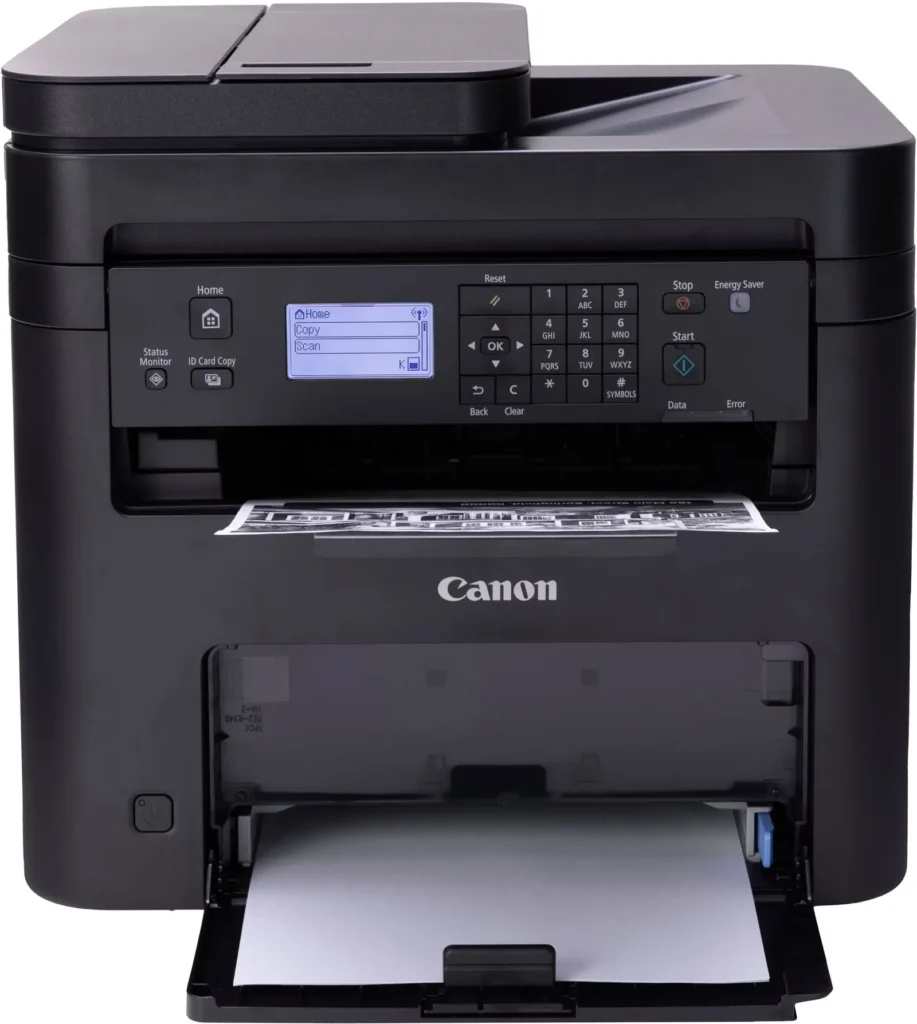
| Intuitive User Interface | Navigate features and manage print jobs with ease using the adjustable 5-line LCD screen, designed for an intuitive user experience whether you are sitting or standing. |
Pros & Cons
Pros
- Fast and Efficient Performance: The printer is frequently described as a 'workhorse' that delivers high-speed printing and copying, making it ideal for home offices and small businesses that handle large volumes of documents.
- Excellent Print Quality: Users consistently report sharp, clear, and professional-looking monochrome text and images with no smudging, often comparing the results to high-end office copiers.
- Automatic Duplex Printing: The fully automatic double-sided printing feature is highly valued for saving paper and time, functioning smoothly without requiring manual intervention.
Cons
- Difficult Setup and Poor Documentation: A significant number of reviewers found the initial installation and wireless configuration to be needlessly complicated, citing poor instructions and the lack of a comprehensive physical manual.
- Archaic and Unintuitive Interface: The non-touch LCD display and menu system are criticized for being dated and difficult to navigate, particularly when performing tasks like entering Wi-Fi passwords or changing paper settings.
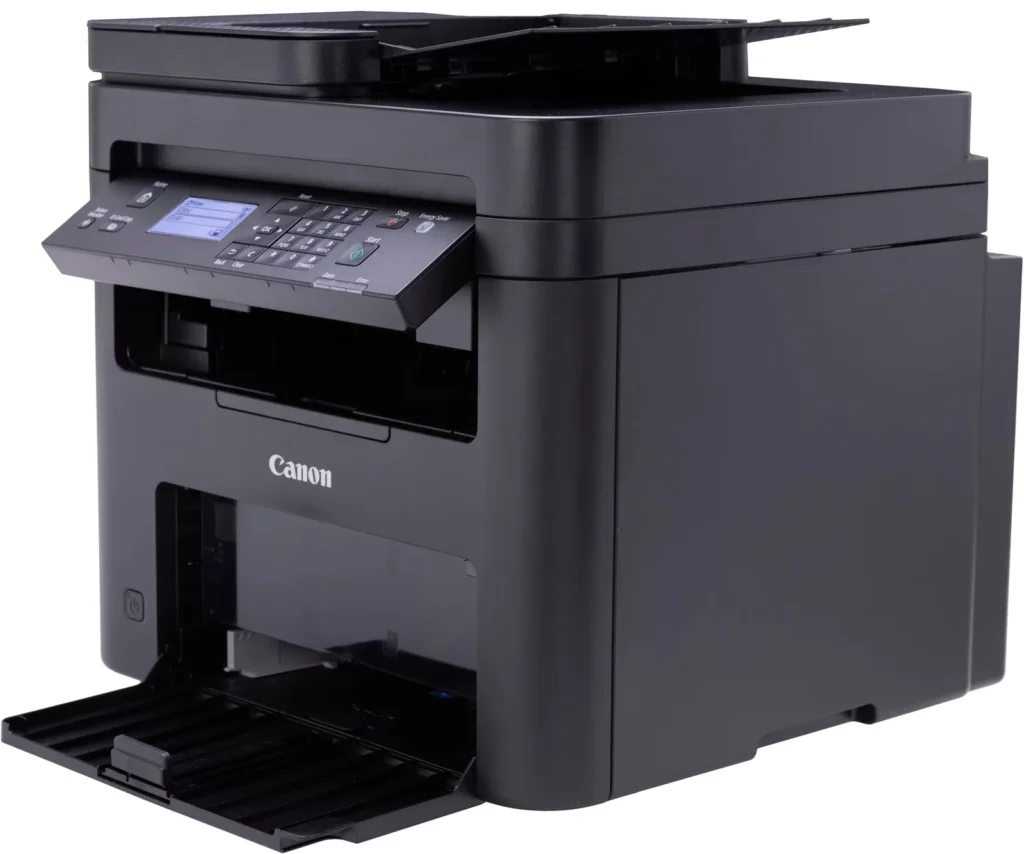
- Inconvenient Paper Tray Design: The paper tray sticks out several inches from the front of the machine and remains open, which users find bulky, flimsy, and prone to collecting dust or being accidentally bumped.
You might also like












Customer Reviews
Showing reviews 241-250 of 262
-
not easy for students
Verified purchase Verified purchase: This reviewer bought the product.Agnessa January 10, 2024Review source: Amazonpain in ass to print anything. f this printer. reduce price significantly on printers.
-
Seems like a great product once it’s running.
Verified purchase Verified purchase: This reviewer bought the product.Samiah Pink December 30, 2023Review source: AmazonInstalling drivers and connecting to my windows 10 laptop was a breeze. However my windows 11 laptop was a nightmare. Solution? Removed windows 11 from my brand new laptop and installed windows 10. Well, it worked on the first try.
Another alternative solution for anyone interested. -
Switched languages and wouldn’t reset
Verified purchase Verified purchase: This reviewer bought the product.Dobb December 27, 2023Review source: AmazonAfter using for a couple days it randomly switched to Chinese writing and wouldn’t factory reset
-
complicated to operate
Verified purchase Verified purchase: This reviewer bought the product.Mary Howell December 22, 2023Review source: AmazonIf you only print, this is ok, but is complicated to use different paper size to copy. It will not print mailing labels good with generic toner, it smears. Not very happy with it at all
-
Fast machine, but does not scan in duplex
Verified purchase Verified purchase: This reviewer bought the product.Bill O'Donnell December 19, 2023Review source: AmazonEverything about this machine is good, except the Amazon description said it scans in duplex, which it does not according to Canon tech support.
-
Clunky functionality when switching paper sizes, toner used up very quickly
Verified purchase Verified purchase: This reviewer bought the product.Jill December 7, 2023Review source: AmazonThe first toner was used up extremely quickly. Given the price of the replacement cartridge ($91.02), that is really concerning.
It is really clunky to switch different size papers – the machine does not auto-detect size. So switching from standard letter size paper to a standard envelope takes pushing several button options.
-
good
Verified purchase Verified purchase: This reviewer bought the product.LUIS CEBALLOS November 28, 2023Review source: Amazonexcelente producto
-
Very nice laser printer
Verified purchase Verified purchase: This reviewer bought the product.RC November 23, 2023Review source: AmazonMy husband bought this printer for his home office. He’s very pleased with it. It prints fast with excellent quality print. It was easy to set up.
-
GREAT!
Verified purchase Verified purchase: This reviewer bought the product.zrvin1 November 12, 2023Review source: AmazonThis is a GREAT Combo Printer!
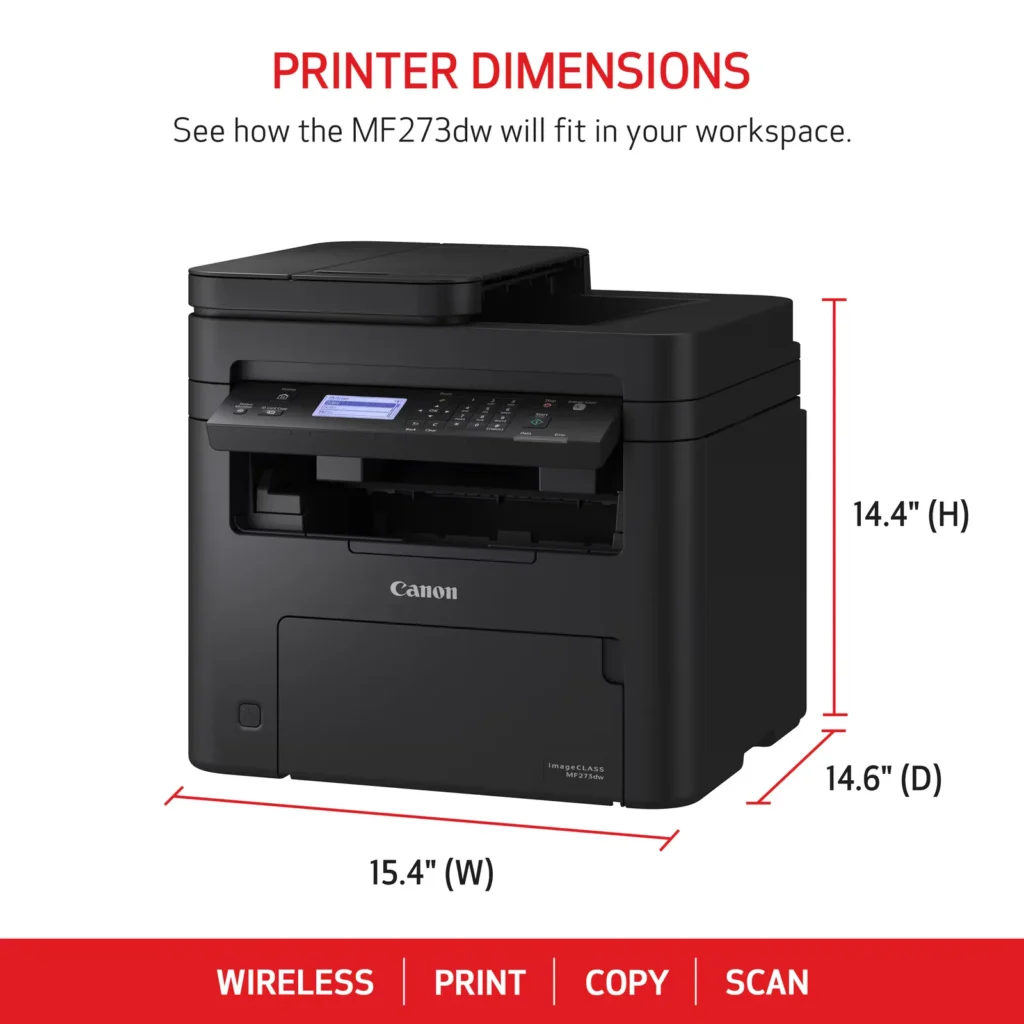
I purchased this model line for a family member last year and my Combo Printer just died so given the ease of set up previously I purchased agaIn. Love the size of the unit (think 15in square footprint) Noted reviews are solid and not sure why anyone would have challenges with set up as I plugged mine in, added to my wifi network (Wired Network or USB connectivity also available) and was up and running in minutes! Download the Canon Print ap for your phone and bam you can print directly from your phone to this printer as well as scan directly from the printer to your phone! (Did I mention it prints a lot faster than my old HP Laser MFP?)
Nice to see a High Volume Laser Cartridge also available for 2500 pages. One last pro: I like the black color of this Multi Function Printer so I won’t have to worry about it yellowing over time like White and Light gray models do. I have recommended this unit to friends and other family for great functionality/setup/ease of use/ and bang for the buck! -
I never thought…
Verified purchase Verified purchase: This reviewer bought the product.E.A. Robinson November 4, 2023Review source: AmazonWHEN PURCHASED: UPDATE BELOW. I never thought I would find a printer that actually works. A few months now and this one is going strong. I’m actually surprised that when I turn it on, and I send it something to print, it prints it, and it prints it fast and well. I have gone through four other printers through my home Internet, because they are all wireless, and this is the only one that’s worked. For a few months.
Update: wow guys, this printer lasted until January, so about four months. Now the entire menu is in Japanese with no way to change it. It changed on its own. Thanks Cannon! You have FAILED. A big F.