Customer Media
Highlights
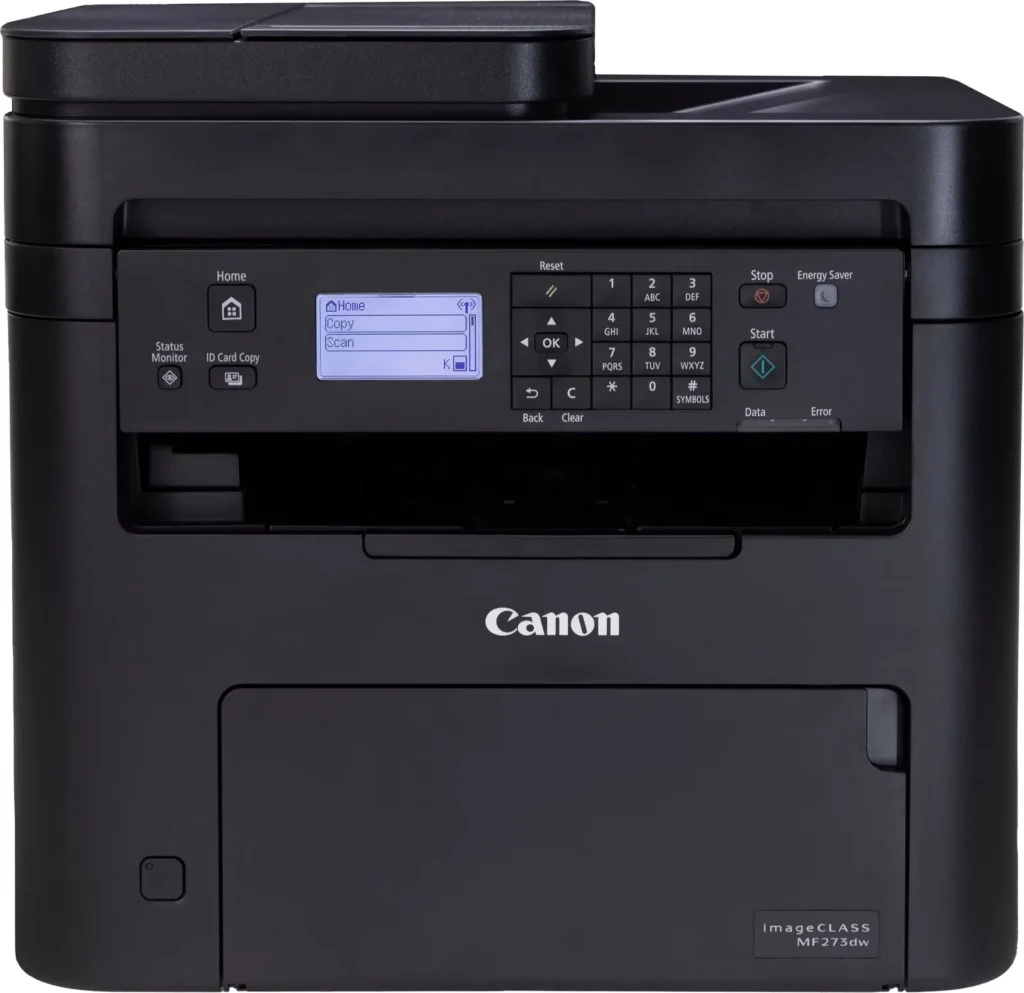
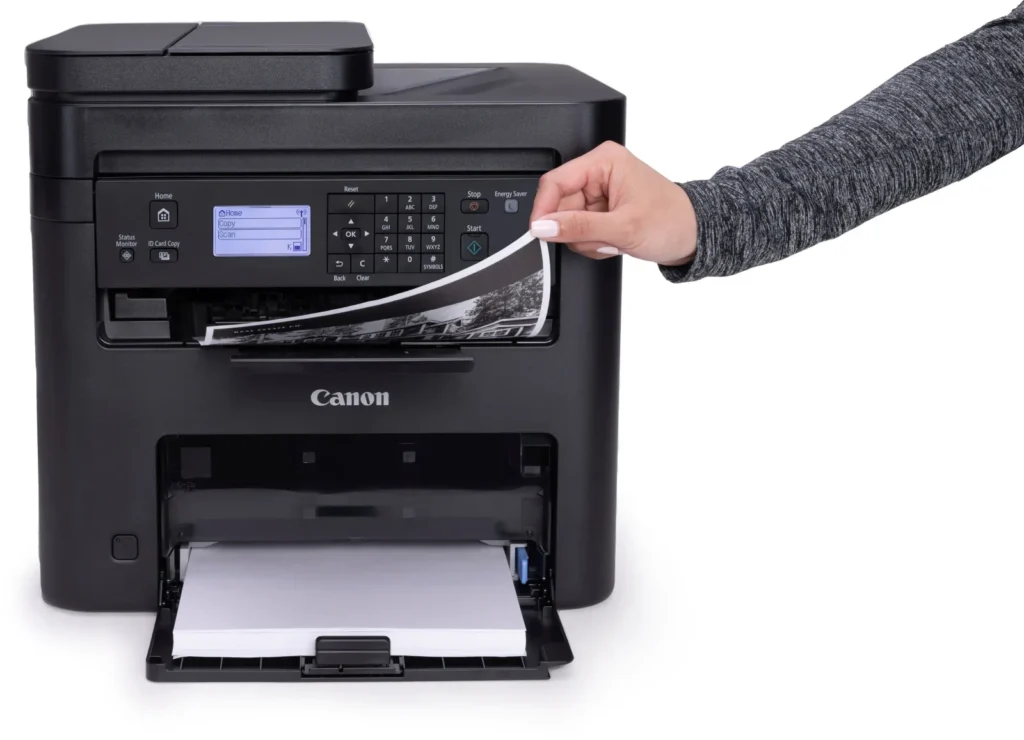
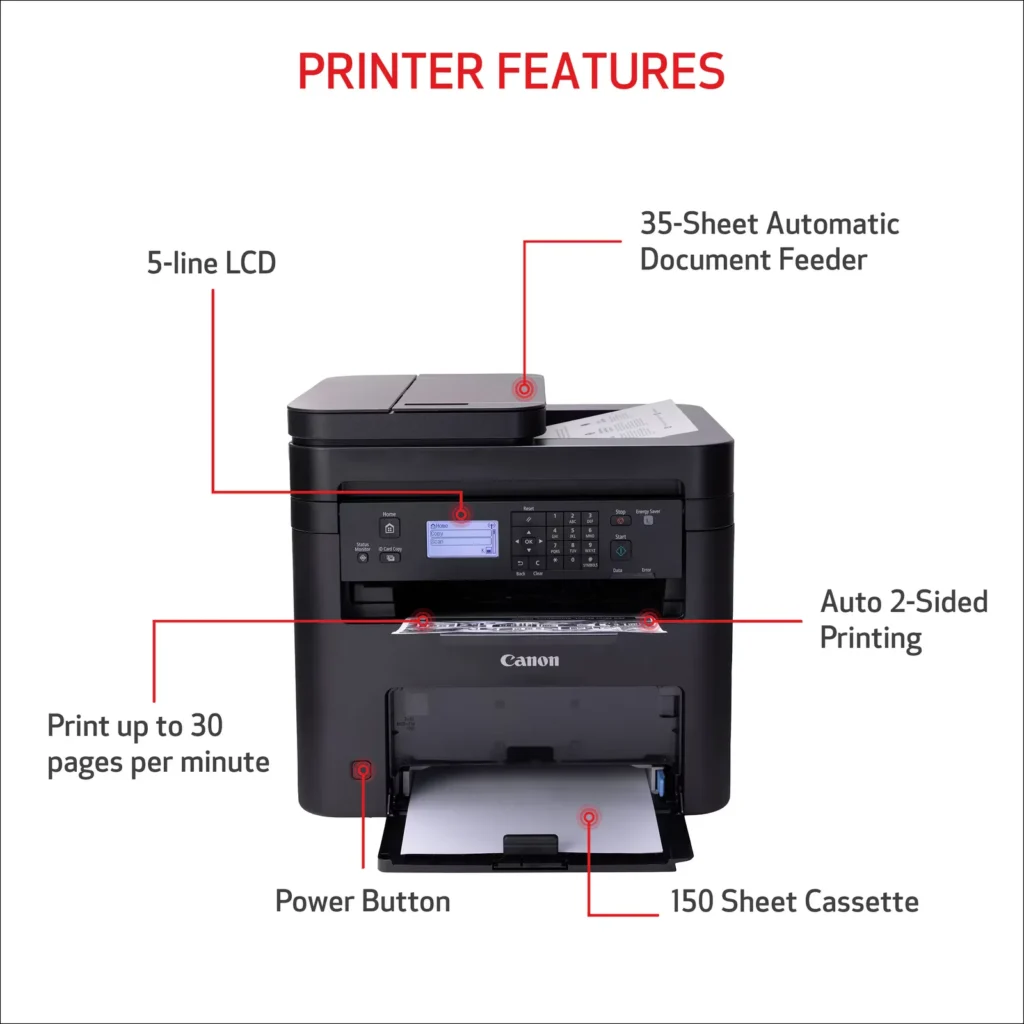
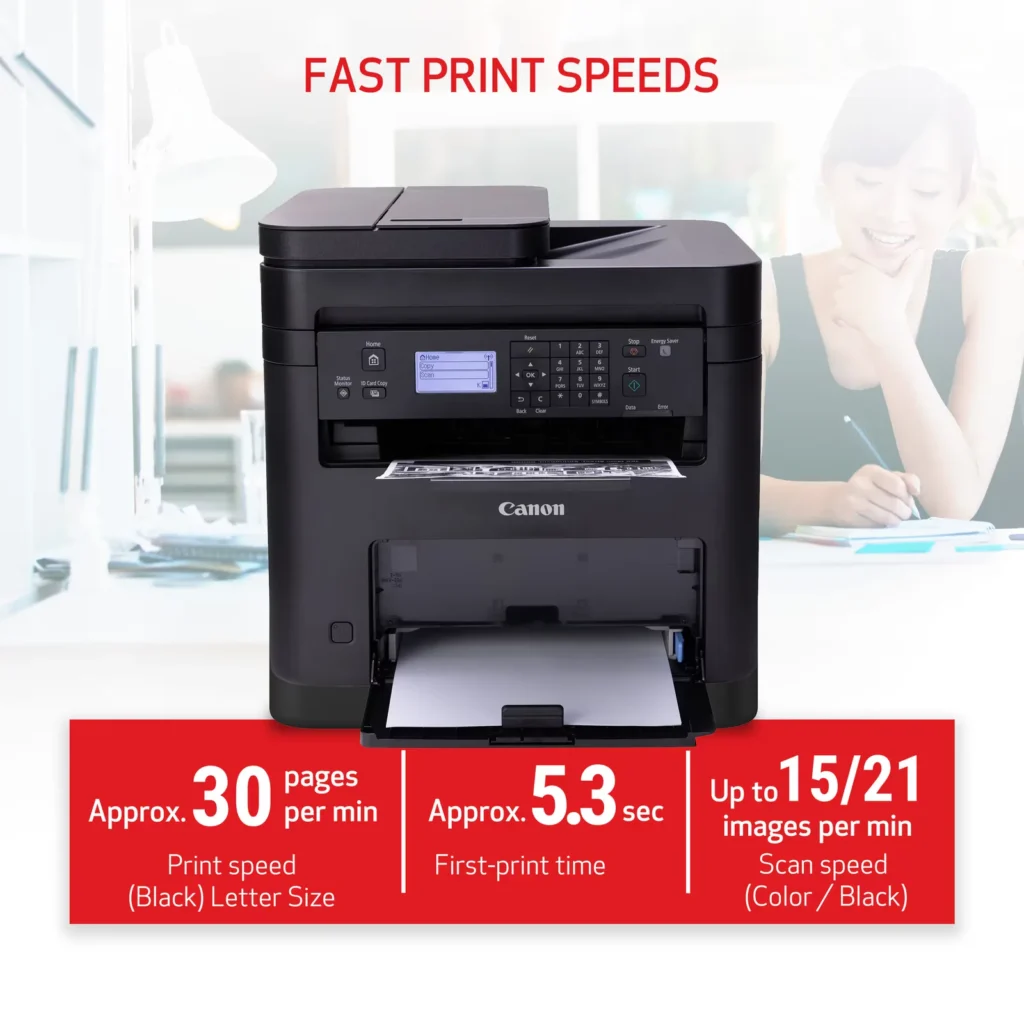
| High-Speed Performance | Boost office productivity with rapid print speeds of up to 30 pages per minute and a quick first-print time of approximately 5.3 seconds, ensuring minimal wait times for your documents. |
|---|---|
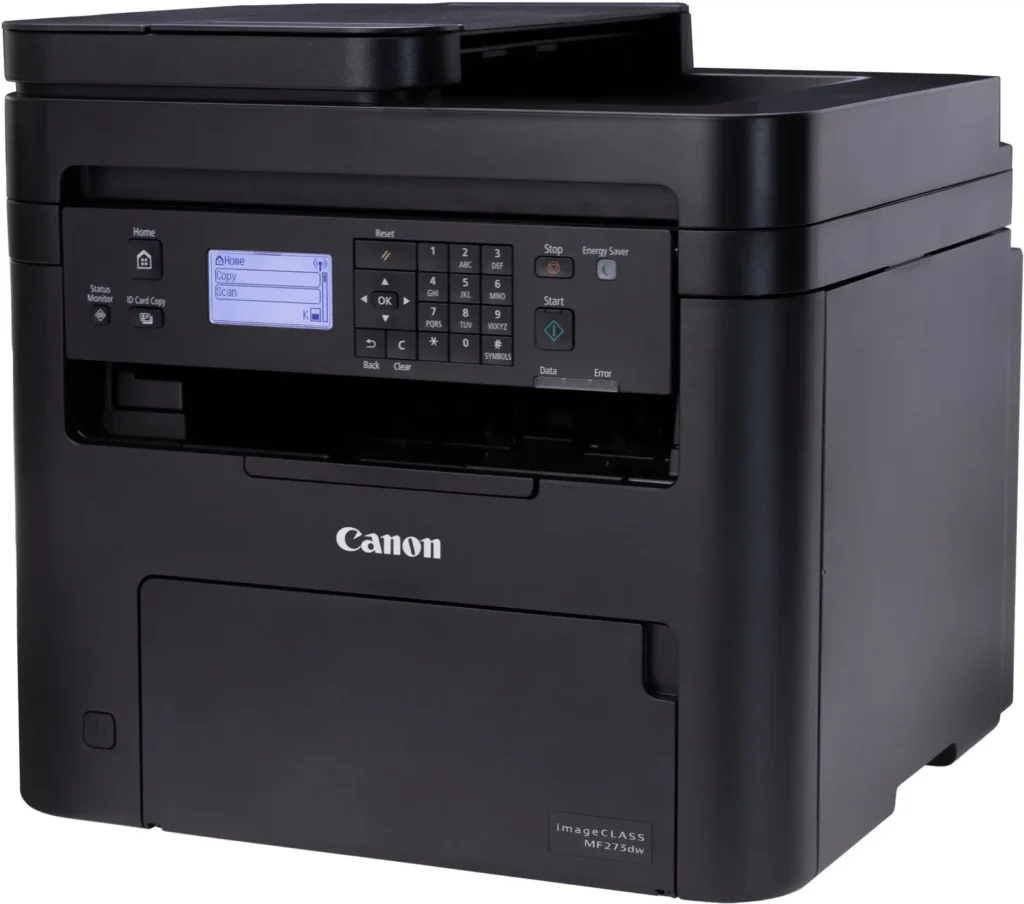
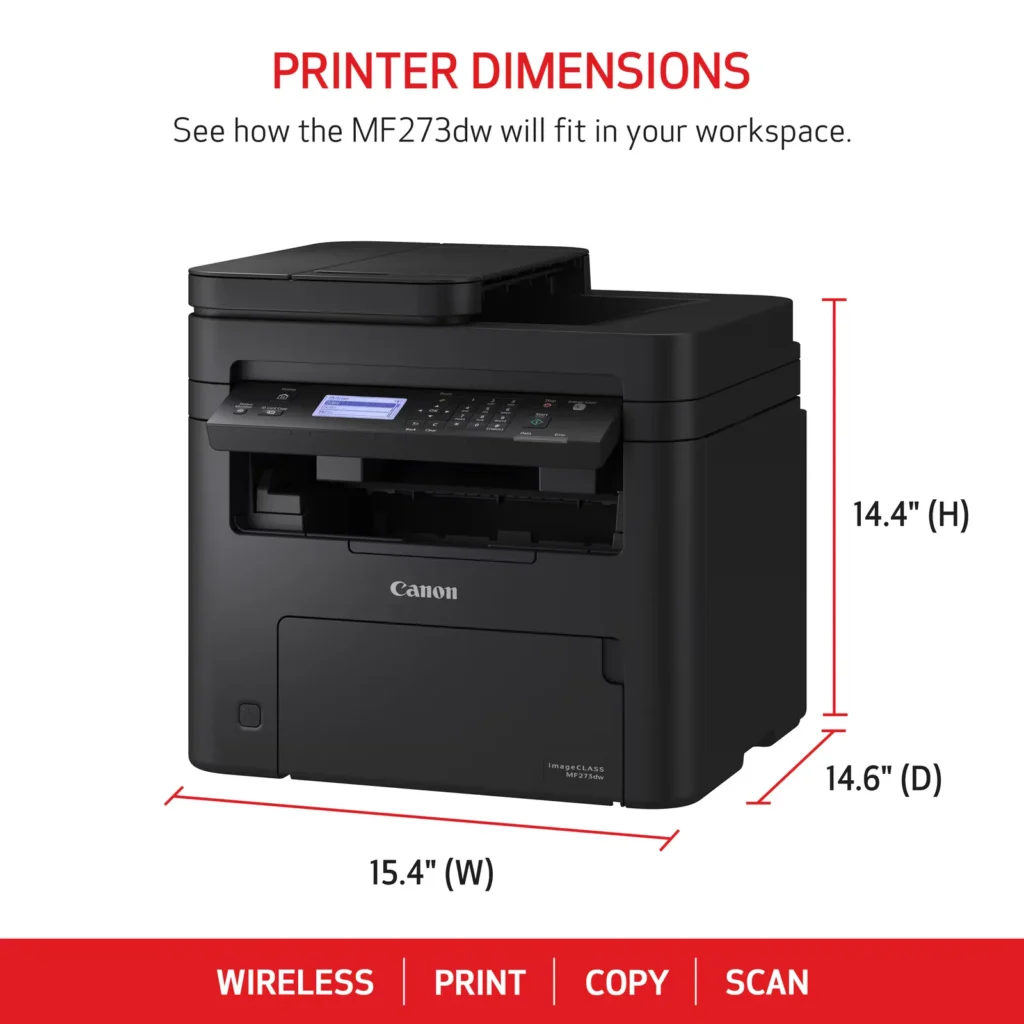
| Versatile 3-in-1 Functionality | This multifunctional monochrome laser printer streamlines your workflow by combining high-quality printing, scanning, and copying capabilities into a single, compact device. |
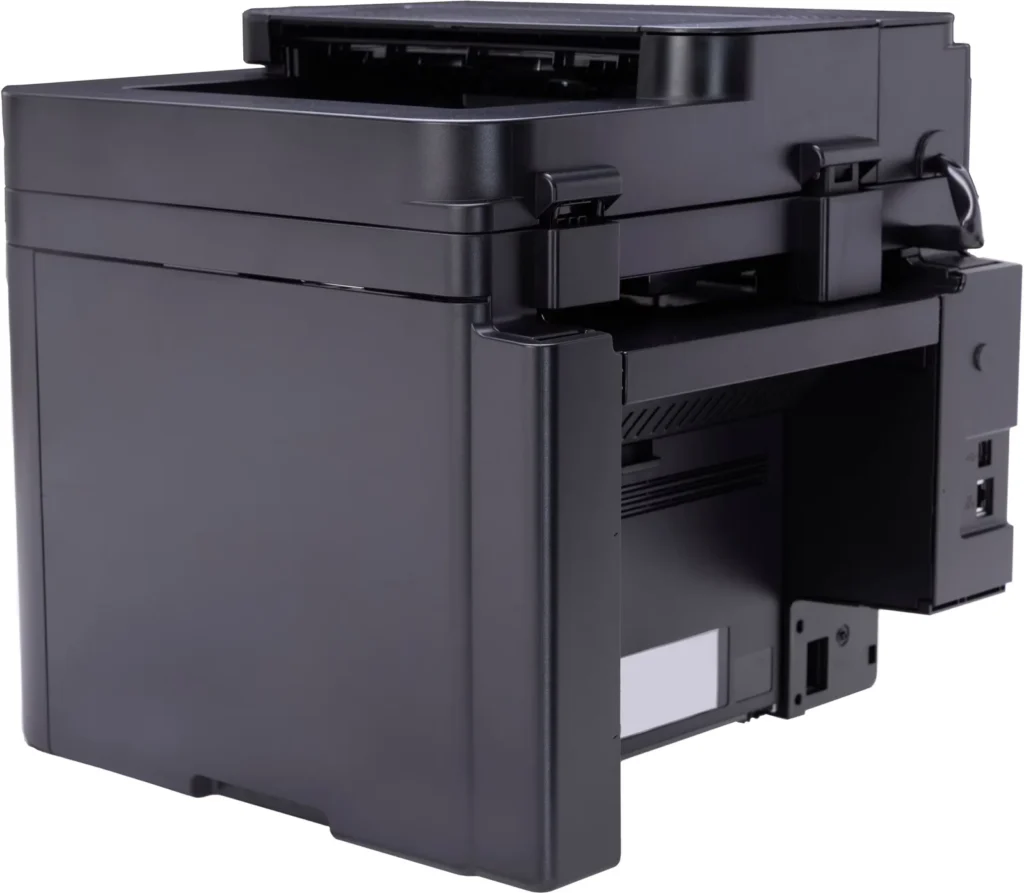
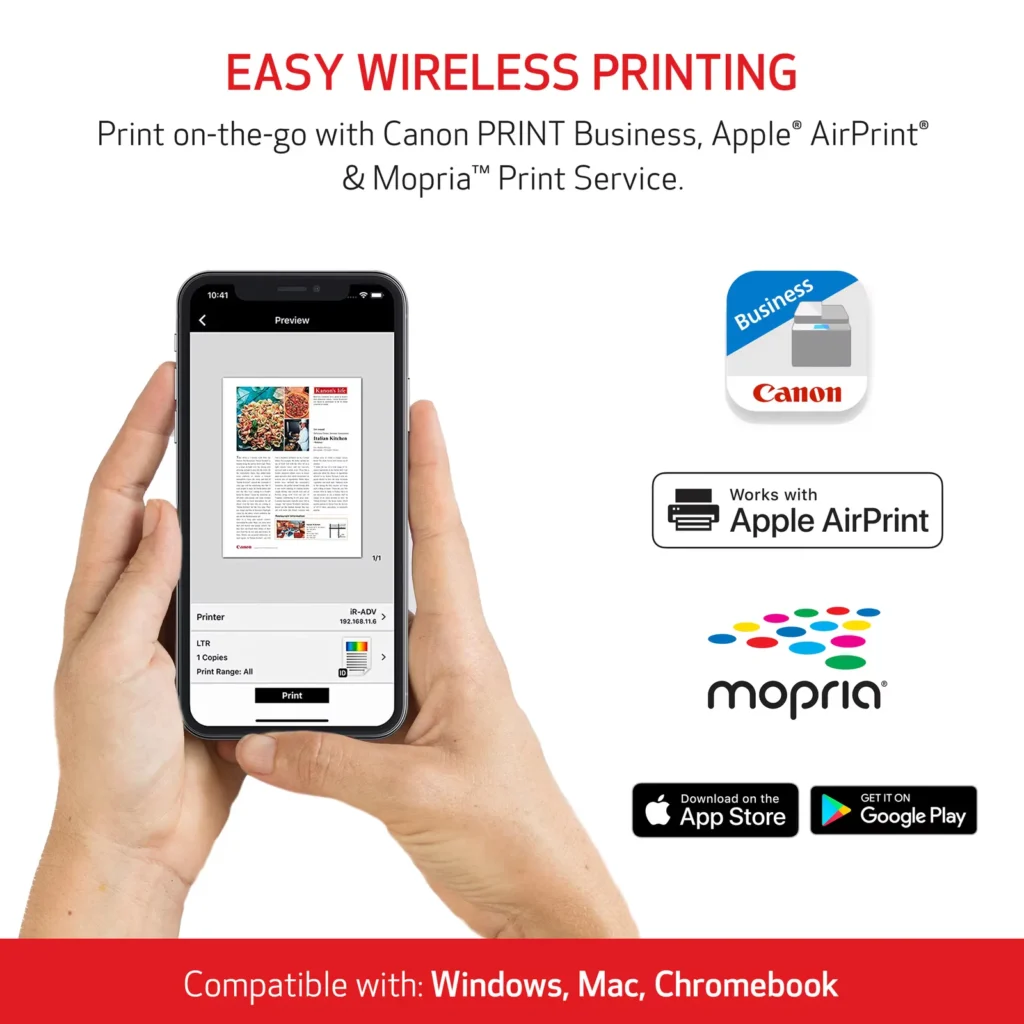
| Seamless Wireless & Mobile Connectivity | Easily connect via Wi-Fi, Wi-Fi Direct, or Ethernet, and print on-the-go from your favorite mobile devices using the Canon PRINT Business app, Apple AirPrint, and Mopria Print Service. |
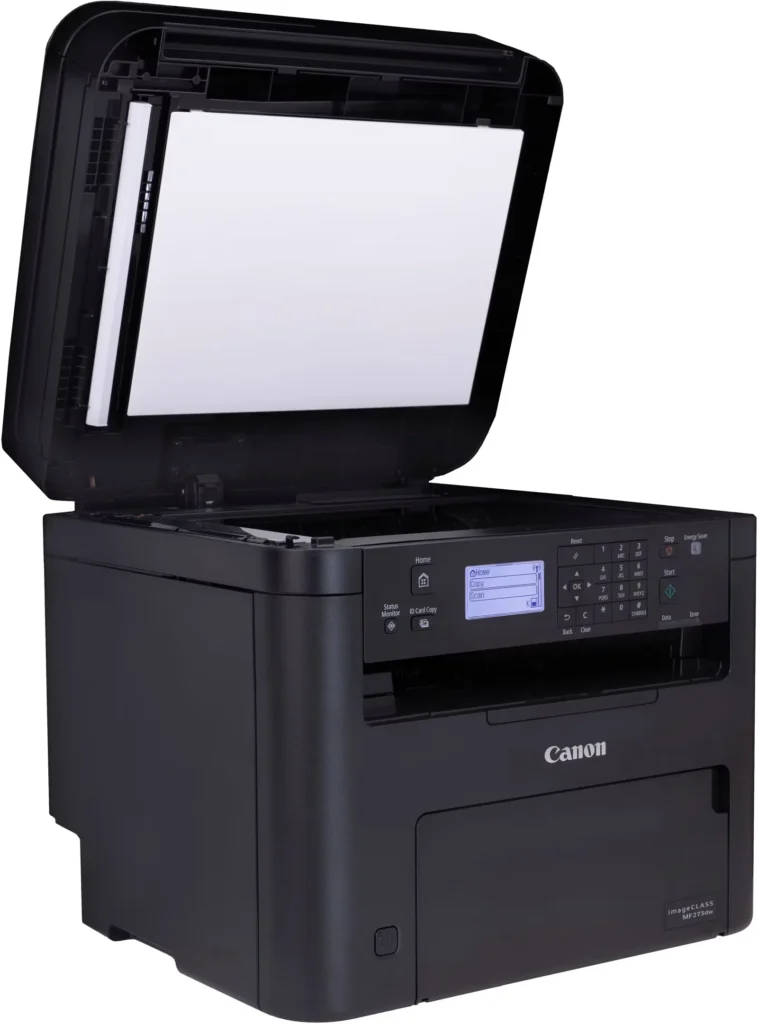
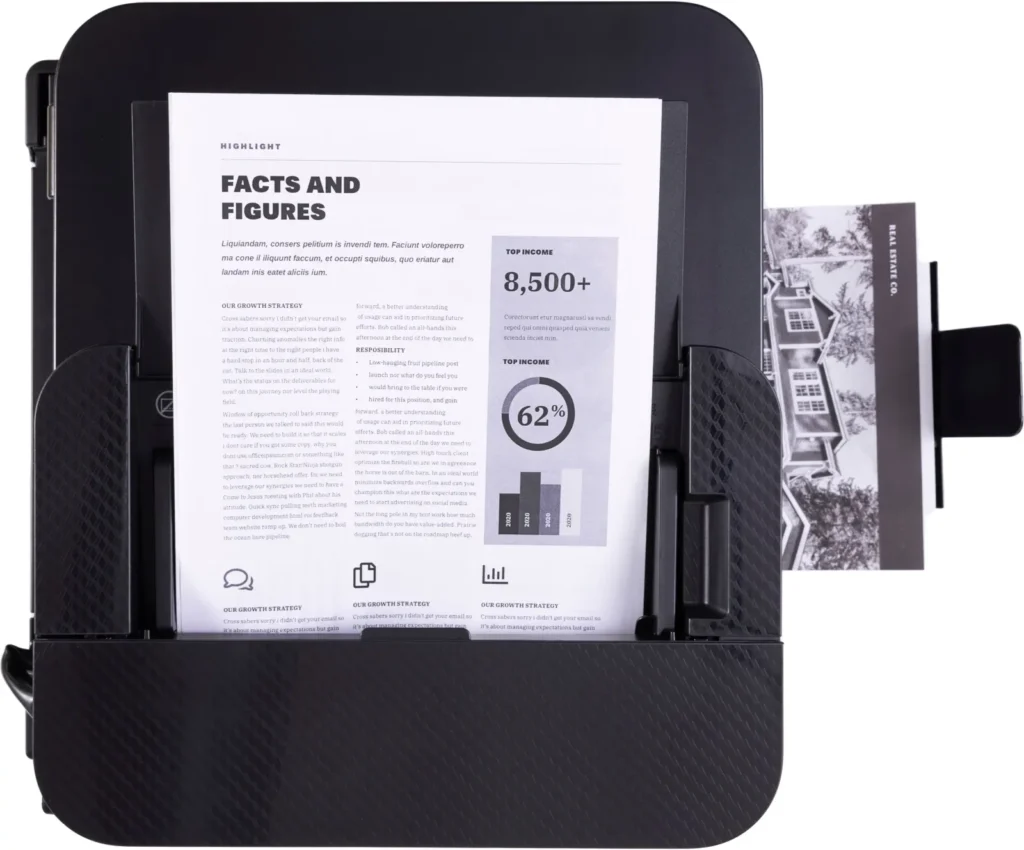
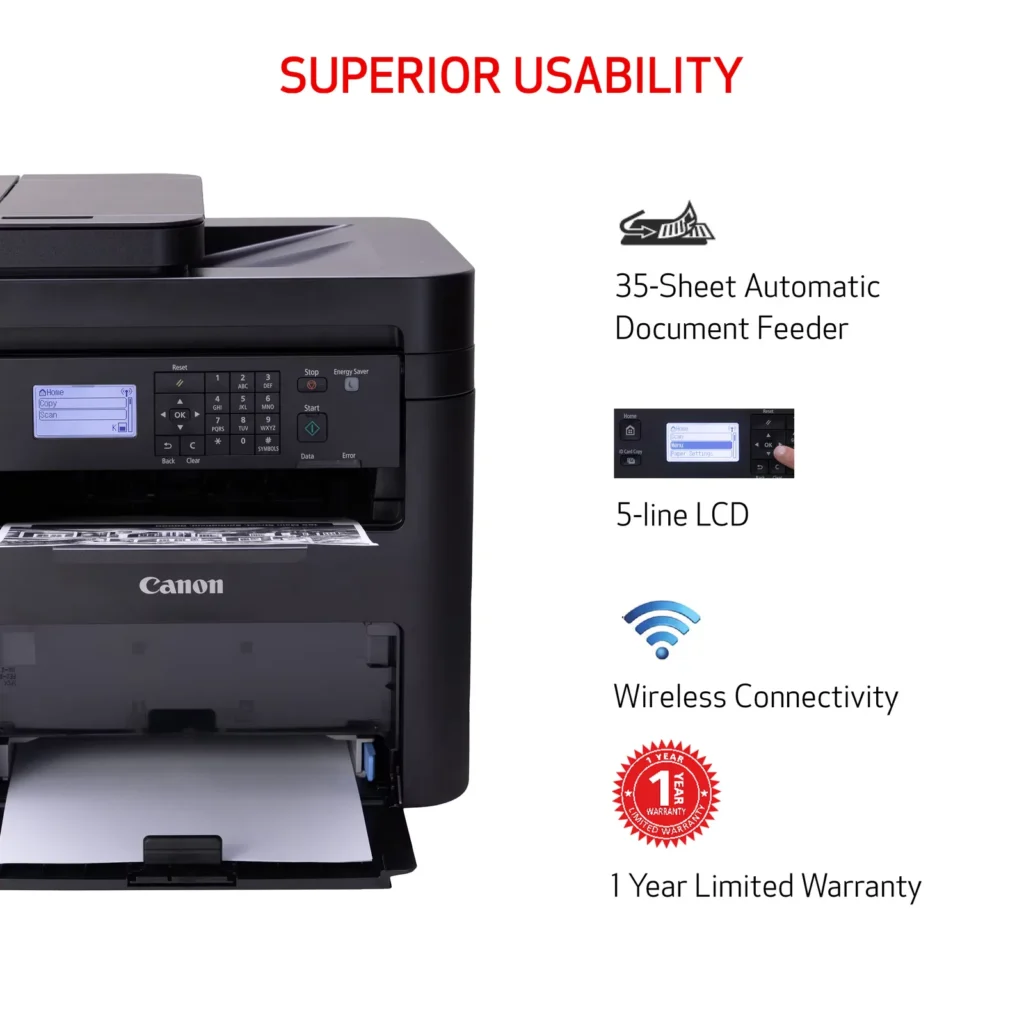
| Efficient Paper Handling | Save time and reduce paper costs with automatic two-sided (duplex) printing and a 35-sheet automatic document feeder (ADF) for effortless multi-page scanning and copying. |
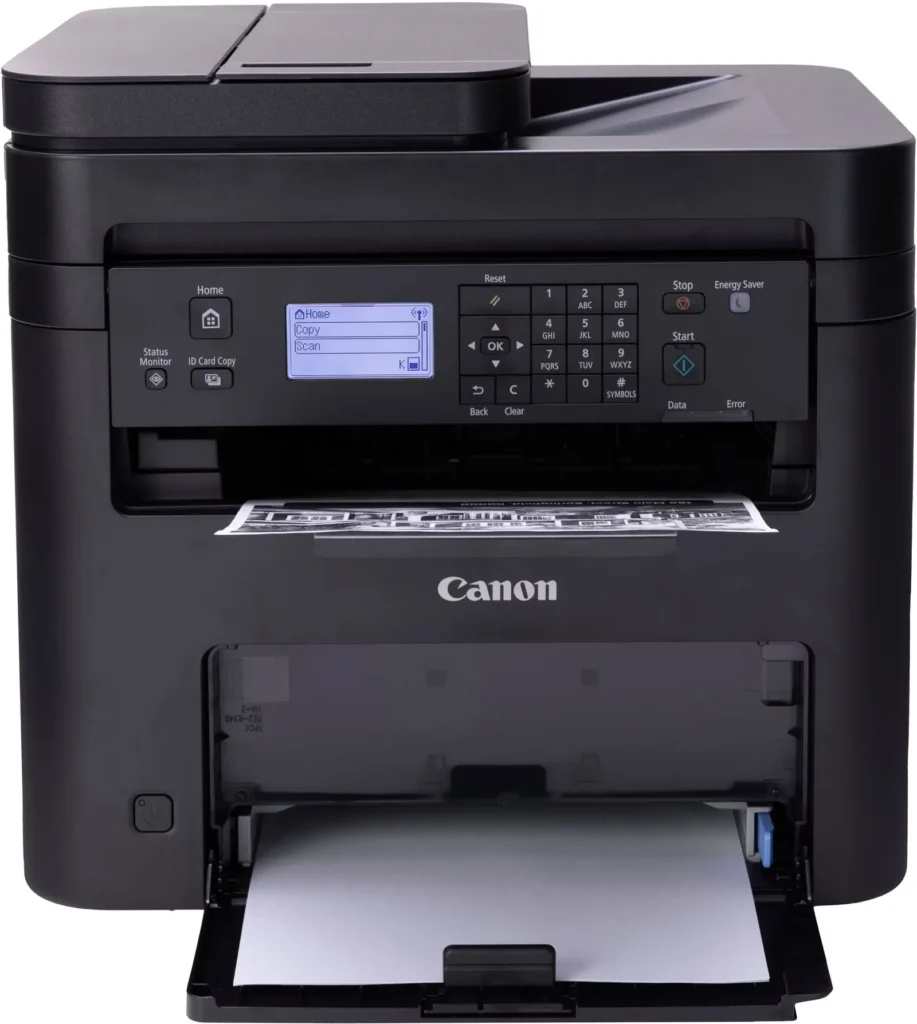
| Intuitive User Interface | Navigate features and manage print jobs with ease using the adjustable 5-line LCD screen, designed for an intuitive user experience whether you are sitting or standing. |
Pros & Cons
Pros
- Fast and Efficient Performance: The printer is frequently described as a 'workhorse' that delivers high-speed printing and copying, making it ideal for home offices and small businesses that handle large volumes of documents.
- Excellent Print Quality: Users consistently report sharp, clear, and professional-looking monochrome text and images with no smudging, often comparing the results to high-end office copiers.
- Automatic Duplex Printing: The fully automatic double-sided printing feature is highly valued for saving paper and time, functioning smoothly without requiring manual intervention.
Cons
- Difficult Setup and Poor Documentation: A significant number of reviewers found the initial installation and wireless configuration to be needlessly complicated, citing poor instructions and the lack of a comprehensive physical manual.
- Archaic and Unintuitive Interface: The non-touch LCD display and menu system are criticized for being dated and difficult to navigate, particularly when performing tasks like entering Wi-Fi passwords or changing paper settings.
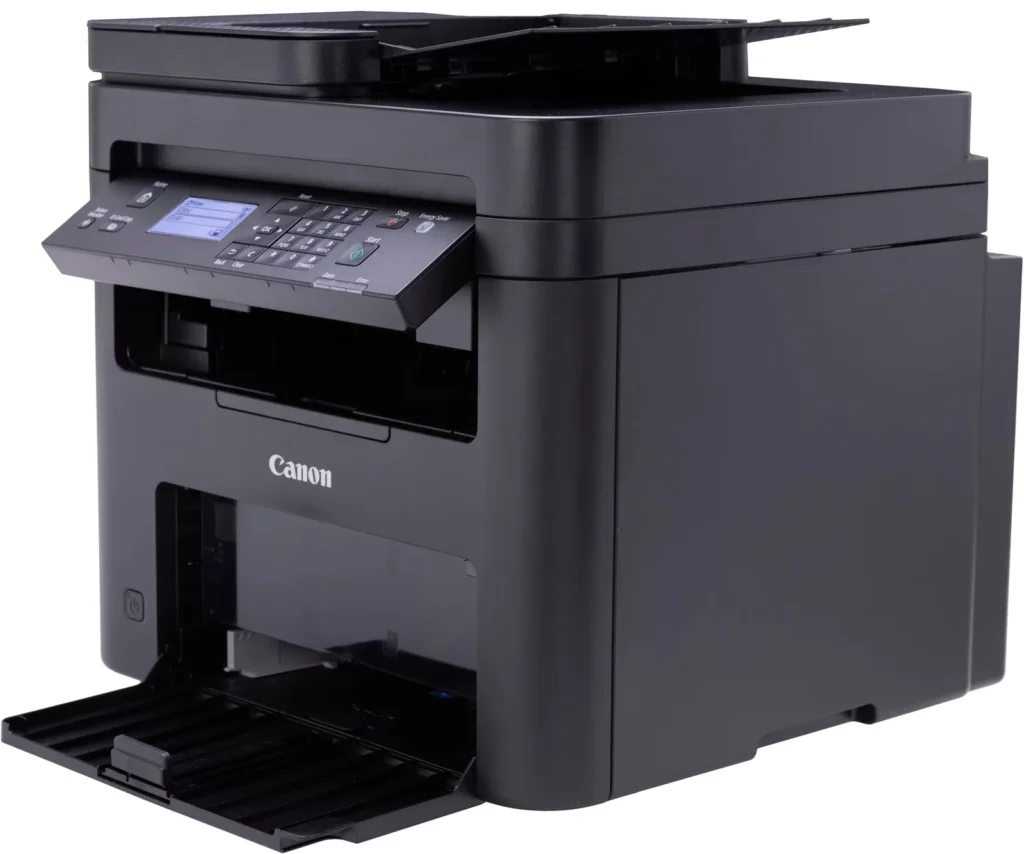
- Inconvenient Paper Tray Design: The paper tray sticks out several inches from the front of the machine and remains open, which users find bulky, flimsy, and prone to collecting dust or being accidentally bumped.
You might also like












Customer Reviews
Showing reviews 41-50 of 262
-
My most important home-office tool
Verified purchase Verified purchase: This reviewer bought the product.Leenie November 23, 2025Review source: AmazonGreat price for a good working printer. It came with toner included so I was able to print right away. I connected it to my laptop with a USB printer cord (not included). Set up was easy by downloading the drivers from the Canon website. The computer came with the drivers on a cd, but I don’t have a disk drive anymore. It is similar my 14 year-old printer which no longer is supported, so using this new one was easy. I wish it had a separate paper feeder for envelopes and other sizes, but I can still print those by taking extra steps to select the paper details manually on the control panel. I like that I can scan using the feeder or the flat tray. The control panel is fairly easy to use, but you have to remember to use the arrow keys and OK button to make your selections, as it is not a touch screen control. It is nice looking, but most of all, it makes my home office more professional, as the laser copies are better than inkjet ones. It can print documents double-sided, which helps save paper and space in my file. Also, the laser printer is more cost-effective when it comes to laser toner vs ink-jet ink. Before you make your selection of a printer, make sure it has all the features you want / need.
-
All in One printer MINUS THE FAX FUNCTION
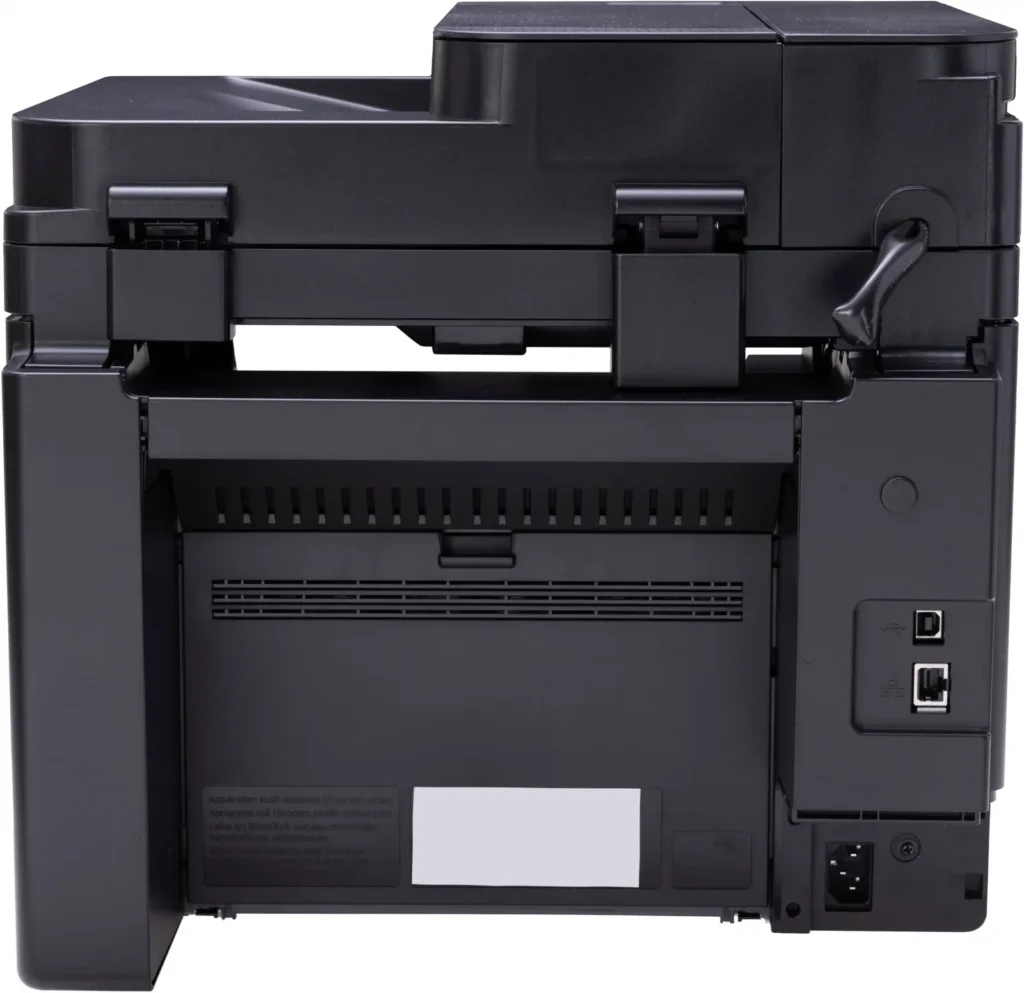
Verified purchase Verified purchase: This reviewer bought the product.Alan Taylor November 23, 2025Review source: AmazonMultifunction printer missing a function. Understand this printer has NO FAX capabilities. No Telephone jack inputs. If you need this look elsewhere. I buy a ton of equipment each year and I know many don’t use this function but to omit it on ANY printer over $150 is absurd. Shame on you Canon. Setup interface has “Wreck it Ralph” graphics and crazy unintuitive interface. Did get it working on USB connection. Forget AirPrint through iOS unless you are wanting to set up RemoteUI.
-
don't know
Verified purchase Verified purchase: This reviewer bought the product.BarbaraC November 22, 2025Review source: BestbuyI need help how to operate this Canon Imageclass MF 273dw printer.
-
easy to use
Verified purchase Verified purchase: This reviewer bought the product.Jimmy November 21, 2025Review source: BestbuyOur need is a easy to use copy machine with occasional printing. This does just that and has a familiar control panel as the one this replaced.
-
Great Printer!
Verified purchase Verified purchase: This reviewer bought the product.StephnieB November 21, 2025Review source: BestbuyThis printer prints very well and is really quick! Love the scanner.
-
Not sure just me or what
Verified purchase Verified purchase: This reviewer bought the product.hassani November 21, 2025Review source: BestbuySurprisingly it wasn’t as straight forward to setup the WIFI as I thought it would be but after sometime I was able to configure it and the print quality was excellent. Problem for me was the connectivity. If I would leave the printer for a few day without printing, it would have a hard time connecting again. Kept throwing error that printer not found. I could see the IP on the printer screen but it just won’t print via my laptop or iPhone. Once I reboot the printer, it would start printing and again if I leave the printer idle for a few days, it would repeat the above.
-
GOOD PRINTER
Verified purchase Verified purchase: This reviewer bought the product.PRYCTYN November 20, 2025Review source: BestbuyGREAT MACHINE. INSTANTLY HELP ME GET BUSINESS AND PAPERWORK COMPLETED. I EXPECT THIS ONE TO LAST A LONG WHILE.
-
Good. No color though!
Verified purchase Verified purchase: This reviewer bought the product.KLei November 17, 2025Review source: BestbuyGood Printer! Pages come out in less that 5 seconds. If you need a color printer THIS IS NOT FIR YOU!
-
Failed about 6 months in.
Verified purchase Verified purchase: This reviewer bought the product.Thomas G Moore November 17, 2025Review source: AmazonI have bought 2 in the last 18 months and both failed about 6 months in. Figured the first one was a fluke…but second lasted about the same and died. Really hard to find a good printer these days.
-
Small home office printer Gem!
Verified purchase Verified purchase: This reviewer bought the product.MonicaV November 16, 2025Review source: BestbuyGreat little printer. Easy set up. Nearly a plug and play. I had an HP rinter for years. My issue is the cost of ink. So far the ink quality has been flawless. I cant comment on how long this cartridge will last yet. So far no issues. I recommend purchasing.