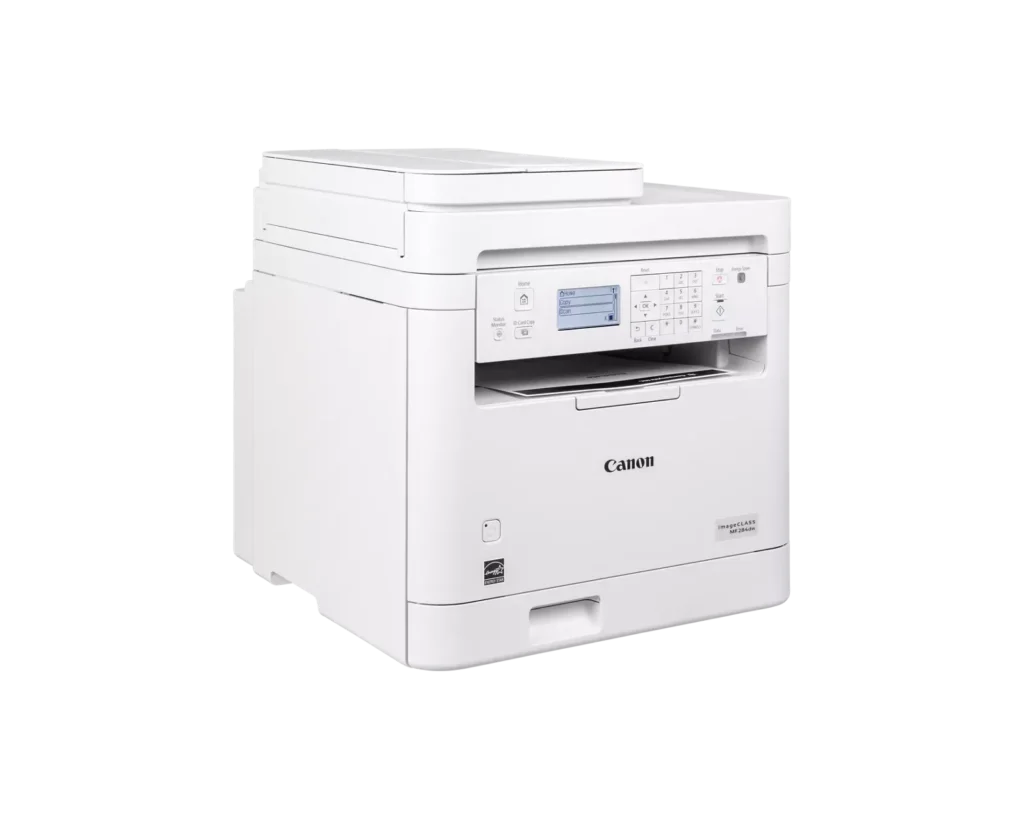
Customer Media
Highlights
| Fast and Efficient Performance | Boost productivity with high-speed printing of up to 35 pages per minute (Letter) and a quick first-print time of approximately 4.9 seconds, ensuring your documents are ready when you need them. |
|---|---|
| Automatic 2-Sided Printing | Save on paper costs and reduce environmental impact with built-in automatic duplex printing, allowing you to easily produce professional double-sided documents. |
| Seamless Mobile Connectivity | Print on-the-go from your compatible mobile devices using the Canon PRINT app, Apple AirPrint, and Mopria Print Service, or utilize built-in Wi-Fi Direct for easy connection without a router. |
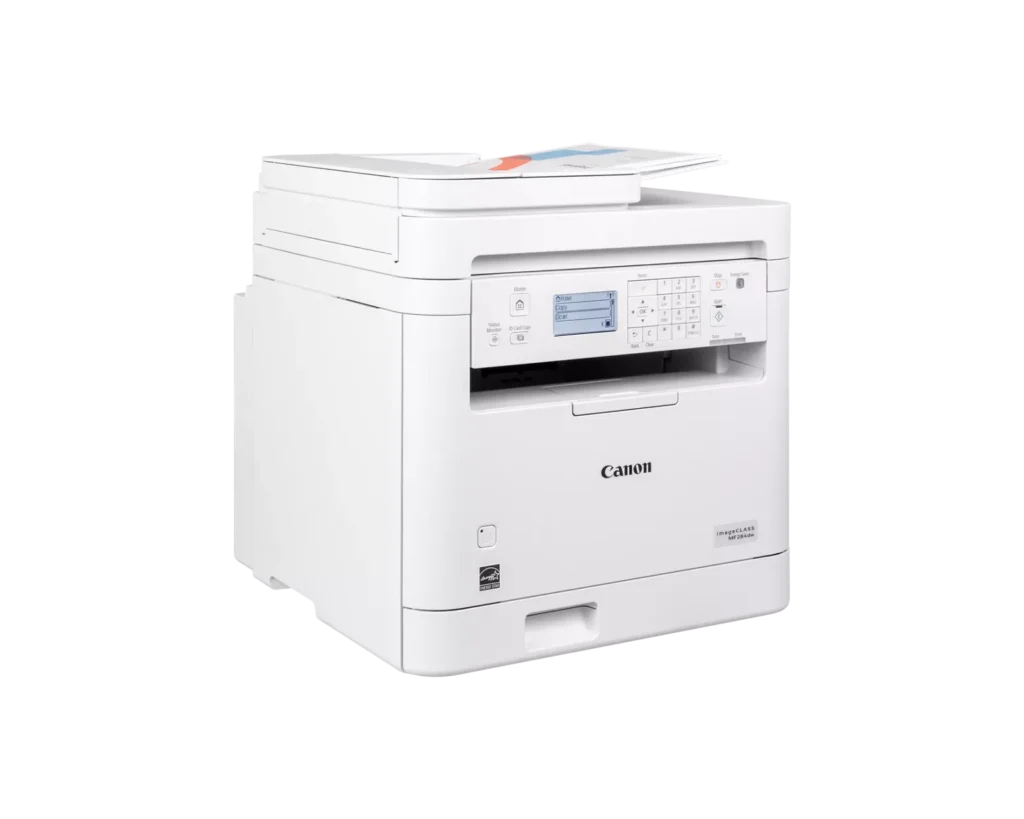
| 35-Sheet Auto Document Feeder | Streamline multi-page scanning and copying tasks with the integrated 35-sheet automatic document feeder, designed to handle batch jobs efficiently. |
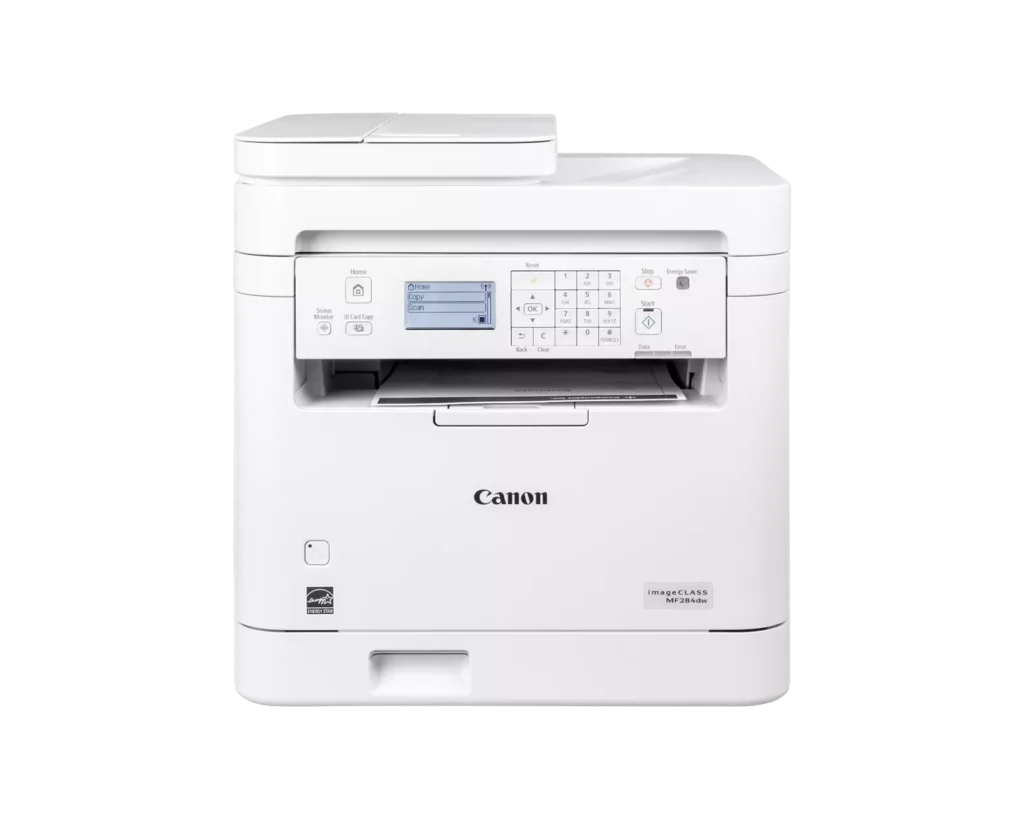
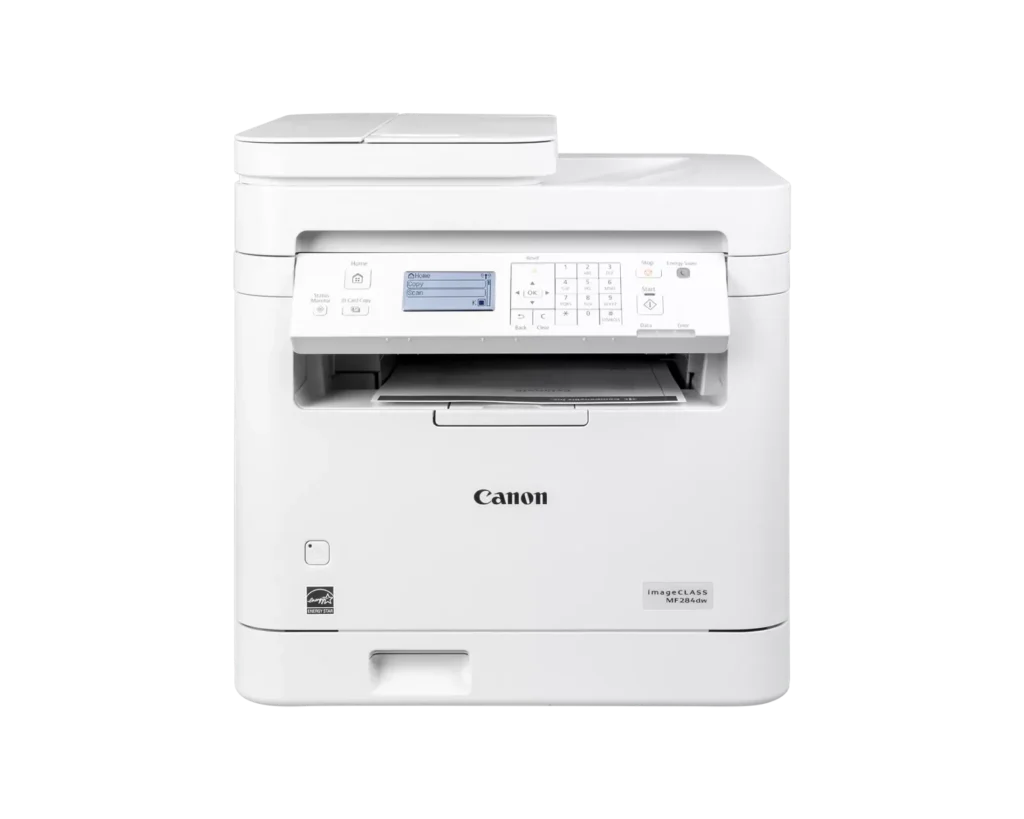
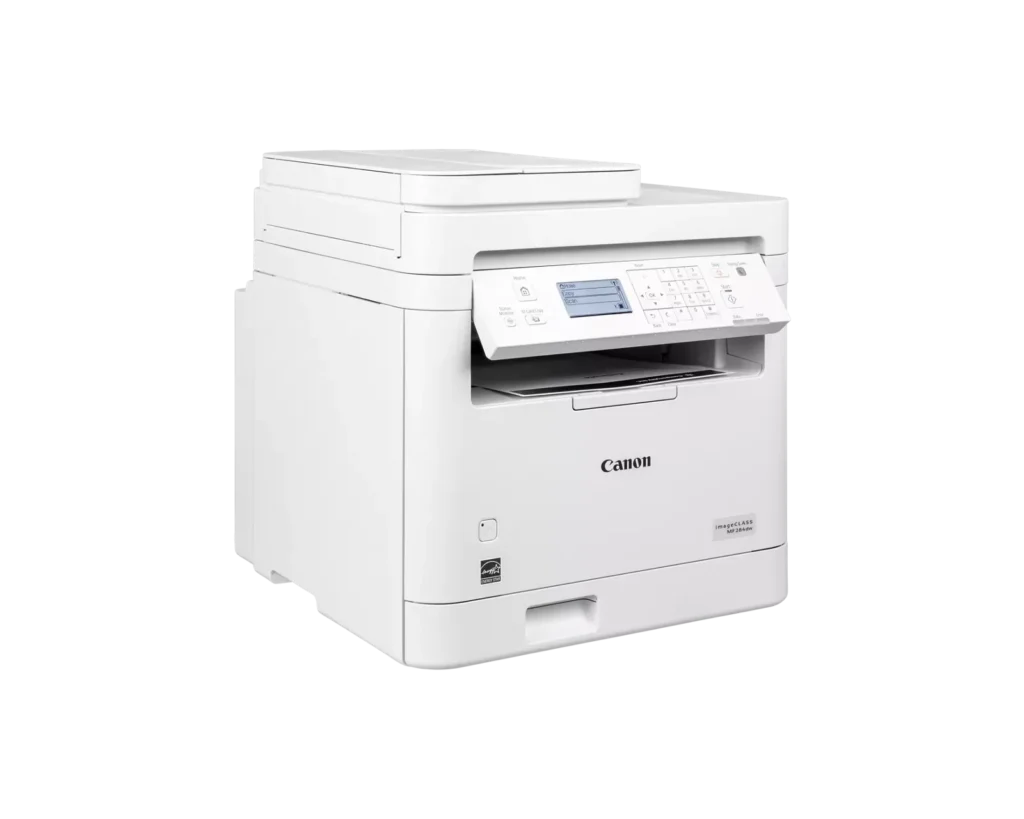
| Intuitive 5-Line LCD Display | Easily navigate settings and monitor printer status with the adjustable 5-line LCD control panel, which can be tilted to provide the best viewing angle for your workspace. |
Pros & Cons
Pros
- Fast and High-Quality Printing: The printer delivers crisp, sharp text at speeds up to 35 pages per minute, with a very quick first-print time of under five seconds.
- Versatile Multifunction Features: It includes a useful auto document feeder (ADF), automatic duplex printing, and reliable mobile printing capabilities via AirPrint and the Canon PRINT app.
- Excellent Value: Reviewers highlight it as a cost-effective choice for small offices, offering professional features like a 250-sheet paper tray and efficient toner usage at a competitive price.
Cons
- Difficult Setup and Connectivity: Many users reported a frustrating initial setup process, particularly on Mac systems, and some experienced persistent issues maintaining a stable wireless connection.
- Outdated User Interface: The small, non-touch monochrome display and physical button layout are described as obsolete and less intuitive than modern touchscreen interfaces.
- Poor Paper Exit Design: The printed pages are deposited in a recessed middle opening that makes them difficult to see or retrieve without reaching deep into the machine.
You might also like












Customer Reviews
Showing reviews 1-10 of 65
-
Efficiency
Verified purchase Verified purchase: This reviewer bought the product.rmpolo December 30, 2025Review source: AmazonWould not buy. Constant problem with printer connection. Bought it to replace my Brother printer and never had problem with connection. The printer is located in the same room with router.
-
WONT BUY IT AGAIN
Verified purchase Verified purchase: This reviewer bought the product.Mouser December 12, 2025Review source: AmazonI do not have a computer and I bought it to print and scan from ipad using air print and cannon print business. I found the set up extremely difficult – I had to agree for automatic delivery of Cannon original toner to be able to proceed with the set up. The toner replacement was a nightmare for me. I had MF 264 W for seven years and I thought the newer model will be more user friendly and so I am disappointed. I constantly fear that the one of the plastic pieces will break in struggling to replace toner. No not this printer for me again.
-
AT LEAST IT A TAD BETTER THAN A HP
Verified purchase Verified purchase: This reviewer bought the product.Margie A Dixon-Figlock December 7, 2025Review source: AmazonWHEN YOU DESIGNATE IT TO A CERTAIN COMPUTER IT WILLNOT STAY NO WAY TO MAKE A COPY WITHOUT OPENING UP THE PAPER AND INSERTING THEPAPER TAKES TIME
-
Good Printer
Verified purchase Verified purchase: This reviewer bought the product.Michael Gray November 18, 2025Review source: AmazonLove the printer but it does not push the paper out farenough you must reach in the paper exit to get the printed paaper. Other wise it works great and I like the laser print.
-
Cannon Printer
Verified purchase Verified purchase: This reviewer bought the product.Bill Peugh November 18, 2025Review source: AmazonWorked as listed and super quiet running.
-
J
Verified purchase Verified purchase: This reviewer bought the product.Rog November 13, 2025Review source: AmazonGreat seller, product’ communication, &experience.
-
excellent
Verified purchase Verified purchase: This reviewer bought the product.Eneida Abad November 12, 2025Review source: AmazonPractical, compact, ideal for your office
-
BUYER BEWARE – Stopped powering on 60 days later.
Verified purchase Verified purchase: This reviewer bought the product.Bobbi M. November 5, 2025Review source: AmazonPrinter came used every though it was advertised as new. Stopped working two months later. Too late for return. Hoping the seller will do the right thing here. I’ll be updating as things progress.
-
Amazing!
Keturah Rachel October 27, 2025Review source: AmazonGreat printer! Prints clear and accurate. Easy to use and set up.
-
Reliable and easy to use.
Verified purchase Verified purchase: This reviewer bought the product.AAG October 26, 2025Review source: AmazonIt’s reliable and cost effective! This is my 3rd one as it is so good, I keep on giving them away to my kids.