Customer Media
Highlights
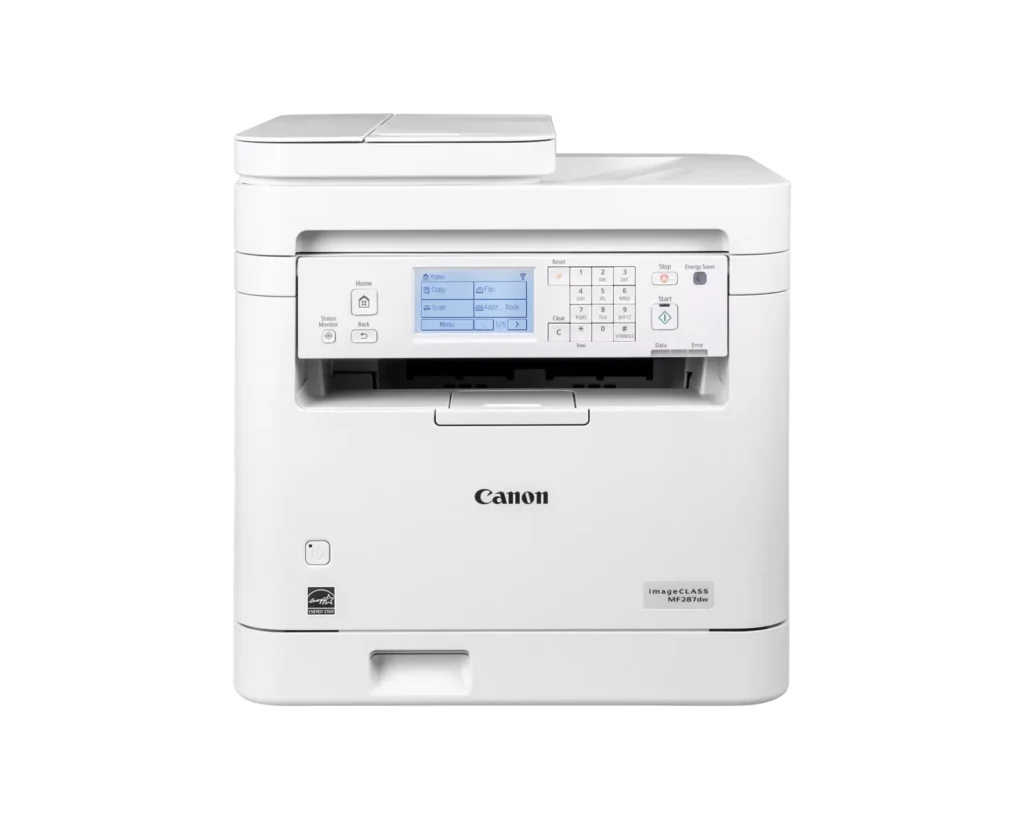
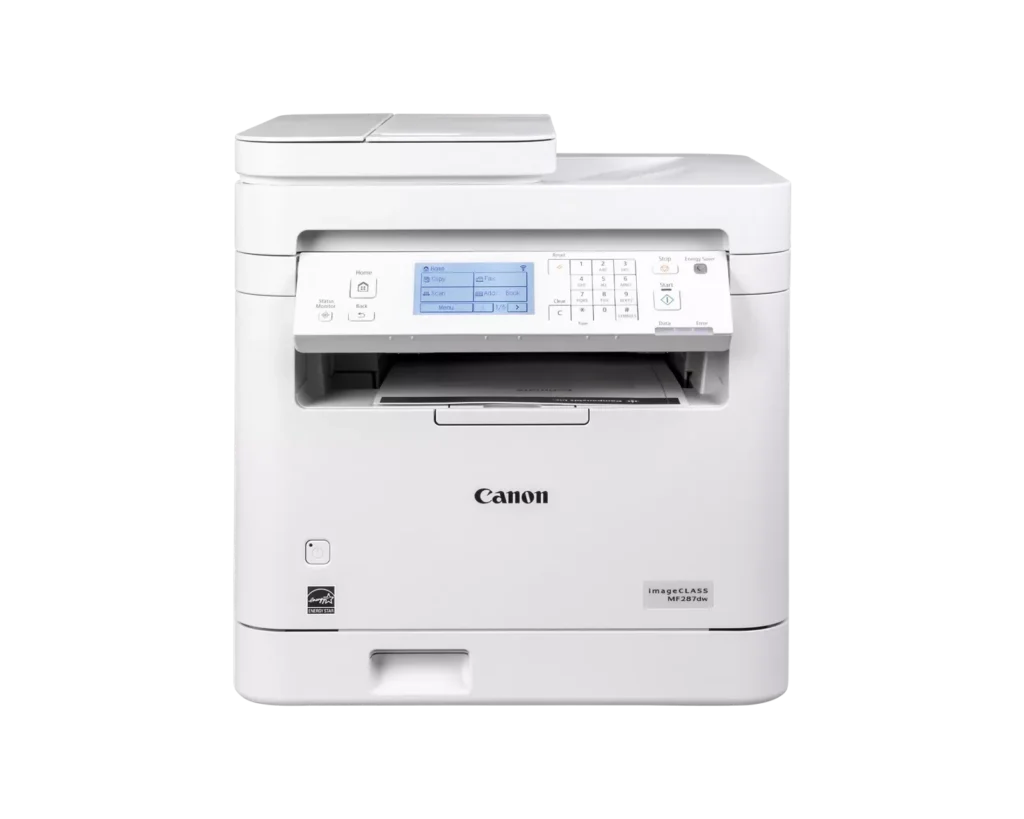
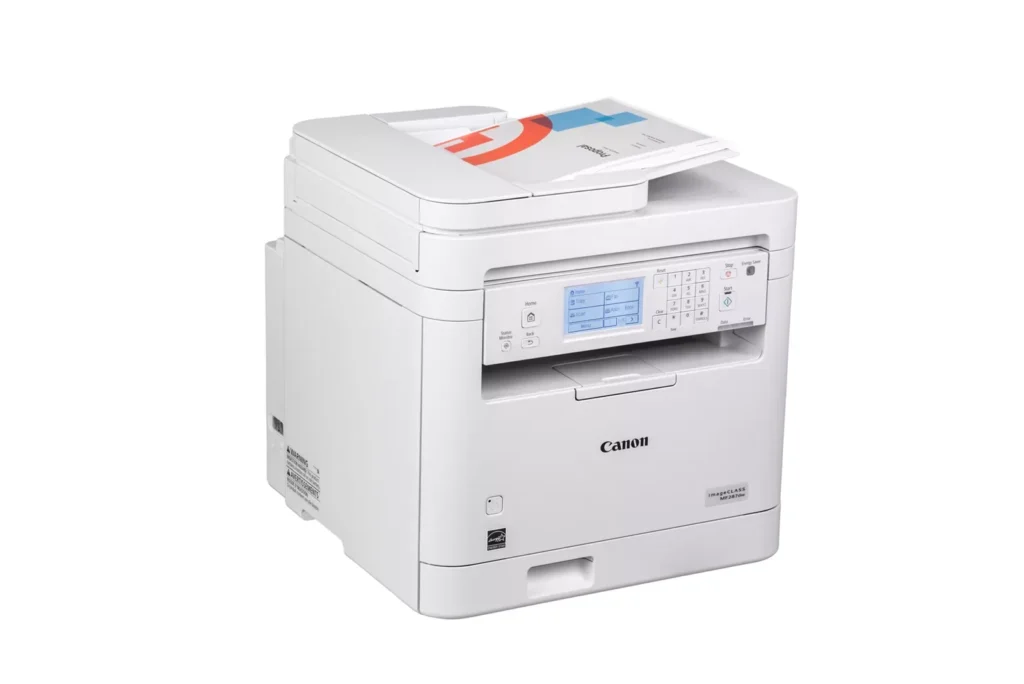
| Versatile 4-in-1 Functionality | This monochrome laser printer combines high-quality printing, scanning, copying, and faxing into a single compact device, making it an efficient all-in-one solution for small and home office environments. |
|---|---|
| High-Speed Performance | Boost productivity with fast print speeds of up to 35 pages per minute (ppm) and a quick first-print-out time of approximately 4.9 seconds, ensuring your documents are ready when you need them. |
| Automatic Duplex Printing | Save on paper costs and reduce environmental impact with built-in automatic two-sided printing, allowing you to produce professional double-sided documents with ease. |
| Seamless Mobile Connectivity | Print wirelessly from your smartphone or tablet using the Canon PRINT app, Apple AirPrint, and Mopria Print Service, or connect via built-in Wi-Fi, Ethernet, or USB for flexible networking options. |
| Intuitive Touchscreen Interface | Easily navigate features and customize settings using the adjustable 6-line touchscreen LCD panel, designed to provide a user-friendly experience and streamlined workflow management. |
Pros & Cons
Pros
- Exceptional Print Speed: The printer is noted for its rapid performance, delivering up to 35 pages per minute with a very fast first-print-out time and virtually no warm-up period.
- Comprehensive All-in-One Functionality: Users appreciate the seamless integration of printing, scanning, copying, and faxing, complemented by efficient features like an automatic document feeder and automatic duplex printing.
- Sharp Print Quality: The laser technology produces professional-grade, crisp, and smudge-free monochrome text and graphics that remain clear even for detailed business documents.
Cons
- High Toner Costs: A significant drawback mentioned by several users is the expensive price of replacement toner cartridges, which some reviewers claim can cost nearly as much as the printer itself.
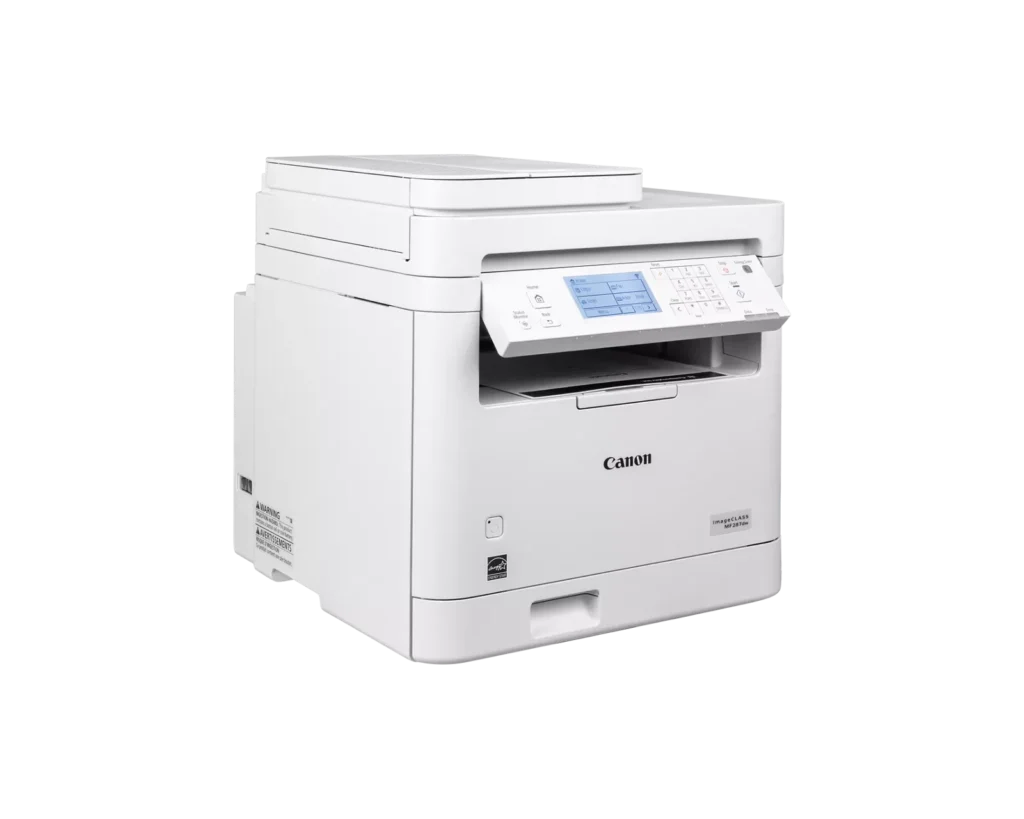
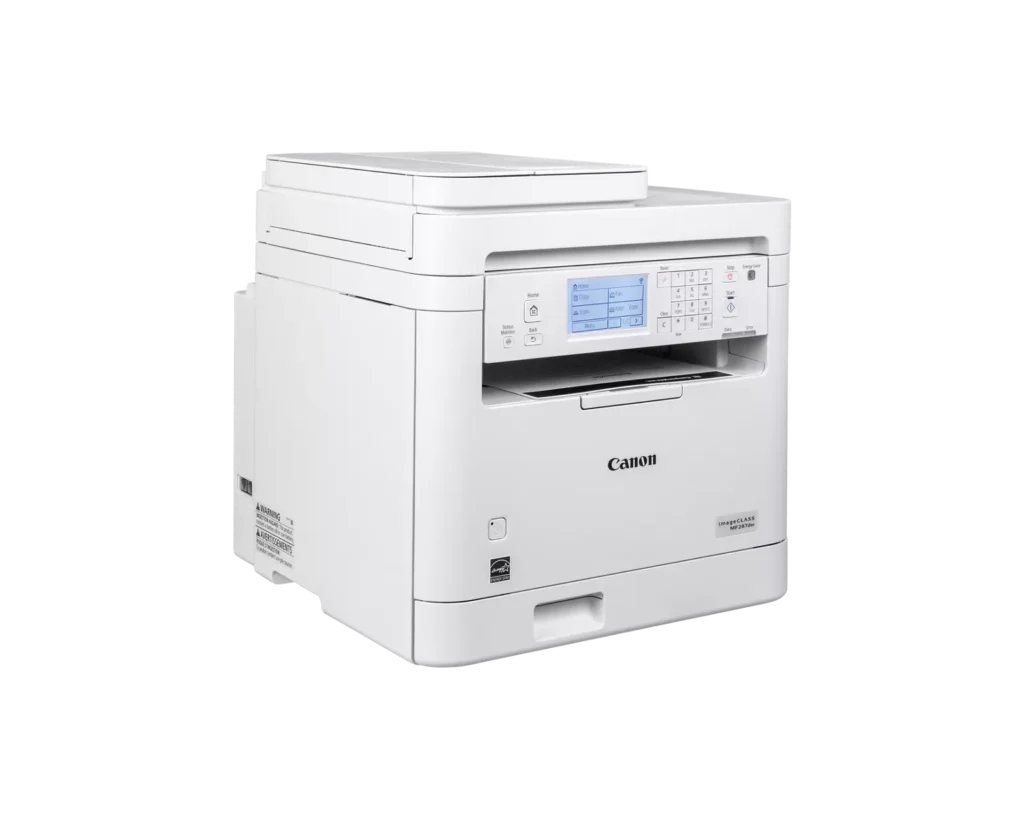
- Large and Bulky Footprint: The device is described as being quite large and heavy, making it difficult to fit into smaller home office spaces or cramped desks.
- Small Paper Tray Capacity: Despite being marketed for business use, the paper tray is criticized for being too small to hold a full standard pack of paper, requiring more frequent refills.
You might also like












Customer Reviews
Showing reviews 11-20 of 42
-
Good printer for small office
Verified purchase Verified purchase: This reviewer bought the product.GERARDOR June 27, 2025Review source: BestbuyWe use it in a small dental office. It’s a good workhorse printer that handles scanning, copying, and printing with minimal fuss, is reliable, and helps this printer is a fantastic contender. It just blends into the background and provides great color print outs of X-rays and pictures.
-
Total Junk, Barely Works, Not Recommended
Verified purchase Verified purchase: This reviewer bought the product.Pern June 18, 2025Review source: AmazonThis printer is horrible, don’t buy it. It won’t work at all unless connected directly to my computer by USB–it won’t work at all with any kind of USB hub or pigtail. When it is connected direct to my computer, it barely works. It constantly gives non-describe “Error” messages and I need to restart the printer and/or my computer pretty much every time that I print. I’m running a powerful, new, windows machine with all updates and a new download of the printer software. This printer is total junk.
-
Cabin printer
Verified purchase Verified purchase: This reviewer bought the product.TomR June 6, 2025Review source: BestbuyGreat printer and scanner quiet fast efficient easy to use
-
A modern upgrade
Verified purchase Verified purchase: This reviewer bought the product.Necassarynot May 30, 2025Review source: BestbuyIt replaces an old Canon inkjet color printer. This one is a black lazer printer- Although it is bigger, it is much faster and responsive. I have not yet tried the scan or fax elements but if they are at all like the printer, they will be an improvement over the older canon I had which was 8 years old.
-
Good price
Verified purchase Verified purchase: This reviewer bought the product.Gretchen Pivonka May 22, 2025Review source: AmazonEasy to install.
-
Very capable and affordable Canon laser printer
Verified purchase Verified purchase: This reviewer bought the product.SAW55 May 16, 2025Review source: BestbuyWith Greek Squad assistance setting up, this printer has been perfect for our needs. Any device connected to our home WiFi can print documents seamlessly and the print quality is excellent. There’s a little delay in buffering before printing starts, but once started it’s quite fast. I’d recommend this printer for both home and small business applications.
-
printer
Verified purchase Verified purchase: This reviewer bought the product.W Gaul April 19, 2025Review source: Amazonworks great looks great
-
Great printer for your office
Incentivized Incentivized review: The reviewer received a benefit for sharing feedback.Noochies Niches April 18, 2025Review source: AmazonI recently got this printer and I gotta say, it’s been a game-changer for my home office. Setting it up was smooth, especially with the wireless feature, so I didn’t have to mess with any cables. The print quality is sharp, and it’s really fast at 35 pages per minute. I’m all about getting things done quickly, and this printer definitely delivers on that front.
I also love the auto duplex printing, which is perfect for saving paper when I’m printing long documents. The fax, copy, and scan features are all reliable too. The only thing that could be improved is the initial setup – I had to spend a bit of time getting everything hooked up, but once it was done, it’s been smooth sailing. Overall, it’s a solid choice for anyone who needs a fast, reliable printer for their home or small office.
The only other downside is the cost of toner replacements, which can get a little pricey in the long run, but honestly, it’s pretty efficient, and the print quality is sharp and clear. Overall, I’d say it’s a solid pick if you just need something to handle all your basic printing tasks. It’s fast, reliable, and won’t break the bank upfront, though you might want to budget for those toner costs.
-
Didn't play nice with Windows 11
Verified purchase Verified purchase: This reviewer bought the product.Friendly Flea February 4, 2025Review source: AmazonCanon ImageClass MF287dw did not play nice with Windows 11. I followed instructions but driver installation did not go smoothly, had trouble connecting to desktop via USB, then once connected kept printing 10-12 blank pages or error code pages even without my issuing a Print command. Just a nightmare to set up, which is why I returned it.
Got an HP MFP4101fdw instead, installation was plug-and-play, so easy!
-
Great
Incentivized Incentivized review: The reviewer received a benefit for sharing feedback.Amazonian Buyer February 2, 2025Review source: AmazonGreat quality from a reputable brand!