Customer Media
Highlights
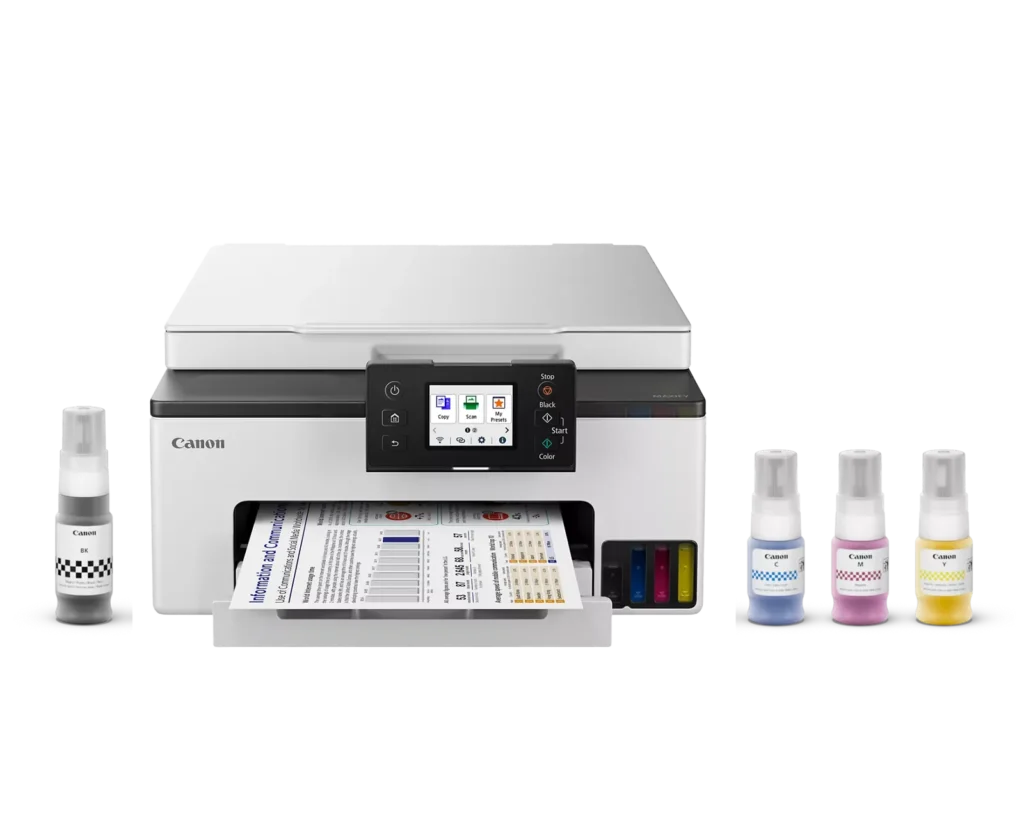
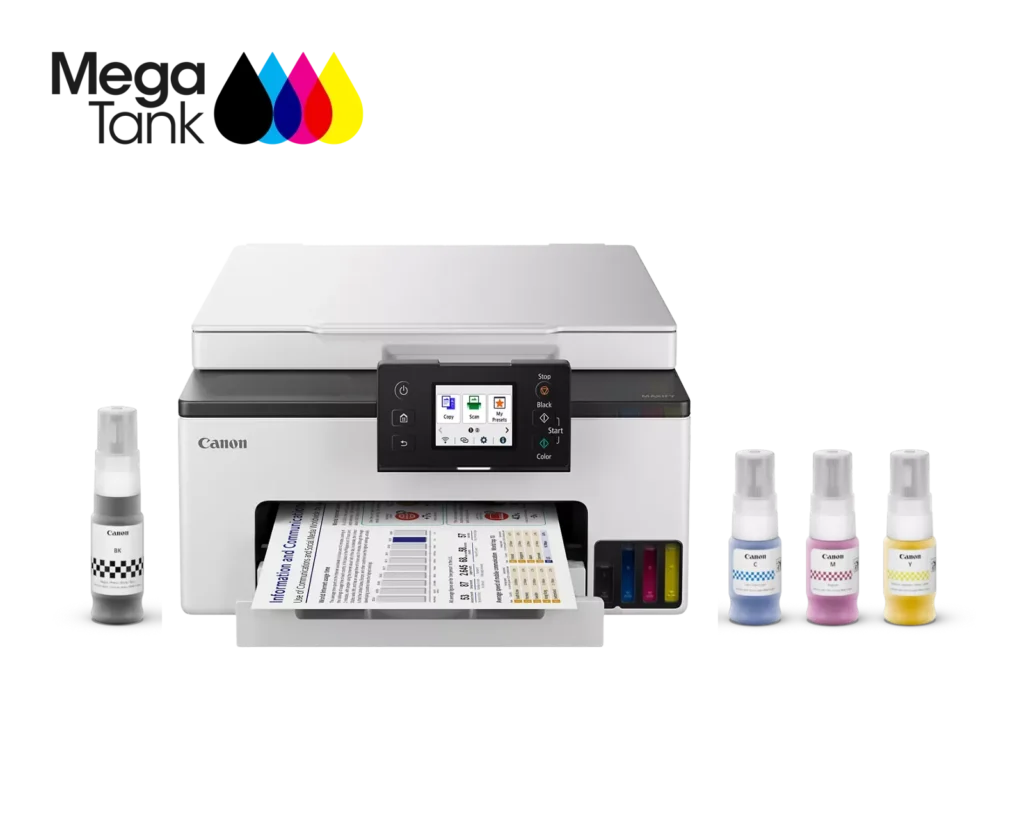
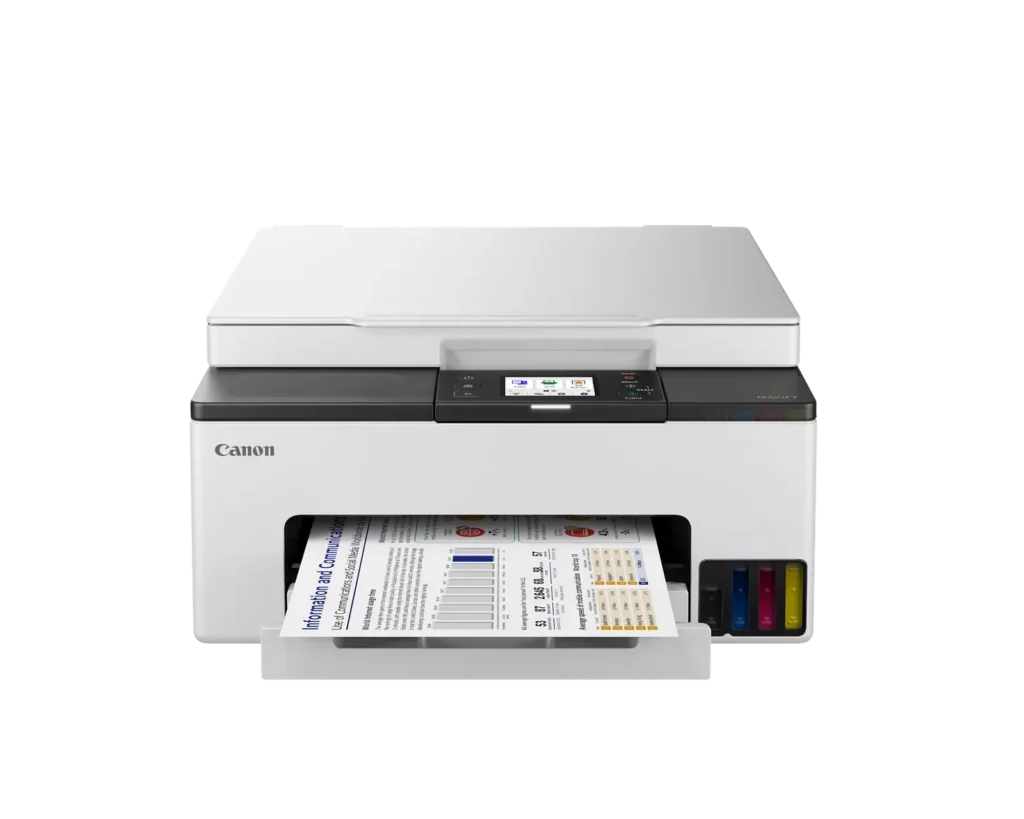
| High-Volume MegaTank Printing | The integrated MegaTank ink system allows you to print up to 3,000 black and 3,000 color pages with a single set of included ink bottles, significantly reducing running costs and the frequency of refills. |
|---|---|
| Business-Quality Pigment Inks | Utilizes a 4-color pigment-based ink system that produces sharp, crisp text and vibrant colors that are highlighter-resistant and smudge-proof, ideal for professional documents and reports. |
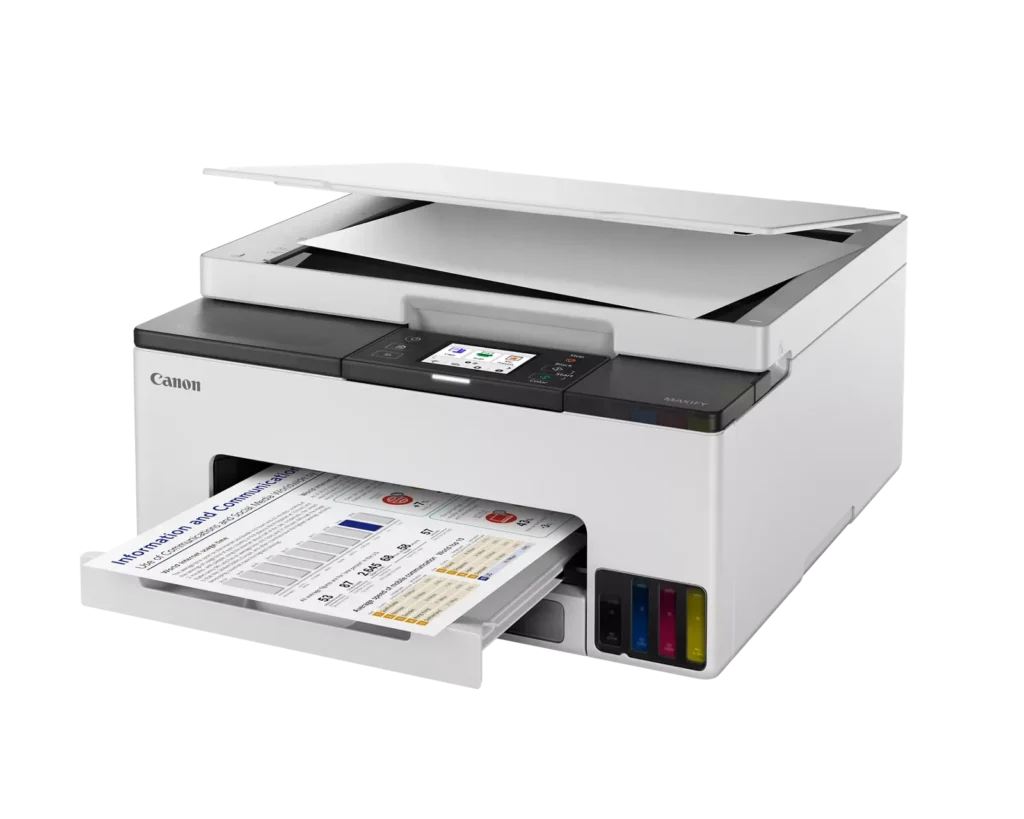
| Fast and Efficient Performance | Boost productivity with print speeds of up to 15 ipm in black and 10 ipm in color, complemented by automatic two-sided (duplex) printing to save time and reduce paper consumption. |
| Versatile Connectivity Options | Stay connected with stable dual-band Wi-Fi (2.4GHz or 5GHz), Ethernet, and USB options. Easily print from mobile devices using the Canon PRINT app, Apple AirPrint, and Mopria Print Service. |
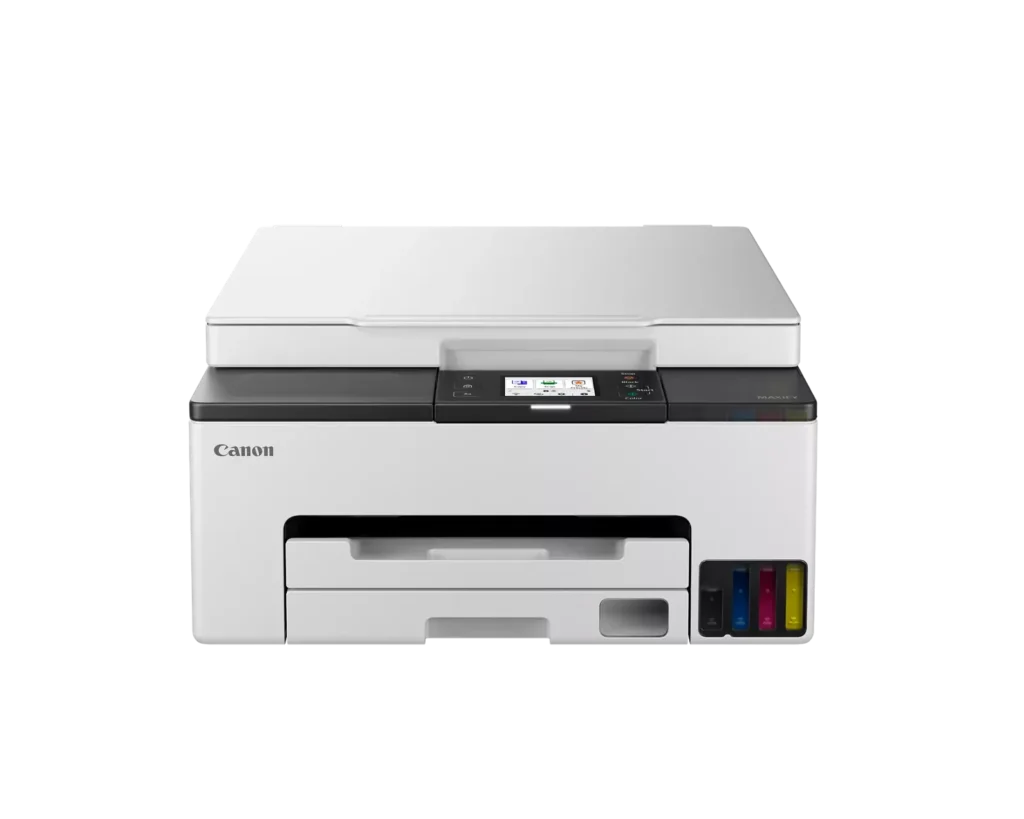
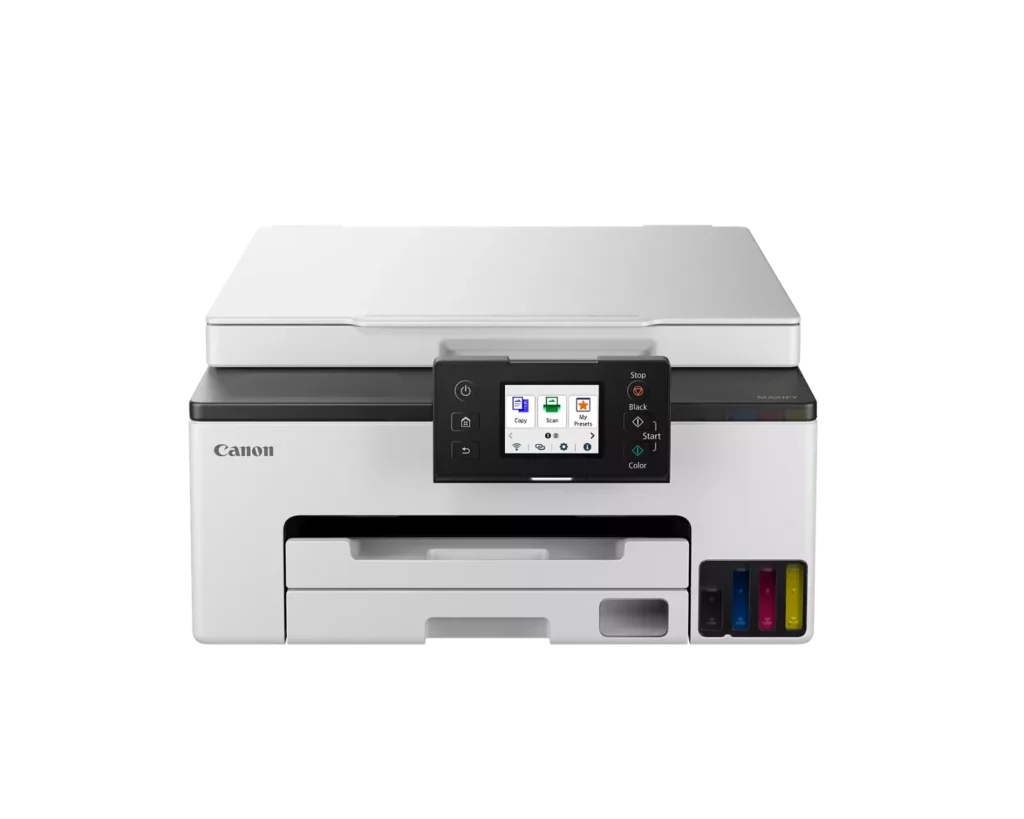
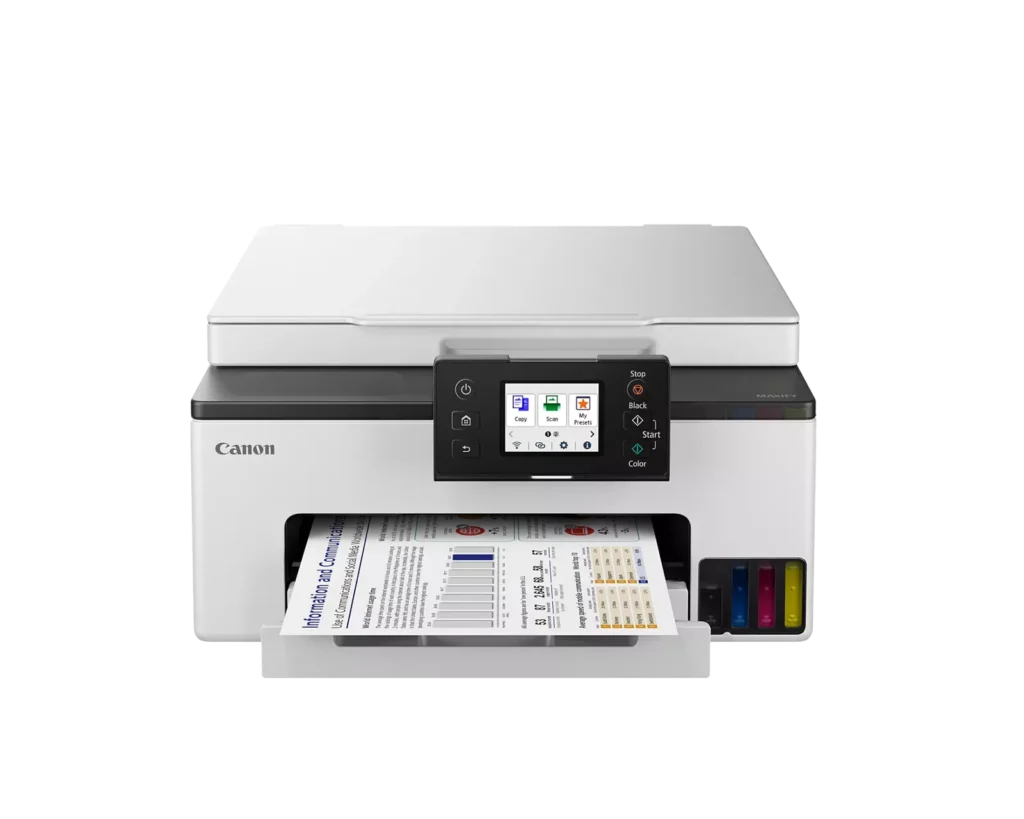
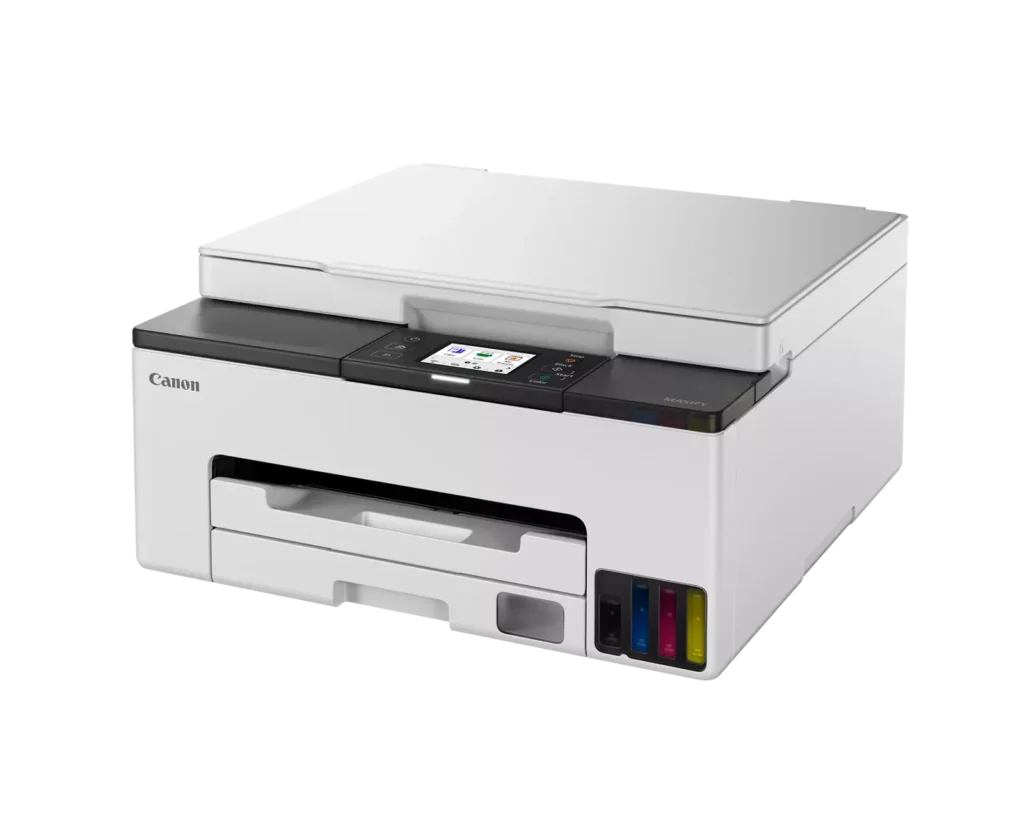
| User-Friendly and Compact Design | Features an intuitive 2.7-inch LCD color touchscreen for easy navigation, a generous 250-sheet paper cassette, and a compact footprint designed to fit comfortably in home or small office workspaces. |
Pros & Cons
Pros
- Cost-Effective MegaTank System: The refillable ink tanks offer exceptional longevity and significantly lower operating costs compared to traditional cartridges, with users reporting they can print thousands of pages before needing a refill.
- High-Quality Print Output: The printer produces sharp, professional-looking text and vibrant colors that many reviewers noted approach laser-quality, making it excellent for both business documents and high-resolution photos.
- Intuitive Touchscreen Setup: Most users found the initial installation process fast and simple, thanks to a responsive color touchscreen that provides clear, step-by-step prompts for filling ink and aligning print heads.
Cons
- Unreliable Wireless Connectivity: A recurring issue among reviewers is the printer's tendency to lose its Wi-Fi connection, particularly on the 2.4GHz band, leading to 'printer not found' errors and difficulty printing from mobile devices.
- No Automatic Document Feeder (ADF): Several users were disappointed to find the machine lacks an ADF, meaning multi-page documents must be scanned or copied manually one sheet at a time, which is time-consuming for office tasks.
- Software and App Limitations: Some customers found the Canon Print app and desktop software difficult to navigate, noting compatibility issues with older operating systems and a lack of advanced scanning destination settings.
You might also like












Customer Reviews
Showing reviews 1-10 of 134
-
Do Not Buy
Julie M December 19, 2025Review source: AmazonDo not buy this printer. Software updates sabotage perfectly good printer and it won’t work anymore. I’ve had this printer a year and it does’t work
-
Great printer
Verified purchase Verified purchase: This reviewer bought the product.milfordcivic November 4, 2025Review source: BestbuyAfter almost a year with this printer, it’s been great. It scans and prints without any issues and I’ve only used 1/3 of the ink that came with it. I certainly don’t miss paying $90 for HP cartridges that always seemed to run out at the least convenient time!
-
Awesome
Verified purchase Verified purchase: This reviewer bought the product.Angel Reyes October 25, 2025Review source: AmazonJust a good and compact printer.
-
Worst Printer I've Ever Purchased
Verified purchase Verified purchase: This reviewer bought the product.Dan September 3, 2025Review source: AmazonWorst Printer I have Ever Purchased. It worked fine for nearly a year, but started clogging or something similar. We have this in our home, so we aren’t printing all the time, but it’s like the ink is drying in the nozzles. When I print something it’s about half blank lines across the page. When printing a photo it will be blotchy and sometimes a color doesn’t print. Need to run the advance cleaning cycle 3-4 times, which takes forever, but does get it printing correctly. The problem is on the next use the problems reappear. The inks are all 3/4 or more. I had to print a couple of things for work last night and it was the last straw. I’ve purchased a different brand printer.
-
Connectivity iffy at best
Verified purchase Verified purchase: This reviewer bought the product.keiraandevansmom July 6, 2025Review source: AmazonWhy did you pick this product vs others?:
I bought this printer with high hopes and loved the idea of the ink tank. However, connectivity has been a struggle over and over again (it keeps losing connection to WiFi and also won’t connect direct to iPhone). I am not a technologically challenged person, either. I had seen comments about this in other reviews and hoped it wouldn’t happen for me…. But it absolutely is an issue. -
Terrible for Photos
Verified purchase Verified purchase: This reviewer bought the product.CARYM June 30, 2025Review source: BestbuyFine for a Word doc, PDF or Excel but is terrible for pictures. I know it is not a “photo” printer but every picture has horizontal lines regardless of quality setting or paper used.
-
Canon mega tank printer, YAY!
Verified purchase Verified purchase: This reviewer bought the product.Marcia June 15, 2025Review source: AmazonOk, I have to be truthful here, the instructions on the printer itself to get it up and running, not so good, going to a You Tube video was much better, that said the printer works great! This is my third Canon Pixma Printer and I really like there print outs, having mega ink tanks are a bonus for me. My biggest issues with printers is I don’t use regularly; I should be running maintenance on it every month for that reason so what happens for me is the printer head(s) get clogged and then my new inks can literally run dry trying to get them up and running again…if I could just get into the habit of just printing at least one copy a week I believe I could rid myself of that issue. Anyways, I have a printer again and it works amazing, great color and details!
-
works well – must go to Microsoft to download app.
Verified purchase Verified purchase: This reviewer bought the product.Rabbit Hill Manor June 9, 2025Review source: AmazonEasy to set up. Prints better than my old Canon (which print heads always fowled).
Print both side works but a little slow. But I can do a 100 pages double sided faster than my old Canon. Well worth the upgrade.
To scan from PC do not go to Canon for software. Must go to Microsoft store and download the Canon Print version 1.9 App. -
Print
Verified purchase Verified purchase: This reviewer bought the product.Mike Goble June 1, 2025Review source: AmazonWhat a nice printer, very easy to set up and use…..
-
Not good for envelopes!
Verified purchase Verified purchase: This reviewer bought the product.Mike Ski May 31, 2025Review source: AmazonIf you’re looking to print envelopes, look elsewhere. I bought the Maxifi GX1020 hoping to print envelopes and was very disappointed. The paper tray does not accept #10 envelopes very well and when I got it to work the printing was upside down. It does print letter and legal sizes well and I was able to print business cards with good quality. In my opinion this product is overpriced for what it does.