Customer Media
Highlights
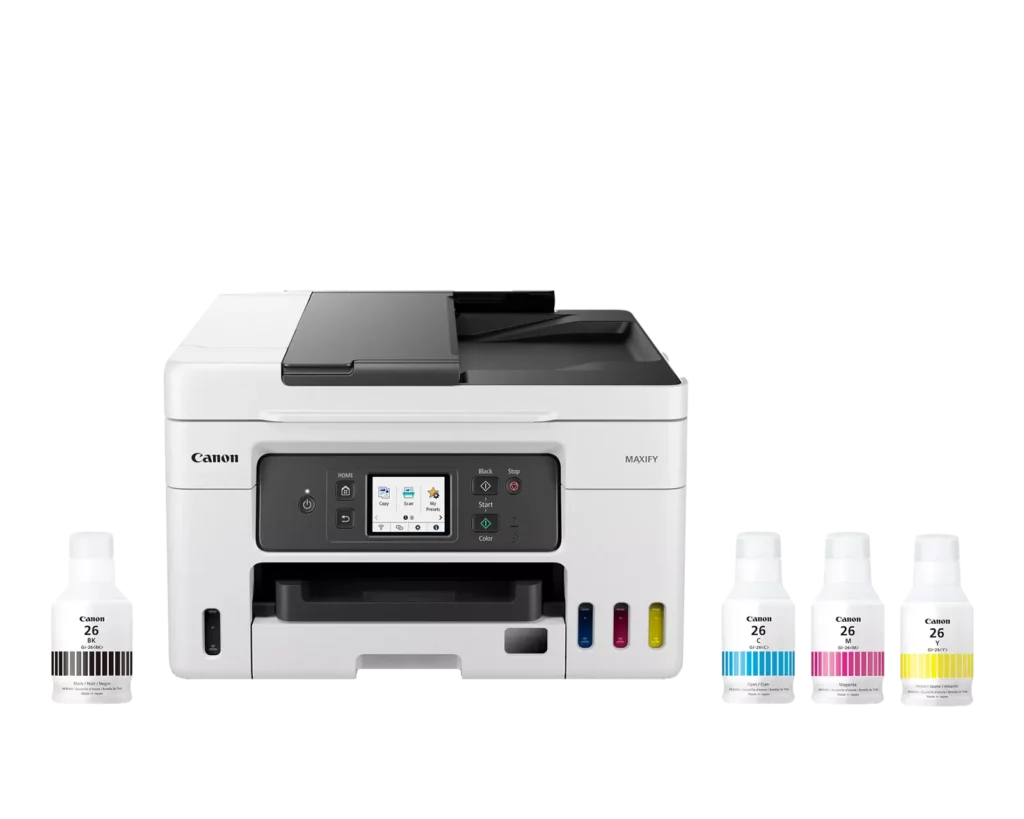
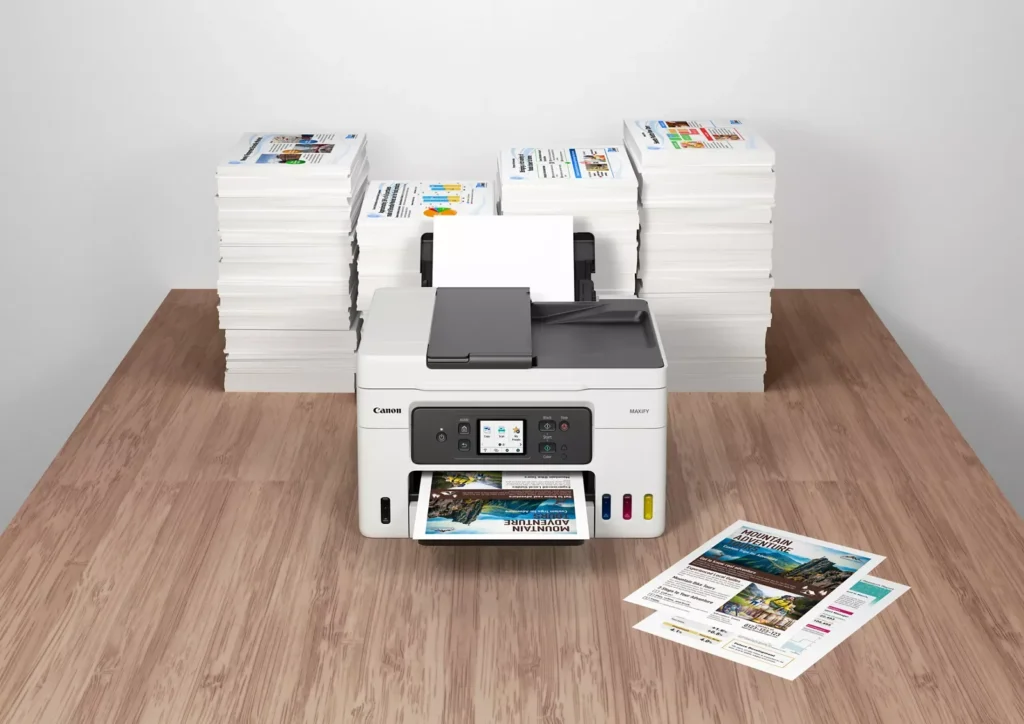
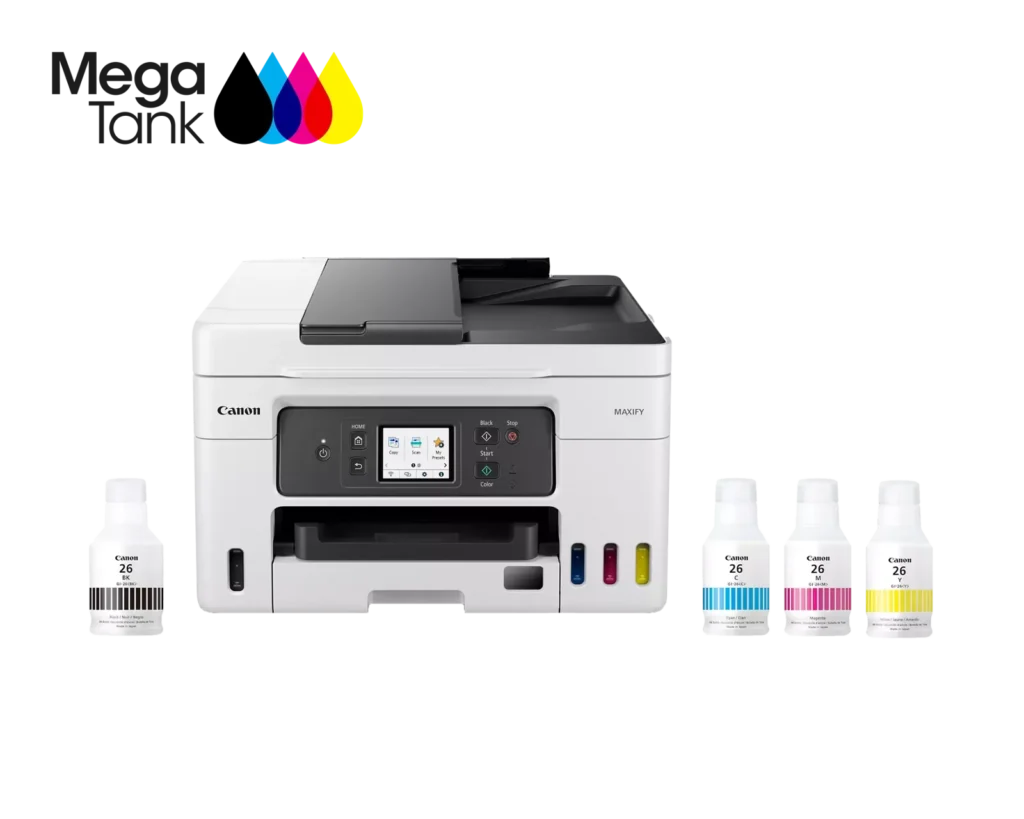
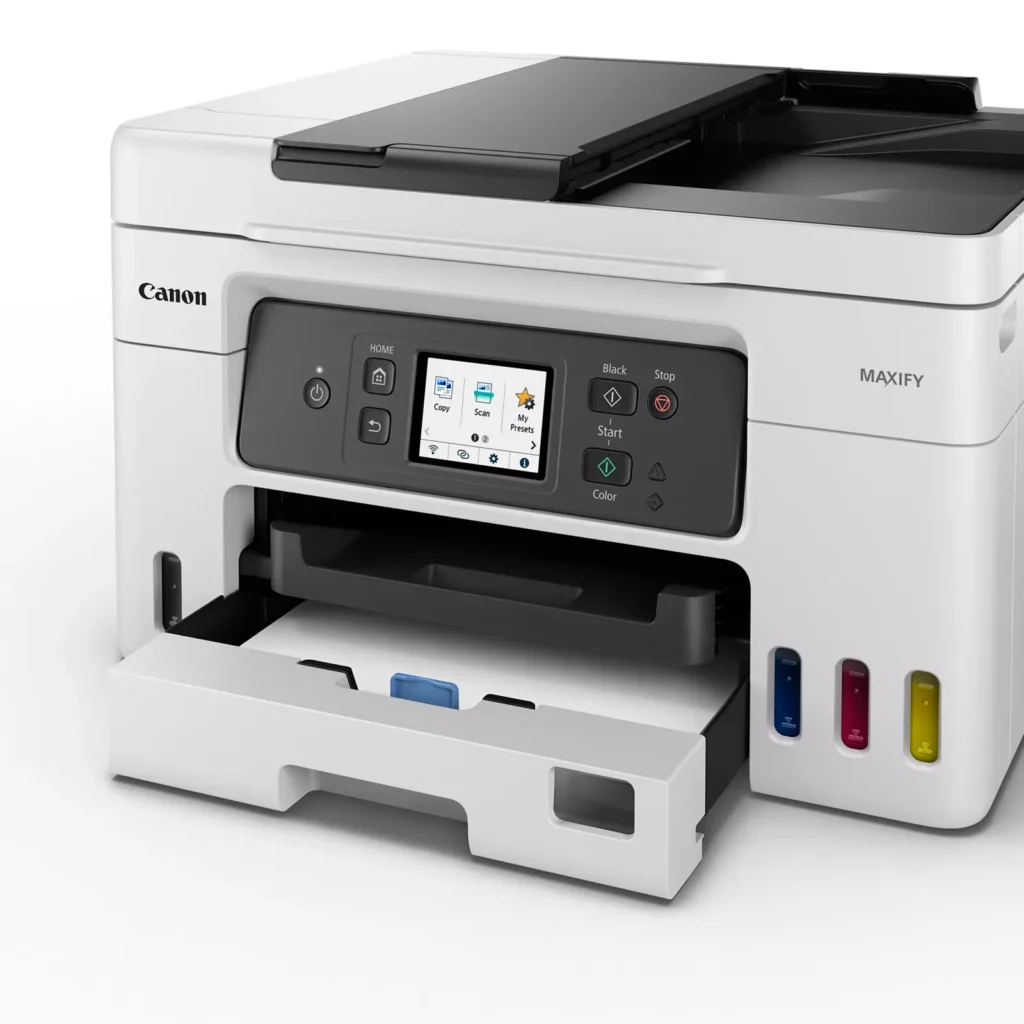
| High Page Yield and Low Running Costs | The MegaTank refillable ink system delivers an impressive yield of up to 6,000 black and 14,000 color pages with a single set of ink bottles. This high-capacity design results in a low cost per print of less than 2 cents per page, significantly reducing the total cost of ownership compared to traditional cartridge-based printers. |
|---|---|
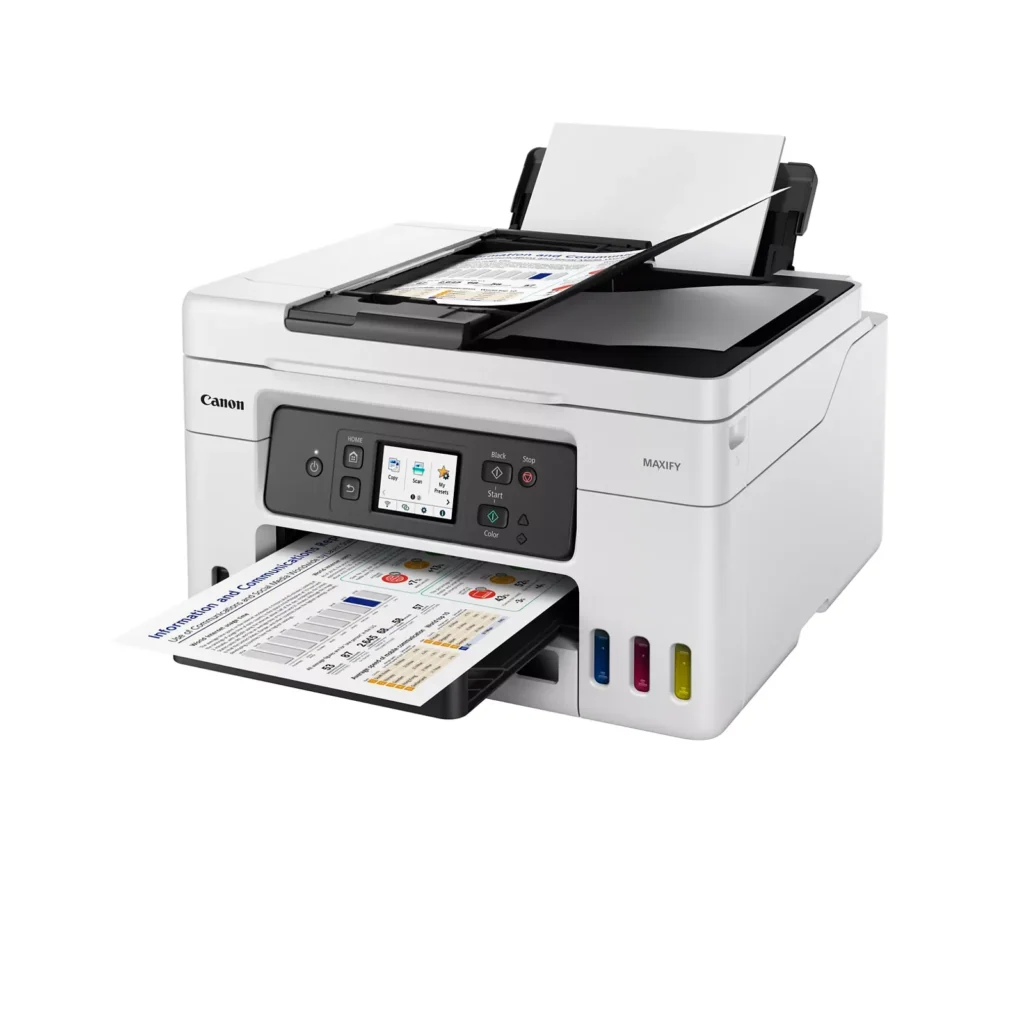
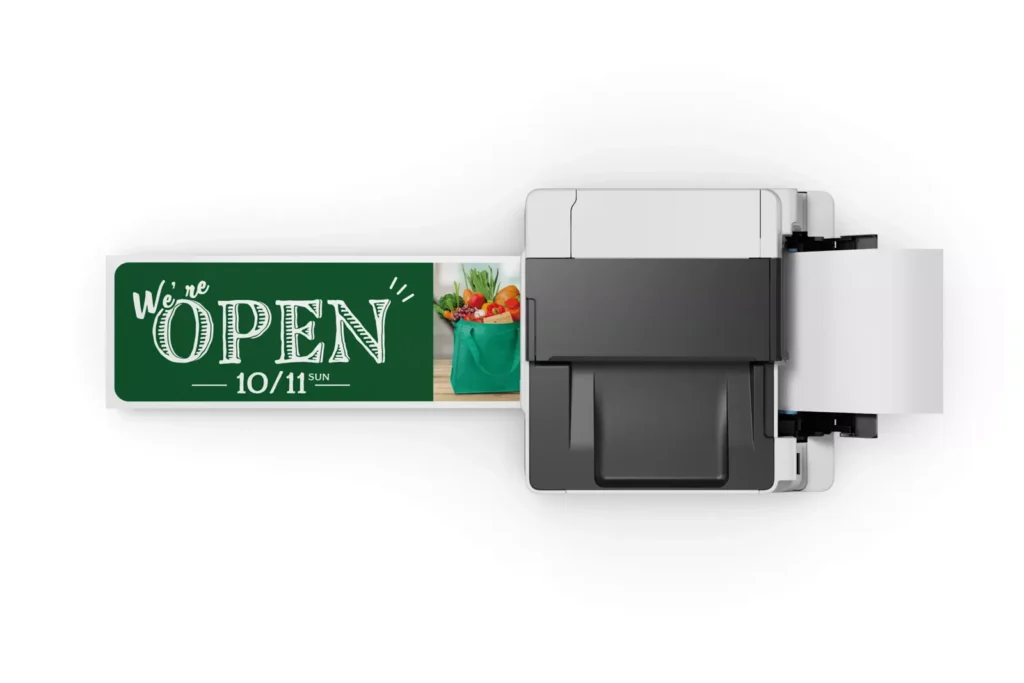
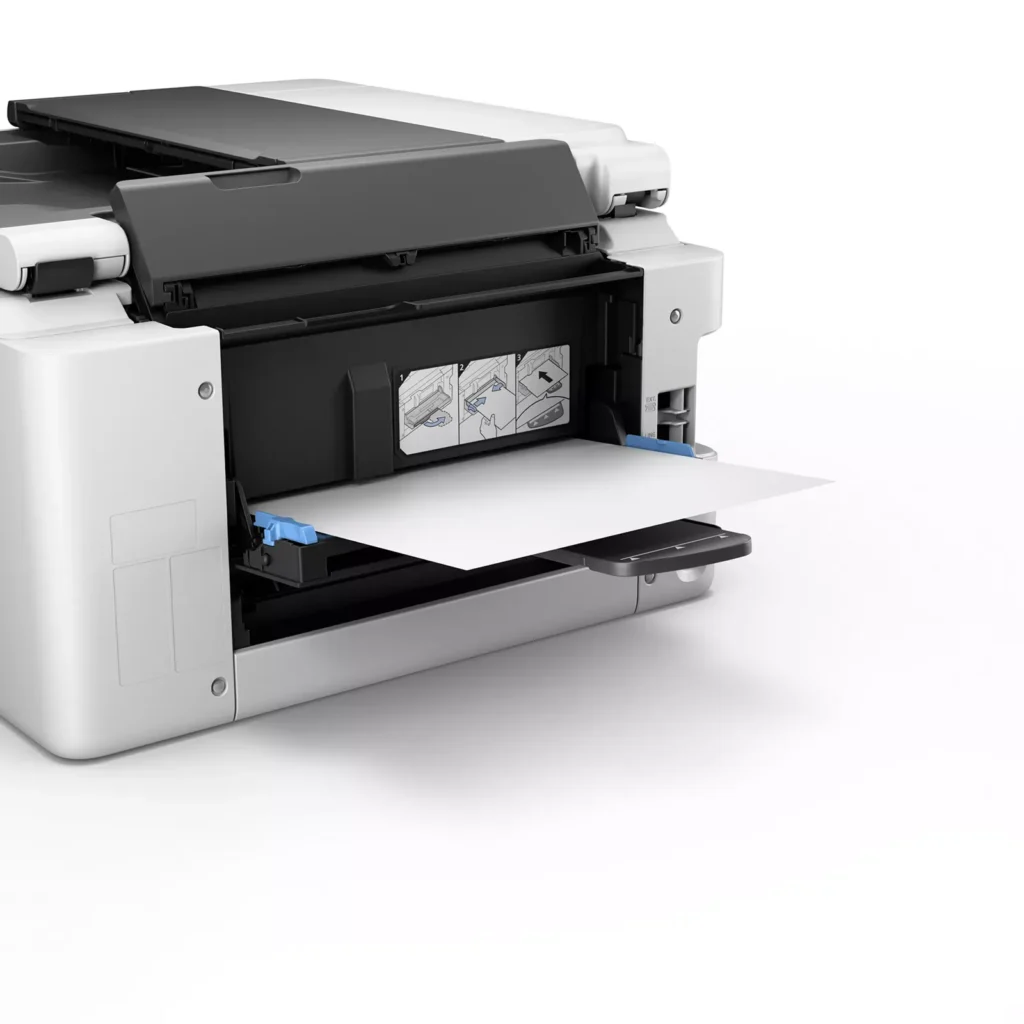
| Versatile 3-Way Paper Feeding | Equipped with a 250-sheet bottom cassette and a 100-sheet rear tray, this printer also features a unique rear flat tray designed for thicker media. This allows for seamless printing on a wide variety of materials, including envelopes, banners up to 47 inches, and heavy cardstock up to 0.7mm thick. |
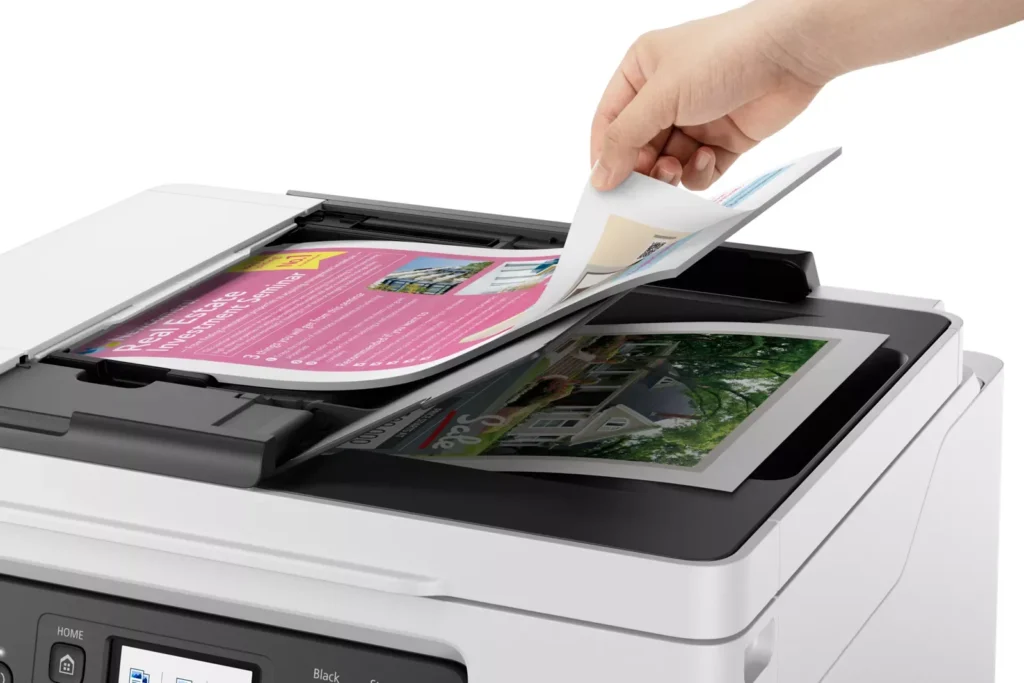
| Fast Business-Class Performance | Boost office productivity with print speeds of up to 18.0 ipm in black and 13.0 ipm in color. The integrated 35-sheet Automatic Document Feeder (ADF) streamlines multi-page scanning, copying, and faxing tasks, while the first print-out time is as fast as 8 seconds. |
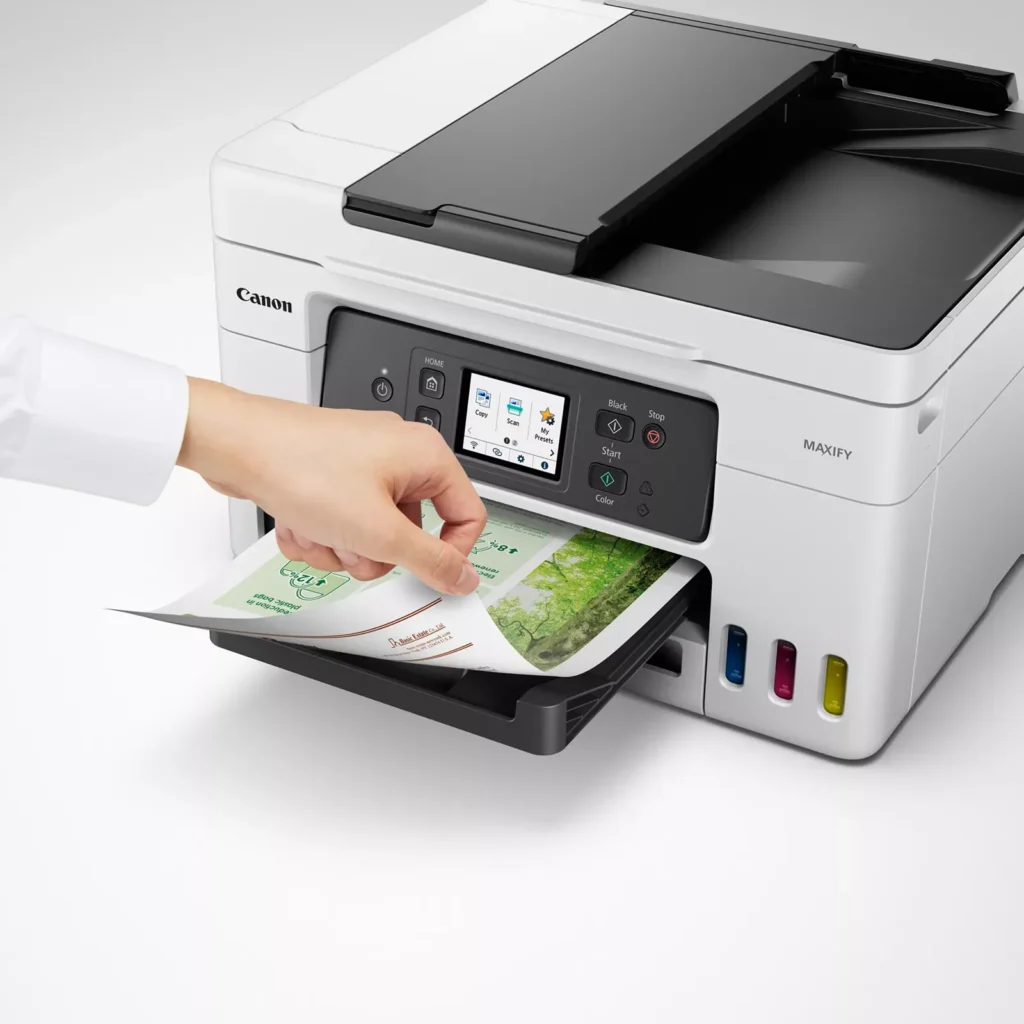
| Durable 4-Color Pigment Ink System | Utilizing a 100% pigment-based ink system, the GX4020 produces sharp, laser-like text and vibrant graphics that are highly resistant to smudging and highlighters. This ensures professional-quality documents that are durable enough for frequent handling in a busy office environment. |
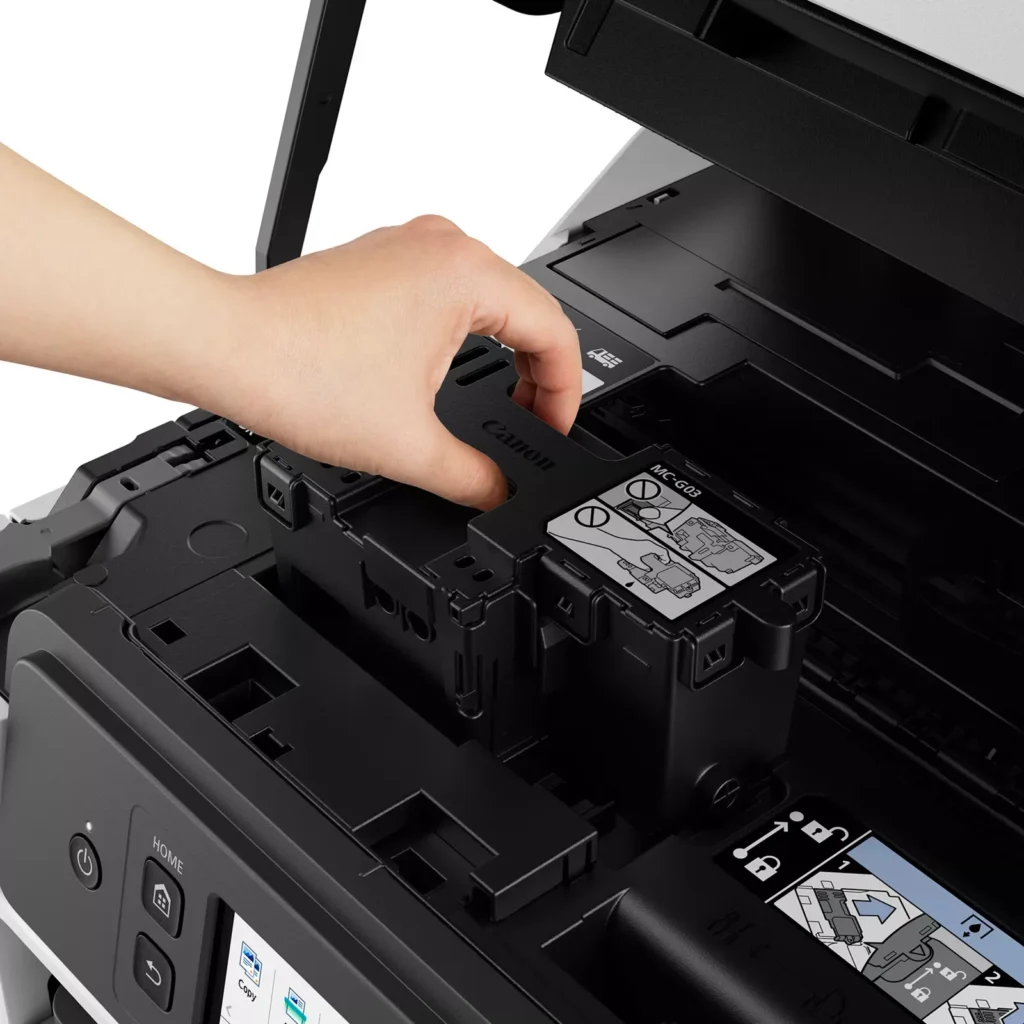
| User-Friendly Maintenance and Reliability | Designed for minimal downtime, the printer features a user-replaceable print head and maintenance cartridge that can be swapped without a service call. It is further backed by a 3-year or 80,000-page limited warranty, providing long-term peace of mind for small business owners. |
Pros & Cons
Pros
- Exceptional Ink Efficiency: The MegaTank system offers a massive ink capacity that lasts for thousands of pages, with a mess-free refill process that significantly reduces long-term operating costs compared to cartridge-based models.
- High-Quality Print and Scan Results: Reviewers consistently praise the printer for producing crisp, professional text and vibrant colors on various media, including glossy photos, stickers, and heavy cardstock.
- Versatile Media Handling: The device features multiple paper sources, including a high-capacity front cassette and a rear tray, allowing users to keep different paper types loaded simultaneously for diverse projects.
Cons
- Persistent Connectivity Issues: A significant number of users experienced frequent WiFi disconnections, difficulty with AirPrint, and a complex setup process that often required manual IP configuration to remain stable.
- Slow Operational Performance: The printer is noted for being slow to wake from sleep mode, having a sluggish touchscreen interface, and taking a long time to process and print documents, especially in high-quality mode.
- Limited Scanning Features: While the printer supports automatic duplex printing, the document feeder lacks automatic duplex scanning, requiring users to manually flip pages to scan both sides.
You might also like












Customer Reviews
Showing reviews 91-100 of 261
-
Low quality
Verified purchase Verified purchase: This reviewer bought the product.John Gibson February 19, 2025Review source: AmazonFirst print of the day takes several minutes. Overall a very clunky printer. The least reliable printer I’ve owned in 30 years of printing.
-
Good for shared use.
Verified purchase Verified purchase: This reviewer bought the product.WildBill February 15, 2025Review source: BestbuyBeen using it for a year. 2 updates in that time were processed without issue. Duplex scanning is a bit of a pain, but at least its available.
Print quality is very good. Moderately fast. Does pause occasionally on long jobs (300 duplex pages) but no intervention needed. -
Good all around combo printer
Verified purchase Verified purchase: This reviewer bought the product.PamelaP February 14, 2025Review source: BestbuyVery happy with this Canon printer. Was easy to set up. Have not completed the FAX setup, but that doesn’t appear to be hard.
-
easy to set up and it works
Verified purchase Verified purchase: This reviewer bought the product.Steven sitter January 17, 2025Review source: AmazonI like it. It’s easy to set up. I’m gonna keep it.
-
Best printer for the price PIXMA 7020
Verified purchase Verified purchase: This reviewer bought the product.Joel L. Snyder December 28, 2024Review source: AmazonNeeded a multi capable printer for scanning pictures copies and fax.
This does it all GREAT.
Another good feature is the ink storage, enough for 2 years of printing with tank storage. -
Great printer! Buy one!
Verified purchase Verified purchase: This reviewer bought the product.Patrick Caldwell December 11, 2024Review source: AmazonI shopped for printers for a really long time before buying this one. I’m super pleased with it!
The ink refill mechanism is really clever and impossible to mess up. It’s great being able to visibly check your ink levels. It prints fast and scans really well.
The only downside is the manual paper feed (where you’d put envelopes) is on the back which is weird because mine is against a wall meaning I have to move it to print envelopes occasionally.
-
Very fast, and ink money saver!
Verified purchase Verified purchase: This reviewer bought the product.Stupidkitty84 December 3, 2024Review source: BestbuyPrints sooo much faster than my previous Canon printer that was over 10 years old! Love the refill tank feature instead of messing around with expensive cartridges. My only con is is that the print color is off somehow. I can’t print light blue (always comes out dark blue/nearly black, yellow print is more orange, cherry/tomato red is more pink-red. I probably should turn it in under warranty but its my work printer and dread being without it even temporarily.
-
Reliable workhorse
Verified purchase Verified purchase: This reviewer bought the product.Kindle Customer December 1, 2024Review source: AmazonI have a small office that relies on fail-safe printing, scanning, and copying. For years I have chucked out HP, Epson, and other printers because they were unreliable, frequently had software issues, and hardware failures. I took great pleasure in taking them to the dumps and throwing them into the detritus. This Canon is the exception. I have had it for about nine months, and it performs wonderfully. I recently had to print out a complex project involving 2,000+ pages. There were no printer errors, and the final product was outstanding. A couple of times the printer notified me that it needed ink. The process for filling the tanks was easy and straightforward. Scanning was sometimes interrupted because the documents being scanned were irregular or bent. It was easy to clear the documents and re-scan. My only complaint is that the instruction window is a bit small, but it’s a vast improvement over previous models. The cost to keep this machine in ink is low, and the printer is frugal in its ink usage. My experience with this printer has been refreshingly positive. I rarely give product reviews, but my experience with this printer
has been outstanding. -
Immensely Disappointed
Verified purchase Verified purchase: This reviewer bought the product.N Thomas November 25, 2024Review source: AmazonI’ve had a number of home office printers over the 30-some years and this is the only real disappointment.
This printer replaced a laser-jet. My husband wanted a tank model printer to reduce our personal cost of doing all printing for a small church for which I’m the volunteer administrator. I chose this Canon because the ink is color-fast on fabric for an occasional quilt label.
This printer must be turned on manually every time I send a document to it. This might be OK if I had it next to a Desk top in a home office, but I work from a laptop in a different room. The printer boot-up seems to take forever and the print speed is significantly slower than any printer I’ve previously owned.
It is now exactly one year in use and has developed serious issues. Large documents (10-plus pages) are printed with totally blank pages. Small documents are printed with the left side of pages blank. It is also printing multiple copies of documents when only one or two copies are sent to be printed.
Husband wanted me to order an ink tank printer to save money. It has turned into a very expensive purchase given all the frustration and wasted time and the amount of paper discarded due to beeing mis-printed.
I can not recommend this printer.
-
System Support and Online Directions Are Poor
Verified purchase Verified purchase: This reviewer bought the product.Holly November 6, 2024Review source: AmazonI initially put a very poor rating for this printer. After, having the printer for a year and struggling with it printing sometimes and not printing other times, I have been left very frustrated. I tried problem-solving through their online support on multiple occasions and found it not helpful. Recently my husband tried to print from his work laptop to test if his device would have issues (he doesn’t print things from home usually) and it worked with no problem. So, then it made us wonder if my work put a setting on my device that interfered with the setup of the print driver. I am still trying to figure this all out. I think Canon’s support services need to be improved. I am also working with my work’s tech department (I am a teacher) to resolve my printing troubles with the Canon GX4020.