Customer Media
Highlights
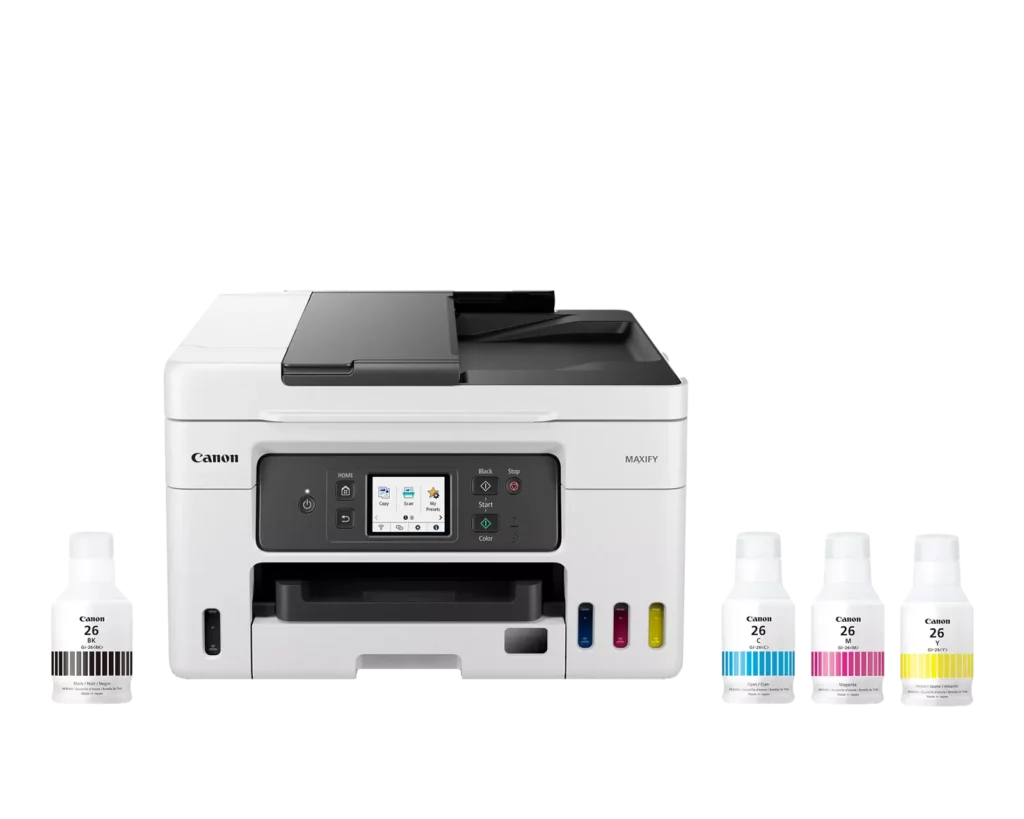
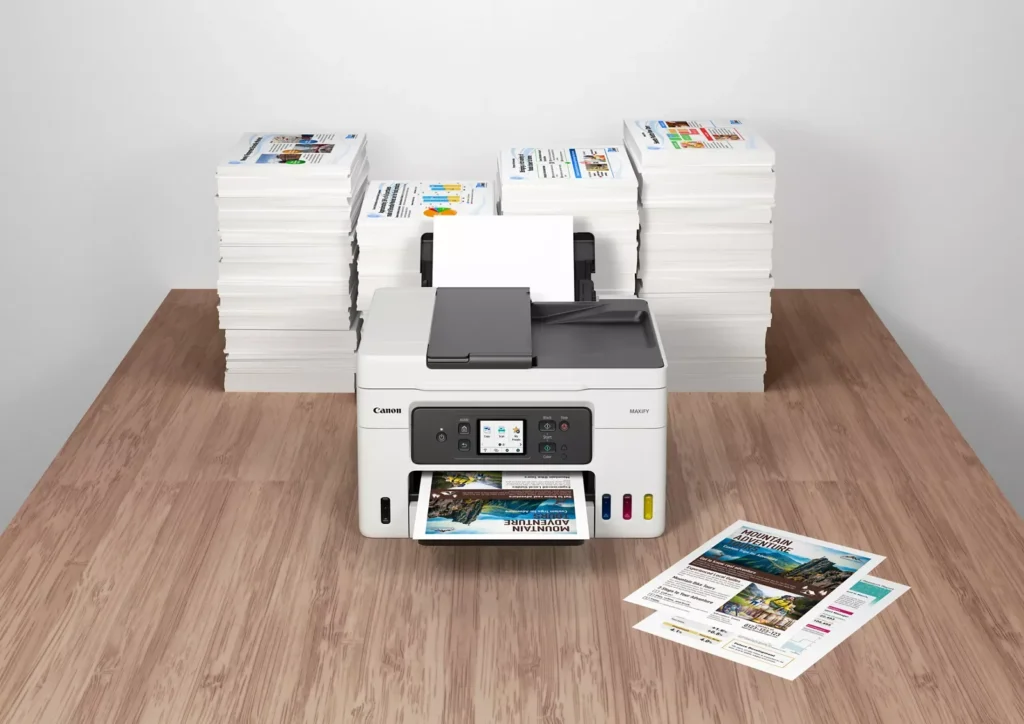
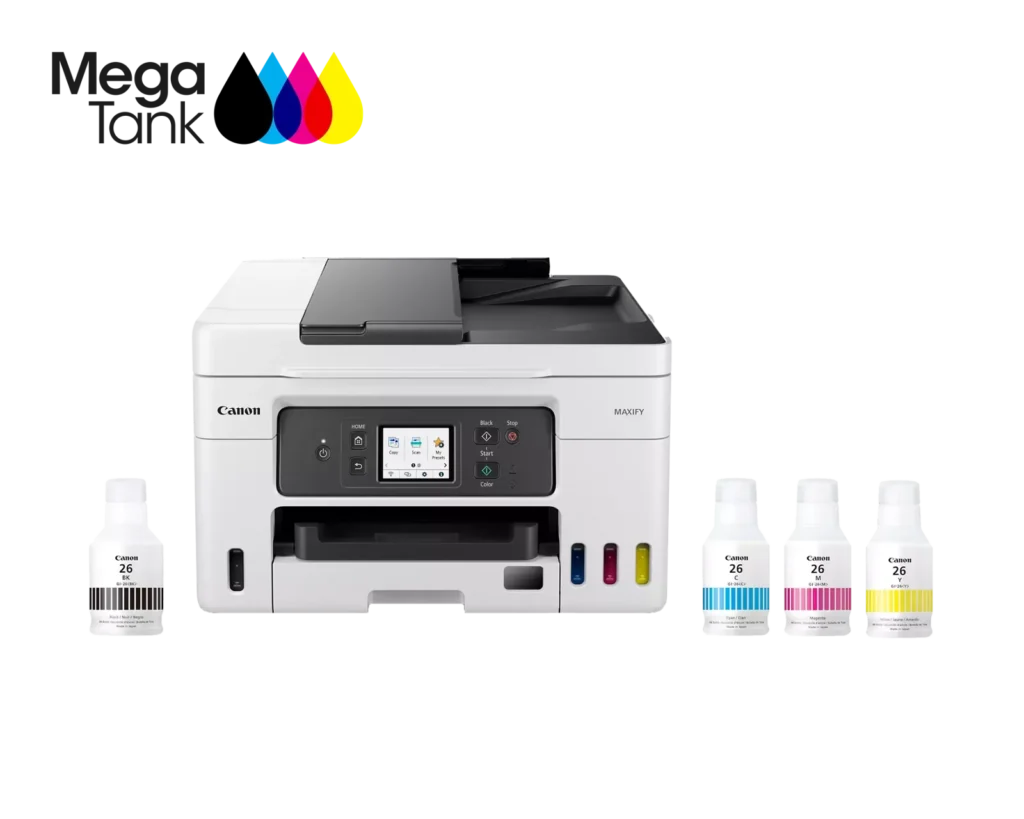
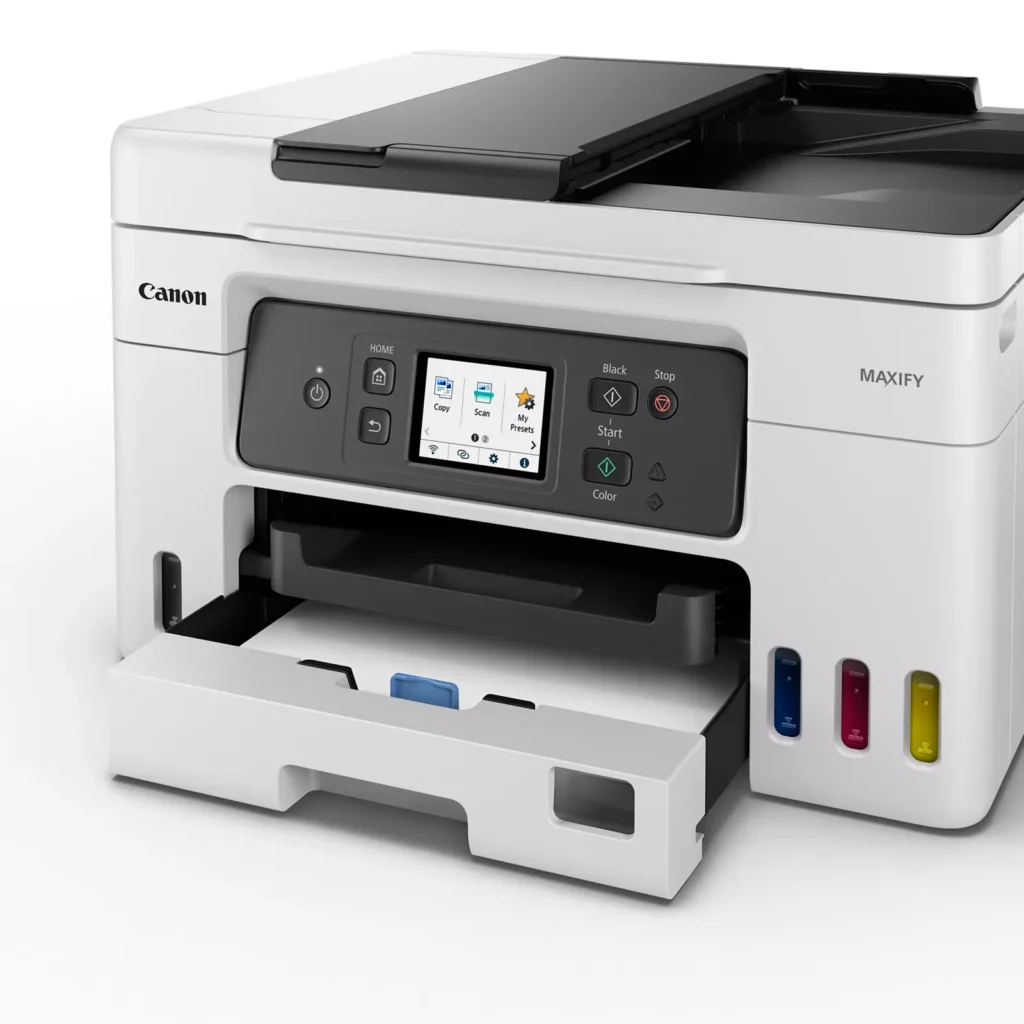
| High Page Yield and Low Running Costs | The MegaTank refillable ink system delivers an impressive yield of up to 6,000 black and 14,000 color pages with a single set of ink bottles. This high-capacity design results in a low cost per print of less than 2 cents per page, significantly reducing the total cost of ownership compared to traditional cartridge-based printers. |
|---|---|
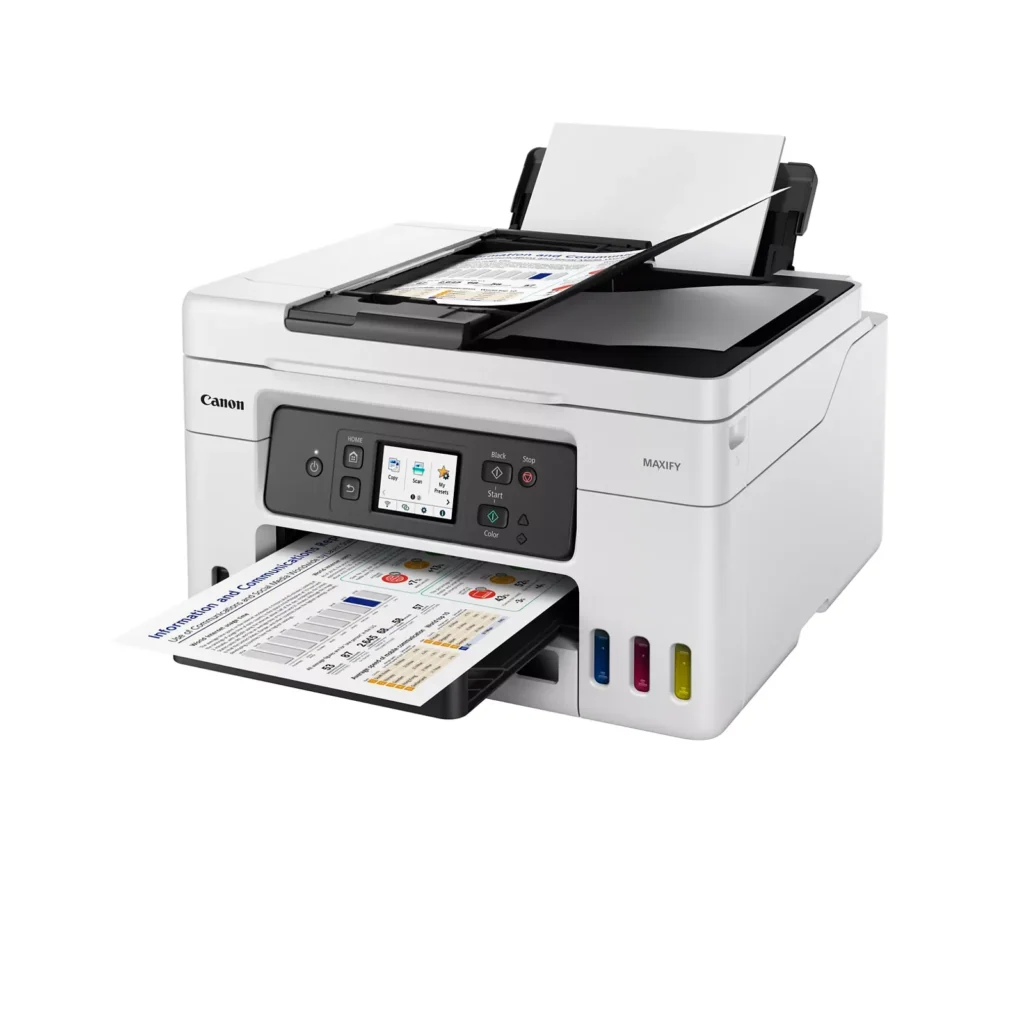
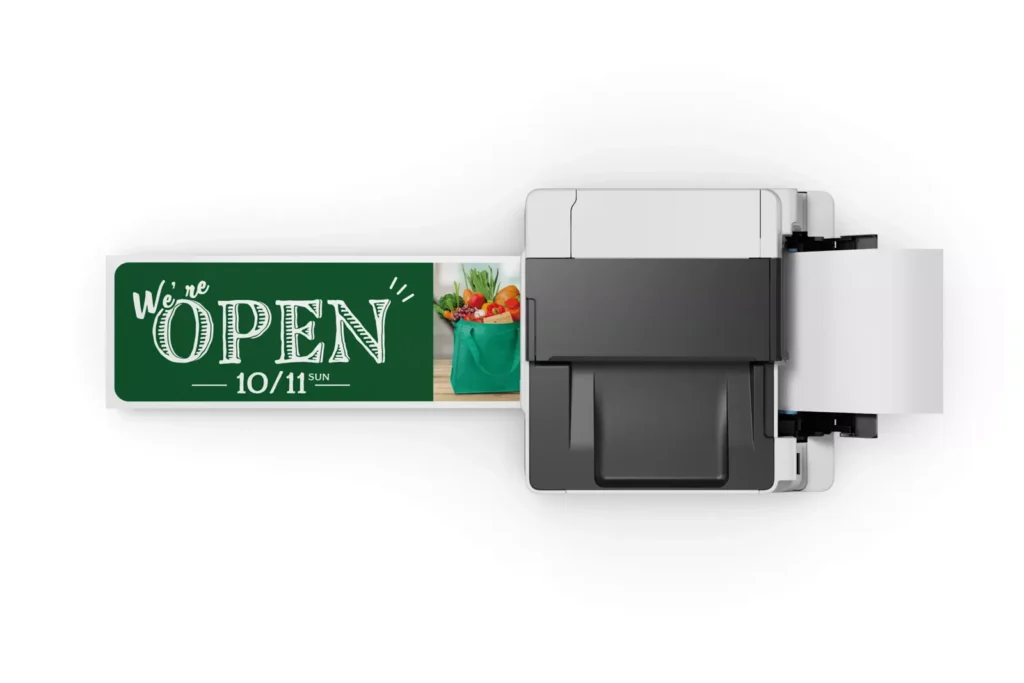
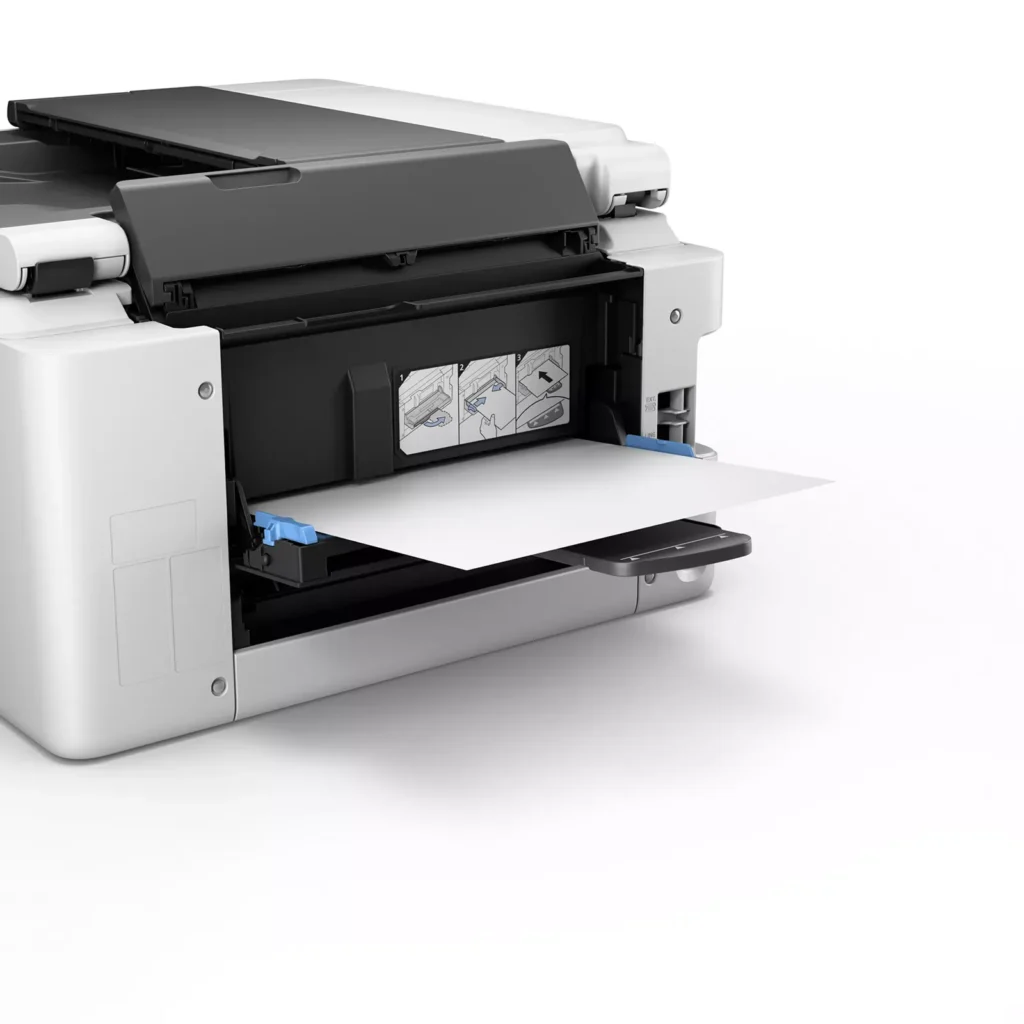
| Versatile 3-Way Paper Feeding | Equipped with a 250-sheet bottom cassette and a 100-sheet rear tray, this printer also features a unique rear flat tray designed for thicker media. This allows for seamless printing on a wide variety of materials, including envelopes, banners up to 47 inches, and heavy cardstock up to 0.7mm thick. |
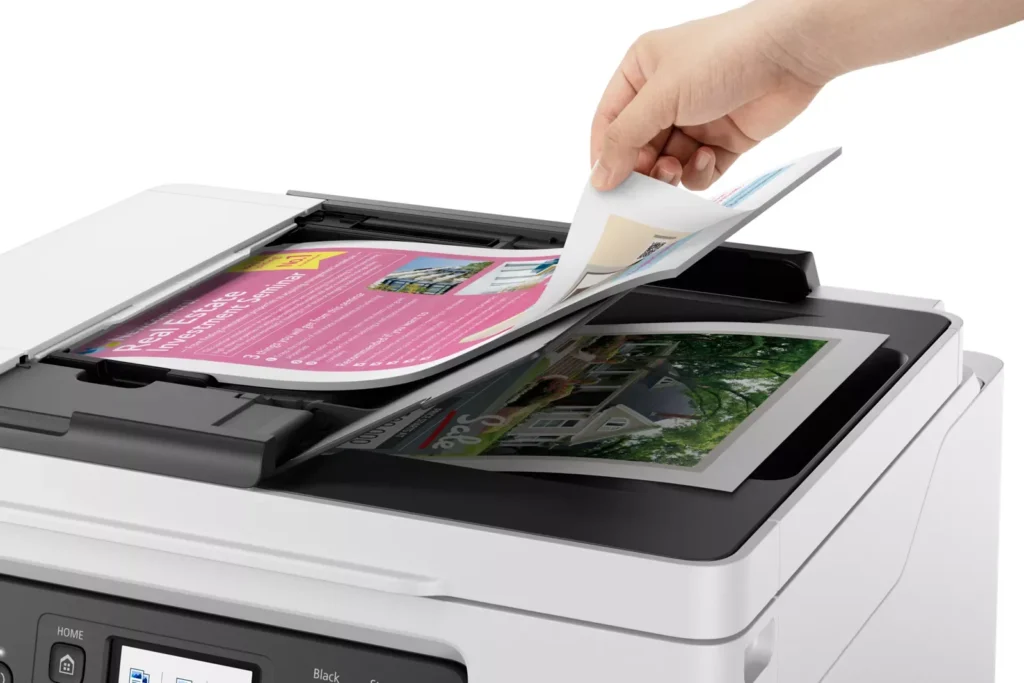
| Fast Business-Class Performance | Boost office productivity with print speeds of up to 18.0 ipm in black and 13.0 ipm in color. The integrated 35-sheet Automatic Document Feeder (ADF) streamlines multi-page scanning, copying, and faxing tasks, while the first print-out time is as fast as 8 seconds. |
| Durable 4-Color Pigment Ink System | Utilizing a 100% pigment-based ink system, the GX4020 produces sharp, laser-like text and vibrant graphics that are highly resistant to smudging and highlighters. This ensures professional-quality documents that are durable enough for frequent handling in a busy office environment. |
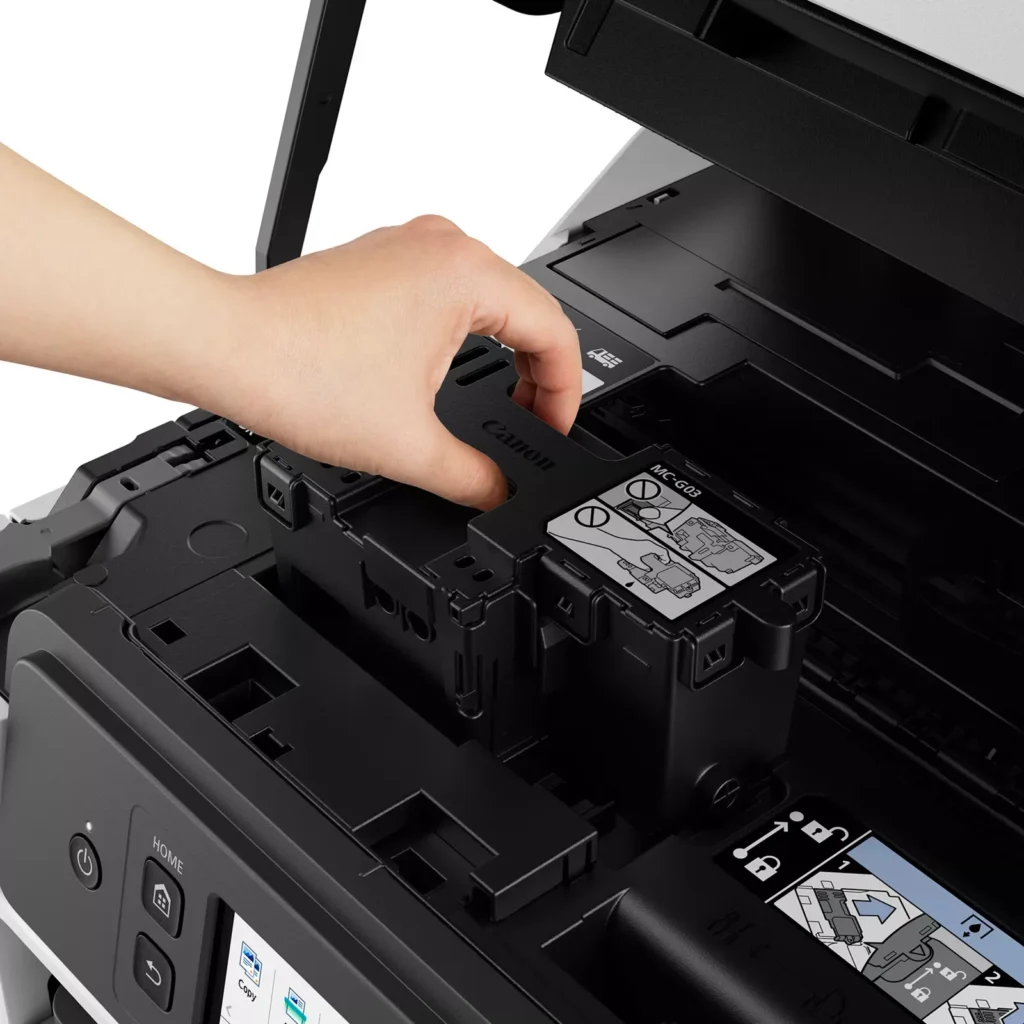
| User-Friendly Maintenance and Reliability | Designed for minimal downtime, the printer features a user-replaceable print head and maintenance cartridge that can be swapped without a service call. It is further backed by a 3-year or 80,000-page limited warranty, providing long-term peace of mind for small business owners. |
Pros & Cons
Pros
- Exceptional Ink Efficiency: The MegaTank system offers a massive ink capacity that lasts for thousands of pages, with a mess-free refill process that significantly reduces long-term operating costs compared to cartridge-based models.
- High-Quality Print and Scan Results: Reviewers consistently praise the printer for producing crisp, professional text and vibrant colors on various media, including glossy photos, stickers, and heavy cardstock.
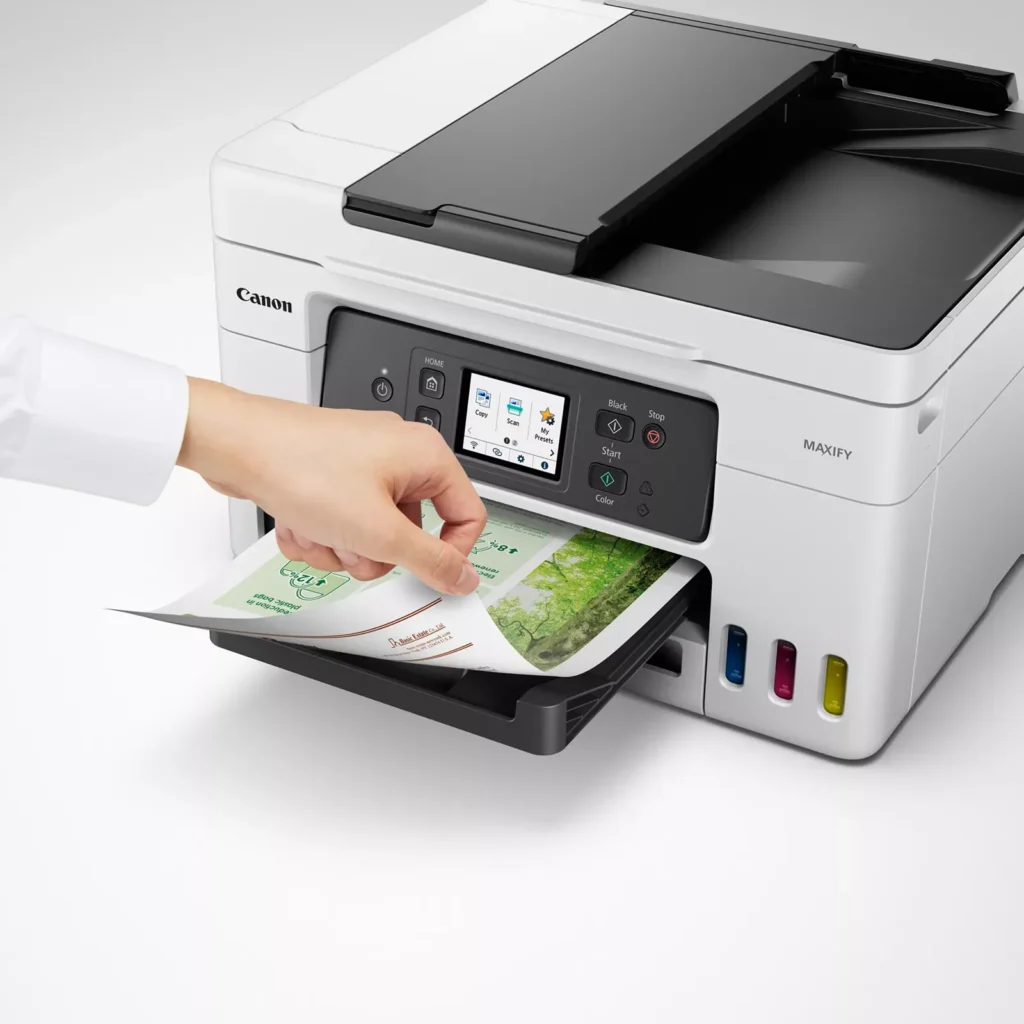
- Versatile Media Handling: The device features multiple paper sources, including a high-capacity front cassette and a rear tray, allowing users to keep different paper types loaded simultaneously for diverse projects.
Cons
- Persistent Connectivity Issues: A significant number of users experienced frequent WiFi disconnections, difficulty with AirPrint, and a complex setup process that often required manual IP configuration to remain stable.
- Slow Operational Performance: The printer is noted for being slow to wake from sleep mode, having a sluggish touchscreen interface, and taking a long time to process and print documents, especially in high-quality mode.
- Limited Scanning Features: While the printer supports automatic duplex printing, the document feeder lacks automatic duplex scanning, requiring users to manually flip pages to scan both sides.
You might also like












Customer Reviews
Showing reviews 101-110 of 261
-
slow connection, jams every time
Verified purchase Verified purchase: This reviewer bought the product.Meera Kapoor October 24, 2024Review source: AmazonSlow on wireless connection, took us forever to set it up for wireless printing, paper gets jammed and ink goes everywhere. very disapointed
-
This Canon GX 4020 is an off-shore model that cannot be registered or supported in the USA.
Verified purchase Verified purchase: This reviewer bought the product.J. F. Eggert October 19, 2024Review source: AmazonI had a communication error with my printer 7-days after the Amazon 30-Day return window. I attempted to register my GX-4020 printer but it the Canon website would not recognize it. I eventually reached Canon USA by other means and found that this printer was registered to Canon Canada, even Canon USA could not register it on my behalf. I discovered the problem I had but cannot get help for future problems or Canon Support. There is a presumption of warranty and support when buy from a New York based seller. I called Amazon who fulfilled the order but they referred me to the seller contact on Amazon website, however i could not get the comments section to accept my text imputs. The lesson here is be cautious and register early so you don’t get stuck with an off-shore product that has no USA Warranty.
-
Scam alert. Do not buy if in the usa
Verified purchase Verified purchase: This reviewer bought the product.Tiny Globetrotters October 2, 2024Review source: AmazonI called canon support and they advised me this is a Canada model and warranty will never be honored in the USA and can’t product support. They said to return it since it should not be sold to anyone in the USA.
Stay away from this vendor it’s a scam. -
Canadian printer sold to US. Per Canon, this voids the warranty.
Verified purchase Verified purchase: This reviewer bought the product.Jen Hihn September 30, 2024Review source: AmazonPrinter stopped working about 2 months after purchase. Canon Support stated it was a bad motherboard but they could not find the printer serial number in the database. Later they (Canon) stated you were sold a Canadian printer but are in the US so they cannot warranty the product. Canon stated we would need to contact the seller to have them ship us a US printer. No where in the description did “American Dream Deals” state we were being sold a Canadian printer and that wold void the warranty. Canon stated this is a big problem they are seeing with products sold on Amazon. The seller states there is nothing they can do for us after 30 days and we should contact Amazon. Amazon stated they would contact the seller again for us, but we have not heard anything from Amazon or the seller since.
-
Must have printer
Verified purchase Verified purchase: This reviewer bought the product.David I September 13, 2024Review source: AmazonI had a inkjet printer before switching to this and let me tell you it was the best decision. Setup was a little annoying but after that works great. No more worrying about wasting $60 on a new inkjet cartridge, to only have it dry out 2 months later.
-
Scan to computer doesn't work on macOS
rrr August 8, 2024Review source: AmazonOverall it works very well. The paper feeder has been reliable for me, printed text and graphics look good to me, as do scans (I don’t print photos, so cannot offer an opinion about that). The printer is fast and holds plenty of paper. I really appreciate the big ink tanks and the replaceable waste sponge (though it was listed as half full after priming the printer!).
I do have three complaints, the first of which might have prompted me to buy something else:
* The scan-to-computer feature does not work on macOS. I installed “Canon IJ Scan Utility Lite 4.1.1” which is advertised to support this, and once I configure it the feature works, but only until I reboot the computer. I have tried this repeatedly with the same results. Today I called customer support and they said it was a known issue and they blamed Apple (which I take to mean that they have no plans to fix it). This is the first multi-function printer I’ve had that failed to support that useful feature properly. I hope it’s my last, as pushing scans from the printer is much more convenient than running Image Capture to pull them to the computer.
* I have had one serious clog so far. I don’t print often, but have had other Canon and HP inkjet printers that never clogged. A normal cleaning didn’t fix it, but fortunately a deep cleaning did. I now plan to print some color at least once a month.
* The ink bottles cannot be recycled and have a crazy amount of plastic. (I can’t even get the lids off to try to clean them for plastic recycling).Also by default the printer shuts down after many hours of idle time. You may want to change this setting if you want to print without turning on the printer each time. I live with it, to save energy.
I am still not halfway through the ink that came with the printer, after a year of light use.
-
Connection and Printing Issue
Verified purchase Verified purchase: This reviewer bought the product.Chelsea August 1, 2024Review source: AmazonSo many issues with this printer, don’t buy
-
Registration and Install Problem
Verified purchase Verified purchase: This reviewer bought the product.Sherwin Dubren July 15, 2024Review source: AmazonWhen I tried to register this printer with Canon, a message came up saying this printer was not manufactured in the USA so it could not be registered with Canon,USA. I was ready to return the printer until I discovered it was made in Canada. I was able to register it there. I can now get parts and support from Canon.ca which is workable but hopefully will not present any problems in the future.
Set-up was a chore with the printer WiFi addresses not matching my modem and required AT&T to set up alternate addresses that the printer would recognize. The FAX was made more difficult because of awkward document online access. I wasted a lot of time trying to plug in my phone and answering machine into the wrong set of plugs until I dug out pictures of the back of the printer indicating the correct plugs. The help screen for Fax setup is not clear about this and the sketch they show of the plugs could have matched either of the two sets available. I initially picked the wrong pair. -
Caution – product is designated for Canadian use.
Verified purchase Verified purchase: This reviewer bought the product.chef July 14, 2024Review source: AmazonWe were unable to register this printer with Canon since we got a notice that is designated for use in Canada, not the US. This would mean the Canon standard three year warranty and, we assume, online service help would not be available. In addition, the borderless printing is not available on this product even though it says so on Amazon.
We returned this printer to Amazon the next day and went to our local computer specialist store and bought one that fits all our needs. -
A great upgrade to our printer!
Verified purchase Verified purchase: This reviewer bought the product.Rachel Grepke June 17, 2024Review source: AmazonWe previously had a HP printer that was having odd issues that no one seemed to be able to fix. So, we began researching new printers. What a daunting task! There are so many various kinds out there. After reading multiple articles and talking to some friends, I knew we wanted a tank one. You get so much more out of the ink that way. After that, we researched what all we were going to use it for and landed on this guy. While I hate to spend money, even when I need to, this was well worth it. We have had it up and running for about 1.5 months so far. Not a single paper jam, prints my cardstock just fine and scans effortlessly. I thought it had a special third paper area in the far back, but have not seen anything to that as of yet. It is fairly easy to setup and navigate. I was printing within an hour of opening the box. Their customer service people were helpful. My only real complaint is that it does not come with a physical manual. I get that everything is online now, but there is something to be said about having the manual to reference, especially with products such as this. As of now I am happy with the purchase.