Customer Media
Highlights
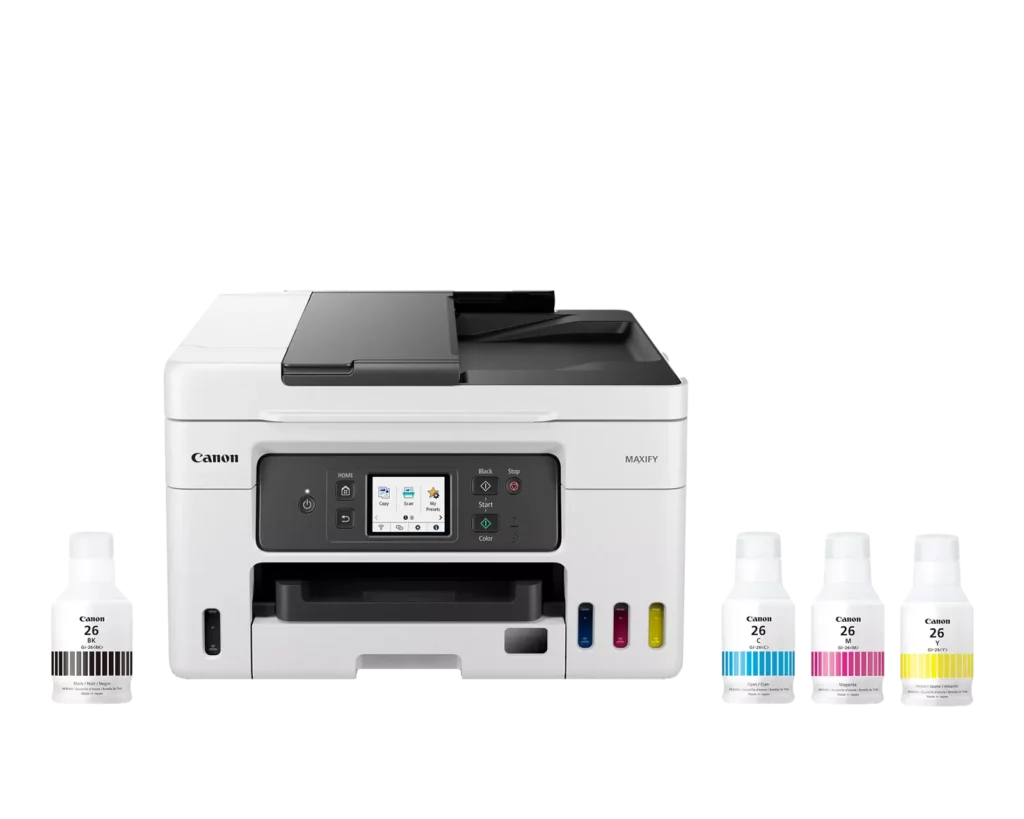
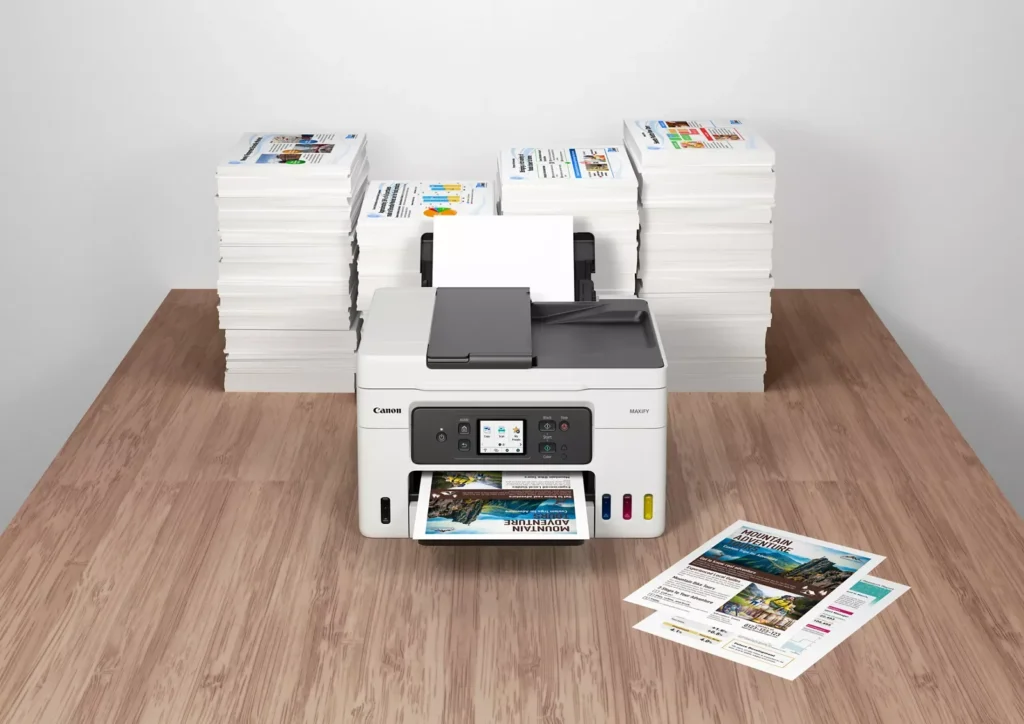
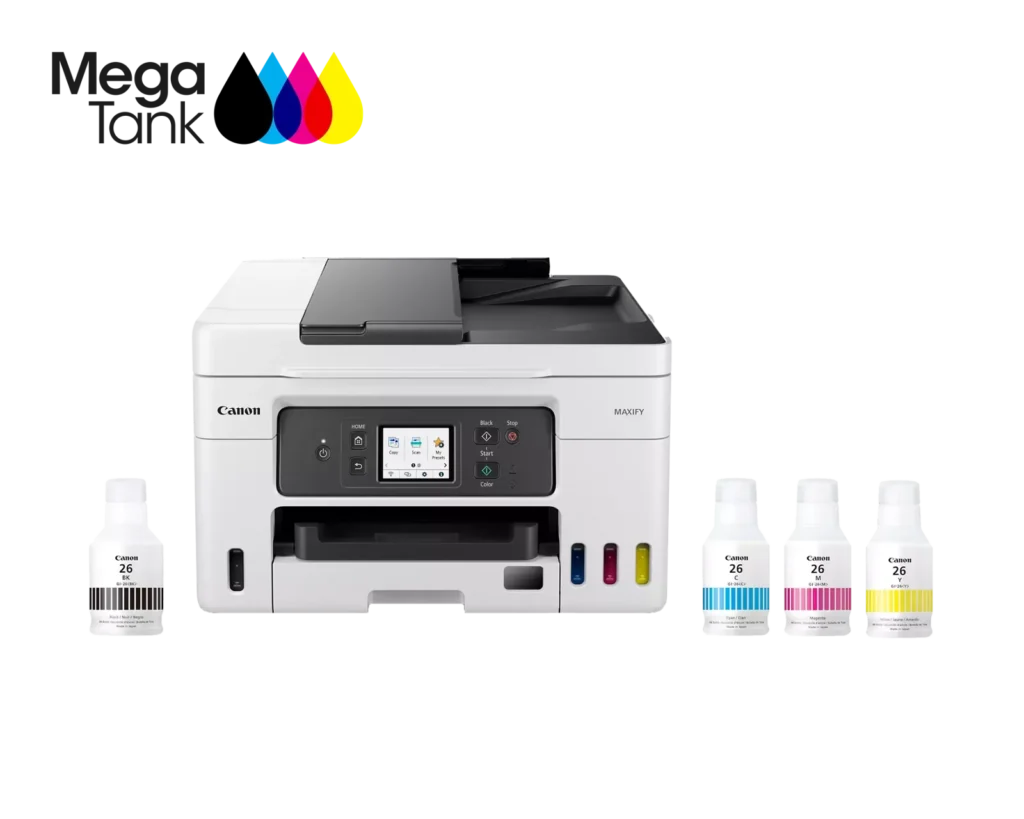
| High Page Yield and Low Running Costs | The MegaTank refillable ink system delivers an impressive yield of up to 6,000 black and 14,000 color pages with a single set of ink bottles. This high-capacity design results in a low cost per print of less than 2 cents per page, significantly reducing the total cost of ownership compared to traditional cartridge-based printers. |
|---|---|
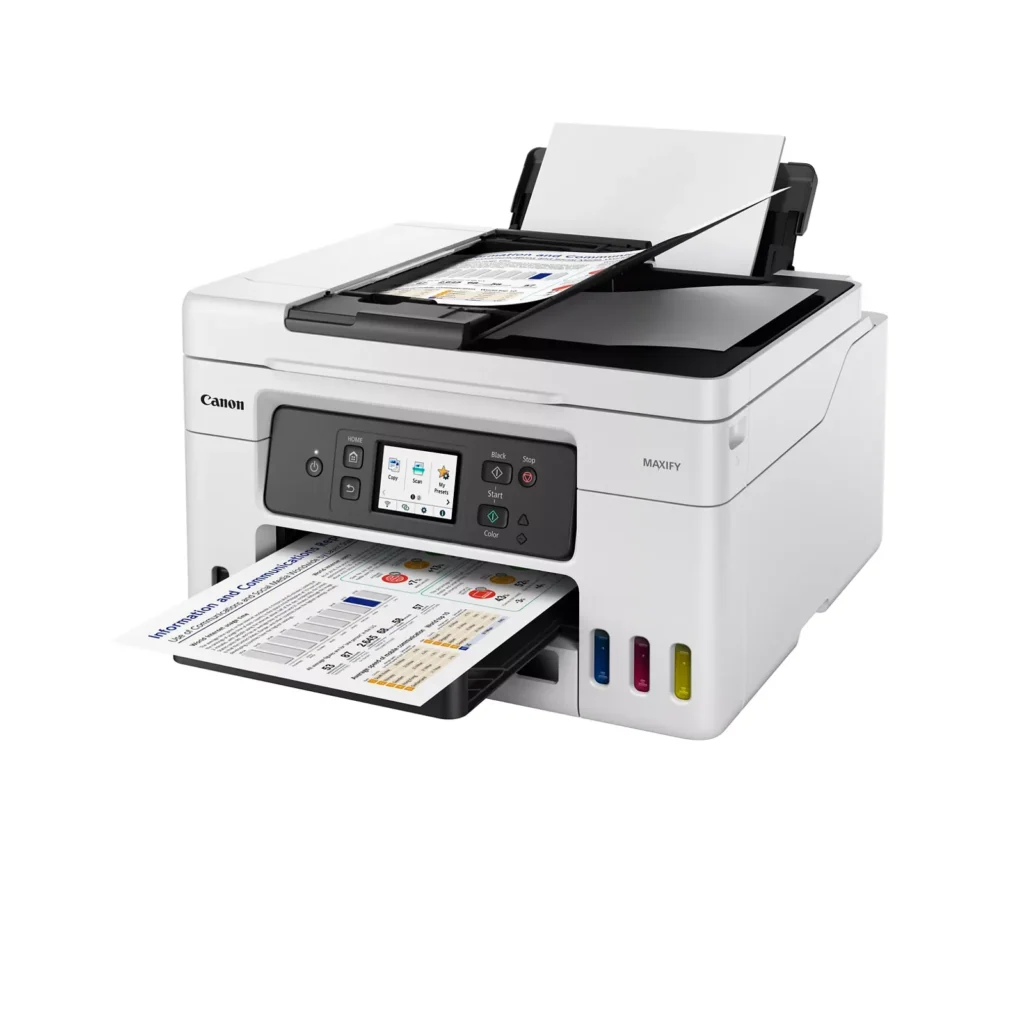
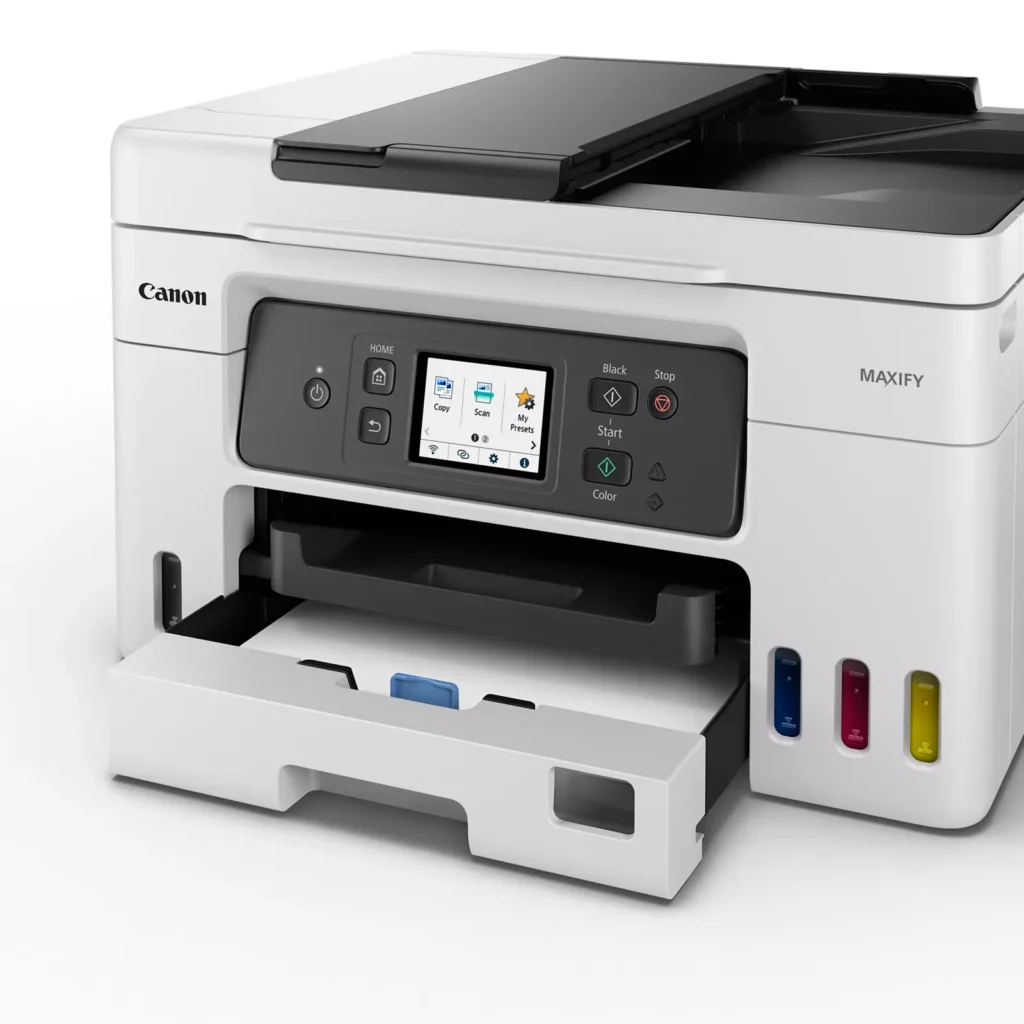
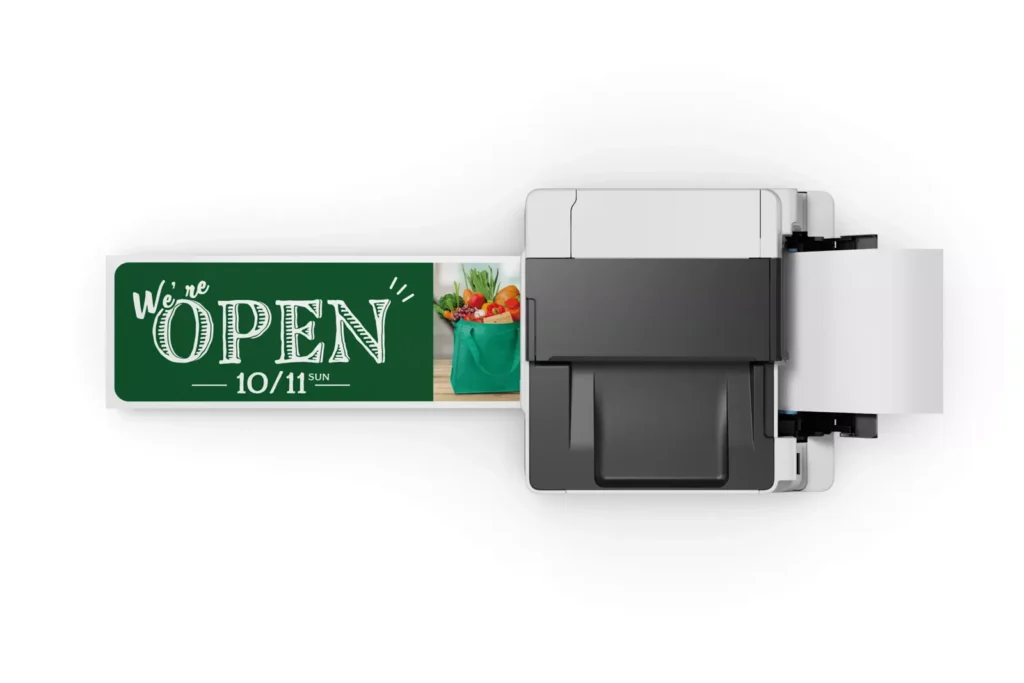
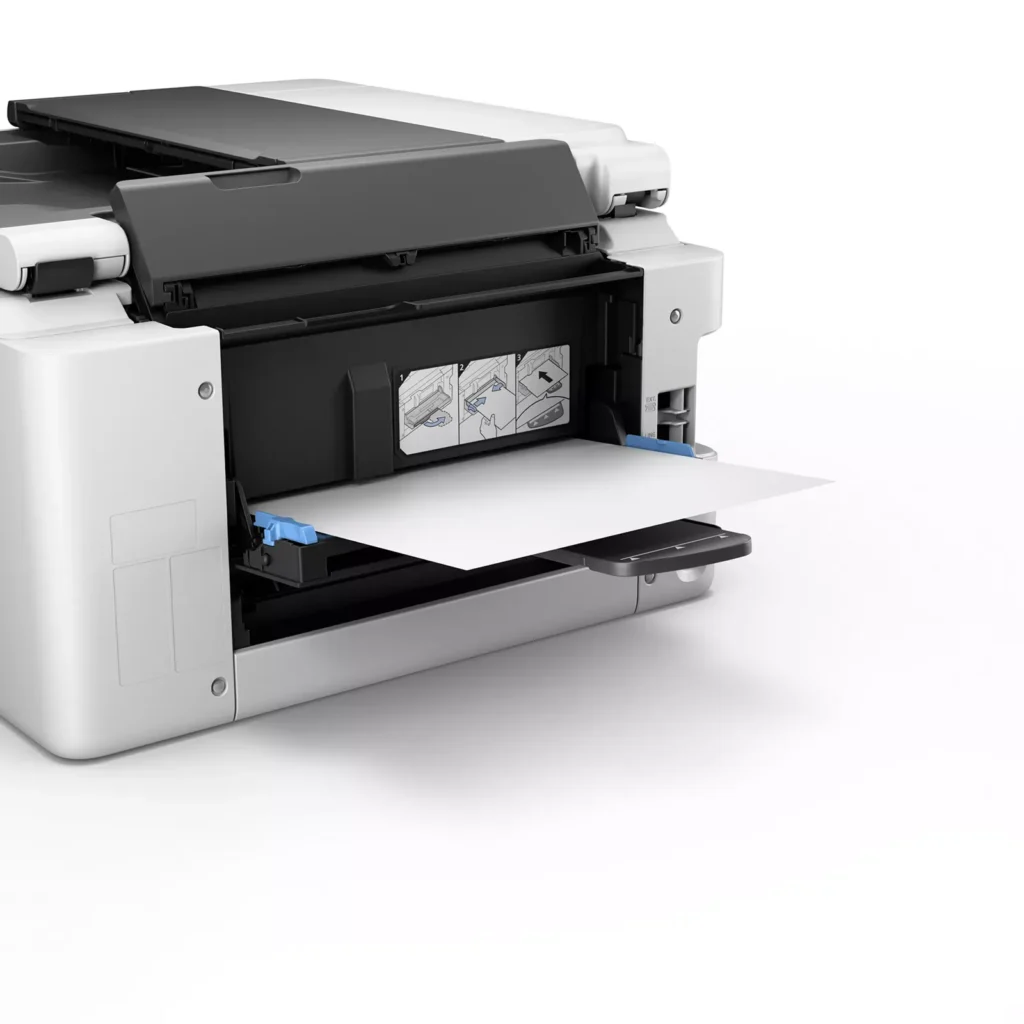
| Versatile 3-Way Paper Feeding | Equipped with a 250-sheet bottom cassette and a 100-sheet rear tray, this printer also features a unique rear flat tray designed for thicker media. This allows for seamless printing on a wide variety of materials, including envelopes, banners up to 47 inches, and heavy cardstock up to 0.7mm thick. |
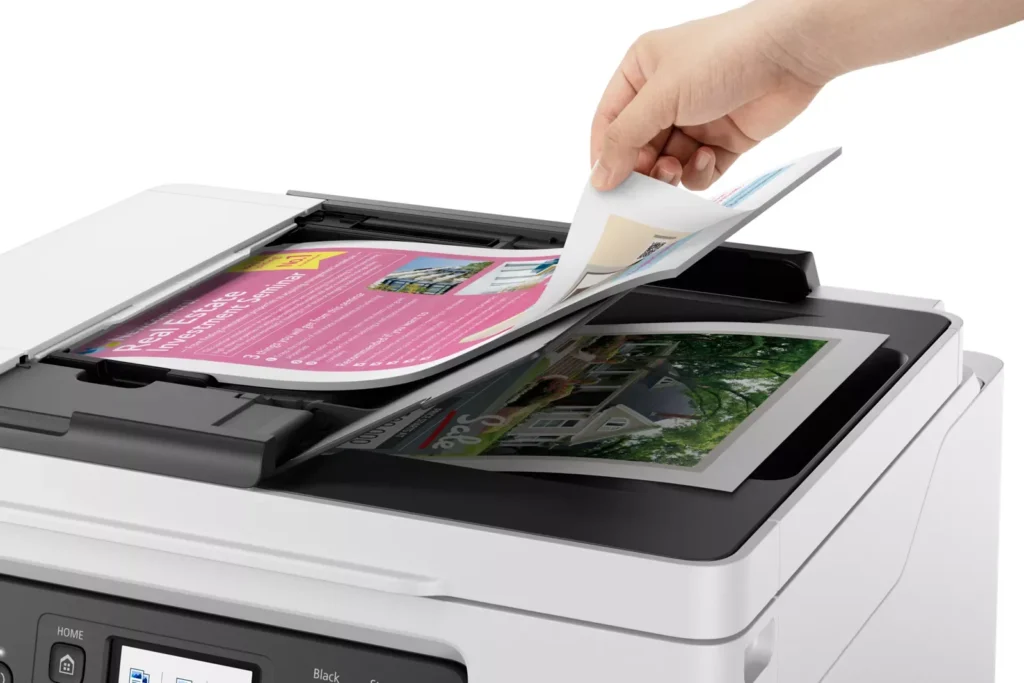
| Fast Business-Class Performance | Boost office productivity with print speeds of up to 18.0 ipm in black and 13.0 ipm in color. The integrated 35-sheet Automatic Document Feeder (ADF) streamlines multi-page scanning, copying, and faxing tasks, while the first print-out time is as fast as 8 seconds. |
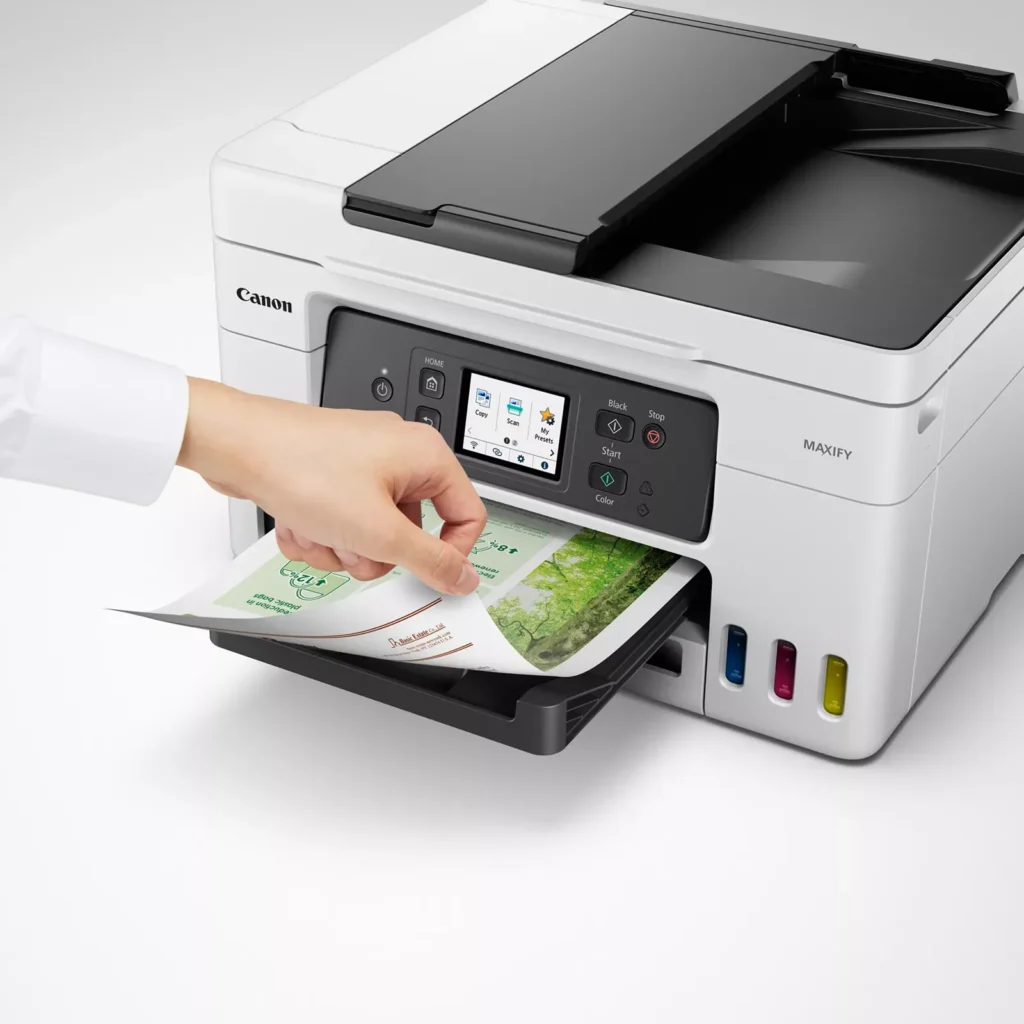
| Durable 4-Color Pigment Ink System | Utilizing a 100% pigment-based ink system, the GX4020 produces sharp, laser-like text and vibrant graphics that are highly resistant to smudging and highlighters. This ensures professional-quality documents that are durable enough for frequent handling in a busy office environment. |
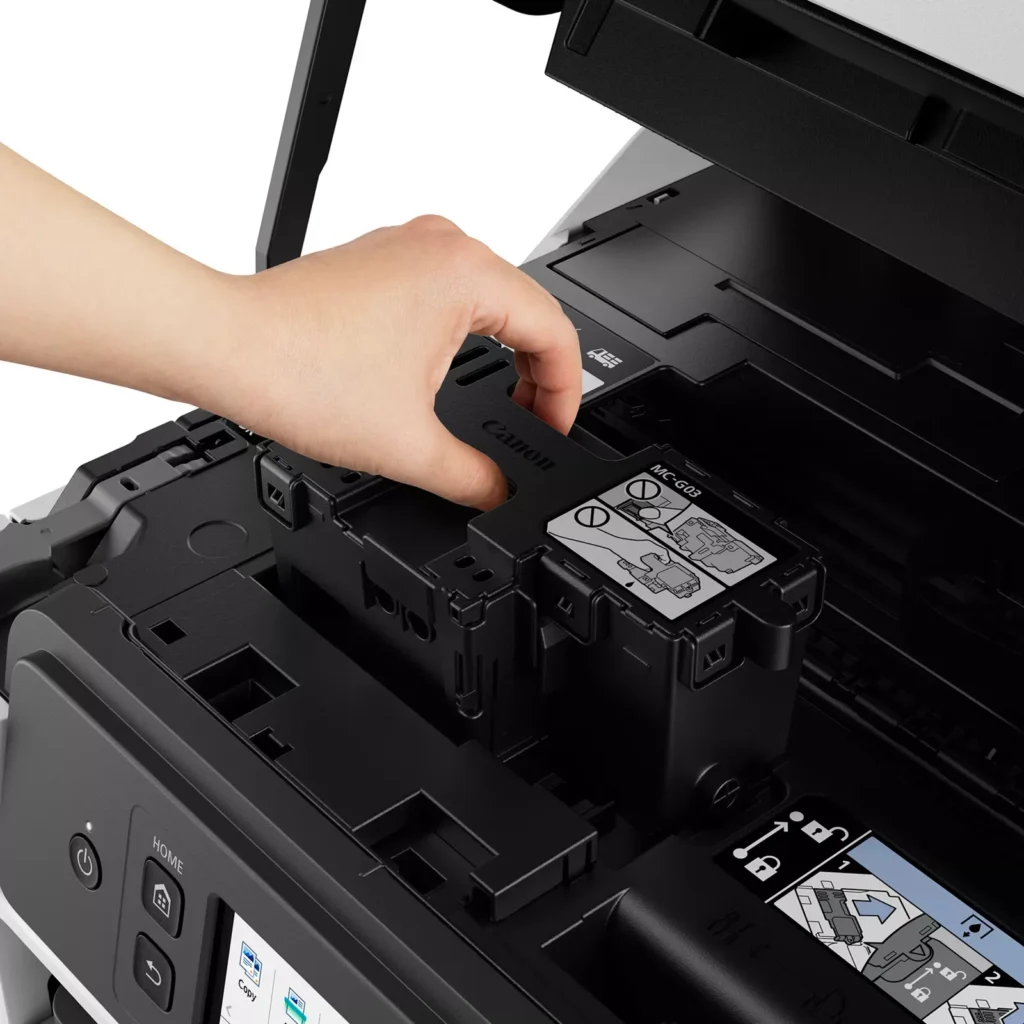
| User-Friendly Maintenance and Reliability | Designed for minimal downtime, the printer features a user-replaceable print head and maintenance cartridge that can be swapped without a service call. It is further backed by a 3-year or 80,000-page limited warranty, providing long-term peace of mind for small business owners. |
Pros & Cons
Pros
- Exceptional Ink Efficiency: The MegaTank system offers a massive ink capacity that lasts for thousands of pages, with a mess-free refill process that significantly reduces long-term operating costs compared to cartridge-based models.
- High-Quality Print and Scan Results: Reviewers consistently praise the printer for producing crisp, professional text and vibrant colors on various media, including glossy photos, stickers, and heavy cardstock.
- Versatile Media Handling: The device features multiple paper sources, including a high-capacity front cassette and a rear tray, allowing users to keep different paper types loaded simultaneously for diverse projects.
Cons
- Persistent Connectivity Issues: A significant number of users experienced frequent WiFi disconnections, difficulty with AirPrint, and a complex setup process that often required manual IP configuration to remain stable.
- Slow Operational Performance: The printer is noted for being slow to wake from sleep mode, having a sluggish touchscreen interface, and taking a long time to process and print documents, especially in high-quality mode.
- Limited Scanning Features: While the printer supports automatic duplex printing, the document feeder lacks automatic duplex scanning, requiring users to manually flip pages to scan both sides.
You might also like












Customer Reviews
Showing reviews 121-130 of 261
-
Rear tray is useless
T March 19, 2024Review source: AmazonI. DO. NOT. EVER. WANT. TO. PRINT. TO. THE. REAR. TRAY. EVER!!!!! IT SHOULD NEVER BE A DEFAULT!!!!!!!!! I will return this pile if I can’t print to whatever tray I CHOOSE!!!!!!!!
-
works well
Verified purchase Verified purchase: This reviewer bought the product.Joseph Dolph March 12, 2024Review source: AmazonVery pleased not to use expensive cartridges. Quality very good.
-
Ke@@@
Verified purchase Verified purchase: This reviewer bought the product.KennethD March 3, 2024Review source: BestbuyThe printer is good for me is working wood and fast and easy to work
-
MAKE SURE YOU ARE NOT BUYING FROM AN AMAZON CANADIAN VENDOR IN THE USA THE WATANTY IS VOID
Verified purchase Verified purchase: This reviewer bought the product.dt February 23, 2024Review source: AmazonONCE A CANON UNIT WITH A CANADIAN SERIAL NUMBER CROSSES INTO THE USA, CANON VOID YOUR 3 YEAR WARRANTY, WITHOUT TELLING YOU. AMAZON PERMITS THIS. BE AWARE! THE GX 4020 HAS MARKETING MATERIAL TOUTING ITS TERRIFIC COLOR PRINTING. IT IS QUITE THE REVERSE. COLORS ARE WASHED OUT. REDS RENDER AS BROWNS. THE QUALITY OF PRINTING ISN’T CLOSE TO OUR OLD BROTHER. I’M RETURNING THE SECOND ONE AND GOING BACK TO A BROTHER. THE FIRST WAS DEEMED DEFECTIVE OUT OF THE BOX. DON’T WASTE YOUR TIME. PLUS BECAUSE IT IS A BIG TICKET ITEM, AMAZON TOOK THEIR MERRY OLD TIME ISSUING A REFUND. DT
-
Beautiful SF
Verified purchase Verified purchase: This reviewer bought the product.SFChaseCenter February 16, 2024Review source: BestbuyEasy to use, setting up was a pain in the rear end. I didn’t know the machine needed a maintenance cartridge.
-
FINALLY! A PRINTER I DON'T HATE!!!
Charles NYC February 12, 2024Review source: AmazonI’ve mostly had Canon inkjet printers over the years, some better than others, but even the “good” ones were plagued with glitchiness–especially dropping the wifi connection–and, always, ridiculous and expensive ink usage. So I did a lot of research on tank printers and found that reviews for this Maxify 4020 seemed pretty great from the tech press and users alike. After my first month of use, I have to agree–this could well be the “Goldilocks” of printers — it’s just right. Things I like best:
No dropped wifi! Printers usually connect to the 2.4GHz band, but the 4020 can connect to the 5GHz band, as well, and I’ve had zero dropped connections in a month.
Easy set-up! With a Mac, I just plugged it in, followed the simple, on-screen directions, and I was up and running in a few minutes. Mac desktop and laptops, iPads and iPhones were all able to print immediately.
More compact that I thought! My one concern was that this printer’s size would overwhelm my small home office. Nope! It’s much more compact than it looked in photos, especially for an all-in-one tank printer with an auto document feeder.
Tanks and high paper capacity! Love that I don’t have to think about ink for at least 5,000 pages and the main paper drawer more than doubles the capacity of my previous inkjet, holding 250 sheets.
Fax and ADF are “nice to haves!” No one uses fax anymore… until you run across the occasional person or company that still does and then it’s like, “Where the hell am I going to find a fax machine?” This has already happened a couple of times in the month of using the 4020, and it’s nice to have a fax on my desk. This is also my first printer with ADF and it makes copying or scanning multipage documents a breeze.
Any complaints? The screen is definitely on the small size, especially for 2024, but once you have the printer set-up, the screen gets little use, so practically speaking it’s really a non-issue.
Thanks for taking the time to read my review and I hope you find it helpful in making a buying decision.
-
Ease of use…
Verified purchase Verified purchase: This reviewer bought the product.DeVere Monson February 11, 2024Review source: AmazonA bit of a struggle to get it up and running… scanning and printing… still have not figured out the lower feed tray? Now, I’m older and perhaps not the brightest bulb on the tree… but, instructions (on line) should be written for those of us in that category too….
-
Prints fast and the quality is very good
Verified purchase Verified purchase: This reviewer bought the product.Davethewave2010 February 10, 2024Review source: AmazonI have wanted a printer with refillable tanks for years, but hadn’t found one that had everything that I wanted Until now. I liked that it has a front cassette, which I use for Letter size paper and a rear try which will accept from A4, for photos, to Legal size. We sometimes like to print picture take with our phone or digital cameras and it is handy to have the photo paper loaded. When necessary, I find it easy to remove the photo paper from the rear tray and loading legal size paper. When i am through, it is easy to reverse the process. There is a rear flat tray for a single sheet of paperboard. I haven’t tried that yet. I was impressed with the touchscreen. It is larger and easier to read than any printer I have used before. Using Canon’s Print app on my computer, I found it pretty easy to set up. I thought that filling the tanks was very easy. I like the windows for the ink tanks on the front to see the remaining ink levels.
-
Pretty decent printer.
Verified purchase Verified purchase: This reviewer bought the product.JenniferB February 6, 2024Review source: BestbuyPretty good printer for being a inkjet. Been printing tax documents so not fully testing the capabilities out. Printer is a bit loud and somewhat slow compared to laserjet printers. As of this writing (2/6/2024) the printer is working fine for my needs and managed expectations.
-
Canon won't disable your printer based on what ink you purchase. Sound familiar?
Verified purchase Verified purchase: This reviewer bought the product.22blackeven February 2, 2024Review source: AmazonVery smooth, quick operations. Excellent set up. In use now about a month and the print quality is great, though I mostly use Black Ink. The few color items I’ve printed were spot on, clear and vibrant. Replenishing the ink supply is a breeze. Copying and scanning are equally fine. This printer seems to have been ideally designed for the casual non-techie home-only user. Really glad I replaced my old, manufacturer remotely disabled printer with this Canon model.