Customer Media
Highlights
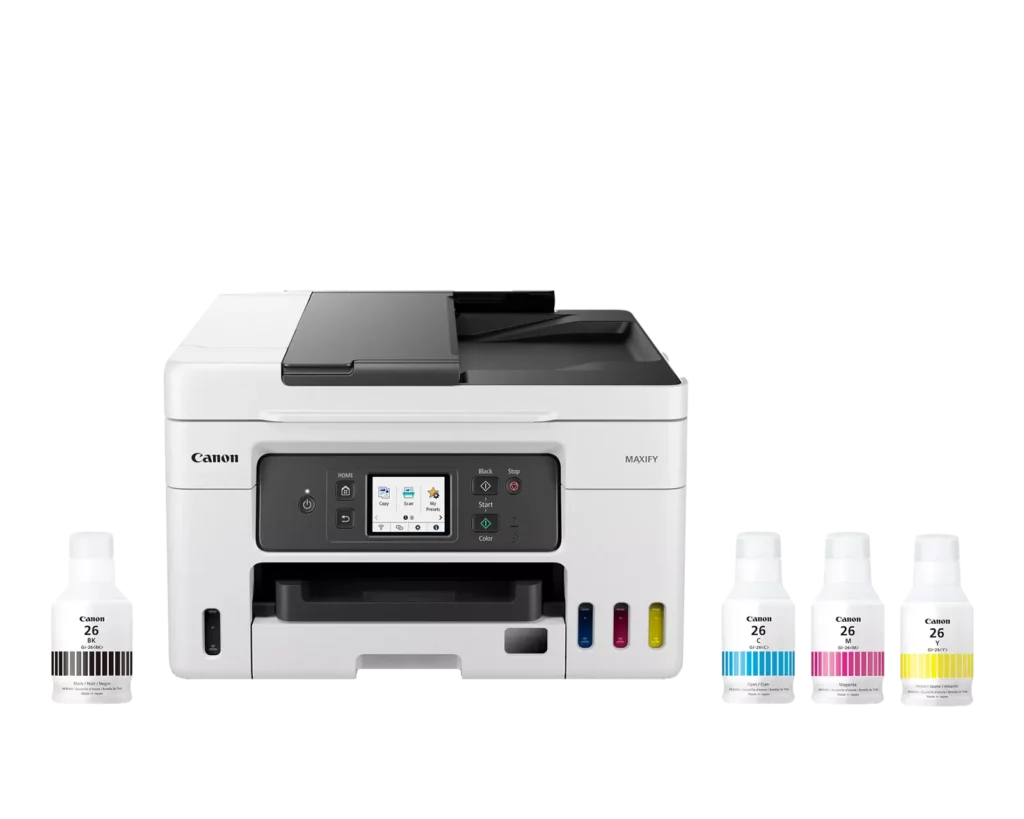
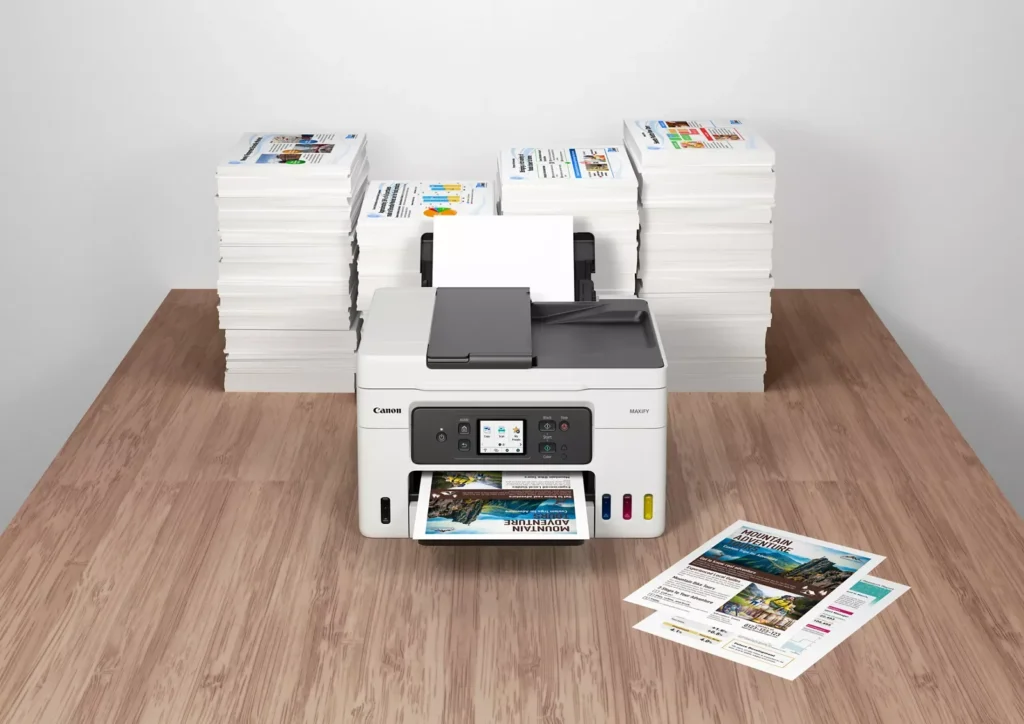
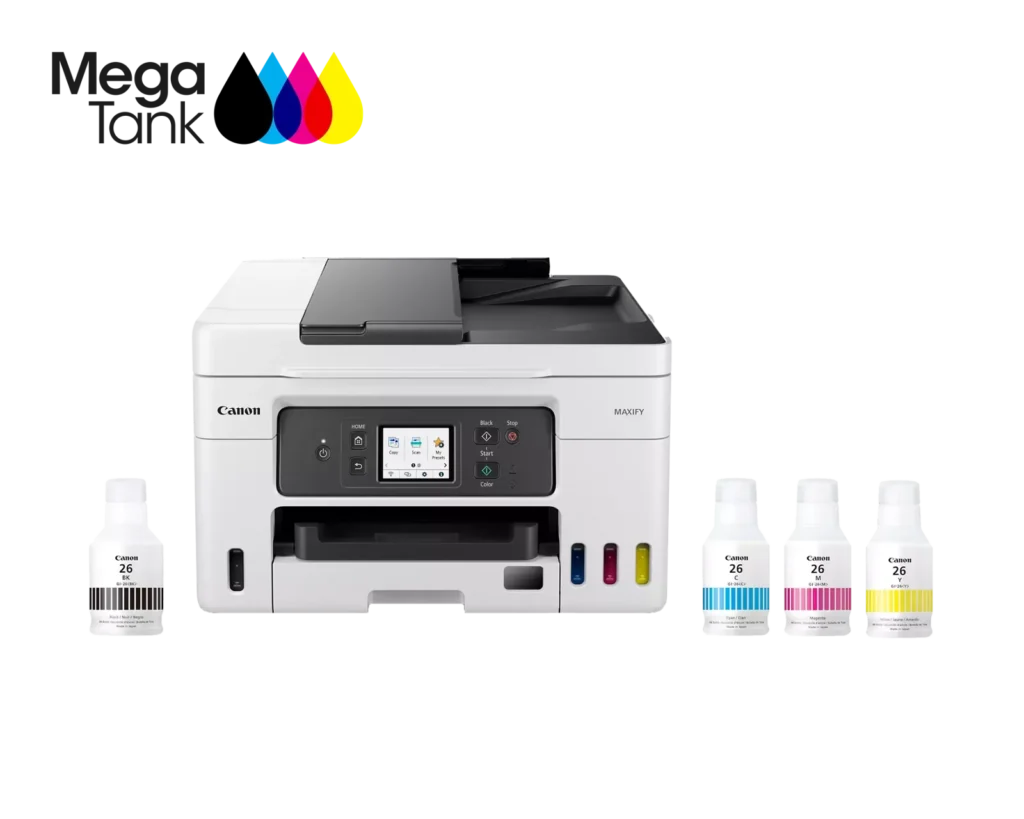
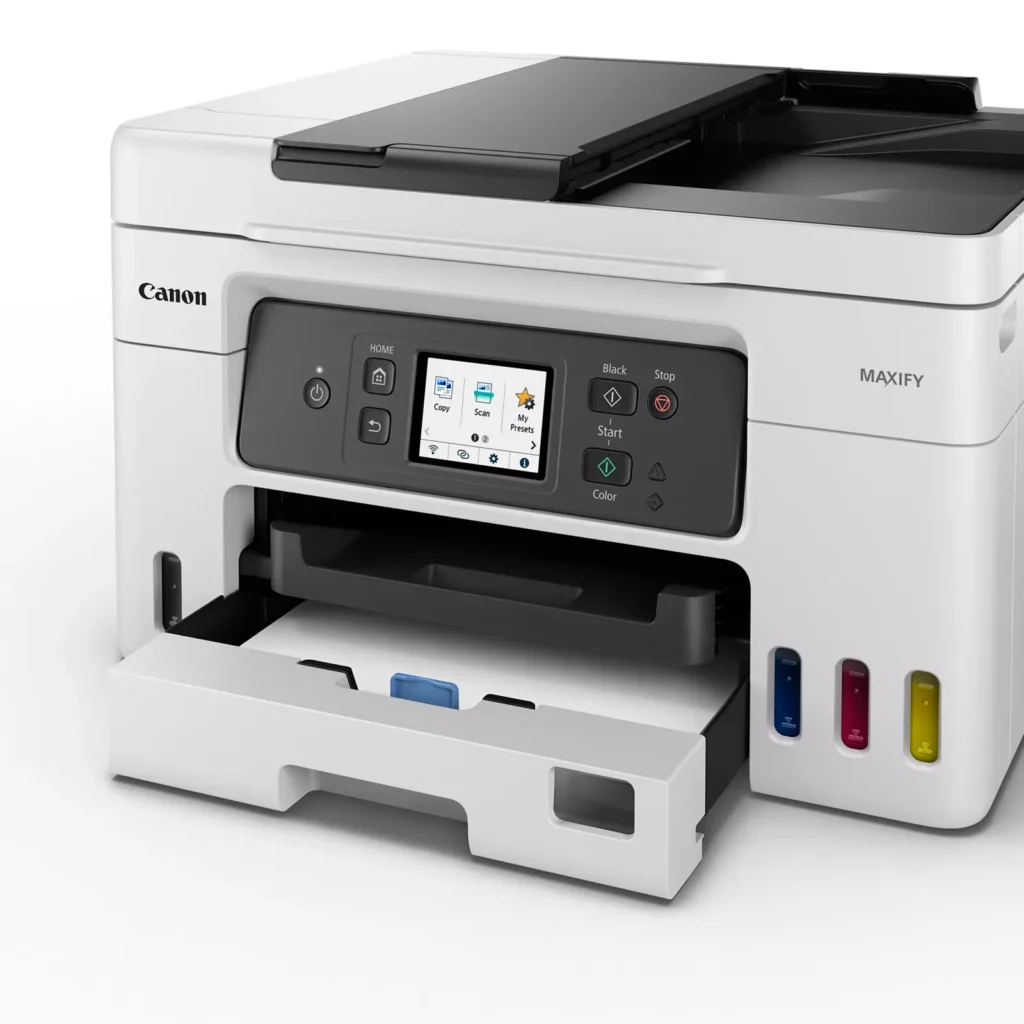
| High Page Yield and Low Running Costs | The MegaTank refillable ink system delivers an impressive yield of up to 6,000 black and 14,000 color pages with a single set of ink bottles. This high-capacity design results in a low cost per print of less than 2 cents per page, significantly reducing the total cost of ownership compared to traditional cartridge-based printers. |
|---|---|
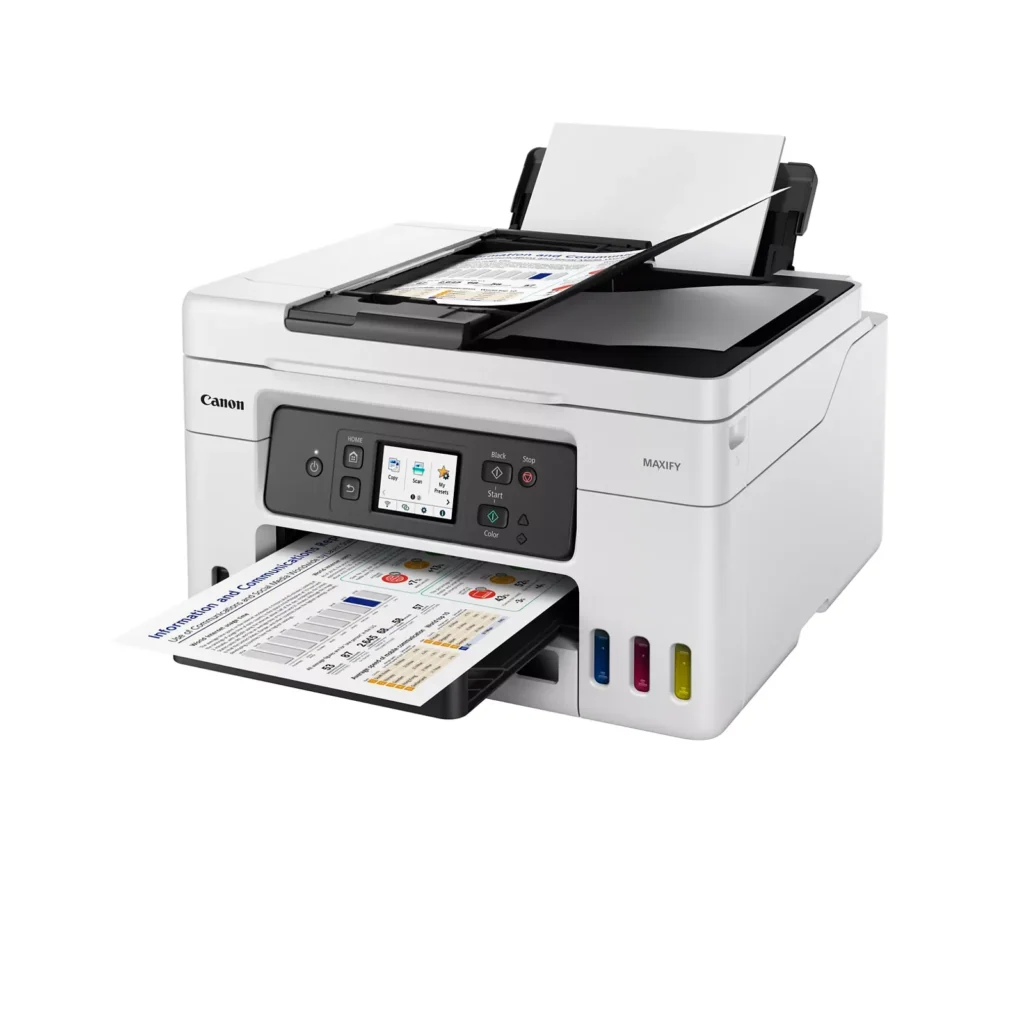
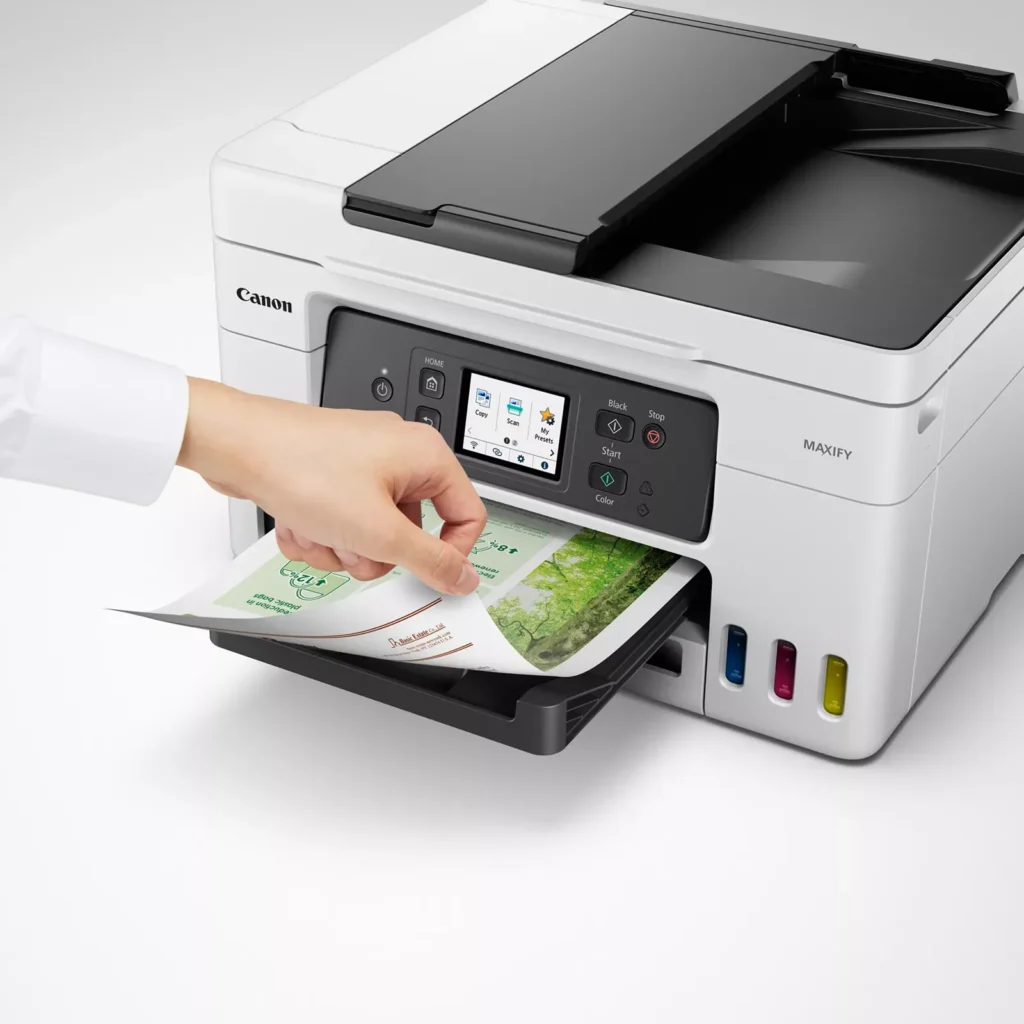
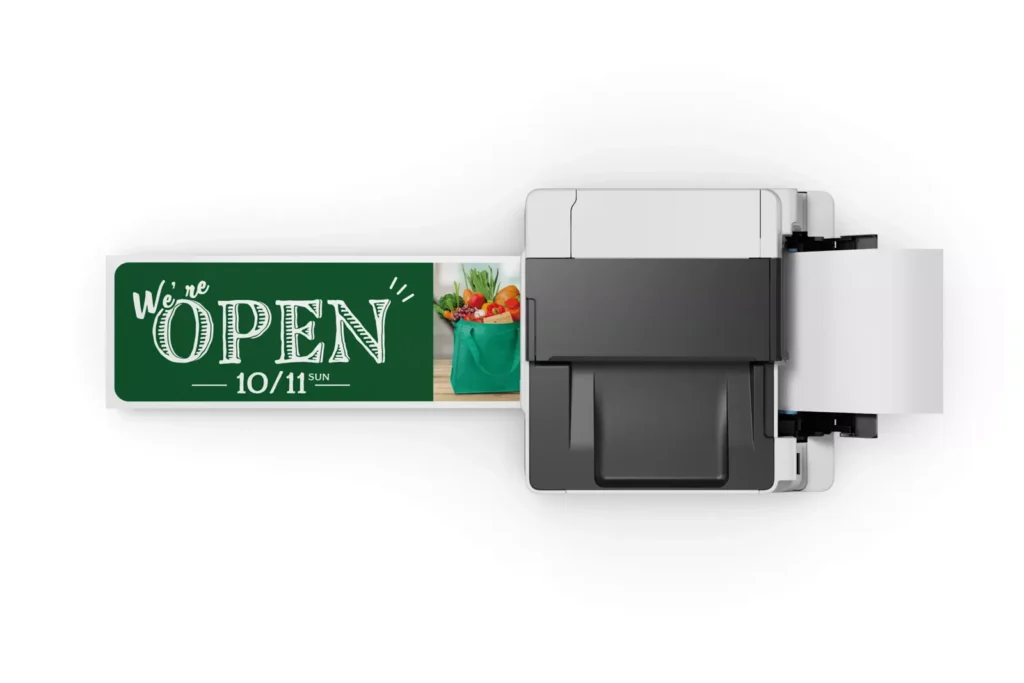
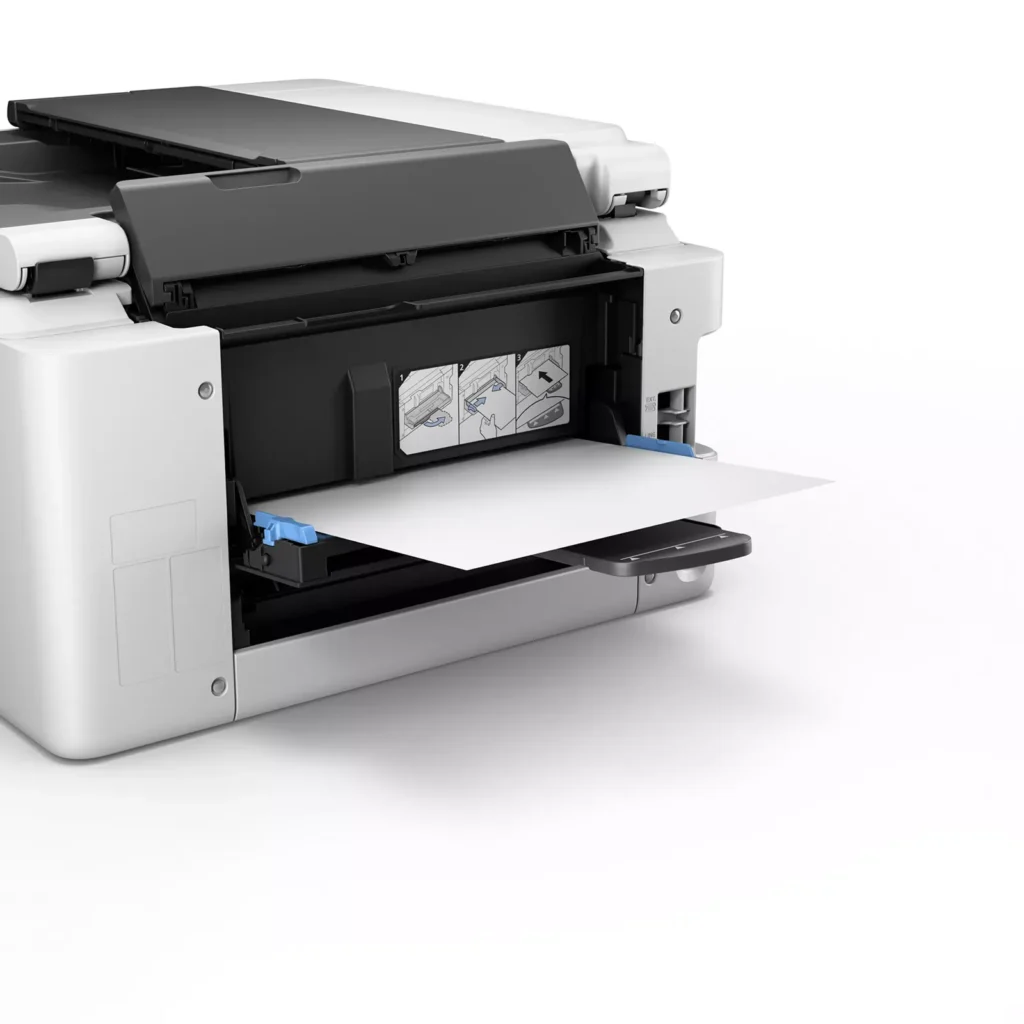
| Versatile 3-Way Paper Feeding | Equipped with a 250-sheet bottom cassette and a 100-sheet rear tray, this printer also features a unique rear flat tray designed for thicker media. This allows for seamless printing on a wide variety of materials, including envelopes, banners up to 47 inches, and heavy cardstock up to 0.7mm thick. |
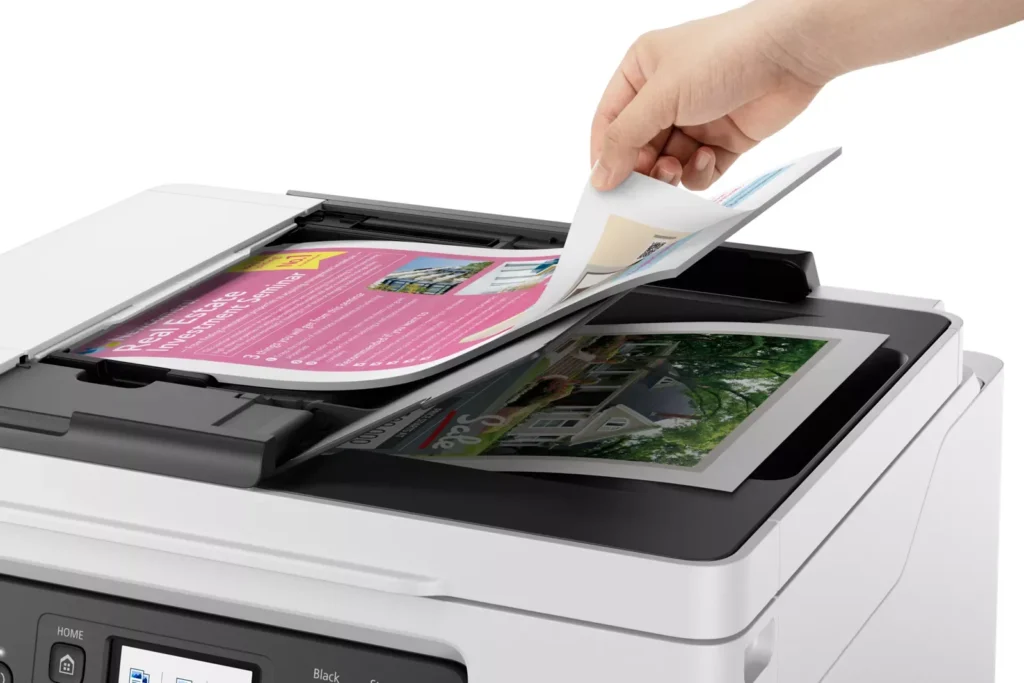
| Fast Business-Class Performance | Boost office productivity with print speeds of up to 18.0 ipm in black and 13.0 ipm in color. The integrated 35-sheet Automatic Document Feeder (ADF) streamlines multi-page scanning, copying, and faxing tasks, while the first print-out time is as fast as 8 seconds. |
| Durable 4-Color Pigment Ink System | Utilizing a 100% pigment-based ink system, the GX4020 produces sharp, laser-like text and vibrant graphics that are highly resistant to smudging and highlighters. This ensures professional-quality documents that are durable enough for frequent handling in a busy office environment. |
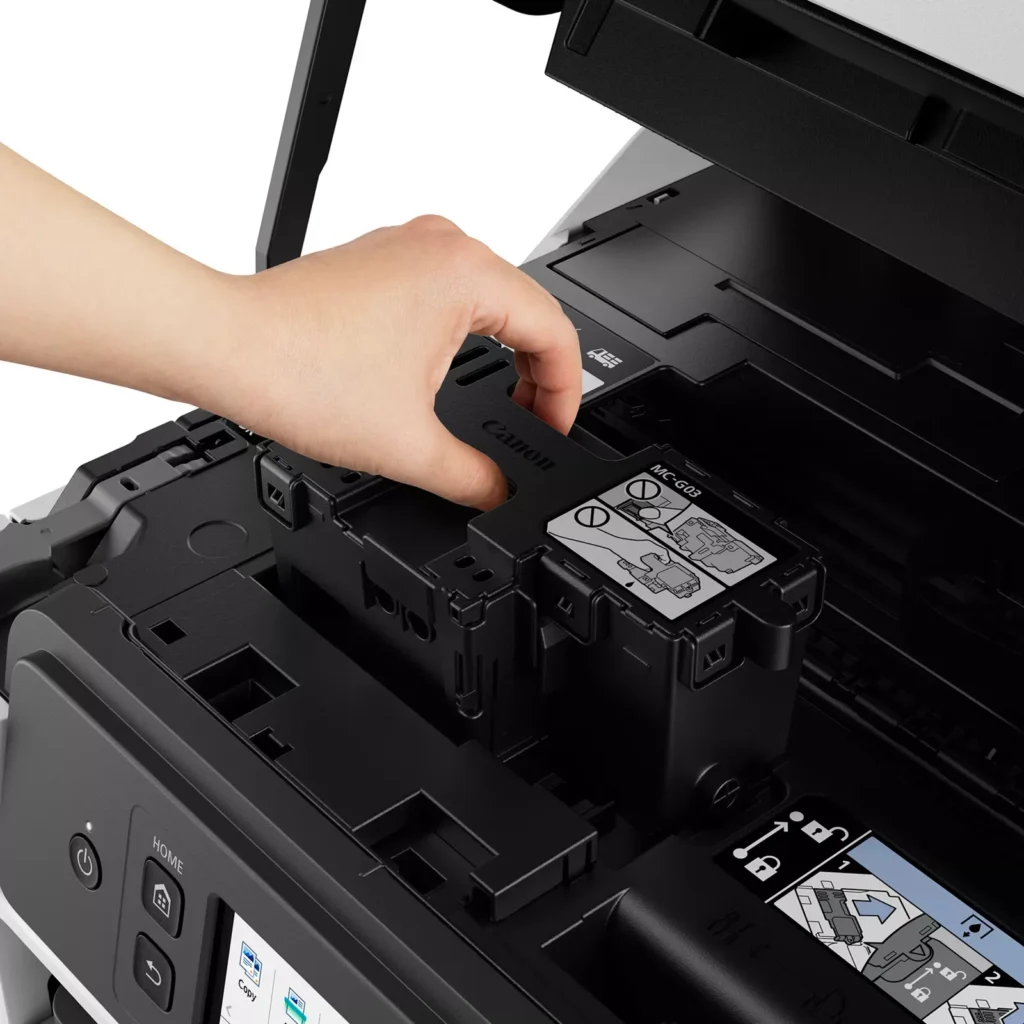
| User-Friendly Maintenance and Reliability | Designed for minimal downtime, the printer features a user-replaceable print head and maintenance cartridge that can be swapped without a service call. It is further backed by a 3-year or 80,000-page limited warranty, providing long-term peace of mind for small business owners. |
Pros & Cons
Pros
- Exceptional Ink Efficiency: The MegaTank system offers a massive ink capacity that lasts for thousands of pages, with a mess-free refill process that significantly reduces long-term operating costs compared to cartridge-based models.
- High-Quality Print and Scan Results: Reviewers consistently praise the printer for producing crisp, professional text and vibrant colors on various media, including glossy photos, stickers, and heavy cardstock.
- Versatile Media Handling: The device features multiple paper sources, including a high-capacity front cassette and a rear tray, allowing users to keep different paper types loaded simultaneously for diverse projects.
Cons
- Persistent Connectivity Issues: A significant number of users experienced frequent WiFi disconnections, difficulty with AirPrint, and a complex setup process that often required manual IP configuration to remain stable.
- Slow Operational Performance: The printer is noted for being slow to wake from sleep mode, having a sluggish touchscreen interface, and taking a long time to process and print documents, especially in high-quality mode.
- Limited Scanning Features: While the printer supports automatic duplex printing, the document feeder lacks automatic duplex scanning, requiring users to manually flip pages to scan both sides.
You might also like












Customer Reviews
Showing reviews 131-140 of 261
-
Ink is affordable
Verified purchase Verified purchase: This reviewer bought the product.Richard D. February 1, 2024Review source: AmazonCannon Maxify GX 420 copies come out clean and professional lookin copies. Great product a little more expensive but worth it 👍
-
Good at first
Verified purchase Verified purchase: This reviewer bought the product.Robin Susan Randall January 22, 2024Review source: AmazonStarted giving problems working took time to iron the problem’s out
-
Paper jams frequently
Verified purchase Verified purchase: This reviewer bought the product.PamB January 18, 2024Review source: BestbuyPaper jams a lot. I had trouble with 2-sided printing
-
More complicated then needs to be.
Verified purchase Verified purchase: This reviewer bought the product.View from the hills January 18, 2024Review source: AmazonThis seemed like a great printer to move to as the small cartridges were running out way too fast. The printer was easy enough to set up initially with the help of a You Tube step by step video and it did log on to the the home network with ease. The other nice part of the Maxfy GX4020 is that it doesn’t take as long to get ready to print. But! After all that is done because there isn’t a memory stick provided (like you used to get an installation disk for your computer) you now need to do all of this on each computer by hand! One element at a time. Even hooking up to the home network does not automatically let every computer see the printer! This is a daunting task when you need the printer up and running immediately!! After all that was completed, we are finding that a normal print is still the command P and enter your parameters as usual. To print other media they seem to want you to set up profiles for printing! Are you serious, it can’t recognize an envelope or photo media in the paper tray with a simple selection button? Who has the time to do all this? The scanning quality on this printer is not very good and is very slow. We have a handheld we use for travel that we are now running to achieve an excellent copy. At this point, the whole family has complained that this printer is way more complicated than even our duplex-level laser printer!! This is not a plug-and-play printer by any means, every direction is online so you can’t look at the computer and printer screens at the same time. We have owned Canon printers forever, but we are thinking we need to have another printer from another company to back this one up with. It seems Canon forgot the first law of printing……kiss…keep it simple stupid!!
-
Annoying
Verified purchase Verified purchase: This reviewer bought the product.Cs January 13, 2024Review source: AmazonThere is no rhyme or reason as to when this printer will print and when it will not. The mechanics are great – the software is terrible. It will come back with a message “Printer is Busy” when no print jobs are in the queue. It will all of a sudden not print from an application that it printed from the day before. It takes forever for it to show up on the list of available printers and sometimes when you choose it from the list it won’t go into the print program. I absolutely hate it. I have spent hours trying to troubleshoot its issues, which for the price you shouldn’t have to do. Although it’s only a couple months old I am giving up and buying a new HP printer. They may be ink pirates but at least their printers work.
-
Finally no more ink cartridges!! Excellent printer too
Verified purchase Verified purchase: This reviewer bought the product.DanLB71 January 12, 2024Review source: AmazonHad a few Canon printers and quality has always been excellent. I no longer need to fear firmware updates that block aftermarket cartridges, and for the first time ever, ink refills are actually affordable (and probably a year out from now). Nice design and look too. So far no jams, no issues with quality, or wireless connectivity. Highly recommended!
-
No option to print bordeless photos
Verified purchase Verified purchase: This reviewer bought the product.UrLordCisco January 7, 2024Review source: AmazonI just can’t believe that this expensive printer doesn’t support borders photo printing. Otherwise it seems to print 4×6 photos quickly. Love the dual trays so you can have photo paper and 8×10 always loaded. Refillable color tanks also a plus and easy. Will be calling canon support and and see if we’re missing something. Otherwise it will likely have to go back and replaced with a different one.
-
Guarded optimism
Verified purchase Verified purchase: This reviewer bought the product.SuzyQ January 1, 2024Review source: BestbuyWe haven’t had much use yet, but my husband did not have complaints about set up – a real compliment. Hope to have more image experience in the near future, but so far, no problems. It’s been a bad month for tech at our place so 4 stars are simply fearful expectations. Loved the previous Canon printer.
-
My printer
Verified purchase Verified purchase: This reviewer bought the product.LuisR December 30, 2023Review source: BestbuyI love it and it very fast that i use it for every thing
-
Love it.
Verified purchase Verified purchase: This reviewer bought the product.Chris December 28, 2023Review source: AmazonI like that it is so easy to set up and use. I can print from both my phone or my laptop.