Customer Media
Highlights
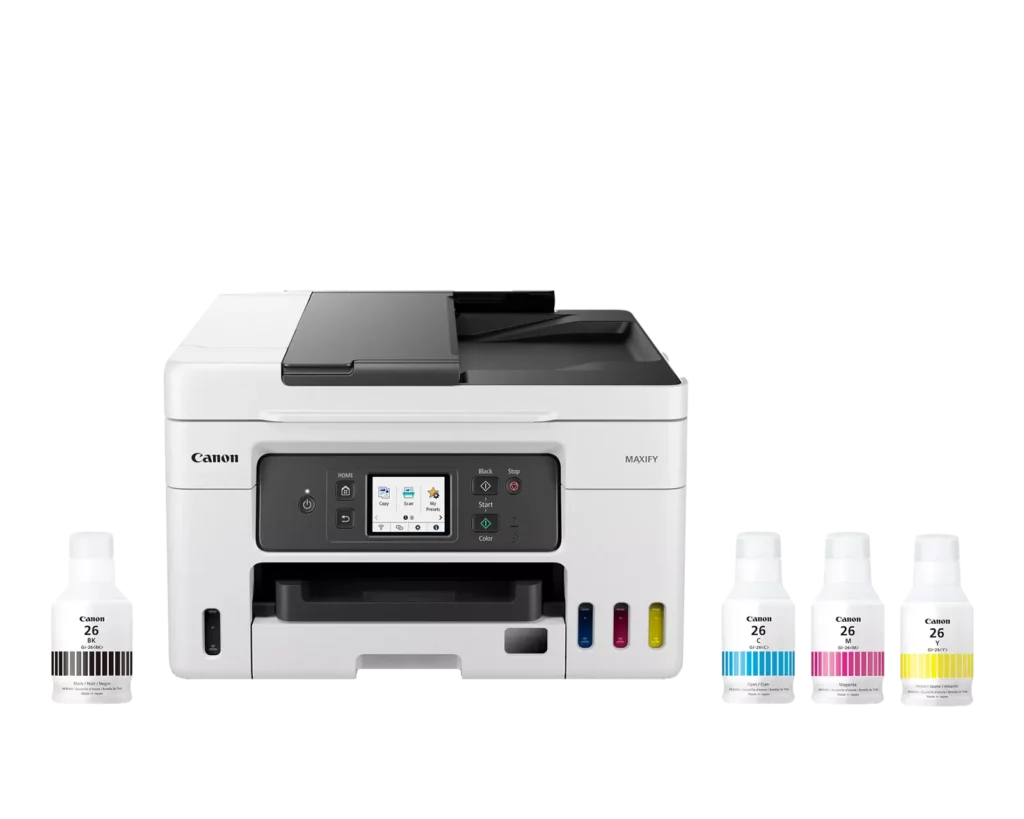
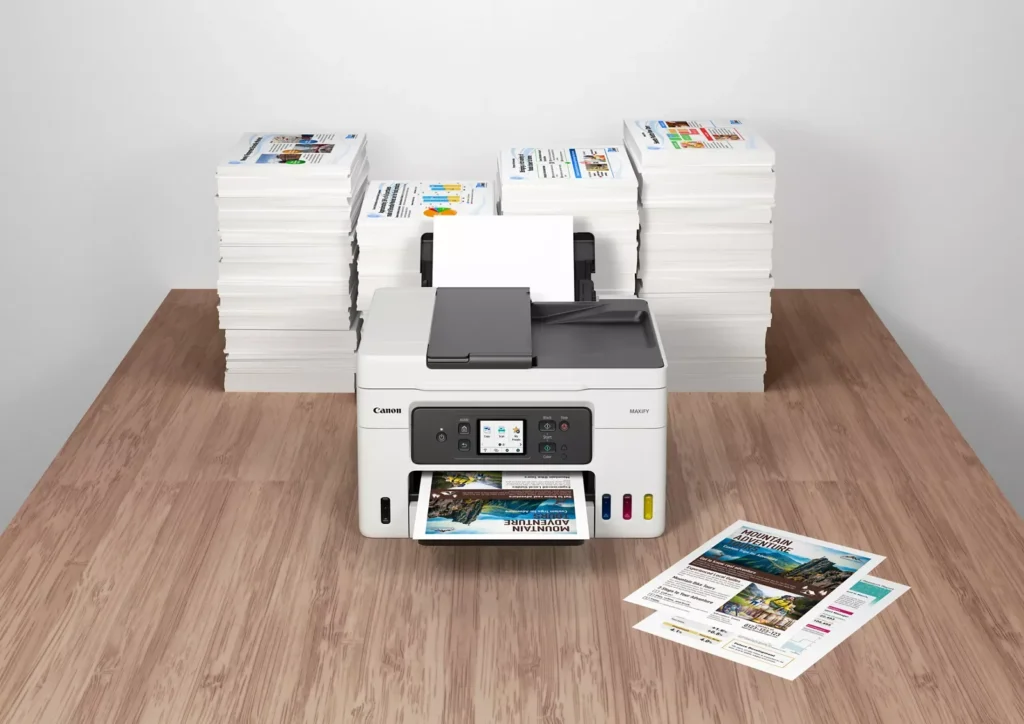
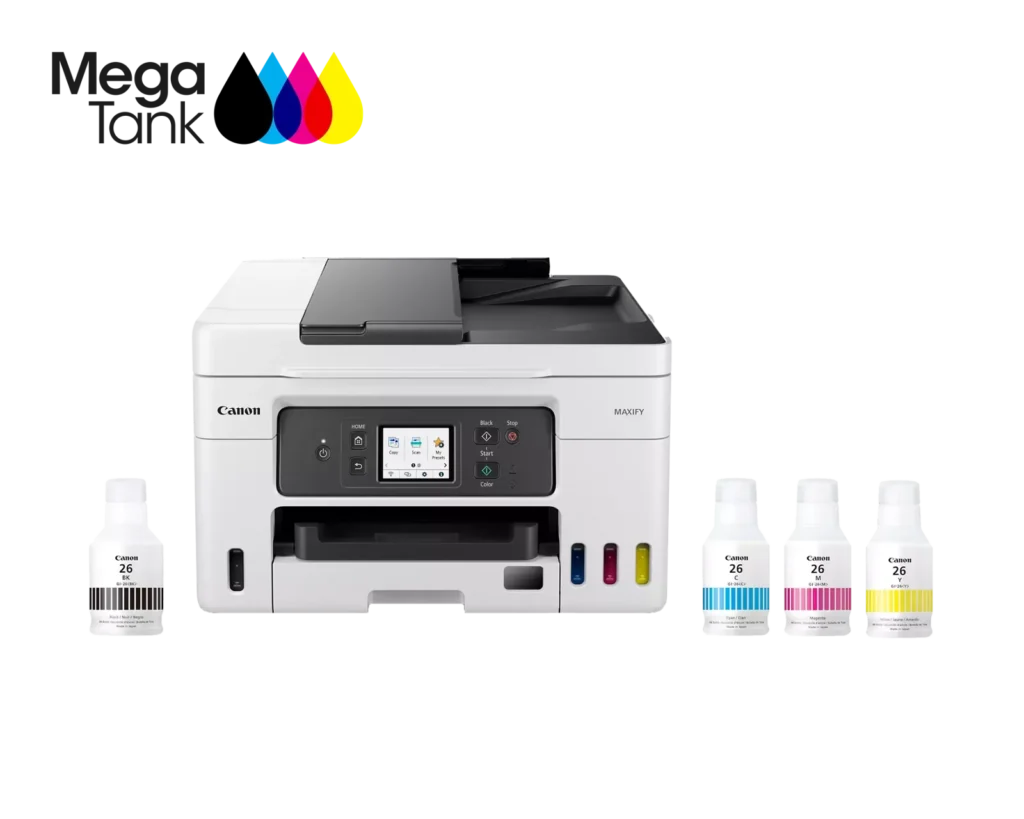
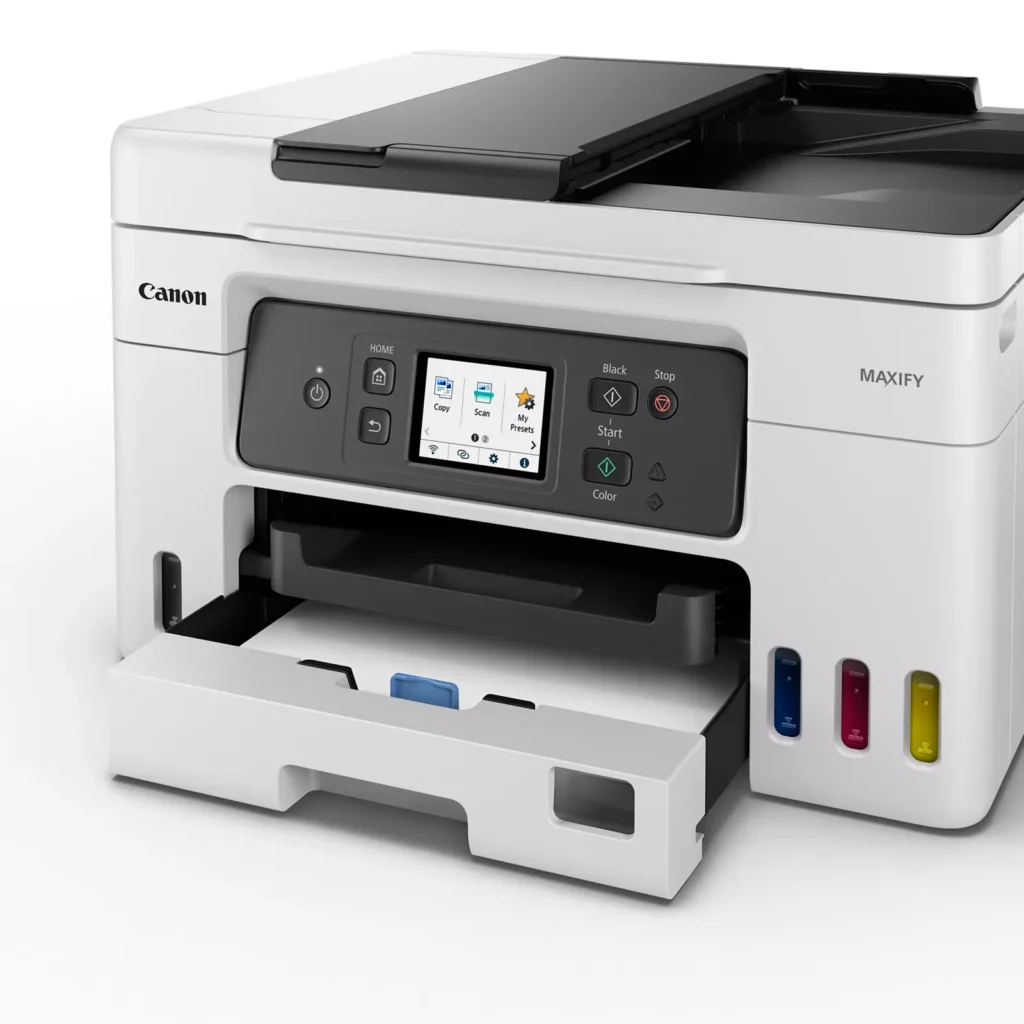
| High Page Yield and Low Running Costs | The MegaTank refillable ink system delivers an impressive yield of up to 6,000 black and 14,000 color pages with a single set of ink bottles. This high-capacity design results in a low cost per print of less than 2 cents per page, significantly reducing the total cost of ownership compared to traditional cartridge-based printers. |
|---|---|
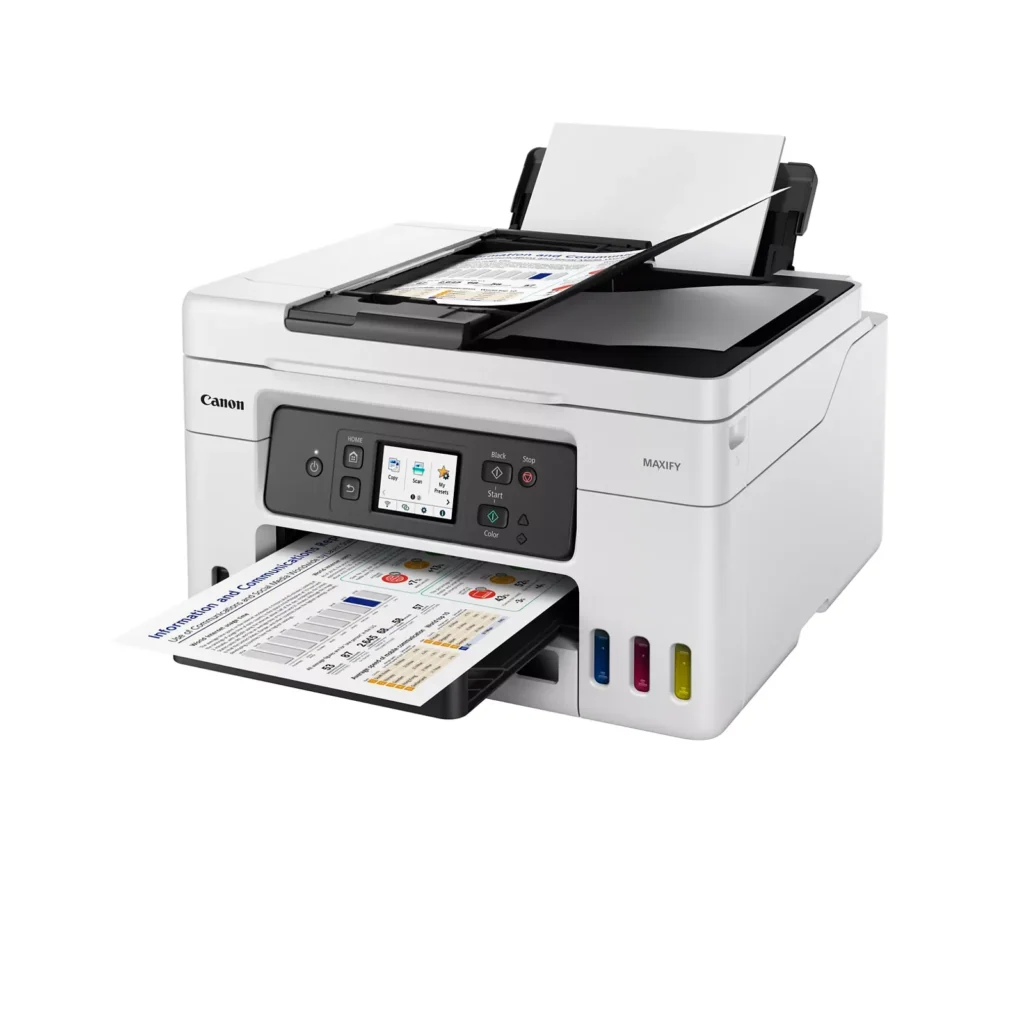
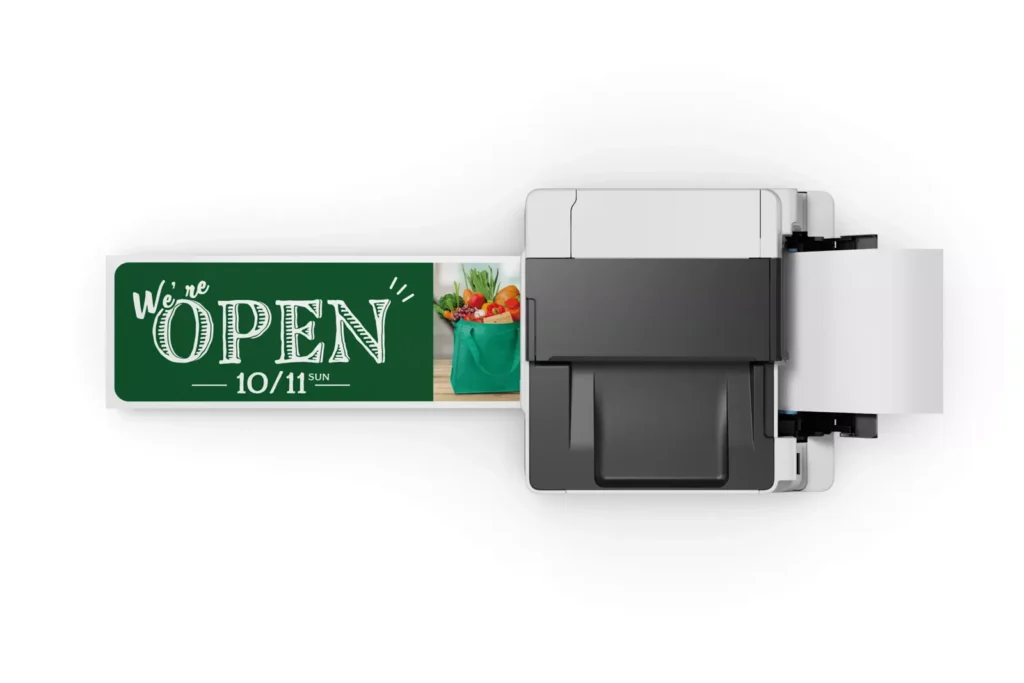
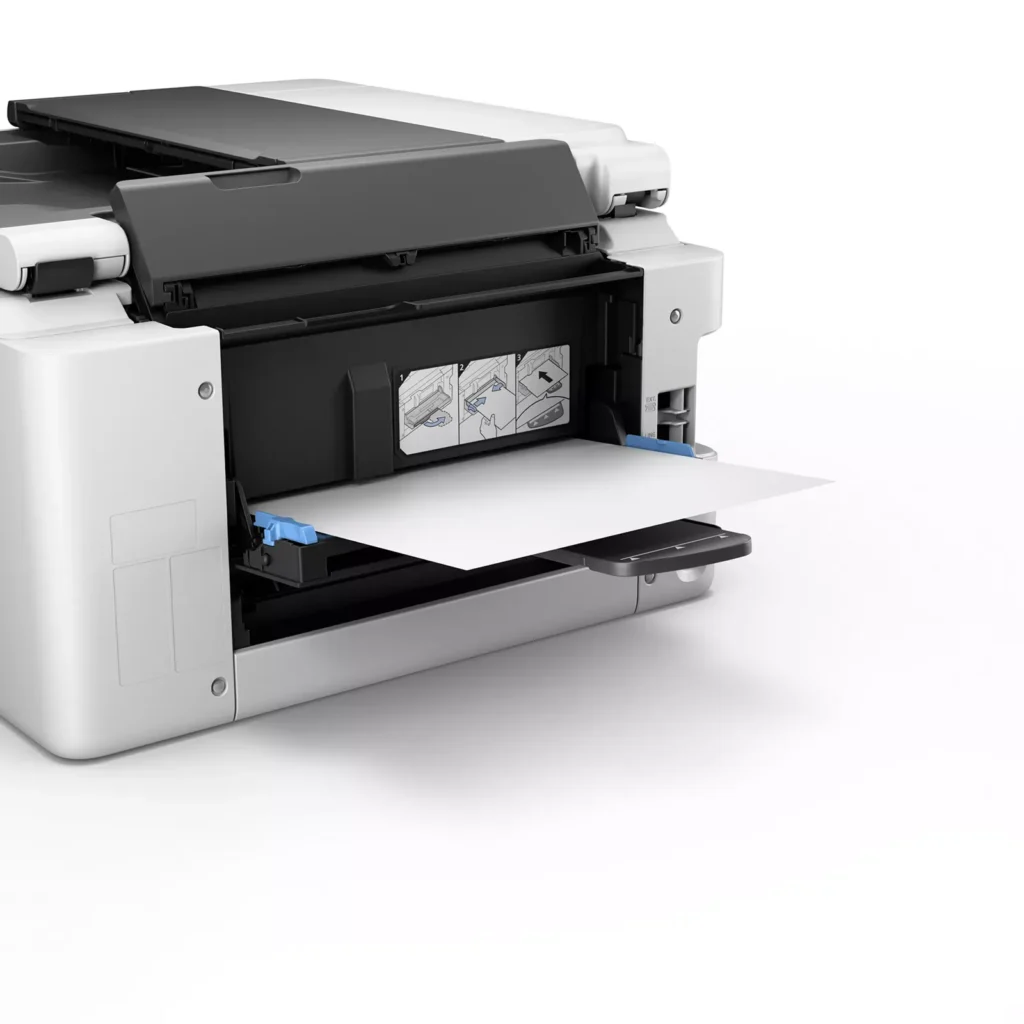
| Versatile 3-Way Paper Feeding | Equipped with a 250-sheet bottom cassette and a 100-sheet rear tray, this printer also features a unique rear flat tray designed for thicker media. This allows for seamless printing on a wide variety of materials, including envelopes, banners up to 47 inches, and heavy cardstock up to 0.7mm thick. |
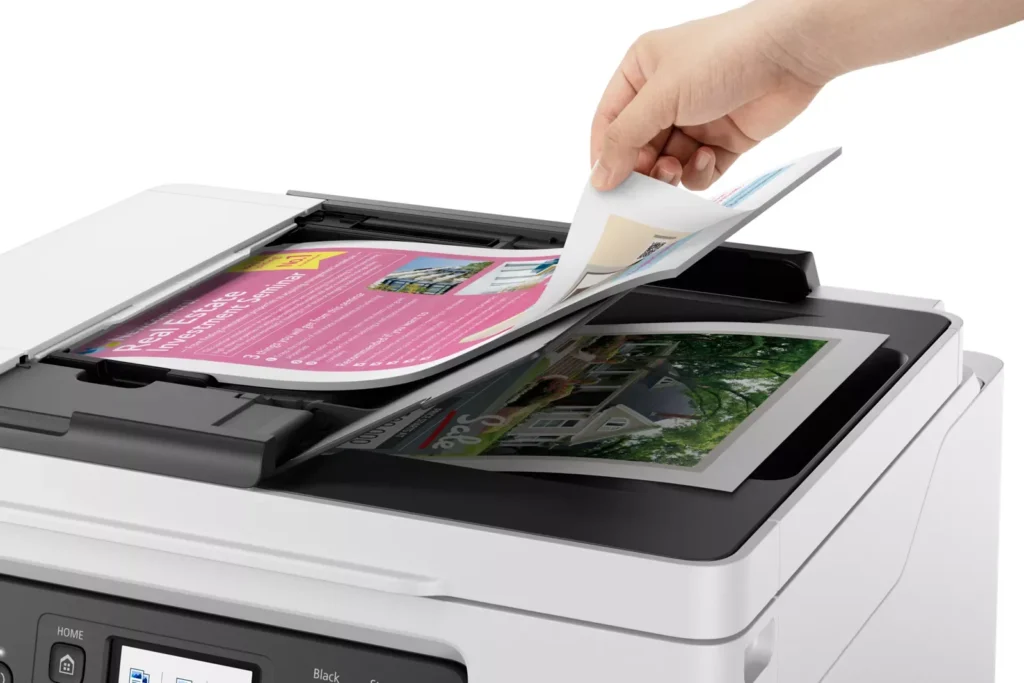
| Fast Business-Class Performance | Boost office productivity with print speeds of up to 18.0 ipm in black and 13.0 ipm in color. The integrated 35-sheet Automatic Document Feeder (ADF) streamlines multi-page scanning, copying, and faxing tasks, while the first print-out time is as fast as 8 seconds. |
| Durable 4-Color Pigment Ink System | Utilizing a 100% pigment-based ink system, the GX4020 produces sharp, laser-like text and vibrant graphics that are highly resistant to smudging and highlighters. This ensures professional-quality documents that are durable enough for frequent handling in a busy office environment. |
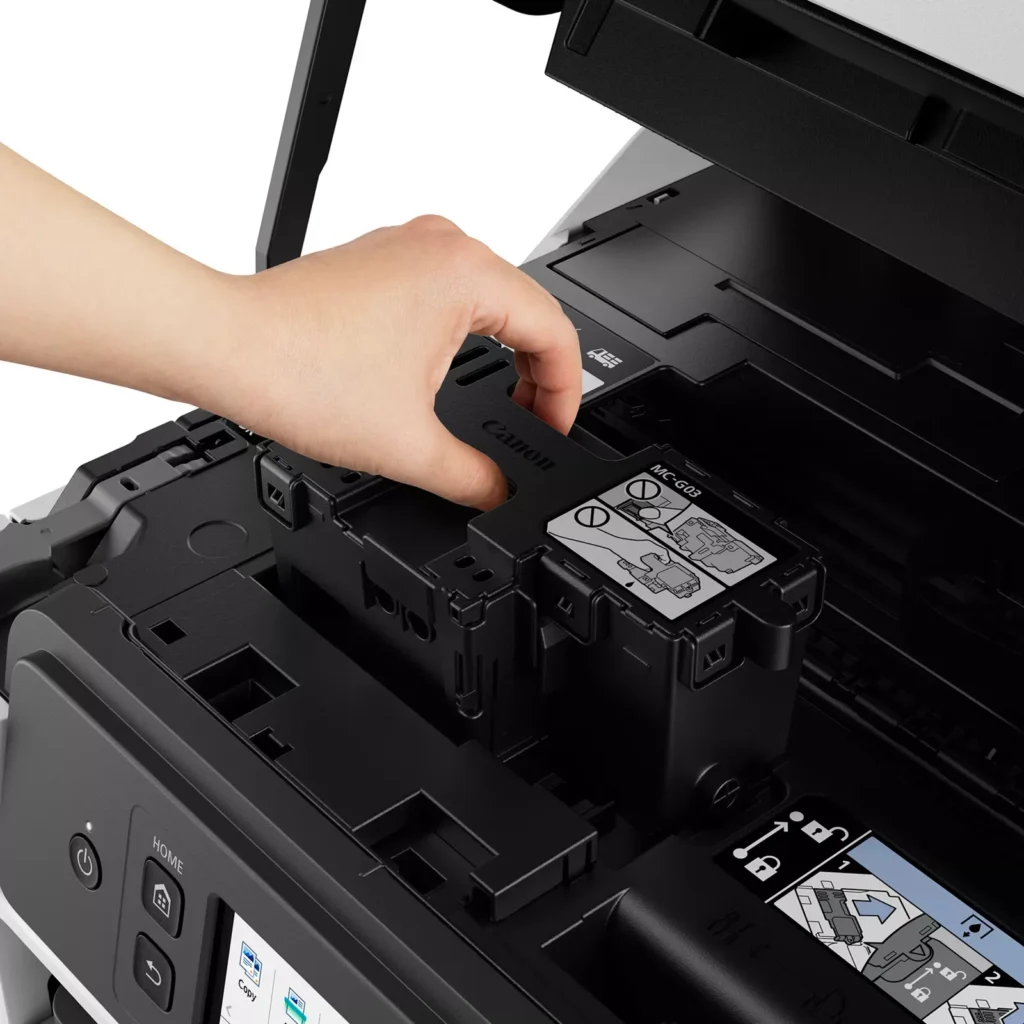
| User-Friendly Maintenance and Reliability | Designed for minimal downtime, the printer features a user-replaceable print head and maintenance cartridge that can be swapped without a service call. It is further backed by a 3-year or 80,000-page limited warranty, providing long-term peace of mind for small business owners. |
Pros & Cons
Pros
- Exceptional Ink Efficiency: The MegaTank system offers a massive ink capacity that lasts for thousands of pages, with a mess-free refill process that significantly reduces long-term operating costs compared to cartridge-based models.
- High-Quality Print and Scan Results: Reviewers consistently praise the printer for producing crisp, professional text and vibrant colors on various media, including glossy photos, stickers, and heavy cardstock.
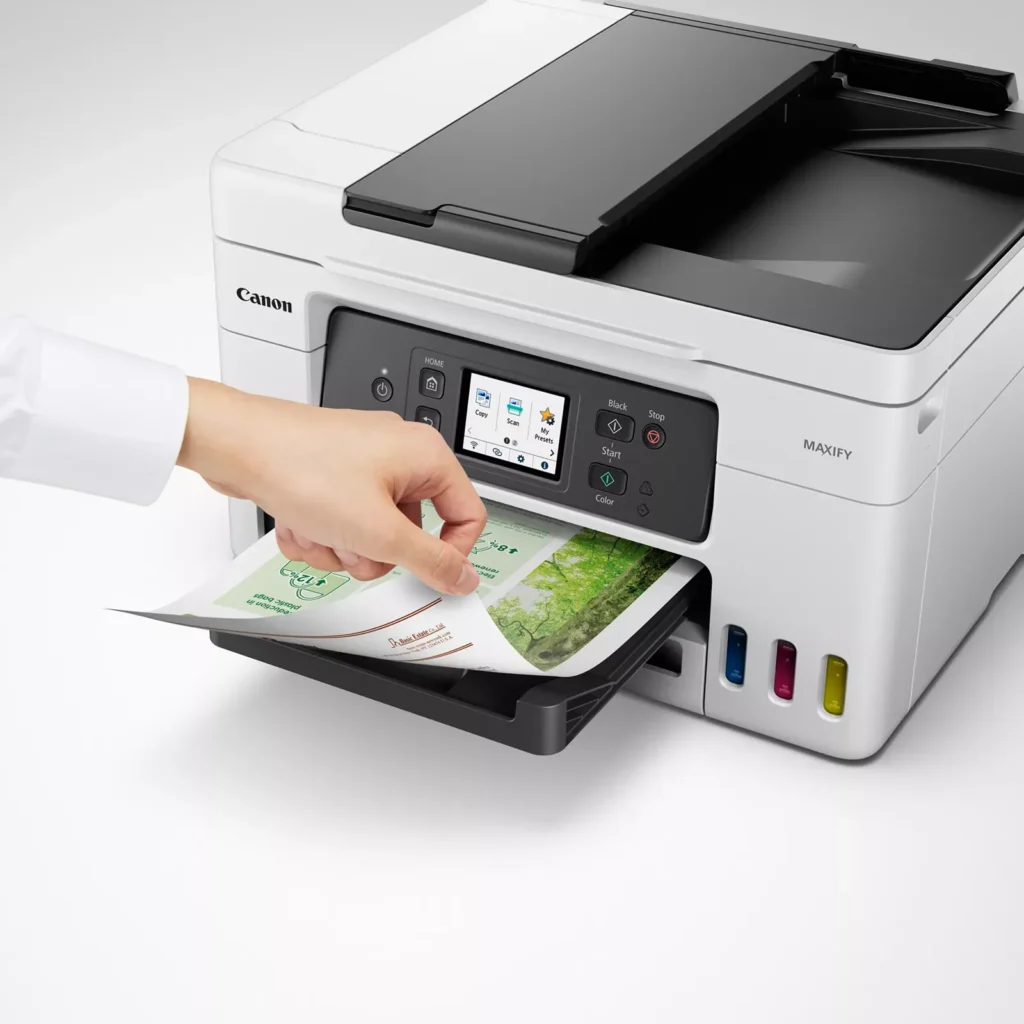
- Versatile Media Handling: The device features multiple paper sources, including a high-capacity front cassette and a rear tray, allowing users to keep different paper types loaded simultaneously for diverse projects.
Cons
- Persistent Connectivity Issues: A significant number of users experienced frequent WiFi disconnections, difficulty with AirPrint, and a complex setup process that often required manual IP configuration to remain stable.
- Slow Operational Performance: The printer is noted for being slow to wake from sleep mode, having a sluggish touchscreen interface, and taking a long time to process and print documents, especially in high-quality mode.
- Limited Scanning Features: While the printer supports automatic duplex printing, the document feeder lacks automatic duplex scanning, requiring users to manually flip pages to scan both sides.
You might also like












Customer Reviews
Showing reviews 141-150 of 261
-
Not Canon's best quality.
Verified purchase Verified purchase: This reviewer bought the product.MichaelL December 16, 2023Review source: BestbuyRandomly disappears from our home Wi-Fi network at home. Sometimes cycling the printer off/on restores availability. Other times cycling the network is required. Very annoying. After just over 2 weeks of use, foam on scanned lid is falling off. Not an encouraging sign for durability. I scan frequently, wrestling the foam down with out moving the document is a pain.
-
Tired of excessive ink cartridges costs.
Verified purchase Verified purchase: This reviewer bought the product.user517264 December 11, 2023Review source: BestbuyWorks OK. Fairly easy to set-up for wireless interaction with my Microsoft PC, Apple Ipad and Android smartphone. Sure sucks up the ink. Used up all of the color inks and half of the black on initial set-up. Doesn’t have an automatic “paper catcher” that extends on printing. Paper copies spit out on the floor if you forget to pull out the “catcher”. Quality of printing is OK. I like that the printer automatically turns off after a period of time.
-
Difficult to set up
Verified purchase Verified purchase: This reviewer bought the product.Shelley December 9, 2023Review source: AmazonThis review is for the Canon Maxify GX 4020.
I purchased this printer for personal use. I chose this inkjet printer to make my own labels and stickers.
Set up was very challenging.
The WiFi didn’t automatically connect.
Plus the quick set-up page that is included has the wrong web site. It sends you to a different printers’ device driver download. I think it was TS3500?
The correct site for this model is;
ij.start.canon/GX4020.
You would have thought that Canon could at least give the correct website.I had to call Canon to get this all fixed. I will say the tech guy Prince was extremely helpful. I felt like I got the Prince of Tech! OK, the printer was set up with the correct drivers.
Then the next day I had to scan documents. What a nightmare. The software didn’t install onto the desktop. It was in Windows Edge app page. I tried to drag it to the desktop but it wouldn’t let me. Oh well, at least I know where the software is located.
I had 11 pages that I needed to duplex scan. Now this printer does NOT do automatic duplexing. But it does do manual duplexing. Getting it to this was exhausting. You need to find the utility page. Find the Canon printer icon, then DON’T click on the scanner icon. Rather look on the left hand side and on one of the last icons is the utility interface.
Clicking on utility opens a bunch of choices but SCAN is there. 2 sided has to be selected and Uncheck “automatic”. Then you need to manually flip the pages and put them through the scanner again. There are little pictures on your computers software that shows how to insert the pages for the duplexing. FYI, It doesn’t show you on the printers screen.
I found the print quality is very good and the large ink bottles are a big plus. However the set up and software interface were difficult to figure out. I also would have liked a flash drive slot on the front of the printer. Really disappointed that this was missing, but bought it anyway.
-
Item arrived and functions as advertised
Verified purchase Verified purchase: This reviewer bought the product.APPLESEED JOINT AMBULANCE DIST… December 8, 2023Review source: AmazonProduct arrived well packaged and in excellent condition. it functions as it should.
-
Works perfect – no hitches.
Verified purchase Verified purchase: This reviewer bought the product.William December 7, 2023Review source: AmazonNo jams, no ink problems, prints well.
-
Prints High Quality Photos and documents
Verified purchase Verified purchase: This reviewer bought the product.Kindle Customer December 2, 2023Review source: AmazonI love this printer! I never write reviews, but I made an exception for this Canon Maxify GX4020 printer. I print hundreds of copies for my work with preschool children and to illustrate the songs I teach to Primary children. This printer prints beautiful pages on multiple types of paper; super quickly and high quality. Set up was easy and any glitches with wireless printing or finding any unusual settings were quickly solved. The touch screen is small but works very well. Canon updates the software often and when I experienced a printing “error” message, I clicked on the link which took me to the online owners manual solving the problem easily! Filling the ink tanks was easy and is definitely more economical than replacing ink cartridges. The rear tray and output paper tray are sturdy. It also has scanner and fax capabilities! this is a wonderful all-in-one machine!
-
Very Pleased
Linda B.Travis November 19, 2023Review source: AmazonI had problems with my Brother printer and needed a replacement. I reviewed many on line and decided ont the Canon 4020. It was easy to setup and use. Like that I fill the ink reservoirs directly without any cartridiges that could fail as happened on my old Brother printer.
One concern I read was that the 4020 would shut down and have to be powered back on after not using for a while. I was able to turn off the power saver feature and it now stays on.
Love all the capability and features, I have not found anything to complain about.
Happy owner.
Jim -
Screen is difficult to use and does not scan double sided
Verified purchase Verified purchase: This reviewer bought the product.G. W. Petersburg November 14, 2023Review source: AmazonPro: Print quality and color accuracy is very good. Printer is relatively quiet. small and compact.
Con: Touch screen is very difficult to see – you have to squat down to see the screen (it doesn’t tilt up). Navigation is challenging. It will not scan double sided. The printer periodically slows to a snails pace, sometimes taking up to a minute to print a single page. -
Prints great but other issues
Verified purchase Verified purchase: This reviewer bought the product.tomtom November 12, 2023Review source: BestbuyThis printer prints great but is very noisy and takes a long noisy time to print even 1 sheet. So far I do like the ink fill option instead of cartridges. Does feel cheap when opening top to make a copy too. Not sure if I would buy brand again for the money, found it expensive for what I got.
-
Annoying paper feed detector not working for printing
Verified purchase Verified purchase: This reviewer bought the product.Jay Car November 8, 2023Review source: AmazonThe main problem I have with this printer is that you have to change the settings on a device you are printing from for the paper feed because its set to auto \which causes the printer to attempt the print resulting it not printing so I have to keep going into the printer options to tell to print from the main tray whenever I print stuff. Like the fact that you you are able to replace parts such as the printer sponges and head.