Customer Media
Highlights
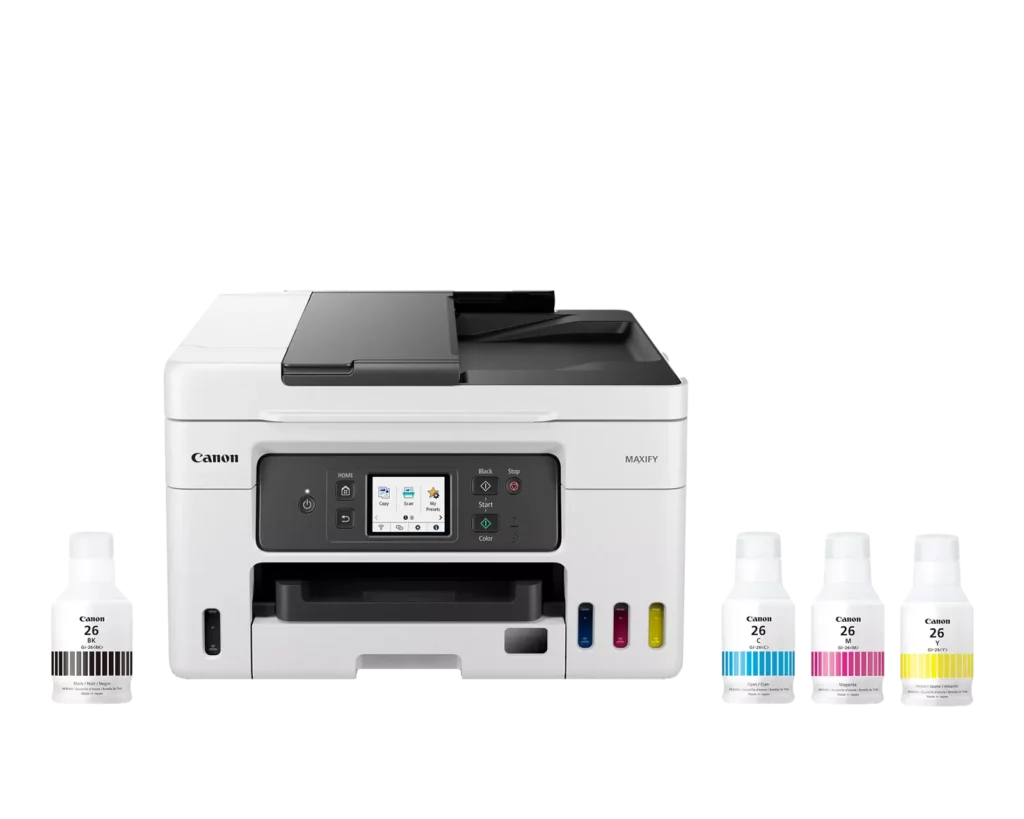
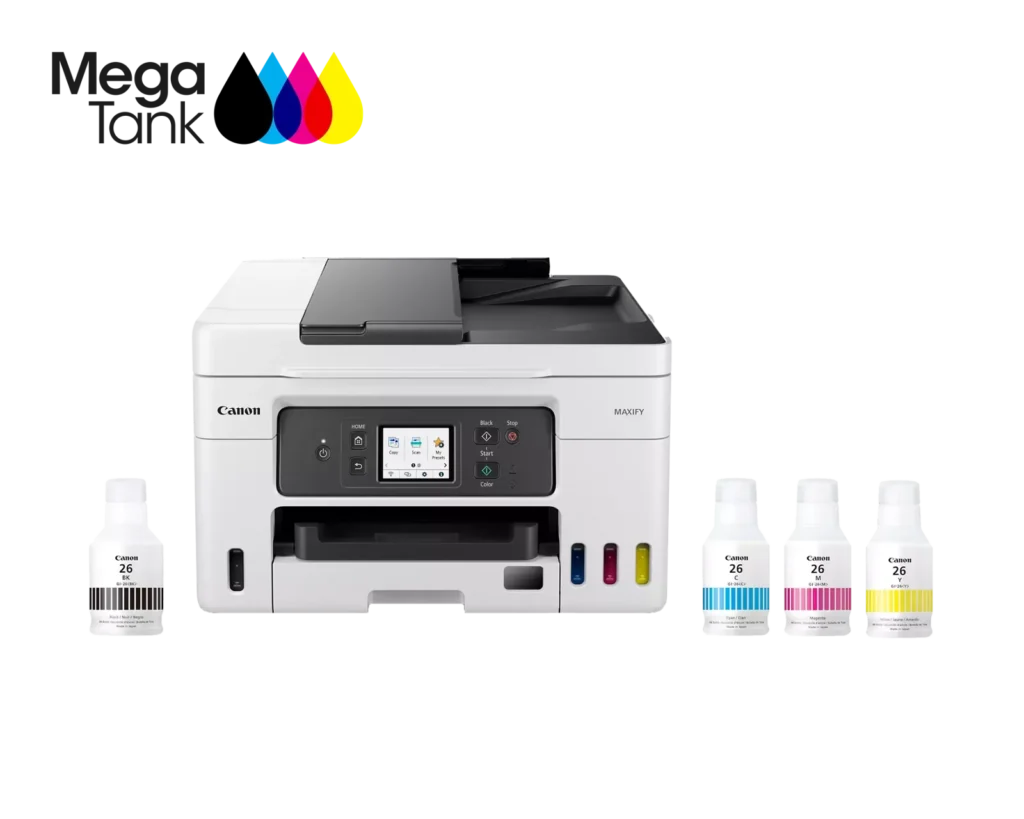
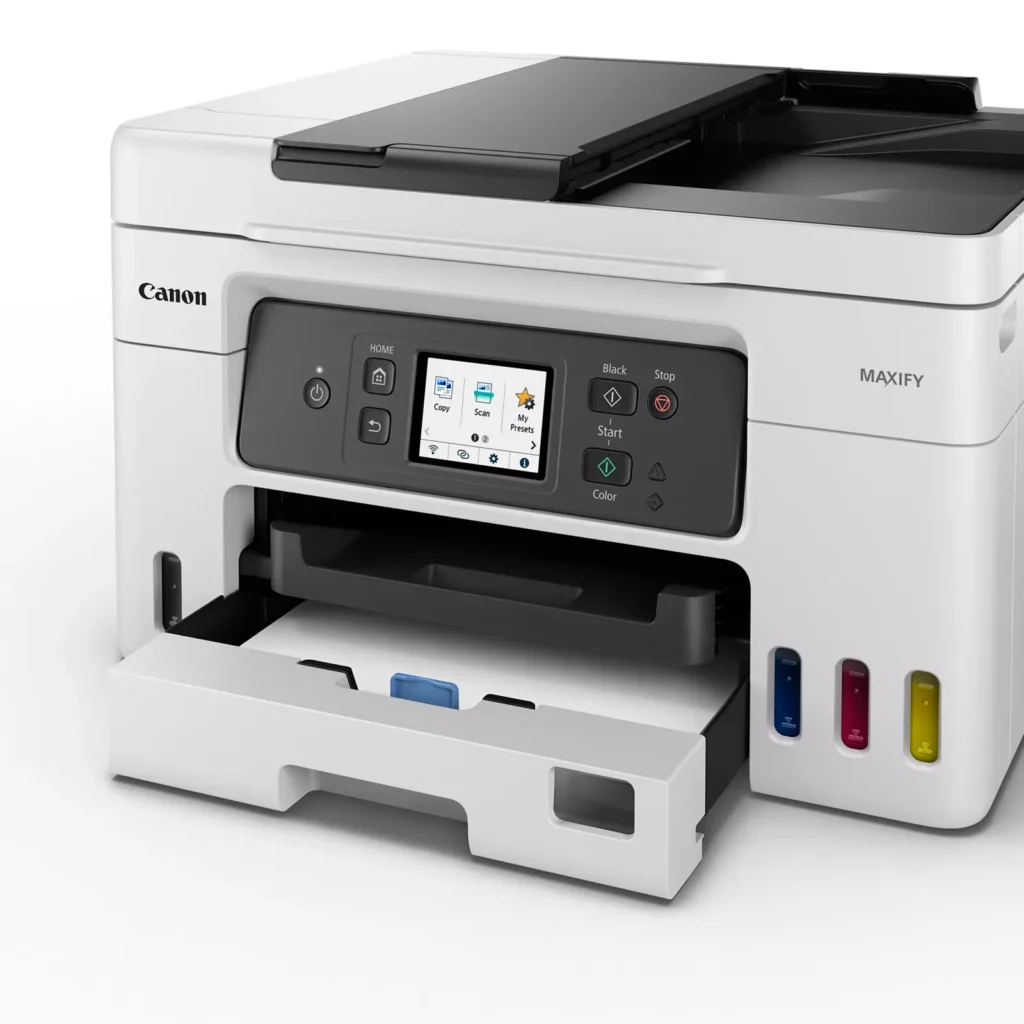
| High Page Yield and Low Running Costs | The MegaTank refillable ink system delivers an impressive yield of up to 6,000 black and 14,000 color pages with a single set of ink bottles. This high-capacity design results in a low cost per print of less than 2 cents per page, significantly reducing the total cost of ownership compared to traditional cartridge-based printers. |
|---|---|
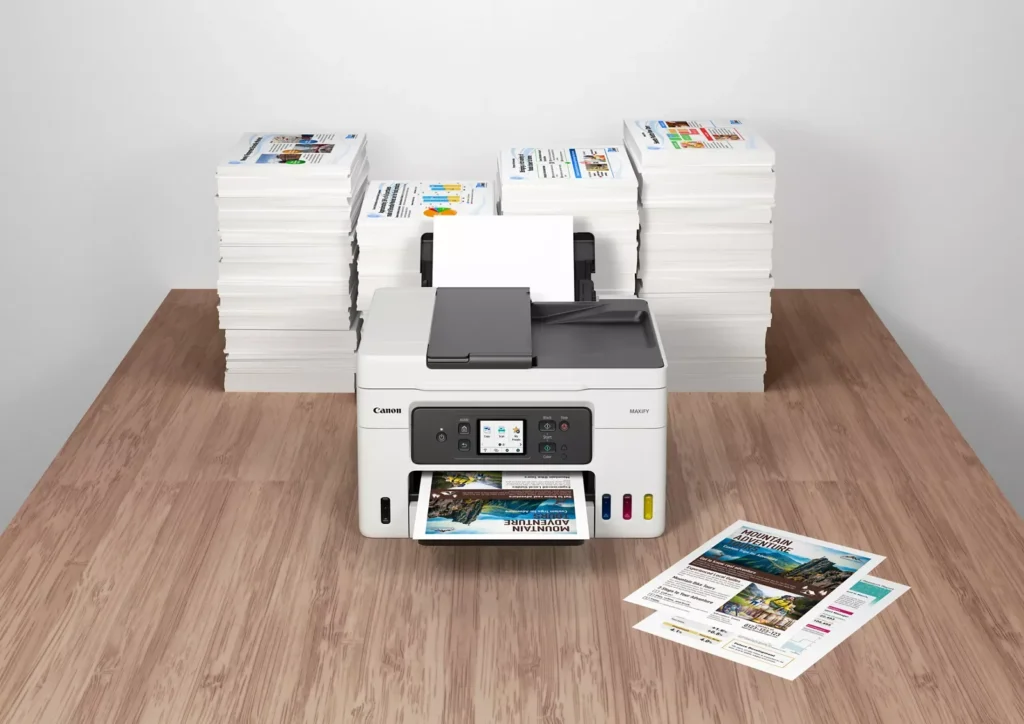
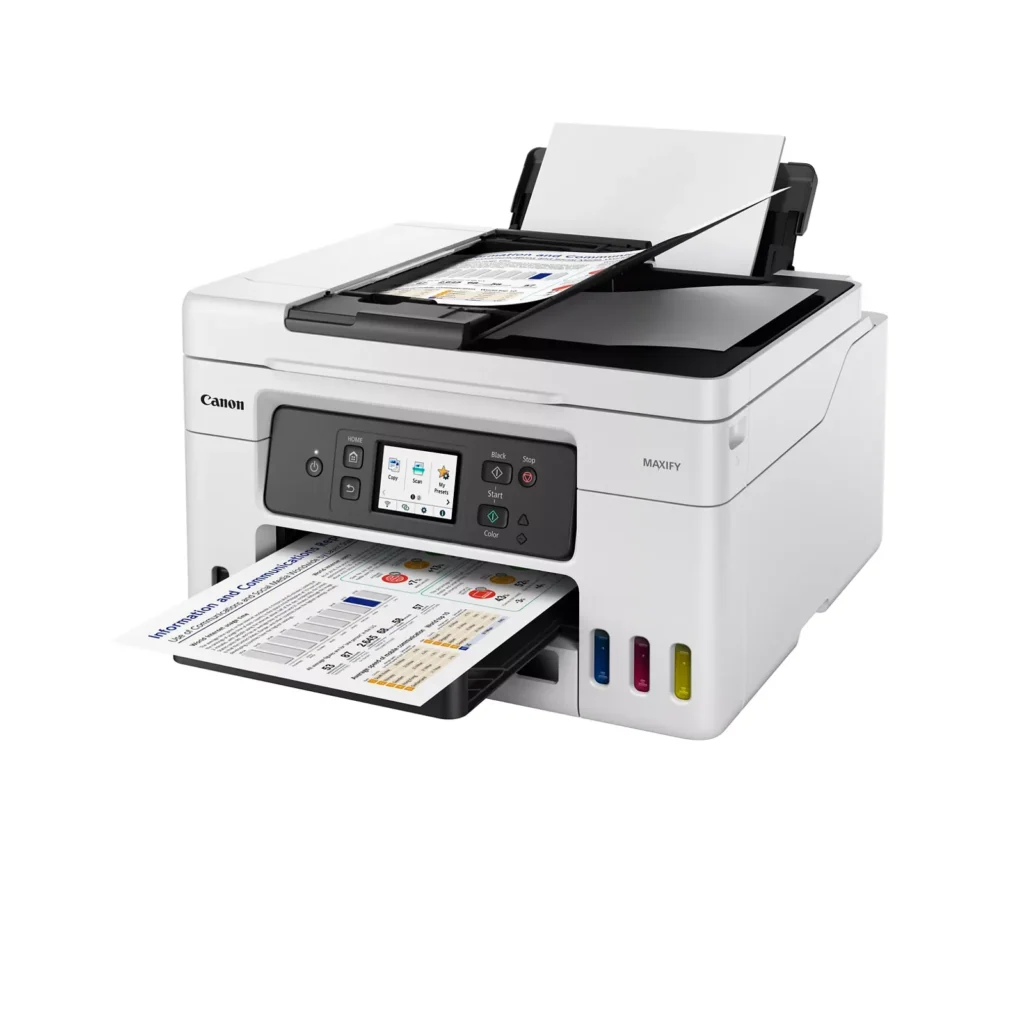
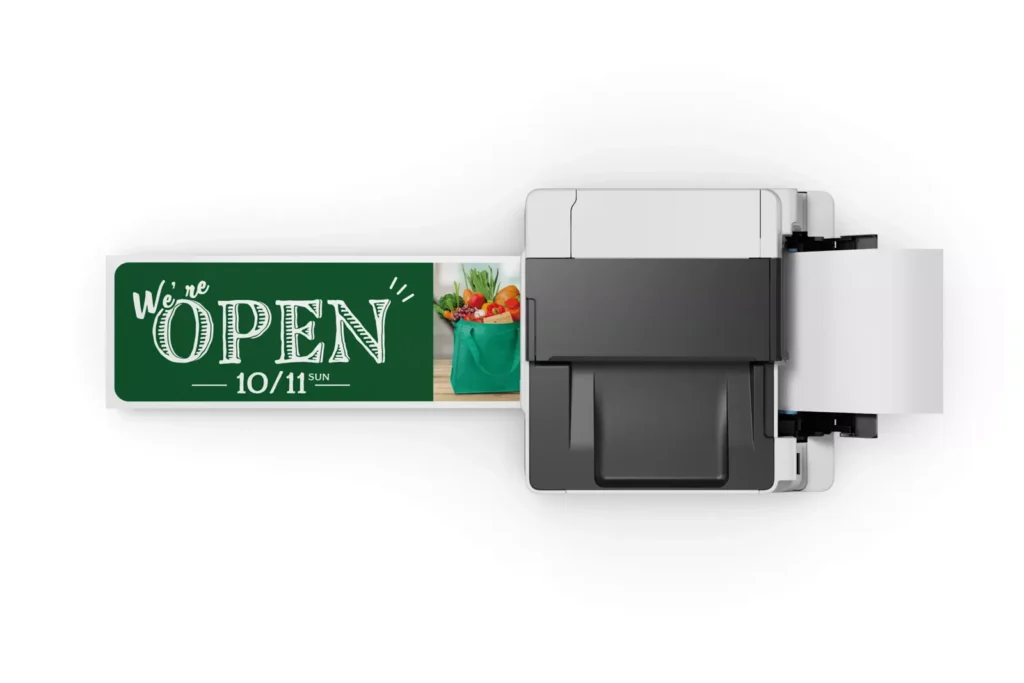
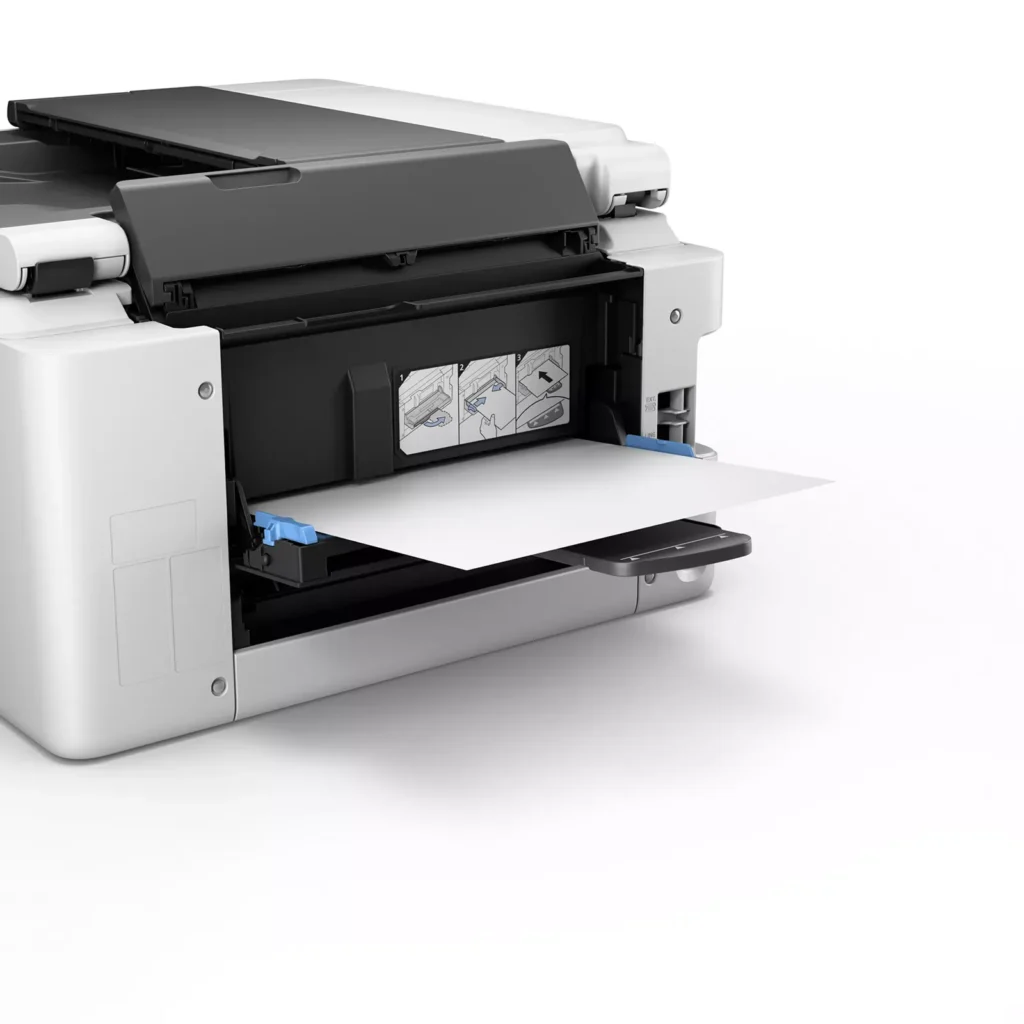
| Versatile 3-Way Paper Feeding | Equipped with a 250-sheet bottom cassette and a 100-sheet rear tray, this printer also features a unique rear flat tray designed for thicker media. This allows for seamless printing on a wide variety of materials, including envelopes, banners up to 47 inches, and heavy cardstock up to 0.7mm thick. |
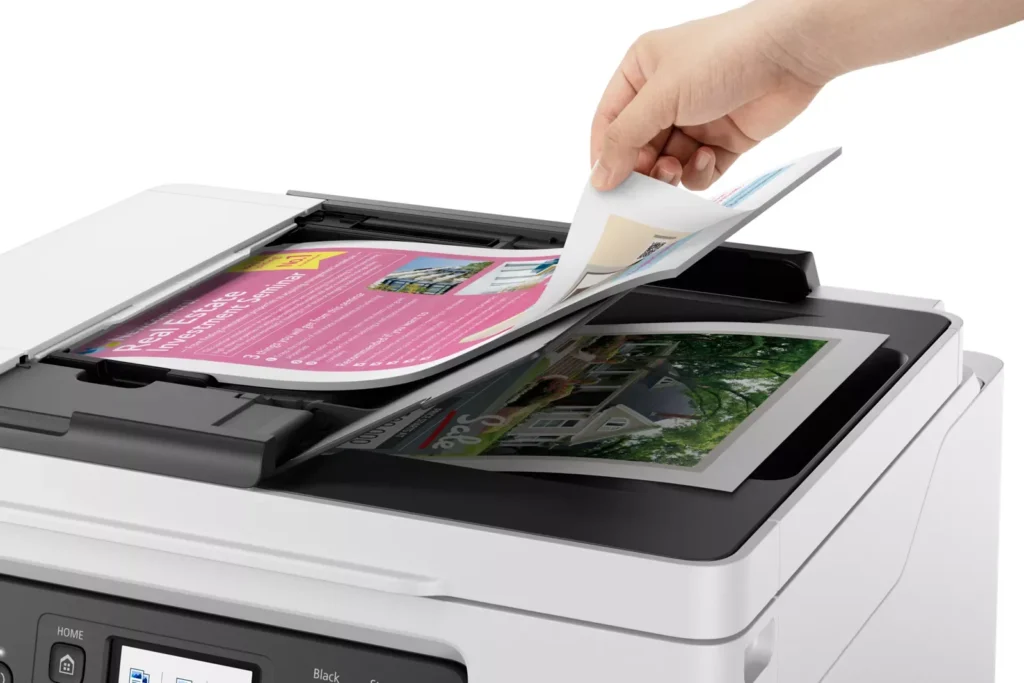
| Fast Business-Class Performance | Boost office productivity with print speeds of up to 18.0 ipm in black and 13.0 ipm in color. The integrated 35-sheet Automatic Document Feeder (ADF) streamlines multi-page scanning, copying, and faxing tasks, while the first print-out time is as fast as 8 seconds. |
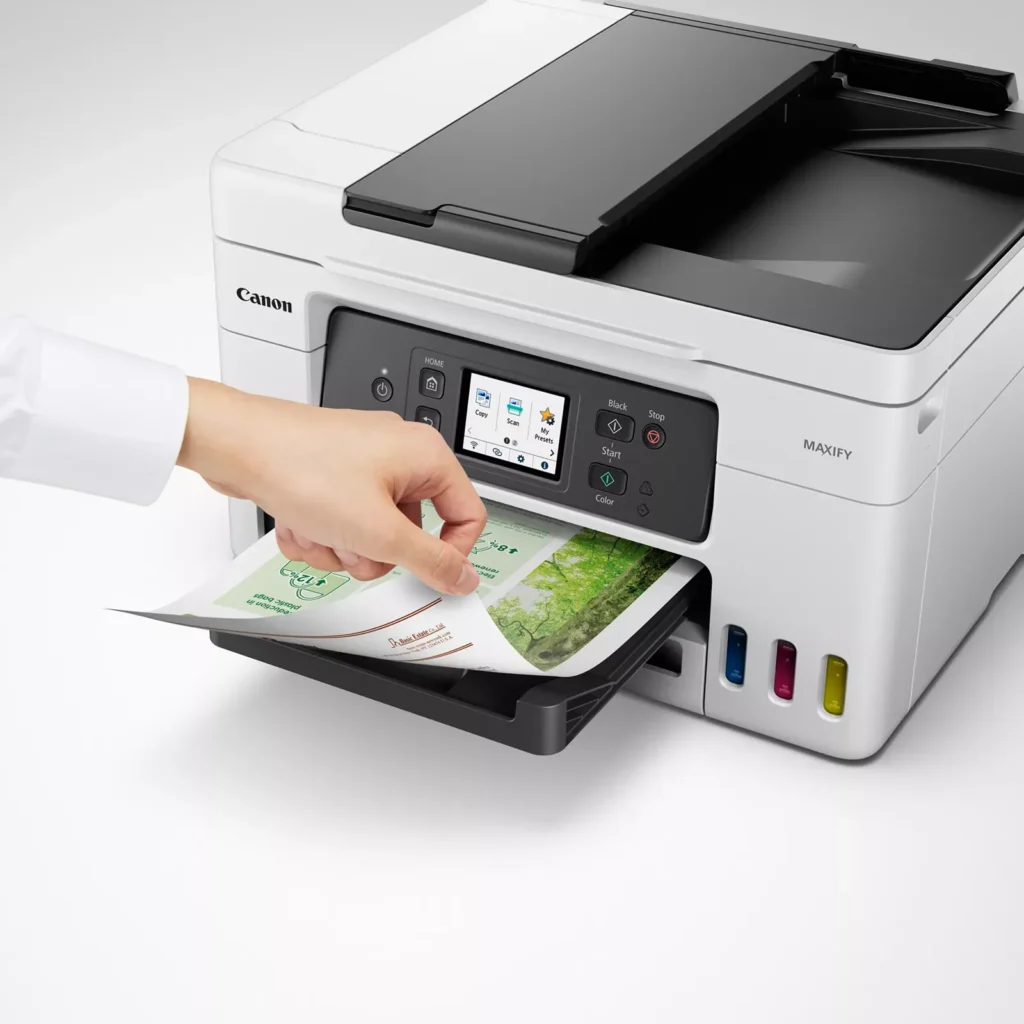
| Durable 4-Color Pigment Ink System | Utilizing a 100% pigment-based ink system, the GX4020 produces sharp, laser-like text and vibrant graphics that are highly resistant to smudging and highlighters. This ensures professional-quality documents that are durable enough for frequent handling in a busy office environment. |
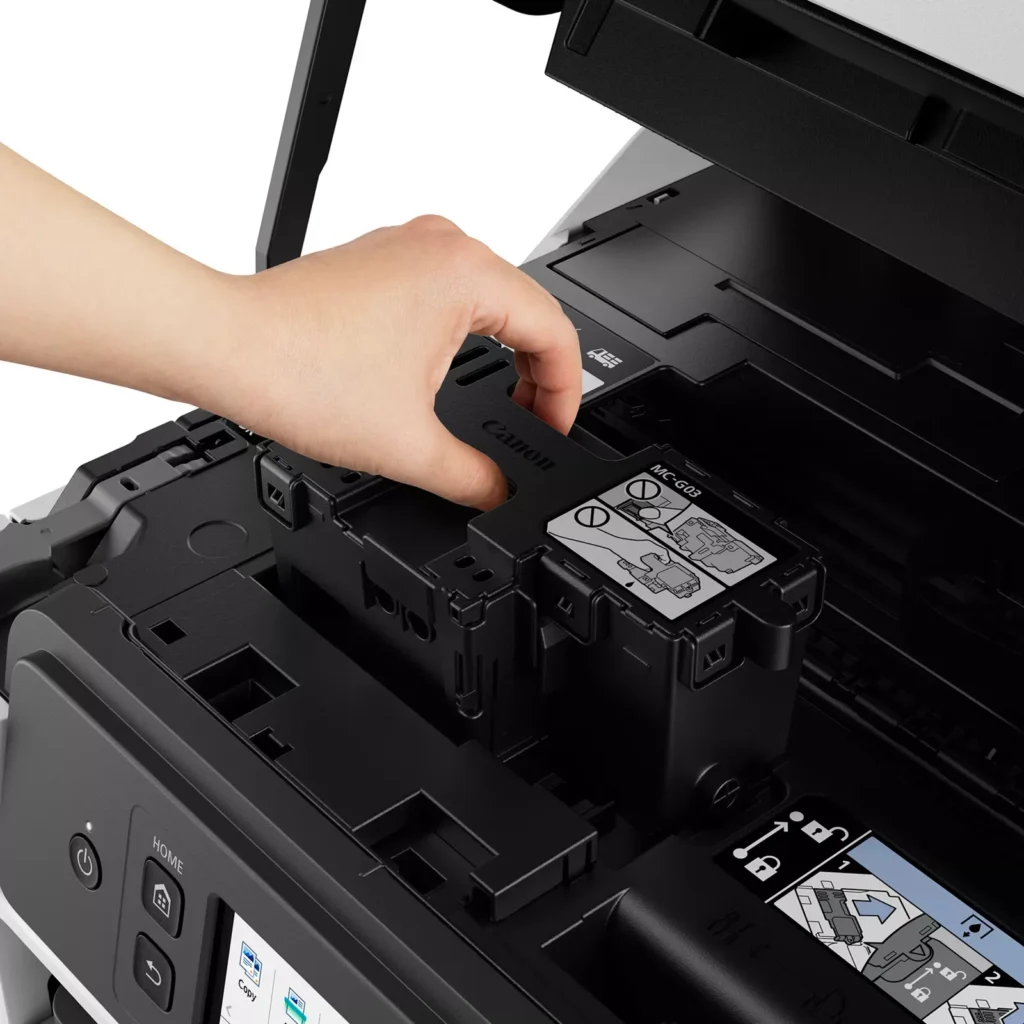
| User-Friendly Maintenance and Reliability | Designed for minimal downtime, the printer features a user-replaceable print head and maintenance cartridge that can be swapped without a service call. It is further backed by a 3-year or 80,000-page limited warranty, providing long-term peace of mind for small business owners. |
Pros & Cons
Pros
- Exceptional Ink Efficiency: The MegaTank system offers a massive ink capacity that lasts for thousands of pages, with a mess-free refill process that significantly reduces long-term operating costs compared to cartridge-based models.
- High-Quality Print and Scan Results: Reviewers consistently praise the printer for producing crisp, professional text and vibrant colors on various media, including glossy photos, stickers, and heavy cardstock.
- Versatile Media Handling: The device features multiple paper sources, including a high-capacity front cassette and a rear tray, allowing users to keep different paper types loaded simultaneously for diverse projects.
Cons
- Persistent Connectivity Issues: A significant number of users experienced frequent WiFi disconnections, difficulty with AirPrint, and a complex setup process that often required manual IP configuration to remain stable.
- Slow Operational Performance: The printer is noted for being slow to wake from sleep mode, having a sluggish touchscreen interface, and taking a long time to process and print documents, especially in high-quality mode.
- Limited Scanning Features: While the printer supports automatic duplex printing, the document feeder lacks automatic duplex scanning, requiring users to manually flip pages to scan both sides.
You might also like












Customer Reviews
Showing reviews 151-160 of 261
-
Nice Printer
Verified purchase Verified purchase: This reviewer bought the product.JCR November 6, 2023Review source: AmazonVery easy printer and scanner setup and the color print quality is good. I would definitely recommend it.
-
Slow to wake up
Verified purchase Verified purchase: This reviewer bought the product.RobertW November 6, 2023Review source: BestbuyColors are clear, easy to load the ink, relatively easy to set up. The only real irritation is it is slow to wake up from it’s sleep mode. Otherwise it meets all requirements I have.
-
Print Maxify Megatank
Verified purchase Verified purchase: This reviewer bought the product.KennethD October 28, 2023Review source: BestbuyExellent Quality, easy to use, the pictue color is beutifull I recomment this print, in price is good
-
Constantly has printing errors when using Microsoft Word.
Verified purchase Verified purchase: This reviewer bought the product.cyber.snow October 26, 2023Review source: AmazonPrinter constantly makes to turn it off and then turn it on when printing microsoft word. It doesnt do any good to constantly get up and play with it to get it to work. My Brother printer never has problems but does not have a scanner.
-
Excellent but…
Verified purchase Verified purchase: This reviewer bought the product.Ray4380 October 21, 2023Review source: BestbuyIt works excellent. I only wish it went into a standby power so I could print remotely without having to go turn it back on.
-
Complicated
Verified purchase Verified purchase: This reviewer bought the product.John P. Flaherty October 21, 2023Review source: AmazonThere were no manuals or instructions with this printer.
-
home user
Verified purchase Verified purchase: This reviewer bought the product.ChristineG October 21, 2023Review source: BestbuySet up was a breeze! just follow instructions on the LED screen. Quality of printing is exactly what I needed.
-
Worth every dollar you paid.
Verified purchase Verified purchase: This reviewer bought the product.SanM October 21, 2023Review source: BestbuyExcellent, economical and multi tasking ability. Don’t need to worry ink catridge every few weeks as other printers.
-
Great Printer
Verified purchase Verified purchase: This reviewer bought the product.Richard Hull October 15, 2023Review source: AmazonThe ink on this is so much better than the cartridge kind. Didn’t take long to set up and the Bluetooth feature is great. I can print from my phone and laptop. Picture/print quality is good and this printer is quiet.
-
Definitely a much better value than any cartridge-based inket printer
Verified purchase Verified purchase: This reviewer bought the product.Austin H. October 13, 2023Review source: AmazonThere’s no such thing as “good” printers, only tolerable ones. Luckily, this is one of the more tolerable printers out there. I’ve printed hundreds of pages already and all of the colors are still 3/4 full of ink, just from the bottles that came with the printer. It supports double-sided printing, double-sided scanning with the ADF, printing from your smartphone, all that good stuff. While shopping around, I found a lot of printers that did some of those things for around the same price, or all of those things for a much higher price. I still think that if you’re going to be doing really heavy printing, you’re better off springing for a laser printer. However for most “normal” people with above-average printing needs, this really hits the sweet spot of good features, print speed, and print quality at a reasonable price.