Customer Media
Highlights
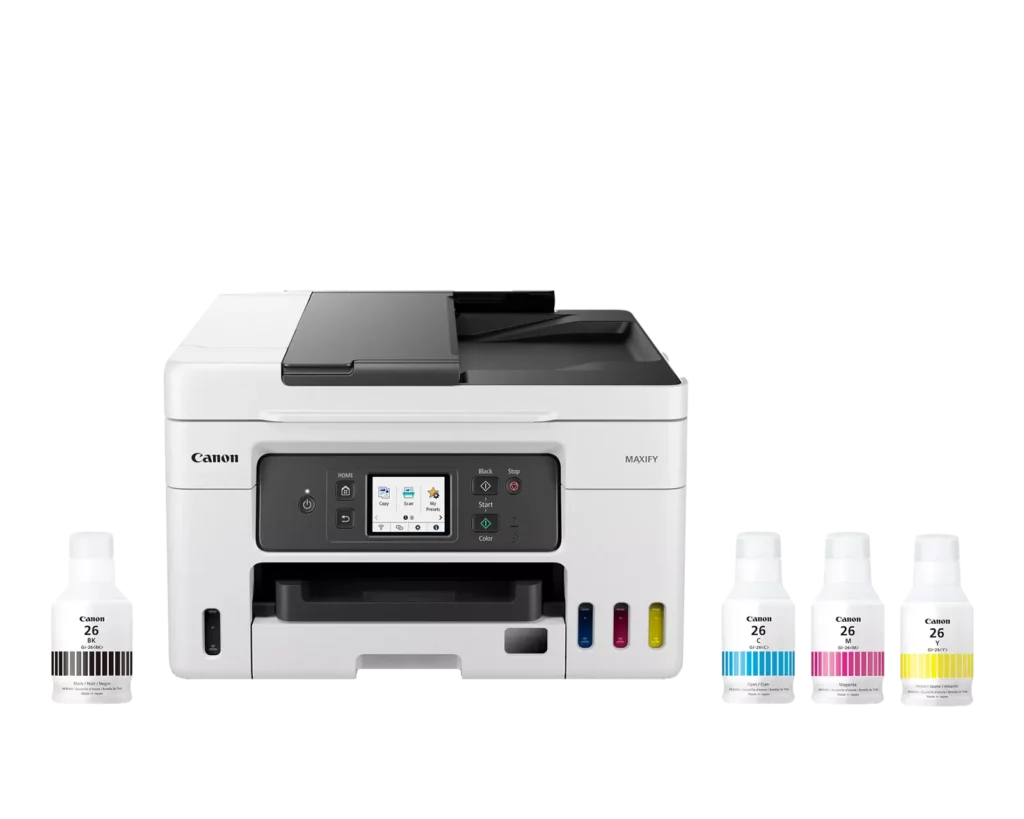
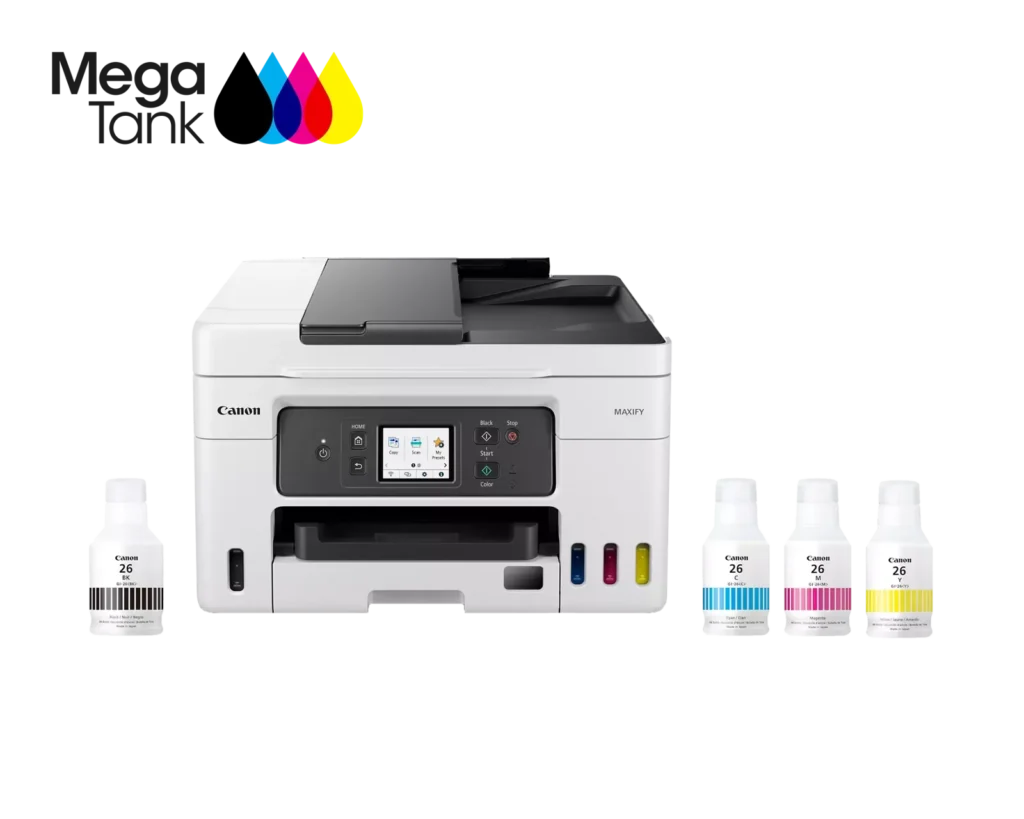
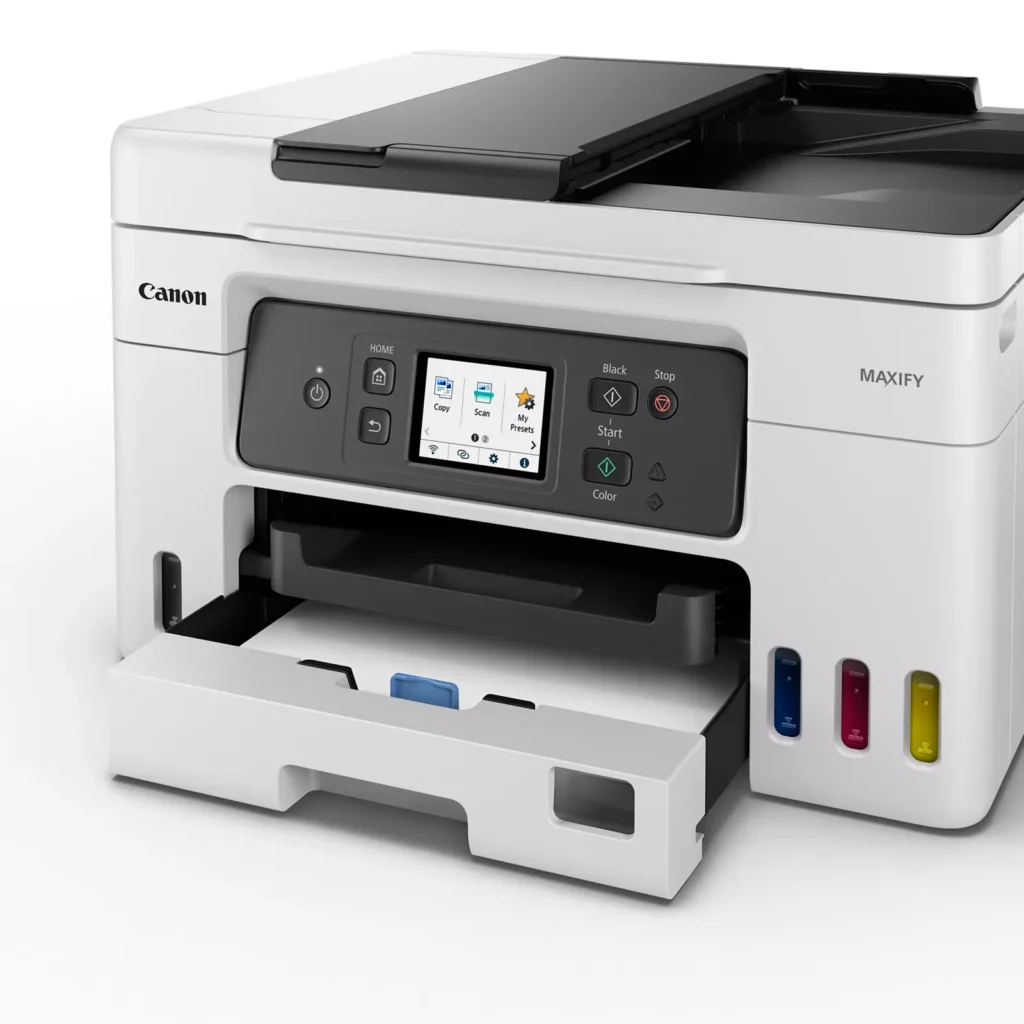
| High Page Yield and Low Running Costs | The MegaTank refillable ink system delivers an impressive yield of up to 6,000 black and 14,000 color pages with a single set of ink bottles. This high-capacity design results in a low cost per print of less than 2 cents per page, significantly reducing the total cost of ownership compared to traditional cartridge-based printers. |
|---|---|
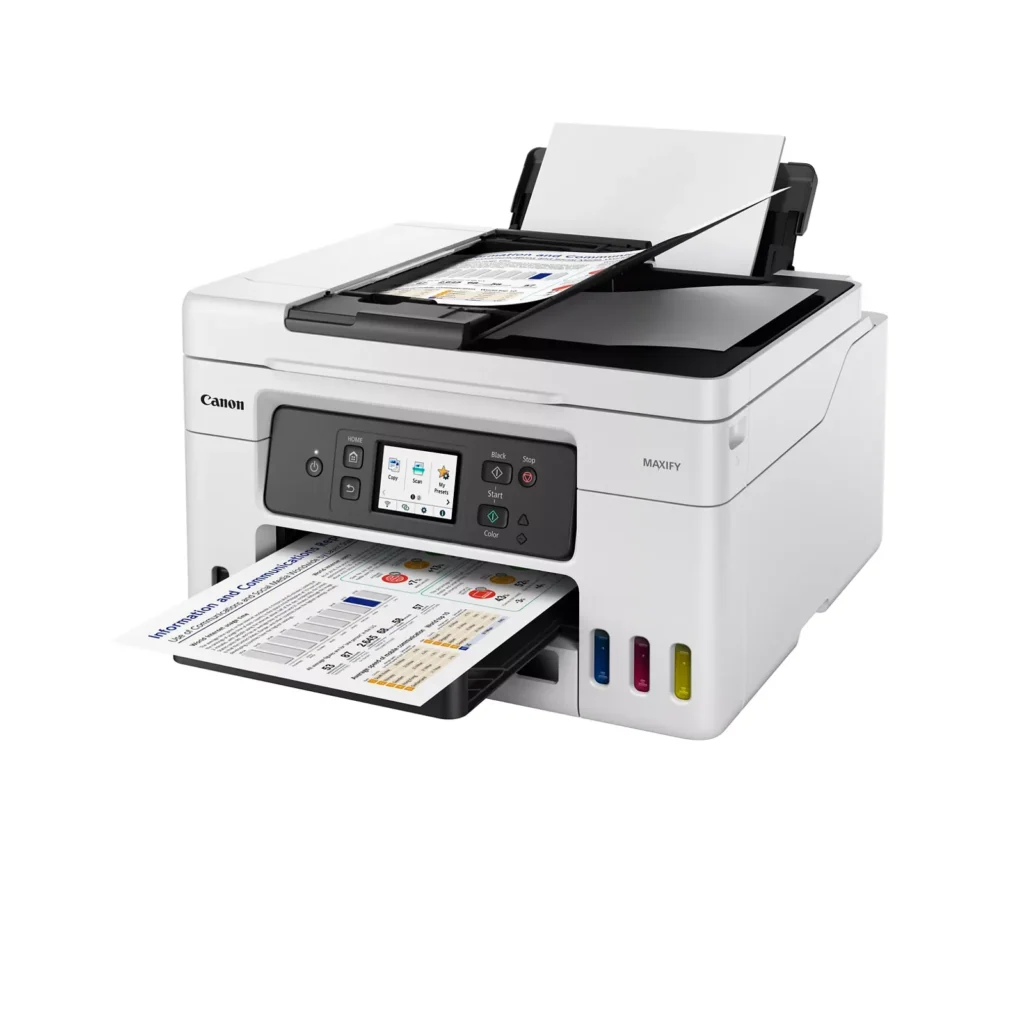
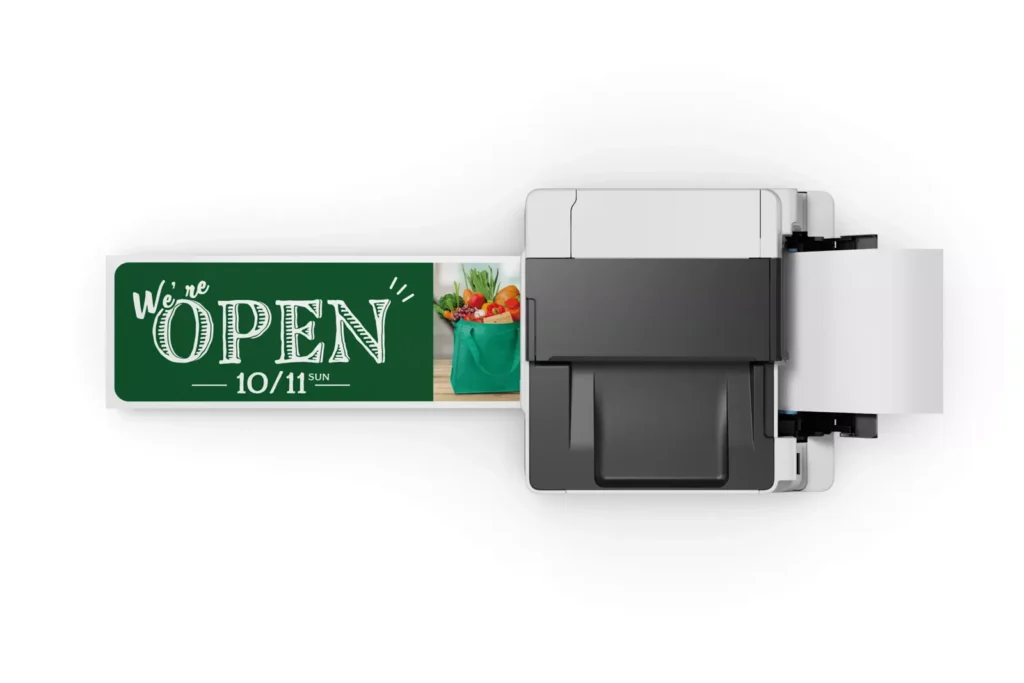
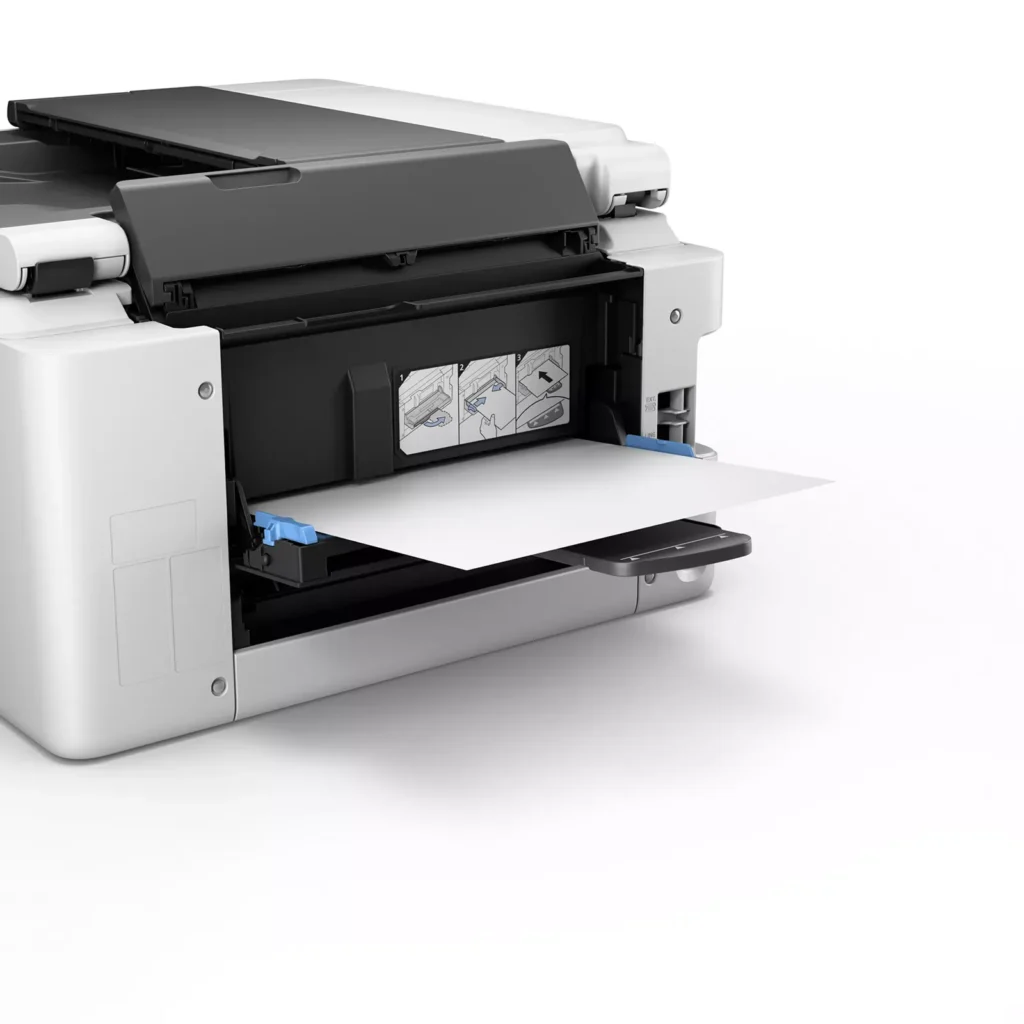
| Versatile 3-Way Paper Feeding | Equipped with a 250-sheet bottom cassette and a 100-sheet rear tray, this printer also features a unique rear flat tray designed for thicker media. This allows for seamless printing on a wide variety of materials, including envelopes, banners up to 47 inches, and heavy cardstock up to 0.7mm thick. |
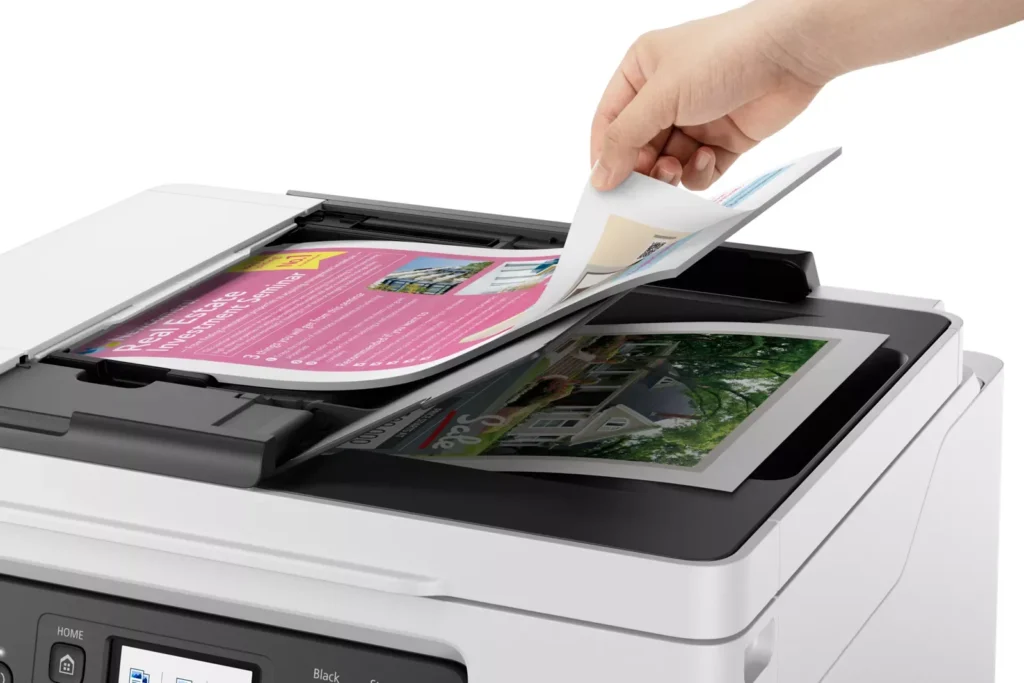
| Fast Business-Class Performance | Boost office productivity with print speeds of up to 18.0 ipm in black and 13.0 ipm in color. The integrated 35-sheet Automatic Document Feeder (ADF) streamlines multi-page scanning, copying, and faxing tasks, while the first print-out time is as fast as 8 seconds. |
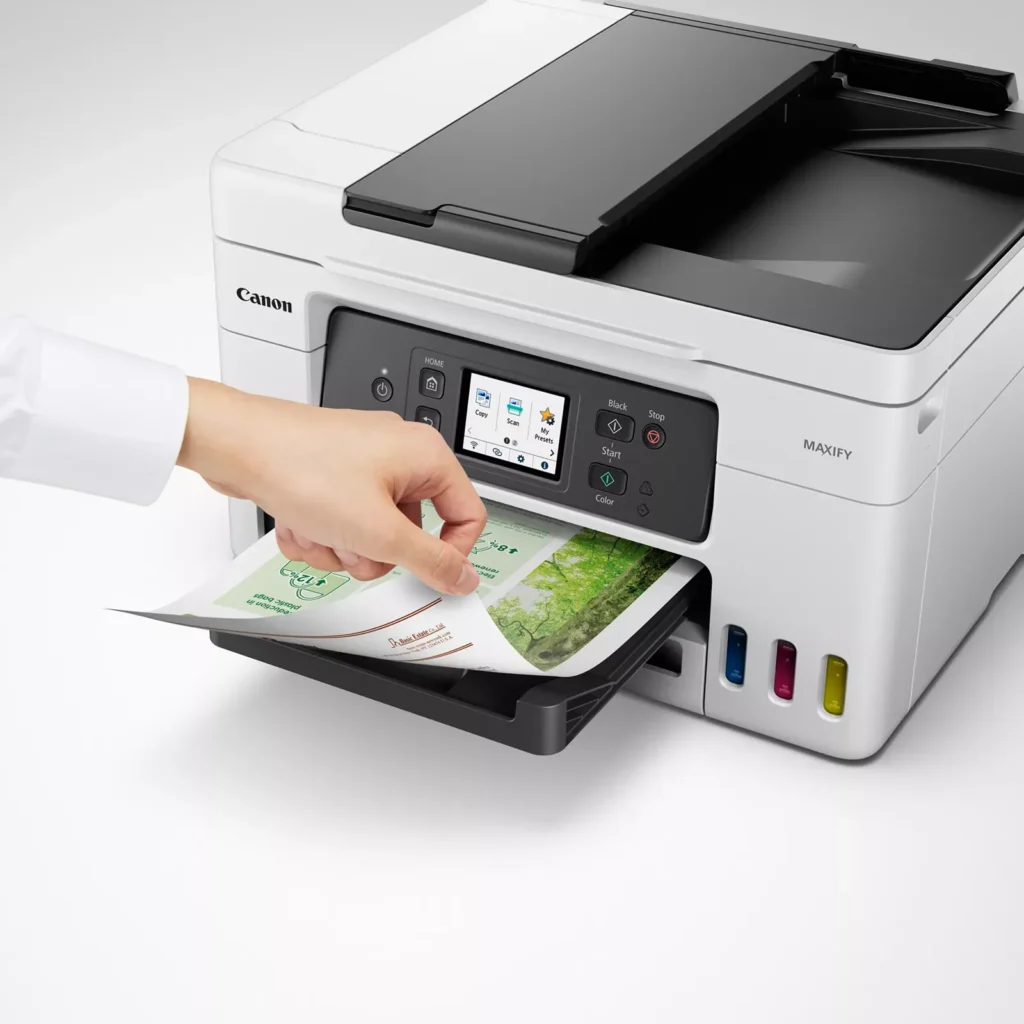
| Durable 4-Color Pigment Ink System | Utilizing a 100% pigment-based ink system, the GX4020 produces sharp, laser-like text and vibrant graphics that are highly resistant to smudging and highlighters. This ensures professional-quality documents that are durable enough for frequent handling in a busy office environment. |
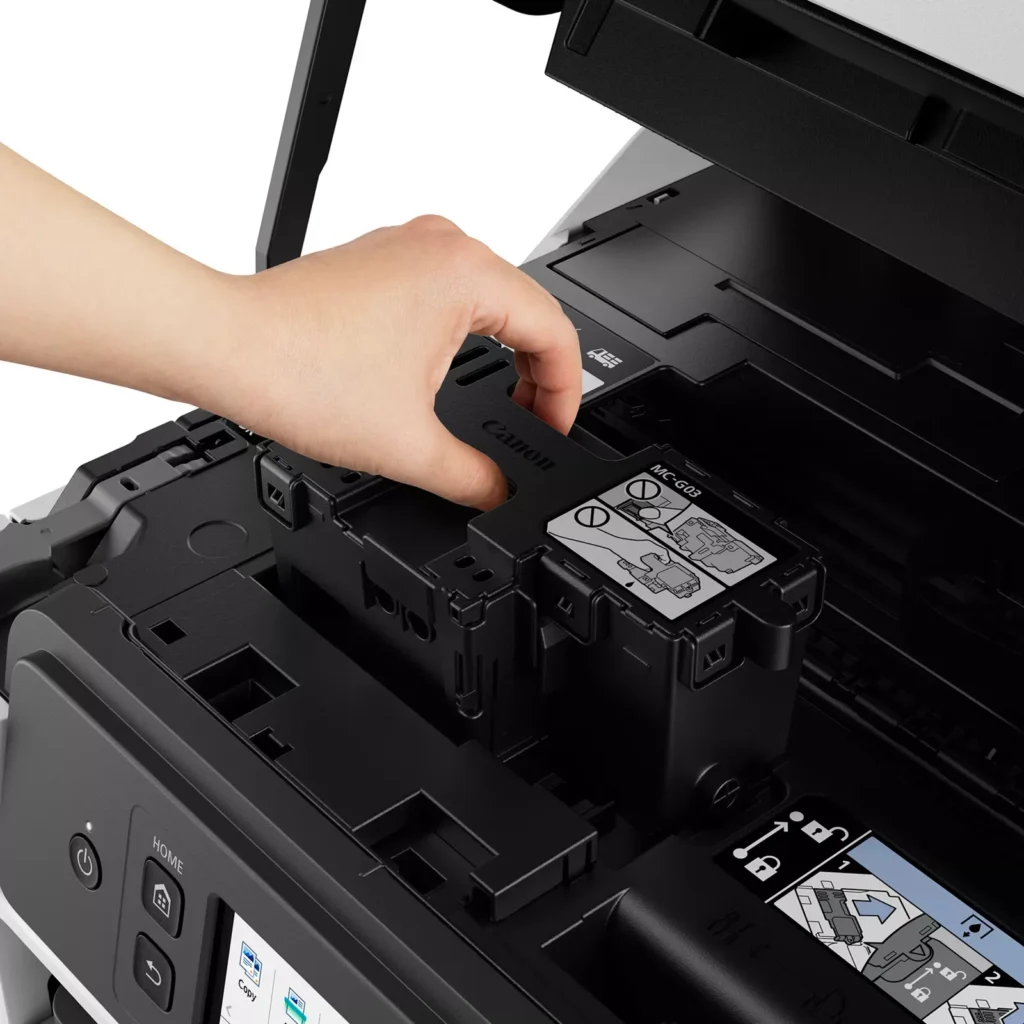
| User-Friendly Maintenance and Reliability | Designed for minimal downtime, the printer features a user-replaceable print head and maintenance cartridge that can be swapped without a service call. It is further backed by a 3-year or 80,000-page limited warranty, providing long-term peace of mind for small business owners. |
Pros & Cons
Pros
- Exceptional Ink Efficiency: The MegaTank system offers a massive ink capacity that lasts for thousands of pages, with a mess-free refill process that significantly reduces long-term operating costs compared to cartridge-based models.
- High-Quality Print and Scan Results: Reviewers consistently praise the printer for producing crisp, professional text and vibrant colors on various media, including glossy photos, stickers, and heavy cardstock.
- Versatile Media Handling: The device features multiple paper sources, including a high-capacity front cassette and a rear tray, allowing users to keep different paper types loaded simultaneously for diverse projects.
Cons
- Persistent Connectivity Issues: A significant number of users experienced frequent WiFi disconnections, difficulty with AirPrint, and a complex setup process that often required manual IP configuration to remain stable.
- Slow Operational Performance: The printer is noted for being slow to wake from sleep mode, having a sluggish touchscreen interface, and taking a long time to process and print documents, especially in high-quality mode.
- Limited Scanning Features: While the printer supports automatic duplex printing, the document feeder lacks automatic duplex scanning, requiring users to manually flip pages to scan both sides.
You might also like












Customer Reviews
Showing reviews 161-170 of 261
-
Perfect printer
Verified purchase Verified purchase: This reviewer bought the product.CLML October 13, 2023Review source: BestbuyLove it! Highly recommended. Don’t hesitate , run.
-
Best Printer Ever
Verified purchase Verified purchase: This reviewer bought the product.Ale October 9, 2023Review source: AmazonThis printer literally does it all! Business cards, custom card stock prints, regular copy paper prints, you name it, it can do it. Picture quality is amazing, printer speed is great, and it’s automatic sensor features really take it to the next level. I keep getting a notice to update the firmware which I have opted to ignore due to a fear of it not being just as great if update it, however other than that this baby works like a charm! Very pleased with my purchase.
-
Printer and fax
Verified purchase Verified purchase: This reviewer bought the product.JoeB October 7, 2023Review source: BestbuySo far, the machine works great. I needed something with a fax machine and this one works with no problems.
-
Happy Shopper
Verified purchase Verified purchase: This reviewer bought the product.PatriciaS October 7, 2023Review source: BestbuyThis printer is delightful and it was a snap to set up. The print is bold; the colors are bright. I’m very happy.
-
canon – MAXIFY MegaTank GX4020 Wireless;
Verified purchase Verified purchase: This reviewer bought the product.OladapoF October 7, 2023Review source: BestbuySO FAR SO GOOD, QUIET & EFFICIENT, THE EASE OF PURCHASE AND CUSTOMER SERVICE WAS COMMENDABLE. I ALSO APPRECIATE THE PROMPT DELIVERY
-
Canon
Verified purchase Verified purchase: This reviewer bought the product.DeedeesPrint September 29, 2023Review source: BestbuySo far the printing is beautiful. The one picture I printed came out a little dark and not really clear. I’ll try again when I need to.
-
.
Verified purchase Verified purchase: This reviewer bought the product.Demi September 29, 2023Review source: BestbuyGreat printer only thing that I find an issue with is that after searching for the setting to have it print out the fax receipt it was unable to do so but other than that the printer works great!
-
Great printer
Verified purchase Verified purchase: This reviewer bought the product.Red1928 September 28, 2023Review source: BestbuyBeing not tech savvy I had my son set it up. This printer does not need special cartridges so much better.
-
Too many problems
trailrunner September 25, 2023Review source: AmazonThe printer was initially easy to set up, but then I started having problems with it.
The first problem was when I tried to set up scan to email. I kept getting error messages. The instructions are not very useful, and the error messages are meaningless, so I turned to google and found out that a lot of people had problems with this feature. I wasted several hours trying to get it working and then finally gave up.
The second problem was when I tried to use the flat tray paper feed on the back of the printer. I kept getting a message that the transport cover wasn’t installed properly. I checked it, took it out and reinstalled it, checked it again, and it sure seems correct to me. Over and over I tried this and other things and I couldn’t get it to work. The error code is again meaningless, as are the instructions that explain what to do when I get this code. Another hour wasted.
I spent a frustrating afternoon trying to get these features to work. Life is too short to waste just to set up a simple printer. I’m going to return this as soon as I can.
-
Impossible to Connect !!
Verified purchase Verified purchase: This reviewer bought the product.ShouldHaveBoughtAnEpson September 23, 2023Review source: BestbuyI have never had such a difficult time trying to connect a printer to a computer via wifi ! I don’t know what the problem is but it’s beyond ridiculous ! I am not computer illiterate but apparently I am when it comes to Canon printers… no reason it should be difficult, at all ! Pick another printer, any printer ! My HP didn’t last 2 years but at least I could connect it ! Ugh !