Customer Media
Highlights
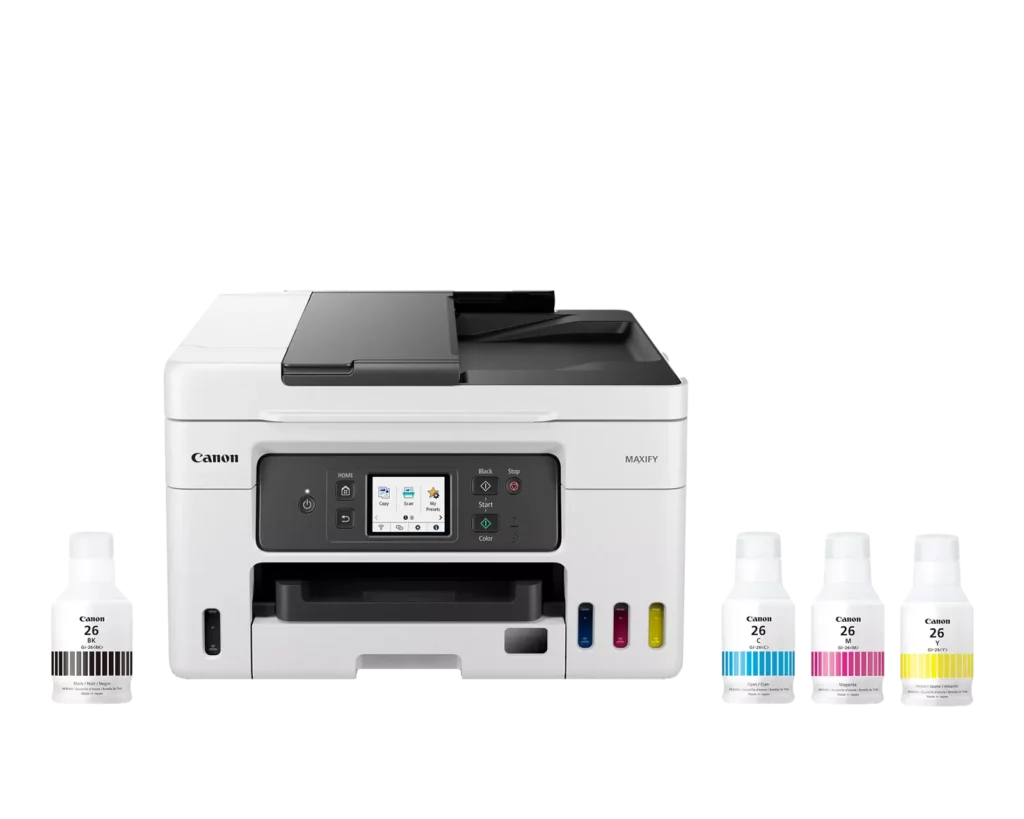
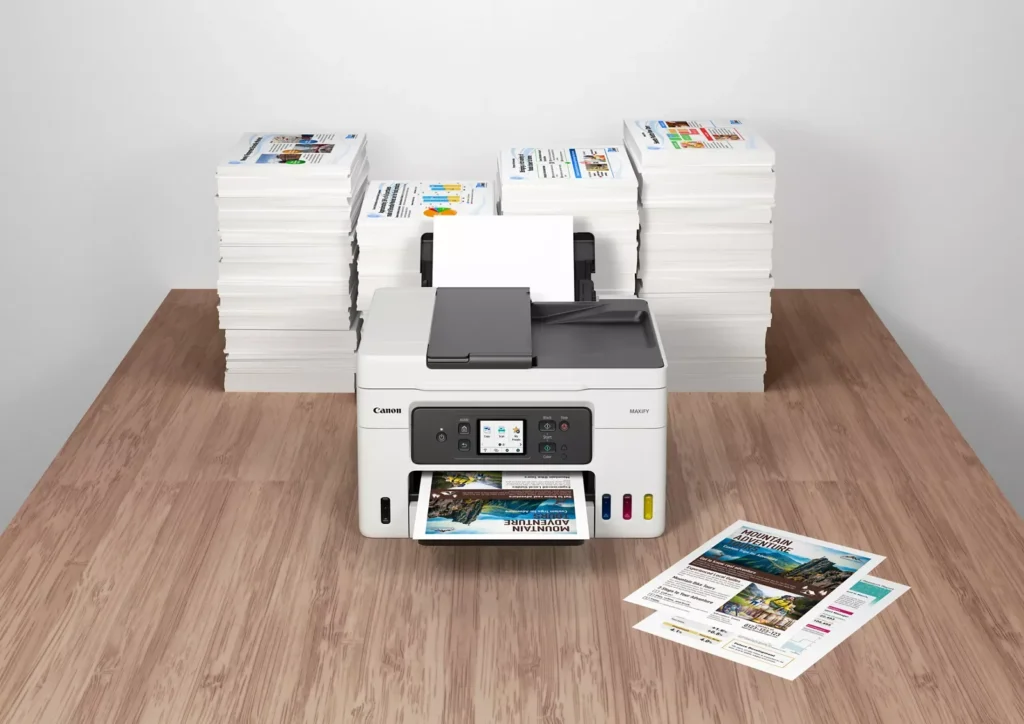
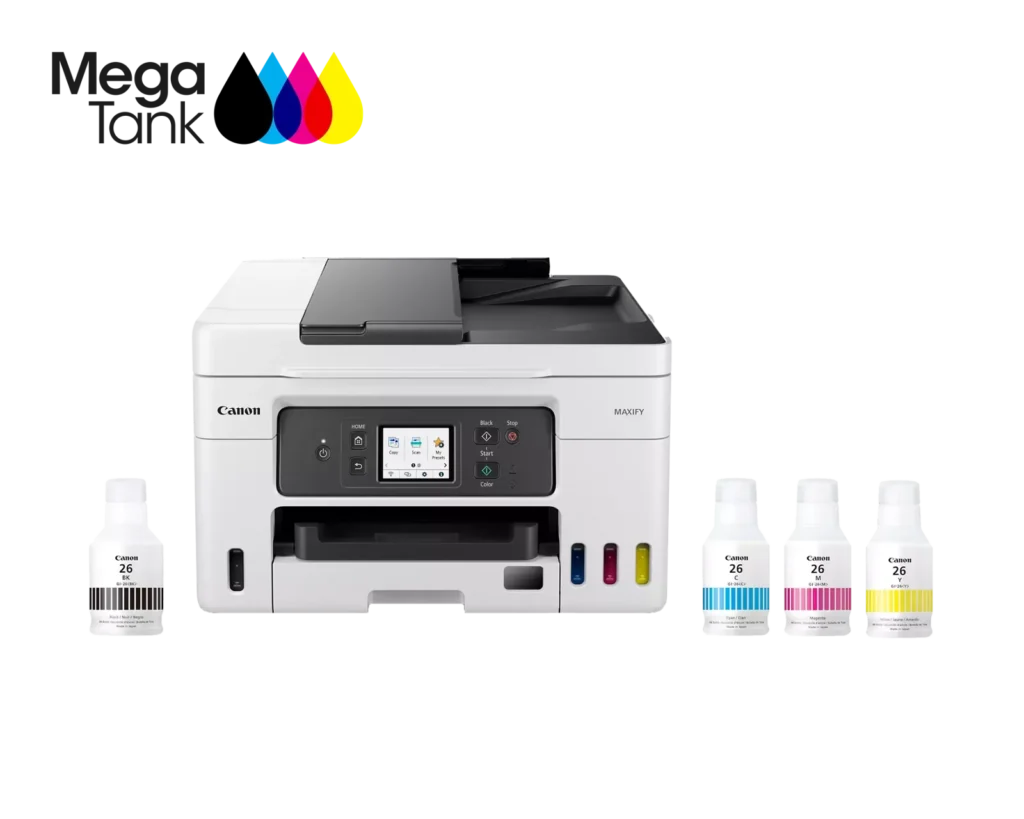
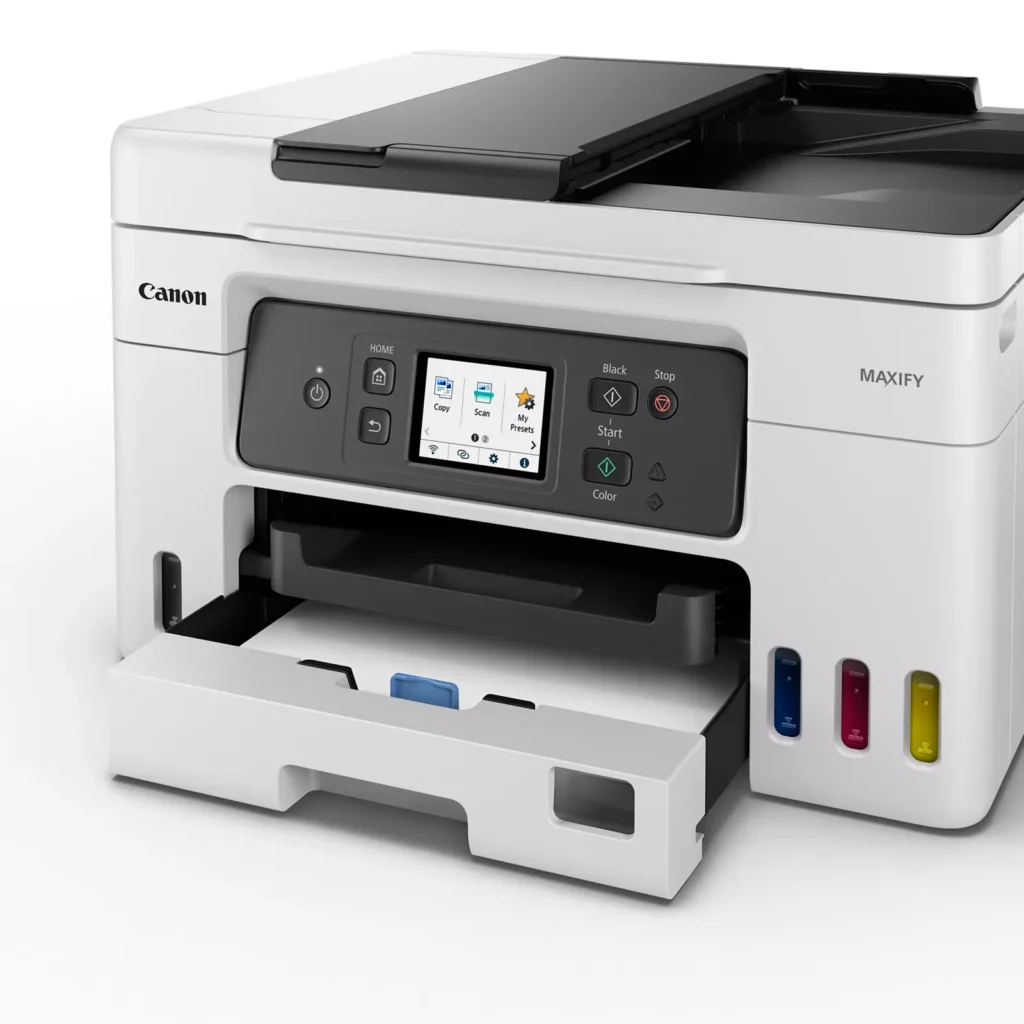
| High Page Yield and Low Running Costs | The MegaTank refillable ink system delivers an impressive yield of up to 6,000 black and 14,000 color pages with a single set of ink bottles. This high-capacity design results in a low cost per print of less than 2 cents per page, significantly reducing the total cost of ownership compared to traditional cartridge-based printers. |
|---|---|
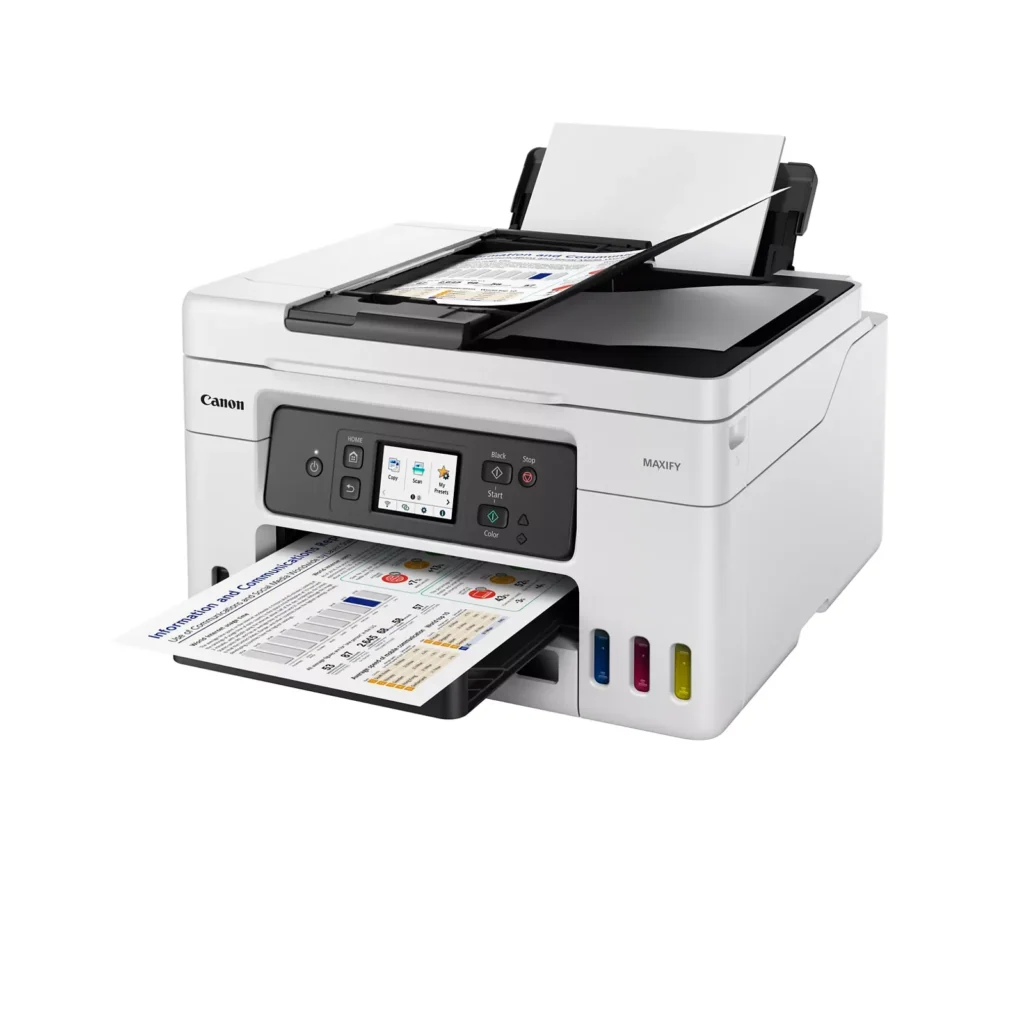
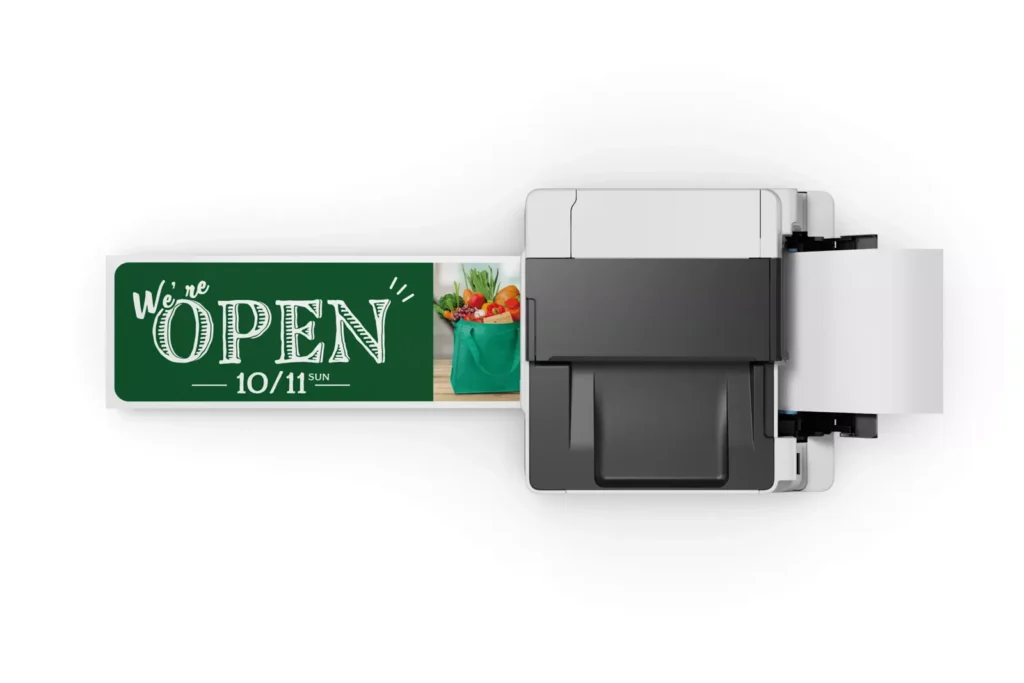
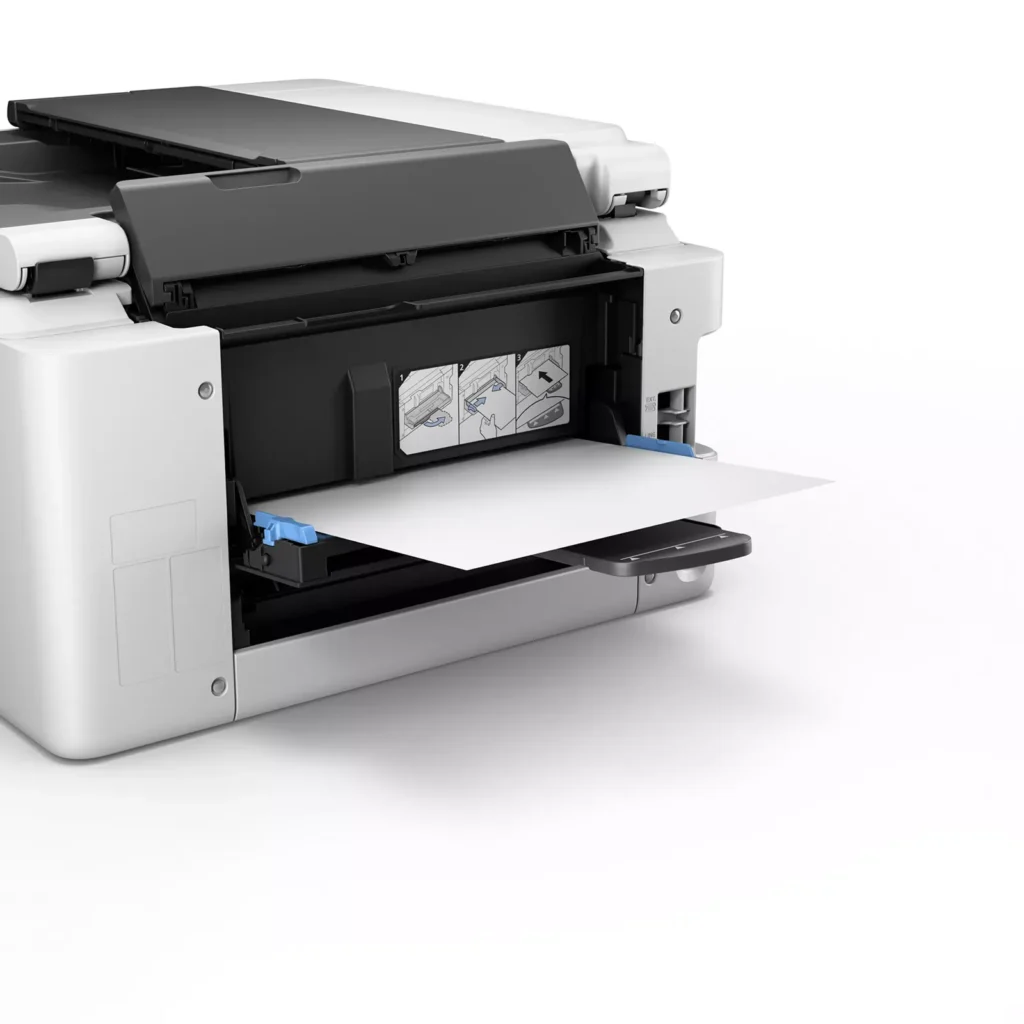
| Versatile 3-Way Paper Feeding | Equipped with a 250-sheet bottom cassette and a 100-sheet rear tray, this printer also features a unique rear flat tray designed for thicker media. This allows for seamless printing on a wide variety of materials, including envelopes, banners up to 47 inches, and heavy cardstock up to 0.7mm thick. |
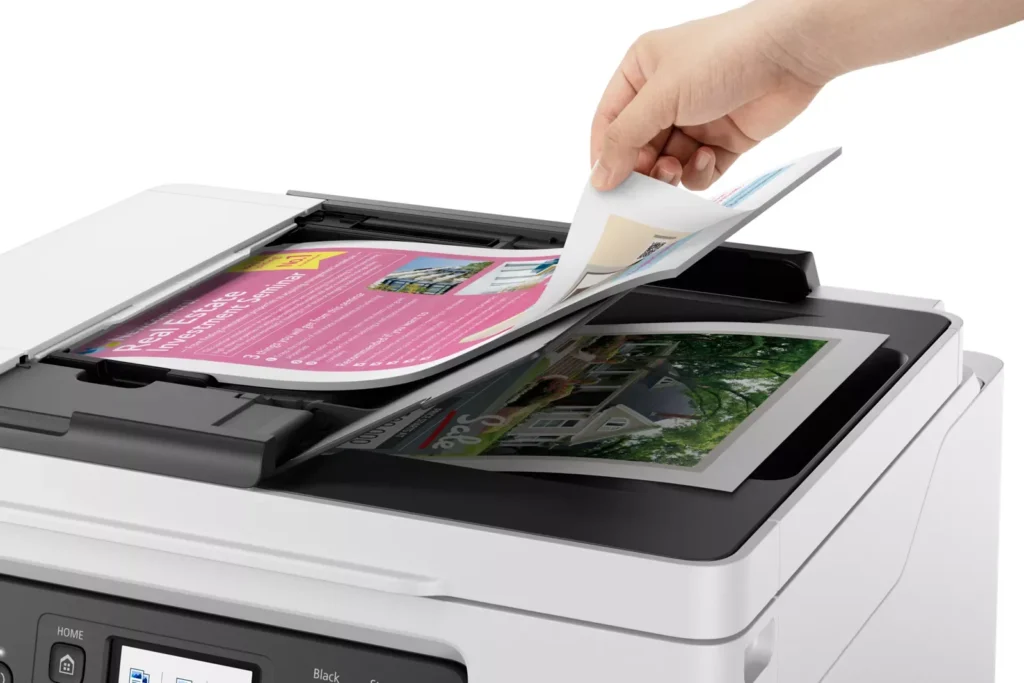
| Fast Business-Class Performance | Boost office productivity with print speeds of up to 18.0 ipm in black and 13.0 ipm in color. The integrated 35-sheet Automatic Document Feeder (ADF) streamlines multi-page scanning, copying, and faxing tasks, while the first print-out time is as fast as 8 seconds. |
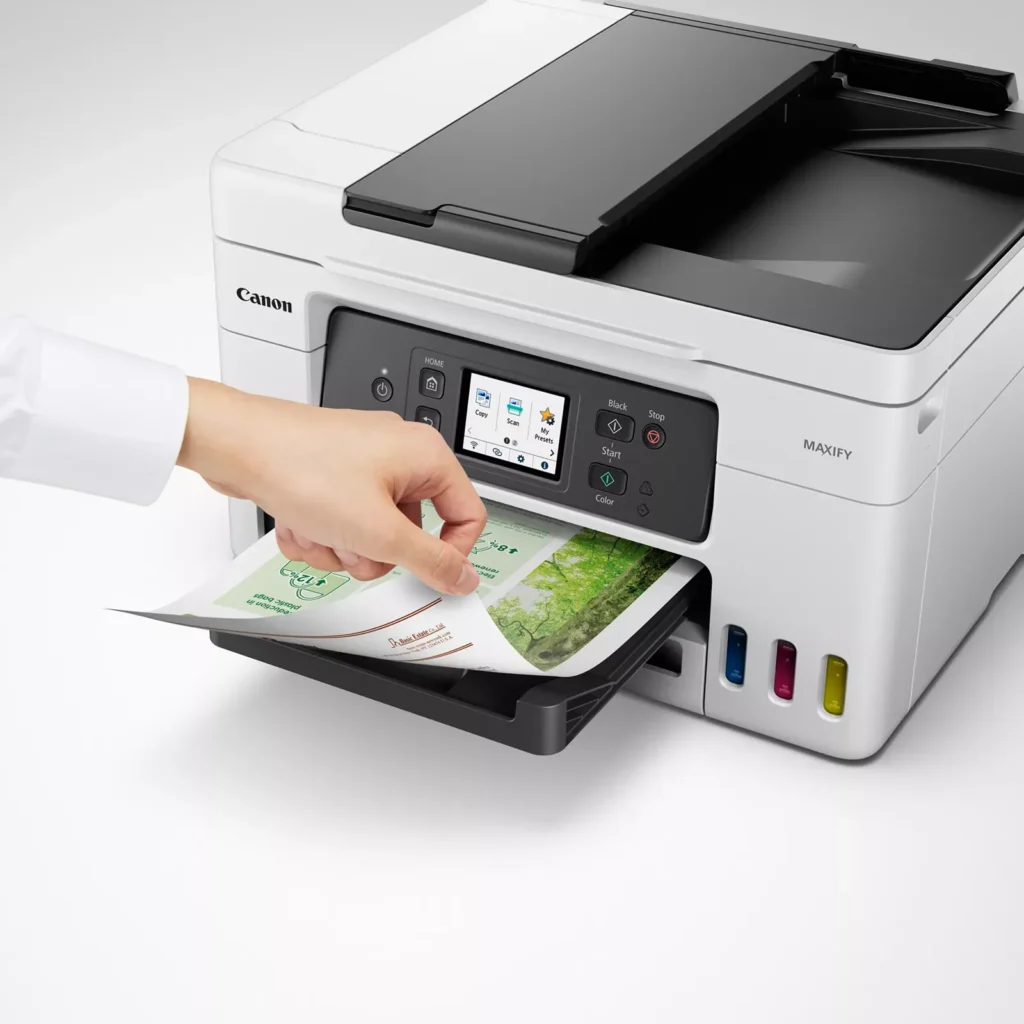
| Durable 4-Color Pigment Ink System | Utilizing a 100% pigment-based ink system, the GX4020 produces sharp, laser-like text and vibrant graphics that are highly resistant to smudging and highlighters. This ensures professional-quality documents that are durable enough for frequent handling in a busy office environment. |
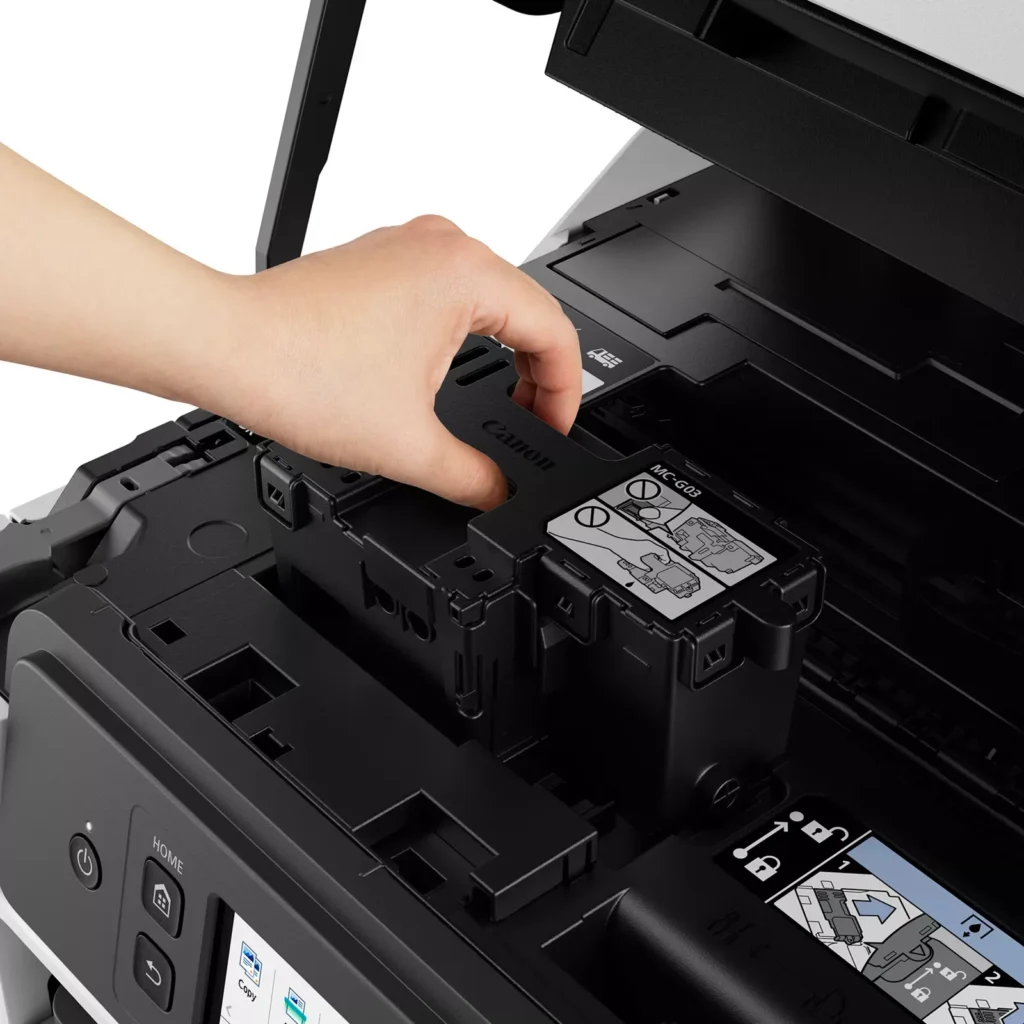
| User-Friendly Maintenance and Reliability | Designed for minimal downtime, the printer features a user-replaceable print head and maintenance cartridge that can be swapped without a service call. It is further backed by a 3-year or 80,000-page limited warranty, providing long-term peace of mind for small business owners. |
Pros & Cons
Pros
- Exceptional Ink Efficiency: The MegaTank system offers a massive ink capacity that lasts for thousands of pages, with a mess-free refill process that significantly reduces long-term operating costs compared to cartridge-based models.
- High-Quality Print and Scan Results: Reviewers consistently praise the printer for producing crisp, professional text and vibrant colors on various media, including glossy photos, stickers, and heavy cardstock.
- Versatile Media Handling: The device features multiple paper sources, including a high-capacity front cassette and a rear tray, allowing users to keep different paper types loaded simultaneously for diverse projects.
Cons
- Persistent Connectivity Issues: A significant number of users experienced frequent WiFi disconnections, difficulty with AirPrint, and a complex setup process that often required manual IP configuration to remain stable.
- Slow Operational Performance: The printer is noted for being slow to wake from sleep mode, having a sluggish touchscreen interface, and taking a long time to process and print documents, especially in high-quality mode.
- Limited Scanning Features: While the printer supports automatic duplex printing, the document feeder lacks automatic duplex scanning, requiring users to manually flip pages to scan both sides.
You might also like












Customer Reviews
Showing reviews 181-190 of 261
-
Excellent printer for the price.
Verified purchase Verified purchase: This reviewer bought the product.Kathy August 26, 2023Review source: BestbuyI was concerned about getting this printer after other reviewers stated it was difficult to set up. Not sure what they were doing, but it was a breeze for me. Excellent quality printing and photos. Spent a little more on this printer but very happy I purchased this model.
-
Great
Verified purchase Verified purchase: This reviewer bought the product.Robin3 August 19, 2023Review source: BestbuyI think this unit is great it fax scan prints and copy all of what I needed after my HP 6070 died. The add ink is simple and clean, set up was fairly easy.
-
MISSING ESSENTIAL FEATURES BUT STILL A GOOD CHOICE
Verified purchase Verified purchase: This reviewer bought the product.IFLYMAUI August 18, 2023Review source: AmazonI have a lot of Canon products currently and have purchased Canon for years. It’s a trusted name and product.
The GX 4020 is no exception. Excellent in simplicity and performance. Print is clean (although not as good as laser). Set-Up is too easy but some may find the Wi-Fi a bit confusing.
The size and the appearance are near perfection.
It also has a few quirks and shortfalls.
It’s missing a dedicated USB slot. Yes, you can use a APP to send the file over to a computer but it takes effort and a bit extra in time. It’s a challenge not having a USB.
The 2.7″ screen is touch but the graphics are weak and the processor is slow.
Canon provides for a 3-year included warranty and that makes most other brands way behind in confidence in its products.
Canon also has a USA call center and doesn’t hand its customer to third-party CSR’s.
It’s a very good machine for the money overall.
-
Power Issues
Verified purchase Verified purchase: This reviewer bought the product.Ron Russell August 5, 2023Review source: AmazonLike the printer and the bottled ink feature.
I have the printed connected to my home wireless router/network with three computers accessing the printer.
There is a problem with the printer’s auto power/sleep feature. After going to sleep, the printer would not wake-up automatically when trying to print to it, and would also loose DHCP sync. Only way to get it to print is to restart computer – real nuisance.
I fixed the problem by setting up the printer with a static IP address, connected the printer to my home wifi router with an ethernet cable, then turning off the power management feature and auto startup. This completely eliminated the printer’s wireless software and power management. The printer stay powered on and never misses a print command from any computer connected to my home wifi network.
Canon needs to fix their faulty software.
-
Scan operation difficult
Verified purchase Verified purchase: This reviewer bought the product.amazon customer August 5, 2023Review source: AmazonSelect scan and options and frequently doesn’t scan. Failure to provide clear directions in operations manual.
-
BAMM
Verified purchase Verified purchase: This reviewer bought the product.Coffeecake July 26, 2023Review source: BestbuyTotally awesome printer! Easy setup and does exactly as described! Love the automatic duplex feature (double sided printing). Great product
-
Like
Verified purchase Verified purchase: This reviewer bought the product.Mary J Daigle July 24, 2023Review source: AmazonLike
-
The printer struggles to stay connected to my WiFi network
Verified purchase Verified purchase: This reviewer bought the product.Hari S. Iyer July 13, 2023Review source: AmazonThough the printer has good output quality, using it has been a struggle as it cannot stay connected to my WiFi network. The printer is exactly in the same place as my previous HP printer but has issues with connectivity. The HP printer never had any problems. I even moved my Mesh satellite to be closer to the printer, and still, it struggled with 65% WiFi strength. When I contacted Canon support, they tried troubleshooting and told me that the WiFi strength needed to be above 70% to have consistent connectivity. I was also told that printers normally have weaker WiFi cards. That may be true for Canon printers, but it is too late for me as I cannot return this printer.
-
WORST PRINTER EVER
Verified purchase Verified purchase: This reviewer bought the product.SteveV July 8, 2023Review source: BestbuyThe printer hangs quite often. The printer queue displays print error and then the drop down window will not accept “cancel” “resume”… the commands are grayed out and not active. I have used this printer for a couple of months, complete trash. On the upside, it holds a lot of ink and you tend to use less ink because the darn thing hangs about 1 out of every 6 print jobs. Also, slighly annoying is it is on the noisy side. Frustrating for home office. Windows 11 Surface Pro 9 is my operating environment.
-
Worst printer I have ever had
Verified purchase Verified purchase: This reviewer bought the product.svme1 July 8, 2023Review source: AmazonPrinter hangs quite often, approximately 1 out of every 6 printer jobs. Printer response time is very slow. Printer queue does not respond when there is an error in the print job. A bit noisy. Good news is it holds a lot of ink. I would not recommend this printer. Windows 11 on Surface Pro 9 – perhaps that is the problem?