Customer Media
Highlights
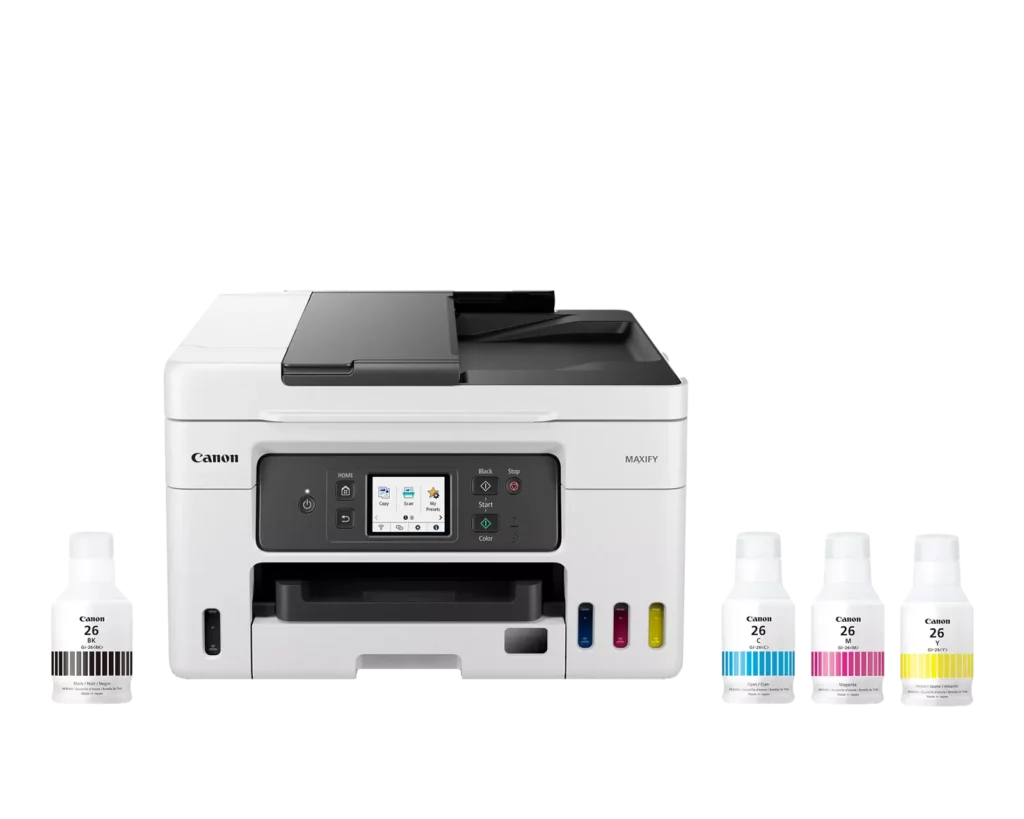
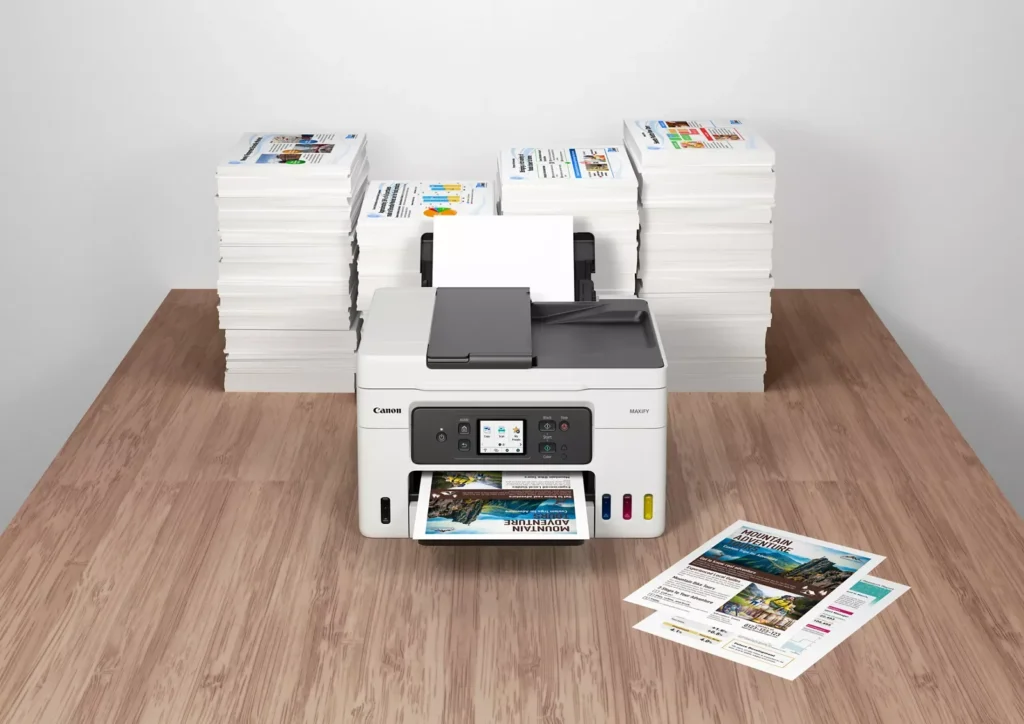
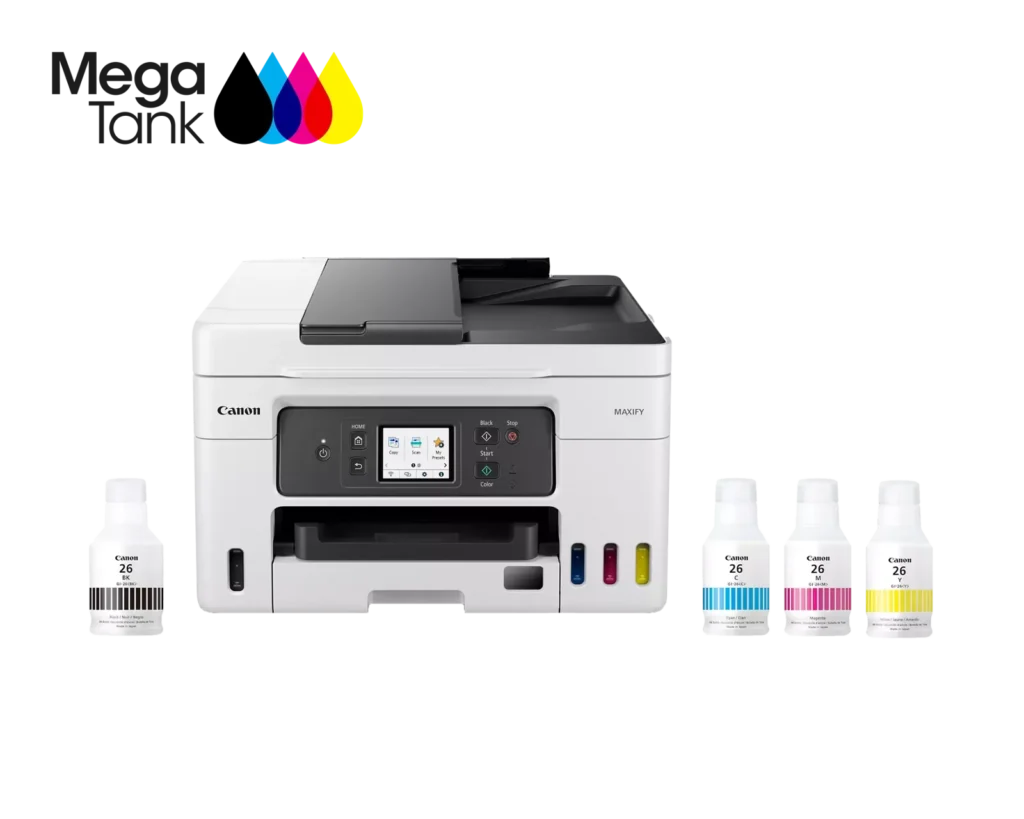
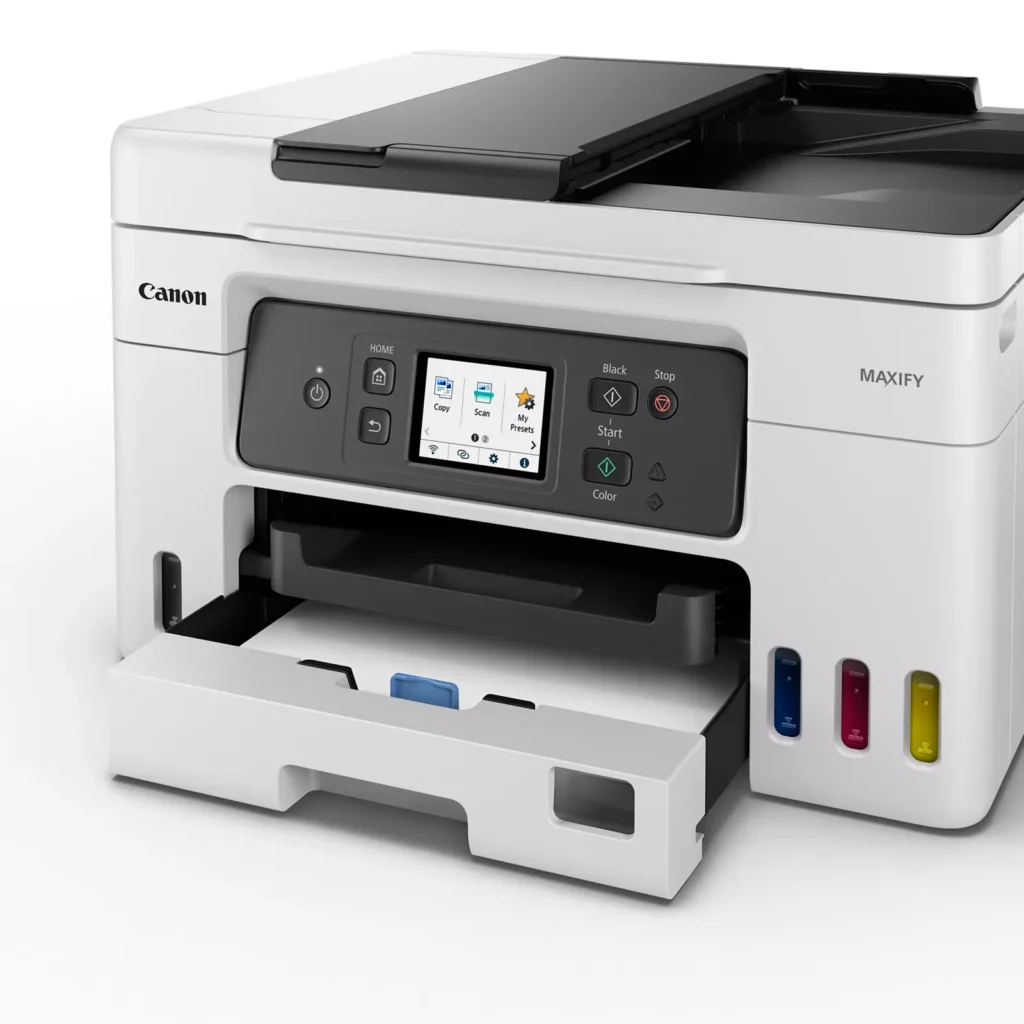
| High Page Yield and Low Running Costs | The MegaTank refillable ink system delivers an impressive yield of up to 6,000 black and 14,000 color pages with a single set of ink bottles. This high-capacity design results in a low cost per print of less than 2 cents per page, significantly reducing the total cost of ownership compared to traditional cartridge-based printers. |
|---|---|
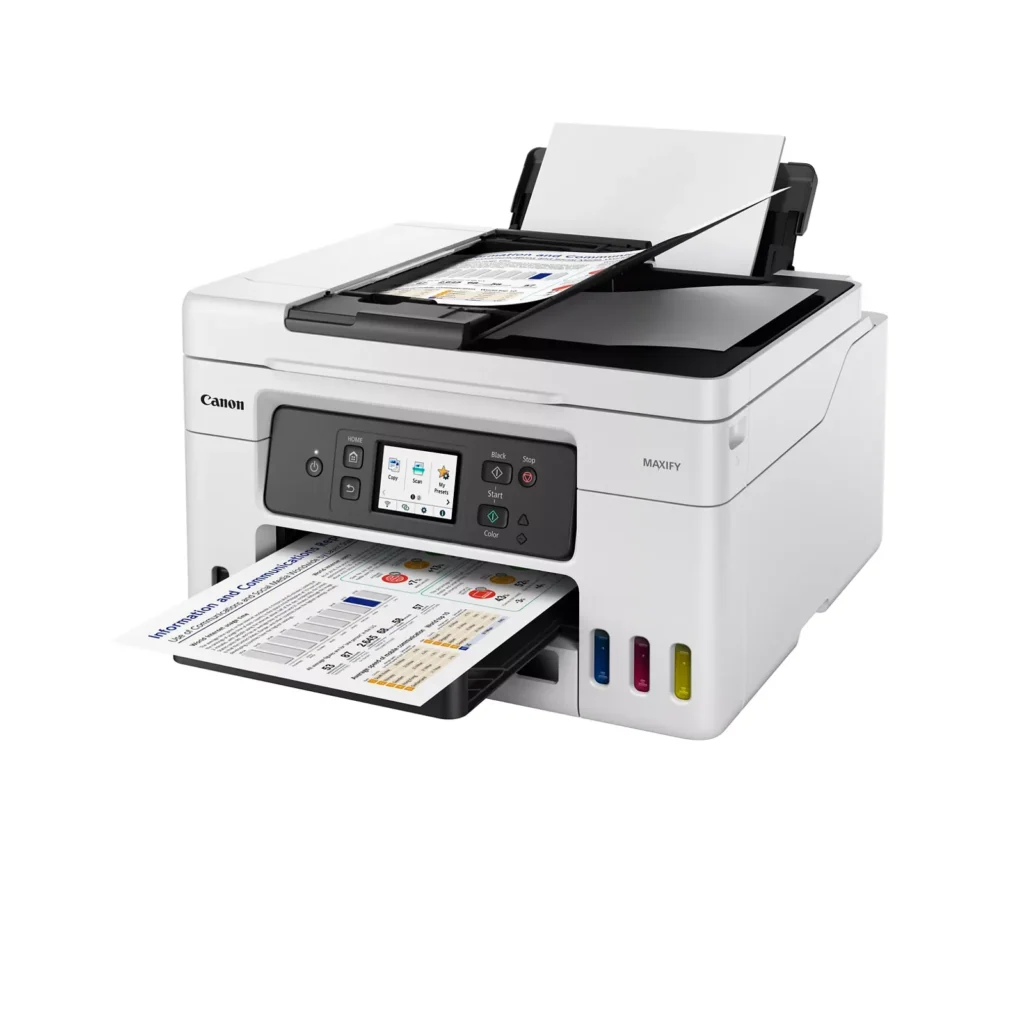
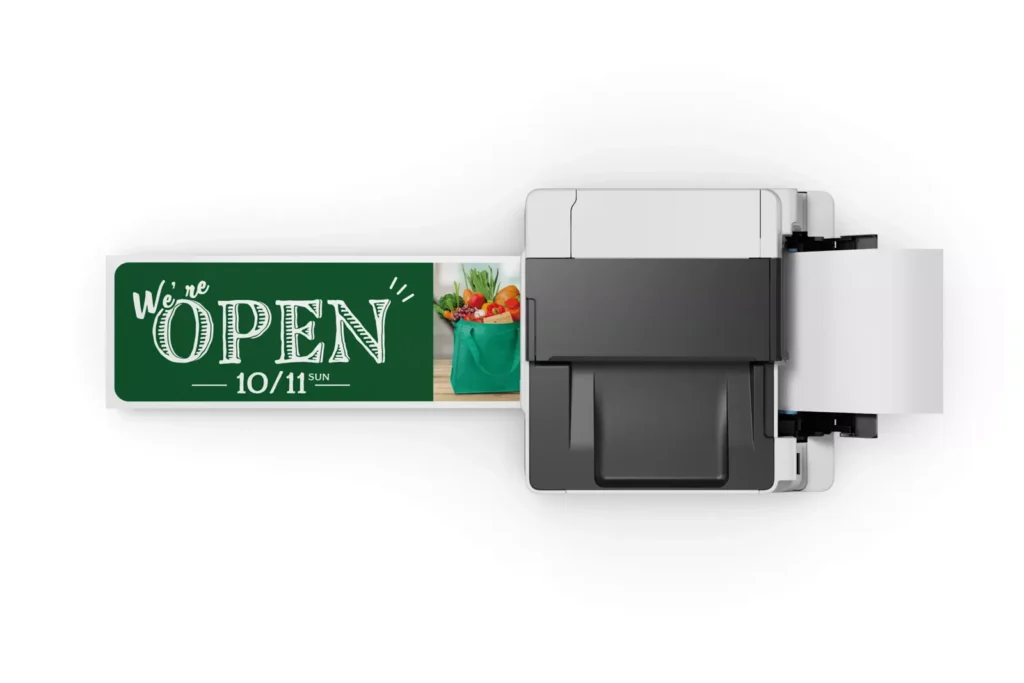
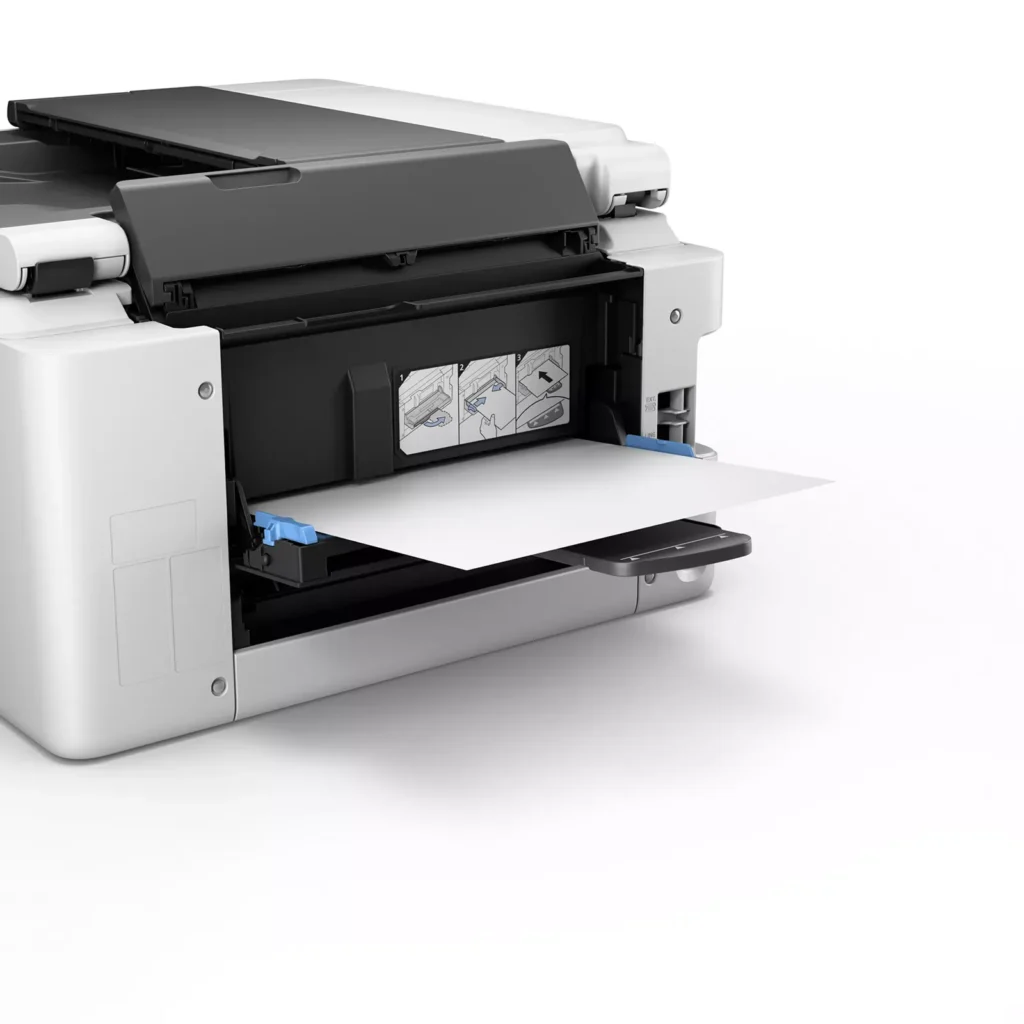
| Versatile 3-Way Paper Feeding | Equipped with a 250-sheet bottom cassette and a 100-sheet rear tray, this printer also features a unique rear flat tray designed for thicker media. This allows for seamless printing on a wide variety of materials, including envelopes, banners up to 47 inches, and heavy cardstock up to 0.7mm thick. |
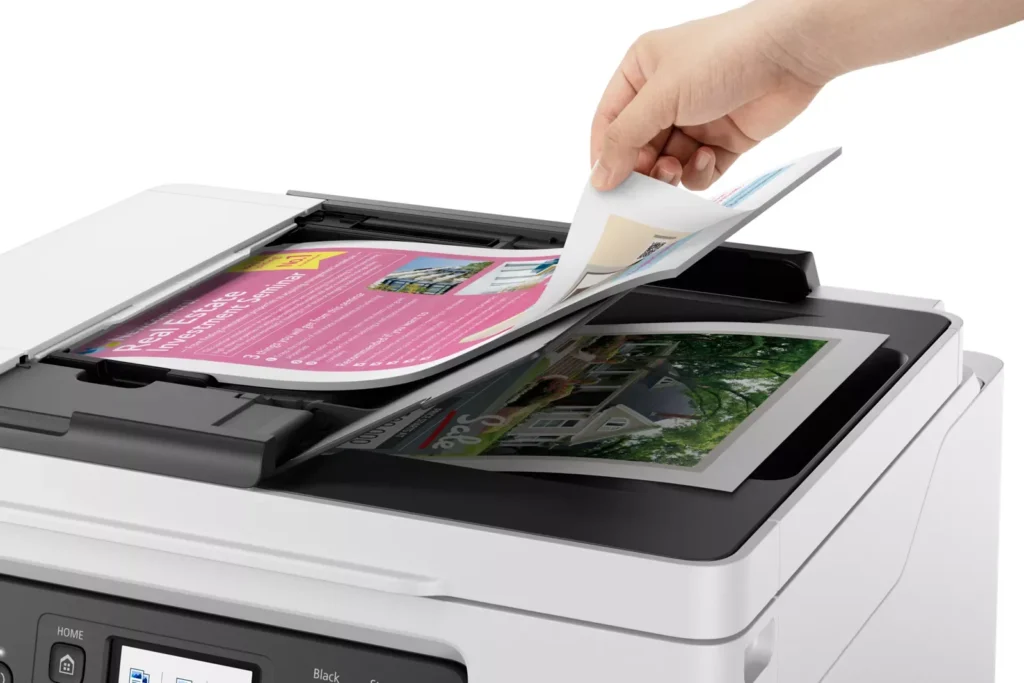
| Fast Business-Class Performance | Boost office productivity with print speeds of up to 18.0 ipm in black and 13.0 ipm in color. The integrated 35-sheet Automatic Document Feeder (ADF) streamlines multi-page scanning, copying, and faxing tasks, while the first print-out time is as fast as 8 seconds. |
| Durable 4-Color Pigment Ink System | Utilizing a 100% pigment-based ink system, the GX4020 produces sharp, laser-like text and vibrant graphics that are highly resistant to smudging and highlighters. This ensures professional-quality documents that are durable enough for frequent handling in a busy office environment. |
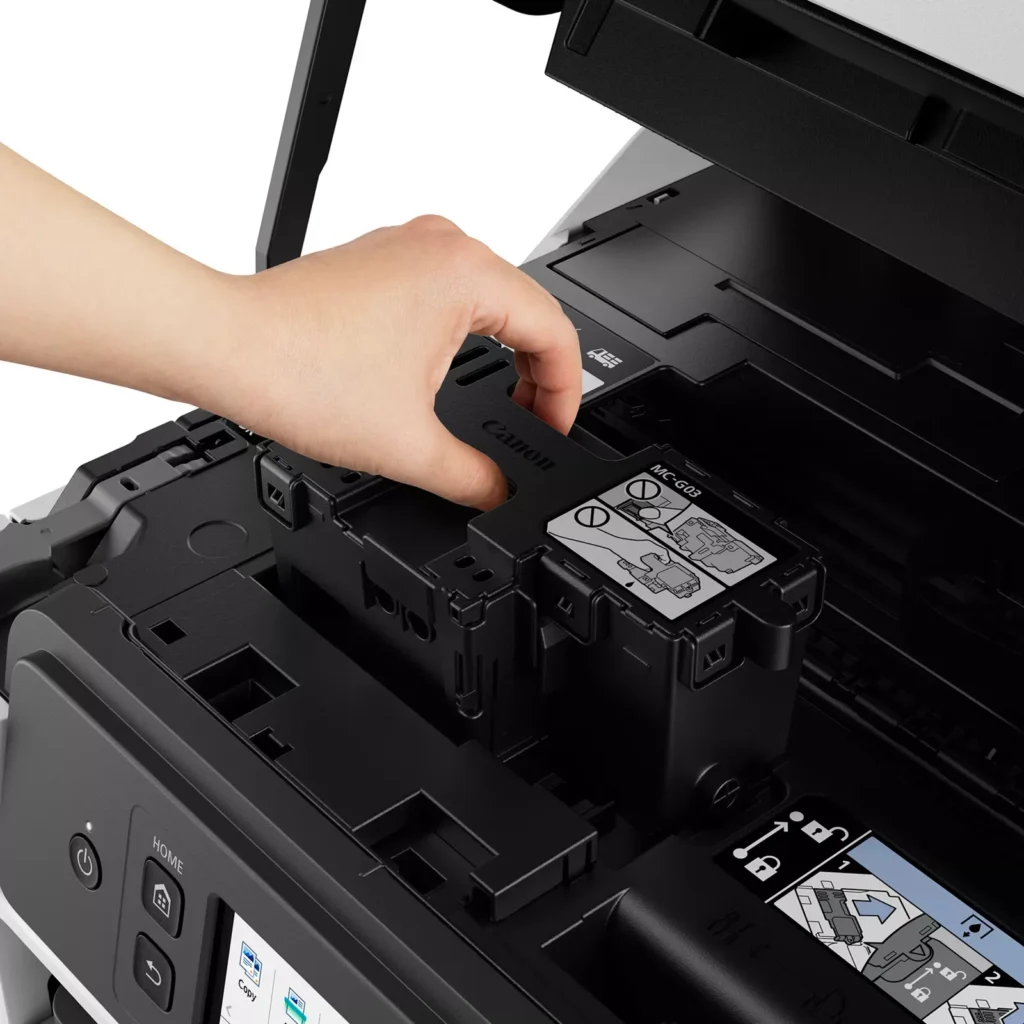
| User-Friendly Maintenance and Reliability | Designed for minimal downtime, the printer features a user-replaceable print head and maintenance cartridge that can be swapped without a service call. It is further backed by a 3-year or 80,000-page limited warranty, providing long-term peace of mind for small business owners. |
Pros & Cons
Pros
- Exceptional Ink Efficiency: The MegaTank system offers a massive ink capacity that lasts for thousands of pages, with a mess-free refill process that significantly reduces long-term operating costs compared to cartridge-based models.
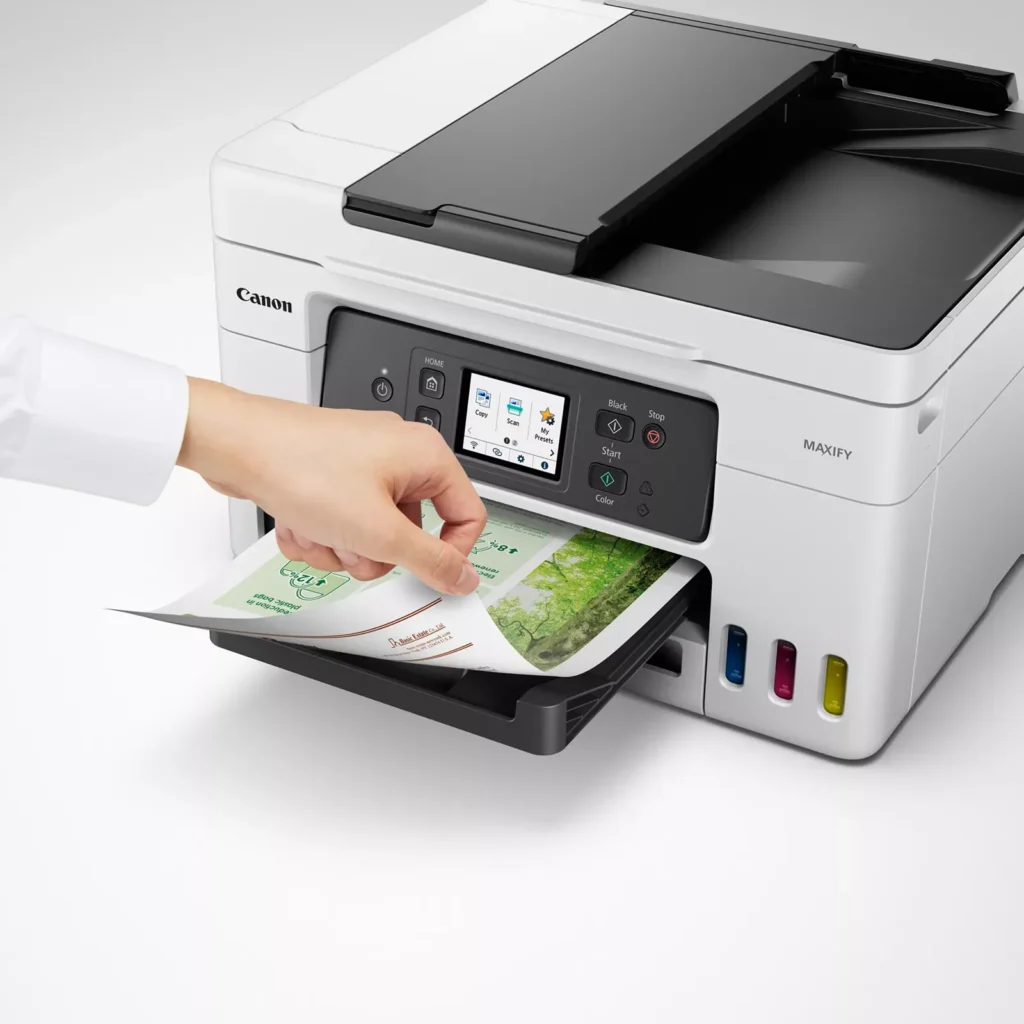
- High-Quality Print and Scan Results: Reviewers consistently praise the printer for producing crisp, professional text and vibrant colors on various media, including glossy photos, stickers, and heavy cardstock.
- Versatile Media Handling: The device features multiple paper sources, including a high-capacity front cassette and a rear tray, allowing users to keep different paper types loaded simultaneously for diverse projects.
Cons
- Persistent Connectivity Issues: A significant number of users experienced frequent WiFi disconnections, difficulty with AirPrint, and a complex setup process that often required manual IP configuration to remain stable.
- Slow Operational Performance: The printer is noted for being slow to wake from sleep mode, having a sluggish touchscreen interface, and taking a long time to process and print documents, especially in high-quality mode.
- Limited Scanning Features: While the printer supports automatic duplex printing, the document feeder lacks automatic duplex scanning, requiring users to manually flip pages to scan both sides.
You might also like












Customer Reviews
Showing reviews 11-20 of 261
-
Great printer – Would buy again
Kimball R. Adams November 29, 2025Review source: AmazonHave had it since July 2024, about 16 months, and I’m very happy with the printing & scanning quality, ink usage, and ink cost. It sips ink compared to my prior cartridge model. Had a Cannon before for about three or four years with cartridges and it worked great except for the cost of ink. No mechanical problems at all on either machine.
-
SLOW PRINT SPEED BUT NICE COLOR PRINTOUTS
Verified purchase Verified purchase: This reviewer bought the product.PJ November 29, 2025Review source: AmazonKind of disappointed. It is so slow to print compared to my old Hewlett Packard printer. BUT…I have to say it makes beautiful color prints. Also, I thought this had a Wi-Fi fax but it does not. You need an old style phone plug for the fax to work. Who has that anymore? We need the fax to send paperwork to the Veterans Facility on a regular basis otherwise it gets lost in the VA’s shuffle.
-
Great printer! I use it with Cricut sticker paper etc and it works excellent
Verified purchase Verified purchase: This reviewer bought the product.Common Sense November 28, 2025Review source: AmazonSo far so good. Handles label and sticker stock, generous amount of ink in the kit that seems to last quite a bit. Overall love it and will buy again once this craps out or something out of warranty.
-
No Air Print connectivity….prove me wrong, please.
Verified purchase Verified purchase: This reviewer bought the product.Mr. Shawn A. Bozarth November 26, 2025Review source: AmazonMy chief criticism with this computer is connectivity. Even if you follow the setup instructions, it does not work with AirPrint, although it says it does. The direct smartphone setup is not easy to setup. It does work with the Canon Print App….it has Ethernet, haven’t used. It has an older USB Aconnection that is quite out of date and no cable comes with it. You cannot copy a two sided sheet of paper. It will copy one side and then you must flip it over…it will then deliver a double sided copy. The print quality is pretty good. I’ve had no durability issues.. It is overpriced for what you get.
-
Great for family
Verified purchase Verified purchase: This reviewer bought the product.MarshalM November 17, 2025Review source: BestbuyI got this printer for my Grandfather, he is writing multiple books and prints stuff out to review or to give family his book. This printer does not quit and it’s amazing. I am his personal IT guy and I never have to worry about it
-
No borderless printing on 4 x 6 5 x 8
Verified purchase Verified purchase: This reviewer bought the product.David D November 15, 2025Review source: AmazonSurprisingly disappointed with this printer overall, it prints it’s fine. What is amazing to me I’ve owned cannons my entire life. I bought this one assuming that it would do borderless printing on 4 x 6 like every other Cannon printer has in history. This one does not it leaves a border around a 4 x 6 which is just mind-boggling that Cannon decided to do this could possibly fix it with a firmware update but has never done it if I would’ve known this before purchase, I would not have got This.
-
More research should've been done
Verified purchase Verified purchase: This reviewer bought the product.Happybuyer November 14, 2025Review source: BestbuyThe printer works well, but I didn’t realize how costly the ink is.
-
Canon mega tank
Verified purchase Verified purchase: This reviewer bought the product.Gina November 14, 2025Review source: BestbuyLove that it has big tanks for the ink, has all the features I was wanting and easy to set up
-
Lots of issues here. Not good.
Verified purchase Verified purchase: This reviewer bought the product.Cody November 9, 2025Review source: AmazonDisappointing. When this printer worked, it worked extremely well. But warning to you all considering it (or owning it now): if you don’t print something once a week or so, the inks can clog and it is extremely difficult to get everything working agin.
I print quite a bit, but went about a month without printing anything recently. While black, yellow, and cyan were printing mostly ok, magenta was nowhere to be found. After multiple cleanings, both regular and deep, only black is printing now. I don’t believe that will be working much longer though, as the ink lines are empty and don’t seem to be filling. I’ve tried basically every troubleshooting step I can find (besides total disassembly), with zero success. In fact, I’d say I’ve had negative success as all colors have now failed. The printer now pops up a warning that two of the colors are below (or at) the low level link, which both tanks are half full. This is a known issue apparently. There is no reliable way to reset this. The recommended step is just to: “Fill the ink to max.” Using the menu options that say things like “reset ink count” do not work. The worst part about this is that when any ink is at this level (even when it’s detecting incorrectly), it will not even print black. It just pops up one warning per “low” ink every time you try to print, and fails out back to the main menu. I even set the forced tank selection option in the menu to use only black ink. This last thing is a serious reason to not even consider this printer, and if their other printers are similar, to not consider this brand.
This product is listed with a 3-year or 80k page warranty. I registered the product at their support site, and receive this message:
Product is No Longer Supported
Agent assisted support is no longer available for this product. Click here to access our Knowledge Base and other online help options.I’m hoping this is a glitch, but I’m skeptical. I checked on replacing the print head. You can find one on Amazon for $340 dollars. So 3/4 of the total cost of the product…. Hopefully they can/will fix this. If not, I won’t be buying another Canon product.
-
Mi recomendación es excelente para ella
Verified purchase Verified purchase: This reviewer bought the product.Nany Rosales November 5, 2025Review source: AmazonEsta impresora es súper genial,al
Principio da un poco de trabajo entenderla
Pero llevo usándola más de 6 meses y está al
100,para las fotos compré un fotos de la misma marca y salen excelente,muy útil
Para mi trabajo