Customer Media
Highlights
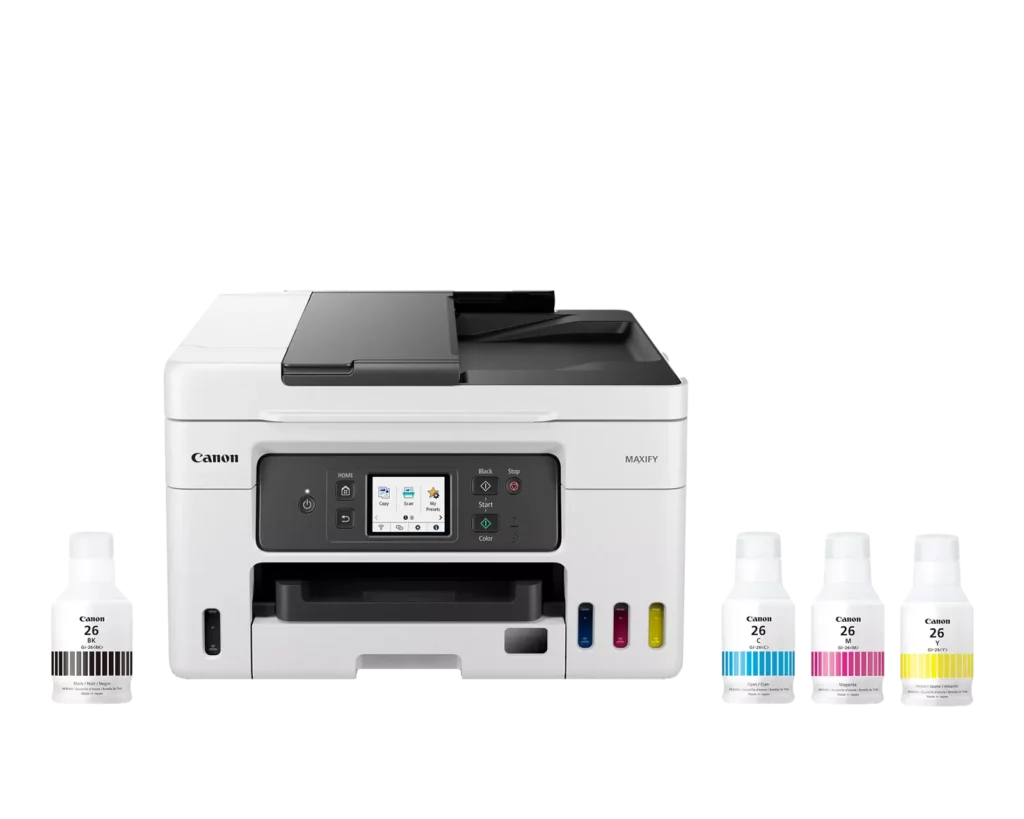
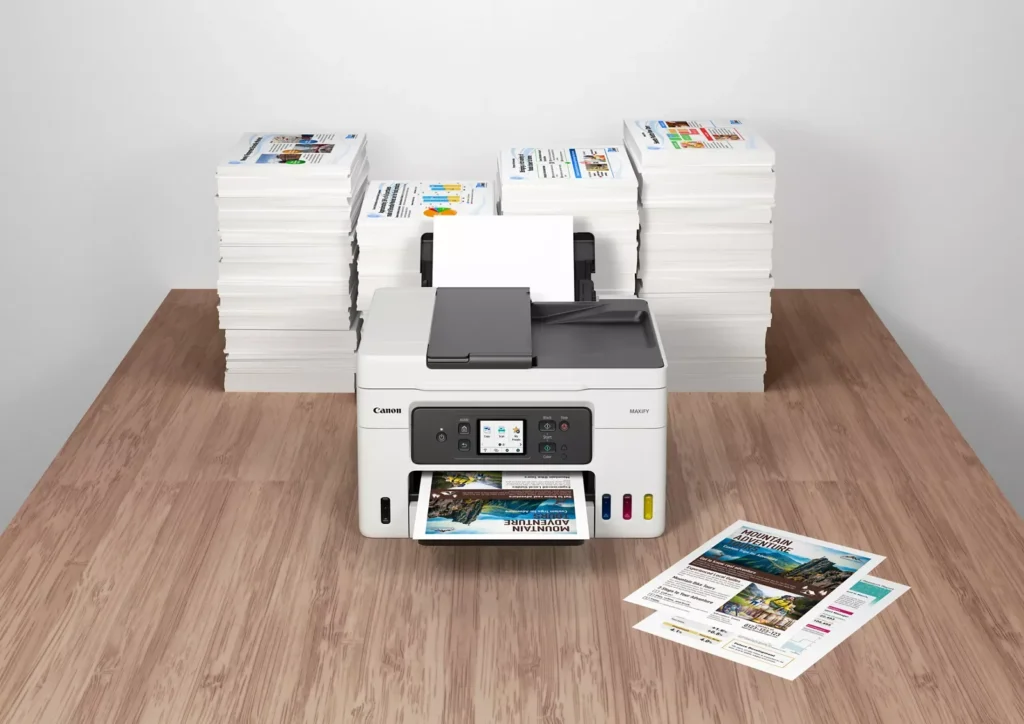
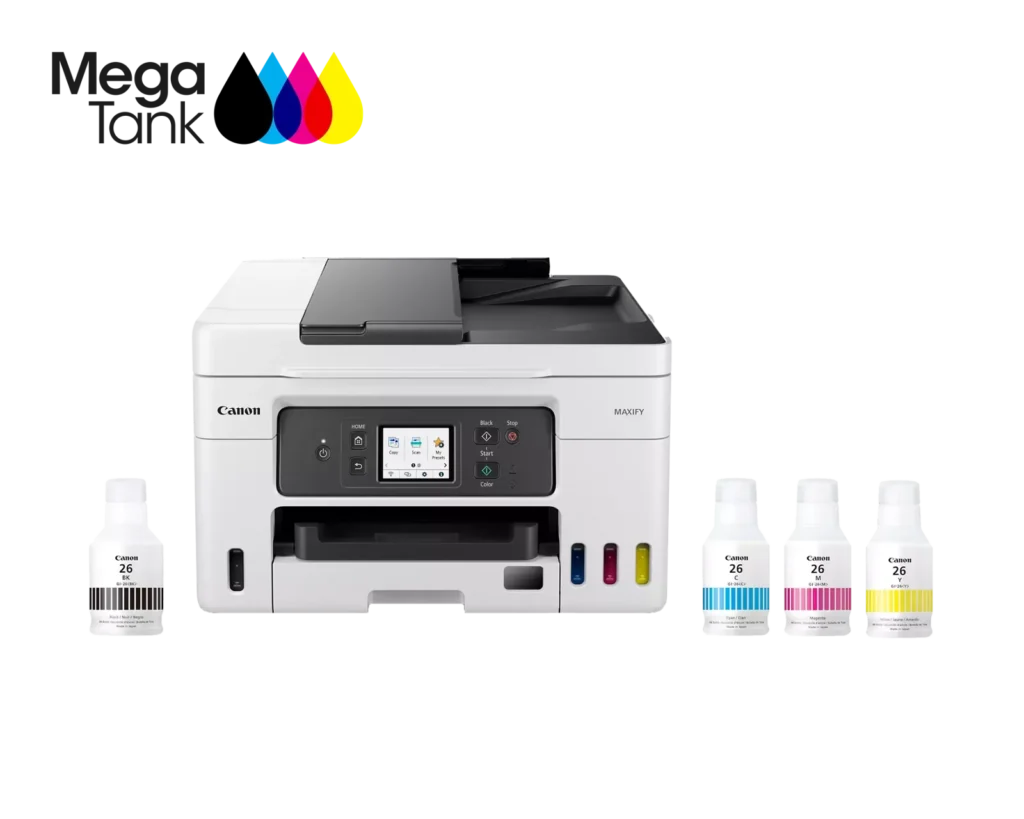
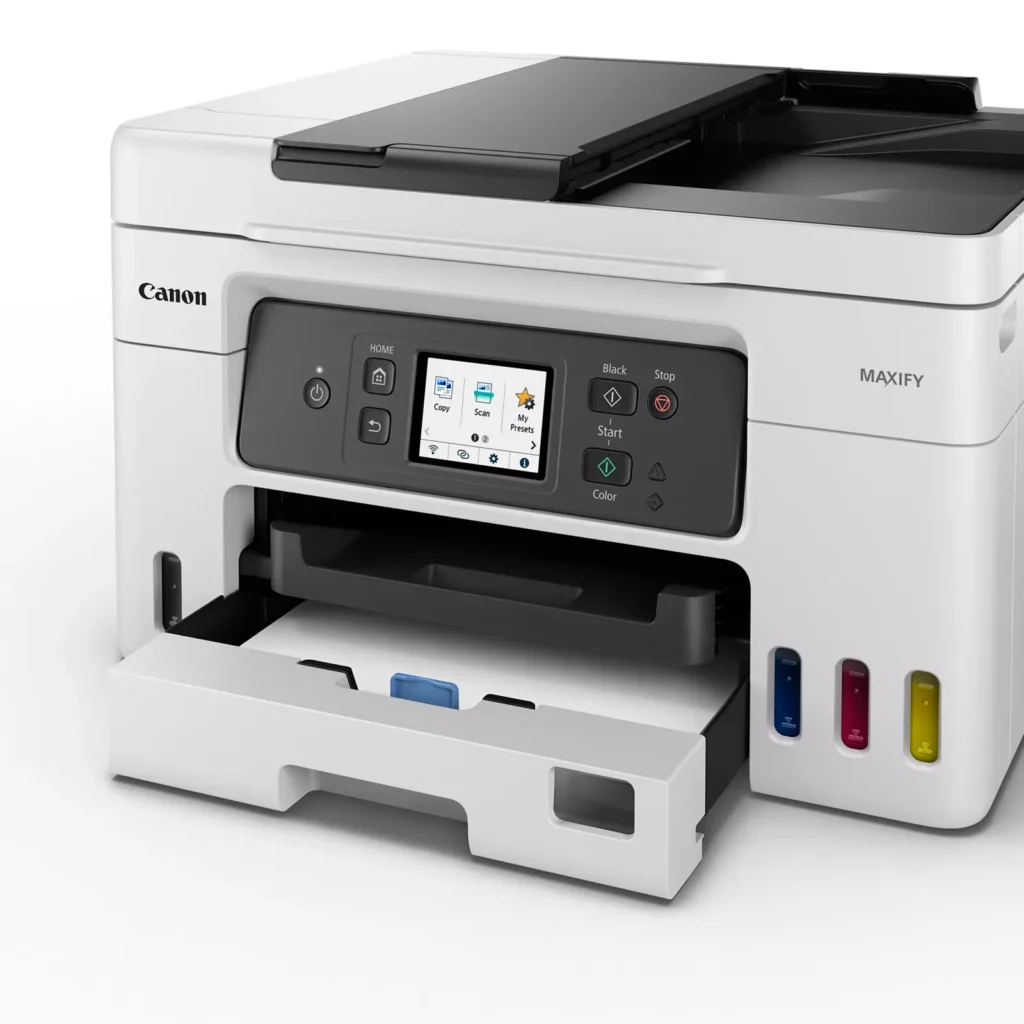
| High Page Yield and Low Running Costs | The MegaTank refillable ink system delivers an impressive yield of up to 6,000 black and 14,000 color pages with a single set of ink bottles. This high-capacity design results in a low cost per print of less than 2 cents per page, significantly reducing the total cost of ownership compared to traditional cartridge-based printers. |
|---|---|
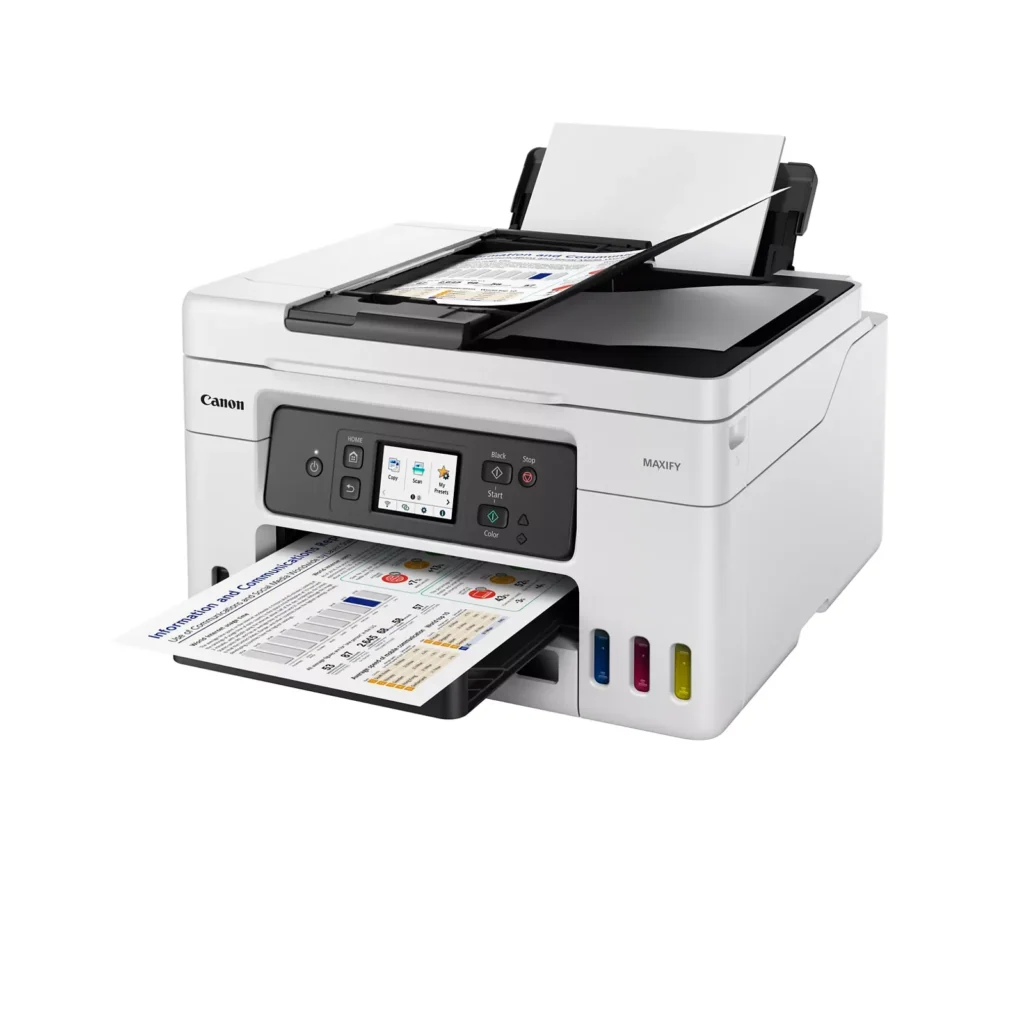
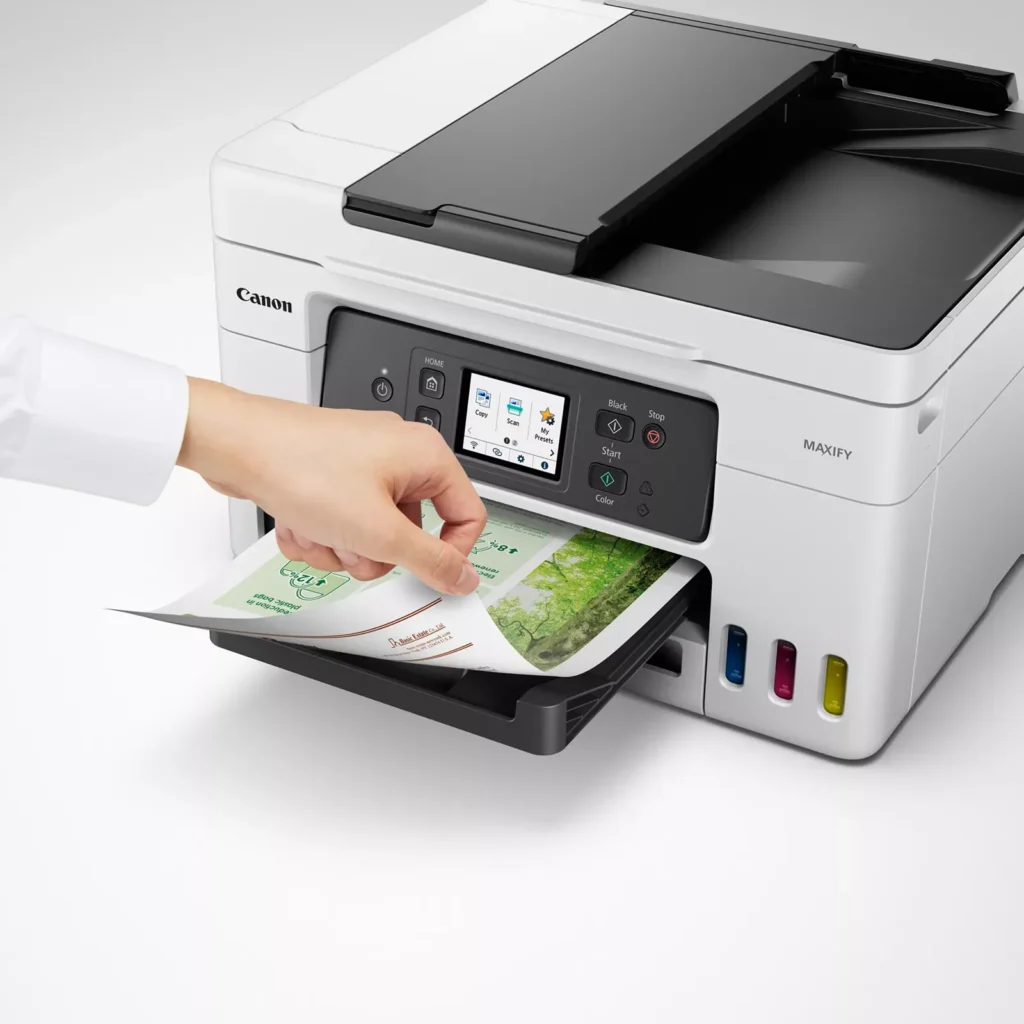
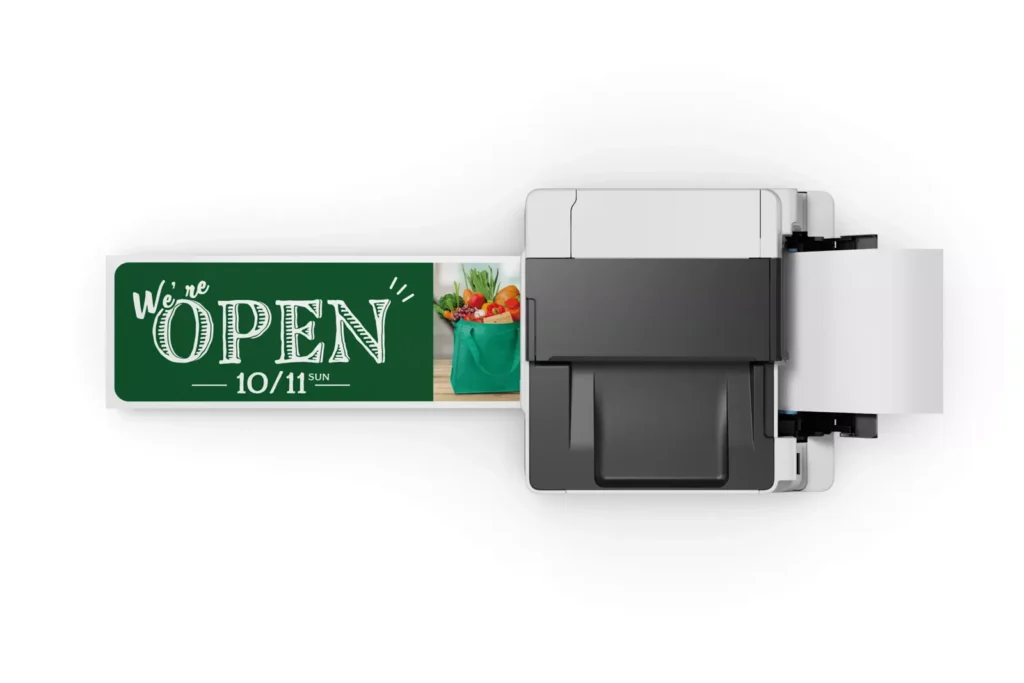
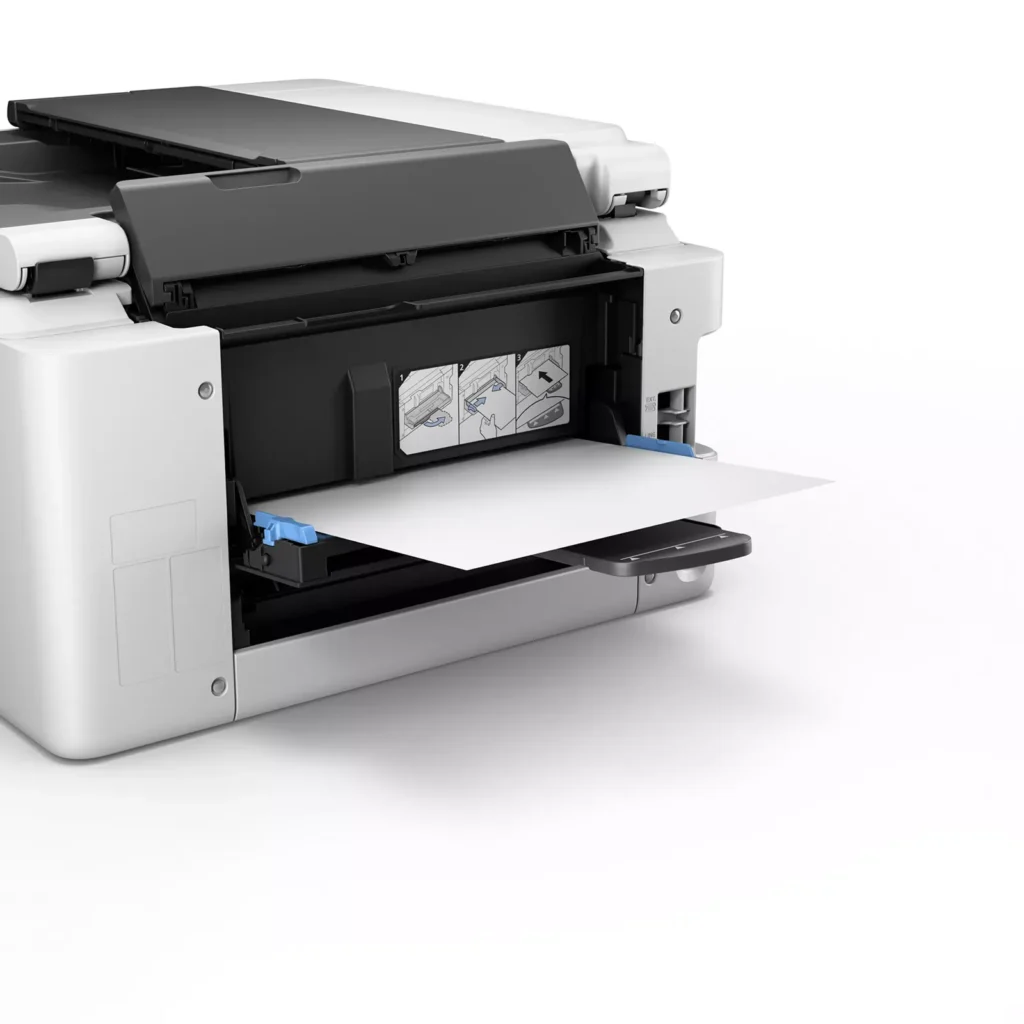
| Versatile 3-Way Paper Feeding | Equipped with a 250-sheet bottom cassette and a 100-sheet rear tray, this printer also features a unique rear flat tray designed for thicker media. This allows for seamless printing on a wide variety of materials, including envelopes, banners up to 47 inches, and heavy cardstock up to 0.7mm thick. |
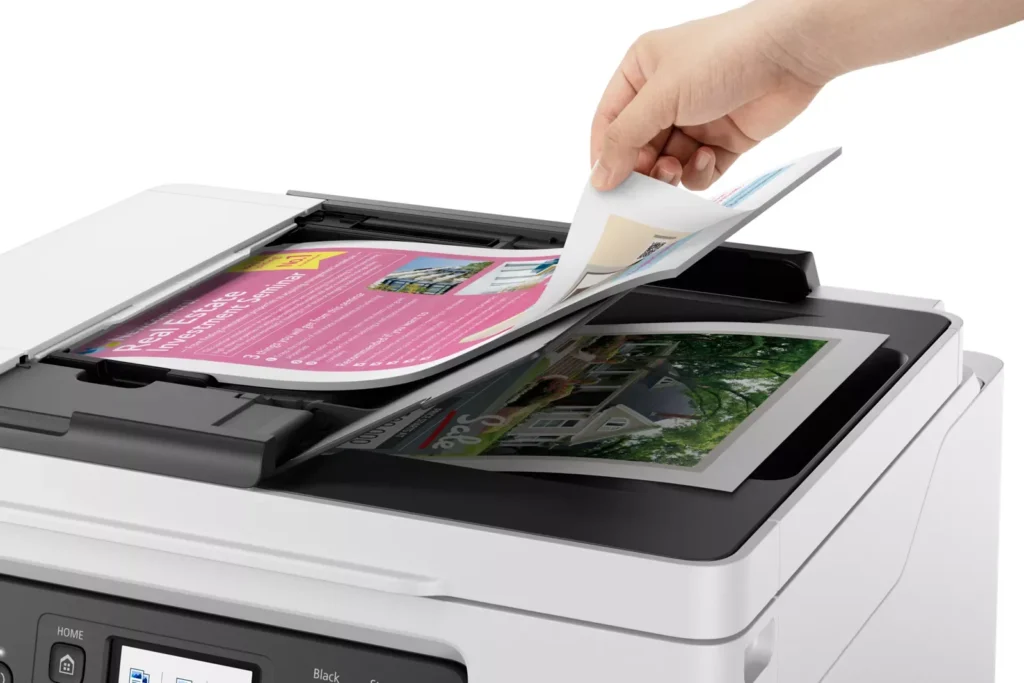
| Fast Business-Class Performance | Boost office productivity with print speeds of up to 18.0 ipm in black and 13.0 ipm in color. The integrated 35-sheet Automatic Document Feeder (ADF) streamlines multi-page scanning, copying, and faxing tasks, while the first print-out time is as fast as 8 seconds. |
| Durable 4-Color Pigment Ink System | Utilizing a 100% pigment-based ink system, the GX4020 produces sharp, laser-like text and vibrant graphics that are highly resistant to smudging and highlighters. This ensures professional-quality documents that are durable enough for frequent handling in a busy office environment. |
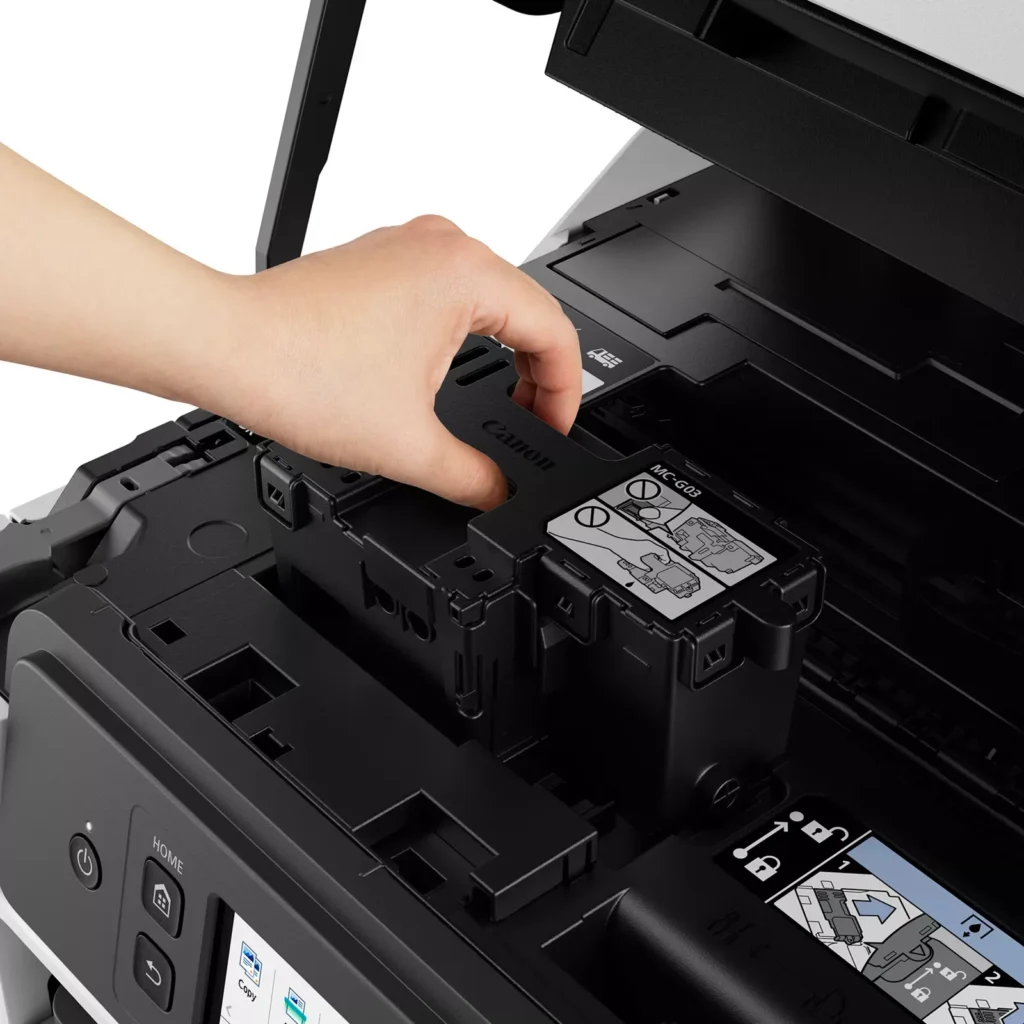
| User-Friendly Maintenance and Reliability | Designed for minimal downtime, the printer features a user-replaceable print head and maintenance cartridge that can be swapped without a service call. It is further backed by a 3-year or 80,000-page limited warranty, providing long-term peace of mind for small business owners. |
Pros & Cons
Pros
- Exceptional Ink Efficiency: The MegaTank system offers a massive ink capacity that lasts for thousands of pages, with a mess-free refill process that significantly reduces long-term operating costs compared to cartridge-based models.
- High-Quality Print and Scan Results: Reviewers consistently praise the printer for producing crisp, professional text and vibrant colors on various media, including glossy photos, stickers, and heavy cardstock.
- Versatile Media Handling: The device features multiple paper sources, including a high-capacity front cassette and a rear tray, allowing users to keep different paper types loaded simultaneously for diverse projects.
Cons
- Persistent Connectivity Issues: A significant number of users experienced frequent WiFi disconnections, difficulty with AirPrint, and a complex setup process that often required manual IP configuration to remain stable.
- Slow Operational Performance: The printer is noted for being slow to wake from sleep mode, having a sluggish touchscreen interface, and taking a long time to process and print documents, especially in high-quality mode.
- Limited Scanning Features: While the printer supports automatic duplex printing, the document feeder lacks automatic duplex scanning, requiring users to manually flip pages to scan both sides.
You might also like












Customer Reviews
Showing reviews 191-200 of 261
-
Students and Teachers Check This Out!
Verified purchase Verified purchase: This reviewer bought the product.Teacher24 July 8, 2023Review source: BestbuySo far so good. This printer is working like a charm. We have a school teacher and a high school student in our household, and this printer is already making a difference.
-
Best printer on the market for the money
Verified purchase Verified purchase: This reviewer bought the product.Steven Kovner July 7, 2023Review source: AmazonReturned an Epson EcoTank ET-3830 that did nothing but jam waste ink. Got the Canon Maxify 4020 and it blew me away. Great prints, fast prints, easy set up and less expensive that the comparable models by HP, Brother and Epson.
-
Prims card stock beautifully.
Verified purchase Verified purchase: This reviewer bought the product.Marion E. Sparks Clark July 5, 2023Review source: AmazonI print not cards for my art class. I am thrilled I do not have to individually feed each piece of card.I have had no paper jams😍
-
Great printer
Verified purchase Verified purchase: This reviewer bought the product.Dom1 June 24, 2023Review source: BestbuyI bought this to replace an HP printer that began blocking my 3rd party ink after a software update. Couldn’t be happier with this purchase. The ink will cost me less than the 3rd party HP cartridges I’ve been purchasing. Printed colors are beautiful. The printer is much heavier and sturdier than the HP, which helps it to operate smoothly and quietly. I paid $329 on sale and have no regrets.
-
printer
Verified purchase Verified purchase: This reviewer bought the product.leah June 21, 2023Review source: Bestbuyso far so good! No problems with it yet I’ve had it for about 2 months very nice
-
A printer that's just easy
Verified purchase Verified purchase: This reviewer bought the product.david June 20, 2023Review source: AmazonI love that this thing just works. I hate printers that you need to turn on every time you need to use or push updates, I’ve been using this for a couple months and I’m a very sporadic printer, sometimes not printing for up to 2 weeks and then printing a bunch, this thing hasn’t had any issues and always just works. Love the build quality too, I feel it’s rugged enough to last a very long time.
-
Commercial quality!
Verified purchase Verified purchase: This reviewer bought the product.Edward June 17, 2023Review source: BestbuyExcellent printer! Great quality, easy setup. The extra cost was worth it for the Lear difference of commercial grade quality.
-
print color
Verified purchase Verified purchase: This reviewer bought the product.george almeter May 27, 2023Review source: AmazonSet up and test page came out fine. After printing a small image, the center part of the image was pink–should have been tan or beige. Printed a different image same color. Tried to open driver to adjust colors– nothing to adjust. Nothing to adjust on print menu.
Will try to send it back.
-
Canon printer is a workhorse
Verified purchase Verified purchase: This reviewer bought the product.CarolL May 27, 2023Review source: BestbuyGreat value. Prints and responds very quickly. Tank ink filling is easy and very convenient. The only drawback I’ve noted is that the scanned images are not the exact same color
-
Fits the bill
Verified purchase Verified purchase: This reviewer bought the product.RealtorCO April 7, 2023Review source: BestbuyGetting set up was a bit cumbersome (no manual) and the rear feeder is not intuitive. First page print time is a little long.
Print quality is excellent and loading the ink was very easy.