Customer Media
Highlights
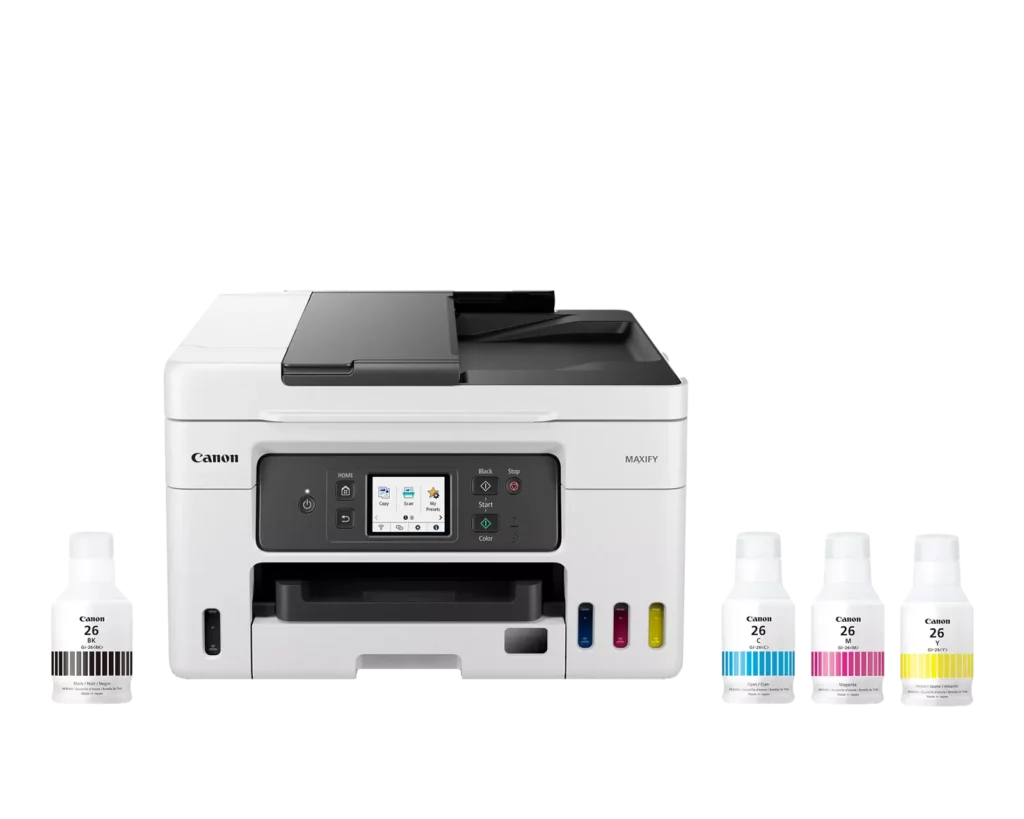
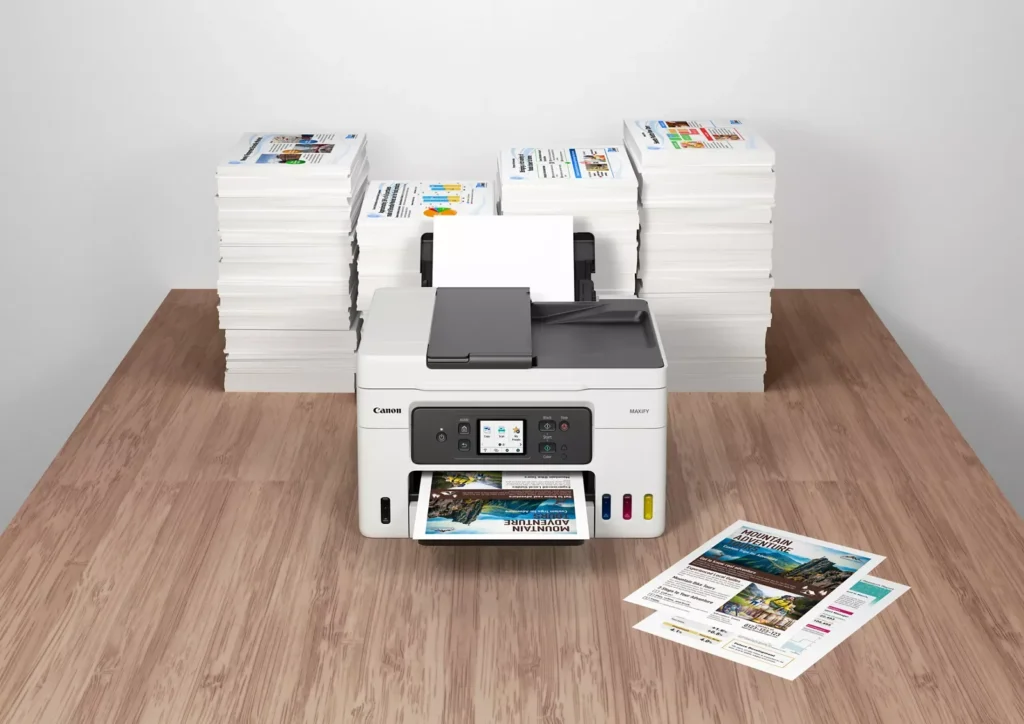
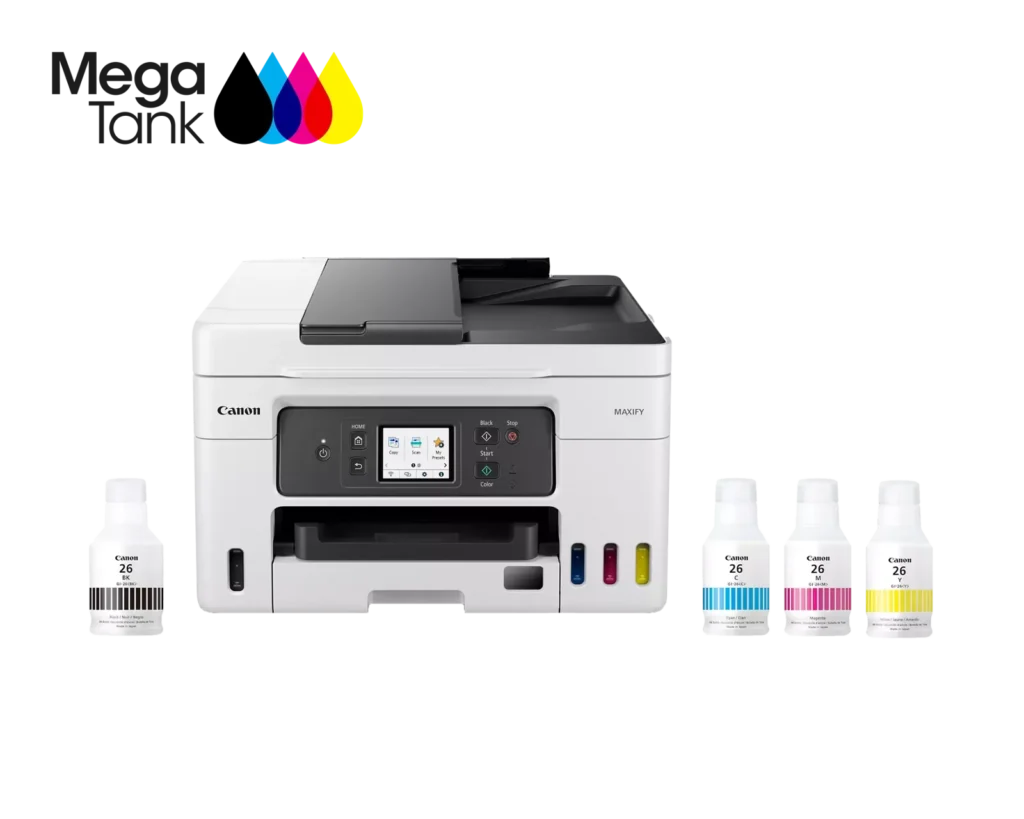
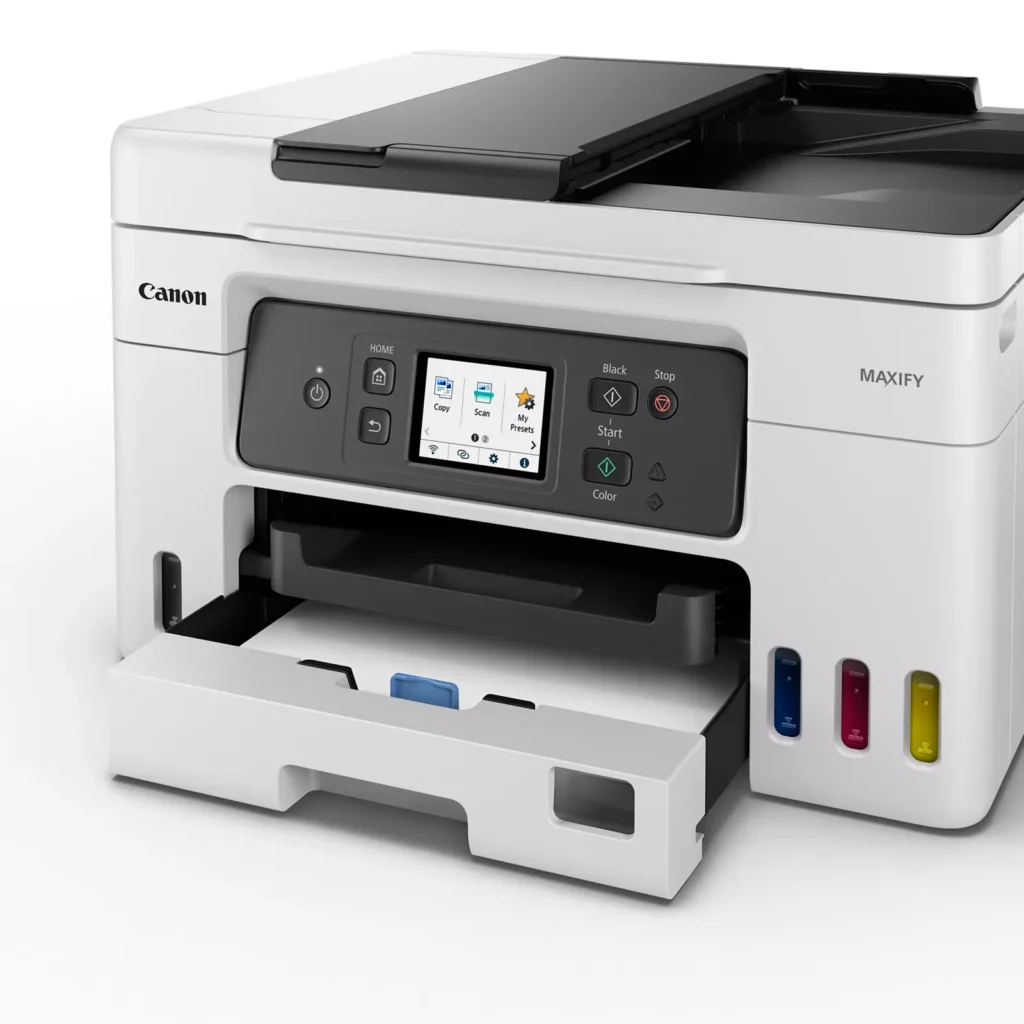
| High Page Yield and Low Running Costs | The MegaTank refillable ink system delivers an impressive yield of up to 6,000 black and 14,000 color pages with a single set of ink bottles. This high-capacity design results in a low cost per print of less than 2 cents per page, significantly reducing the total cost of ownership compared to traditional cartridge-based printers. |
|---|---|
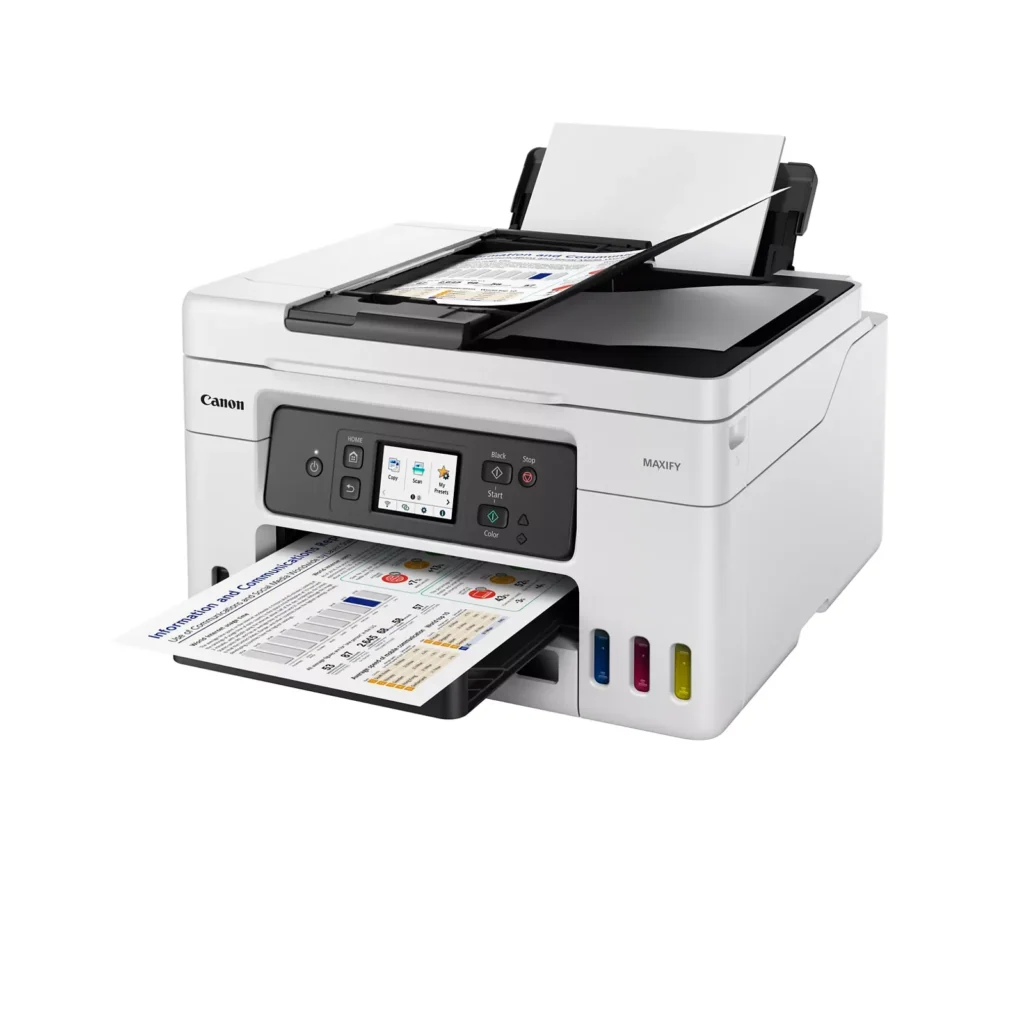
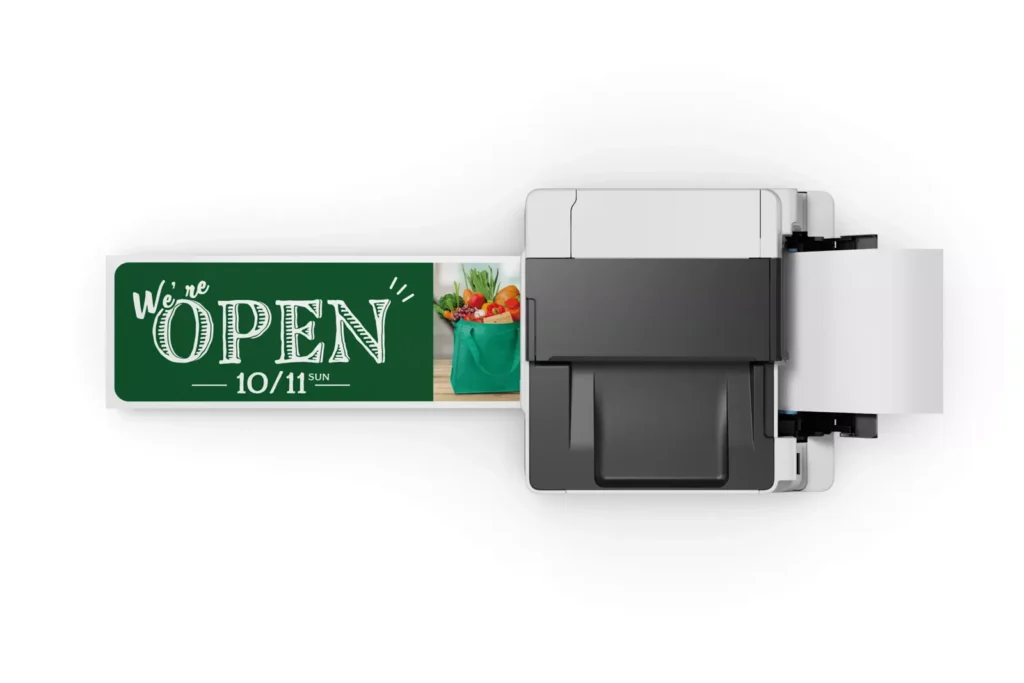
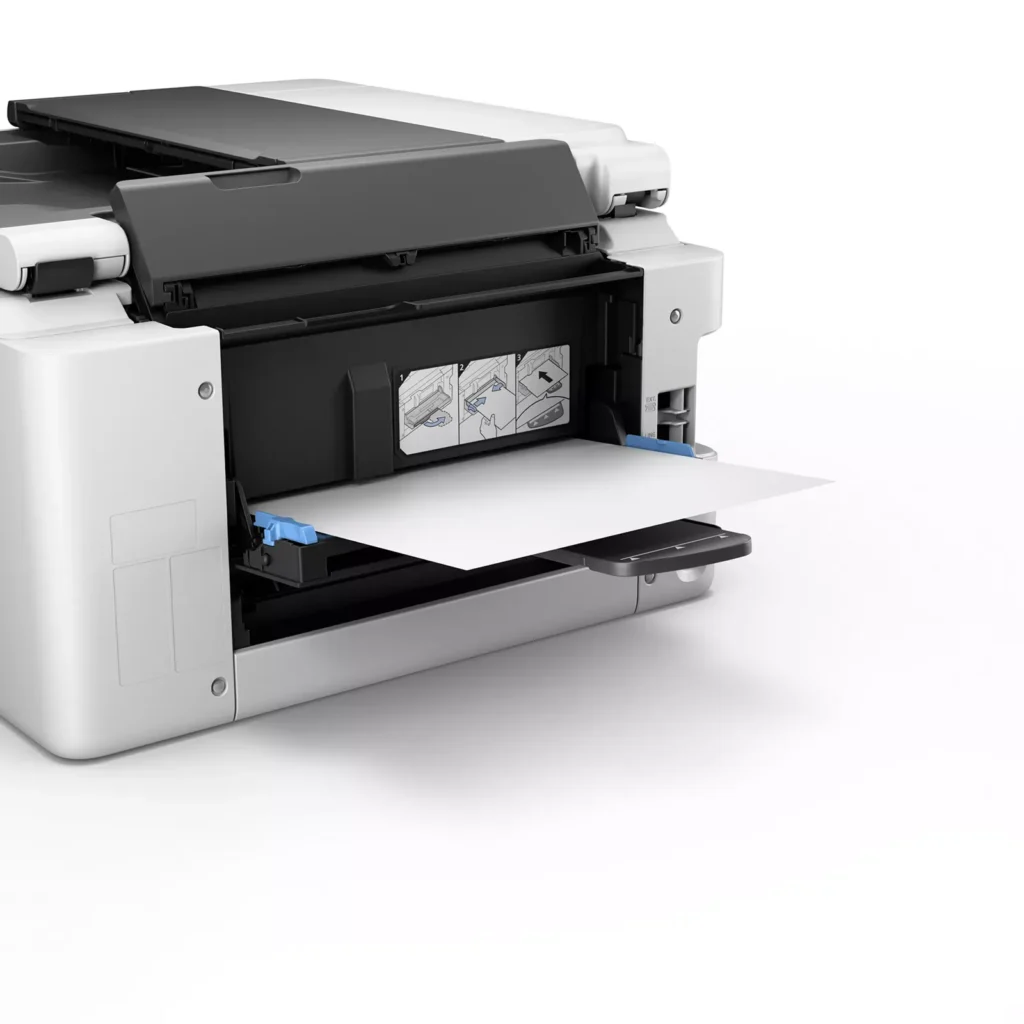
| Versatile 3-Way Paper Feeding | Equipped with a 250-sheet bottom cassette and a 100-sheet rear tray, this printer also features a unique rear flat tray designed for thicker media. This allows for seamless printing on a wide variety of materials, including envelopes, banners up to 47 inches, and heavy cardstock up to 0.7mm thick. |
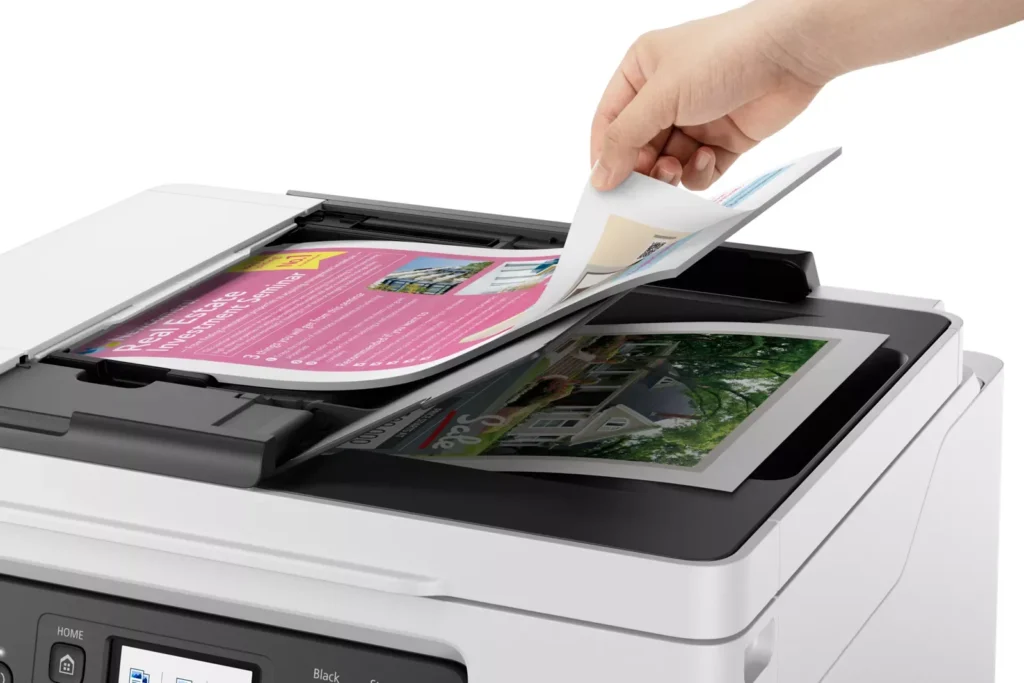
| Fast Business-Class Performance | Boost office productivity with print speeds of up to 18.0 ipm in black and 13.0 ipm in color. The integrated 35-sheet Automatic Document Feeder (ADF) streamlines multi-page scanning, copying, and faxing tasks, while the first print-out time is as fast as 8 seconds. |
| Durable 4-Color Pigment Ink System | Utilizing a 100% pigment-based ink system, the GX4020 produces sharp, laser-like text and vibrant graphics that are highly resistant to smudging and highlighters. This ensures professional-quality documents that are durable enough for frequent handling in a busy office environment. |
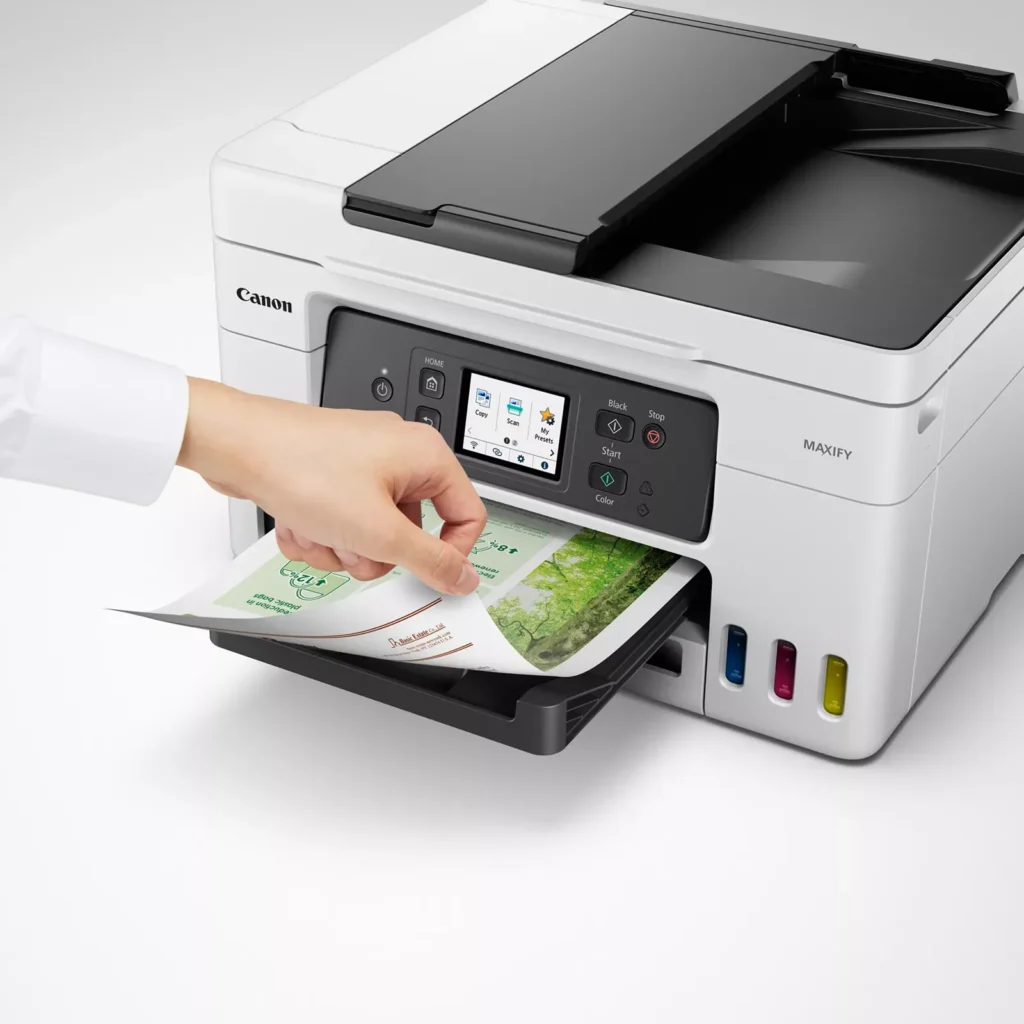
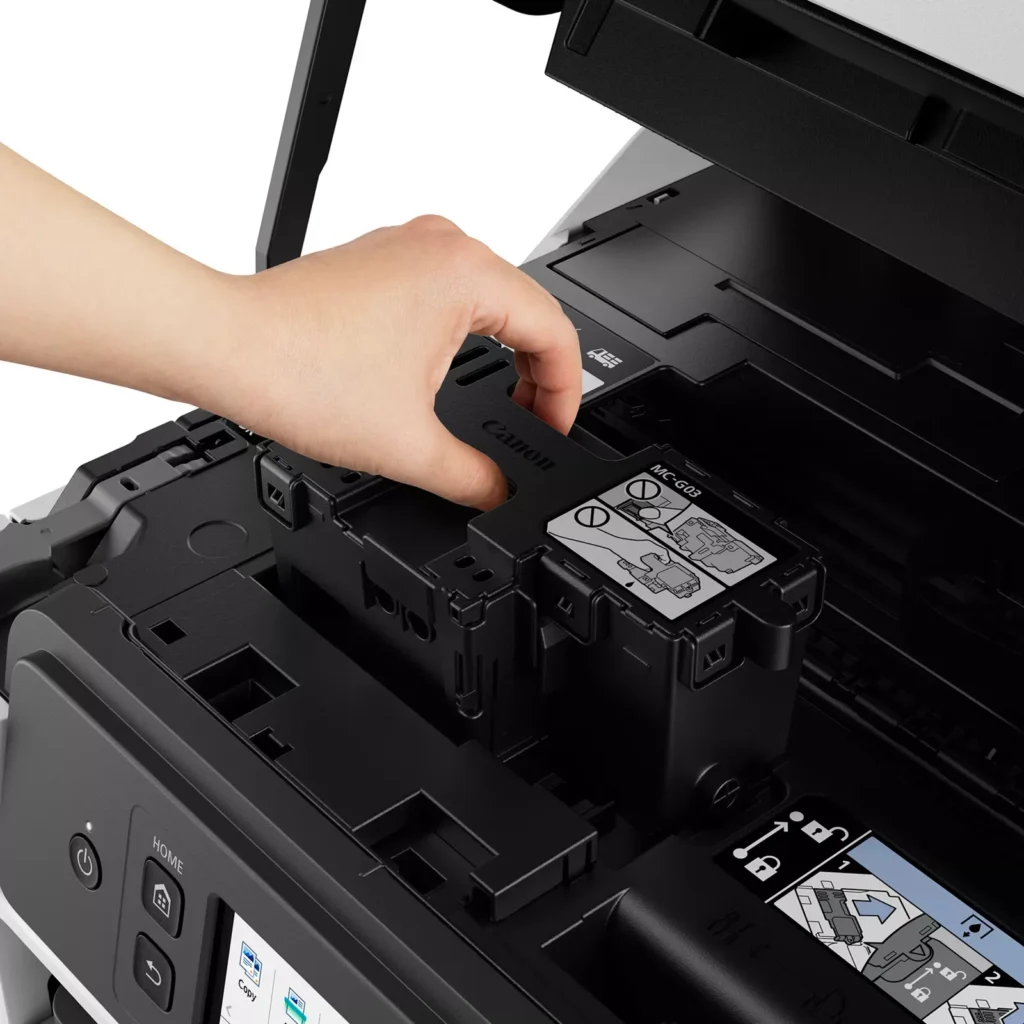
| User-Friendly Maintenance and Reliability | Designed for minimal downtime, the printer features a user-replaceable print head and maintenance cartridge that can be swapped without a service call. It is further backed by a 3-year or 80,000-page limited warranty, providing long-term peace of mind for small business owners. |
Pros & Cons
Pros
- Exceptional Ink Efficiency: The MegaTank system offers a massive ink capacity that lasts for thousands of pages, with a mess-free refill process that significantly reduces long-term operating costs compared to cartridge-based models.
- High-Quality Print and Scan Results: Reviewers consistently praise the printer for producing crisp, professional text and vibrant colors on various media, including glossy photos, stickers, and heavy cardstock.
- Versatile Media Handling: The device features multiple paper sources, including a high-capacity front cassette and a rear tray, allowing users to keep different paper types loaded simultaneously for diverse projects.
Cons
- Persistent Connectivity Issues: A significant number of users experienced frequent WiFi disconnections, difficulty with AirPrint, and a complex setup process that often required manual IP configuration to remain stable.
- Slow Operational Performance: The printer is noted for being slow to wake from sleep mode, having a sluggish touchscreen interface, and taking a long time to process and print documents, especially in high-quality mode.
- Limited Scanning Features: While the printer supports automatic duplex printing, the document feeder lacks automatic duplex scanning, requiring users to manually flip pages to scan both sides.
You might also like












Customer Reviews
Showing reviews 251-260 of 261
-
Great multipurpose printer
Incentivized Incentivized review: The reviewer received a benefit for sharing feedback.CStone December 20, 2022Review source: AmazonSo I got this for my office because my other printer was about 9 years old and printed about 5 pages a min. This one is much more compact and fits great in the office. Our IT guy set it up on the network for me and had no issues at all with any of the setups. This is used as my personal printer in my office and my boss also has access to it so it’s not really getting “commercial” level usage. I have tried all of the features so far and it works great. The print for color and black and white comes out crisp and clean. It was really easy to fill the ink tanks originally and I don’t think refilling will be an issue either. I am super happy with this printer
-
Broken right out of the box
Incentivized Incentivized review: The reviewer received a benefit for sharing feedback.J. KEMPF December 17, 2022Review source: AmazonAs soon as I unpacked and turned on the GX4020 got an immediate error 6000. Instructions say to unplug the printer and restart. I did that and immediately get the same error over and over. Cannon support webpage was no help either with no support available or even a phone number to call. Just an endless loop of webpages asking me for my model number, if I would like support for that model, and then asking me once again for the model number over and over. Not very helpful.
-
Teleworking? This is a great printer for a home office.
Incentivized Incentivized review: The reviewer received a benefit for sharing feedback.Jeffrey A. December 15, 2022Review source: AmazonWorking from home required me to have a better printer. My old one was an ink monster and drank the stuff like it was infinite. So, when I came across this printer I was like why not. Cannon is a well known brand and I assumed it would be a quality product. I have not been disappointed and the printer has exceeded my expectations. It is a great home office do it all printer.
The printer arrived with no damage on the exterior package. Unpacking the printer was very ease. Just open the box, grab the bag the printer is in and lift it out of the box. The printer weighs about 20lbs.
Note:
The dimensions in the ad are not marked properly.Length across the front is 28.6”
Width front to back is 15.8”
Height is 12”Setup:
Setting up the printer is very easy. Just remove the shipping tape at the various locations and power up the unit. Follow the direction on the printer screen and also, the written instructions from the box. Simply go to the website listed and follow the prompts. Setup took me about 15 minutes. The majority of that time was a 10 minute alignment process that was automatic.The Cannon software can be downloaded from the website listed in the instructions or from the Microsoft store. There is a link on the website to take you to the Microsoft store. There is also an app on the Apple App Store for iPhones but the printer will also air print without the use of the app from an iPhone. I did print from my iPhone using both methods.
Filling the ink tanks:
This is very easy and during the printer setup process the printer will display on the screen how to fill each tank. In summary, you open the color ink lid, unscrew the ink bottle cap, flip upside down and fill the corresponding tank. The bottle lips are each unique so you can not accidentally fill the wrong tank. When the bottle is empty remove it and place the cap back on the tank and bottle. There was no mess at all and my 12 year old son actually filled the tanks.Printing:
Printing is very easy to do. The program/app are intuitive and visually pleasing. Print quality is very good for its compact size and the inkjet prints pages quickly. I used most of the basic print features with ease and had no issues. The printer is fairly quiet and makes typical noises associated with an inkjet and printing.Note if using your phone with the cannon app stay on the screen like it states. It doesn’t like if you exit the app while printing.
I found for a quick print job from your phone the air print function was faster.
Scanning:
Scanning is as easy as putting whatever you are wanting to scan under the top cover or in the feed tray and clicking the scan tile. It is similar process for copying. Now with that said there are options beyond the basic ones. Smart phone copy is a very useful feature where you can use your phone camera.Overall:
I’m very impressed with the printer It is a quality product that is simple to use. It has many advanced features that with me working from home makes my job easier. Having larger ink tanks will definitely be a plus. The refills bottles are purchased individually at approximately 30$ each. So, approximately $120 plus tax. With that said it does state it prints 6000 pages black and 14000 color. Of course this was not tested out by me. I only wish the printer came in all black as well.
-
Probably the easiest to set up
Incentivized Incentivized review: The reviewer received a benefit for sharing feedback.Cupkate December 14, 2022Review source: AmazonEven though this printer is hailed as a space saver it is still much much bigger than the printer I had before. So, creating a work around took a few minutes. Your paper is contained in a tray in the printer. This is nice, keeps the paper neat and tidy.
I didn’t need to download anything to my computer or phone to use the printer. Once it was on my wifi network that was it. This makes it 1,000 times easier to use than my other printer which I was constantly having to update apps, drivers, and software. And still that printer was never found.
The ink comes in bottles and there are empty reservoirs that you uncap the ink bottles and turn upside down to the correct corresponding color. It snaps in place. There is a small hole in the bottle that then drains into the color tank. It sounds messy but it is not. You can clearly see the color levels on the outside of the printer to watch to see when you need to refill. All the color tanks were filled by the bottles. The black color tank was filled and there was ink remaining in the bottle for a later top off.
It is quiet and that is nice. The power cord from my other printer which is old and from another brand fit this printer. So I am keeping it for a back up. Your power cord may fit too.
The one issue that I have found, and I mean one… is that it is slow to take the info from wherever you are printing and actually print it to the paper. I was going to show a video clip of the quality of printing (which is great) but after standing there and it was just doing what looks like nothing, I got distracted and stopped the clip and then of course it is too late. When you are busy it prints quickly. If you are staring at it waiting for everything it takes an eternity. Such is life. My next project will to be printing some photos to see how that goes. So far color docs are all top notch. -
Compact Eco tank printer
Incentivized Incentivized review: The reviewer received a benefit for sharing feedback.Condor December 13, 2022Review source: AmazonEco tank printers are the economical answer to ridiculous ink cartridge prices. They last a long time before a color needs a refill, so the initial higher price is worth the investment due to the savings on ink. But the first ones were rather bulky and took up a lot of desk space.
This Canon Maxify eco printer is about the same footprint as my laser printer, it is just a bit taller. The LCD screen is pretty self explanatory for anyone who is somewhat familiar with printers, but even a novice can follow the prompts on the screen easily. I had it up and running within about 10 minutes, and that included finding all the blue tapes that secured the moving parts during transit. The paper tray holds an impressive half ream of paper which is about 250 sheets. I like the double sided printing capability which saves on paper and the auto copy feeder, and it has of course a scanning bed. Print quality and speed are both very good. This does not claim to be a photo printer, but for the average consumer print quality on photo paper is quite good as well.
I am very pleased with this printer’s performance thus far. Any issues, and I will update this review. I am not biased to any particular brand, I judge strictly by quality and performance.
-
Scan to Email setup was a bit difficult
Verified purchase Verified purchase: This reviewer bought the product.JudyK December 13, 2022Review source: AmazonUsing office365 and Google smtp for scan to Email didn’t work although both of the setups passed the self test. I had to setup a sendinblue.com smtp account to get scan to Emails to send correctly. Other than this issue, seems like a great printer. Very easy to fill with ink and start printing.
-
Awesome, quality made device and great print quality!
Incentivized Incentivized review: The reviewer received a benefit for sharing feedback.Blackstone December 13, 2022Review source: AmazonThis Canon MAXIFY copier/printer/fax is one awesome machine! It’s a “small office” version, so it holds a lot of paper, a lot of ink and is built of sturdier materials. It also carries a limited 3 year manufacturers warranty. It has a automatic document feeder for scanning, copying or faxing. This means you can drop a stack of originals in the top tray and ii will feed them through automatically while making copies, scanning to a PDF or creating a fax. For high quality scans, the flatbed scanner (lift the lid) is the best quality but slower. It can feed paper from the automatic feeder, from the tray in the front, and from two different trays on the top rear and lower rear. There are trays for most every photo paper size. The ink system is awesome! It comes with a large capacity black ink bottle, and smaller bottles of Yellow, magenta and Cyan. The included ink can print up to 5,000 (BK) pages and 5,000 color pages. The full-sized bottles of ink are readily available and can print up to 6,000 (BK) and 14,000 color pages. Filling the ink tanks could not be easier! Each tank is “keyed”, so only the proper color can be added. Once the lid is off, and the cover on the tank popped open, you simply align and press the bottle into the tank opening. No squeezing, and absolutely no mess! The ink flows into the tank, and when full (it stops “gurgling”) simply pull it straight out. Not a single drop leaked out after filling all four tanks. It has easy to see ink level windows right on the front of the printer. Setup was a breeze. I started with the app and in a few simple steps the printer was online and a test print was generated. It recommends a first time calibration which I did. This takes about 6 minutes to complete but ensures the best print quality. I use a PC mostly so I installed the Canon Inkjet Smart Connect Windows app. It has all the shortcuts to manage the printer, print and fax. The Cannon Print Service app for Android and iOS quickly added this printer to our phones and allowed them to immediately send print jobs. The machine and all it’s functions is easily controlled by the 2.7″ colored touchscreen panel. There are also large easy to find copy buttons on the front panel. You can drop originals in the feeder, then hit the Black or Color buttons and soon have copies in the output tray. This is really a feature packed and well built machine that I’m sure will last me for years to come. A great addition to a home or small office envireonment!
-
High quality, compact office printer, scanner and copier
Incentivized Incentivized review: The reviewer received a benefit for sharing feedback.Pelican December 12, 2022Review source: AmazonThis printer is excellent. The box contains the printer itself, a true power cord (not a plug-in transformer), an RJ-11 cable for the FAX capability, and an initial ink supply. The ink bottles include 67 mL each of cyan, magenta and yellow, plus a 167 mL bottle of black ink. Loading the ink tanks is simple and fully described in both the online initial setup instructions, and also directly on the color LCD touch screen. For use as a Windows printer, the software “Canon Inkjet Smart Connect” can be downloaded from the Windows store and it installs the drivers and completes the initial setup automatically.
This printer does include a USB port although no USB A-B cable is included. After installing the drivers, I set it up initially with the USB connection and it worked fine. Setting up for wireless printing is equally simple. Pressing the WPS button on the modem and then OK on the printer was all it took. All of my Windows computers could be connected as wireless printers in the same manner. Printing in either B/W or color is fast with only a minimal initial page delay. It should depend on the nature of the pages but the claimed capacity of the ink supply is up to 6,000 black or 14,000 color pages. This should greatly reduce the aggravation of constantly replacing the small ink jet cartridges I was using in my previous color printer. When refills are eventually required, a full replacement set of M,C,Y and 2 Black refills is available on Amazon for about $50. This should be much more economical than the individual small cartridge format.
Either single side or automatic duplex printing is available. In addition to printing, this device can make copies and scan directly into pdf or other file types. I didn’t try the FAX function. The CIS scanner has an optical resolution of 1200 x 2400 dpi and an automatic document feeder that holds up to 35 pages and works great. The 2.7” LCD touch screen is bright, clear and easy to use. It is set up logically without requiring digging too deeply into multiple sub-menus. The display turns off after a few minutes and can be restored when needed by touching the menu button.
I use a standard laser printer as the default workhorse and normally use inkjet printers just for their color capability, but with the speed and print quality of this printer it certainly could be used as a single all purpose printer. The monthly duty cycle is listed as 30,000 pages/month. The color print quality of this printer at the normal setting on either standard paper or photo quality paper is really very good, much better than my previous printer.
Overall, this is an excellent, full-featured, multi-function printer/copier/scanner/FAX that is simple to setup and use, and that produces high quality results. The only negative is the lack of any manual. Canon apparently only provides online manuals with no option to download a pdf for example. The GX4020 is new and no specific manual is available, but the GX4000 series online information seems to apply. The online manuals are good, but they can be tedious to navigate and search. It took awhile to find out why the printer kept turning off on its own (a setting buried under the ECO menu). Providing an indexed printed manual as a downloadable pdf would be an improvement, but otherwise this is a very good product.
-
impressive printer
Incentivized Incentivized review: The reviewer received a benefit for sharing feedback.ludohavil December 11, 2022Review source: AmazonI spent many years using inkjet printers, but went with laser a few years back because of the speed and the ability to print more.
Then I learn about the big tank inkjets and was eager to try then, and after this one I’m more than happy.
This Canon printer gave me the same speed and quality of a laser with halve the required space and about 1/10 of the weight, in one word IMPRESSIVE!
Setup was a breeze, just turn it on, follow the instructions in the screen. After filling the 4 ink tanks, it takes about 10 minutes to calibrate but its an auto process, after that I was printing as a pro, from my cell, my iPad and my PCs.
Tested printing, scanning and copying, all worked fast and without issues. The touch screen some times does not register the touch but for me it fine, just try again and it will do.
Its nice to have the ability to set everything from the app, but it will require to change the admin password, just see the online manual, easy to access from the app too.
Next I will print a photo, witch I was missing because laser printer are lousy for photo printing even with special photo paper for lasers, in my experience inkjets does print better photos, and inkjet photo paper is cheaper and easy to find.
So far I’m very happy with my new printer. -
Great find
Incentivized Incentivized review: The reviewer received a benefit for sharing feedback.JustSayNo December 11, 2022Review source: AmazonVery great find. This printer is just what I was looking for. The setup instructions were simple to understand. Putting the ink in was a breeze!!! I mean it was easy peasy. However, I was not able to pair my device to the wifi using my computer. I had to manually set it up through the printer before my computer was able to even locate the printer. Other than that. The setup was completed. I’m happy with it. I HIGHLY recommend it. It’s worth every dime.
PS. I didn’t like that it wasn’t packaged in another box(reasons for 4star rating). It came in its original packaging. However, I did appreciate the handles on the bag that it was in. Easy removal from the box. Please see photos. Thanks