Customer Media
Highlights
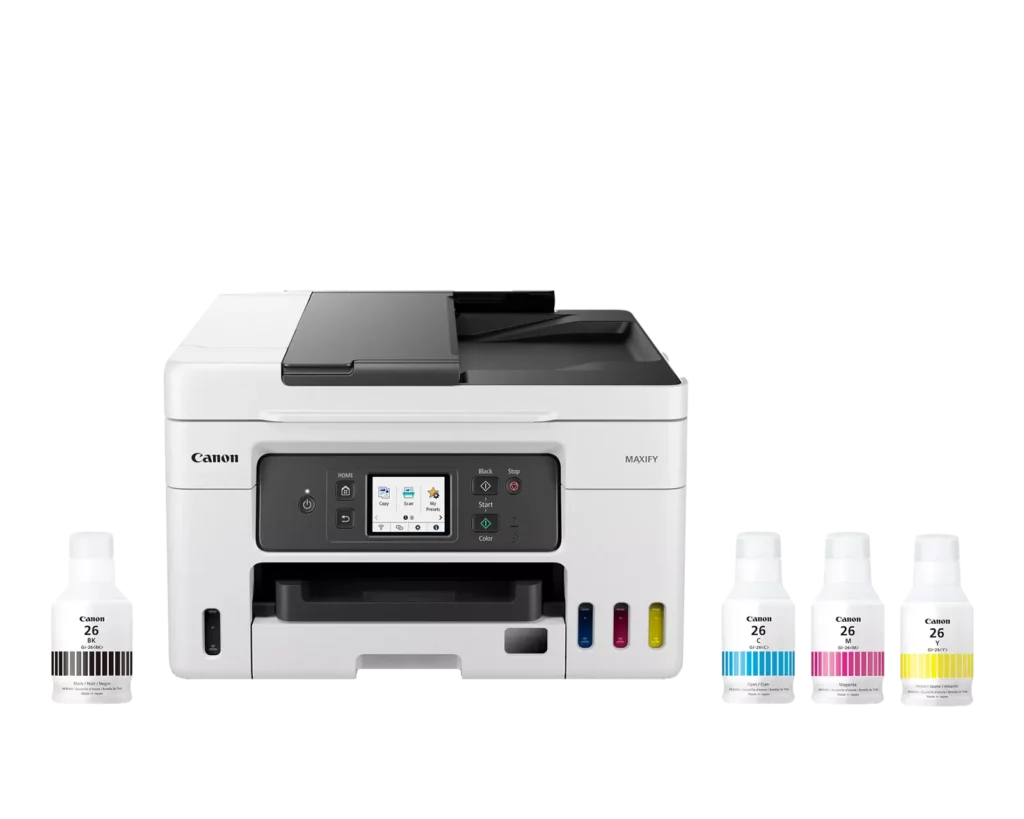
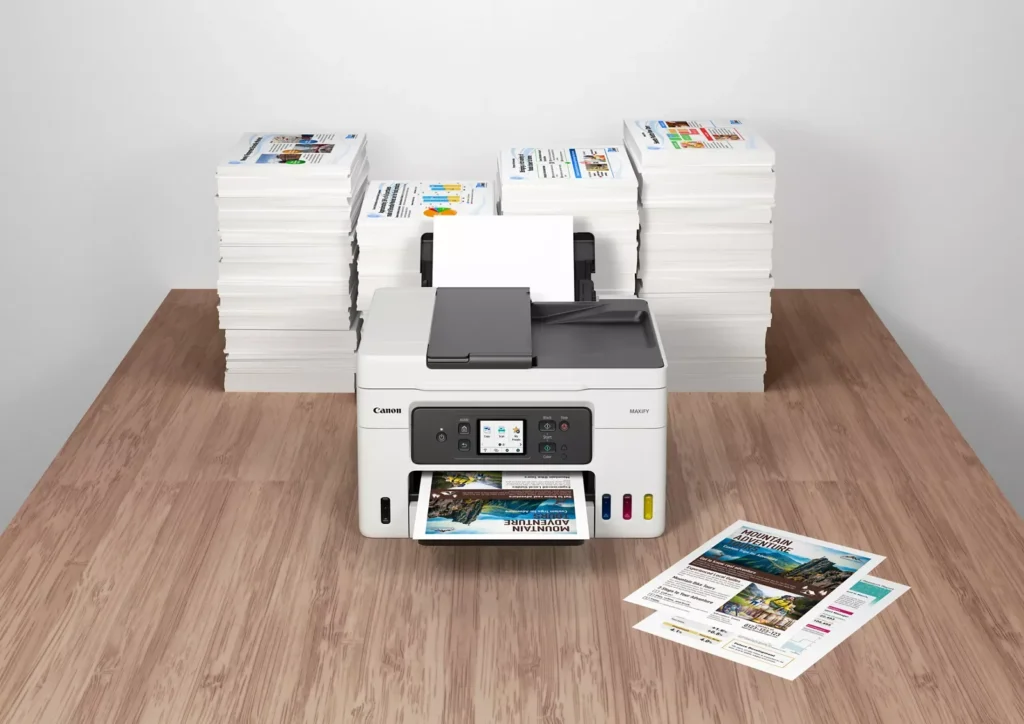
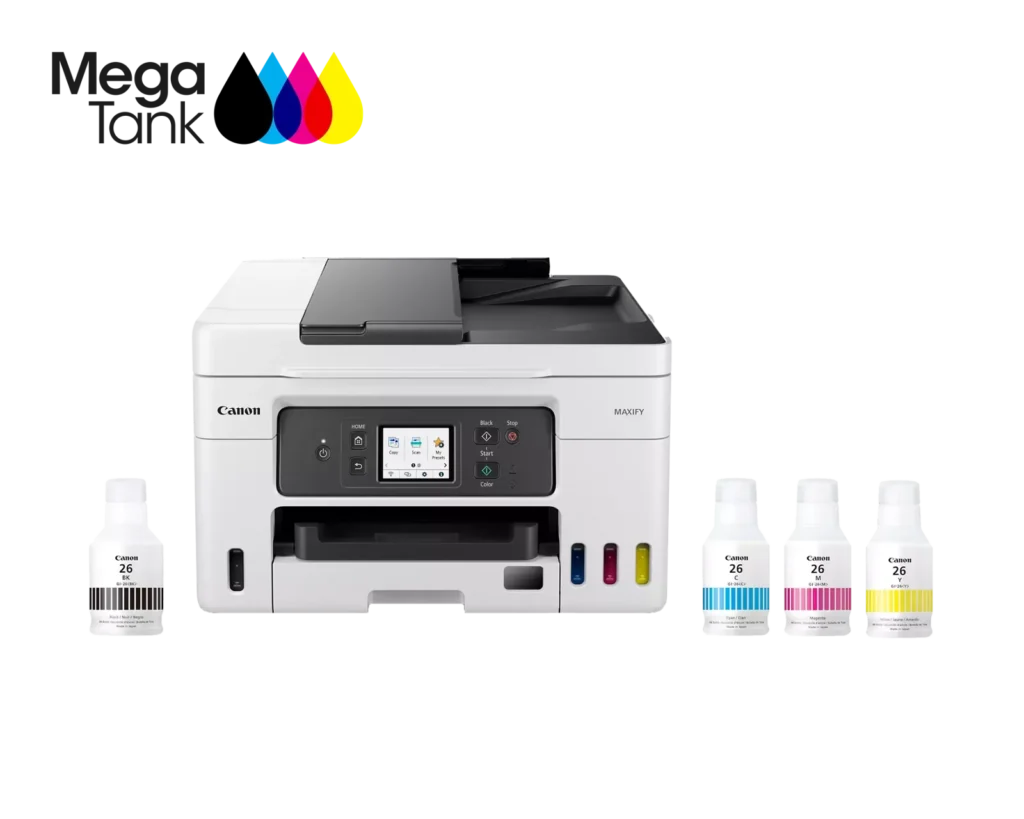
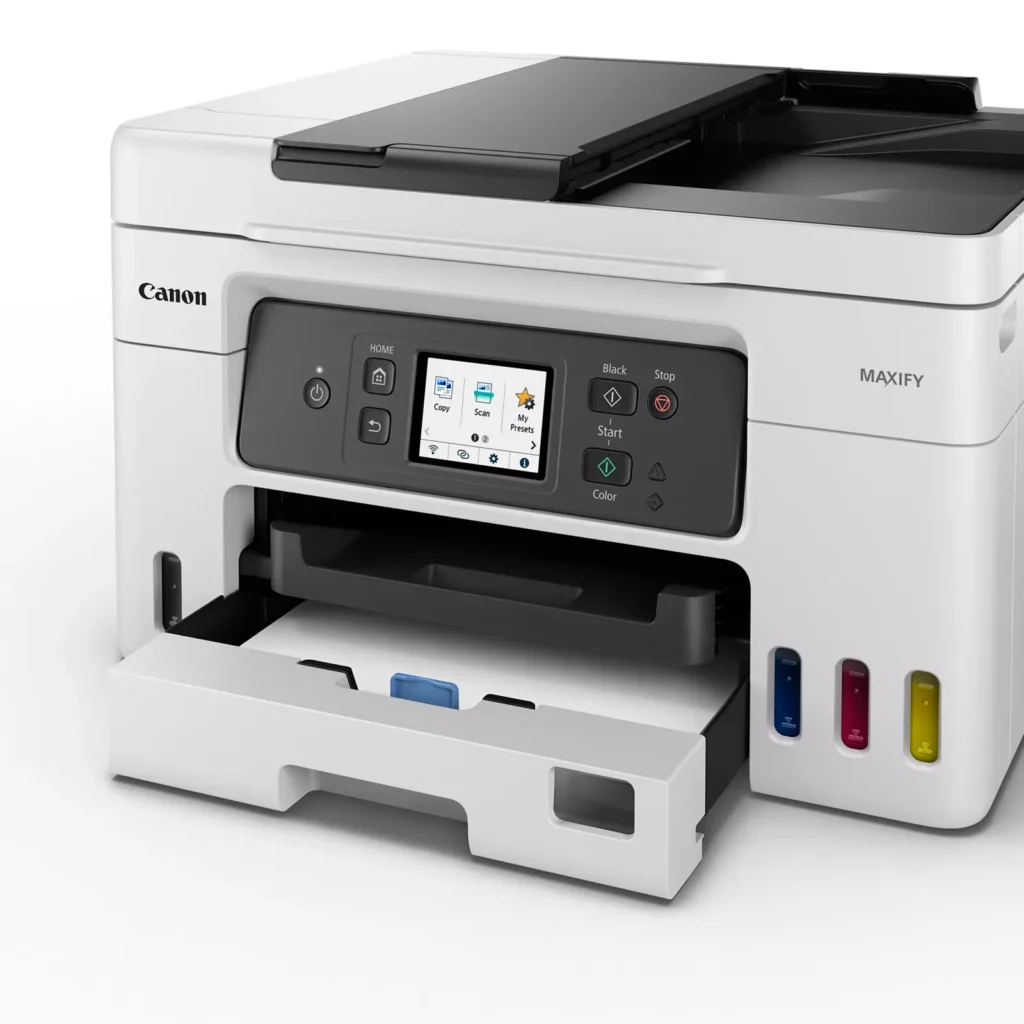
| High Page Yield and Low Running Costs | The MegaTank refillable ink system delivers an impressive yield of up to 6,000 black and 14,000 color pages with a single set of ink bottles. This high-capacity design results in a low cost per print of less than 2 cents per page, significantly reducing the total cost of ownership compared to traditional cartridge-based printers. |
|---|---|
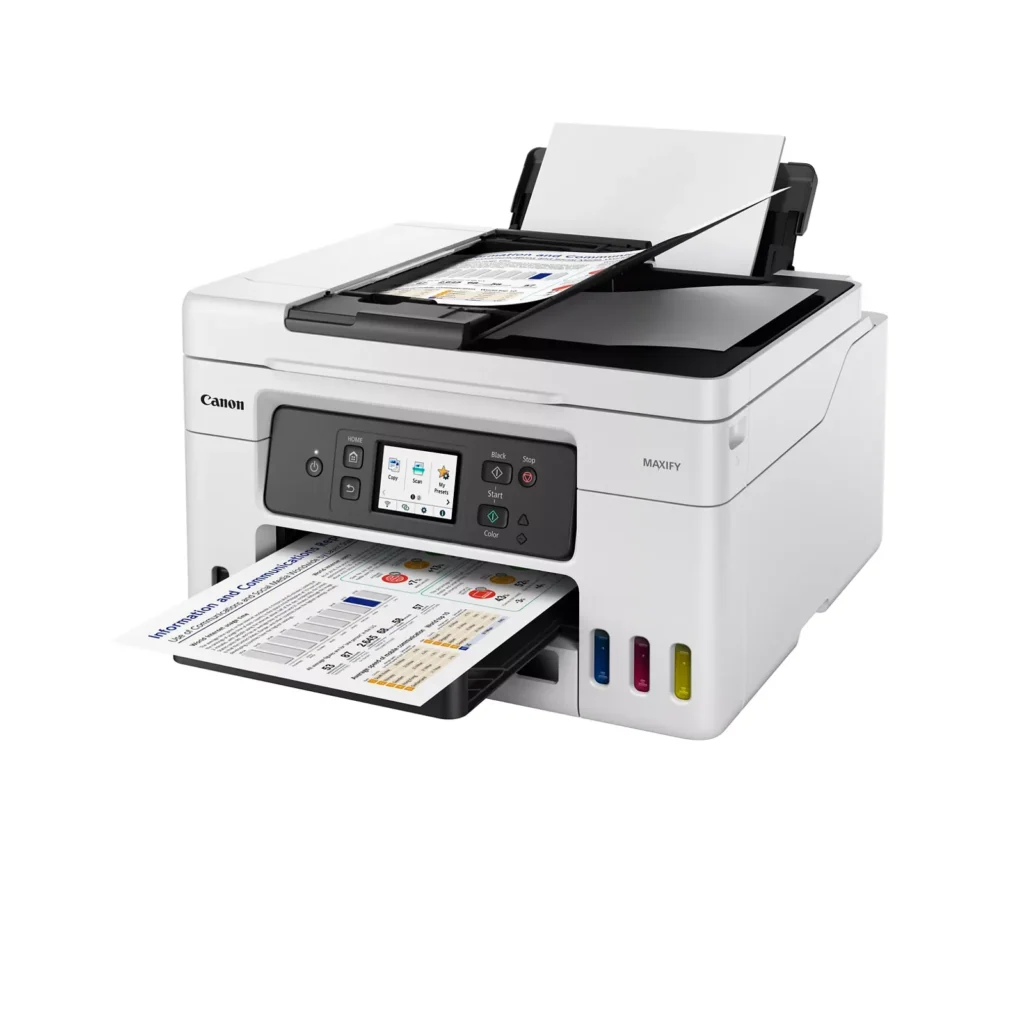
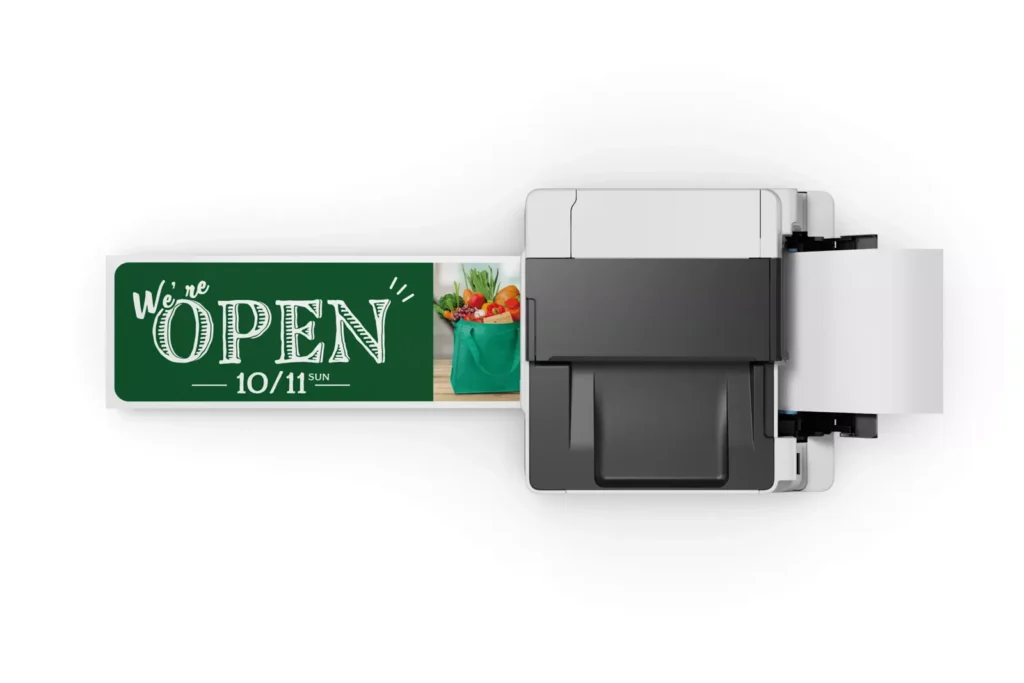
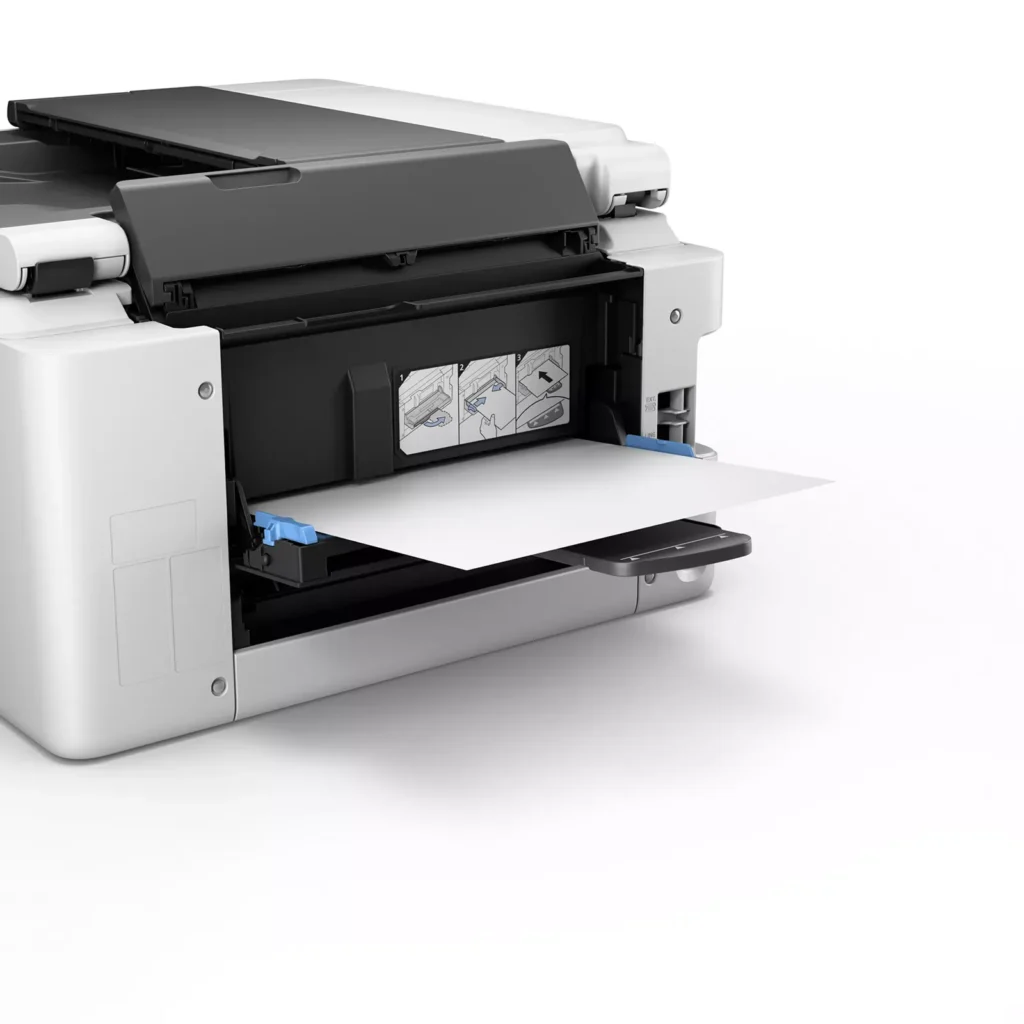
| Versatile 3-Way Paper Feeding | Equipped with a 250-sheet bottom cassette and a 100-sheet rear tray, this printer also features a unique rear flat tray designed for thicker media. This allows for seamless printing on a wide variety of materials, including envelopes, banners up to 47 inches, and heavy cardstock up to 0.7mm thick. |
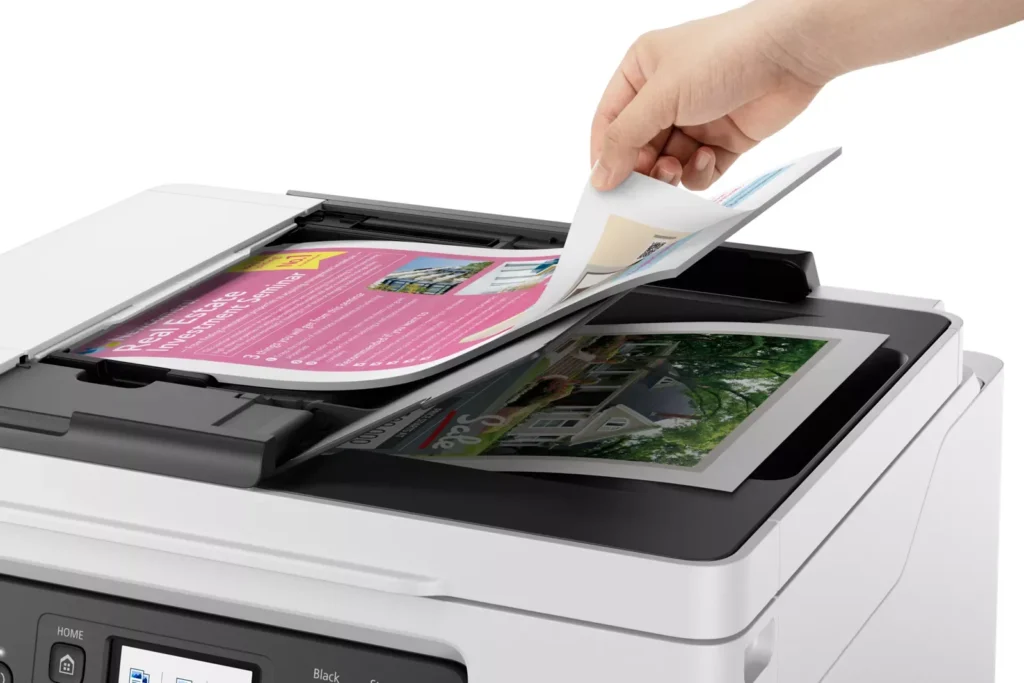
| Fast Business-Class Performance | Boost office productivity with print speeds of up to 18.0 ipm in black and 13.0 ipm in color. The integrated 35-sheet Automatic Document Feeder (ADF) streamlines multi-page scanning, copying, and faxing tasks, while the first print-out time is as fast as 8 seconds. |
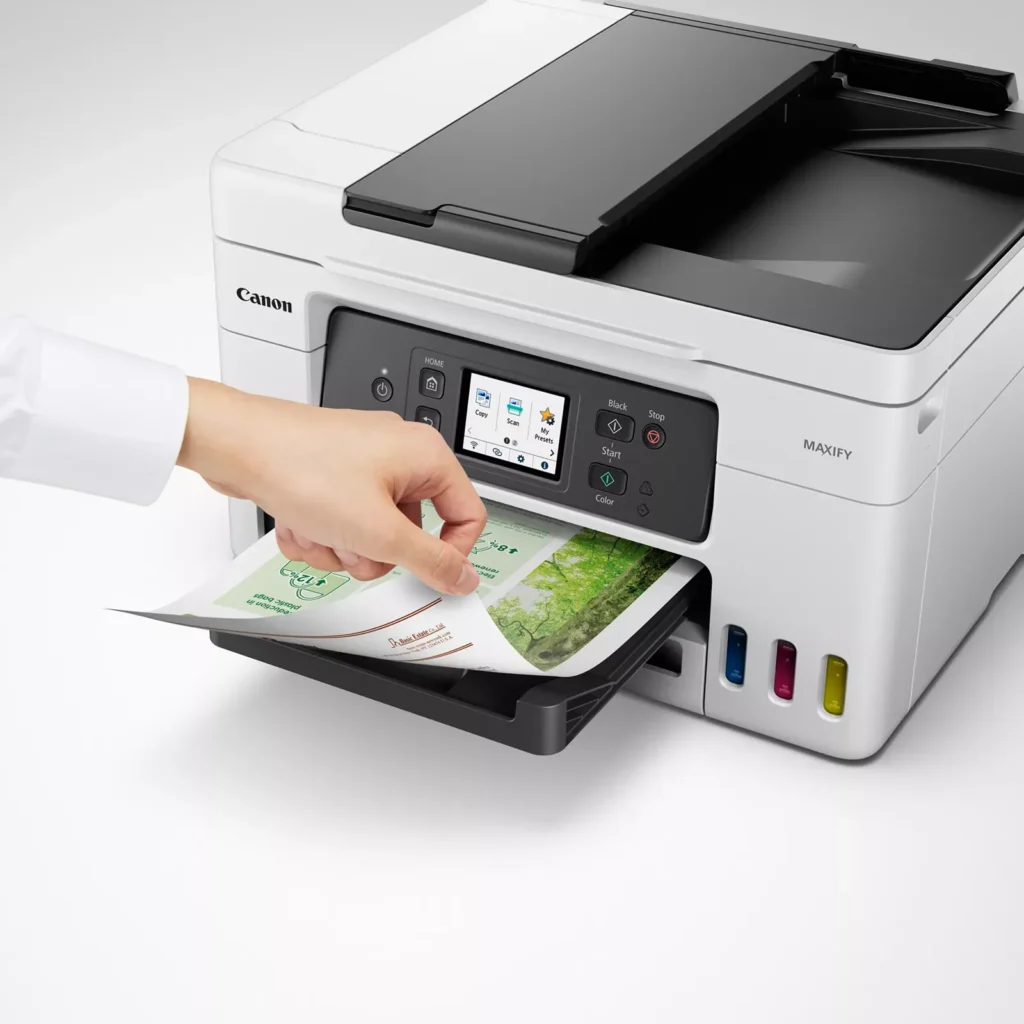
| Durable 4-Color Pigment Ink System | Utilizing a 100% pigment-based ink system, the GX4020 produces sharp, laser-like text and vibrant graphics that are highly resistant to smudging and highlighters. This ensures professional-quality documents that are durable enough for frequent handling in a busy office environment. |
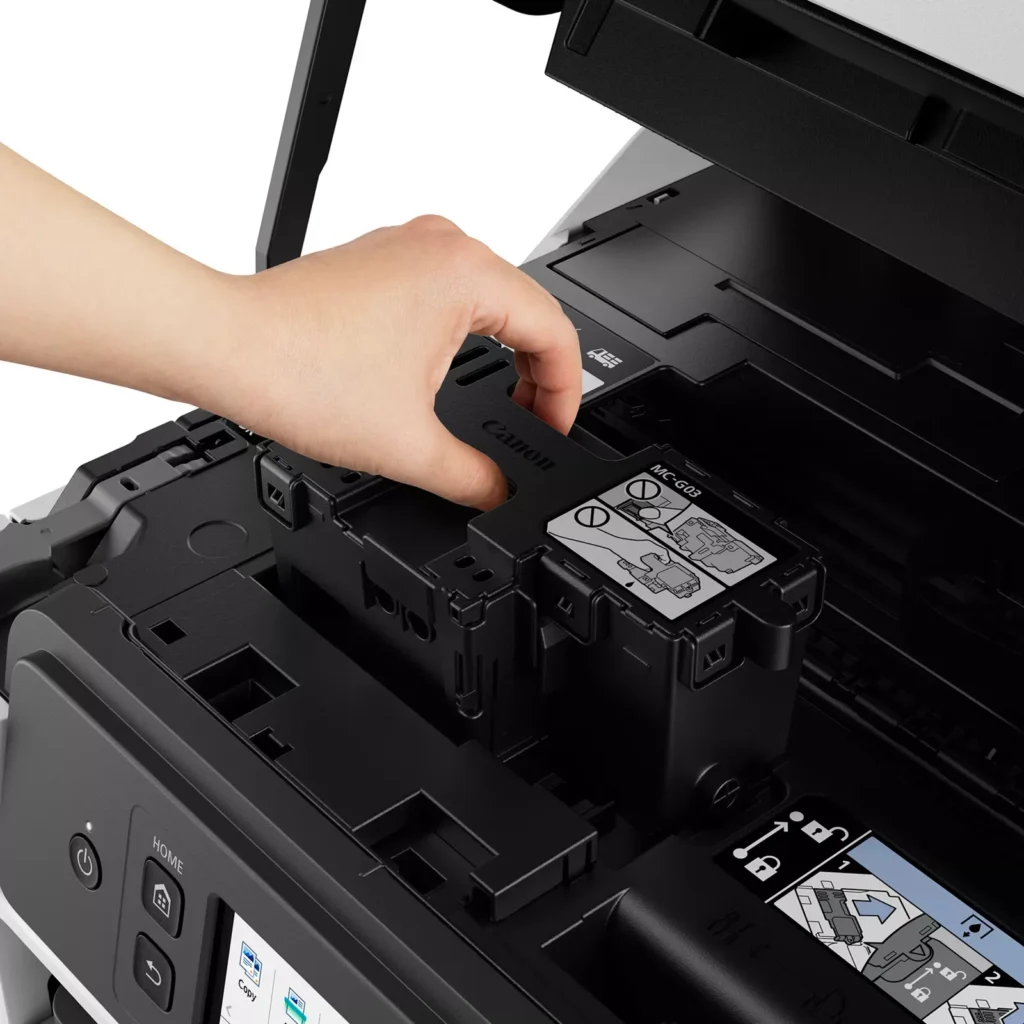
| User-Friendly Maintenance and Reliability | Designed for minimal downtime, the printer features a user-replaceable print head and maintenance cartridge that can be swapped without a service call. It is further backed by a 3-year or 80,000-page limited warranty, providing long-term peace of mind for small business owners. |
Pros & Cons
Pros
- Exceptional Ink Efficiency: The MegaTank system offers a massive ink capacity that lasts for thousands of pages, with a mess-free refill process that significantly reduces long-term operating costs compared to cartridge-based models.
- High-Quality Print and Scan Results: Reviewers consistently praise the printer for producing crisp, professional text and vibrant colors on various media, including glossy photos, stickers, and heavy cardstock.
- Versatile Media Handling: The device features multiple paper sources, including a high-capacity front cassette and a rear tray, allowing users to keep different paper types loaded simultaneously for diverse projects.
Cons
- Persistent Connectivity Issues: A significant number of users experienced frequent WiFi disconnections, difficulty with AirPrint, and a complex setup process that often required manual IP configuration to remain stable.
- Slow Operational Performance: The printer is noted for being slow to wake from sleep mode, having a sluggish touchscreen interface, and taking a long time to process and print documents, especially in high-quality mode.
- Limited Scanning Features: While the printer supports automatic duplex printing, the document feeder lacks automatic duplex scanning, requiring users to manually flip pages to scan both sides.
You might also like












Customer Reviews
Showing reviews 21-30 of 261
-
Good printer but bad scanner app
Verified purchase Verified purchase: This reviewer bought the product.UR1 October 29, 2025Review source: AmazonIn general, the printer works fine as the printer should. Print quality is very good five stars for that, no smudges, good color. I appreciate the ink tank that I don’t have to pay for high monthly subscription and I can print as many as I want.
However in terms of scanning capability, I would rather give it only two stars, it was not as easy to manage as its US competitor brand. I mean the feeder was fine, the scanning was fine, but since it did not have the duplex function for scanner, those came with both-sided pages has to be scanned twice, and the app could not help rearrange scanned pages. As I relied a lot on the scanner, this is very frustrating as it couldn’t compare with $100 multi-function printer.
-
Compact All-in-One
Verified purchase Verified purchase: This reviewer bought the product.Sven Powilleit October 25, 2025Review source: AmazonNice compact All-in-One printer, decent printing quality. Print speed (via network) is a bit slow but acceptable.
-
Sold Canadian printer not entitled to Canon warranty
Verified purchase Verified purchase: This reviewer bought the product.David Luce October 16, 2025Review source: AmazonSold me a Canadian printer not entitled to Canon warranty support.
-
Great print quality. Constant connectivity issues.
KT October 16, 2025Review source: AmazonI’ll start with the good things:
1. Print quality (color, detail/clarity) for both regular printing and photos is outstanding.
2. Ink capacity is fantastic and refilling tanks is easy with zero mess.
3. Print speed is fast when connection isn’t an issue.Terrible things:
1. Connectivity issues make this printer almost entirely unusable. Printer settings on the unit itself show that the printer has a full wifi connection with my network, but I will receive a “Printer Offline” or “Printer Error” notification every time I try to print anything, regardless of which device I’m using. The only way to print anything is to manually reconnect using the unit’s screen while following prompts on my whichever device I’m attempting to print from.
2. The Canon app is frustratingly useless. When attempting to reconnect so I can actually start printing, I am forced to update the app/connection repeatedly, going through a 5-10 minute connection process that downloads and installs (or, reinstalls) software, drivers, etc. When this process is done and it shows that I’m connected and ready to print, I’d say that 3 out of 4 times, my next print attempt is successful. 1 out of 4 times I will be met with a “Printer Offline” error again, even though the unit shows it is connected, forcing me to repeat the connection cycle all over again.
3. Ink does last longer than most printers I’ve owned in the past, but the cost for ink refills seems wildly expensive. Even though cartridges for my longest lasting printer don’t yield as many prints from one replacement as this unit does, the cost of the refill ink vs number of prints almost certainly ends up making the GX4020 more costly in the long run. The primary reason I chose a refillable tank style printer instead of a cartridge style was to save money on ink.While the quality is fantastic, the time that’s wasted reconnecting to the unit make the entire system not worth it. Highly doubtful that I’ll be purchasing any Canon printing products in the future.
-
Perfect Replacement
Verified purchase Verified purchase: This reviewer bought the product.Orlando Wright October 13, 2025Review source: AmazonPerfect replacement for a printer that was 10 years old, that died, it was easy to set up, connected to WiFi with no problems, it’s a mega tank so it will save on ink, working great so far.
-
lack of support
Verified purchase Verified purchase: This reviewer bought the product.KATHERINEB October 7, 2025Review source: BestbuyThere is a support line that goes along with this item but it has been difficult to actually get in touch with them. I have yet to find the USB port that is supposed to be available for scanning documents. Sometimes I miss my HP printer
-
Nice Printer, bad support from Amazon for missing item
Verified purchase Verified purchase: This reviewer bought the product.Rodney G. Northern October 4, 2025Review source: AmazonThe Canon Megatank GX4020 itself is a solid all-in-one printer—great print quality, fast, and economical with ink once it’s set up. I’ve been happy with the device’s performance overall, especially for home office use. Setup was mostly straightforward, and the touchscreen interface is easy to navigate.
However, my experience was marred by an issue with the delivery. The box was missing the cyan ink bottle, which is essential to get the printer up and running. I reached out to Amazon expecting a quick resolution, maybe just a replacement ink bottle—but instead, I was told I’d have to return the entire printer just to fix this issue. That’s a major hassle for something that could have been resolved with a simple shipment of one item.
Disappointed that Amazon couldn’t handle this more efficiently. If you’re buying this printer, just double-check that all ink bottles are included before getting started.
-
Recent Best Buy Purchase
Verified purchase Verified purchase: This reviewer bought the product.Clynecia October 3, 2025Review source: BestbuyThis was one of the best purchases I made from Best Buy! This Canon Maxify printer works wonderfully for our business and personal printing needs. The Best Buy chat person was also very good.
-
Great printer
Verified purchase Verified purchase: This reviewer bought the product.Grandma September 29, 2025Review source: BestbuyDoes a great job. I am glad that I do not have to buy so many cartridges. All I have to do is pour in the ink.
-
No Warranty
Verified purchase Verified purchase: This reviewer bought the product.Machine Bear September 21, 2025Review source: AmazonCanon GX4020 sold by DealX stopped working at 12.5 months. You can’t obtain warranty information without a Serial Number. It turns out the seller is selling printers that are for overseas markets and the warranty doesn’t apply.
Sadly, the print quality and the machinery were all good, until it stopped working.