Customer Media
Highlights
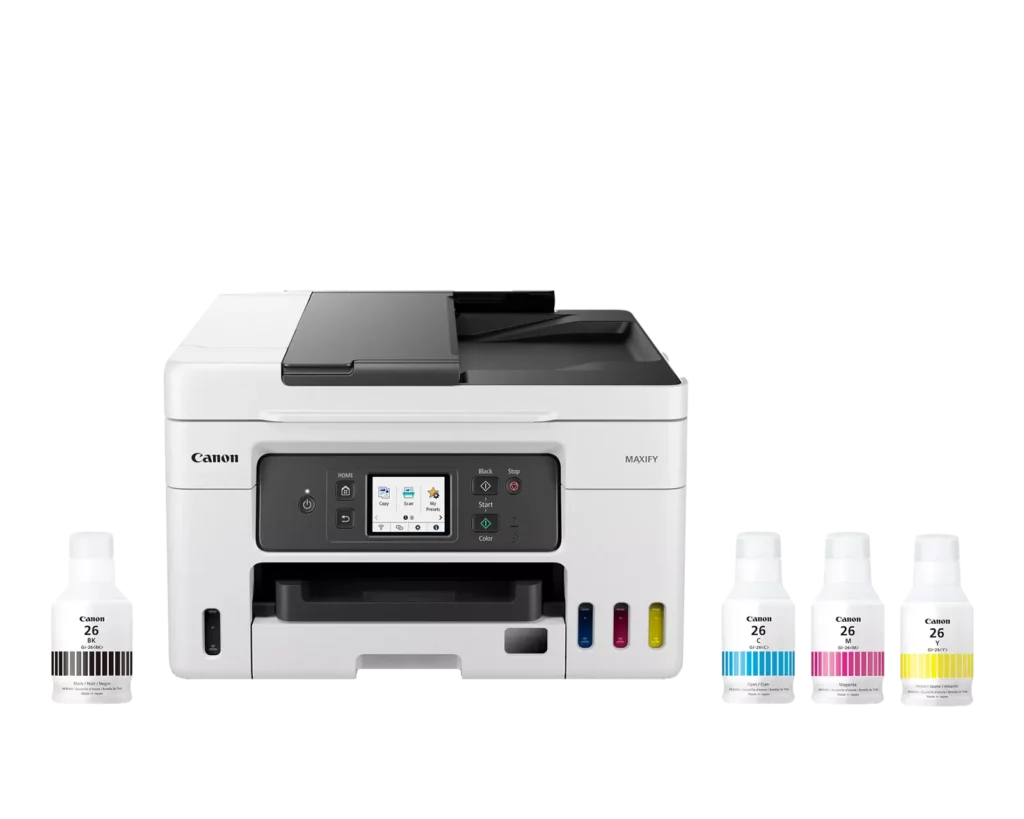
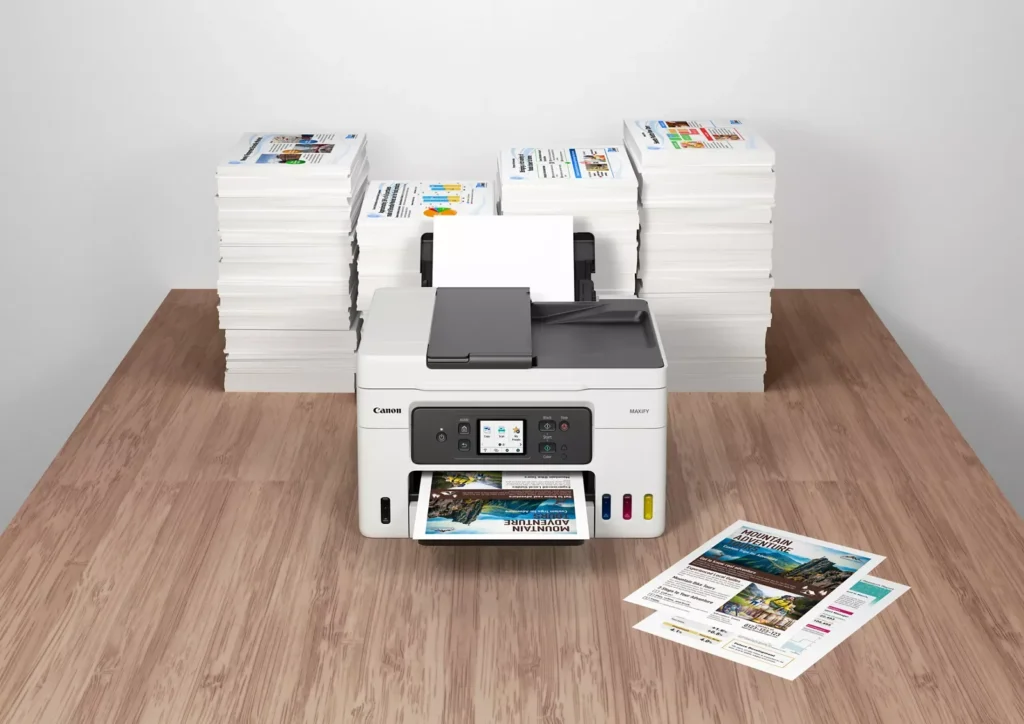
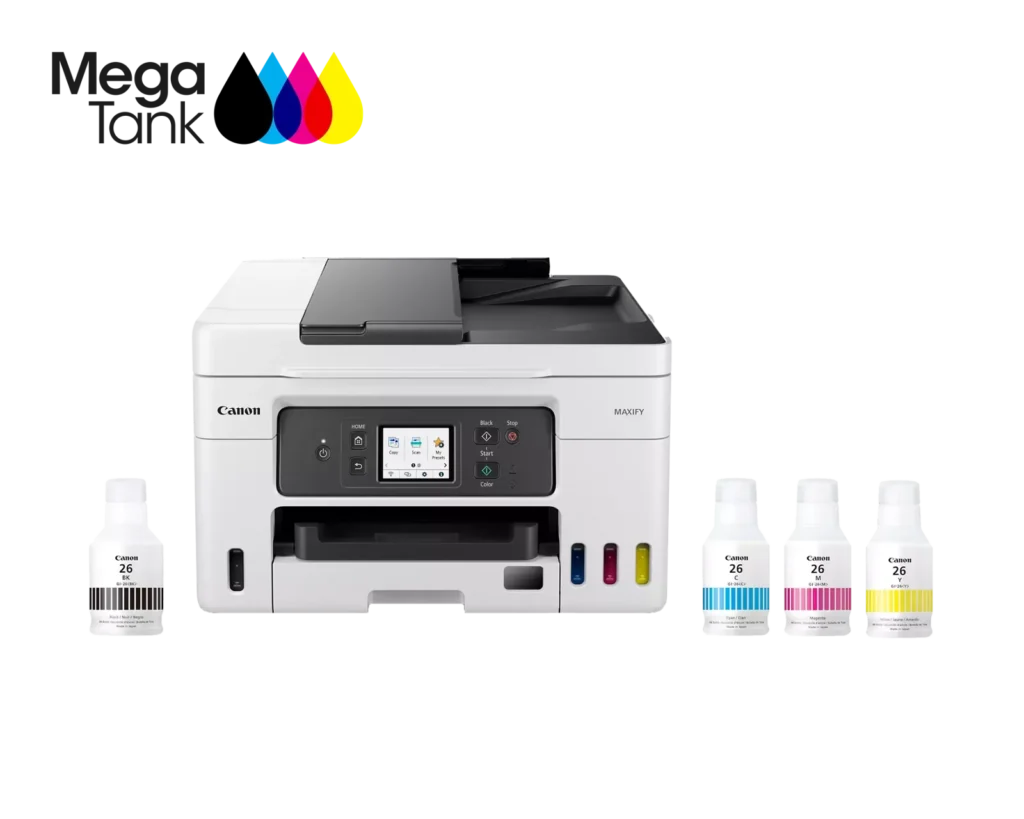
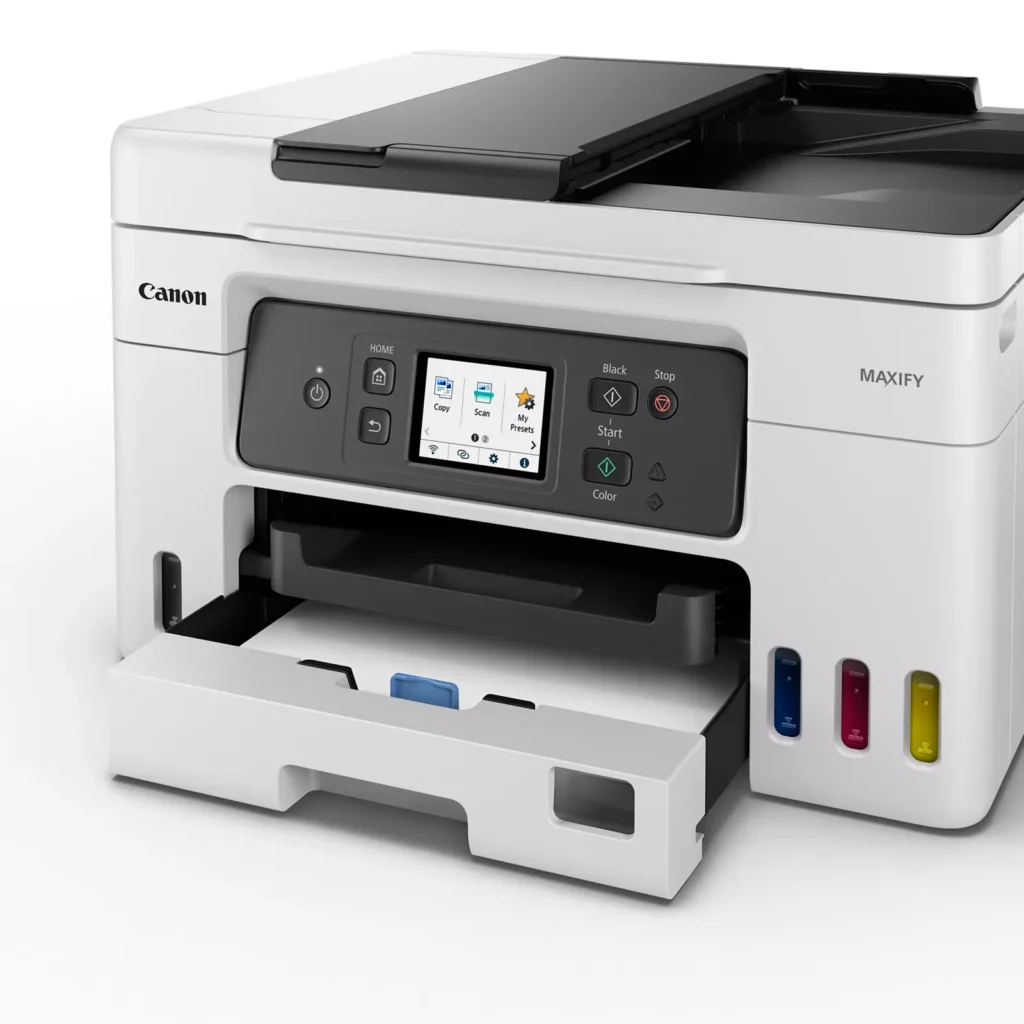
| High Page Yield and Low Running Costs | The MegaTank refillable ink system delivers an impressive yield of up to 6,000 black and 14,000 color pages with a single set of ink bottles. This high-capacity design results in a low cost per print of less than 2 cents per page, significantly reducing the total cost of ownership compared to traditional cartridge-based printers. |
|---|---|
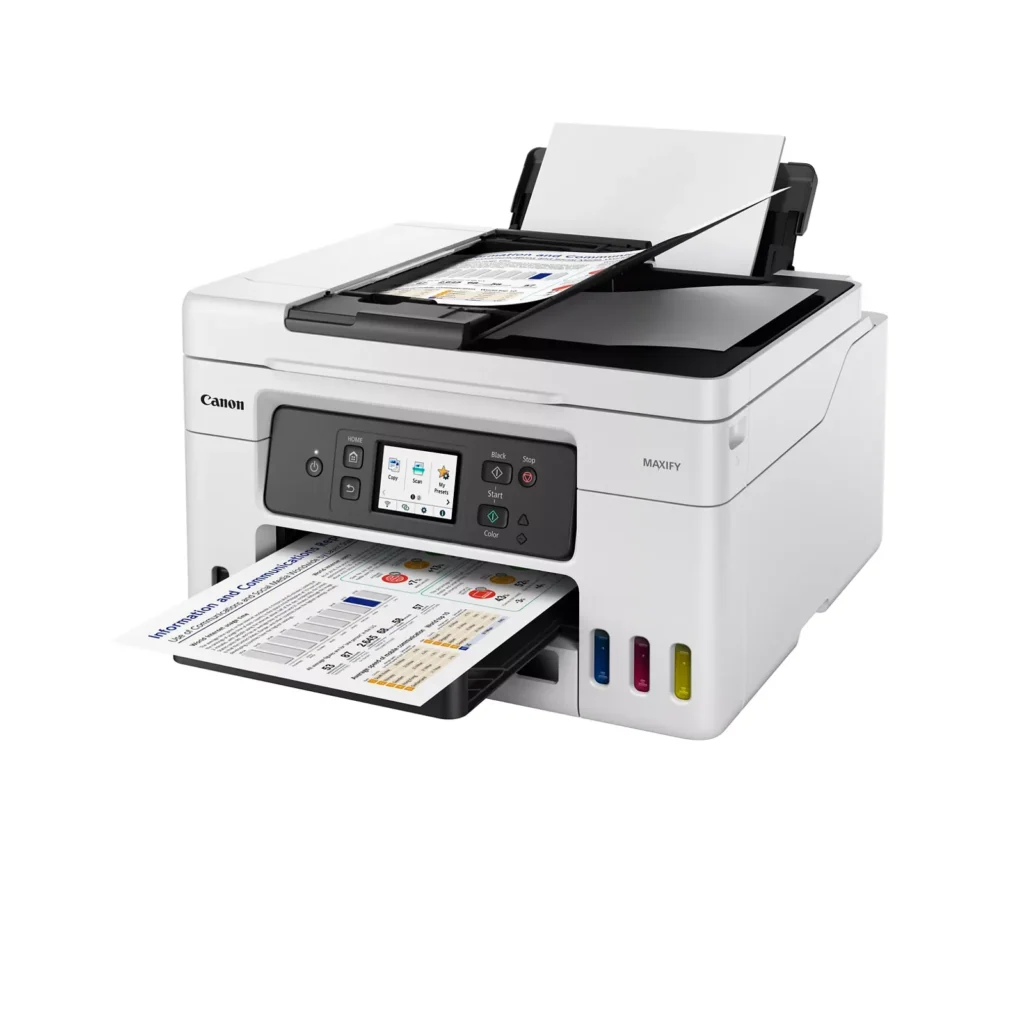
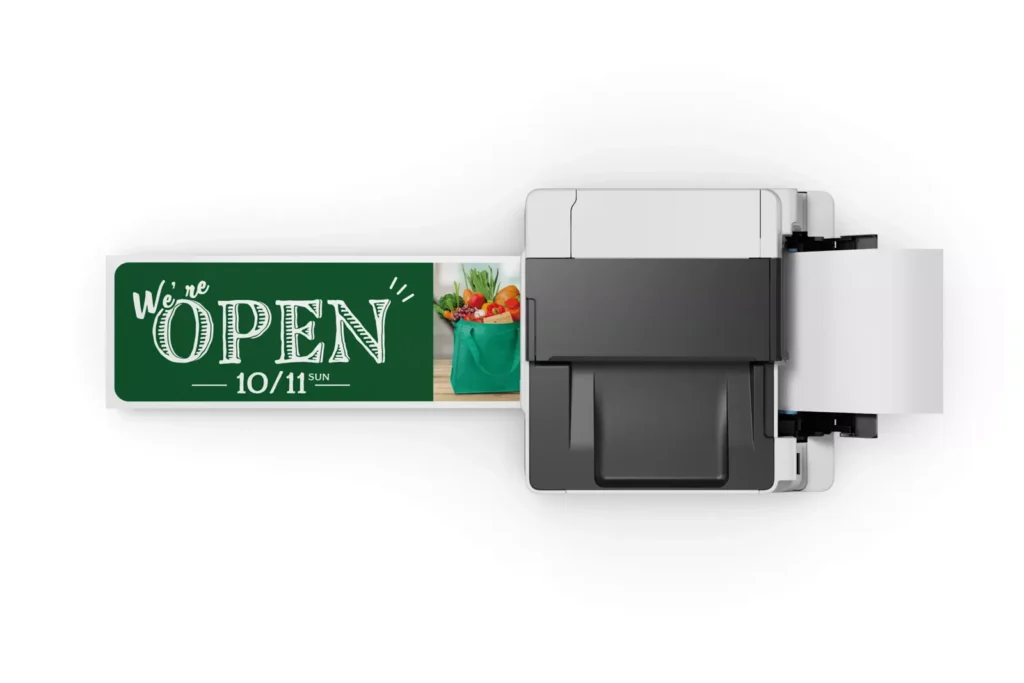
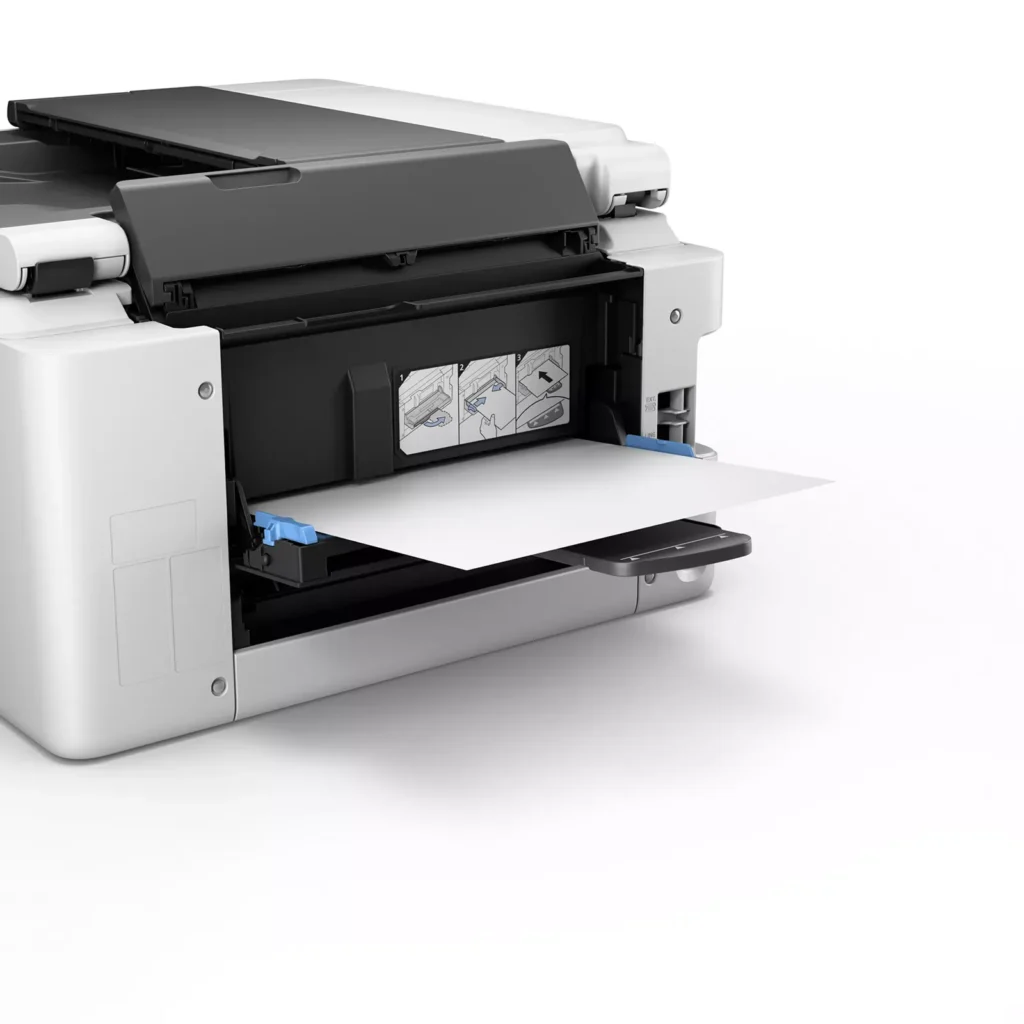
| Versatile 3-Way Paper Feeding | Equipped with a 250-sheet bottom cassette and a 100-sheet rear tray, this printer also features a unique rear flat tray designed for thicker media. This allows for seamless printing on a wide variety of materials, including envelopes, banners up to 47 inches, and heavy cardstock up to 0.7mm thick. |
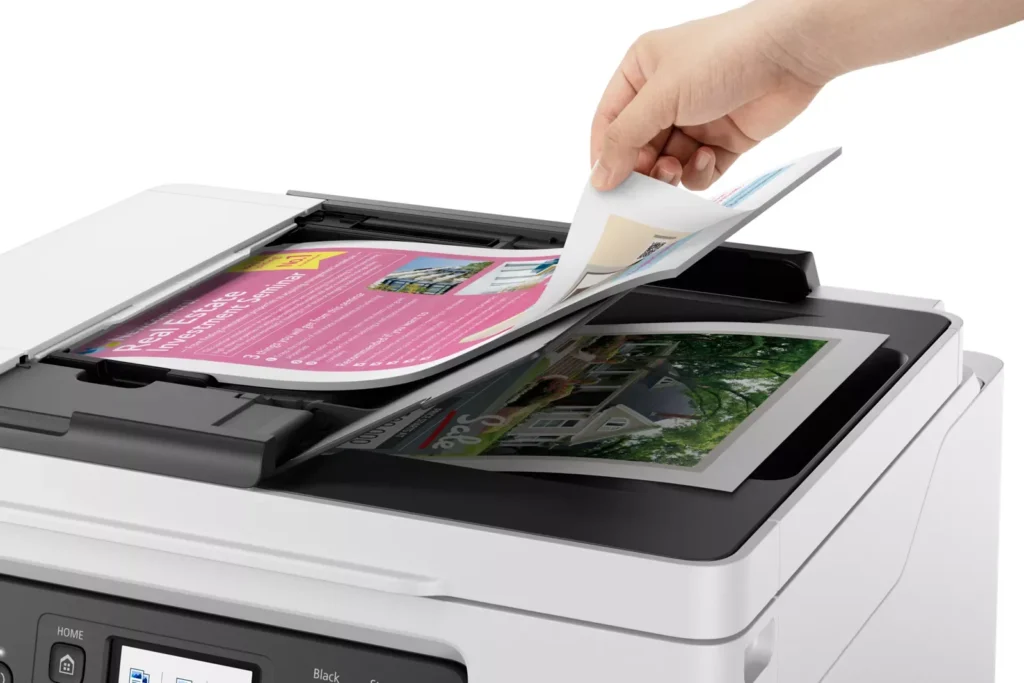
| Fast Business-Class Performance | Boost office productivity with print speeds of up to 18.0 ipm in black and 13.0 ipm in color. The integrated 35-sheet Automatic Document Feeder (ADF) streamlines multi-page scanning, copying, and faxing tasks, while the first print-out time is as fast as 8 seconds. |
| Durable 4-Color Pigment Ink System | Utilizing a 100% pigment-based ink system, the GX4020 produces sharp, laser-like text and vibrant graphics that are highly resistant to smudging and highlighters. This ensures professional-quality documents that are durable enough for frequent handling in a busy office environment. |
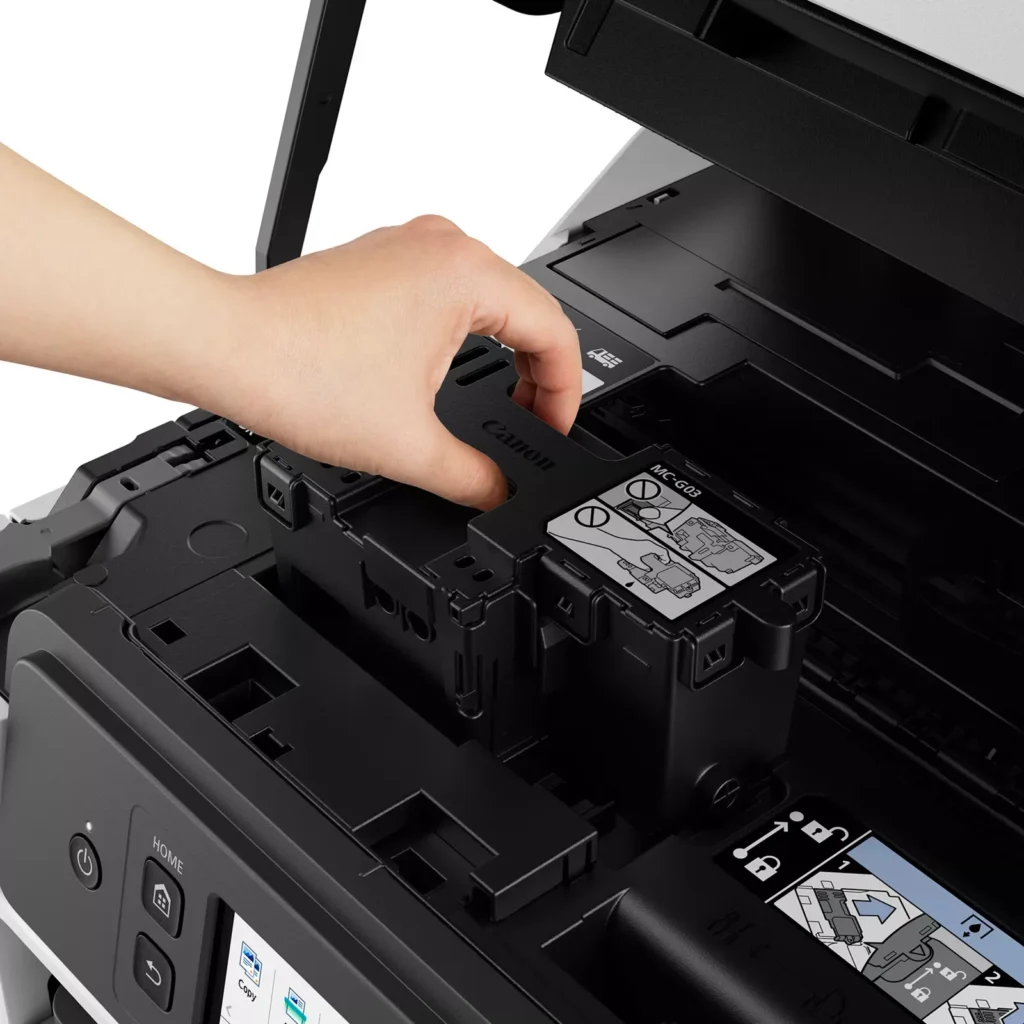
| User-Friendly Maintenance and Reliability | Designed for minimal downtime, the printer features a user-replaceable print head and maintenance cartridge that can be swapped without a service call. It is further backed by a 3-year or 80,000-page limited warranty, providing long-term peace of mind for small business owners. |
Pros & Cons
Pros
- Exceptional Ink Efficiency: The MegaTank system offers a massive ink capacity that lasts for thousands of pages, with a mess-free refill process that significantly reduces long-term operating costs compared to cartridge-based models.
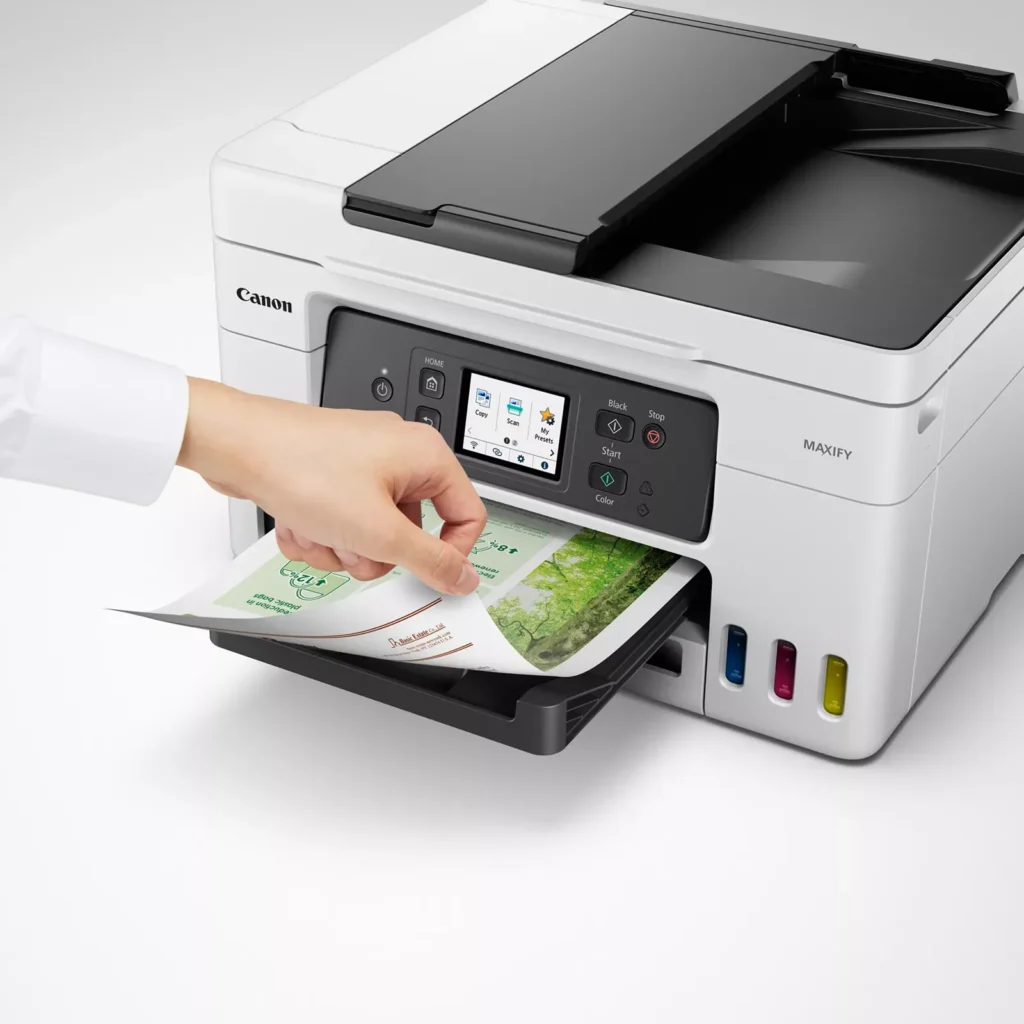
- High-Quality Print and Scan Results: Reviewers consistently praise the printer for producing crisp, professional text and vibrant colors on various media, including glossy photos, stickers, and heavy cardstock.
- Versatile Media Handling: The device features multiple paper sources, including a high-capacity front cassette and a rear tray, allowing users to keep different paper types loaded simultaneously for diverse projects.
Cons
- Persistent Connectivity Issues: A significant number of users experienced frequent WiFi disconnections, difficulty with AirPrint, and a complex setup process that often required manual IP configuration to remain stable.
- Slow Operational Performance: The printer is noted for being slow to wake from sleep mode, having a sluggish touchscreen interface, and taking a long time to process and print documents, especially in high-quality mode.
- Limited Scanning Features: While the printer supports automatic duplex printing, the document feeder lacks automatic duplex scanning, requiring users to manually flip pages to scan both sides.
You might also like












Customer Reviews
Showing reviews 31-40 of 261
-
Gray Market
Verified purchase Verified purchase: This reviewer bought the product.Jon September 19, 2025Review source: AmazonGray market. No US support or warranty.
One star since the ad copy did not declare it was a non-us version of the printer.
-
FRAUD! They sent a Canadian printer instead of US Printer! AND it broke in 2 months!
Verified purchase Verified purchase: This reviewer bought the product.Public Citizen Y September 18, 2025Review source: AmazonUpdate: This printer had an error code that wouldn’t clear, which happened 2 months after purchase. Canon would have replaced it for me with no problem, BUT this is when I found out it was a Canadian model, so Canon couldn’t help me at all. Do NOT buy from this page, click on the “Visit Canon Store” under the product description. Otherwise you’ll get something from a 3rd party seller, which may not be what you ordered! Note: One complaint I had was no USB for scanning: Canon confirmed that all US models DO have a USB port for scanning (no USB port, it’s not a USA product).
Previous Review: So far, it’s a decent printer. It prints. What I absolutely HATE is pain it was to set up and the pain it continues to be for scanning. Strike 1: They REALLY push reliance on an app and/or QR codes both for setup and for ongoing use. Strike 2: You can’t simply connect it to your WIFI, you have to download an app and add it to your device (Why?! I have Bluetooth headphones and speakers that don’t require this nonsense). However, once one device in your household has introduced the printer to your WIFI, the other devices can find it without installing the app. Strike 3: No USB port for scanning. MAJOR issue because I don’t want to use their app, I want them to stay out of my business. Your other option is to email a scan (very tedious to set up, VERY non-intuitive set up process, and it gives a lot of error messages). It’s been about a month and I still haven’t gotten it to scan because I’ve been too busy to keep fighting with it. Why couldn’t they have included the USB port for simple and private scanning?! The print quality is average. It’s as noisy as most inkjet printers, but not more so. The buttons should really be backlit since the print tray overshadows them. Another very irritating issue is that it doesn’t automatically turn itself on when you send a print job; if it’s been idle for awhile, you have to go push the button and sometimes you even have to re-send the print job. My last printer automatically turned on when a print job was sent. So, LOTS of room for improvement here! Including a USB port option for scanning, a direct device WIFI set up (without an app) AND a standby mode so I don’t have to manually turn it on when printing will be key features when I look for my next printer. What I like is the large ink tanks that will hopefully make this a more affordable investment in the long run. Whether that price break will actually be worth all hassles that their over-reliance on apps and QR codes creates remains to be seen. I have my doubts at the moment. Ease of use and privacy matters; it would be nice if companies respected that. -
Canon replaced my HP, works with Windows 11, MacOS, iOS
Verified purchase Verified purchase: This reviewer bought the product.Johnathan M. Kent September 17, 2025Review source: AmazonReplaced my HP with smart connect and all that and couldn’t be happier. Not a single problem so far, and the ink tank is huge. HP had a bunch of money grabbing internet connectivity features that drove me crazy, also expensive ink. It also was super loud and getting louder. This Canon is much better, if a bit slow to power up the first time of the day. Lots of features to select in the menus. No problems with Windows 11 and MacOS, no problems remote printing from iOS.
-
Total Piece of JUNK, it Doesnt Work
Verified purchase Verified purchase: This reviewer bought the product.brambler September 10, 2025Review source: AmazonBiggest piece of junk. This printer takes about 7 minutes to print a single page, if it prints at all. I have to constantly cancel and resend jobs to even get it to print. It is not a connectivity issue,as Canon wants to claim, I’ve had HP printers here for 15 years and never had this issue and everything else on our system, works just fine. If I hadn’t thrown away all the packaging i would be returning it. It also wont print from my phone. It just spins and buffers, saying printing data. It will print one line then rest. Do not buy this garbage, you’ll go crazy. Unbelievably bad printer. Worst ever.
-
Not an authentic CANON ptoduct
Verified purchase Verified purchase: This reviewer bought the product.Amazon Customer September 7, 2025Review source: AmazonI was not able to register the product by Canon. The serial number on the back of the printer was not an authentic Canon number, and the product was not recognized by Canon! i had to repackage the item and reorder another unit. I hope the replacement is an authentic Canon product and i will be able to register it and begin the warranty period. This time I will verify the warranty number immediately when the printer arrives.
-
Great find for the price.
Verified purchase Verified purchase: This reviewer bought the product.Shane August 31, 2025Review source: AmazonOverall it was easy to set up and prints excellent quality documents.
-
SLOW
Verified purchase Verified purchase: This reviewer bought the product.Stone August 27, 2025Review source: AmazonVery slow printing.
-
Awesome Printer
Verified purchase Verified purchase: This reviewer bought the product.gailg August 25, 2025Review source: AmazonThis printer is easy to use and does everything I need it to. The auto 2-sided printing is awesome!,
-
Suddenly Stopped Working After 4 Months
Verified purchase Verified purchase: This reviewer bought the product.PrimalPaleo August 24, 2025Review source: AmazonAfter 4 months, a “paper jam” error occurred while I was in the middle of printing. But there was no paper jam. I went through all the troubleshoot steps and then called Just Answer who basically went through the same troubleshooting steps again. They then instructed me to contact Canon since the issue was apparently related to the hardware. After researching shipping costs, I realized that the cost of shipping alone, not including any repair costs or packaging, would come close to what I paid for the printer.
-
Replacement for older version of the same thing
Verified purchase Verified purchase: This reviewer bought the product.Rick August 23, 2025Review source: AmazonNot phot for my Z-8 but can sort of do photo’s and is good for what it’s for
Mainly a replacement for my mothers old slow same type model printer which is now acting up with it’s stripes and poor use of the black ink tank plus is much more slow than this new one