Customer Media
Highlights
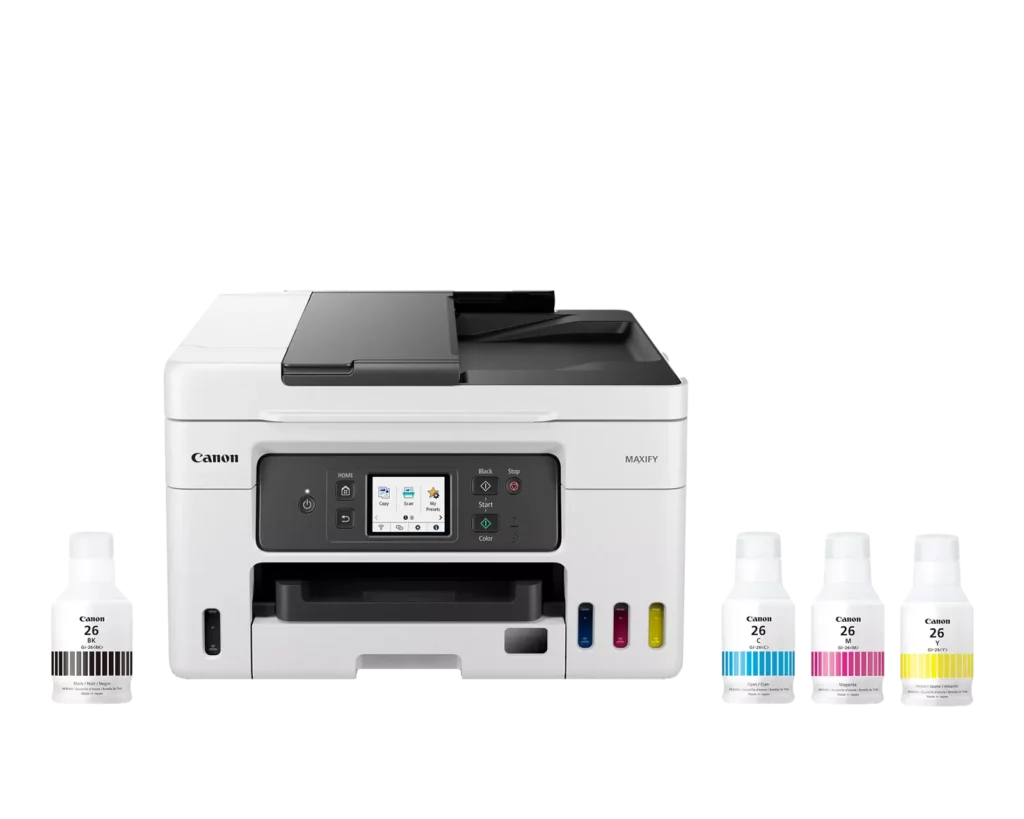
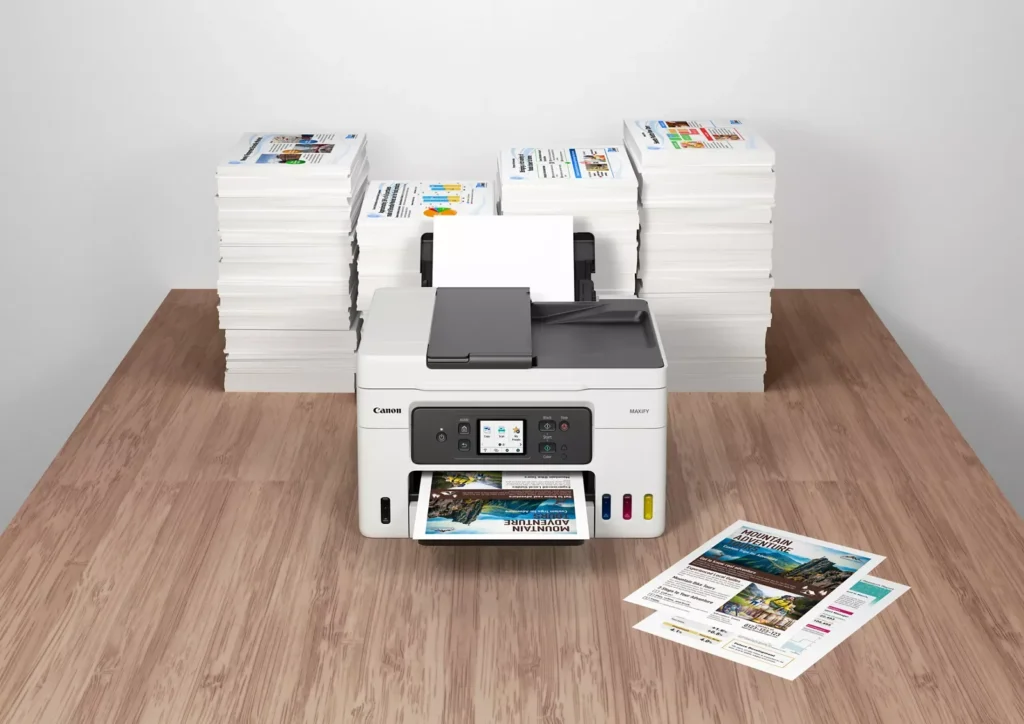
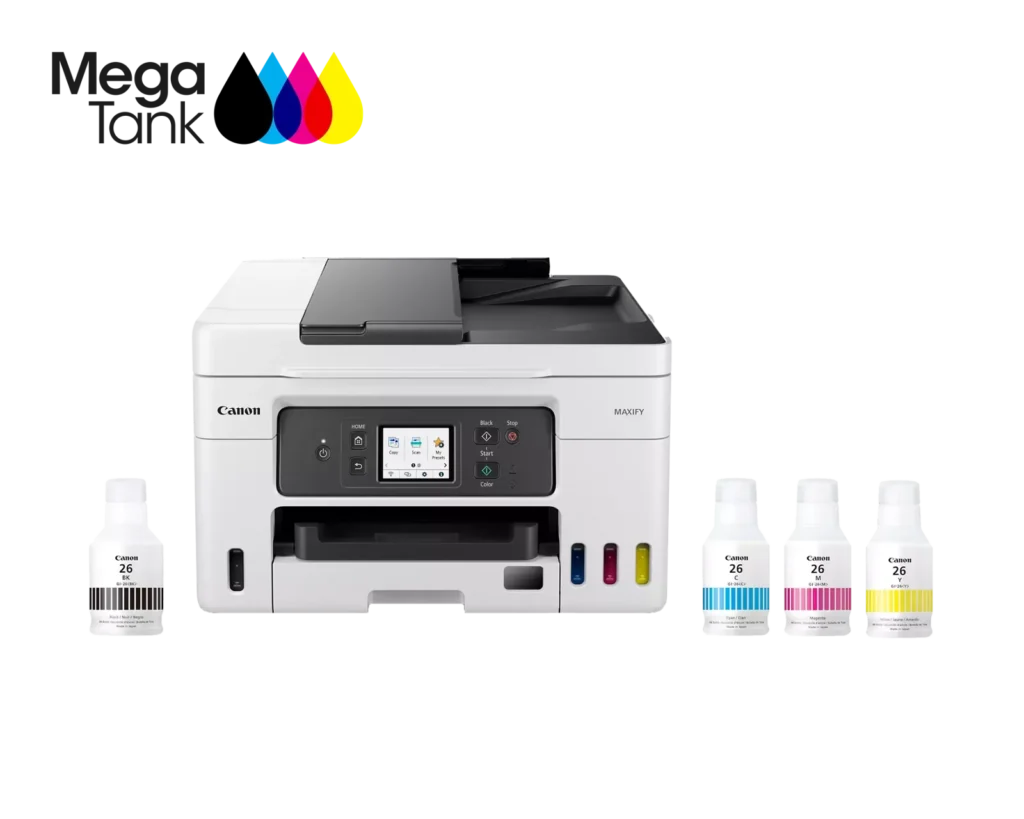
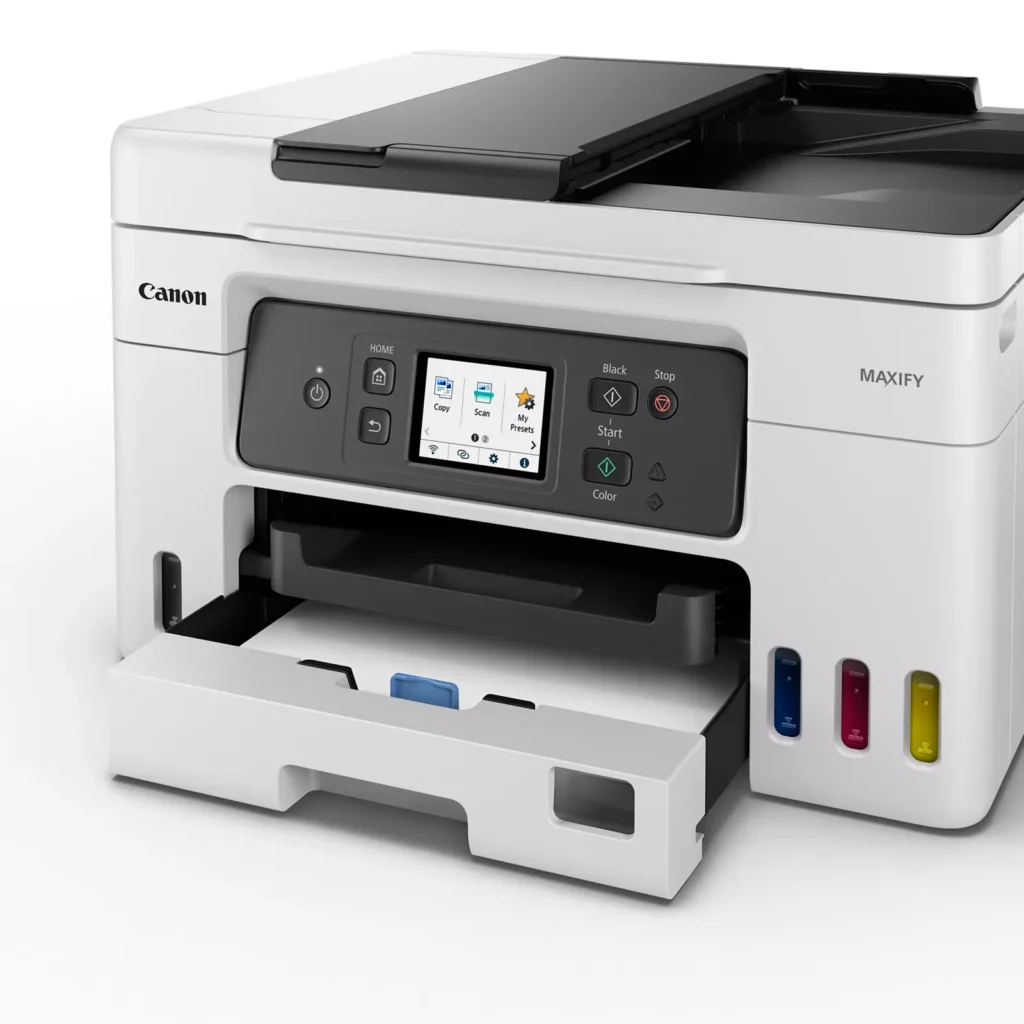
| High Page Yield and Low Running Costs | The MegaTank refillable ink system delivers an impressive yield of up to 6,000 black and 14,000 color pages with a single set of ink bottles. This high-capacity design results in a low cost per print of less than 2 cents per page, significantly reducing the total cost of ownership compared to traditional cartridge-based printers. |
|---|---|
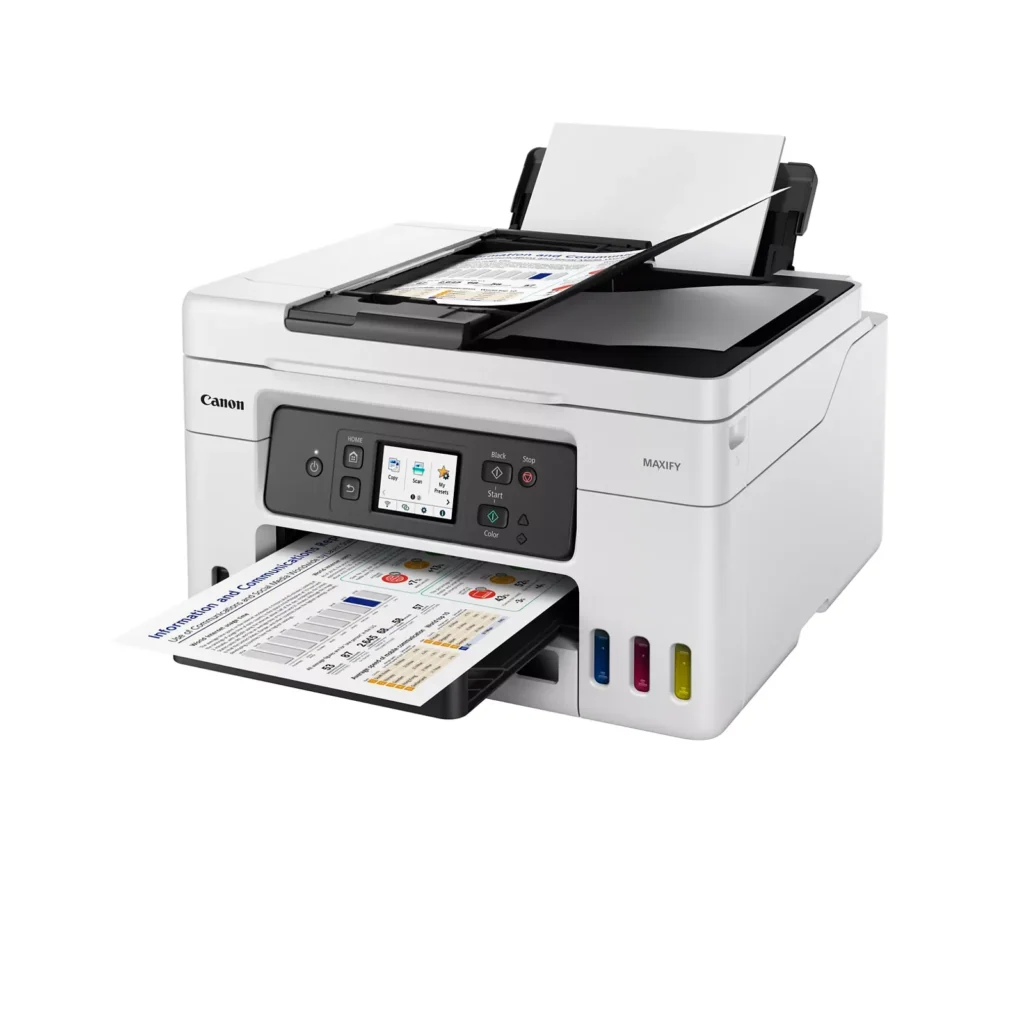
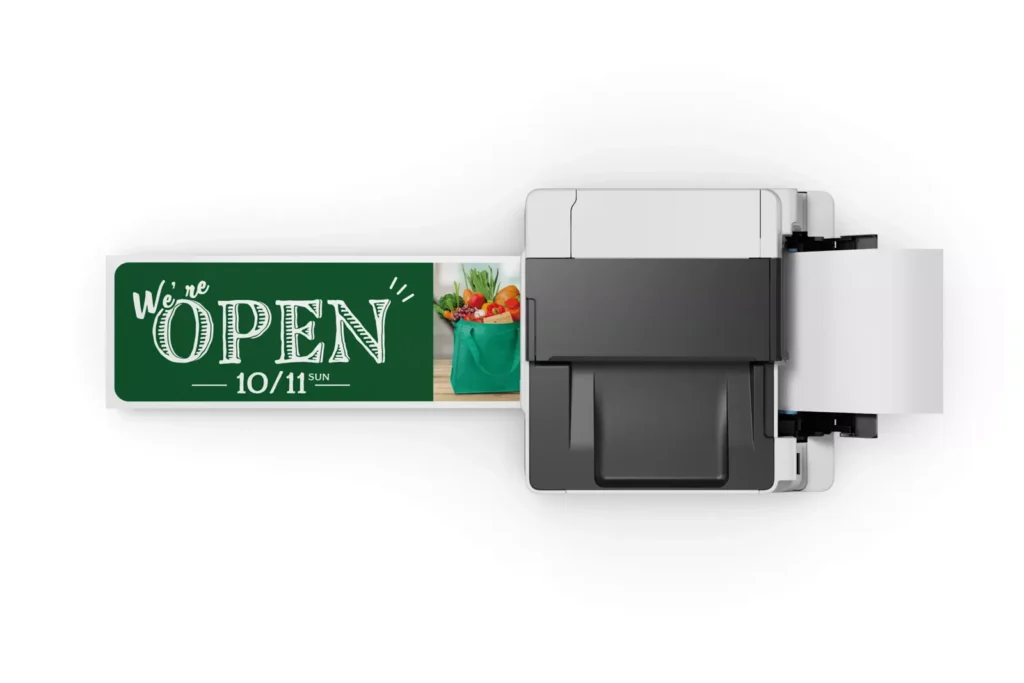
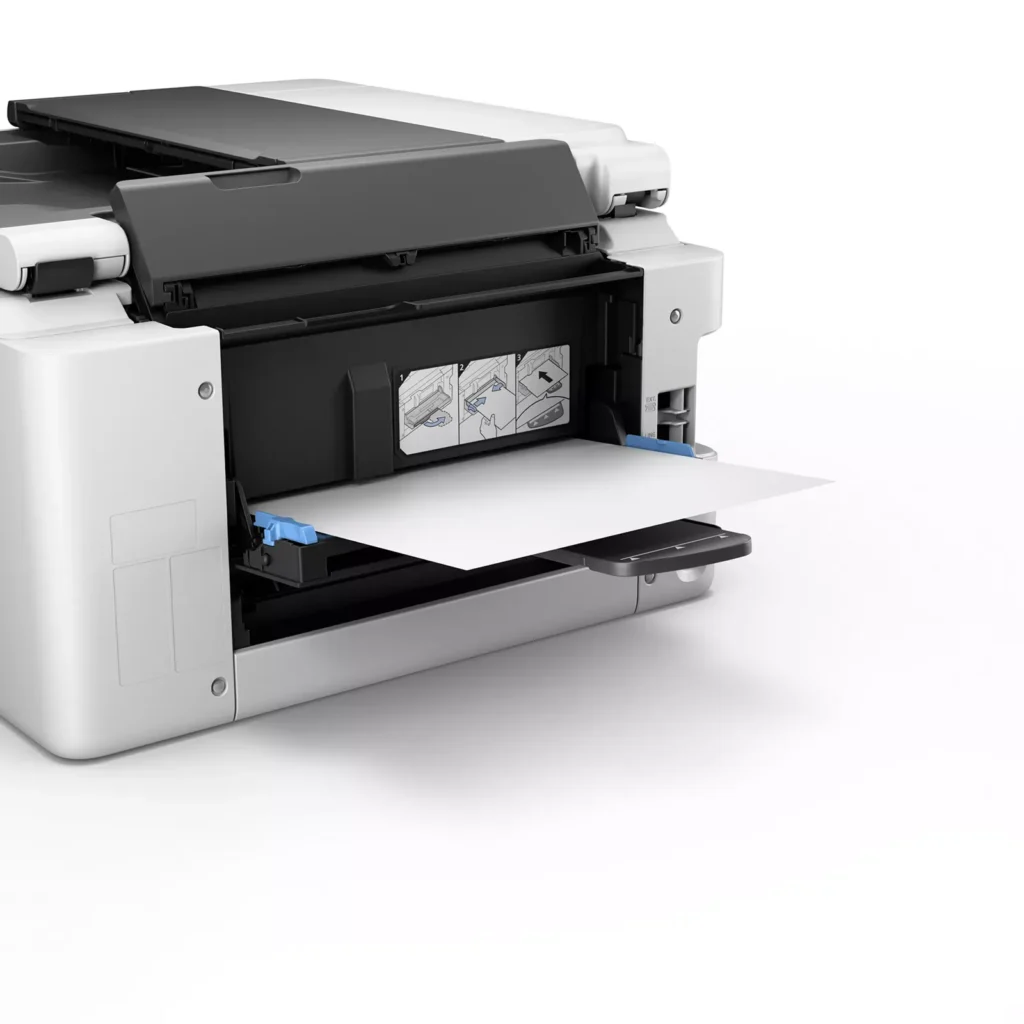
| Versatile 3-Way Paper Feeding | Equipped with a 250-sheet bottom cassette and a 100-sheet rear tray, this printer also features a unique rear flat tray designed for thicker media. This allows for seamless printing on a wide variety of materials, including envelopes, banners up to 47 inches, and heavy cardstock up to 0.7mm thick. |
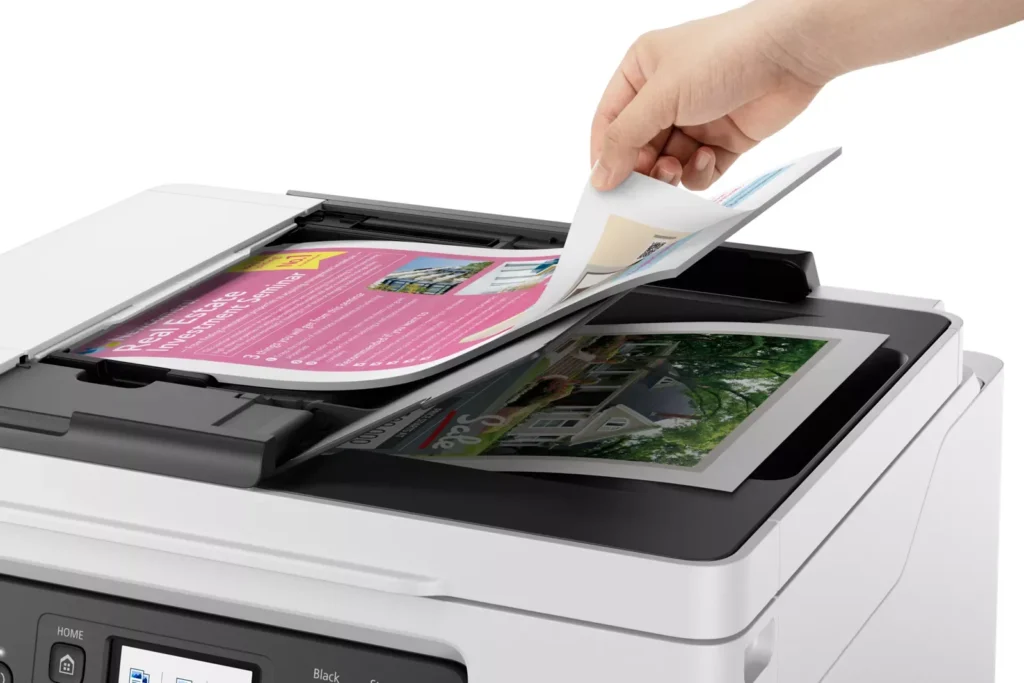
| Fast Business-Class Performance | Boost office productivity with print speeds of up to 18.0 ipm in black and 13.0 ipm in color. The integrated 35-sheet Automatic Document Feeder (ADF) streamlines multi-page scanning, copying, and faxing tasks, while the first print-out time is as fast as 8 seconds. |
| Durable 4-Color Pigment Ink System | Utilizing a 100% pigment-based ink system, the GX4020 produces sharp, laser-like text and vibrant graphics that are highly resistant to smudging and highlighters. This ensures professional-quality documents that are durable enough for frequent handling in a busy office environment. |
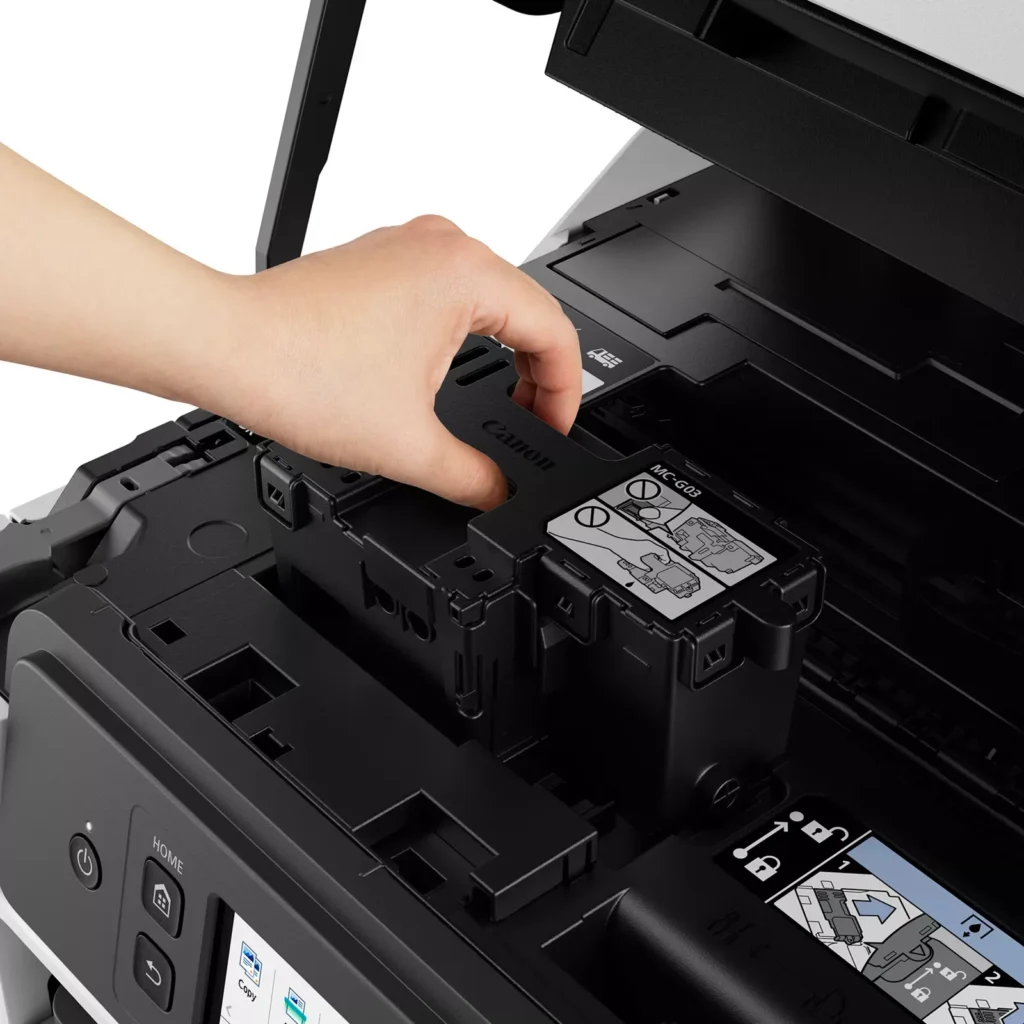
| User-Friendly Maintenance and Reliability | Designed for minimal downtime, the printer features a user-replaceable print head and maintenance cartridge that can be swapped without a service call. It is further backed by a 3-year or 80,000-page limited warranty, providing long-term peace of mind for small business owners. |
Pros & Cons
Pros
- Exceptional Ink Efficiency: The MegaTank system offers a massive ink capacity that lasts for thousands of pages, with a mess-free refill process that significantly reduces long-term operating costs compared to cartridge-based models.
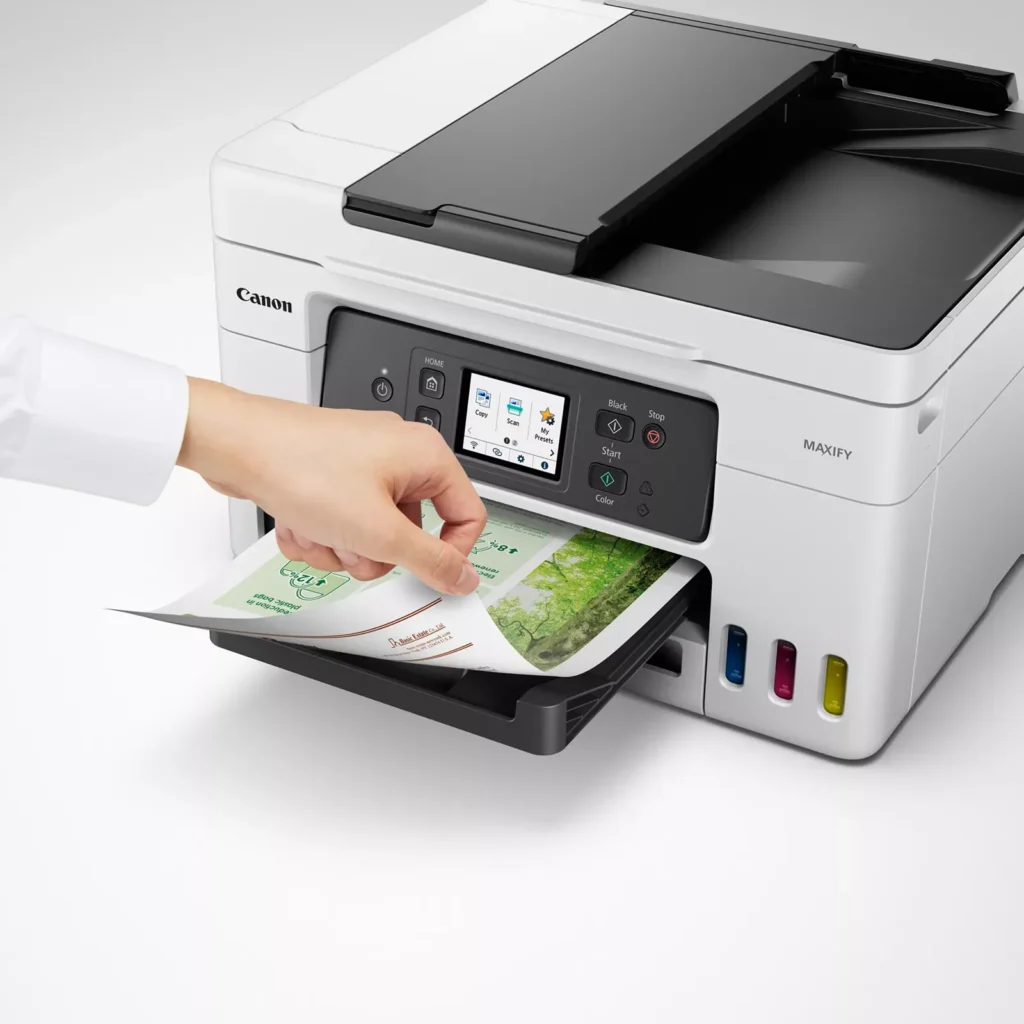
- High-Quality Print and Scan Results: Reviewers consistently praise the printer for producing crisp, professional text and vibrant colors on various media, including glossy photos, stickers, and heavy cardstock.
- Versatile Media Handling: The device features multiple paper sources, including a high-capacity front cassette and a rear tray, allowing users to keep different paper types loaded simultaneously for diverse projects.
Cons
- Persistent Connectivity Issues: A significant number of users experienced frequent WiFi disconnections, difficulty with AirPrint, and a complex setup process that often required manual IP configuration to remain stable.
- Slow Operational Performance: The printer is noted for being slow to wake from sleep mode, having a sluggish touchscreen interface, and taking a long time to process and print documents, especially in high-quality mode.
- Limited Scanning Features: While the printer supports automatic duplex printing, the document feeder lacks automatic duplex scanning, requiring users to manually flip pages to scan both sides.
You might also like












Customer Reviews
Showing reviews 51-60 of 261
-
No good printers
Verified purchase Verified purchase: This reviewer bought the product.DCI July 3, 2025Review source: AmazonThere are no good printers. Frustrated by Epsons, I switched to Canon. If you do t use it for few welds, it can take a good 20 minutes to warm up, self test and slowly print. Maybe a laser printer is next.
-
Great purchase
Verified purchase Verified purchase: This reviewer bought the product.John St July 1, 2025Review source: AmazonIt works great and prints perfectly. We save money using a tank printer. The epson cartridge were getting so expensive and not so much ink.
-
AVOID AT ALL COST
Verified purchase Verified purchase: This reviewer bought the product.Timo June 30, 2025Review source: AmazonWhy did you pick this product vs others?:
IT DOESN’T WORK!!!! To make it worse, Canon’s support is worthless. Down to the point that they’re telling me my serial number is invalid, yet I’m showing them the picture of it. -
Somewhat difficult installation procedure
Verified purchase Verified purchase: This reviewer bought the product.Sonnyman June 29, 2025Review source: AmazonPurchase this printer to replace my order canon cartridge, color, printer, and I do like the new tank type liquid collar. installation is a bit ambiguous difficult to find the manual and information that you need. It took me four days to get the color functioning after going through all the recommendations. The final one was required to purge the print head of expensive print solution to apparently take out any blockage of fluids. It finally works and so far I’m very pleased
-
Good printer at all
Verified purchase Verified purchase: This reviewer bought the product.BOB June 26, 2025Review source: AmazonVery Good choice
-
Canon GX4020
Verified purchase Verified purchase: This reviewer bought the product.Karen June 23, 2025Review source: BestbuySo far, we are very pleased with this purchase. Print is very crisp and clean.
-
Canon GX4020 All-in-One Looks Good So Far
Verified purchase Verified purchase: This reviewer bought the product.RealRocker June 20, 2025Review source: BestbuyWe’ve had this printer/scanner for about a month-and-a-half. So far it has produced beautiful print quality and scanned documents. The Canon Print app is easy to use. Setup was also easy and finished with no problems. We like that it uses bottled ink to refill instead of more expensive cartridges. No complaints whatsoever.
-
Serial number cannot be registered in United States
Verified purchase Verified purchase: This reviewer bought the product.Judie June 18, 2025Review source: AmazonI was sent this item and nearly had it set up by the time I tried to register the product with Canon. It turned out to be impossible because the serial number of the printer I was sent could not be registered in the United States. When I called Amazon to ask about it, I got what is probably the worst customer service I’ve ever received in my entire life.
After keeping me on hold for nearly 30 minutes, finally someone came on the phone to tell me that the product I received was DEFECTIVE! Bad serial number apparently equals defective. They refused to just ship out a replacement and insisted that I had to dismantle the printer and repack it and ship it back. They shouted at me (they did not want to hear what I was trying to tell them) that I needed to order a replacement from a different supplier, which cost me more than $80 more than the “defective” printer. Stay tuned about the replacement. What a disaster!! -
CAN'T FIND ANYTHING GOOD ABOUT IT.
Robert M. Schecter June 17, 2025Review source: AmazonI’ve tried, mostly because I don’t want to accept that I’ve been ripped off, but I cannot find anything good about it. It’s quirky beyond words. Constantly churning away and then finally spits out a document. If it were any slower, it would be printing on parchment.
This is one to avoid.
-
Buyer beware of this seller
Verified purchase Verified purchase: This reviewer bought the product.NotrelatedtoLeBron June 15, 2025Review source: AmazonWe returned the item because it could not be registered in the United States. Buyer beware of the seller Trends Goods