Customer Media
Highlights
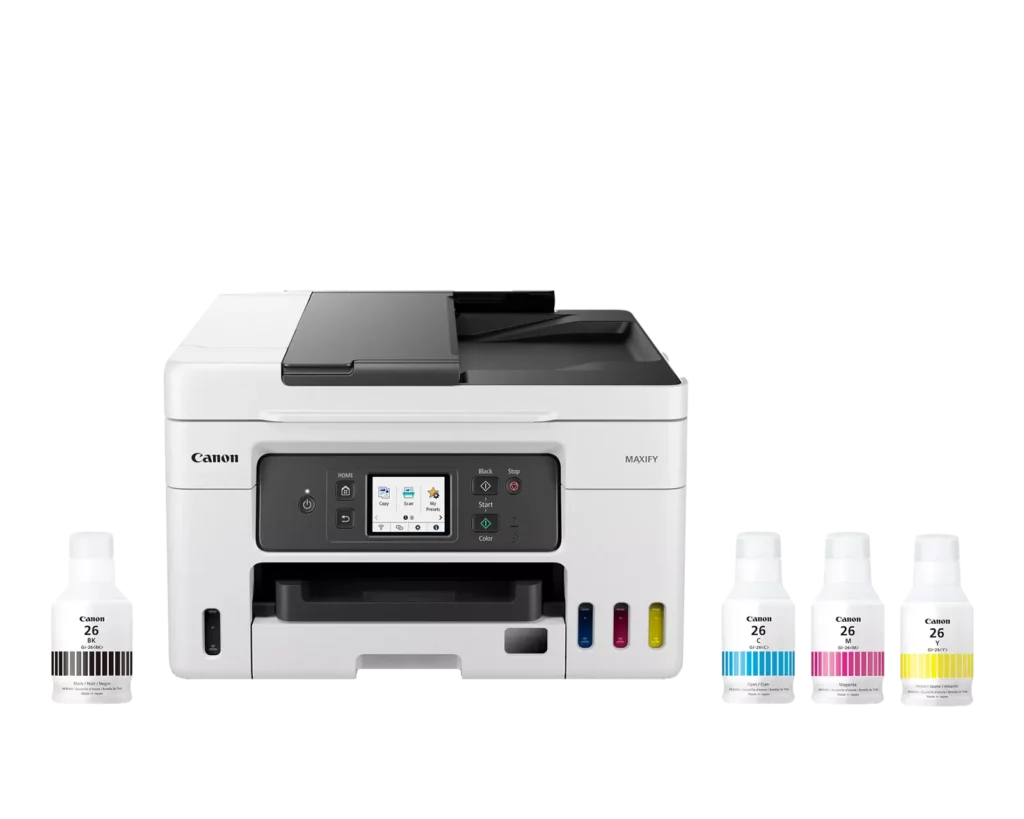
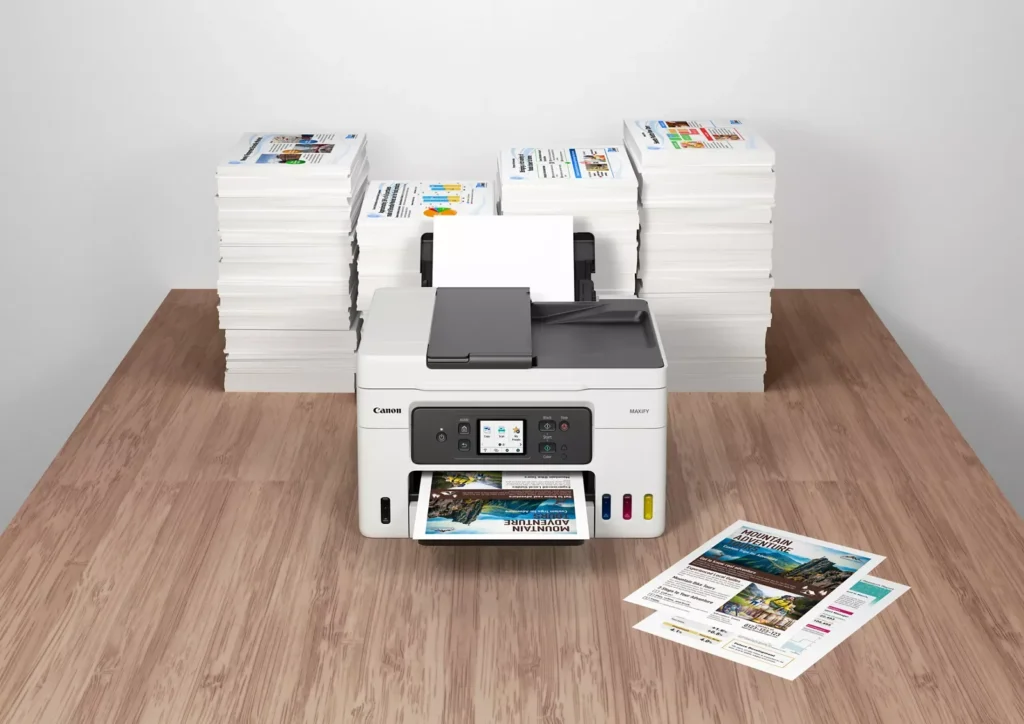
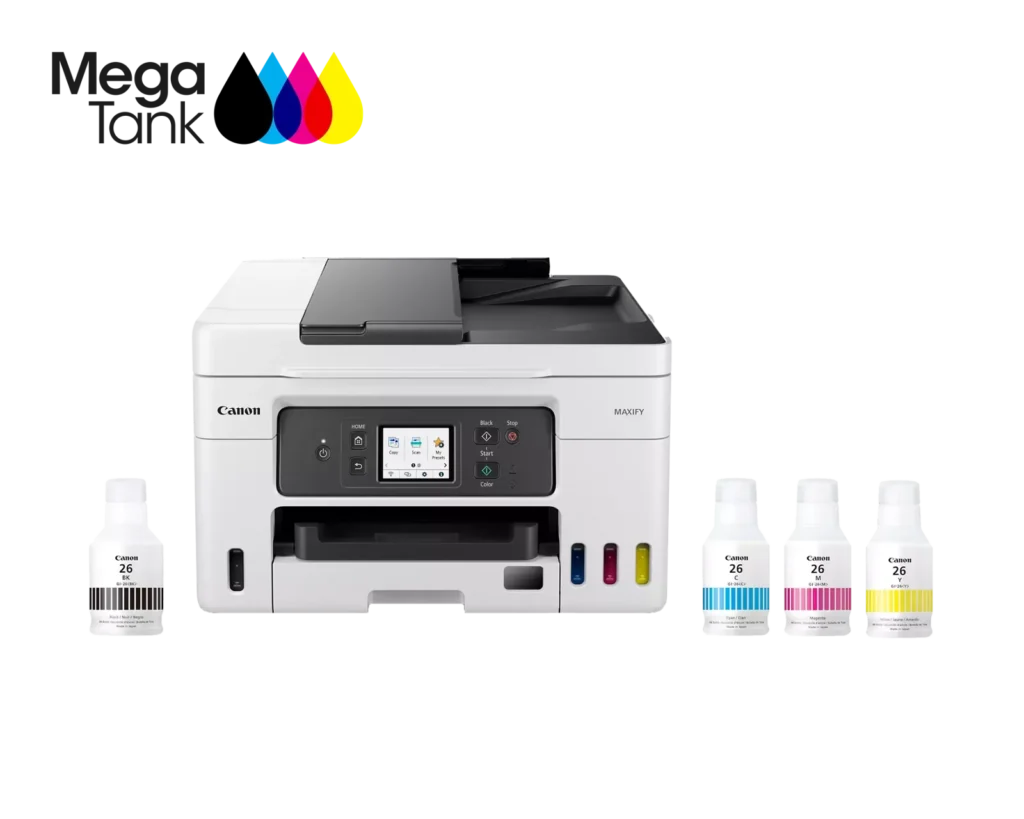
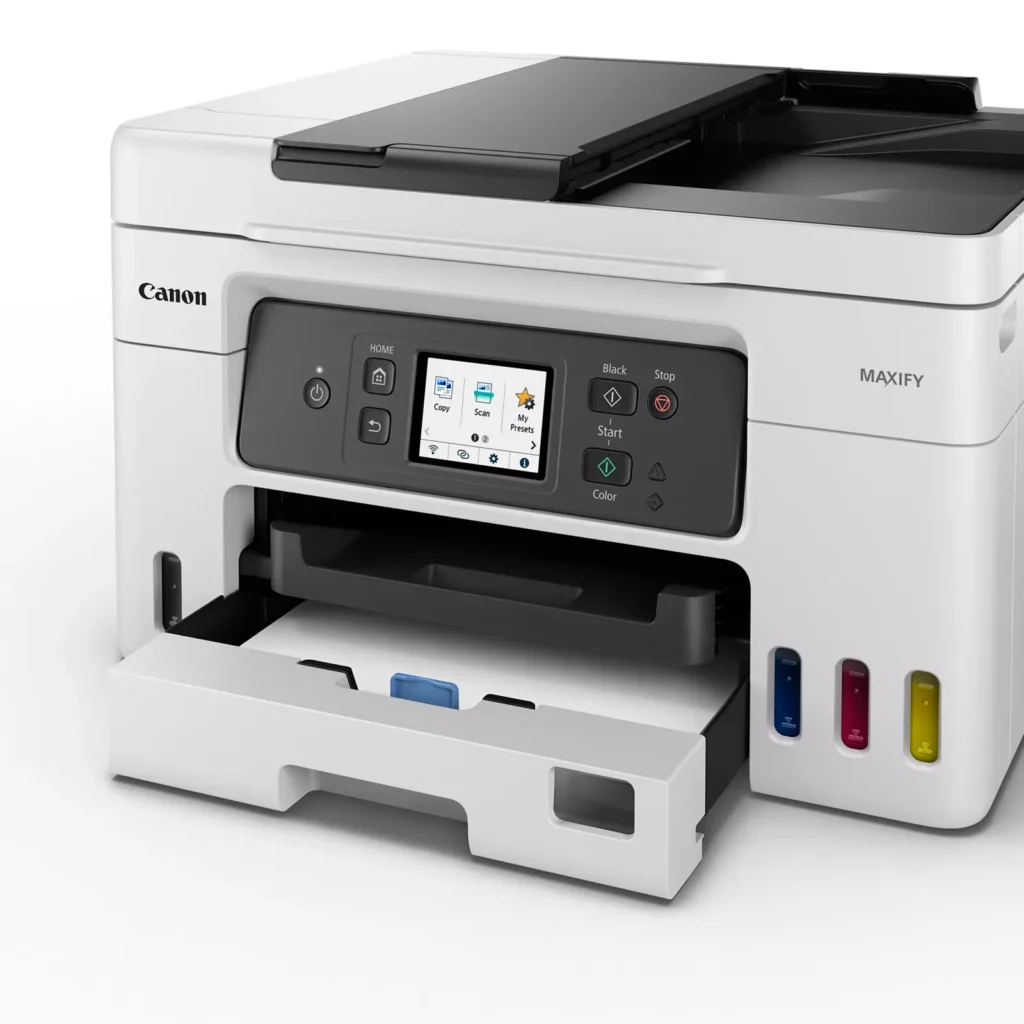
| High Page Yield and Low Running Costs | The MegaTank refillable ink system delivers an impressive yield of up to 6,000 black and 14,000 color pages with a single set of ink bottles. This high-capacity design results in a low cost per print of less than 2 cents per page, significantly reducing the total cost of ownership compared to traditional cartridge-based printers. |
|---|---|
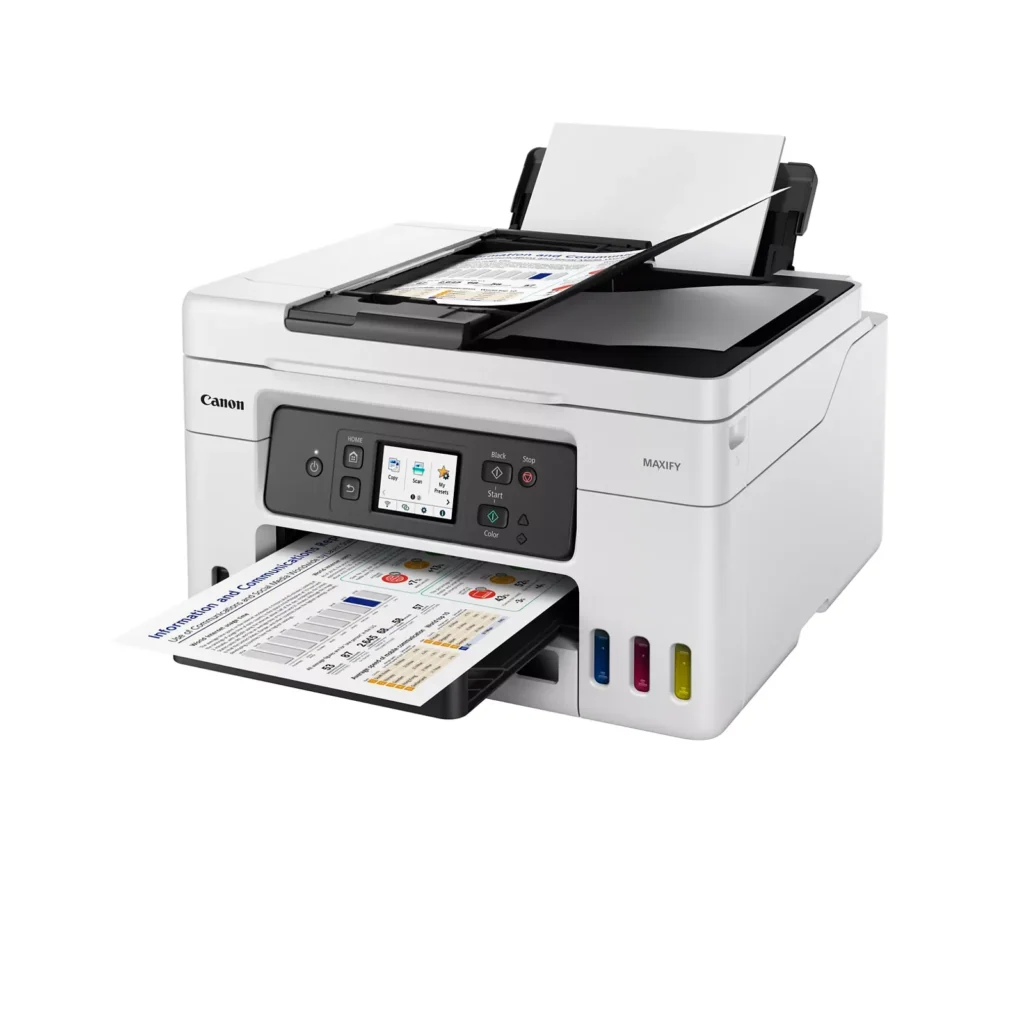
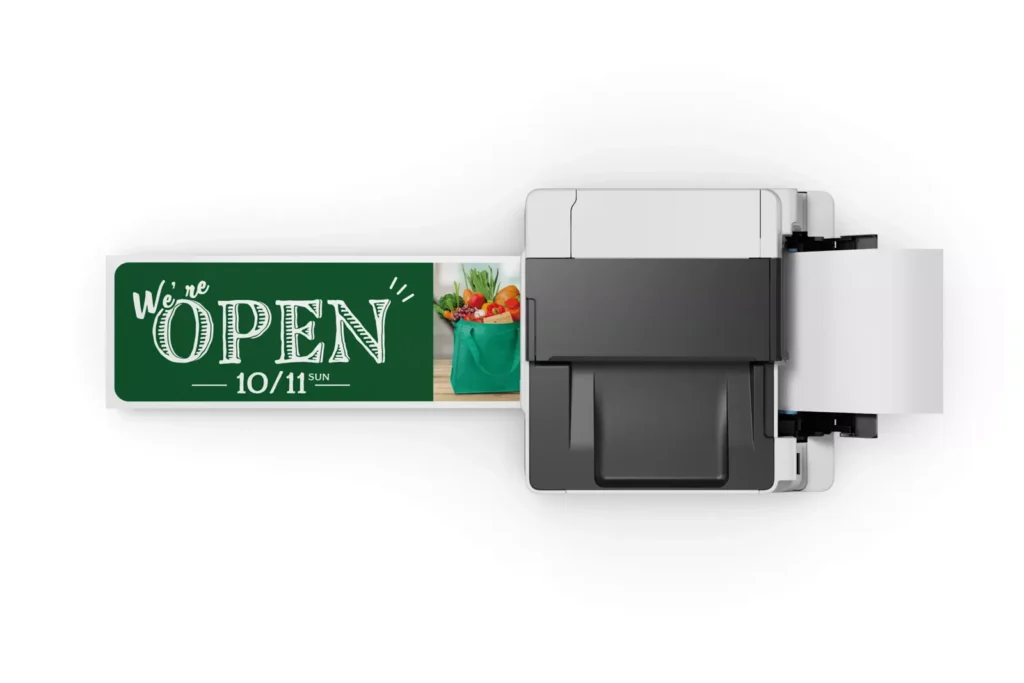
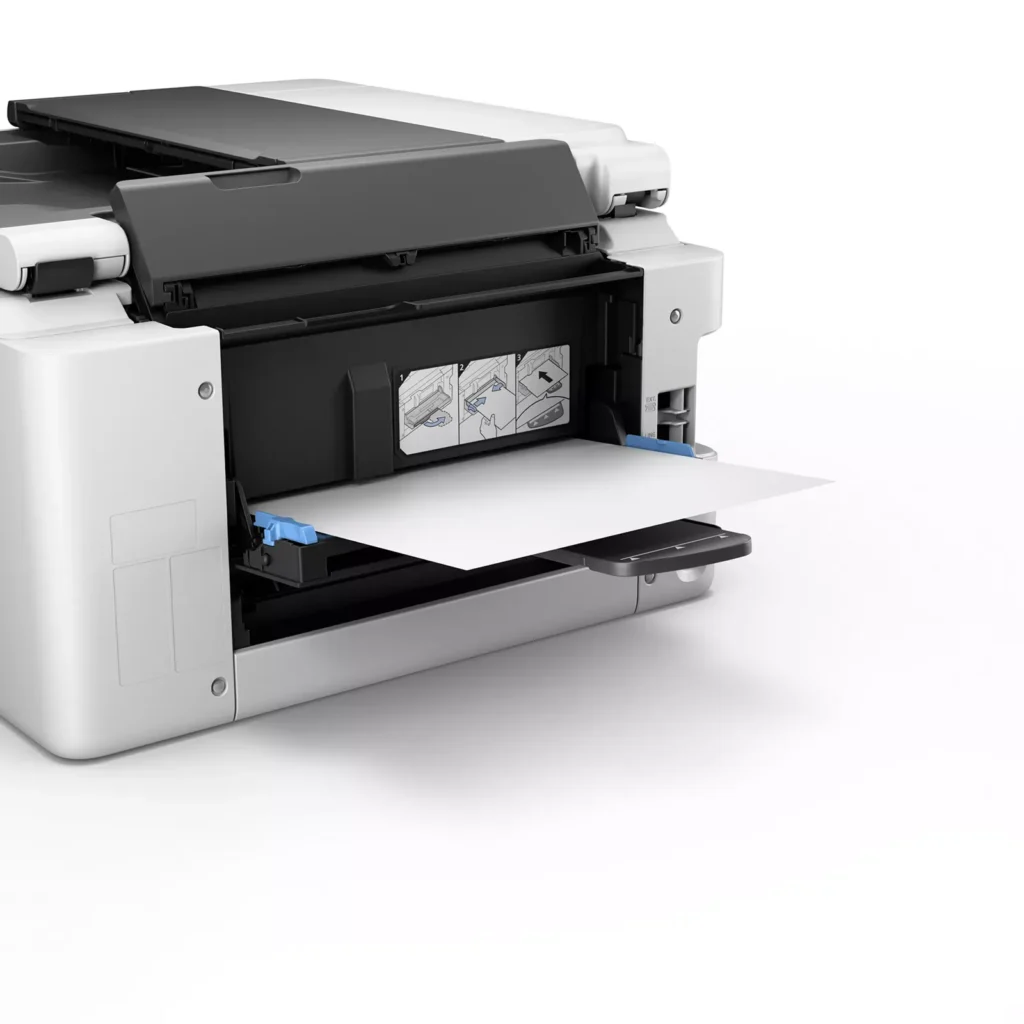
| Versatile 3-Way Paper Feeding | Equipped with a 250-sheet bottom cassette and a 100-sheet rear tray, this printer also features a unique rear flat tray designed for thicker media. This allows for seamless printing on a wide variety of materials, including envelopes, banners up to 47 inches, and heavy cardstock up to 0.7mm thick. |
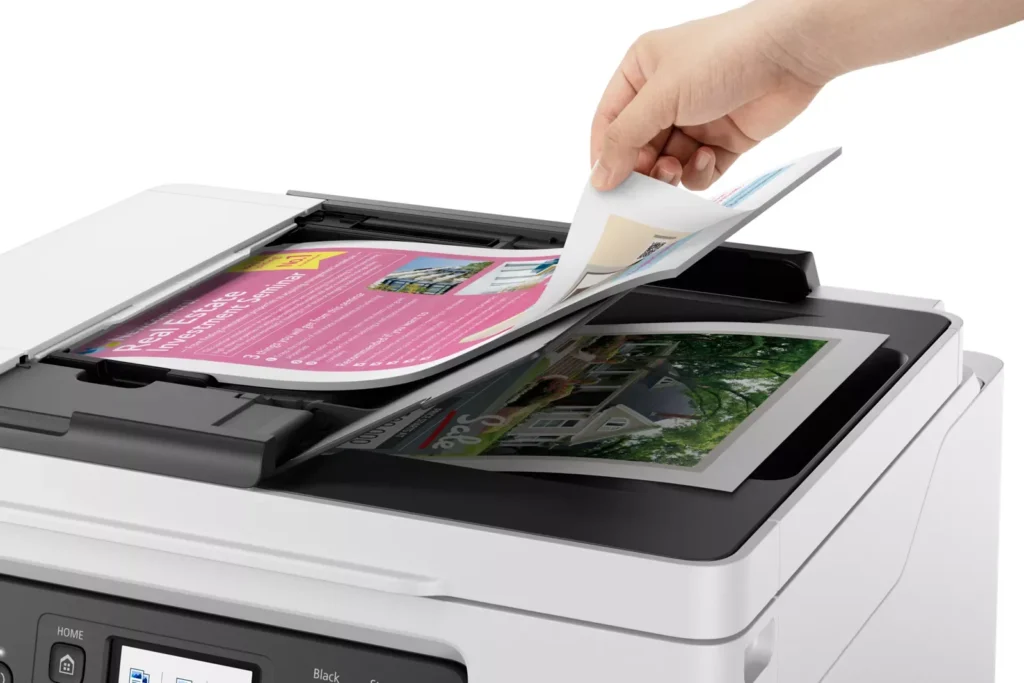
| Fast Business-Class Performance | Boost office productivity with print speeds of up to 18.0 ipm in black and 13.0 ipm in color. The integrated 35-sheet Automatic Document Feeder (ADF) streamlines multi-page scanning, copying, and faxing tasks, while the first print-out time is as fast as 8 seconds. |
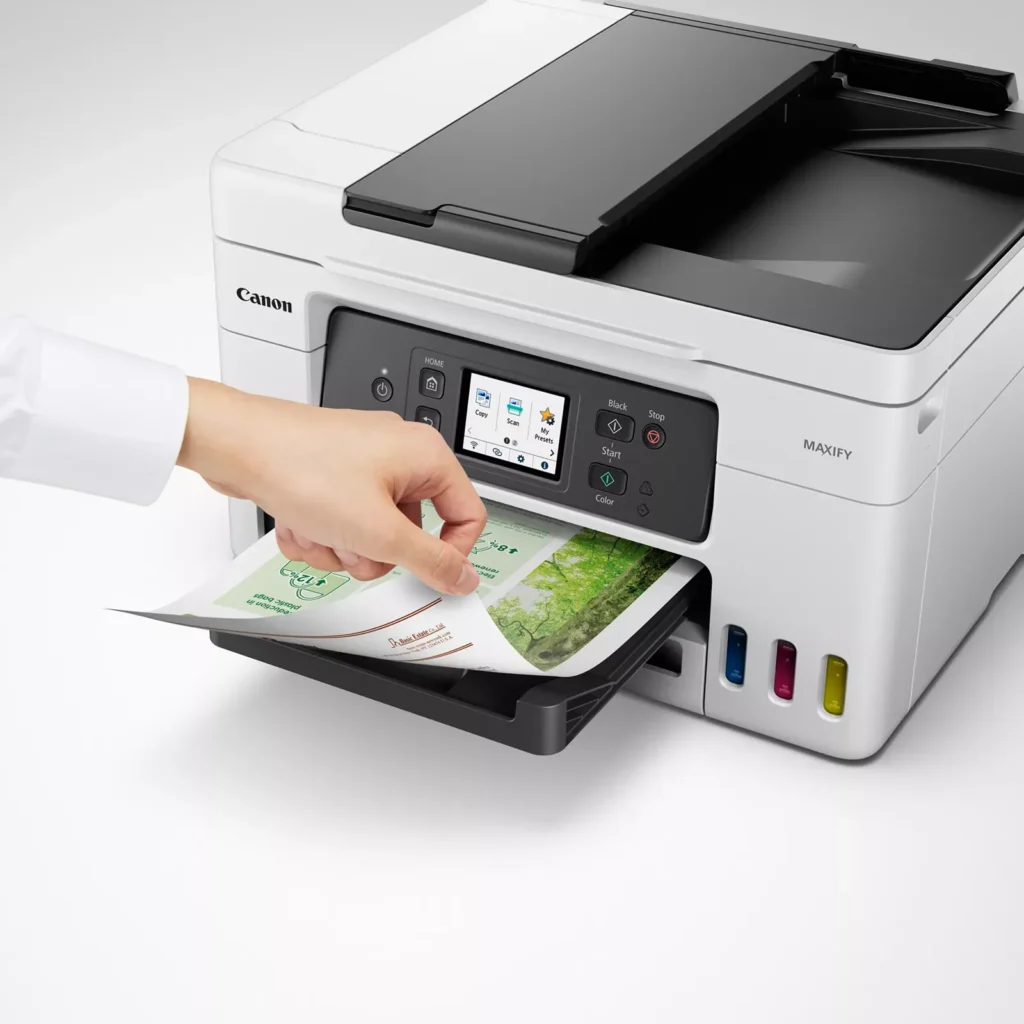
| Durable 4-Color Pigment Ink System | Utilizing a 100% pigment-based ink system, the GX4020 produces sharp, laser-like text and vibrant graphics that are highly resistant to smudging and highlighters. This ensures professional-quality documents that are durable enough for frequent handling in a busy office environment. |
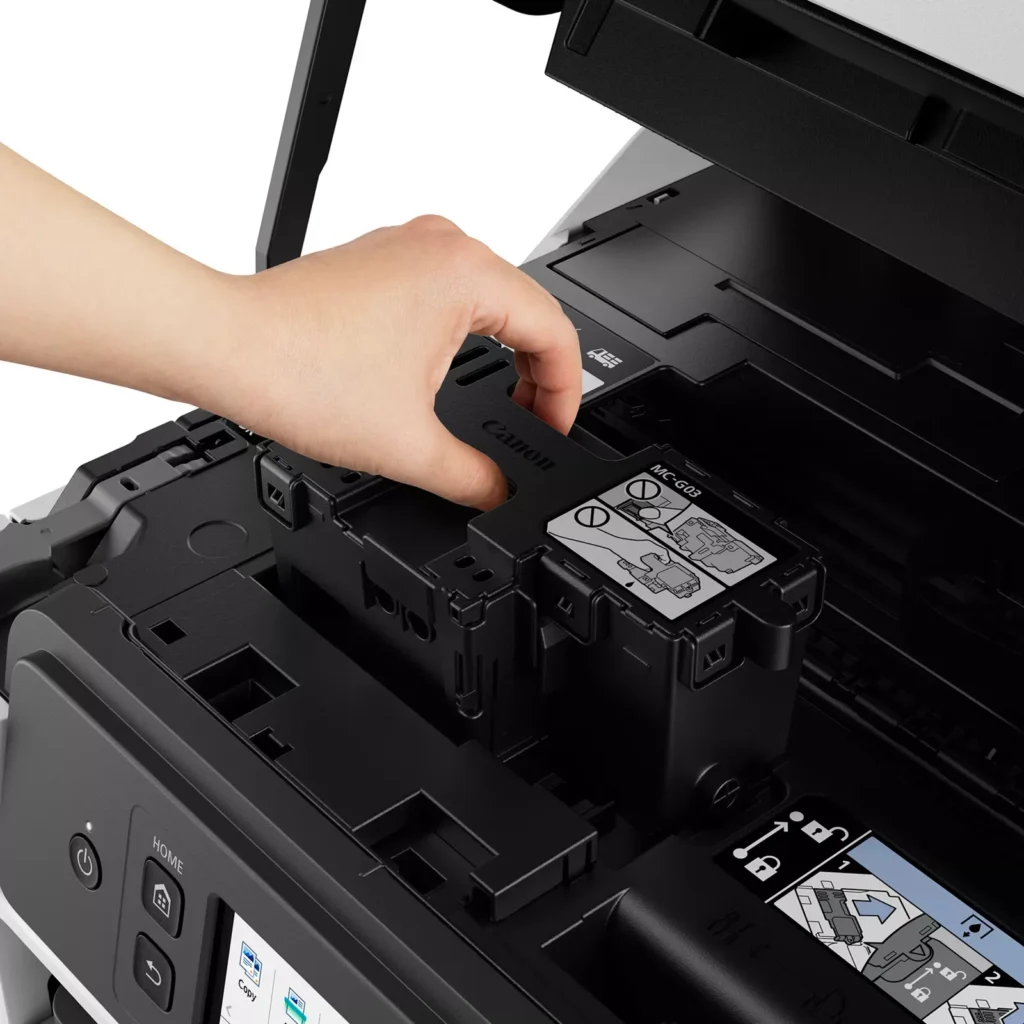
| User-Friendly Maintenance and Reliability | Designed for minimal downtime, the printer features a user-replaceable print head and maintenance cartridge that can be swapped without a service call. It is further backed by a 3-year or 80,000-page limited warranty, providing long-term peace of mind for small business owners. |
Pros & Cons
Pros
- Exceptional Ink Efficiency: The MegaTank system offers a massive ink capacity that lasts for thousands of pages, with a mess-free refill process that significantly reduces long-term operating costs compared to cartridge-based models.
- High-Quality Print and Scan Results: Reviewers consistently praise the printer for producing crisp, professional text and vibrant colors on various media, including glossy photos, stickers, and heavy cardstock.
- Versatile Media Handling: The device features multiple paper sources, including a high-capacity front cassette and a rear tray, allowing users to keep different paper types loaded simultaneously for diverse projects.
Cons
- Persistent Connectivity Issues: A significant number of users experienced frequent WiFi disconnections, difficulty with AirPrint, and a complex setup process that often required manual IP configuration to remain stable.
- Slow Operational Performance: The printer is noted for being slow to wake from sleep mode, having a sluggish touchscreen interface, and taking a long time to process and print documents, especially in high-quality mode.
- Limited Scanning Features: While the printer supports automatic duplex printing, the document feeder lacks automatic duplex scanning, requiring users to manually flip pages to scan both sides.
You might also like












Customer Reviews
Showing reviews 61-70 of 261
-
Great Product
Verified purchase Verified purchase: This reviewer bought the product.WilliamN June 13, 2025Review source: BestbuyUnlike epson products, THIS WORKS !!!!! I scanned 30+ pages with the Auto Document Feeder and no problems.
-
JAMS ON DUPLEX PRINTING!!!
Verified purchase Verified purchase: This reviewer bought the product.Abcder June 11, 2025Review source: AmazonWell, I guess I should have known better. If I’d known, I would NEVER have bought this frustrating printer. The problem is that it ALWAYS jams when I do duplex printing (printing on both sides of the paper). There has to be something inside this thing that is causing the paper to jam but I am not about to take it apart to see what the problem is. Nor am I willing to pay for service to get it fixed. The printer was expensive for my budget so I can’t just buy another one. I wish someone online could help me figure out what is going on!
-
saving ink
Verified purchase Verified purchase: This reviewer bought the product.Thomas H Gaffrey June 1, 2025Review source: Amazonthf best!
-
Good ink refill printer
Verified purchase Verified purchase: This reviewer bought the product.wding2000 May 23, 2025Review source: BestbuySo far has been working well. At a time, as some reviewers mentioned, the printer cannot be found, due to WiFi HW issue as alleged, and had to restart printer and computer. But the issue has not occurred for a while. Finger crossed. Otherwise, it has been good – print quality, ink refilling capability, no paper sticking (as my previous make and model). The out-of-pocket price is higher than others, but you will save over ink cartridge over time.
-
slow
Verified purchase Verified purchase: This reviewer bought the product.YuliyaK May 22, 2025Review source: Bestbuythe printer takes a long time to think, compared to the brothers that I had, this one is the slowest, it takes a long time to load the system, it takes a long time to connect!
-
It’s just okay…
Verified purchase Verified purchase: This reviewer bought the product.Lovey May 21, 2025Review source: BestbuyPurchased this printer after my HP finally gave out after over 10 years of service. I was drawn to the fill tank and the fact that it still had faxing capabilities, however this printer leaves much to be desired. It takes about 60 secs after sending a print request for it to actually start printing… my WiFi doesn’t always recognize it as an available device on the network, so sometimes I have to turn it off and then on again… the print quality is mediocre at best, and there’s a white power light that stays on at all times… all in all it’s just okay. Once it runs its course I think I’ll be going back to HP.
-
Great Printer easy to install
Verified purchase Verified purchase: This reviewer bought the product.Kim May 17, 2025Review source: AmazonThis printer is easy to install. works great with both my android phone and computer. You do have to register it in Canada. so go to Canon Canada. to make the WIFI easier to install install canon print app on your cell phone. then open it and hit add printer. once the printer is set up it will find the printer then just follow the directions. The actual size of this printer is 17 inches wide by 17 inches deep by 9 inches high. I have tried everything on it. and it works great. fax was easy to set up. Plug your phone in the bottom spot then the other line above it. I would highly recommend this printer. filling the ink is easy when the color is full it stops filling just remove the bottle put the cap on it and move to next color
-
Serial Number Unable To Be Registered In The US
Verified purchase Verified purchase: This reviewer bought the product.Amazon Customer May 17, 2025Review source: AmazonThe printer itself is great! The problem is that the seller shipped me one with a serial number that can only be registered in Canada. Now I can’t take advantage of the free warranty through Canon. By the time I had figured this out I had already cut up the box and put it in the recycling.
-
Efficient, and reliable!
Verified purchase Verified purchase: This reviewer bought the product.Amazon Customer May 13, 2025Review source: Amazon5-stars so far. Printers are almost always a headache at some point, for one reason or another. I’ve seen people downgrade this due to complicated setup, ponderous print speeds, etc. I didn’t have any unusual difficulty in setting up the printer, just the typical 15-20mins to get your bearings with a new product and then set it up. Print speed seems to be fractionally slower than advertised, but…so far that hasn’t bothered me due to reliability.
I am almost certainly putting much more workload on this than most, as I’m pushing a little over 5000 pages per month through it. Admittedly only 3-months into that, but haven’t had a single printer error so far. The ink has been very efficient for that level of printing.
I intend to add a second of these, to lighten the workload per printer. Will update my review if additional time changes my opinion.
-
In Store Availability
Verified purchase Verified purchase: This reviewer bought the product.dianeishome2 May 9, 2025Review source: BestbuyIt really does have the best pictures & documents!! I am a lover of making pictures & Very very Happy that I chose this Printer, & was able to buy it in person at Best Buy!!!! Can’t go wrong with what you are happiest with!! The whole process was very easy, & the young man that was working with me & what I wanted “by name of the product. He actually knew about the product and asked me if I really needed that much of a printer. And he explained why he asked me, He just wanted to make sure that I really needed everything involved (picture making, fax, copy, scan, all wirelessly, in this printer (if I didn’t need to, there were other styles that was cheaper, with the same Company & Product, just a less items on the other printers. I really appreciated that he DIDN’T try to Over-Sell me!!!! I told him that I had investigated them online and this was the only one that had everything that I wanted, He helped me to get it paid for. I was so happy with this purchase from an associate that knew how to listen, and, he helped me eagerly “without earning a commission!! He would’ve been worth the commission!!!! Good hunting (for whatever you actually want)!!