Customer Media
Highlights
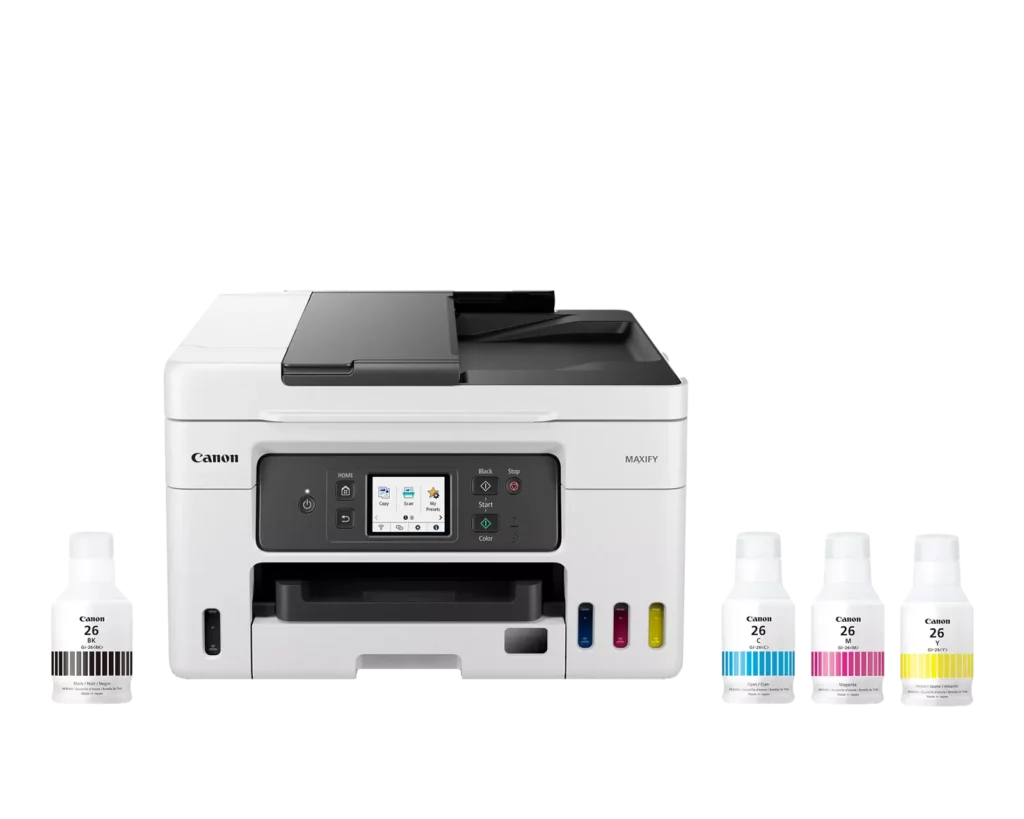
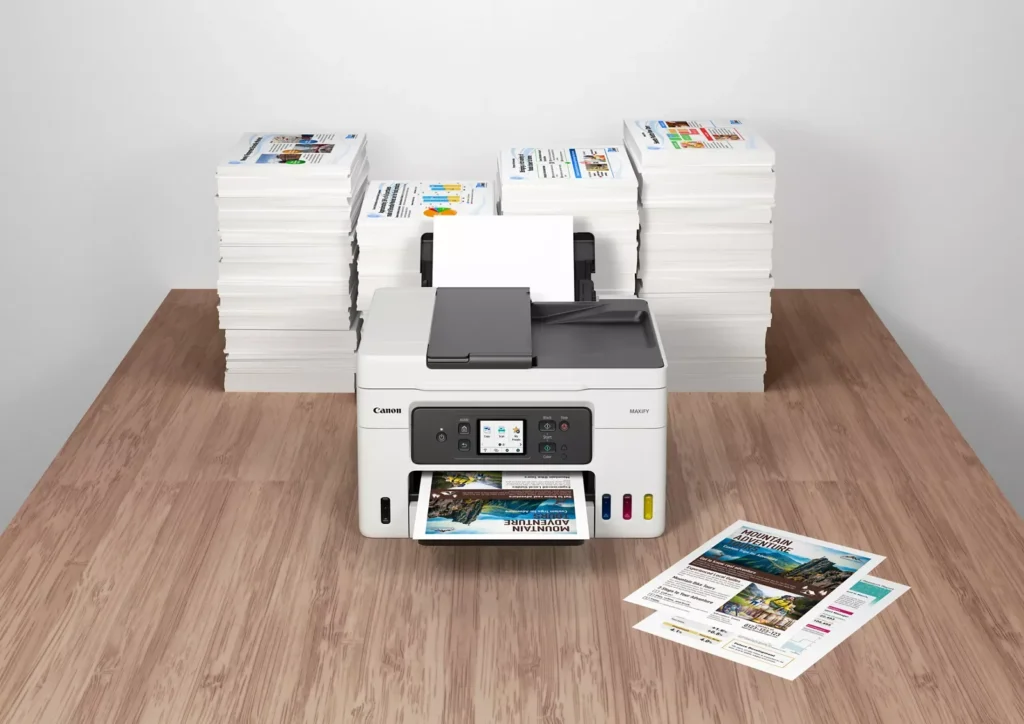
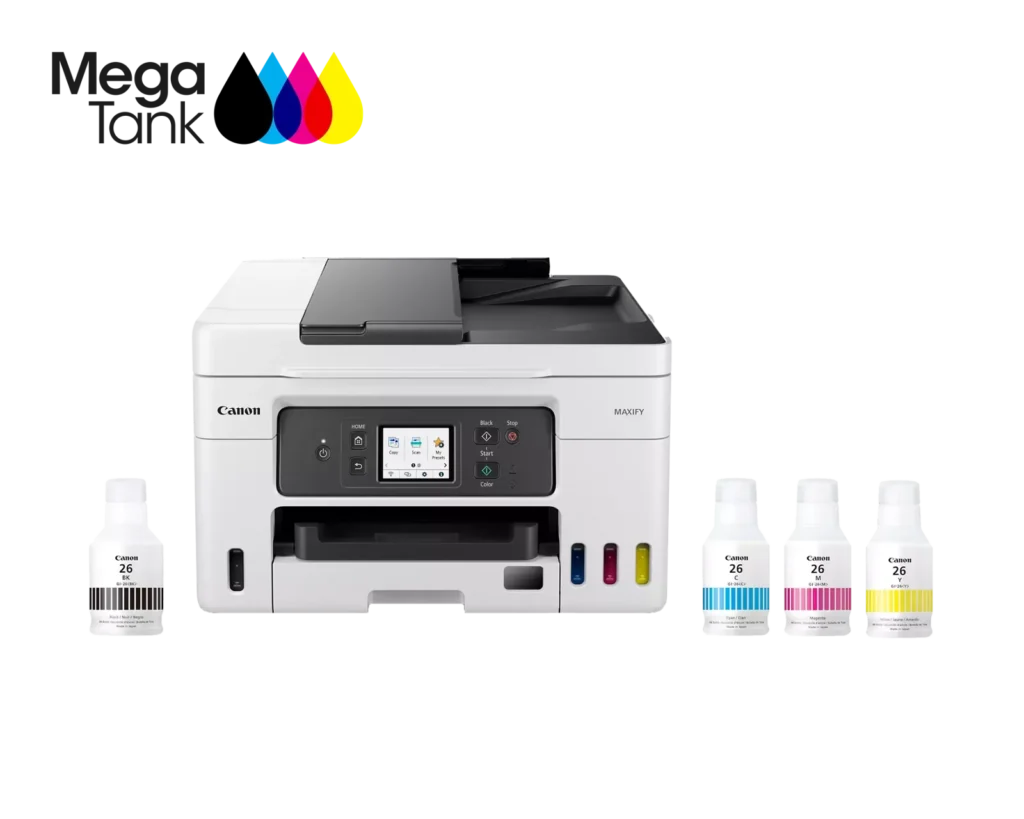
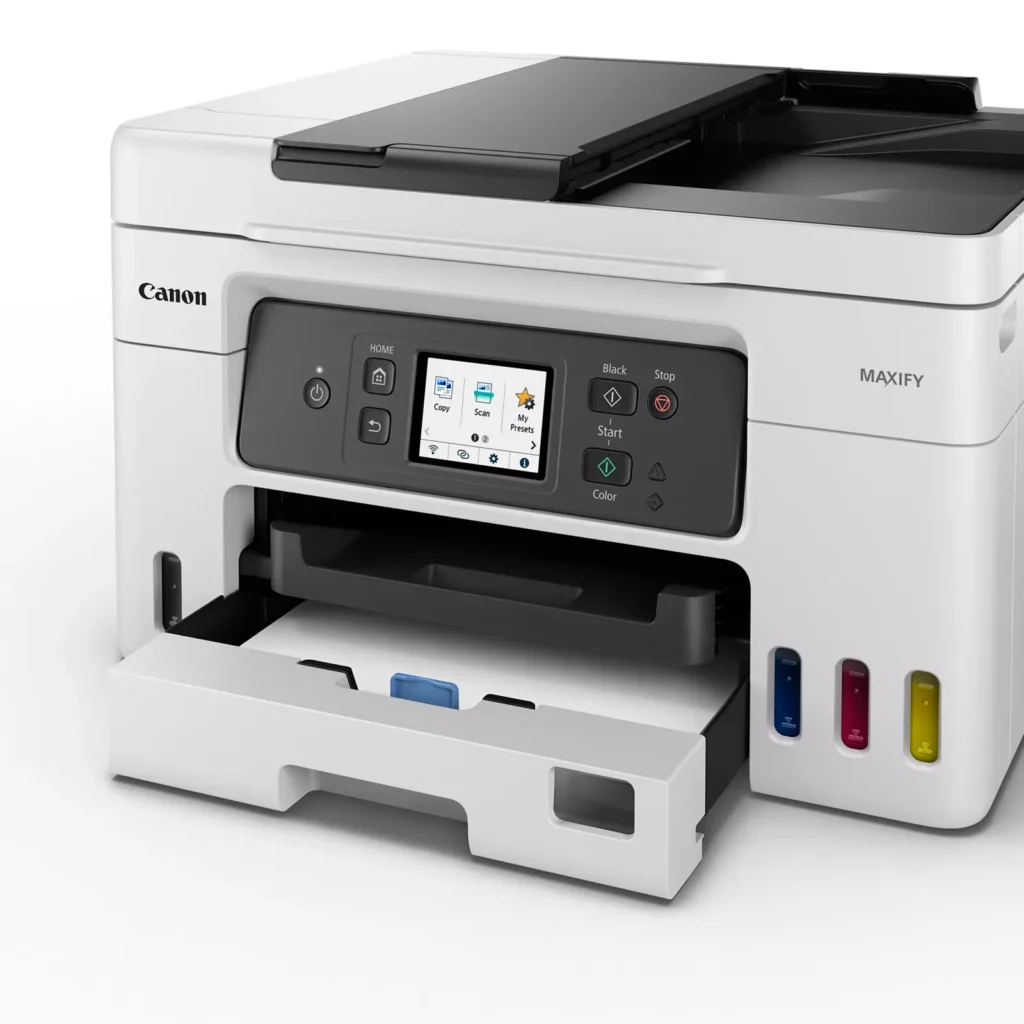
| High Page Yield and Low Running Costs | The MegaTank refillable ink system delivers an impressive yield of up to 6,000 black and 14,000 color pages with a single set of ink bottles. This high-capacity design results in a low cost per print of less than 2 cents per page, significantly reducing the total cost of ownership compared to traditional cartridge-based printers. |
|---|---|
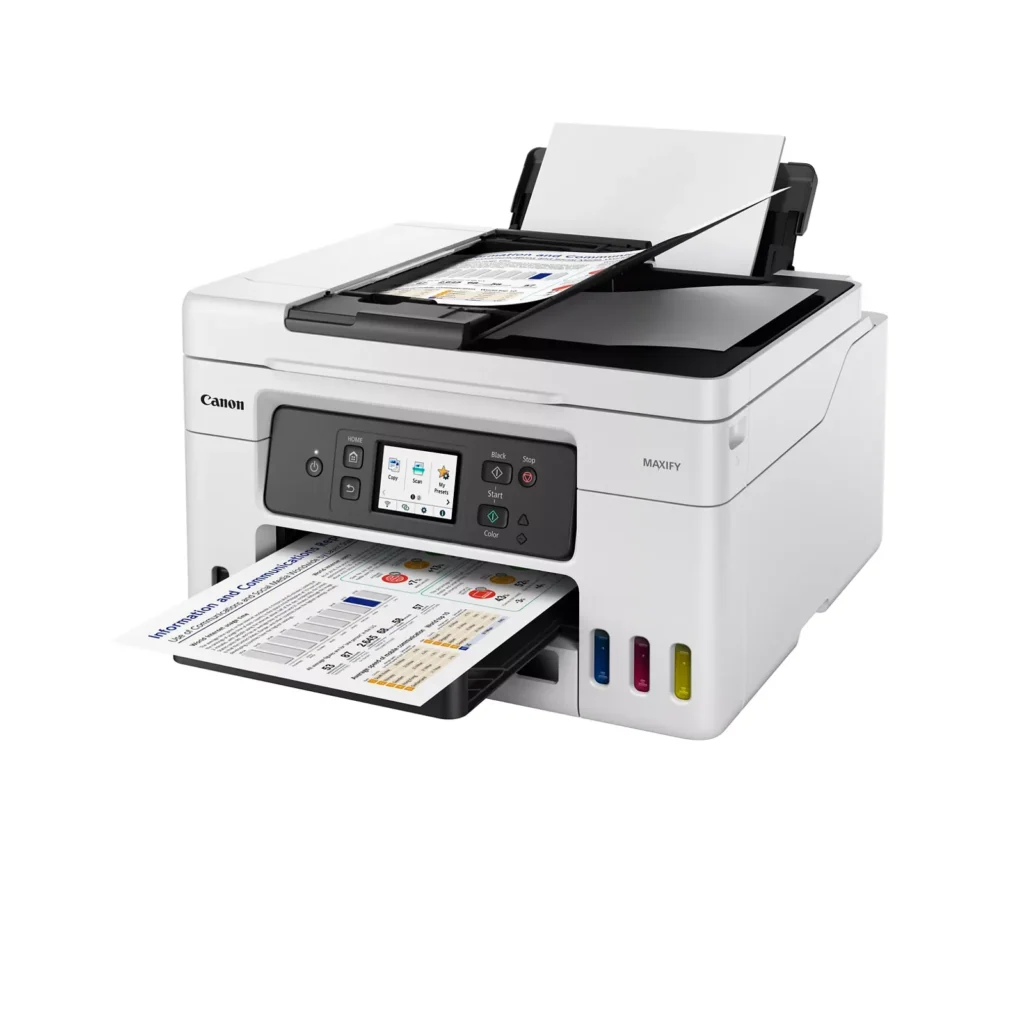
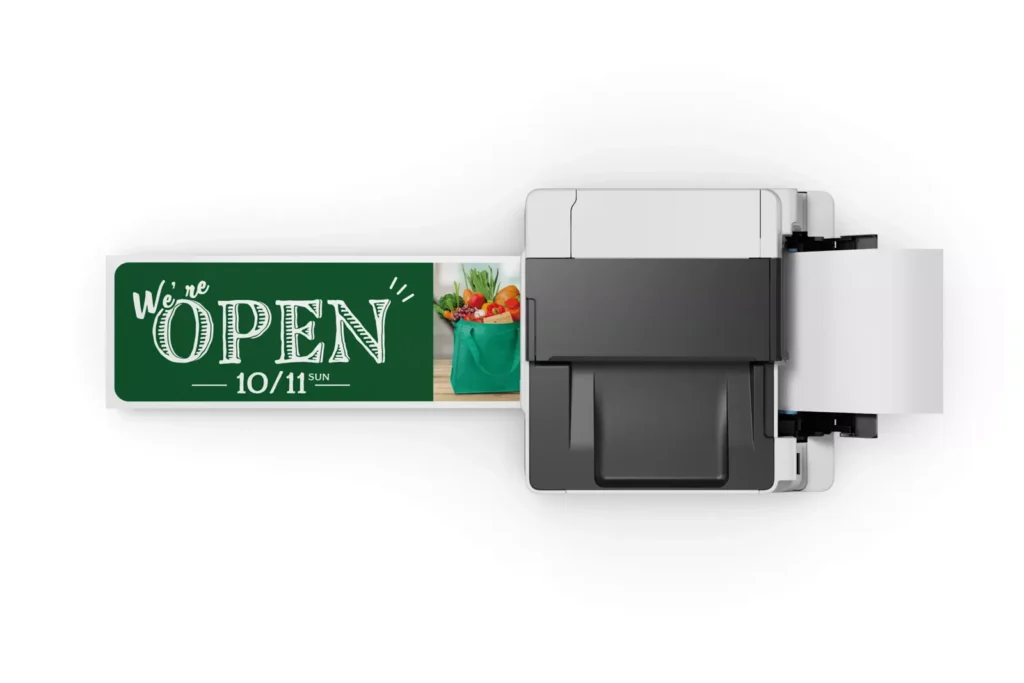
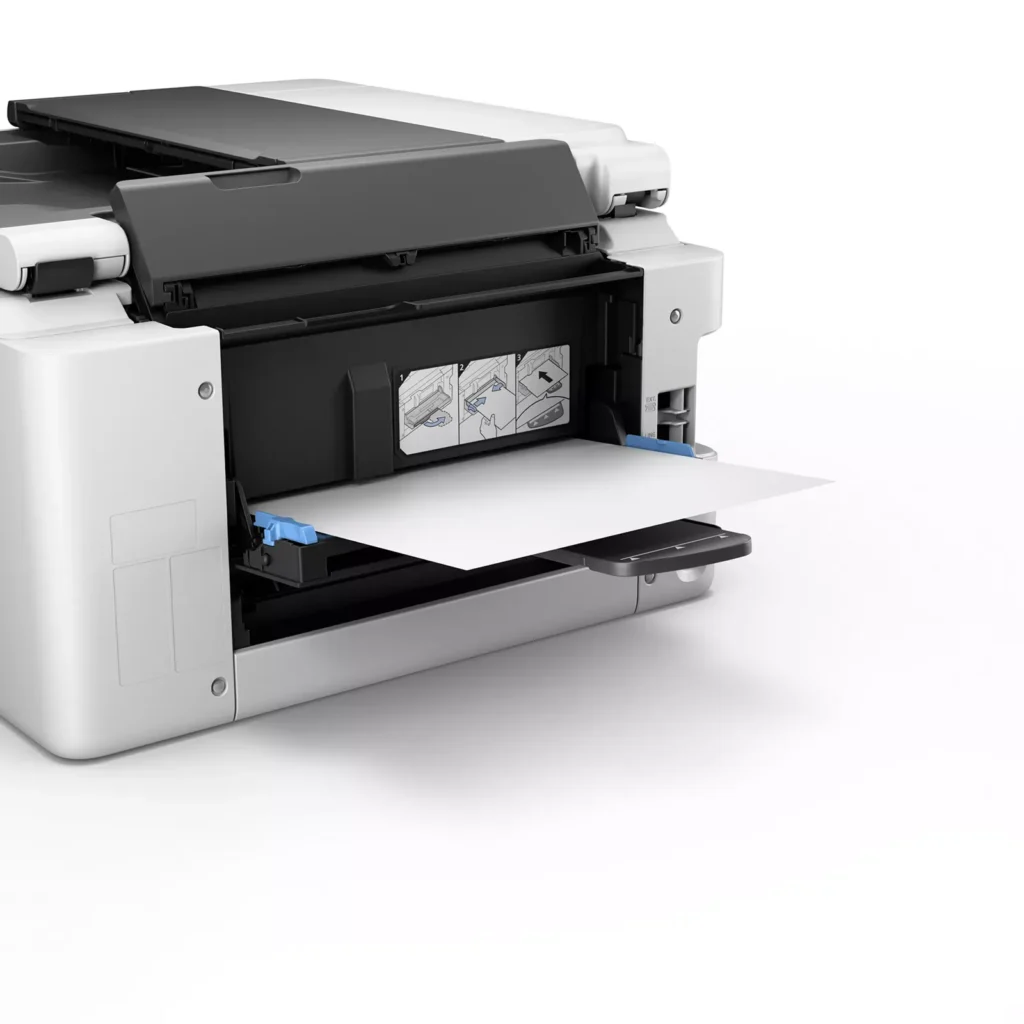
| Versatile 3-Way Paper Feeding | Equipped with a 250-sheet bottom cassette and a 100-sheet rear tray, this printer also features a unique rear flat tray designed for thicker media. This allows for seamless printing on a wide variety of materials, including envelopes, banners up to 47 inches, and heavy cardstock up to 0.7mm thick. |
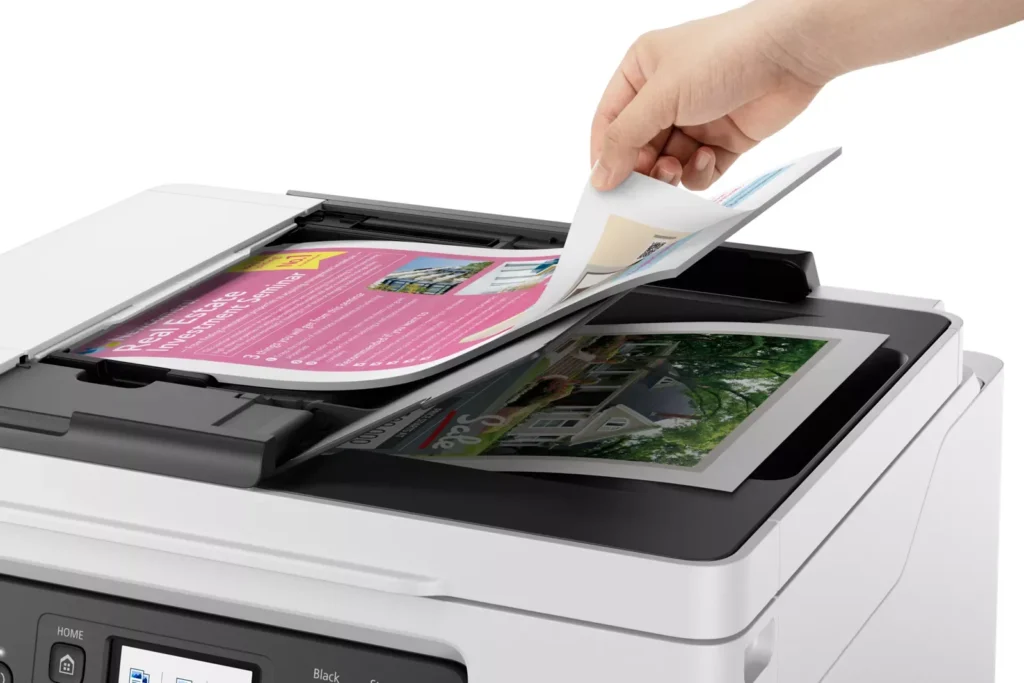
| Fast Business-Class Performance | Boost office productivity with print speeds of up to 18.0 ipm in black and 13.0 ipm in color. The integrated 35-sheet Automatic Document Feeder (ADF) streamlines multi-page scanning, copying, and faxing tasks, while the first print-out time is as fast as 8 seconds. |
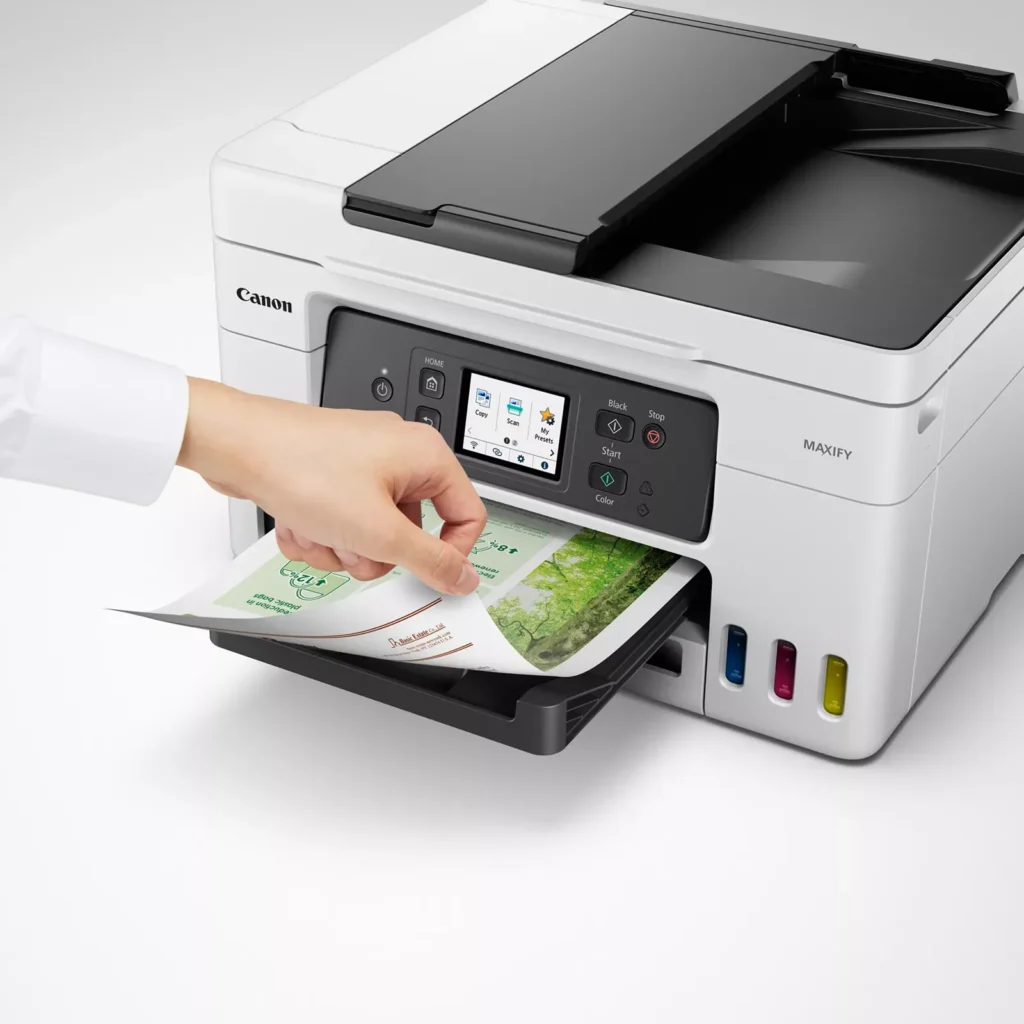
| Durable 4-Color Pigment Ink System | Utilizing a 100% pigment-based ink system, the GX4020 produces sharp, laser-like text and vibrant graphics that are highly resistant to smudging and highlighters. This ensures professional-quality documents that are durable enough for frequent handling in a busy office environment. |
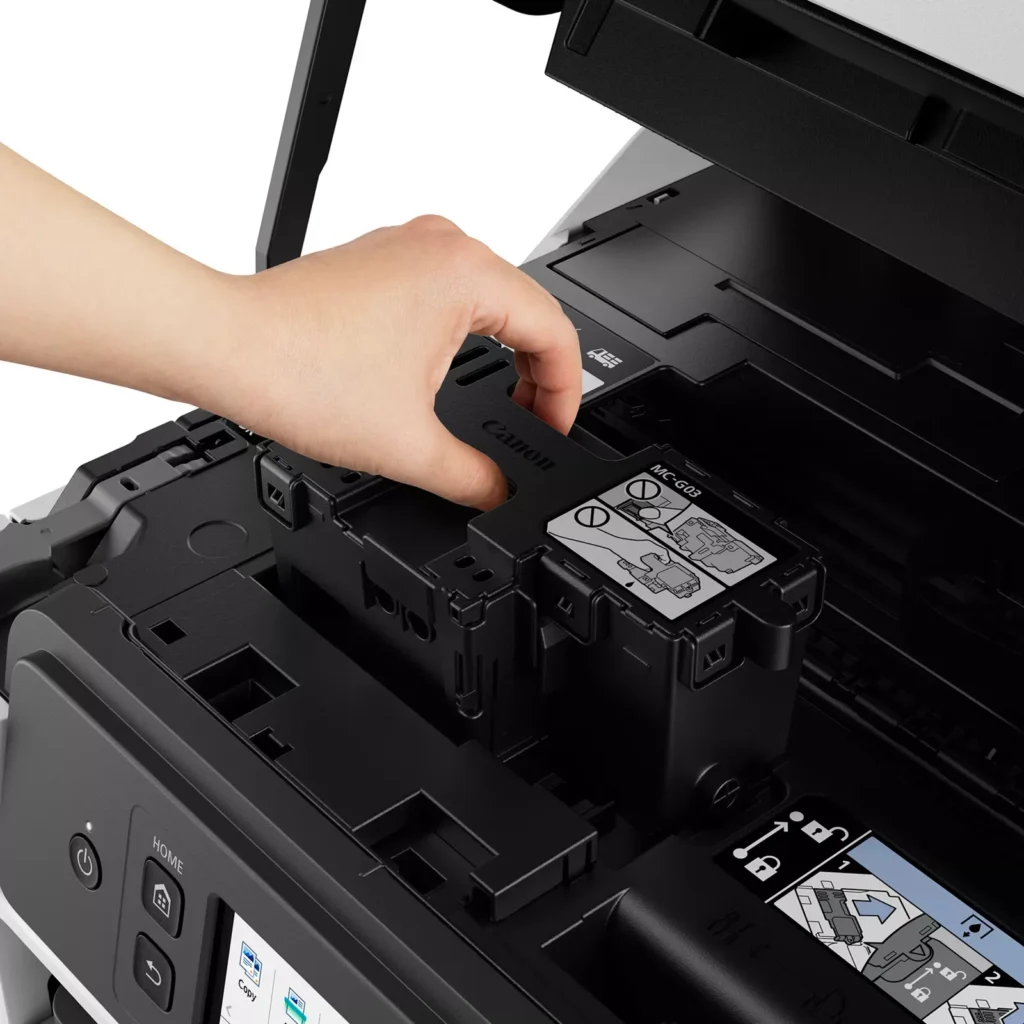
| User-Friendly Maintenance and Reliability | Designed for minimal downtime, the printer features a user-replaceable print head and maintenance cartridge that can be swapped without a service call. It is further backed by a 3-year or 80,000-page limited warranty, providing long-term peace of mind for small business owners. |
Pros & Cons
Pros
- Exceptional Ink Efficiency: The MegaTank system offers a massive ink capacity that lasts for thousands of pages, with a mess-free refill process that significantly reduces long-term operating costs compared to cartridge-based models.
- High-Quality Print and Scan Results: Reviewers consistently praise the printer for producing crisp, professional text and vibrant colors on various media, including glossy photos, stickers, and heavy cardstock.
- Versatile Media Handling: The device features multiple paper sources, including a high-capacity front cassette and a rear tray, allowing users to keep different paper types loaded simultaneously for diverse projects.
Cons
- Persistent Connectivity Issues: A significant number of users experienced frequent WiFi disconnections, difficulty with AirPrint, and a complex setup process that often required manual IP configuration to remain stable.
- Slow Operational Performance: The printer is noted for being slow to wake from sleep mode, having a sluggish touchscreen interface, and taking a long time to process and print documents, especially in high-quality mode.
- Limited Scanning Features: While the printer supports automatic duplex printing, the document feeder lacks automatic duplex scanning, requiring users to manually flip pages to scan both sides.
You might also like












Customer Reviews
Showing reviews 71-80 of 261
-
Defective out of the box.
Verified purchase Verified purchase: This reviewer bought the product.Joanie May 4, 2025Review source: AmazonPrinter only turned on once for initial start-up. It immediately showed yellow light and paper jam. I checked the whole device, got it to spit out a single blank sheet of paper and then it said paper jam again. I shut it off and unplugged it for an hour. Plugged it back in and the yellow alert light is still on and the printer will not actually power on.
-
Lasted 3 months / unable to receive support from Canon
Verified purchase Verified purchase: This reviewer bought the product.Technorocker May 4, 2025Review source: AmazonI purchased this printer in February and it’s already not working correctly. Some paper jammed and I cleared it out but everytime the printer goes to grab another sheet of paper, it starts making loud noises like it’s laboring to grab a sheet of paper. I removed the tray, the back panel, opened the lid, etc. All paper is cleared from the printer. I went to get Canon support to help since there is a 1 year warrently on it but their website won’t recognize the MAXIFY models. There is no way to get ahold of them to get assistance unless you register your product which you can’t. Very disappointed.
-
NIGHTMARE
Verified purchase Verified purchase: This reviewer bought the product.Vegabon May 3, 2025Review source: AmazonNIGHTMARE. Original Maxify GX 4020 replaced within a month because it failed to print color properly. Same problem with the replacement. Nozzle check, clean, deep clean numerous times without success. Purchased a required waste container for the volume of discarded ink twice require to perform these tasks. Still within the 3 year warranty and yet, aside from the quite useless and irritation AI and self help, support services are not available on weekends, it appears.
Decades long time user of Canon printers. More than disappointed with the product and the service.
-
Awesome, wish I found this sooner.
Verified purchase Verified purchase: This reviewer bought the product.E. C. April 30, 2025Review source: AmazonThis printer is a jem. I’m not sure what people are complaining about.
Setup was a breeze on a home network, but we did use the Ethernet cable, and not WiFi.
colors were great (better than our previous printer)
Scanning is easy (easier/better interface than my previous scanner)
Printing is fast (or at least faster than my previous scanner)
We’ll see if ink usage is better, but probably the same.So for years we had an Epson Workforce ET-3760. We ended up printing almost 38,000 pages. Yep, that’s right. But it struggled a little on head cleaning and the prints weren’t that good. But it just kept printing. and we raelly liked it even though the colors weren’t great (kind of washed out; blacks not very dark). The scanning utility really sucks…and it’s the same one they use for workforce standalone scanners. It’s boring and not the most user friendly. Why can’t I name the file anything I want when I scan it without having to dig into the menu every time? C’mon Epson. And there was no direct sheet feeder for card stock, but it seemed to handle it ok.
Finally, it just wouldn’t print any more. The print head would move, but no ink would come out. We did head cleaning and then deep cleaning multiple times, but finally we had to give it up.
Reviews for tank-based printers are really bad all around. And very few had jacks for hard wire Ethernet. I just don’t like using wifi and have really no use for Bluetooth.
We gave the Canon a try and so far it surpasses everything about the Epson. If you have a modicum of computer skills, then setup and usage will be easy. It’s all pretty well automated.
-
Typical Canon Quality!
Verified purchase Verified purchase: This reviewer bought the product.CorkyMuldoon April 28, 2025Review source: AmazonI’ve used Canon printers for many years now and after Epson inkjet printer builds became flimsy.
Nice AIO. Setup was easy. I like that you can tell remaining ink levels at a glance. Printer output is terrific (both photos and documents).
I expect this AIO will serve me well and for a long time.
Highly recommended!
-
Awesome
Verified purchase Verified purchase: This reviewer bought the product.Kevin Plummer April 24, 2025Review source: AmazonBest printer i have had in 20 years!
-
Many set up problems with slow printing!
Verified purchase Verified purchase: This reviewer bought the product.Dennis M April 20, 2025Review source: AmazonWhoa! Read this before you lay out your hard earned cash!
First let me tell you that I’m a tech writer and have evaluated MANY PRODUCTS! I purchased this printer believing that it would be a cinch to hook up and get running; wrong!
First off, no matter what I did my WiFi signal could not be incorporated into the printer. 30 minutes later I threw my arms up in disgust and did the unbelievable, I called Canon. Talked to a very nice guy named Matt. He explained that the easy setup is not so easy and that many customers can’t link their WiFi. He instructed me how to do it manually which was quite a laborious process. After 15 minutes we finally connected the printer to WiFi!
We discussed various settings available to you on the printer that you should be aware of:
The printer will automatically turn off after 4 HOURS. Who wants a printer staying on for 4 hours after you finish your job. This setting is adjustable anywhere from 1-4 hours and I selected one hour.There is what I would call a “trap” in this printer. Let’s take the scenario of you printing from your cell phone. If you press PRINT it will not work. There is a setting that has to be activated to allow the printer to “wake up” when detecting a print job. In my opinion this should be the default setting, however it’s not so be sure to change it.
Be aware there is no informational step by step manual. Only a red and white piece of cardboard with VERY BASIC INSTRUCTIONS!
So after Matt and I spent a lot of phone time setting up the printer and I was ready to try it. Was going to be easy right? No way! As as experiment I fed a four page B&W document into the printer via WiFi. Okay I give up! Why did it take 14 minutes to print four pages? The screen kept changing from ERROR to SUBMITTING DOCUMENT! What does that mean? 14 minutes to print those pages, totally unacceptable!!
Following this debacle I checked my WiFi speed to determine if it was possibly a slow or poor signal. Speed test showed 765 mbs quite an acceptable speed out of one gig.
So it was not my WiFi signal. Looked up various sources to determine if anyone else experienced VERY SLOW PRINTING! Nothing there. Well today is Sunday so I plan to call Canon and have them tell me why a brand new printer takes so long to print four lousy pages.I’ll leave it there for now. I’ll add to this review once I talk to Canon to determine if this printer is a lemon or there really is a problem somewhere. STAY TUNED!!
-
Excellent
Verified purchase Verified purchase: This reviewer bought the product.nancy barone April 13, 2025Review source: AmazonWorks great would have liked a book if instructions
-
Ease of use & setup
Verified purchase Verified purchase: This reviewer bought the product.goezy007 April 11, 2025Review source: AmazonVery easy to setup. Works well with our phones or computers. Colors are good. Printing in b&w is fairly quick. Warm up time is minimal. The ink bottles hold quite a bit of ink. Does take up a bit of space however. Printing envelopes takes a bit to learn how but then easy. This is a much better printer than our prior HP printer.
Only 4 stars because of the lack of clear instructions on printing envelopes. -
WILL NOT TURN ON
Verified purchase Verified purchase: This reviewer bought the product.Pete Palmer April 5, 2025Review source: AmazonRight out of the box and it will not turn on. I get icon of ‘triangle with lighting bolt within’ and nothing more. Can Amazon sell a product that isn’t bad? This is the third printer I have bought over the years that has been faulty out of the box. But at least those would turn on.