Customer Media
Highlights
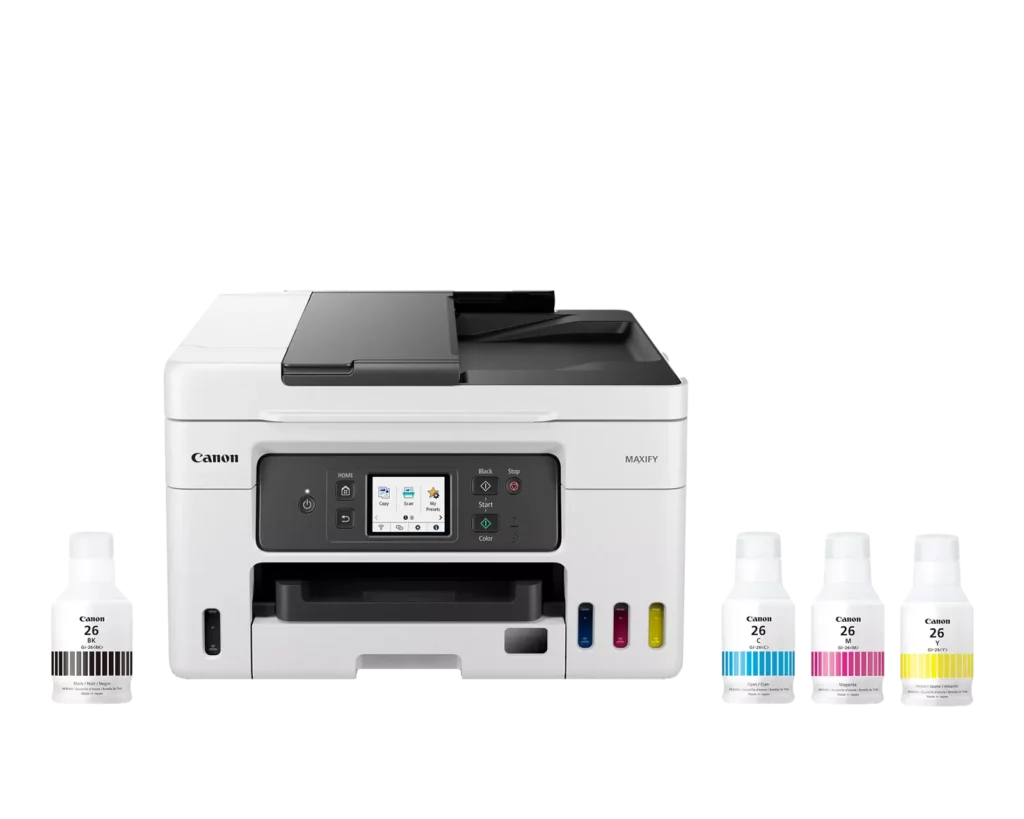
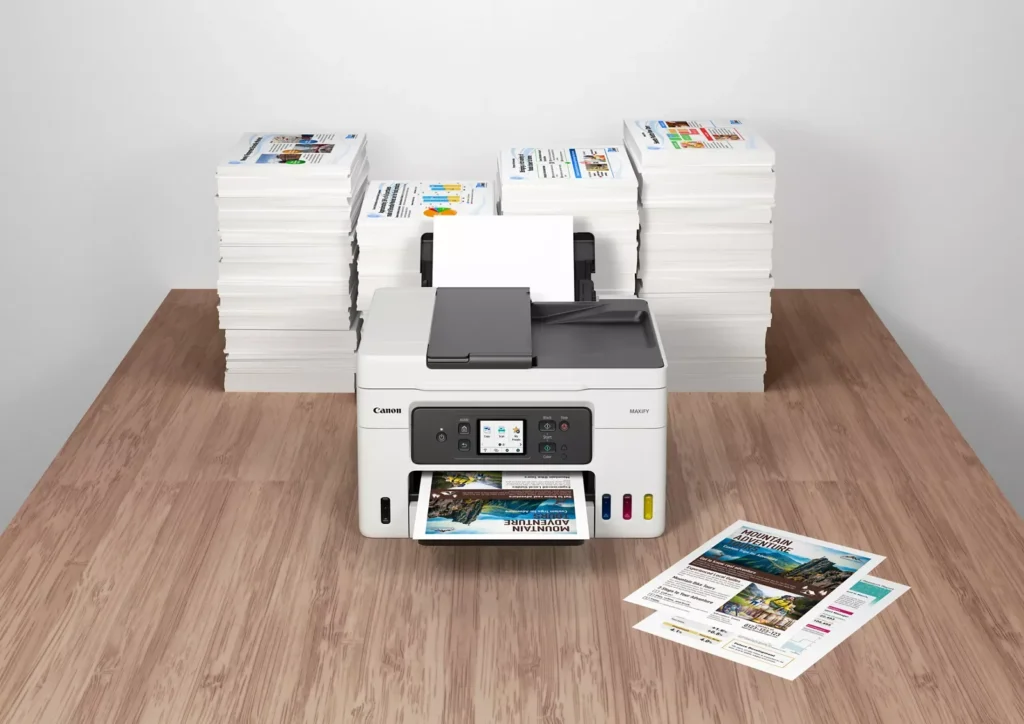
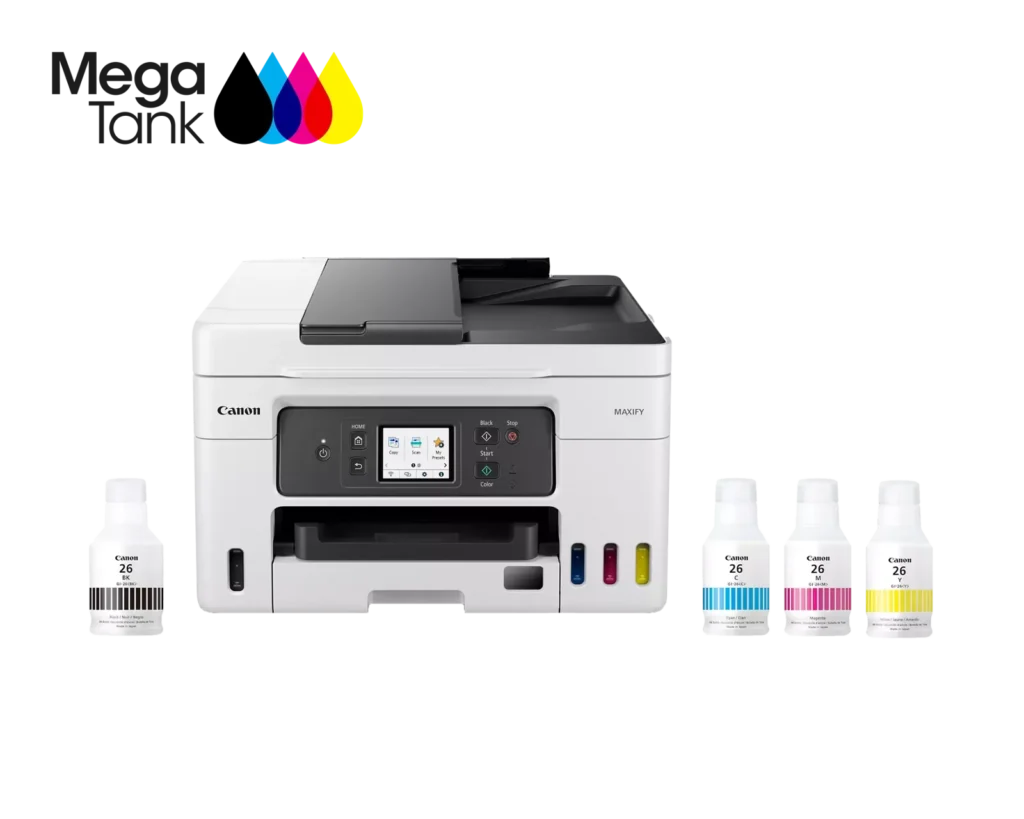
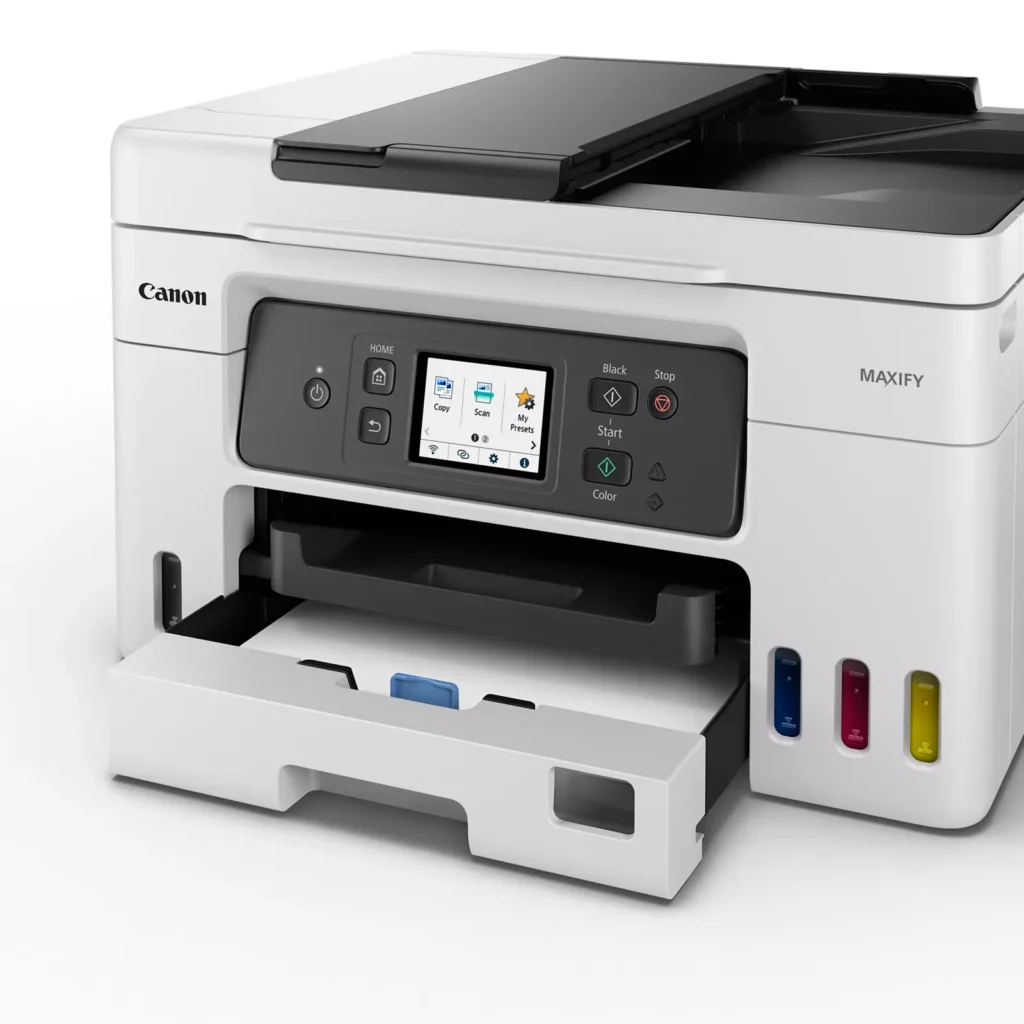
| High Page Yield and Low Running Costs | The MegaTank refillable ink system delivers an impressive yield of up to 6,000 black and 14,000 color pages with a single set of ink bottles. This high-capacity design results in a low cost per print of less than 2 cents per page, significantly reducing the total cost of ownership compared to traditional cartridge-based printers. |
|---|---|
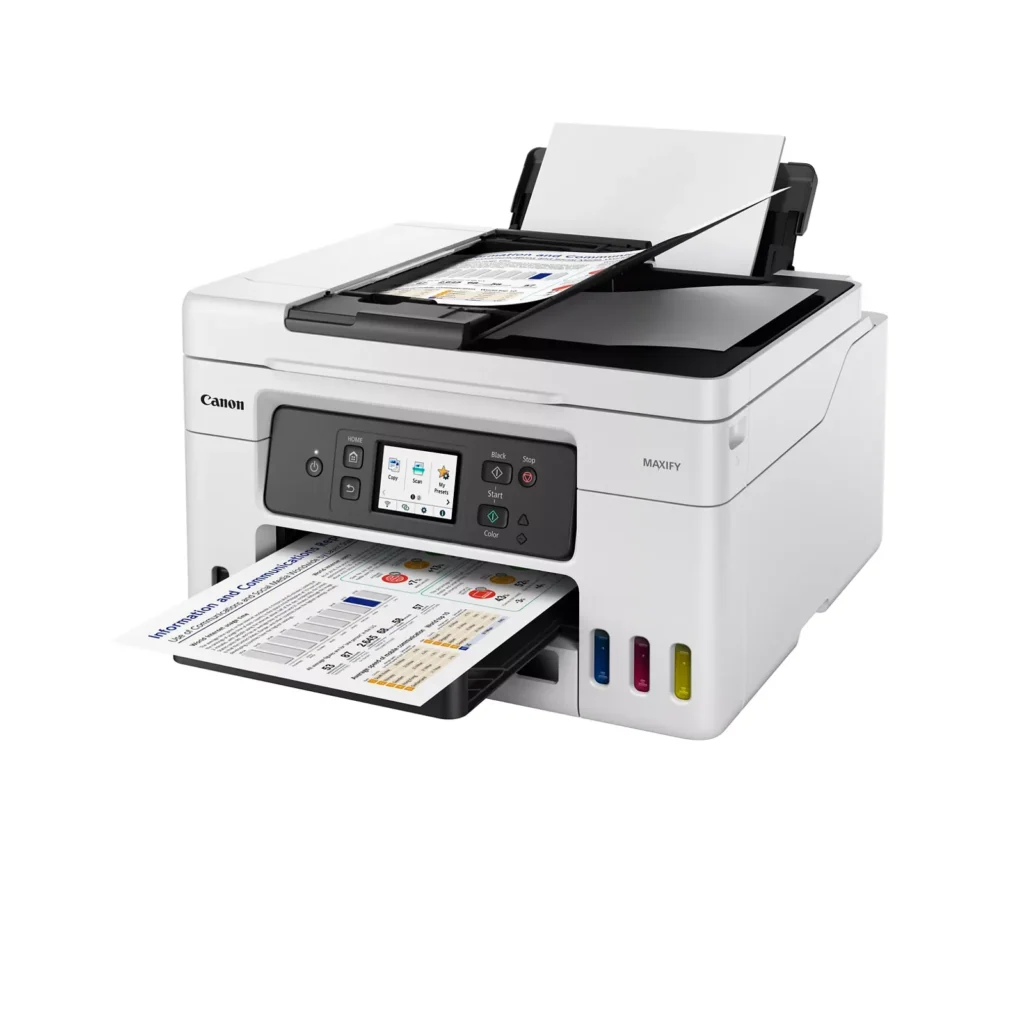
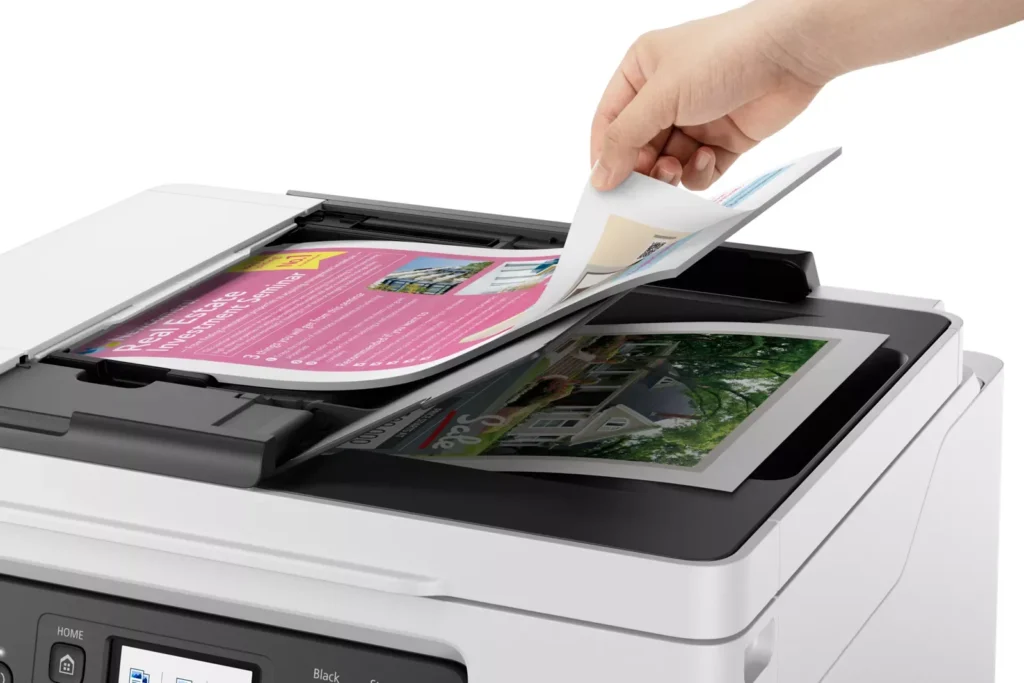
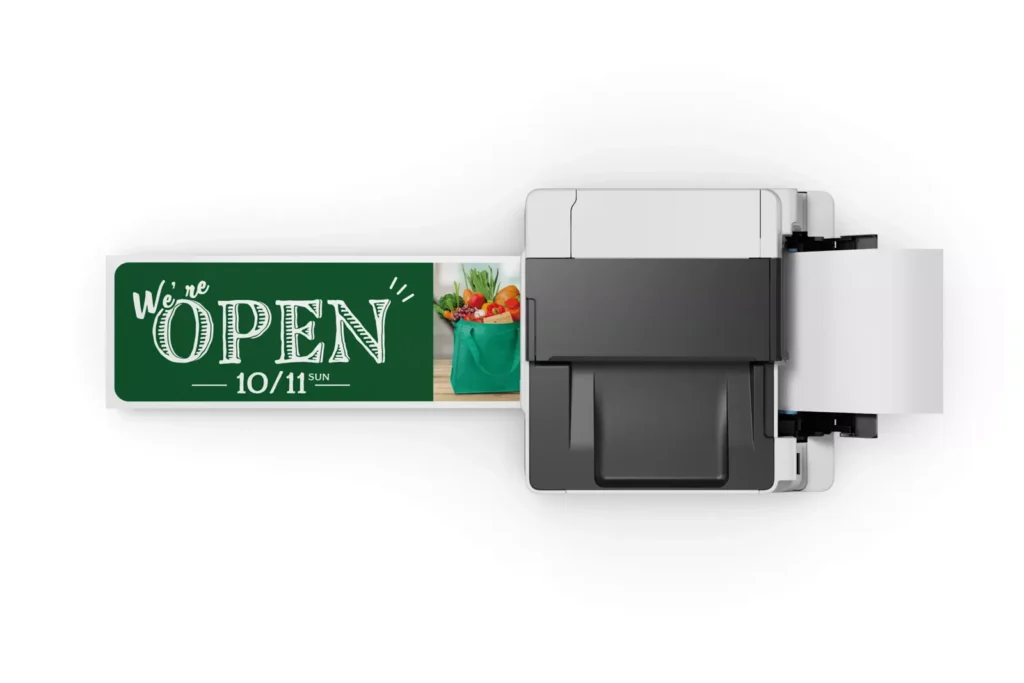
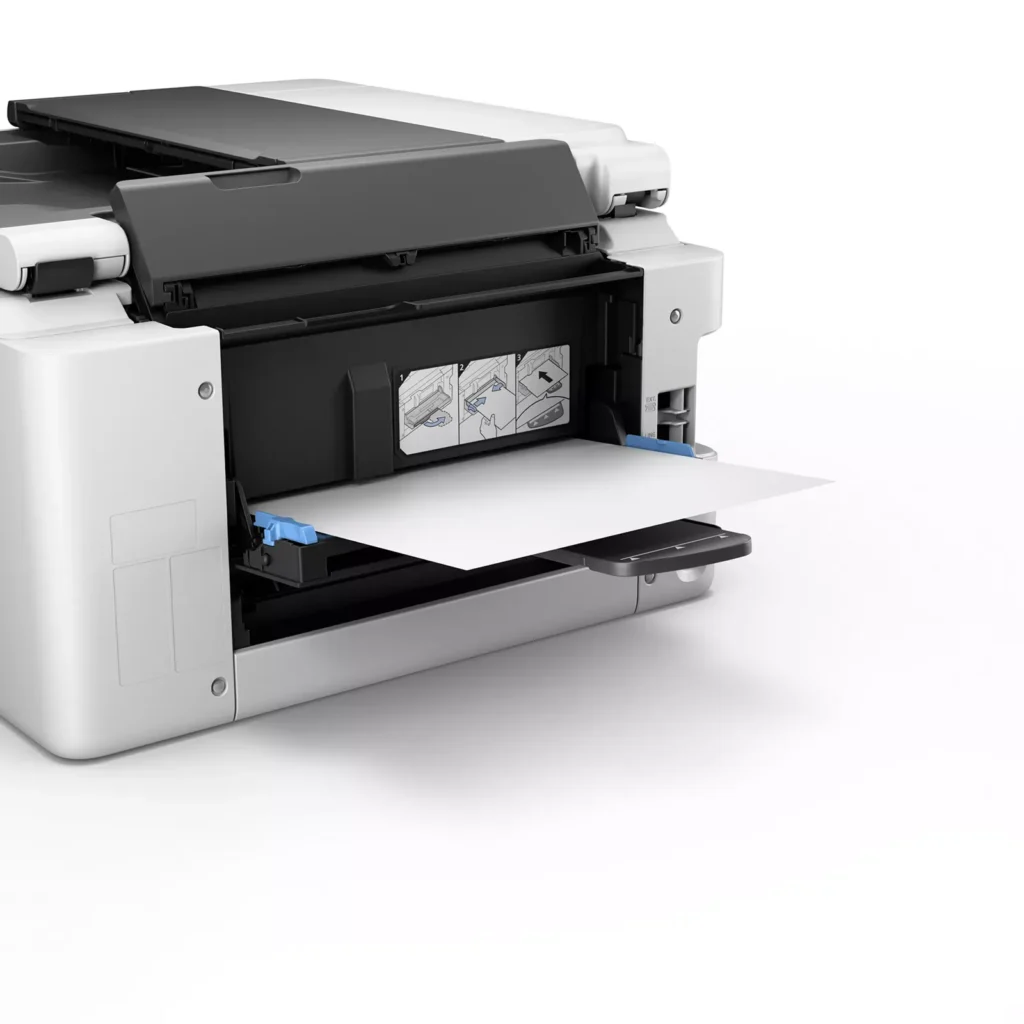
| Versatile 3-Way Paper Feeding | Equipped with a 250-sheet bottom cassette and a 100-sheet rear tray, this printer also features a unique rear flat tray designed for thicker media. This allows for seamless printing on a wide variety of materials, including envelopes, banners up to 47 inches, and heavy cardstock up to 0.7mm thick. |
| Fast Business-Class Performance | Boost office productivity with print speeds of up to 18.0 ipm in black and 13.0 ipm in color. The integrated 35-sheet Automatic Document Feeder (ADF) streamlines multi-page scanning, copying, and faxing tasks, while the first print-out time is as fast as 8 seconds. |
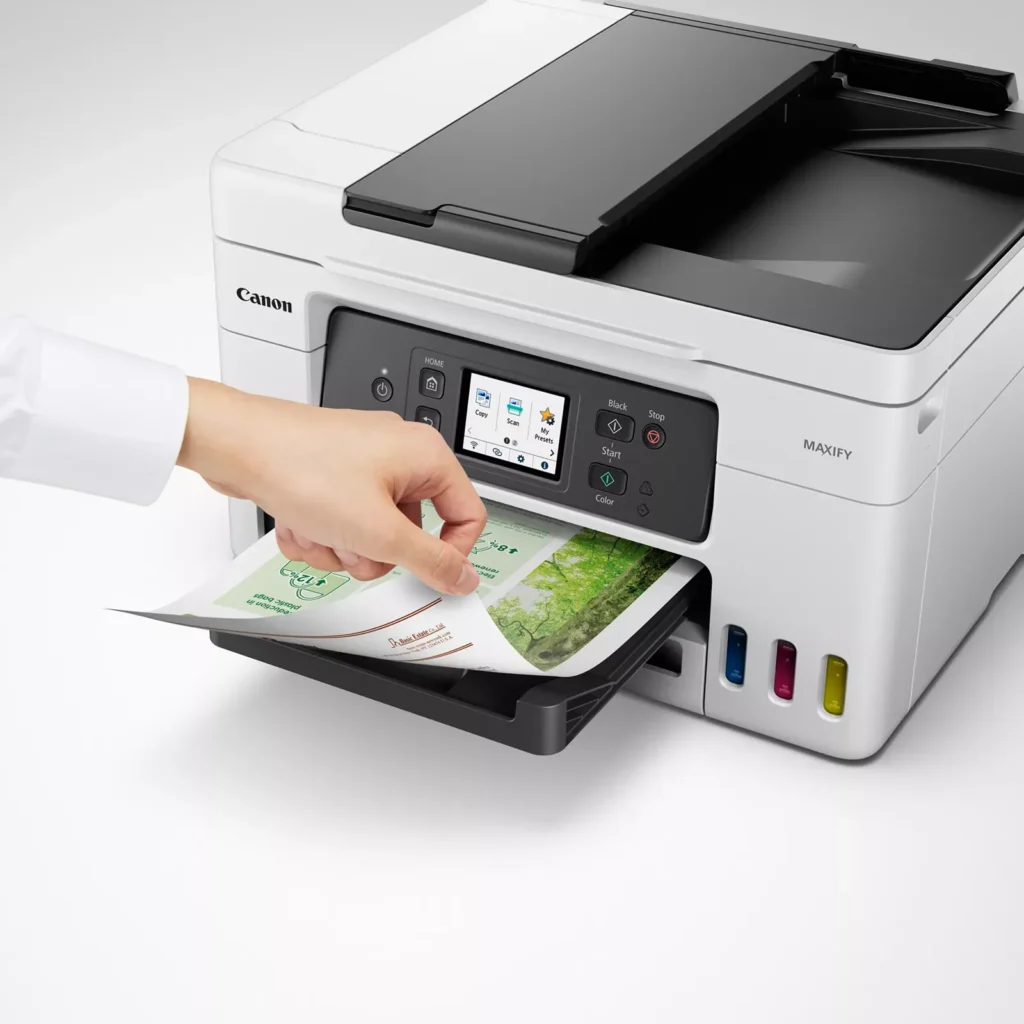
| Durable 4-Color Pigment Ink System | Utilizing a 100% pigment-based ink system, the GX4020 produces sharp, laser-like text and vibrant graphics that are highly resistant to smudging and highlighters. This ensures professional-quality documents that are durable enough for frequent handling in a busy office environment. |
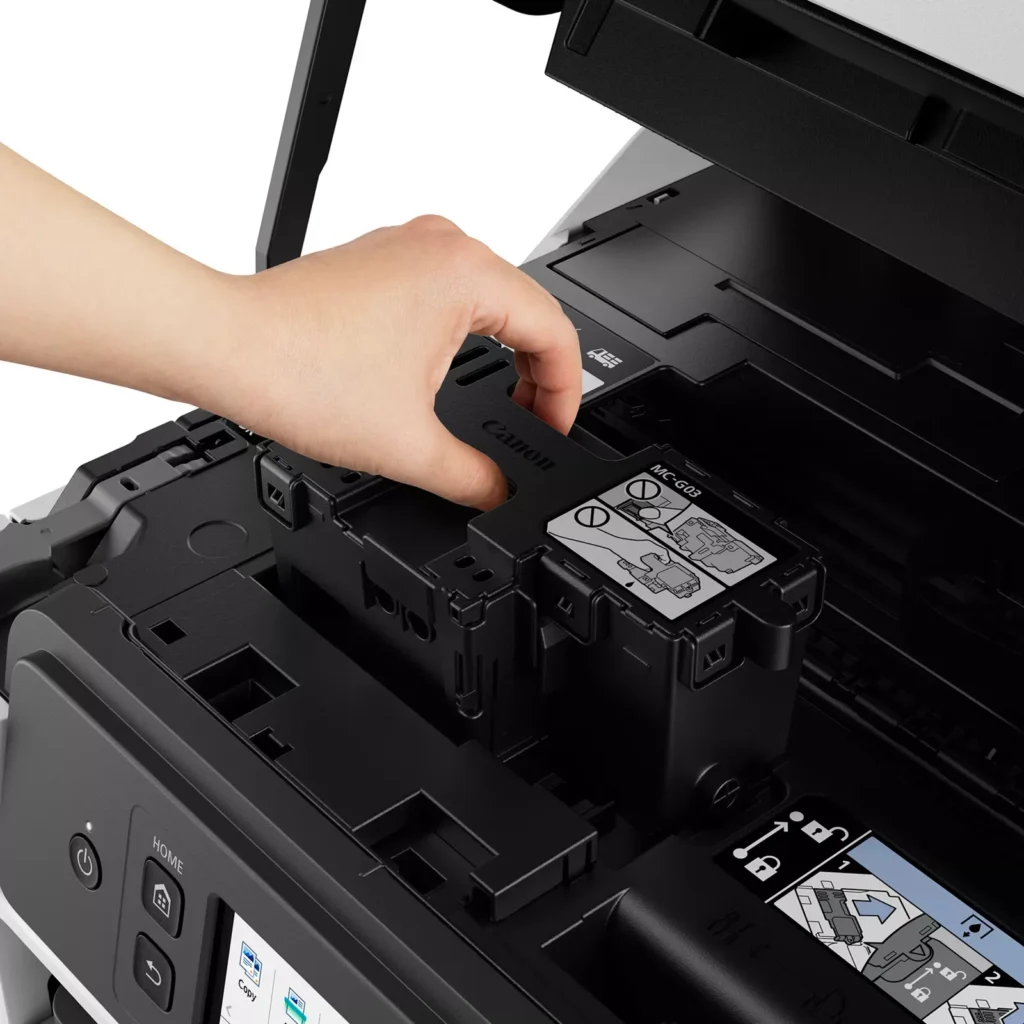
| User-Friendly Maintenance and Reliability | Designed for minimal downtime, the printer features a user-replaceable print head and maintenance cartridge that can be swapped without a service call. It is further backed by a 3-year or 80,000-page limited warranty, providing long-term peace of mind for small business owners. |
Pros & Cons
Pros
- Exceptional Ink Efficiency: The MegaTank system offers a massive ink capacity that lasts for thousands of pages, with a mess-free refill process that significantly reduces long-term operating costs compared to cartridge-based models.
- High-Quality Print and Scan Results: Reviewers consistently praise the printer for producing crisp, professional text and vibrant colors on various media, including glossy photos, stickers, and heavy cardstock.
- Versatile Media Handling: The device features multiple paper sources, including a high-capacity front cassette and a rear tray, allowing users to keep different paper types loaded simultaneously for diverse projects.
Cons
- Persistent Connectivity Issues: A significant number of users experienced frequent WiFi disconnections, difficulty with AirPrint, and a complex setup process that often required manual IP configuration to remain stable.
- Slow Operational Performance: The printer is noted for being slow to wake from sleep mode, having a sluggish touchscreen interface, and taking a long time to process and print documents, especially in high-quality mode.
- Limited Scanning Features: While the printer supports automatic duplex printing, the document feeder lacks automatic duplex scanning, requiring users to manually flip pages to scan both sides.
You might also like












Customer Reviews
Showing reviews 81-90 of 261
-
Not as fast as expected
Verified purchase Verified purchase: This reviewer bought the product.Amazon Customer April 1, 2025Review source: AmazonNot as fast as I had hoped. Scanning and printing takes a long time.
Took almost an hour to print 3 copies of a 39 page document. Stopped and stalled every 3 pages. Had to turn it off and on twice. Took forever to turn off ended up unplugging it to get it turn off.Updated/. This thing takes 10-15 + minutes just to get started, if it gets started at all from the Canon print app. Slowest printer I have ever had.
-
Works as Advertised!
Verified purchase Verified purchase: This reviewer bought the product.TimothyC March 29, 2025Review source: BestbuyI recommend if you are replacing an older printer. Easy to setup, fast printing and scanning, and have had no issues printing wireless.
-
Best printer I have had yet!
Verified purchase Verified purchase: This reviewer bought the product.Whitney Lewis Hartshorne March 21, 2025Review source: AmazonLove this printer! Love the double sided option. Love the convenience of being able to do everything I need to from home instead of going to the library all the time.
-
Very reliable, great purchase and definitely worth the money!
Verified purchase Verified purchase: This reviewer bought the product.Mimi J. March 17, 2025Review source: AmazonThis is the second one of these printers we’ve purchased. We liked the first one so much we bought another one!
-
Does not like to connect to wifi
Verified purchase Verified purchase: This reviewer bought the product.andrea davidson March 8, 2025Review source: AmazonRefuses to connect to WiFi. This has been down for over a month and nothing is fixing it. Very disappointed.
-
Great at what it does.
Verified purchase Verified purchase: This reviewer bought the product.OldMan March 8, 2025Review source: BestbuyHad some problems initially with paper jamming around rear roller. Almost returned it. Roller wasn’t installed correctly. Once I got the roller in its place, printer has worked flawlessly. One note: printer does not print border less photos even after a firmware update.
-
Wakes Up when Sleeping…ink/head design is the best
Verified purchase Verified purchase: This reviewer bought the product.jayman21 February 24, 2025Review source: AmazonJust wanted to let everyone one know that this printer works with Ubuntu and Windows. It wakes up when its sleeping. Been testing for a few weeks now. My previous printers for my home office have been the usual brands and have never been real happy with any of them. Brother would always want to clean the heads and use of the ink. Epson just would not connect over wifi. and the ink ran out quickly. Had to walk over and reboot….which was also a nightmare. The buttons really did not work.
This printer is just everything should work out of the box and it does. I hope this continues to work long term. The only thing I would love to see from Canon to make this the perfect home office printer is the tray being able to take a full sleep of paper. I would just say stay away from the other brands. They knocked this one out of the park.
-
Pleased new Canon user
Verified purchase Verified purchase: This reviewer bought the product.Etta February 23, 2025Review source: BestbuyVery nice printer. It took awhile to set up Fax with my Dedicated phone line and to print from my phone but finally figured it out. It’s a bit more frustrating to set up than other less costly machines as the instructions are less detailed in general. Since I am somewhat tec savvy, even at an older age, I was able to figure much of it myself so far. Customer services also great to work with and easy to contact, which was a big surprise. Thank you.
-
Good Purchase
Verified purchase Verified purchase: This reviewer bought the product.Daveaux February 23, 2025Review source: BestbuyGood value as far as ink goes. I like thst that there are several ways to load paper. Unable to create a usb connection or ethernet..but it seems to like wifi which was my 3rd choice..but its working well and the photo quality is good
-
RIP OFF!
Verified purchase Verified purchase: This reviewer bought the product.Panda February 22, 2025Review source: AmazonI ordered and received a lovely, pristine printer, unpacked it, plugged it in, and nothing happened. I called a local computer tech that I have a lot of faith in, and he said that it happens sometimes, that Amazon is really good about returns. So I packed it back up in the original box and UPS picked it up the following day. It took a long time to arrive and be acknowledged as returned, and when I finally saw that a refund had been issued on a roughly $350 printer, I looked at my bank balance, which had been refunded $52! That’s fifty two dollars for an item that didn’t work when I got it, and was returned well within the return window. I’ve never had any trouble with purchases or the rare returns I’ve made before, but I sure got taken to the cleaners on this one!