Customer Media
Highlights
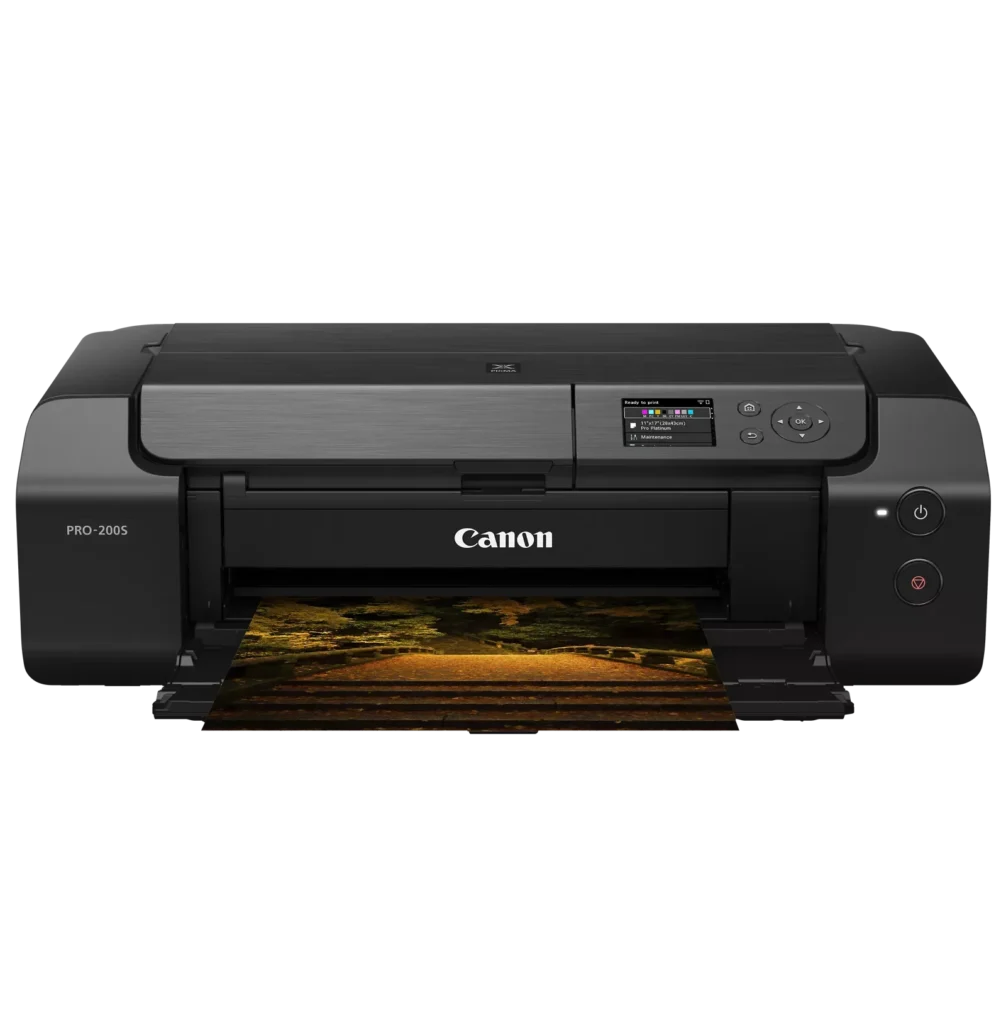
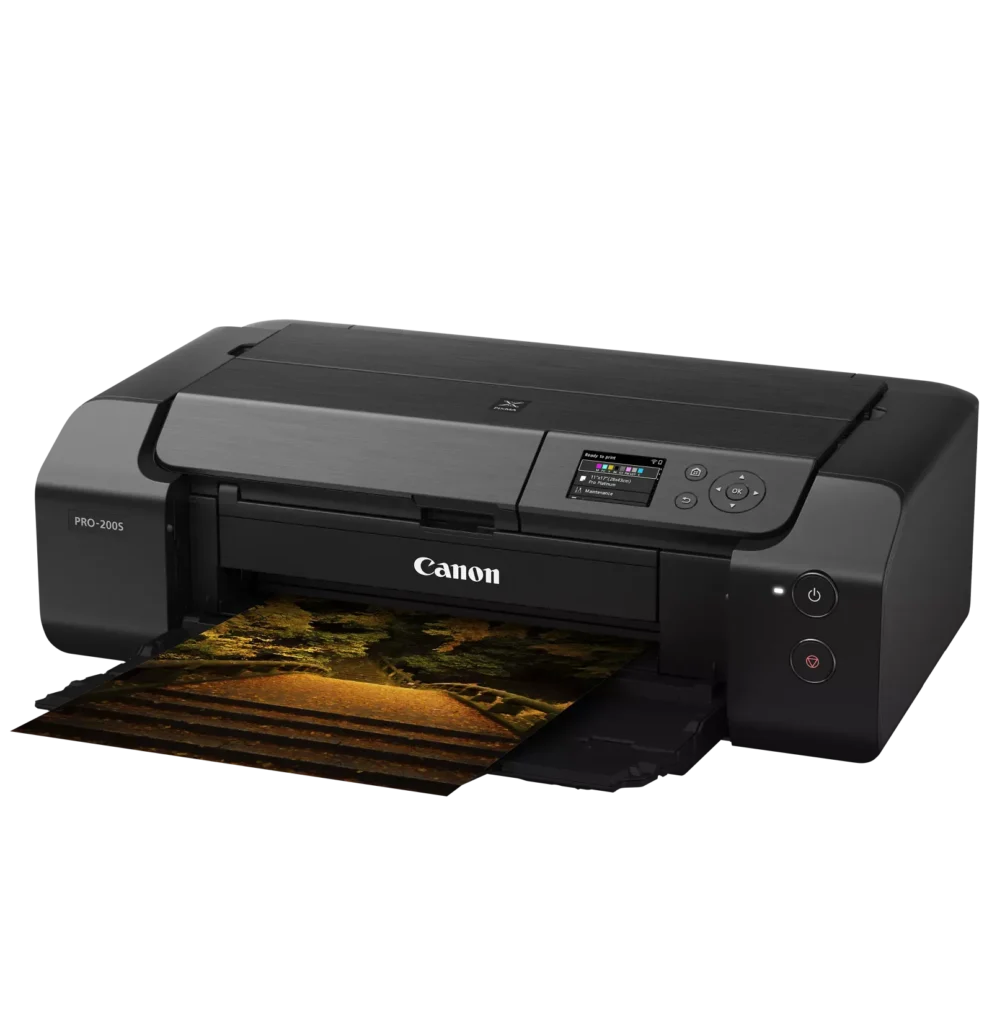
| 8-Color Dye-Based Ink System | Utilizes an enhanced eight-color dye-based ink system, including three monochrome inks, to deliver vibrant, professional-quality photos with expanded color gamut and deep blacks. |
|---|---|
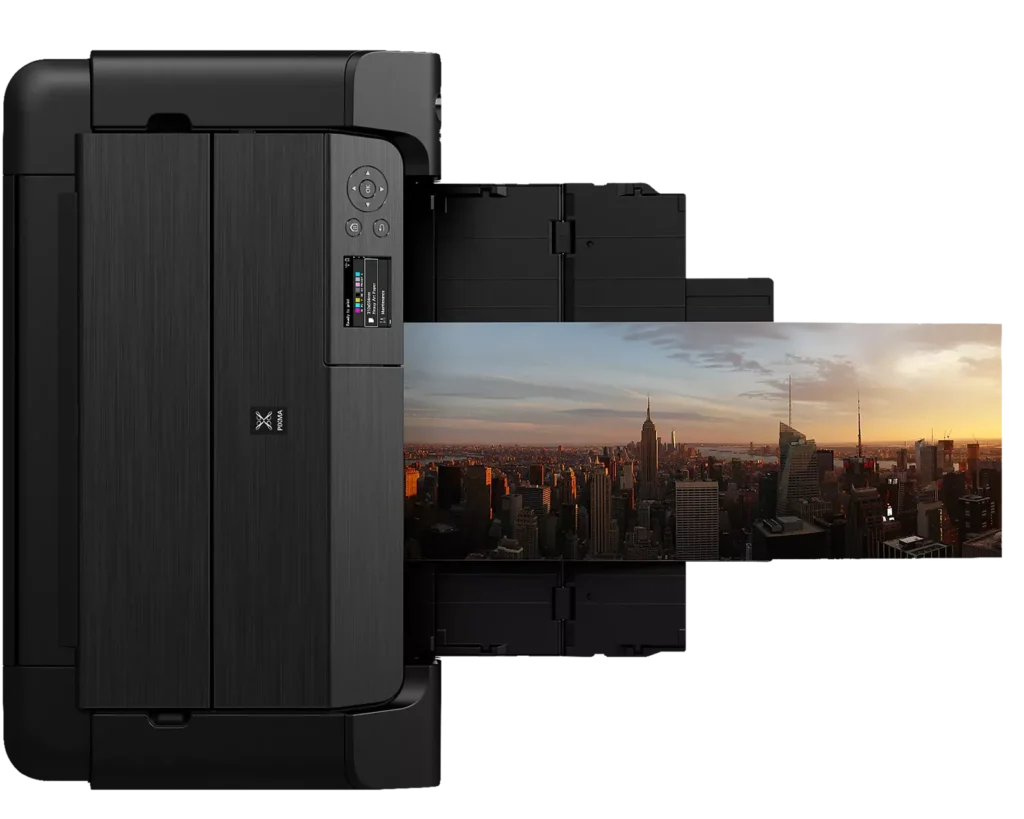
| Versatile Media & Panorama Printing | Supports a wide range of media types and sizes, offering borderless printing up to 13" x 19" (A3+) and the ability to create custom panorama prints up to 39" in length. |
| High-Speed Professional Output | Designed for efficiency without compromising quality, capable of producing a bordered A3+ color print in approximately 90 seconds and an 8" x 10" bordered print in just 53 seconds. |
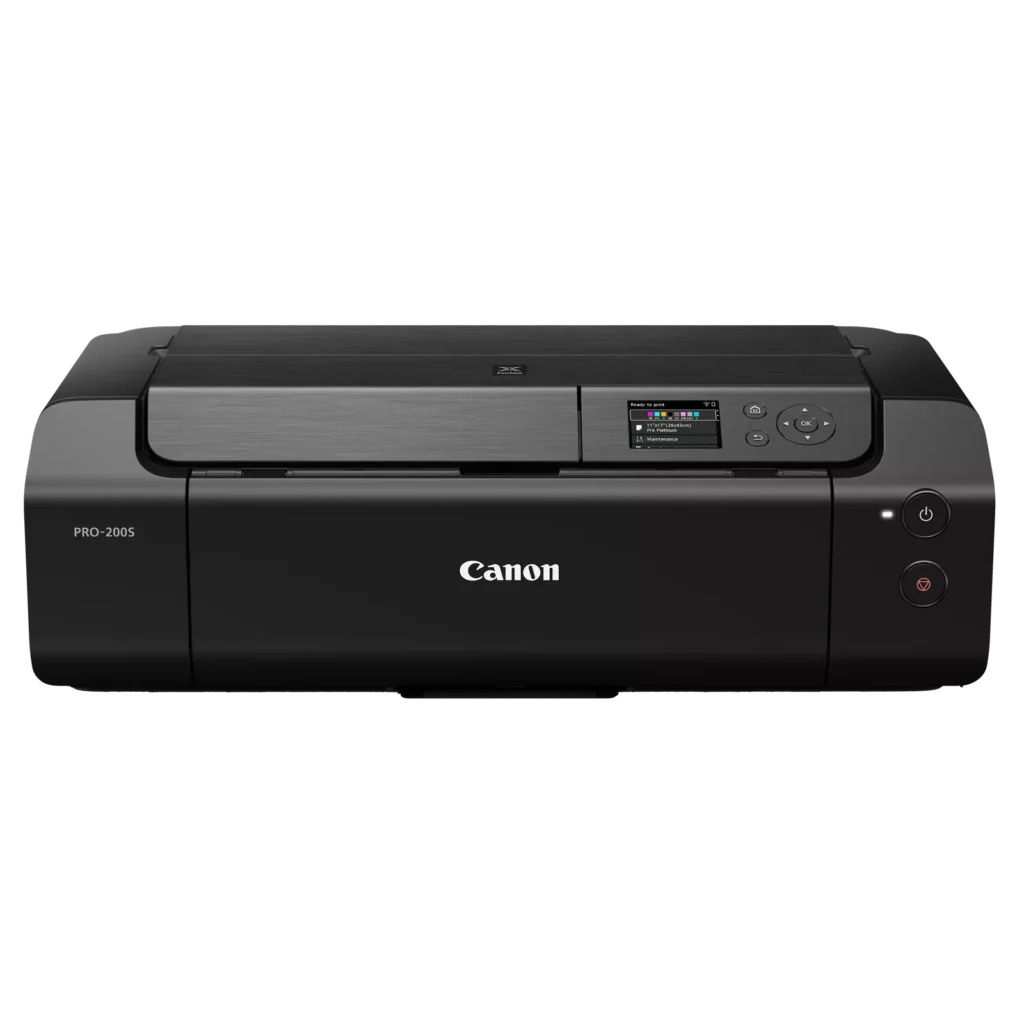
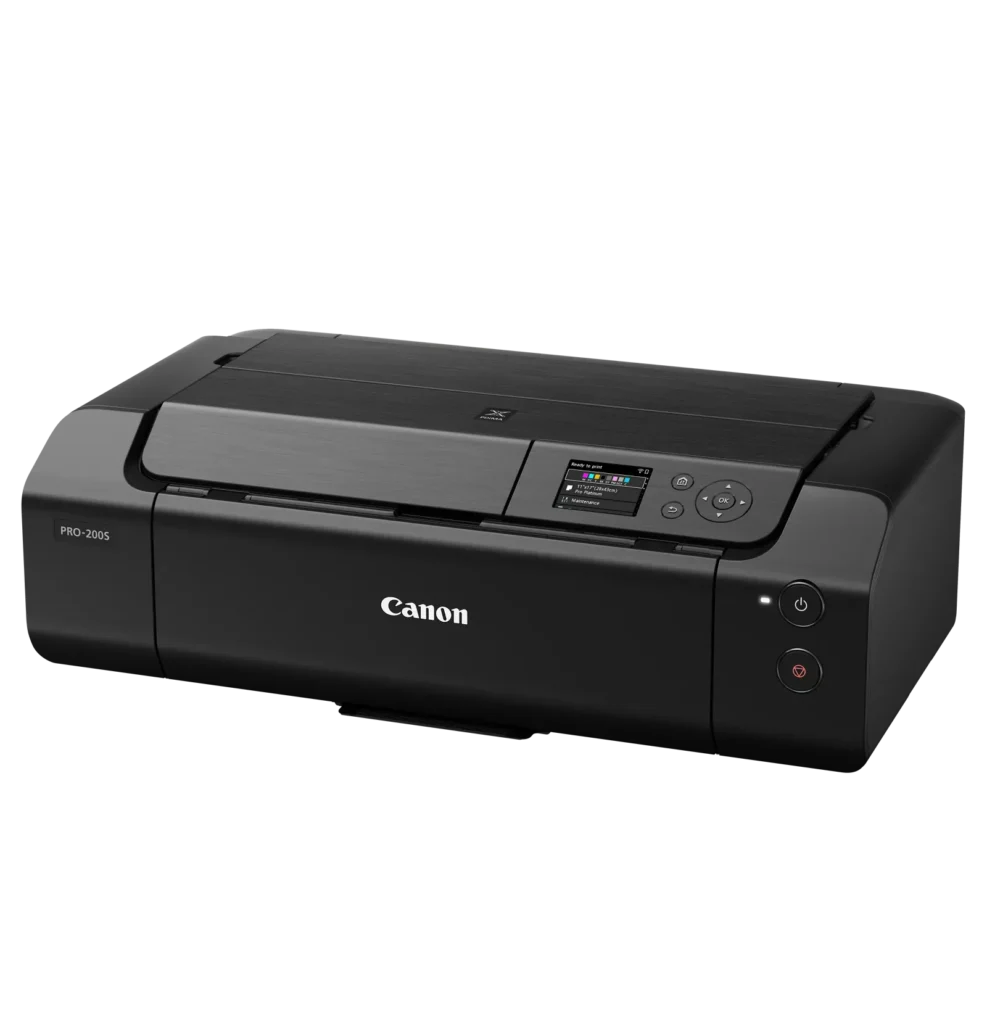
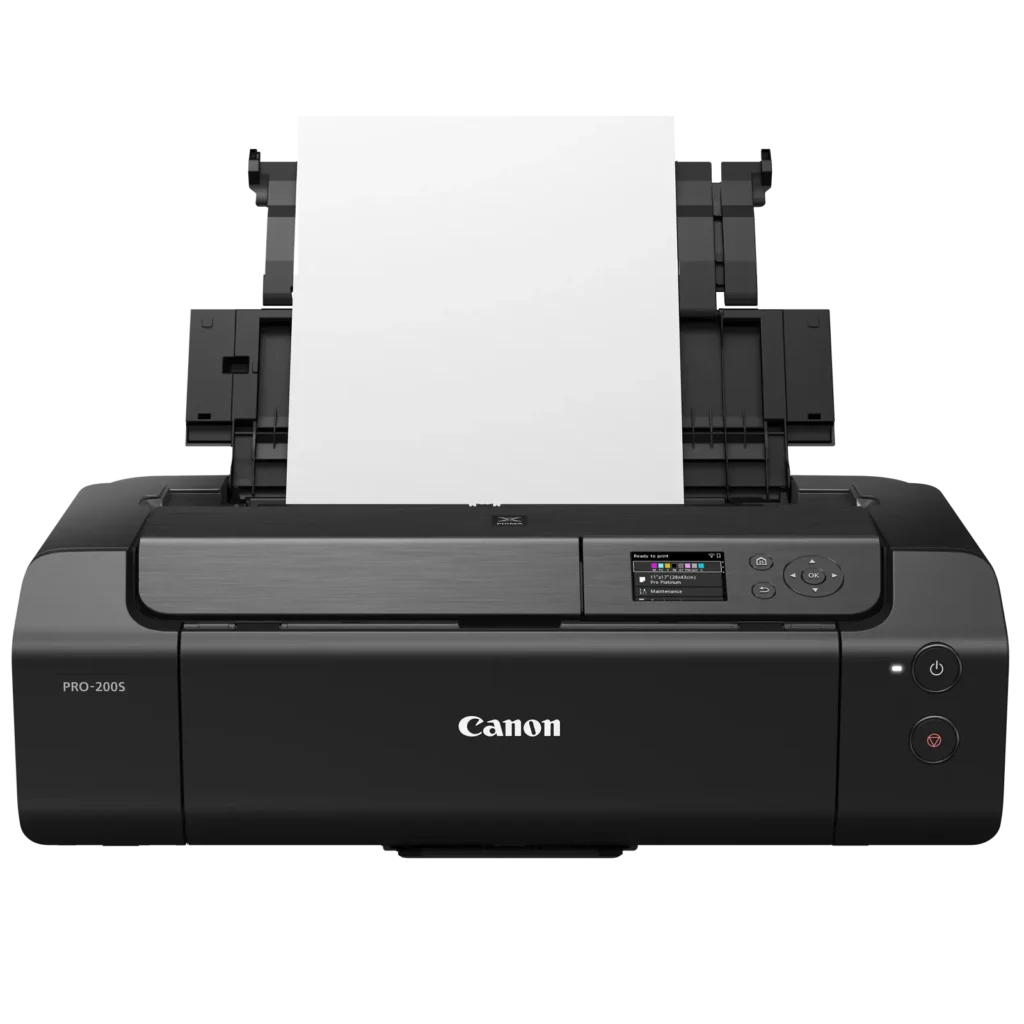
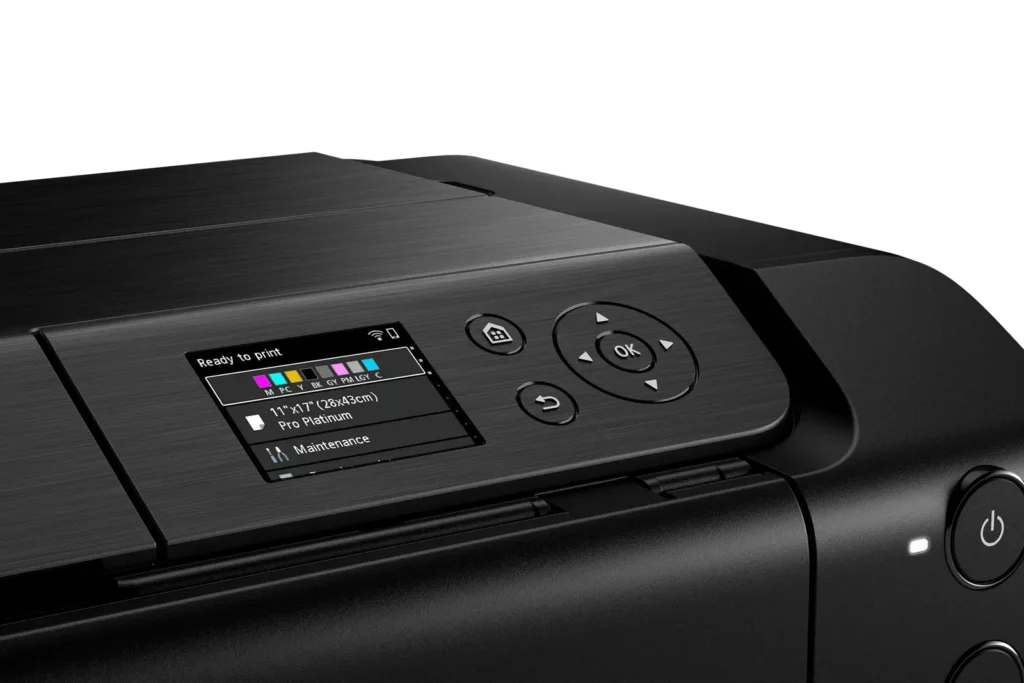
| Intuitive 3.0" Color LCD Display | Features a built-in 3.0-inch color LCD monitor that allows users to easily check ink levels, perform printer maintenance, and navigate settings at a glance. |
| Seamless Connectivity & Workflow | Offers flexible connection options including Wi-Fi, Ethernet, and USB, while supporting mobile printing via AirPrint and Canon's Professional Print & Layout software for a streamlined editing-to-print workflow. |
Pros & Cons
Pros
- Exceptional Print Quality: Users consistently praise the vibrant, professional-level results and wide color gamut, describing the prints as stunning, gorgeous, and nearly true to color when using high-quality photo paper.
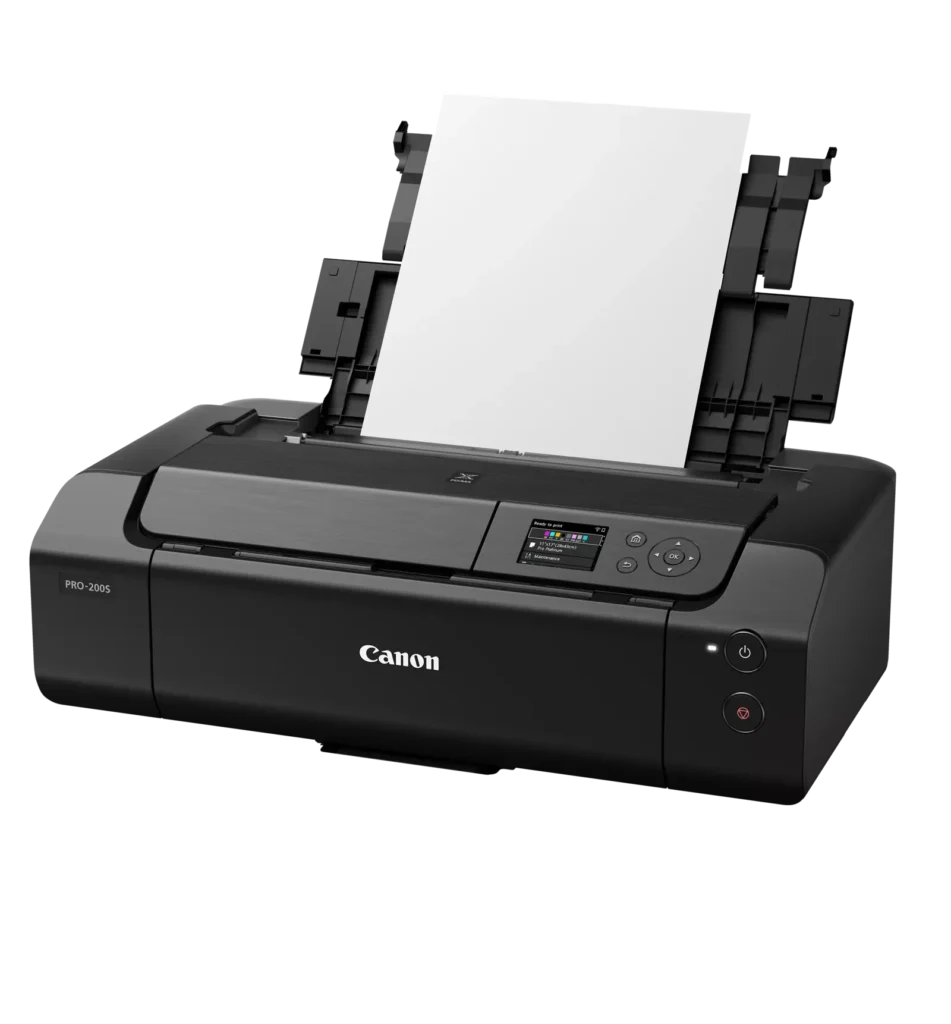
- Versatile Media Support: The printer handles various sizes up to 13×19 inches, supports thick card stock up to 130 lbs, and includes a specialized tray for printing on CDs, making it suitable for diverse creative projects.
- Quiet Operation: Reviewers noted that this is one of the quietest printers they have owned, providing a professional and non-disruptive experience during the printing process.
Cons
- Slow Printing Speed: Multiple reviewers highlight that the printer is significantly slower than expected, particularly for high-quality photos or black-and-white documents, with some noting speeds as low as 2 pages per minute.
- Difficult Setup and Connectivity: Users frequently encounter issues with wireless configuration, including long setup times exceeding six hours and the need to manually reconnect to Wi-Fi using a small, painful touch screen after powering the unit off.
- Unreliable Paper Feeding: The feeding mechanism often fails to detect paper or requires manual, one-by-one feeding for specific media types, leading to frequent errors and wasted materials.
You might also like












Customer Reviews
Showing reviews 1-10 of 79
-
Canon Pixma Pro 200S
Verified purchase Verified purchase: This reviewer bought the product.MarkT January 2, 2026Review source: BestbuyAwesome quality photos, as long as you buy the right paper. Prints quick for quality you get.
-
Darker pictures than the original
Verified purchase Verified purchase: This reviewer bought the product.Lexington Steel January 1, 2026Review source: AmazonPrints way darker than the original. Cuts off the top and bottom of photos. You have to go to the camera settings and change every photo to try to get it to look like the one that you took. Impossible to get the image that you wanted to print
-
Print quality is good, setup can be a momma bear
Verified purchase Verified purchase: This reviewer bought the product.Pixxture December 26, 2025Review source: AmazonPrinting is slow but good
Setting this pixma pro 200s for wireless use took many hours. Far too many hours 6+ hours.
I used canon printing software to print photos.
I continuously received errors with no error codes explaining what the errors were. A two hour call to Canon tech support resulted with the conclusion that my mesh network was the problem. Somehow we managed to print one photo.The next day same problem, errors while printing. Another 2 hour call to canon finally resolved the issue. The printer was trying to setup it’s own network, called wireless direct. Disabling this feature, through firmware solved the problem.
The printer works just fine with my mesh network.
Canon tech support seems to be located in the states, there were no accents that i could not understand (i am hard of hearing and accents are difficult to understand)
Tech support answered without a long delay < 3 minutes.I am giving the printer 4 stars for:
Print quality
Canon’s strong tech supportI deducted 1 star for Canons poor, very poor documentation. If i could I would have deducted 1.5 stars for the poor documentation
Overall i would purchase again
Hope this helps someone
-
Great printer for quality prints
Verified purchase Verified purchase: This reviewer bought the product.Colleen December 20, 2025Review source: BestbuyI’ve had the printer for a few weeks now, printing standard documents and photo-quality prints. It’s excellent. The colour range is great and the quality of prints is excellent.
It was a bit non-intuitive at first to set up as there are two sources of set up information: the booklet and the screen on the computer. It’s best to follow the booklet and ignore the screen until all the steps in the booklet are complete.
There was no problem connecting to wifi and my devices. And it’s easy to use.
I’m happy with my purchase and would recommend this printer for anyone who needs high quality prints. -
Great print quality
Verified purchase Verified purchase: This reviewer bought the product.W. Gutman December 18, 2025Review source: AmazonI’m very happy with the print quality. Prints are almost stunning. Another plus is that it is probably the quietest printer I’ve owned. My only negatives are that I wish the ink cartridges lasted a bit longer, and that print speed was a little faster. However, the cartridges are not expensive and the print quality is worth the wait. So far, I’ve printed roughly thirty 8.5”x11” borderless prints mostly on matte photo paper, and the black cartridge is more than half consumed with dark gray and one or two others not far behind This is a dye-based printer, and I’m hoping that print longevity meets my needs. I’ll be experimenting with that in the next few months. The set-up guide was a bit unclear in places, but overall, set-up was easy, including wireless connectivity. Canon’s Professional Print and Layout software is not the most polished, but it gets the job done. For me, this printer represents a nearly ideal compromise among print quality, initial cost, operating cost, and maximum print size. After a bad experience with a rival brand photo printer almost twenty years ago—early onset print quality issues followed by discontinuance of support and even cartridge sales—I wasn’t sure I’d ever buy another. But as of today, I’m wishing I hadn’t waited so long to jump back in.
-
Late but what I wanted
Verified purchase Verified purchase: This reviewer bought the product.Thomas Pierce/Kindle Customer December 18, 2025Review source: AmazonProduct finally arrived after seven days. We had just asked for a refund and USPS showed up at 830pm. Its what I wanted but the shipper was no help in tracking. As advertised and ok.
-
very professional
Verified purchase Verified purchase: This reviewer bought the product.SUMMITHOUSE December 14, 2025Review source: Amazonprinter is great. love it. very professional
-
Feedback
Verified purchase Verified purchase: This reviewer bought the product.Rom Webster December 13, 2025Review source: AmazonWow! While there’s no such thing as the perfect printer, this one comes pretty close for me. I’m a digital business, mostly making greeting cards and doing caricature art. For me, this was a dream-come-true, terific product.
If you don’t already know, you should be aware that Canon Pixma Pro 200(s) uses DYE-based ink—which is very durable. Its Canon counterpart, the 300 printer, uses PIGMENT-based ink (insofar as I was able to determine). The pigment-based ink is more vibrant, but “they say” it’s not quite as durable.
I have no advice to share insofar as what printer you should get. I’m a digital creator, not an expert on printers. However, I chose the 200 (which now has an S version that is almost exactly the same as the old 200 version). We’re simply suggesting that before you buy, consider how you will use it most of the time, and decide if you’d rather use dye-based ink or pigment-based ink.
-
Printer for photos
Verified purchase Verified purchase: This reviewer bought the product.maci December 11, 2025Review source: AmazonWorks beautifully
-
Printer
Verified purchase Verified purchase: This reviewer bought the product.Memi December 10, 2025Review source: BestbuyGreat printer. It is rather easy to ise and it gets everything done, out of 100+ prints its only messed up 2 because of user error.