Customer Media
Highlights
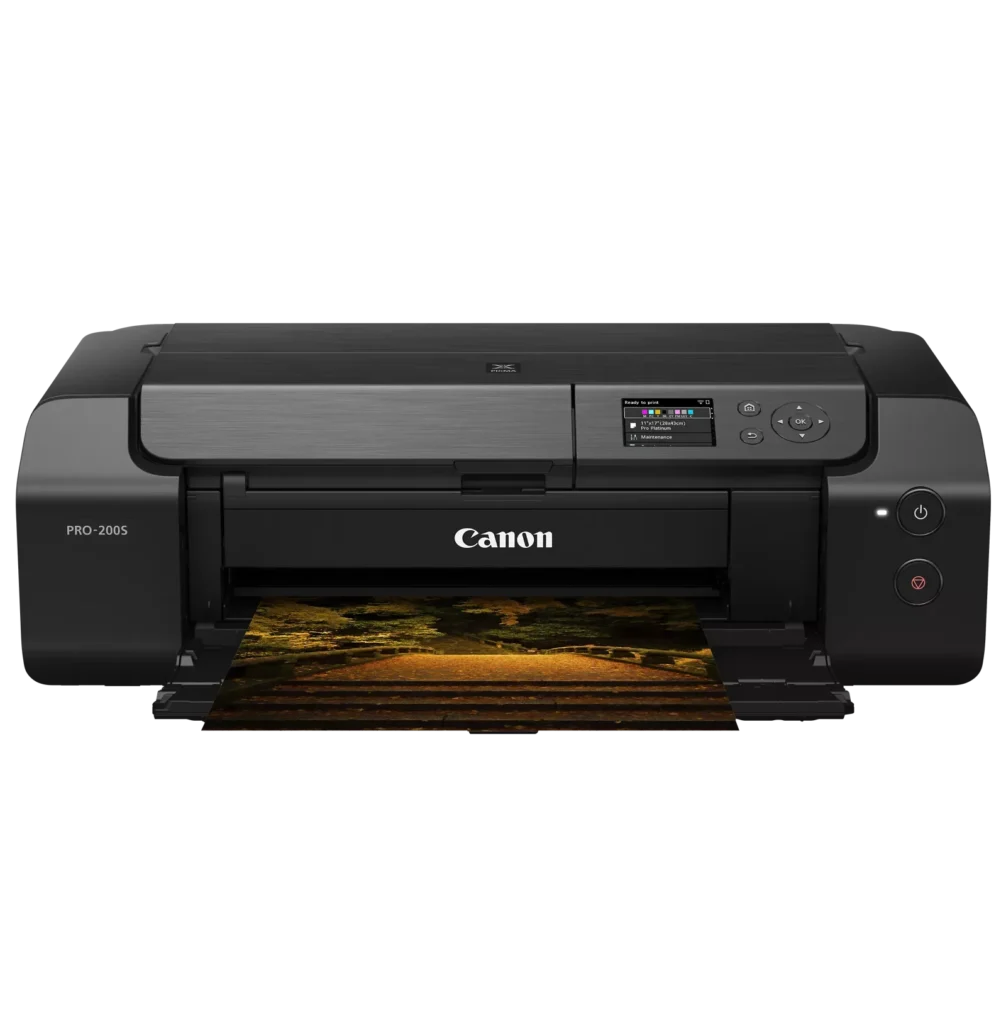
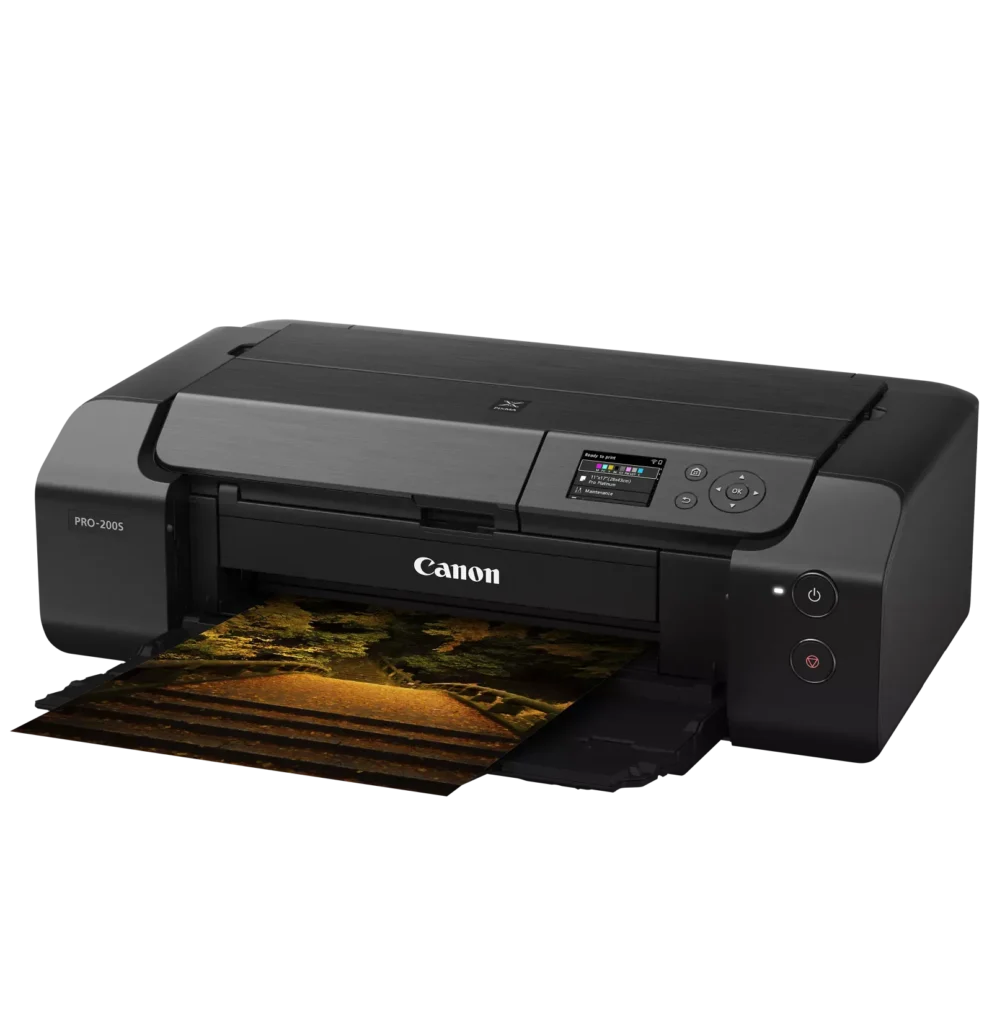
| 8-Color Dye-Based Ink System | Utilizes an enhanced eight-color dye-based ink system, including three monochrome inks, to deliver vibrant, professional-quality photos with expanded color gamut and deep blacks. |
|---|---|
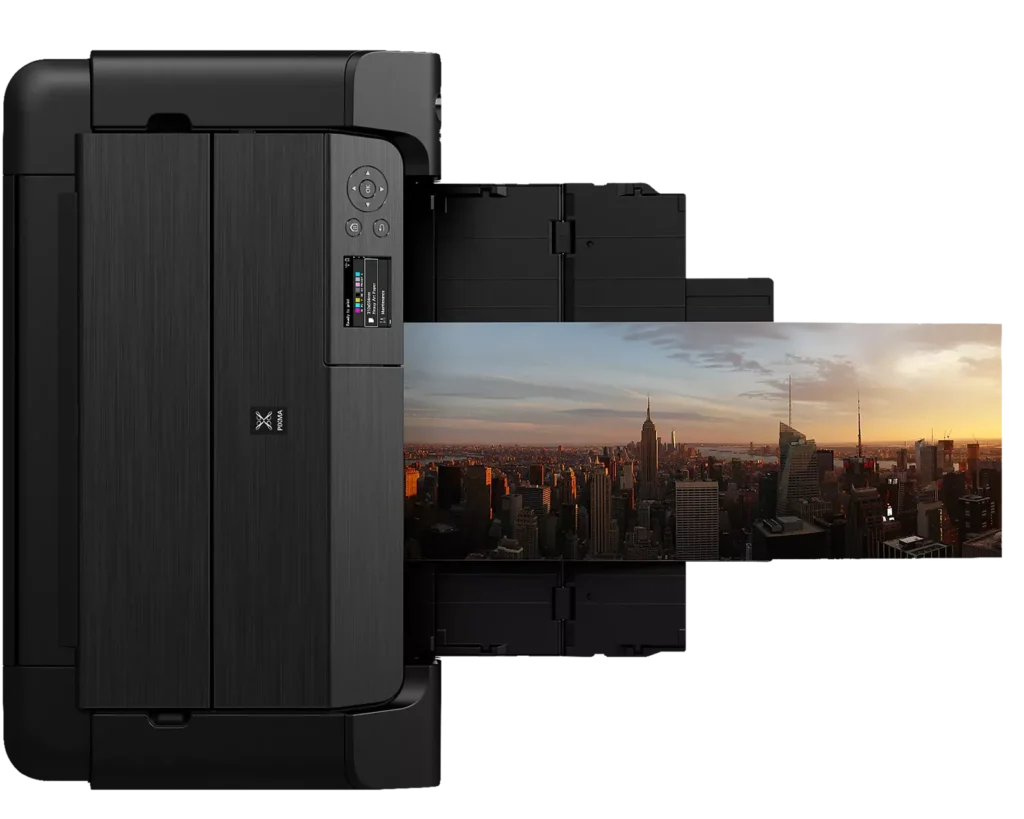
| Versatile Media & Panorama Printing | Supports a wide range of media types and sizes, offering borderless printing up to 13" x 19" (A3+) and the ability to create custom panorama prints up to 39" in length. |
| High-Speed Professional Output | Designed for efficiency without compromising quality, capable of producing a bordered A3+ color print in approximately 90 seconds and an 8" x 10" bordered print in just 53 seconds. |
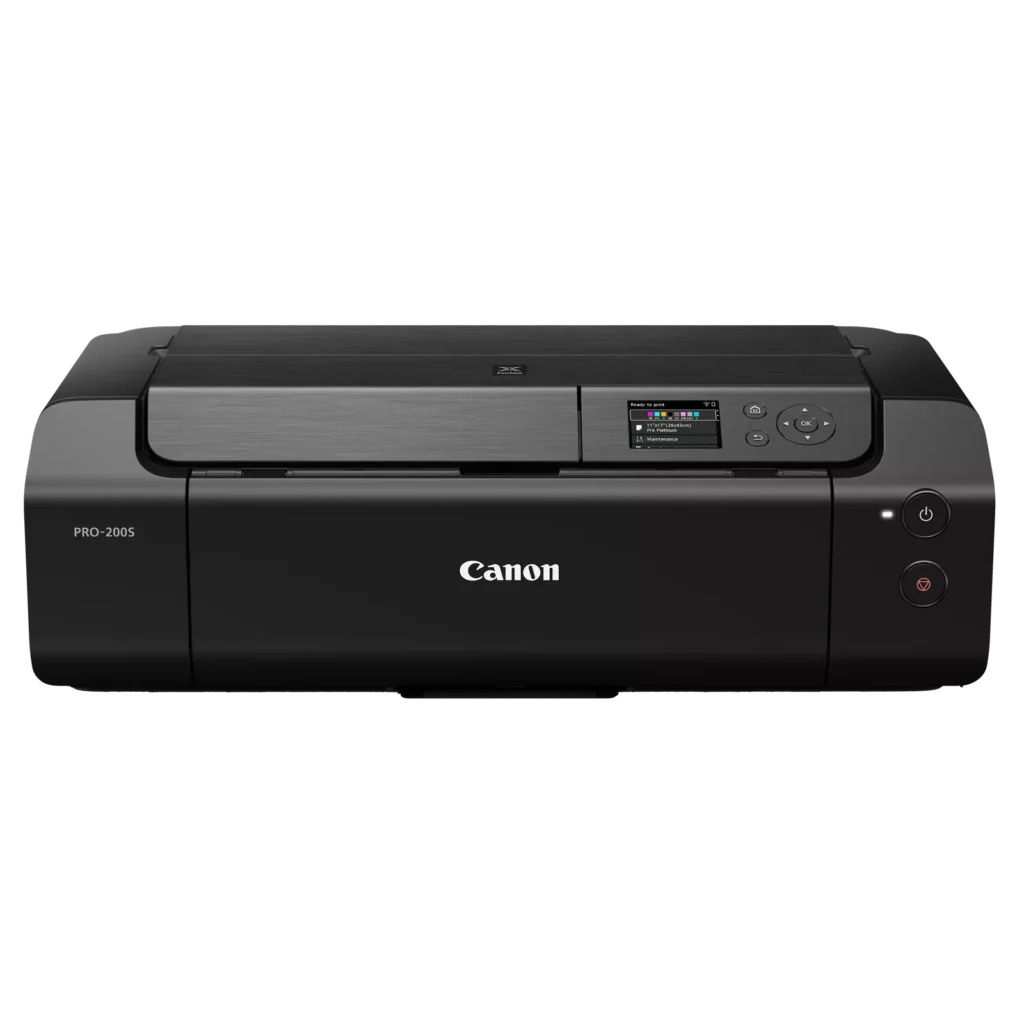
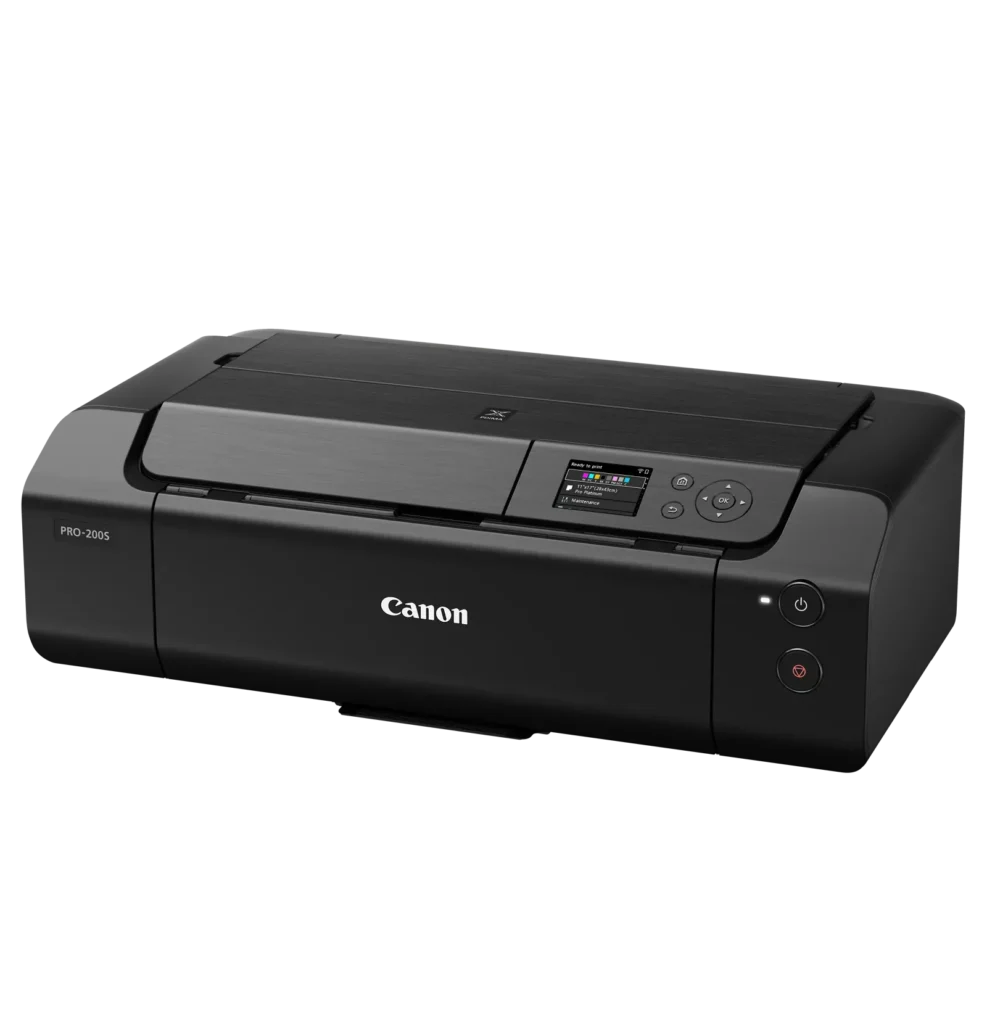
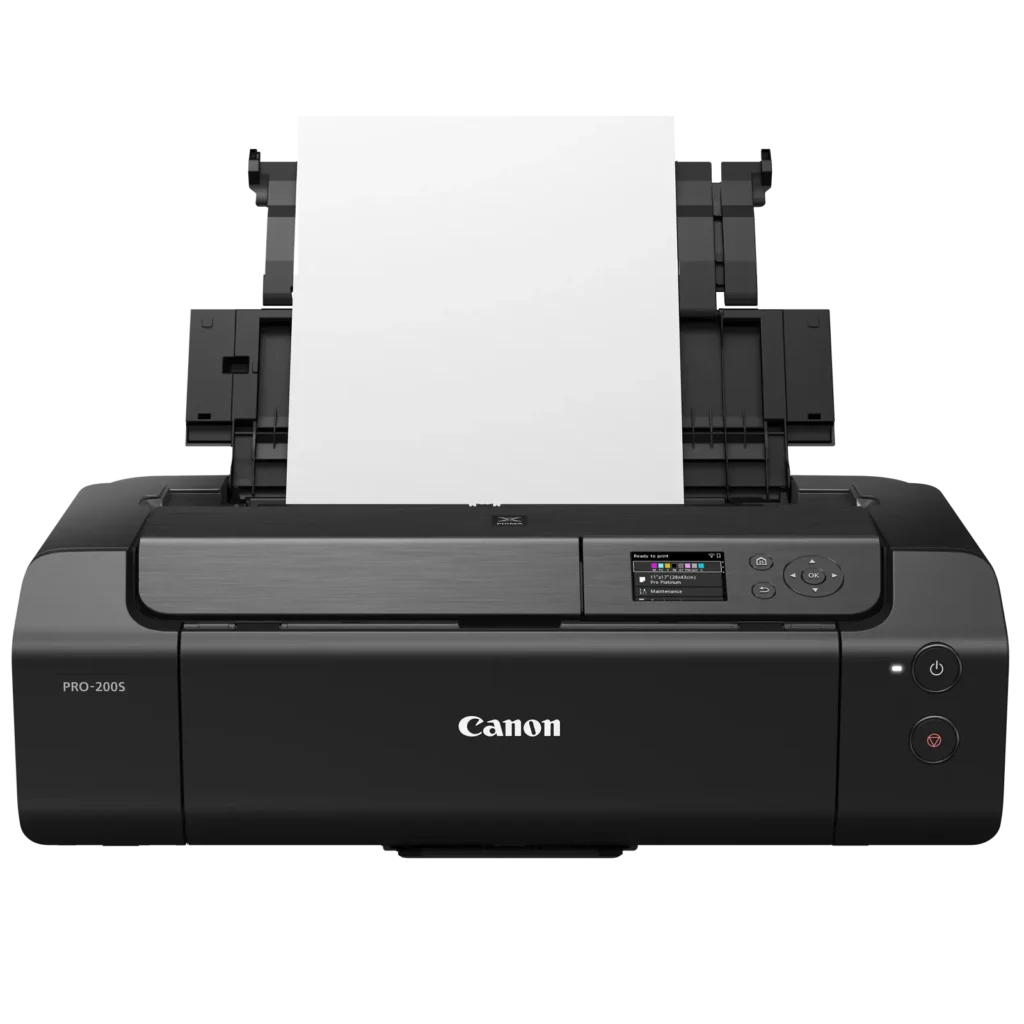
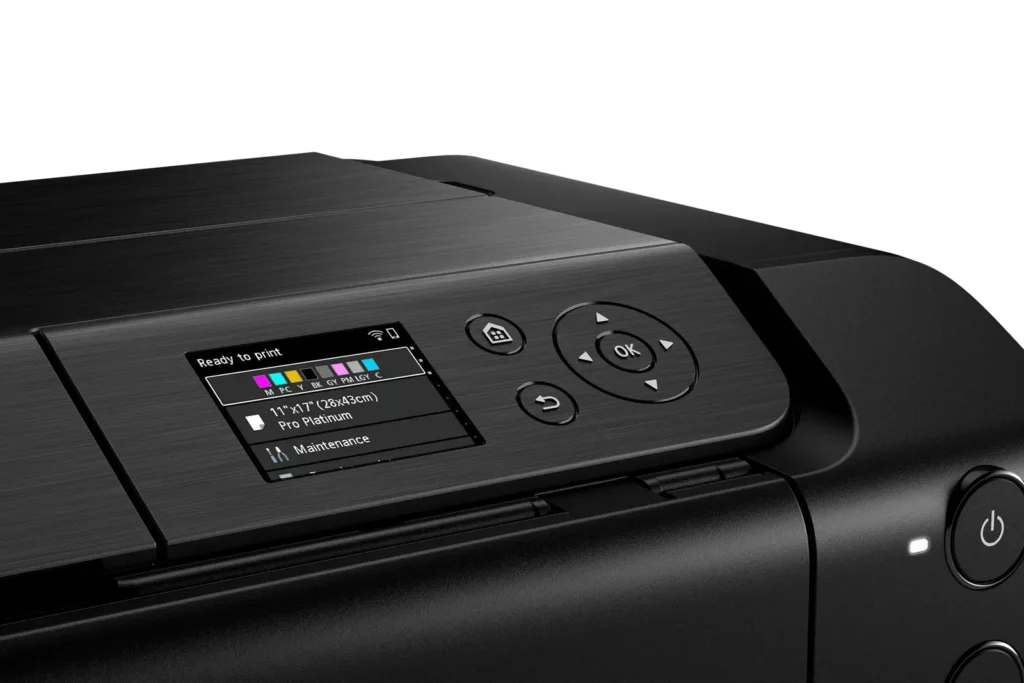
| Intuitive 3.0" Color LCD Display | Features a built-in 3.0-inch color LCD monitor that allows users to easily check ink levels, perform printer maintenance, and navigate settings at a glance. |
| Seamless Connectivity & Workflow | Offers flexible connection options including Wi-Fi, Ethernet, and USB, while supporting mobile printing via AirPrint and Canon's Professional Print & Layout software for a streamlined editing-to-print workflow. |
Pros & Cons
Pros
- Exceptional Print Quality: Users consistently praise the vibrant, professional-level results and wide color gamut, describing the prints as stunning, gorgeous, and nearly true to color when using high-quality photo paper.
- Versatile Media Support: The printer handles various sizes up to 13×19 inches, supports thick card stock up to 130 lbs, and includes a specialized tray for printing on CDs, making it suitable for diverse creative projects.
- Quiet Operation: Reviewers noted that this is one of the quietest printers they have owned, providing a professional and non-disruptive experience during the printing process.
Cons
- Slow Printing Speed: Multiple reviewers highlight that the printer is significantly slower than expected, particularly for high-quality photos or black-and-white documents, with some noting speeds as low as 2 pages per minute.
- Difficult Setup and Connectivity: Users frequently encounter issues with wireless configuration, including long setup times exceeding six hours and the need to manually reconnect to Wi-Fi using a small, painful touch screen after powering the unit off.
- Unreliable Paper Feeding: The feeding mechanism often fails to detect paper or requires manual, one-by-one feeding for specific media types, leading to frequent errors and wasted materials.
You might also like












Customer Reviews
Showing reviews 11-20 of 79
-
GREAT PRINTER
Verified purchase Verified purchase: This reviewer bought the product.JoeB December 8, 2025Review source: Bestbuyexcellent printer. Prints without any issues. The biggest perk is it will let you use any type of weird size paper. Can print 130 lb card stock
-
Nice prints…when it works.
Sam December 7, 2025Review source: AmazonWhen the printer actually does its job, the prints are very nice. However, I regret spending so much money on a product that causes so much aggravation. I have to turn the printer on and off at least twice to get it online. Then, it’s a problem every time I try to print anything that isn’t on 8.5 x 11″ paper. I change the settings and load the paper like I am supposed to, but it still doesn’t detect the paper 9 times out of 10. If I could return it at this point, I definitely would.
-
good
Verified purchase Verified purchase: This reviewer bought the product.Yvgeniy December 6, 2025Review source: Amazongood
-
Lookin' goooood
Verified purchase Verified purchase: This reviewer bought the product.MynameisYeff December 6, 2025Review source: BestbuyI would say more like a 4.5 stars only because it’s expensive. But so far, this thing prints really nice photos. Few hiccups and wasted photo paper getting started because you have to fiddle with the settings a bit, but otherwise a nice product.
-
Great quality
Verified purchase Verified purchase: This reviewer bought the product.Lena December 5, 2025Review source: AmazonGreat quality printer easy to set up. Only downfall hard to find ink. Amazon has it but when you need it same day. You will not find it anywhere.
-
Cenon pro 200s
Verified purchase Verified purchase: This reviewer bought the product.SergeyC December 5, 2025Review source: Bestbuy“I’m very happy with this printer! The photo quality is excellent, especially for large formats. It’s an affordable and really good option for anyone looking for quality prints. Definitely recommend it!”
-
Don't Buy It
Verified purchase Verified purchase: This reviewer bought the product.Amazon Customer December 3, 2025Review source: AmazonIt’s a terrible product. These days we expect a product to work straight out of the box. DIDN’T HAPPEN! Now 6 months later it isn’t working again.
Cannon has abandoned customer support for the product.
-
NOT an upgrade to the PIXMA IP8720 (SLOW)
Verified purchase Verified purchase: This reviewer bought the product.Mark L. December 2, 2025Review source: AmazonI was looking for an upgrade for our Canon PIXMA IP8720 that bit the dust. The marketing for this printer looked like the next one up in the line. It is not. Especially frustrating is the listing including marketing for “High-Speed Printing”, when in reality it only prints 2 pages per minute. (The IP8720 prints 14 pages per minute.)
Giving it two stars as setting it up to WiFi was much easier than the old PIXMA. Unfortunately, we used the printer right away and realized, no, there isn’t anything wrong with it, but it is just that slow. I don’t think it is returnable.
-
Sadly DOA
Verified purchase Verified purchase: This reviewer bought the product.Ocean Engineer November 30, 2025Review source: AmazonLooks like a real nice printer. Canon’s packaging was excellent, but it came in amazon oversized box with no padding, allowing it to slam back and forth inside the box over a distance of about 6 inches.. No visible damage on either box, but after unboxing and carefully following Canon’s online installation and going through Canon’s online troubleshooting I could not get it to power on – absolutely dead. Not even the green light next to the power on button lit up. My guess is an internal cable or fuse came loose or when being banged around during shipping. No fault of the shipper. The power module was loose but could not be easily removed to be checked like on some older models. Returned immediately and ordered another. Will see if and how the new one works and then maybe update my review. Amazon needs to use more care in packaging, especially something as fragile as this.
-
Great printer
Verified purchase Verified purchase: This reviewer bought the product.ErikS November 30, 2025Review source: BestbuyAwesome printer, made a couple invitations and the quality was phenomenal.