Customer Media
Highlights
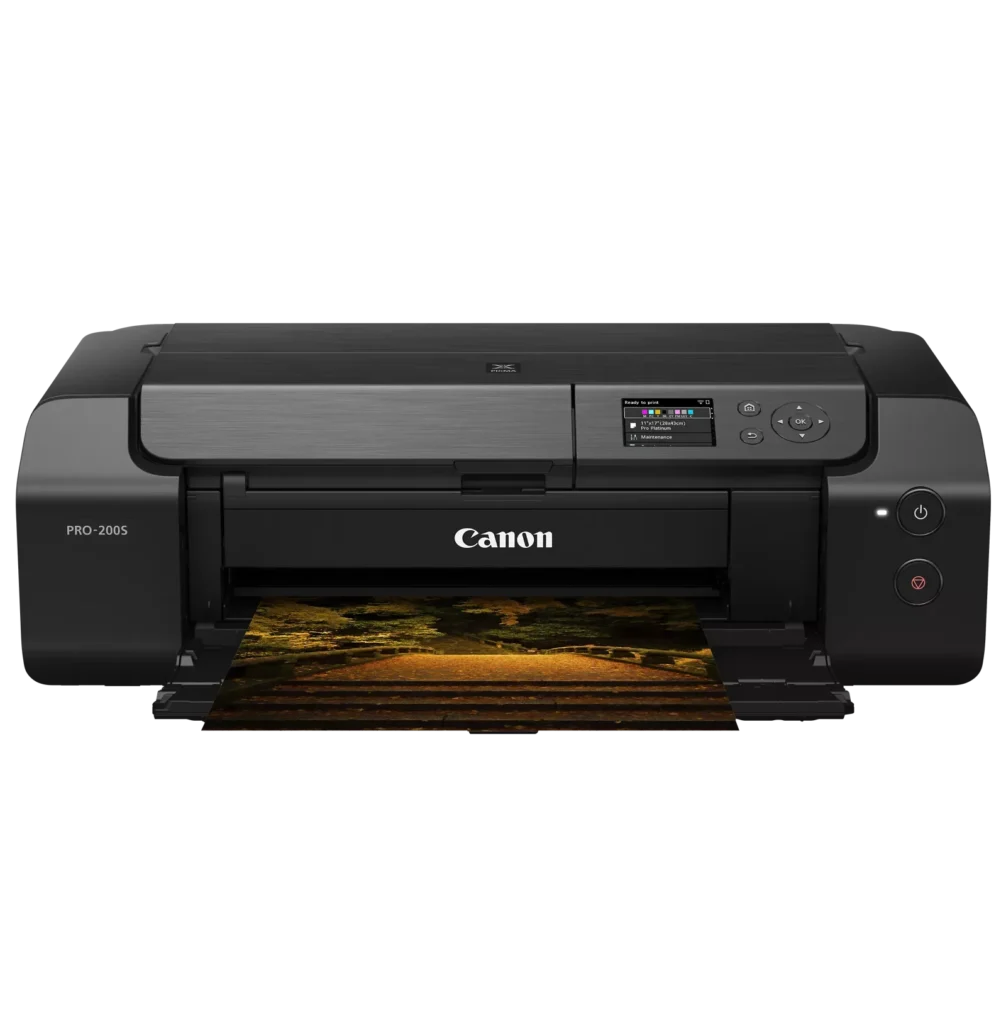
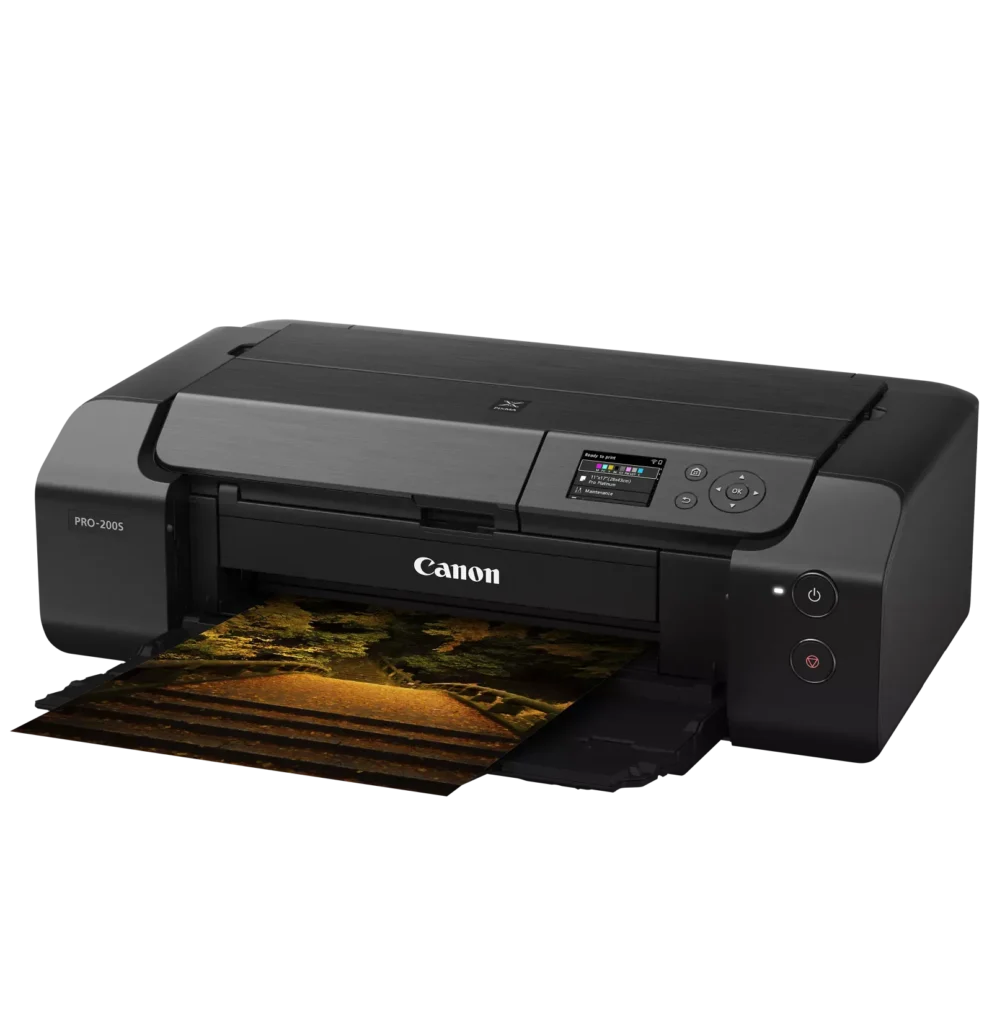
| 8-Color Dye-Based Ink System | Utilizes an enhanced eight-color dye-based ink system, including three monochrome inks, to deliver vibrant, professional-quality photos with expanded color gamut and deep blacks. |
|---|---|
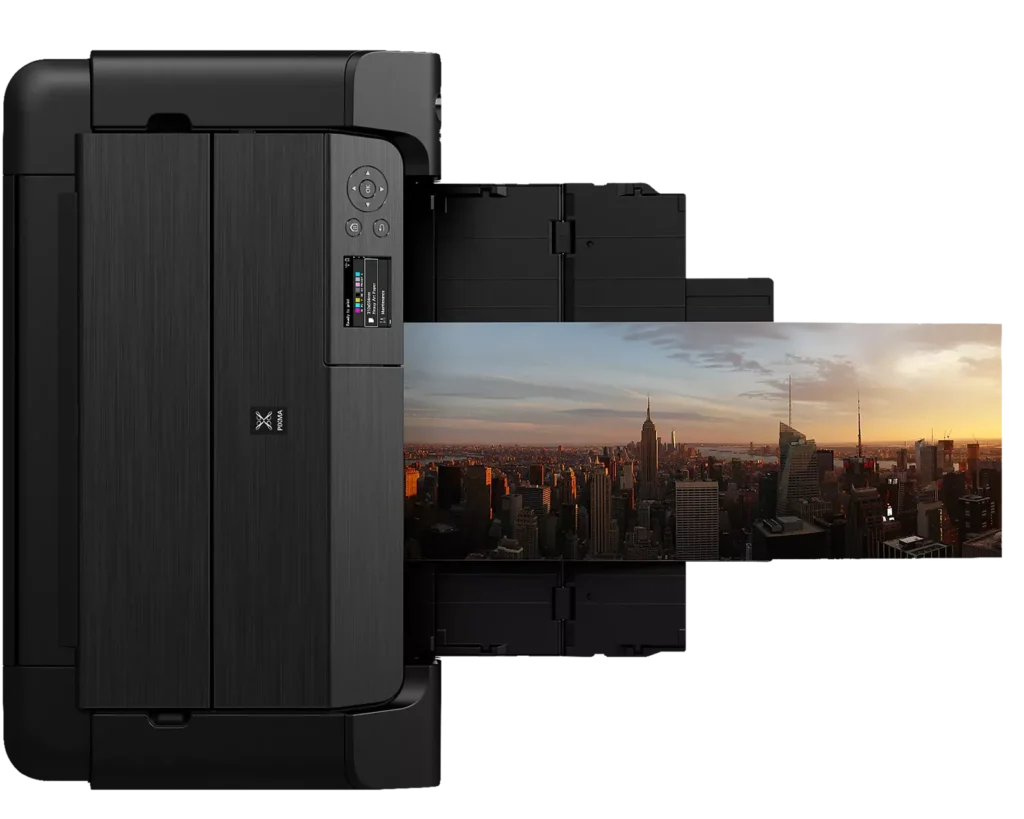
| Versatile Media & Panorama Printing | Supports a wide range of media types and sizes, offering borderless printing up to 13" x 19" (A3+) and the ability to create custom panorama prints up to 39" in length. |
| High-Speed Professional Output | Designed for efficiency without compromising quality, capable of producing a bordered A3+ color print in approximately 90 seconds and an 8" x 10" bordered print in just 53 seconds. |
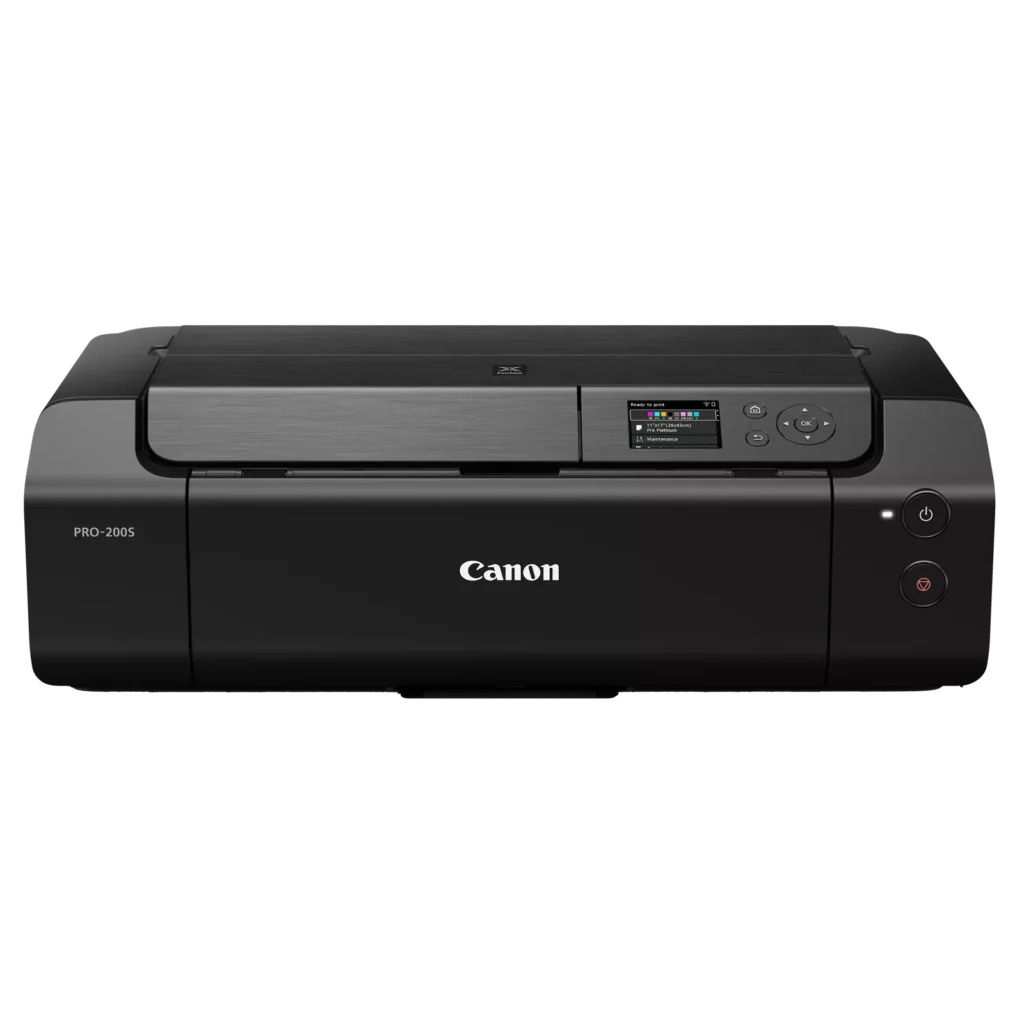
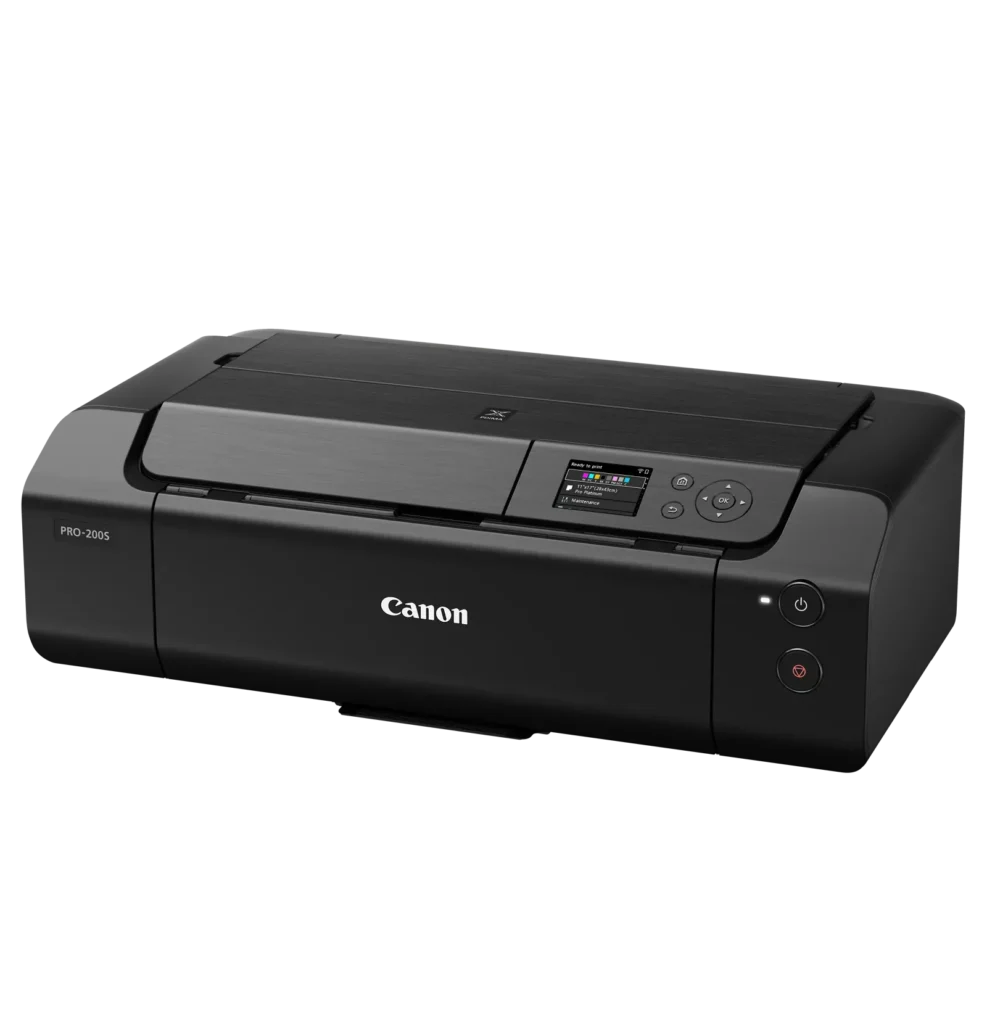
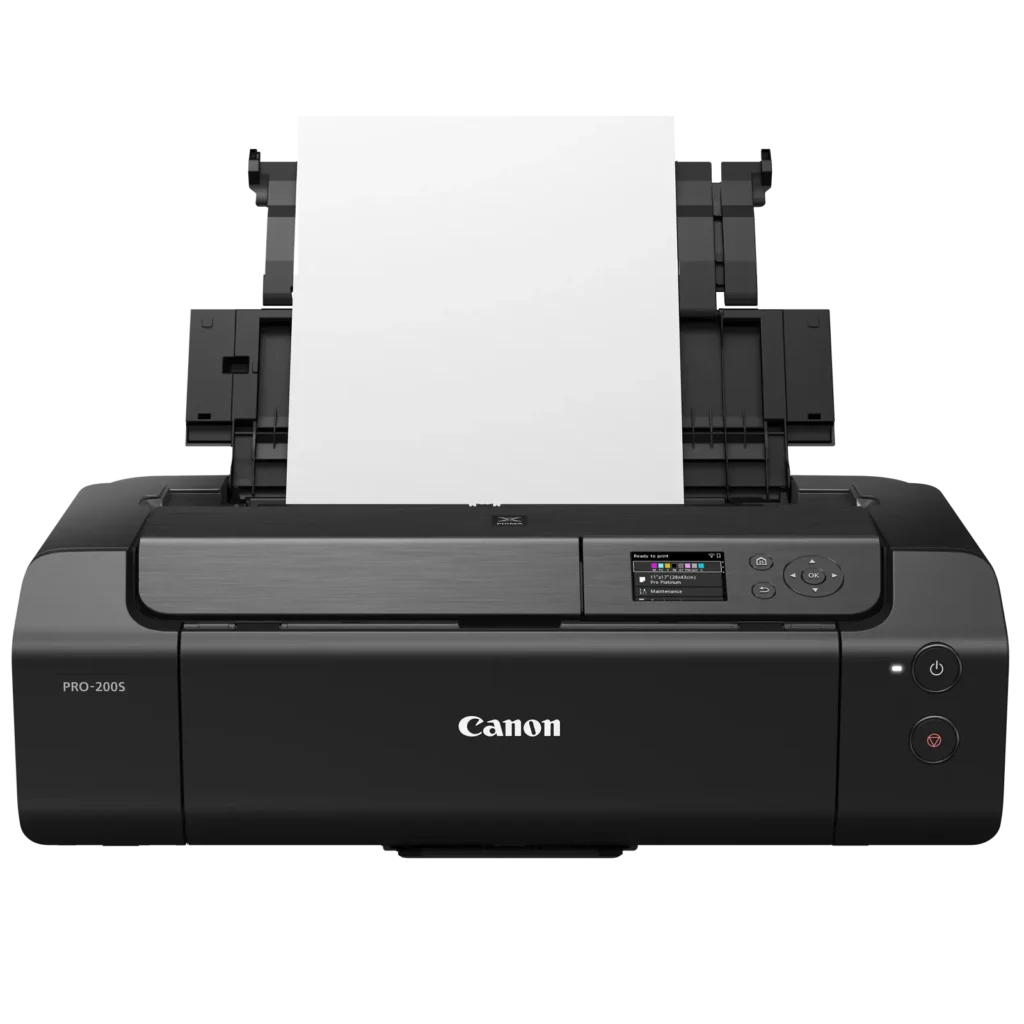
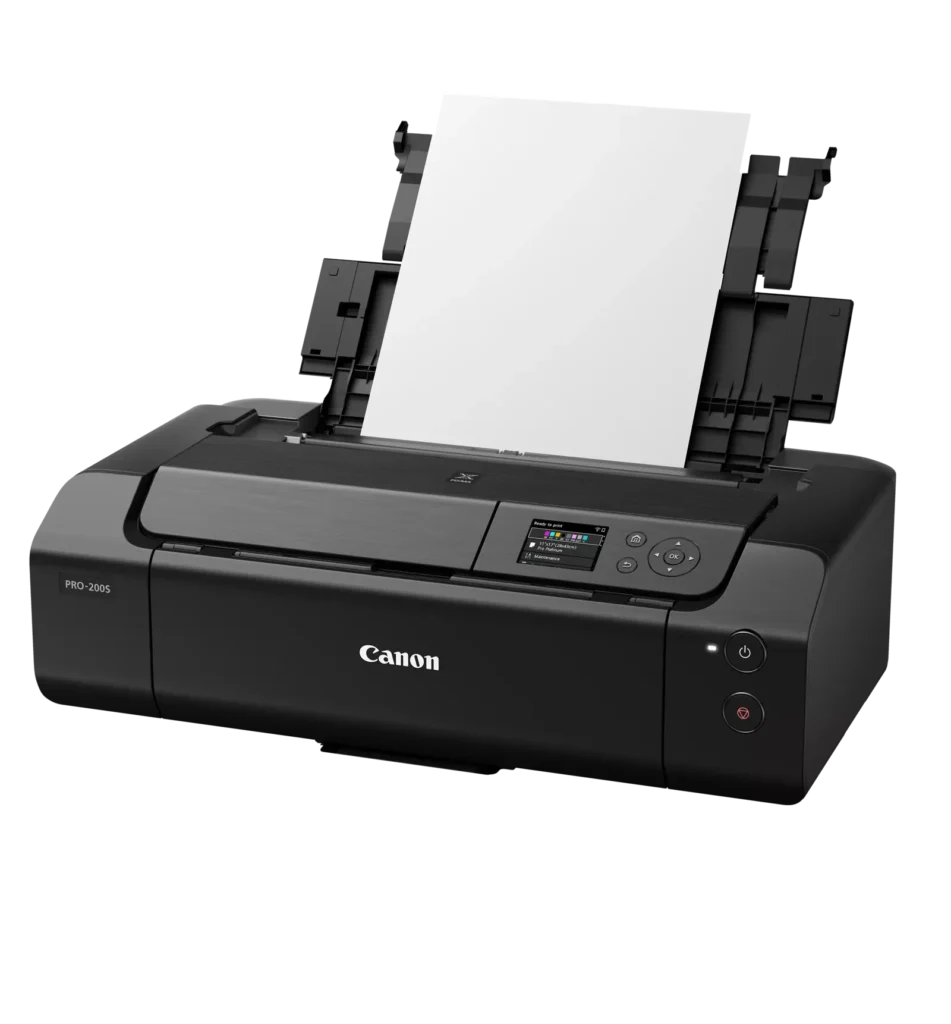
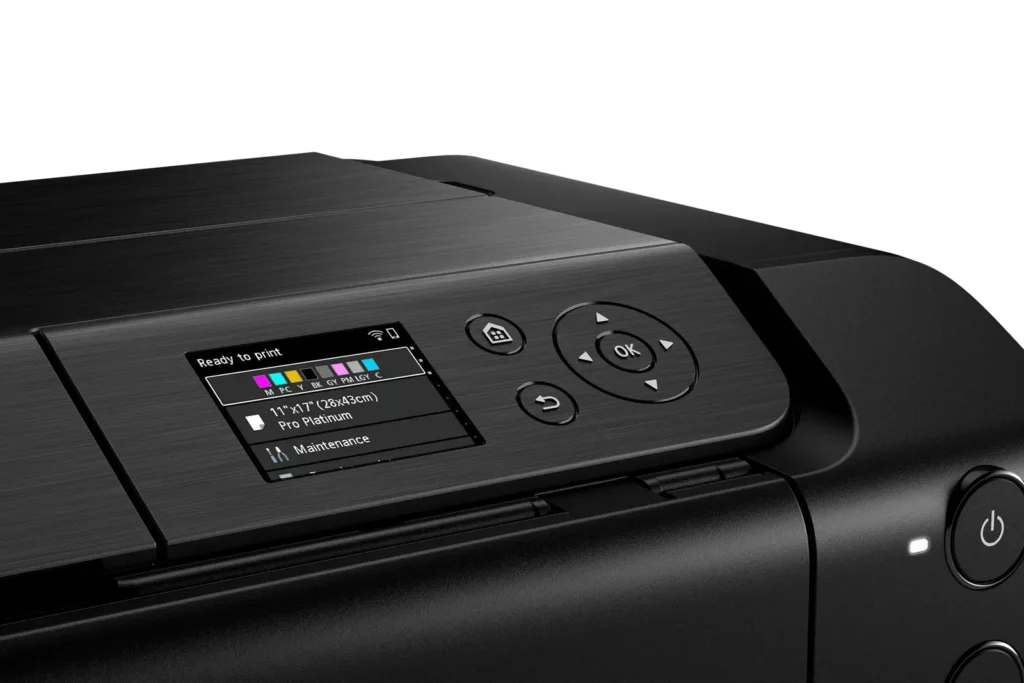
| Intuitive 3.0" Color LCD Display | Features a built-in 3.0-inch color LCD monitor that allows users to easily check ink levels, perform printer maintenance, and navigate settings at a glance. |
| Seamless Connectivity & Workflow | Offers flexible connection options including Wi-Fi, Ethernet, and USB, while supporting mobile printing via AirPrint and Canon's Professional Print & Layout software for a streamlined editing-to-print workflow. |
Pros & Cons
Pros
- Exceptional Print Quality: Users consistently praise the vibrant, professional-level results and wide color gamut, describing the prints as stunning, gorgeous, and nearly true to color when using high-quality photo paper.
- Versatile Media Support: The printer handles various sizes up to 13×19 inches, supports thick card stock up to 130 lbs, and includes a specialized tray for printing on CDs, making it suitable for diverse creative projects.
- Quiet Operation: Reviewers noted that this is one of the quietest printers they have owned, providing a professional and non-disruptive experience during the printing process.
Cons
- Slow Printing Speed: Multiple reviewers highlight that the printer is significantly slower than expected, particularly for high-quality photos or black-and-white documents, with some noting speeds as low as 2 pages per minute.
- Difficult Setup and Connectivity: Users frequently encounter issues with wireless configuration, including long setup times exceeding six hours and the need to manually reconnect to Wi-Fi using a small, painful touch screen after powering the unit off.
- Unreliable Paper Feeding: The feeding mechanism often fails to detect paper or requires manual, one-by-one feeding for specific media types, leading to frequent errors and wasted materials.
You might also like












Customer Reviews
Showing reviews 21-30 of 79
-
Canon Pro 200S is an ok printer
Verified purchase Verified purchase: This reviewer bought the product.Amazon Customer November 26, 2025Review source: AmazonThe Canon Pixma Pro 200S is an OK printer for pictures. I was expecting more color accuracy. There is a larger-than-I- would-like discrepency in the printed color as to the one on the computer screen, even after making all the suggested changes offered on the website and the internet. I am happy about the ink capacity. I’ve printed several pictures and postcards and the levels have not gone down very much. I also like that the width goes up to 13 inches and I can print out bigger pictures. It does the job for what I need but I was expecting better quality for the price.
-
Value well priced.
Verified purchase Verified purchase: This reviewer bought the product.Charles M. Moore November 26, 2025Review source: AmazonGreat reviews. Reduced price appreciated.
-
Quality Printer
Verified purchase Verified purchase: This reviewer bought the product.user201392 November 25, 2025Review source: BestbuyI’ve been using this printer for a month now and it’s been a dream. Very easy to work with and the quality is fantastic.
-
Great printer. Phenomenal results.
Verified purchase Verified purchase: This reviewer bought the product.PBlas November 9, 2025Review source: AmazonOutstanding printer. Hi quality results. Surprisingly ink efficient. Jaw dropping quality. It is a pro level printer so setup takes a little time and effort – but absolutely worth it with all the options unveiled.
I conducted extensive research before making my decision to purchase this printer. Extremely happy with it.
Be sure to invest in the Canon ink and quality papers. You’ll get professional results.
I am not being paid, just passing on experiences with this amazing printer.
Good luck. -
Easy setup
Verified purchase Verified purchase: This reviewer bought the product.S. A. Dunn November 9, 2025Review source: AmazonEasy set up – works great
-
PRINTS GORGEOUS PHOTOS
Verified purchase Verified purchase: This reviewer bought the product.Judy Thayer November 7, 2025Review source: AmazonThis is the printer to get if you want to print your own photos. Prints gorgeous photos, love it, would buy again.
-
Does the job
Verified purchase Verified purchase: This reviewer bought the product.eric m November 3, 2025Review source: AmazonHaving fun with it so far. Need to learn the photoshop end still.
-
Perfect starter printer
Verified purchase Verified purchase: This reviewer bought the product.John Byers November 3, 2025Review source: AmazonAwesome printer and perfect for what I am printing. I have printed 6-7 photos ranging from 4×6 to 8×10 and all have been pristine. Set up was easy and pretty self explanatory with the step by step walk through. I would definitely recommend this especially if you are just getting started printing photos and see no issues with this printer at all. Love it!!
-
Canon Pixma Pro 200 S Printer – fantastic!!!
Verified purchase Verified purchase: This reviewer bought the product.ALEXANDRA November 2, 2025Review source: AmazonThis printer is fantastic. I got it to print out art prints on 13 x 19 matte paper. The colors are wonderful, the printer set up was seamless and easy. It does go through ink perhaps a little more quickly than I had thought but that could be because of the graphics and paper that I am utilizing. The refills are not terribly expensive though, so it’s kind of a non-issue. It does take about a week to get refills though so if you are using this on a consistent basis, it’s good to have a back up supply on hand. Works beautifully with the Canon PRINT app as well. Very happy! Wonderful seller as well.
-
It is really helpful for the small business
Verified purchase Verified purchase: This reviewer bought the product.Roooh October 31, 2025Review source: AmazonIncredibly good quality printing